What it is
Tunarr is a self-hosted media streaming project written in TypeScript and released under the Zlib license. It creates custom live TV channels from existing media libraries, including Plex, Jellyfin, Emby, and local files. The project lives in the self-hosted IPTV and local media streaming ecosystem, where users want their media servers and media players to present a broadcast-style channel lineup.
It solves the problem of watching a personal media collection as if it were linear television. Instead of selecting individual movies or episodes, a user can build channels, schedule programs, add filler content, and expose the result through a spoofed HDHomeRun tuner or an M3U IPTV URL. This lets Plex, Jellyfin, Emby, and common IPTV clients display the channels as live streams.
Key capabilities
- Tunarr builds live TV channels from Plex, Jellyfin, Emby, or local file libraries and supports advanced search, filtering, and sorting across those connected sources.
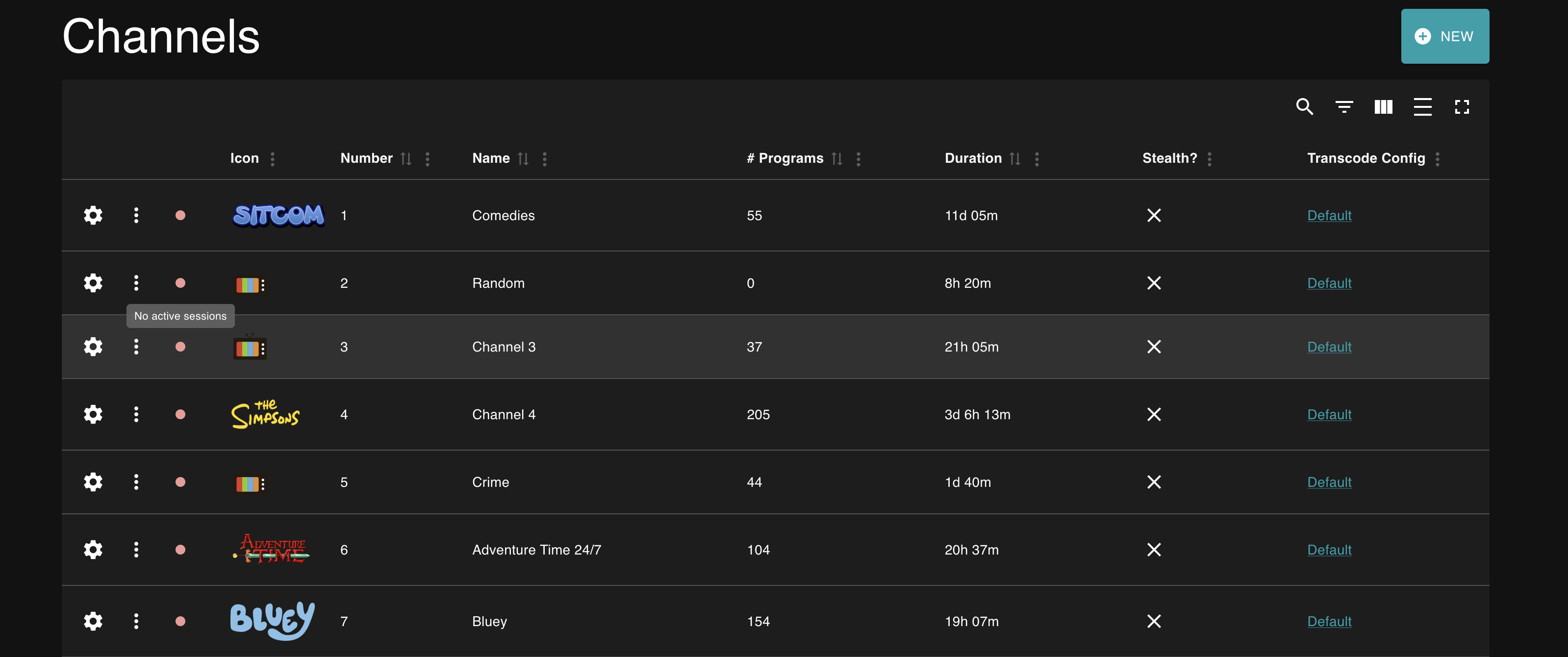
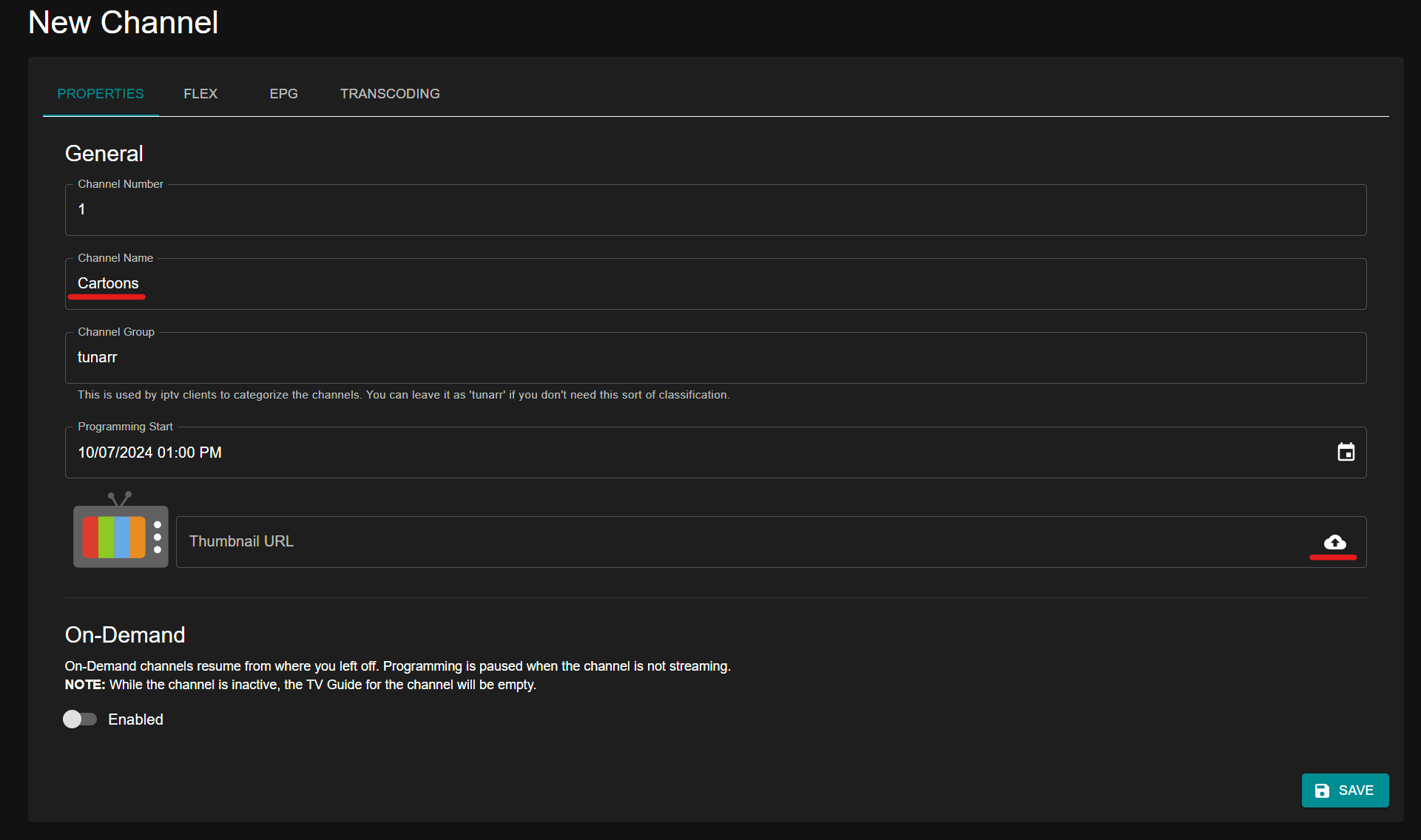
- It provides a drag-and-drop lineup editor, filler content between programs, per-channel logos, and automatic configuration backups.
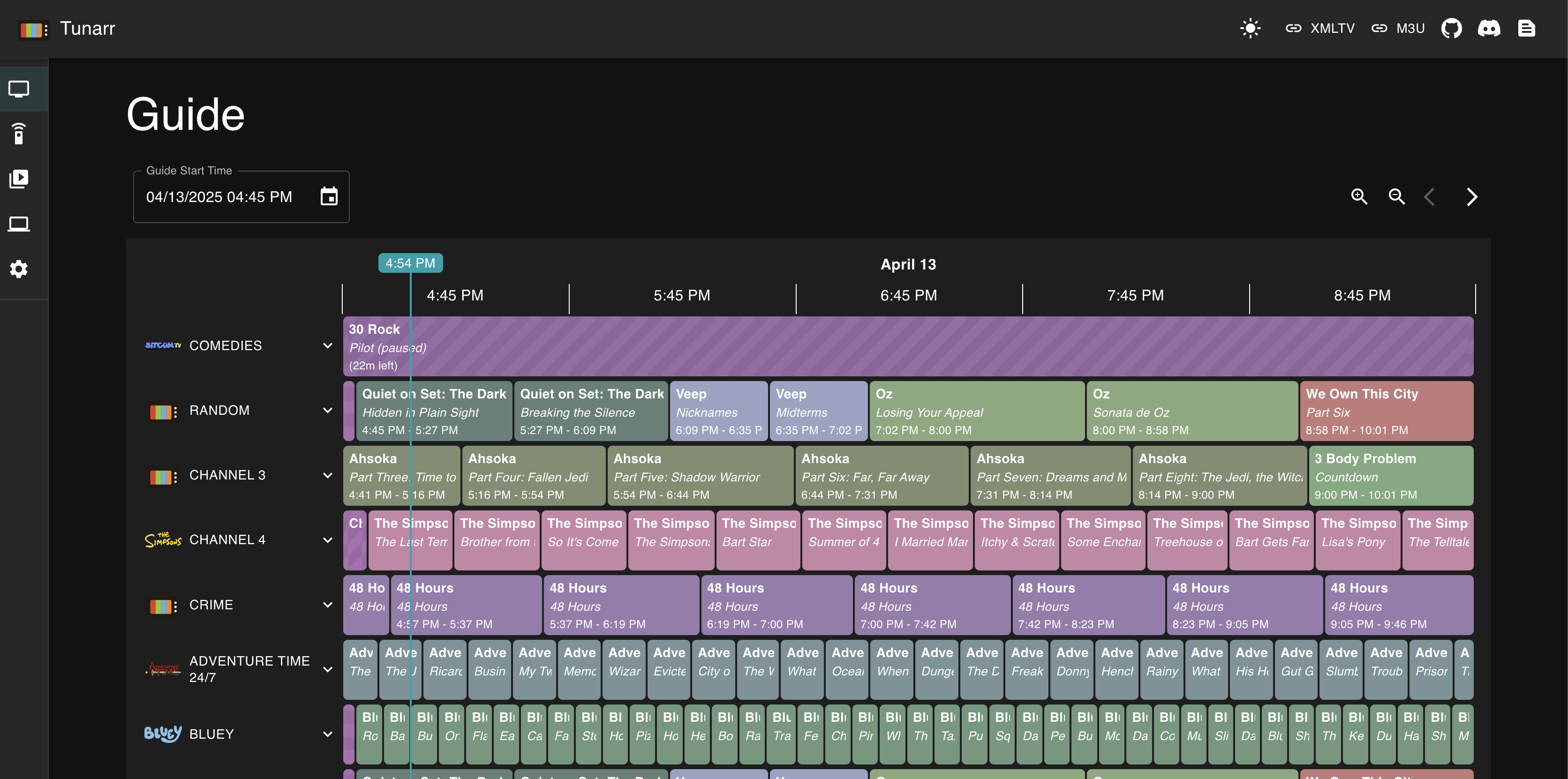
- It offers time-slot and random-slot scheduling tools, plus a web-based TV guide for viewing channel lineups.
- It exposes a spoofed HDHomeRun tuner for Plex, Jellyfin, and Emby, and an M3U/IPTV output for Dispatcharr, Threadfin, xTeVe, Tivimate, UHF, or other IPTV clients.
- It supports hardware-accelerated transcoding with Nvidia NVENC, VAAPI, Intel QuickSync, and macOS VideoToolbox, using multiple transcode profiles configurable per channel and per-channel audio language and subtitle preferences.
Who uses it and how
- Self-hosters with existing media libraries use Tunarr to turn movies, TV episodes, music videos, or local files into broadcast-like channels.
- Plex, Jellyfin, and Emby users add Tunarr's spoofed HDHomeRun tuner so those media servers can present the channels inside their own interfaces.
- IPTV users consume the M3U URL through clients such as Tivimate or UHF, or through tools such as Dispatcharr, Threadfin, and xTeVe.
Getting started
The typical installation method is Docker Compose with the image chrisbenincasa/tunarr:latest, mapping port 8000 and mounting ./tunarr-data to /config/tunarr. Other supported methods include standalone binaries for Linux, macOS, and Windows, the Unraid Community App Store, a Proxmox LXC helper script, and an ARM Docker image for Raspberry Pi devices.
When to use it — and when not to
Use Tunarr when you want a self-hosted, channel-based IPTV layer over an existing Plex, Jellyfin, Emby, or local media collection, and you are prepared to operate the service yourself. The facts do not list a paid product it replaces, a database, or SMTP requirement, but a self-hoster must still manage the container or binary, media library access, configuration storage, and ffmpeg hardware transcoding setup, while the listed 206 open issues suggest checking maintenance status before adoption.
project readme (upstream, from github) — read inline
Tunarr
Create your own live TV channels from media on Plex, Jellyfin, Emby, or local files.





What is Tunarr?
Tunarr lets you build custom live TV channels out of your existing media libraries — movies, TV episodes, music videos, or local files — and stream them as if they were real broadcast channels.
Tune in by adding Tunarr's spoofed HDHomeRun tuner to Plex, Jellyfin, or Emby, or grab the M3U URL for any IPTV player like Tivimate or UHF.
Features
Media Sources
- Connect Plex, Jellyfin, Emby, or local file libraries
- Advanced search, filter, and sort across all connected libraries
Channel Management
- Drag-and-drop lineup editor
- Filler content between programs (commercials, music videos, prerolls, branding)
- Per-channel logos and automatic configuration backups
Scheduling
- Time-slot and random-slot scheduling tools
- Web-based TV guide for viewing channel lineups
Playback & Integration
- Spoofed HDHR tuner for Plex, Jellyfin, and Emby
- M3U/IPTV output for Dispatcharr, Threadfin, xTeVe, or any IPTV client
- Stream channels directly in the browser
- Per-channel audio language and subtitle preferences
Transcoding
- Hardware-accelerated transcoding: Nvidia NVENC, VAAPI, Intel QuickSync, macOS VideoToolbox
- Multiple transcode profiles, configurable per channel
Screenshots
Quick Start
The easiest way to run Tunarr is with Docker Compose. Create a docker-compose.yml:
services:
  tunarr:
    image: chrisbenincasa/tunarr:latest
    container_name: tunarr
    ports:
      - 8000:8000
    environment:
      - TZ=America/New_York
    volumes:
      - ./tunarr-data:/config/tunarr
    restart: unless-stopped
Then run:
docker compose up -d
Tunarr will be available at http://localhost:8000.
Other installation options:
For hardware-accelerated transcoding setup, see the transcoding docs.
Documentation
Development
pnpm i
pnpm turbo dev  # backend at :8000, frontend at :5173/web
See CONTRIBUTING.md for a full development guide.
Community
License
Tunarr is released under the Zlib License.