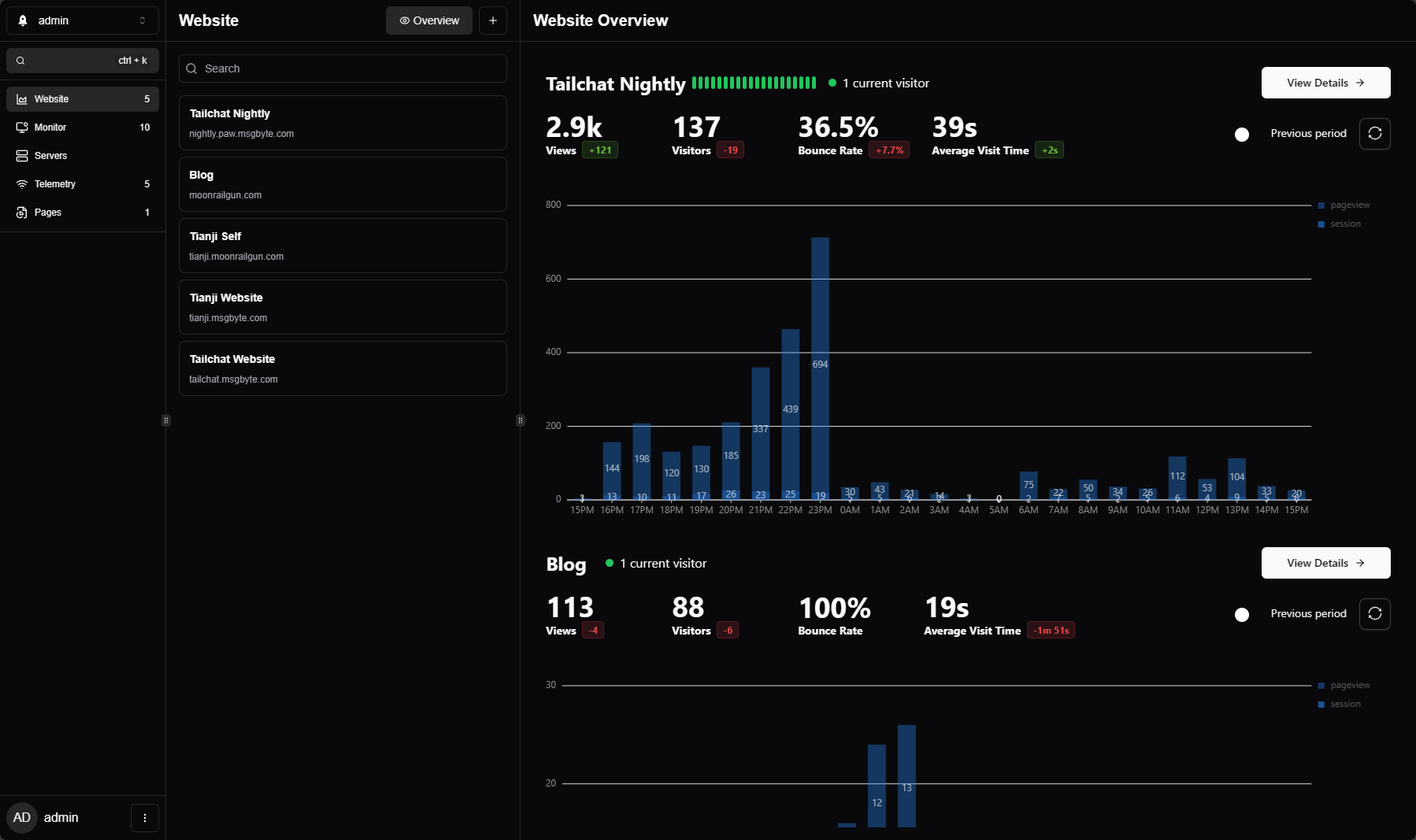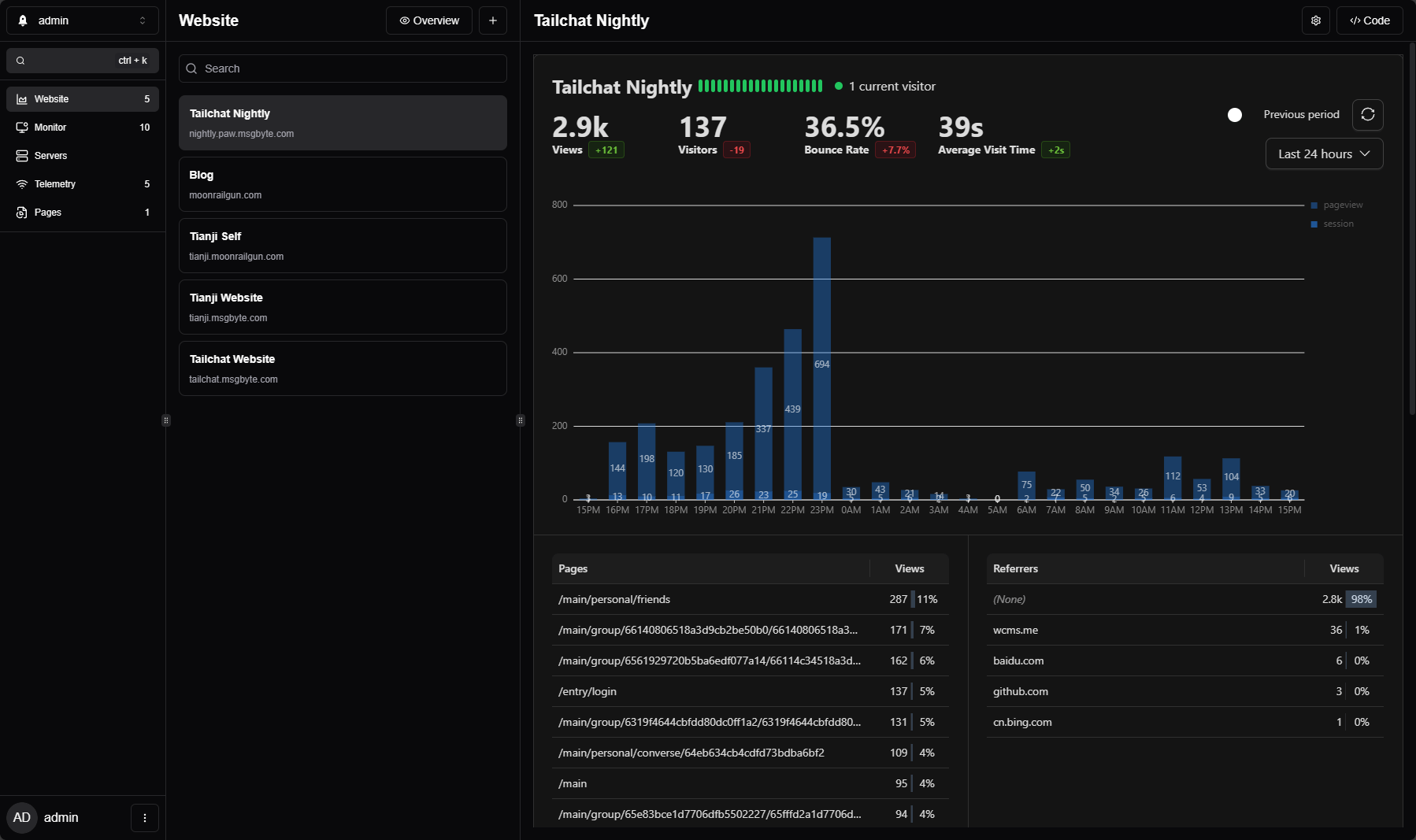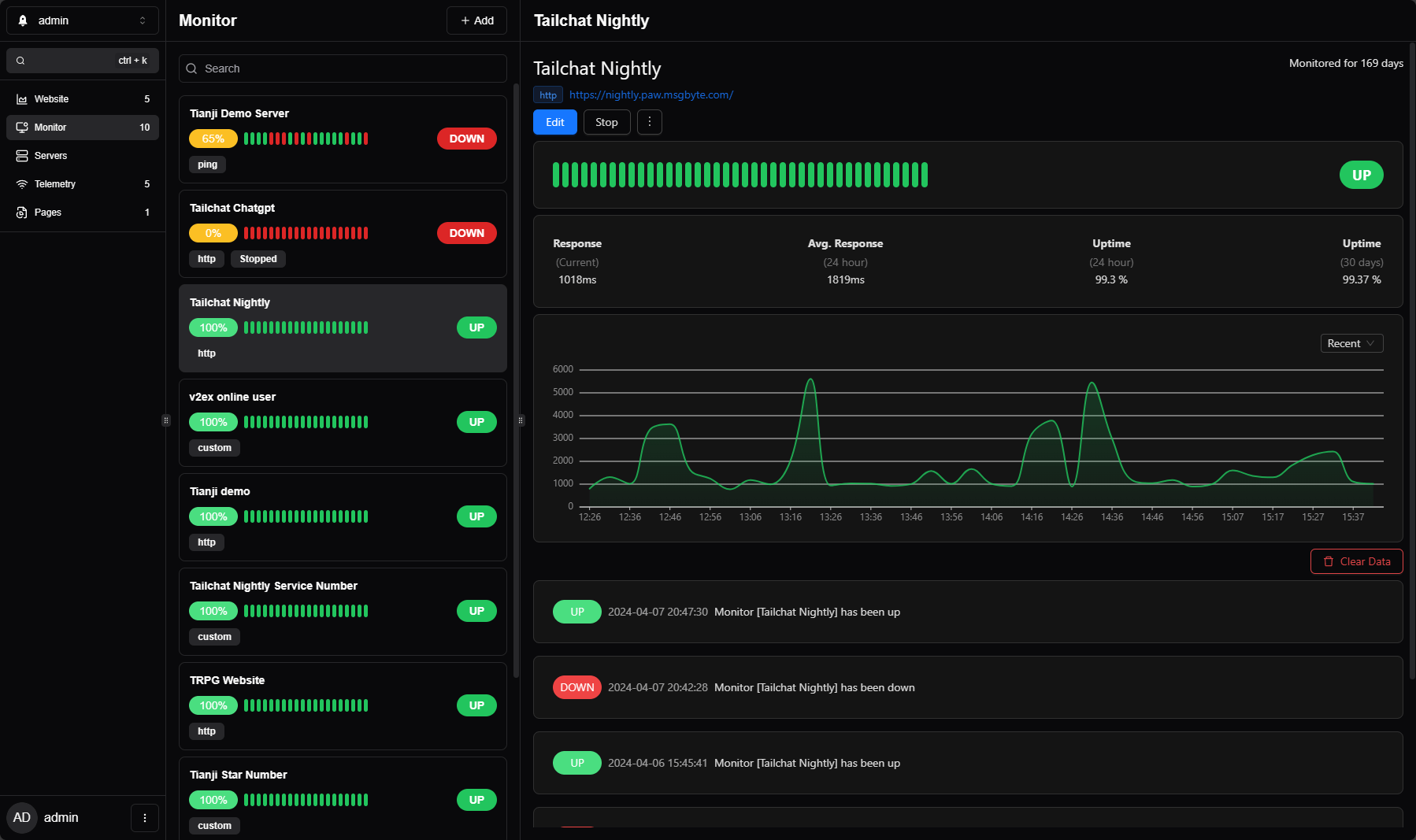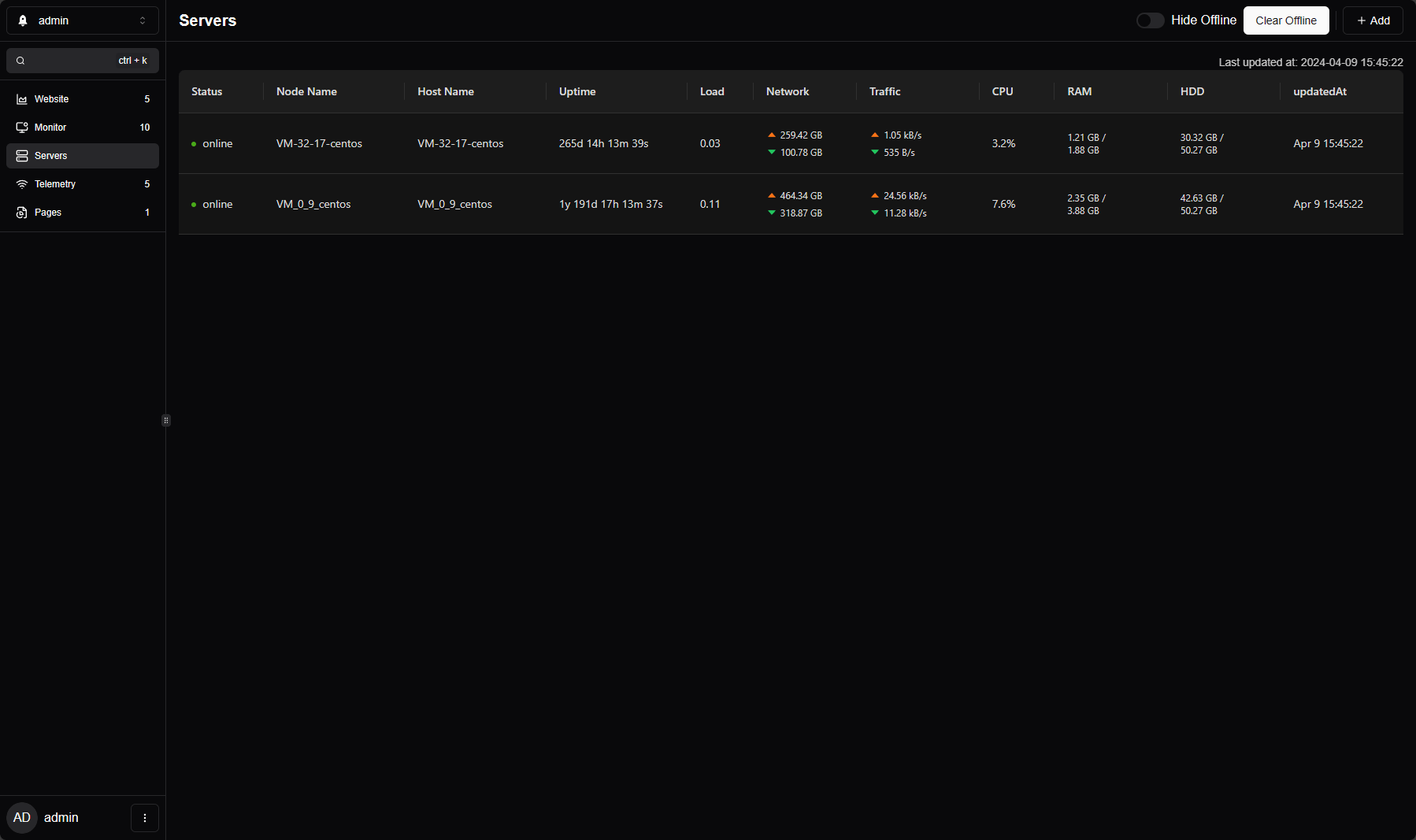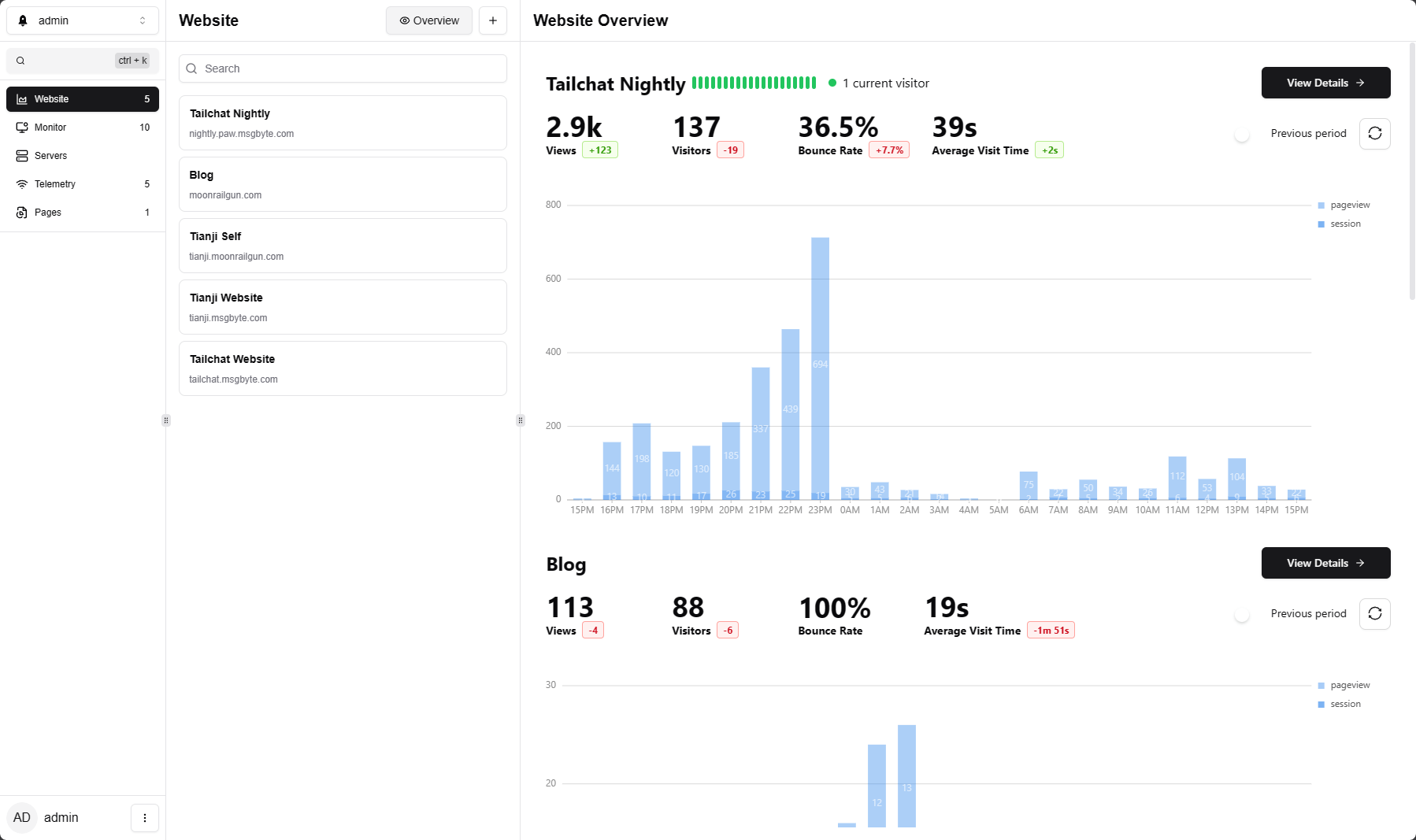
tianji is a free, open source web & product analytics project written in TypeScript and released under Apache-2.0. It has 3,098 GitHub stars, 194 forks and 139 open issues, and was last pushed 5 hours ago. On this registry it ranks #11 of 25 tracked projects in Web & Product Analytics, with 5 head-to-head comparisons available. It gained 1 stars over the last 3 tracked days.

What is tianji?

What it is

Tianji is a self-hosted TypeScript project that combines website analytics, uptime monitoring, and server status in one application under the Apache 2.0 license. It is positioned as an all-in-one insight hub rather than only another Google Analytics alternative, and it lives in the web and product analytics ecosystem alongside tools such as Umami, Google Analytics, uptime monitors, and server-status collectors.

The concrete problem it addresses is the need to run several small services for common monitoring tasks. A website operator may need page views, unique visitors, and per-page traffic from an analytics tool, network connectivity checks from an uptime monitor, server health from a status collector, and simple telemetry from open-source deployments. Tianji aims to integrate those lightweight needs into one self-hosted project so users do not have to install and maintain many separate services.

Key capabilities

  • Website analytics tracks page views, unique visitors, and visits to individual pages, with UTM tracking listed on the roadmap.
  • Uptime monitoring checks network quality and connectivity, and the roadmap includes passive reception of results and improved monitor reporter usage.
  • Server status reporting is included as a core feature, alongside problem notification for monitoring events.
  • Telemetry support is designed for open-source deployments that need simple information about other people's installations.
  • The project provides an OpenAPI interface, team collaboration, hooks, waitlist, survey, and Lighthouse report features according to the roadmap.
  • Deployment support includes Docker, Docker Compose, and Helm install support.

Who uses it and how

  • Self-hosters replace separate analytics, uptime, and server-status tools with one application that can be run from the repository Docker Compose stack.
  • Open-source maintainers use telemetry to collect basic deployment information from users who install their software.
  • Teams use team collaboration and OpenAPI to share monitoring and analytics data across a project.
  • Website operators use page statistics and UTM tracking to understand traffic sources and page-level engagement.
  • Administrators use problem notification and monitor reporter workflows to receive alerts about connectivity or service checks.

Getting started

The README shows running the included Docker Compose stack with docker compose up -d, which starts the Tianji application and a PostgreSQL database at http://localhost:12345 by default. The Docker image is referenced as moonrailgun/tianji, and local source development uses pnpm with a DATABASE_URL PostgreSQL connection string.

When to use it — and when not to

Tianji is useful when one lightweight self-hosted service should cover analytics, uptime checks, server status, telemetry, and notifications instead of running separate tools such as Google Analytics, Umami, or an uptime monitor. A self-hoster must operate the application with PostgreSQL, and the roadmap still marks survey page as incomplete while the repository shows 139 open issues and no contributor count. It may be less suitable for teams that need a complete survey-page workflow or a visible contributor count in the provided metadata.

project readme (upstream, from github) — read inline

CI Build Reporter Release Docker Build CI Docker Pulls Docker Image Size Tianji Visitor

Tianji

All-in-One Insight Hub

Website analytics + Uptime Monitor + Server Status = Tianji

All in one project!

Motivation

During our observations of the website. We often need to use multiple applications together. For example, we need analysis tools such as GA/umami to check pv/uv and the number of visits to each page, we need an uptime monitor to check the network quality and connectivity of the server, and we need to use prometheus to obtain the status reported by the server to check the quality of the server. In addition, if we develop an application that allows open source deployment, we often need a telemetry system to help us collect the simplest information about other people's deployment situations.

I think these tools should serve the same purpose, so is there an application that can integrate these common needs in a lightweight way? After all, most of the time we don't need very professional and in-depth functions. But in order to achieve comprehensive monitoring, I need to install so many services.

It's good to specialize in one thing, if we are experts in related abilities we need such specialized tools. But for most users who only have lightweight needs, an All-in-One application will be more convenient and easier to use.

Roadmap

  • website analysis
  • monitor
    • support passive reception of results
  • server status
  • problem notification
  • telemetry
  • openapi
  • website
  • team collaboration
  • utm track
  • waitlist
  • survey
    • survey page
  • lighthouse report
  • hooks
  • helm install support
    • allow install from public
  • improve monitor reporter usage
    • uninstall guide
    • download from server
    • custom params guide

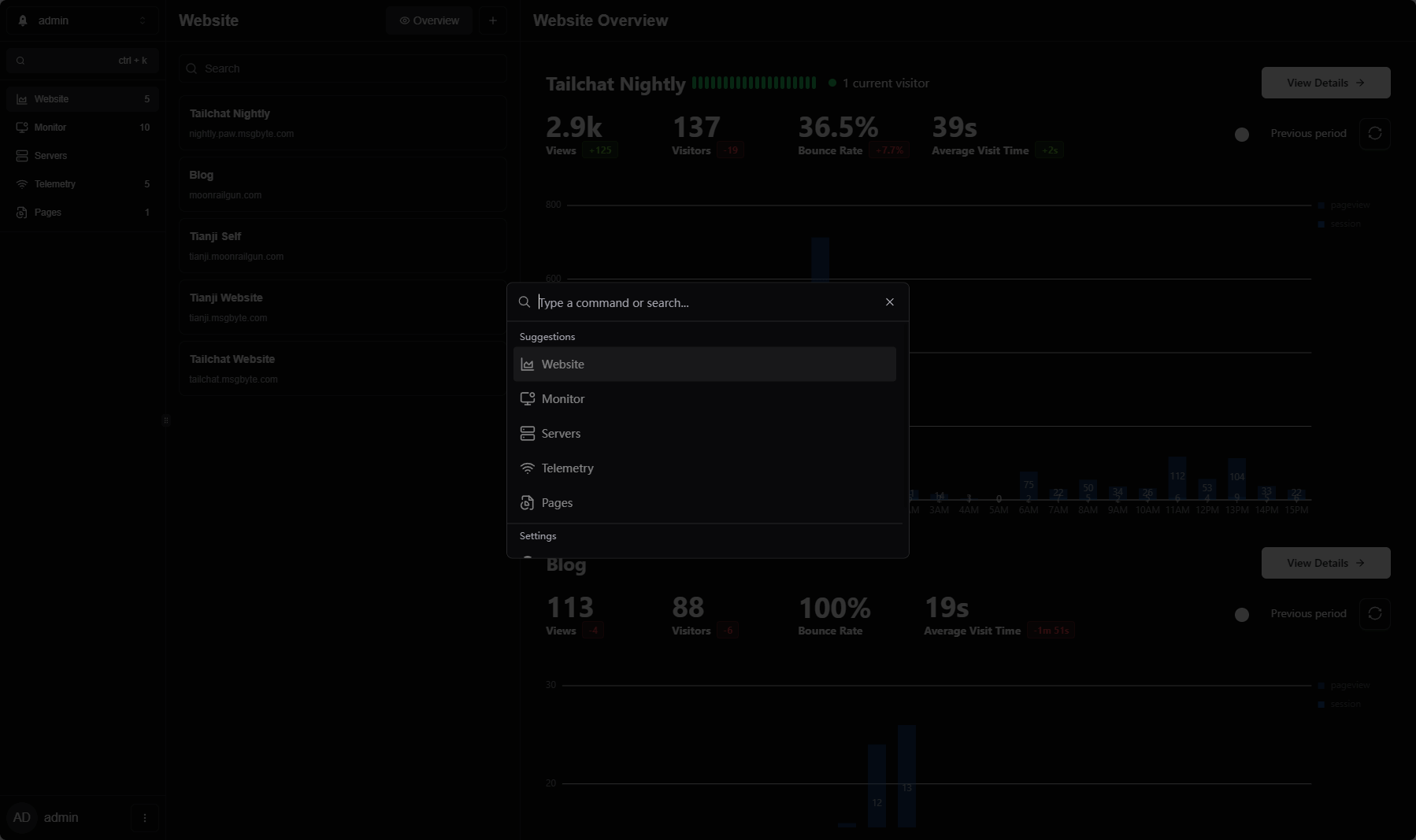
Preview

Setup

Docker Compose

Run the included Compose stack from the repository root:

docker compose up -d

This starts both the tianji application and its postgres database. The application is available at http://localhost:12345 by default.

Environment

For local source development, create the server environment file before starting the dev server:

cp .env.example src/server/.env

At minimum, configure DATABASE_URL with the PostgreSQL connection string used by the server, for example:

DATABASE_URL="postgresql://tianji:tianji@localhost:5432/tianji?schema=public"

OPENAPI_KEY is only needed for the translation auto-generation command below.

Translation

Add a new translation

modify those file:

  • src/client/i18next-toolkit.config.cjs in this file, edit country code
  • src/client/utils/i18n.ts in this file, add for display

Then, run below code to auto generate

cd src/client
pnpm install
pnpm run translation:extract
pnpm run translation:translate # this will call chatgpt to run auto translation, so you need set env `OPENAPI_KEY` to make sure run correct

Then manual check translation file in src/client/public/locales

Improve translation

Direct update src/client/public/locales

Open Source

Tianji is open source with Apache 2.0 license.

And its inspired by umami license which under MIT and uptime-kuma which under MIT license too

One-Click Deployment

Deploy on Hostinger

Deploy on Sealos

Deploy to RepoCloud

Deploy to Render

Run on ClawCloud

Frequently asked questions

Is tianji free to use?

tianji is open source under the Apache-2.0 licence. There is no licence fee and no seat count — you can self-host it or, where the project offers one, pay a vendor for a managed version instead.

What does tianji do?

Tianji: Insight into everything, Website Analytics + Uptime Monitor + Server Status. not only another GA alternatives

What is tianji written in?

tianji is primarily written in TypeScript. Its source is publicly available at https://github.com/msgbyte/tianji, and it has 3,098 GitHub stars.