What it is
Talkyard is a community discussion platform written in TypeScript and licensed under AGPL-3.0. It describes itself as forum software with chat and anonymous comments, and its topics connect it to StackOverflow-style questions and answers, Slack-style chat, Discourse-style forums, Reddit-style voting, and Disqus-style blog comments.
The concrete problem it solves is the need for one place where a community can hold thoughtful discussions, ask questions, select answers, upvote ideas, chat briefly, and comment on blog posts. The README positions it for coworkers, customers, students, volunteers, contributors, and users who want important discussions to remain readable months or years later.
Key capabilities
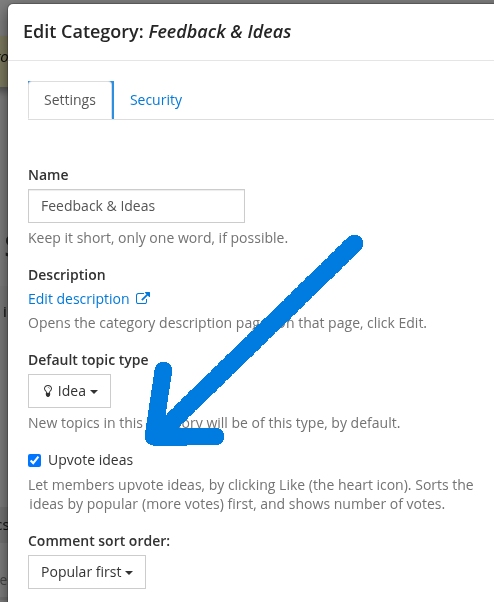
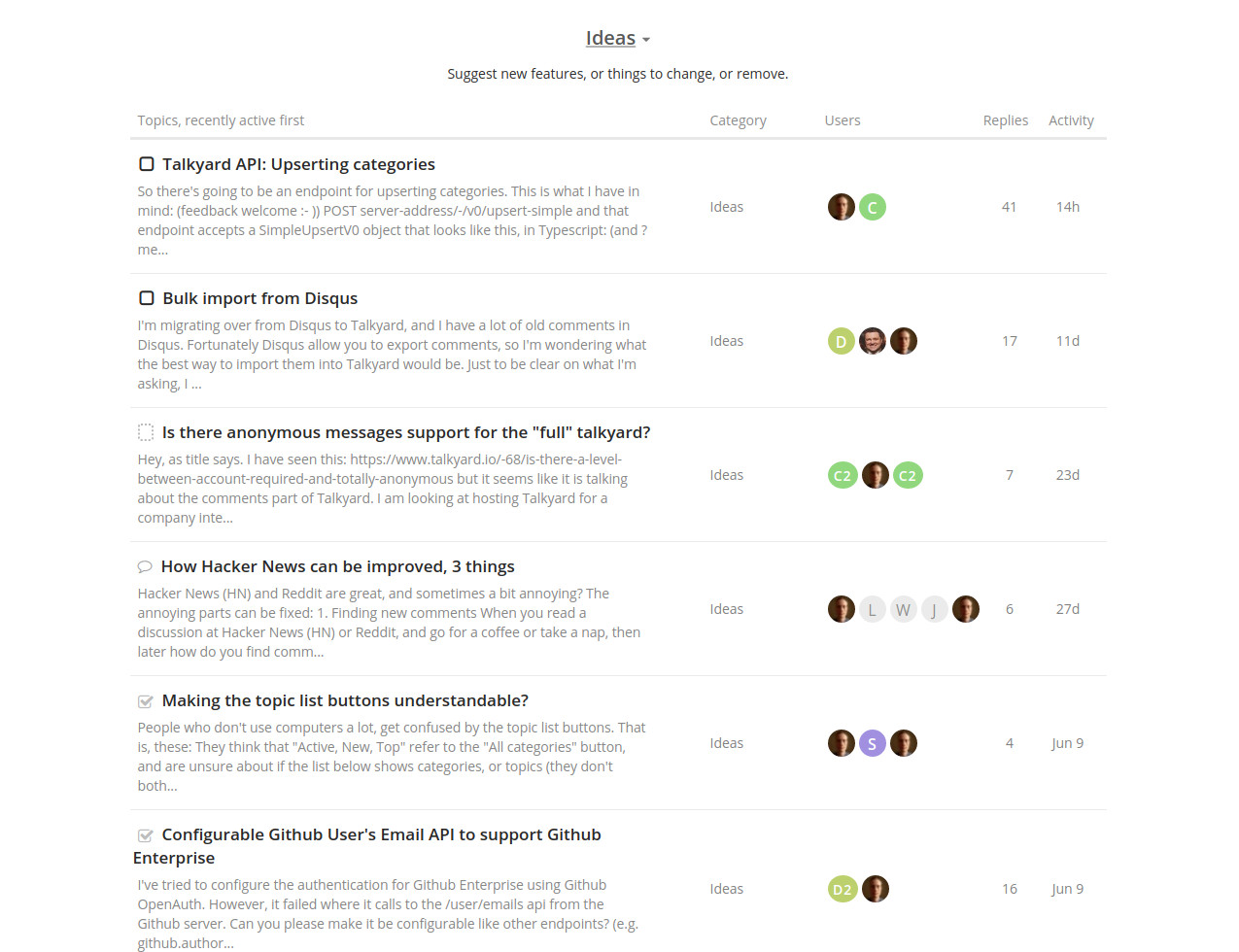
- Forum topics support traditional flat discussions, question-and-answer topics where users can discuss and select an answer, and idea topics where users can upvote proposals.
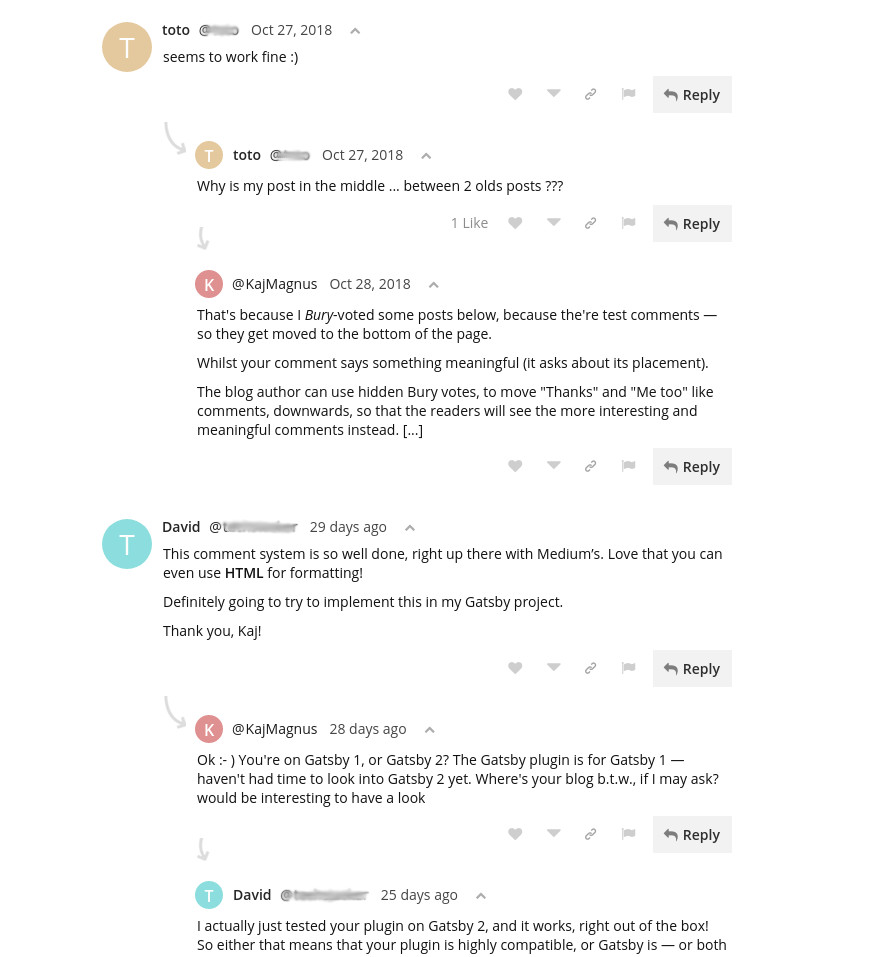
- Comments can be ranked so thoughtful comments rise to the top, and users can sort discussions by votes.
- Tags can carry values, enabling queries such as priority descending greater than two for open topics.
- Chat channels provide basic team communication, with notifications currently delivered through email.
- Blog comments can be embedded on a website under a path such as talkyard.Your-Website.org, and the README describes them as ad-free and tracking-free.
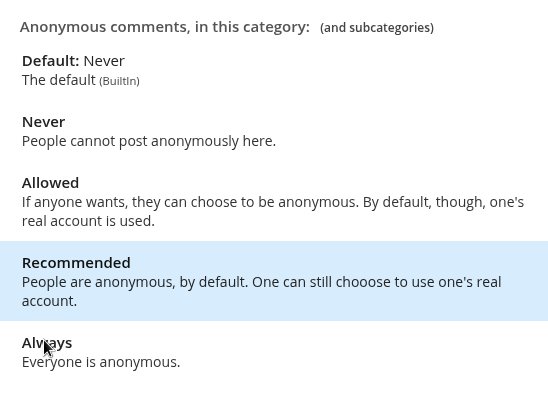
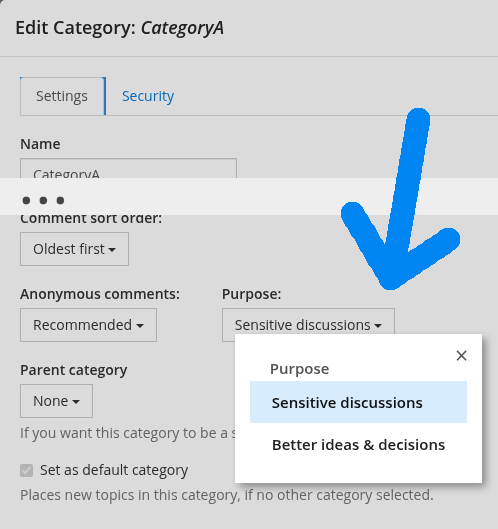
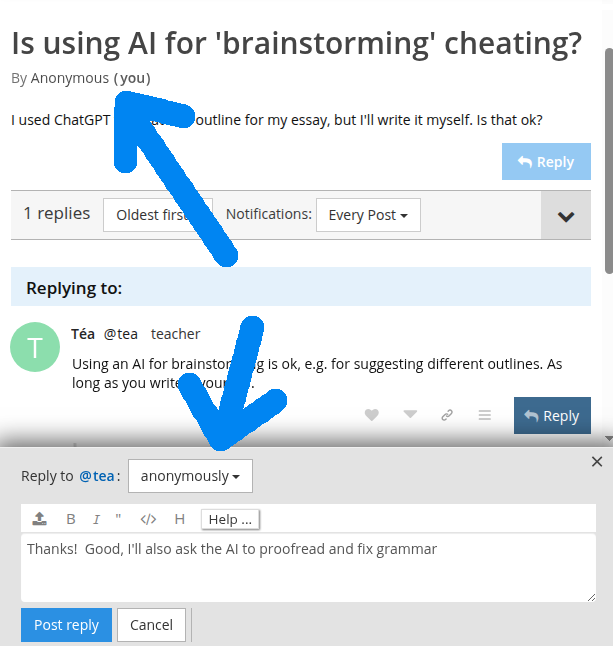
- Anonymous comments allow students or readers to post embarrassing questions or anonymous feedback.
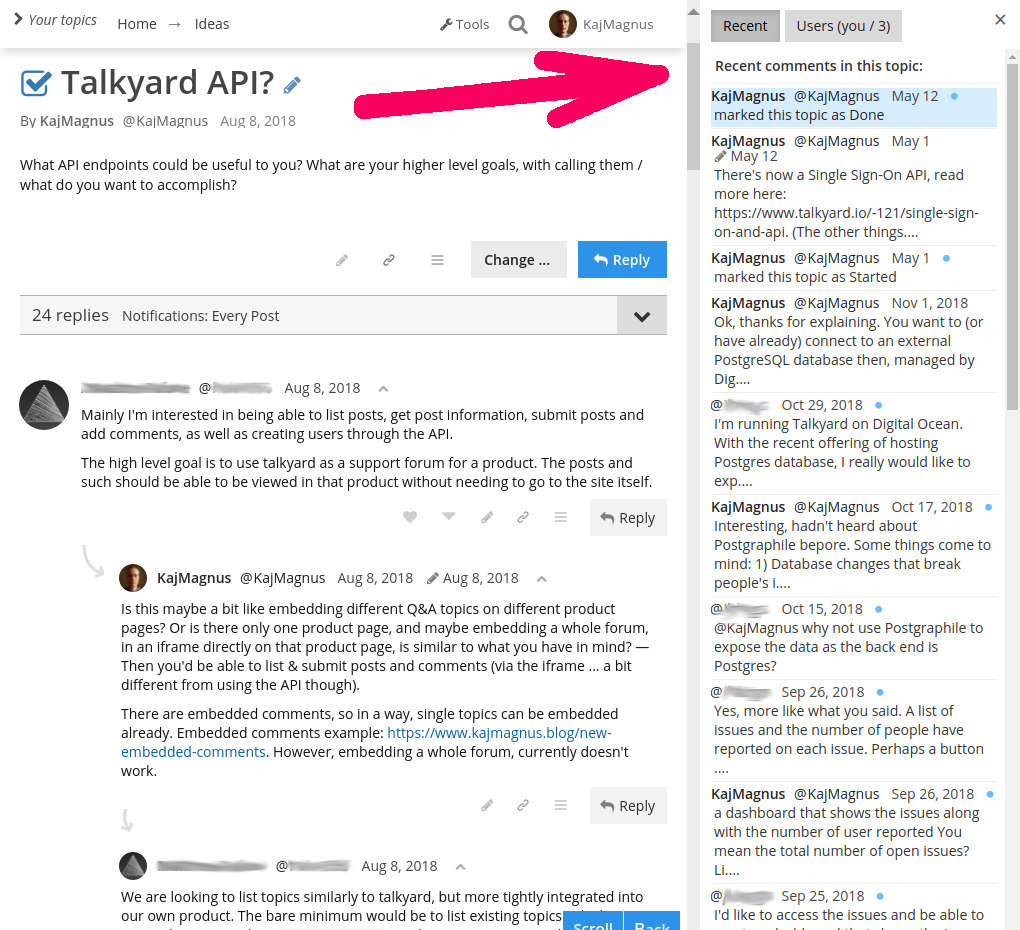
- Recent replies can be found from a sidebar, and users can jump to a parent comment and back.
Who uses it and how
- Teams can use Talkyard for important discussions that need to remain readable months or years later, while using Slack or Mattermost for day-to-day teamwork.
- Customer support teams can use it for support discussions where users ask questions and answers can be selected.
- Schools and student communities can let students ask embarrassing questions anonymously or help each other in question-and-answer topics.
- Blog owners can embed Talkyard comments on their own sites so readers can discuss posts without ads or tracking.
- Contributors or product communities can use idea topics to crowdsource feedback, upvote suggestions, and choose what to do next.
Getting started
For self-hosting, the README points to the talkyard-prod-one repository, and for evaluation it provides a demo instance and a documentation site. Developers can build from this repository using docs/developing-talkyard.md.
When to use it — and when not to
Use Talkyard when a community needs durable forum discussions, question-and-answer threads, idea voting, basic chat, and embedded blog comments in one self-hosted platform. Avoid choosing it if complete documentation is required, because the README describes the documentation as incomplete, and the repository currently lists 127 open issues. It also does not present itself as a full replacement for day-to-day chat tools such as Slack or Mattermost, and email is currently the notification path for chat.
project readme (upstream, from github) — read inline
Talkyard
Forum software, with chat, and anonymous comments.
- Thoughtful discussions. Insightful comments rise to the top.
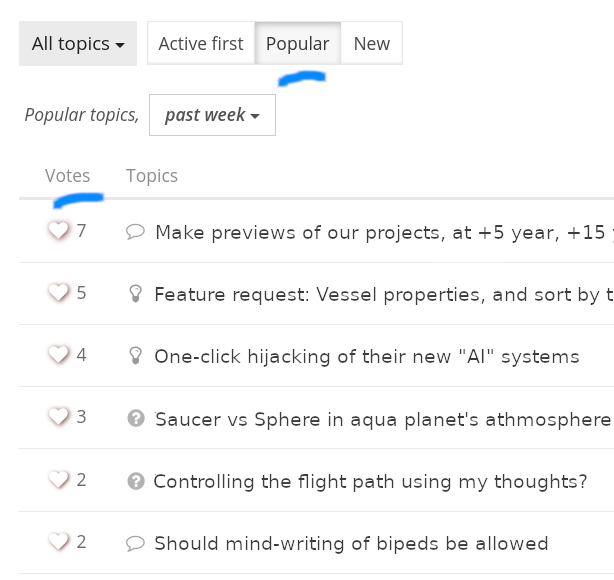
- Upvote ideas. Sort by votes.
- Question-Answers. Discuss, select an answer.
- Chat channels. Pretty basic features.
- Blog comments. Listen to your readers.
How does it compare with other software?
Find out here.
Self-Hosting: See talkyard-prod-one
Demo: https://insightful.demo.talkyard.io
Discussion forum: https://forum.talkyard.io
Documentation: https://docs.talkyard.io (incomplete)
Development: That's this repo! See: docs/developing-talkyard.md
Features
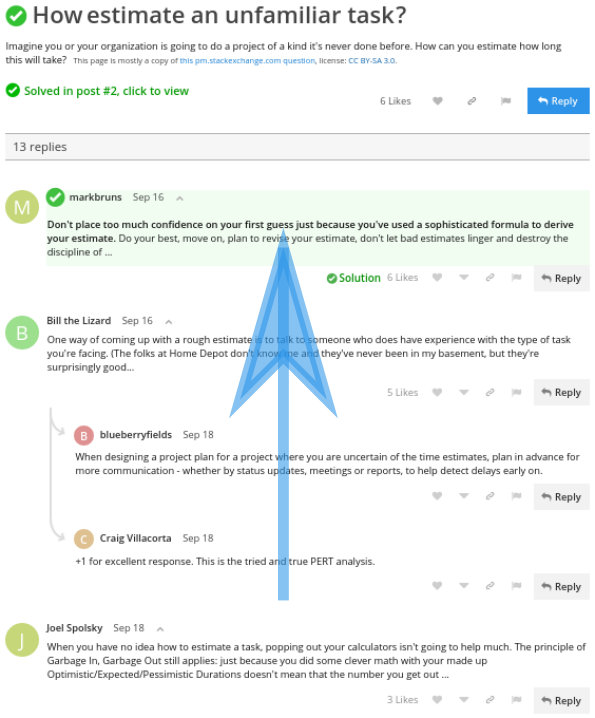
Good comments rise to the top
Find the interesting stuff, also in big discussions.
Tags with values
Create your own tags with values, list and sort by value.
For example, a priority tag: tags:priority:desc>2 is:open,
here: https://forum.talkyard.io/-/search?q=tags:priority:desc%3E2+is:open
Upvote ideas
Anonymous comments
So e.g. students can post embarassing questions. Or for anonymous feedback, etc.
Chat
Notifications via email, as of now.
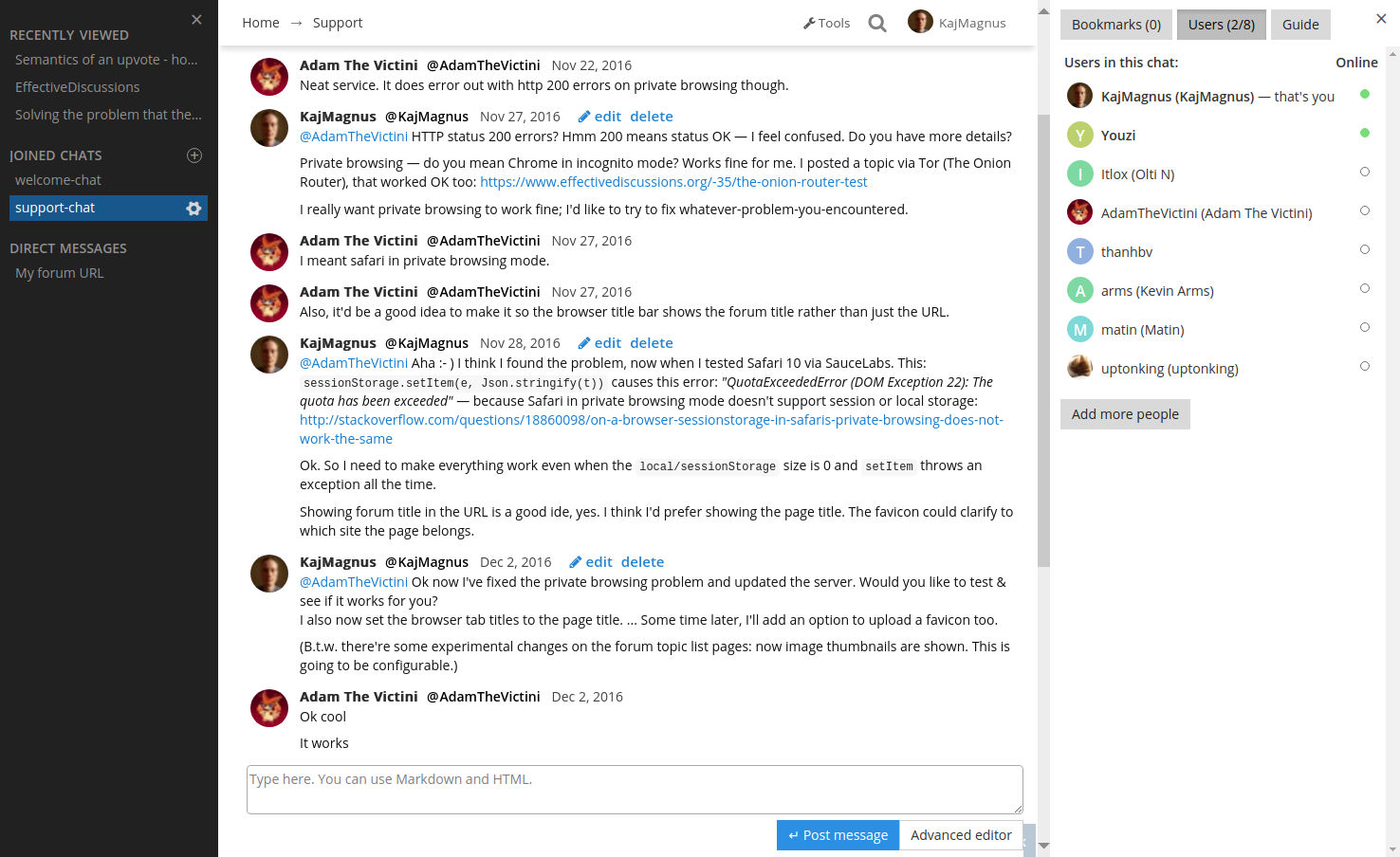
Users online
Avoid mistakes
There's a Disagree button.

Big discussions
Find new replies by