SSH-MITM - ssh audits made simple
An interactive SSH interception tool for authorized security audits.
Intercept sessions, monitor live traffic, inject commands, and manipulate file transfers — all in real time.









Legal notice: SSH-MITM is intended for authorized security audits, penetration testing, and research only. Do not use it against systems you do not own or have explicit written permission to test. Unauthorized interception of SSH traffic may be illegal in your jurisdiction.
🎓 New to SSH-MITM? Start with the interactive tutorial
ssh-mitm tutorial
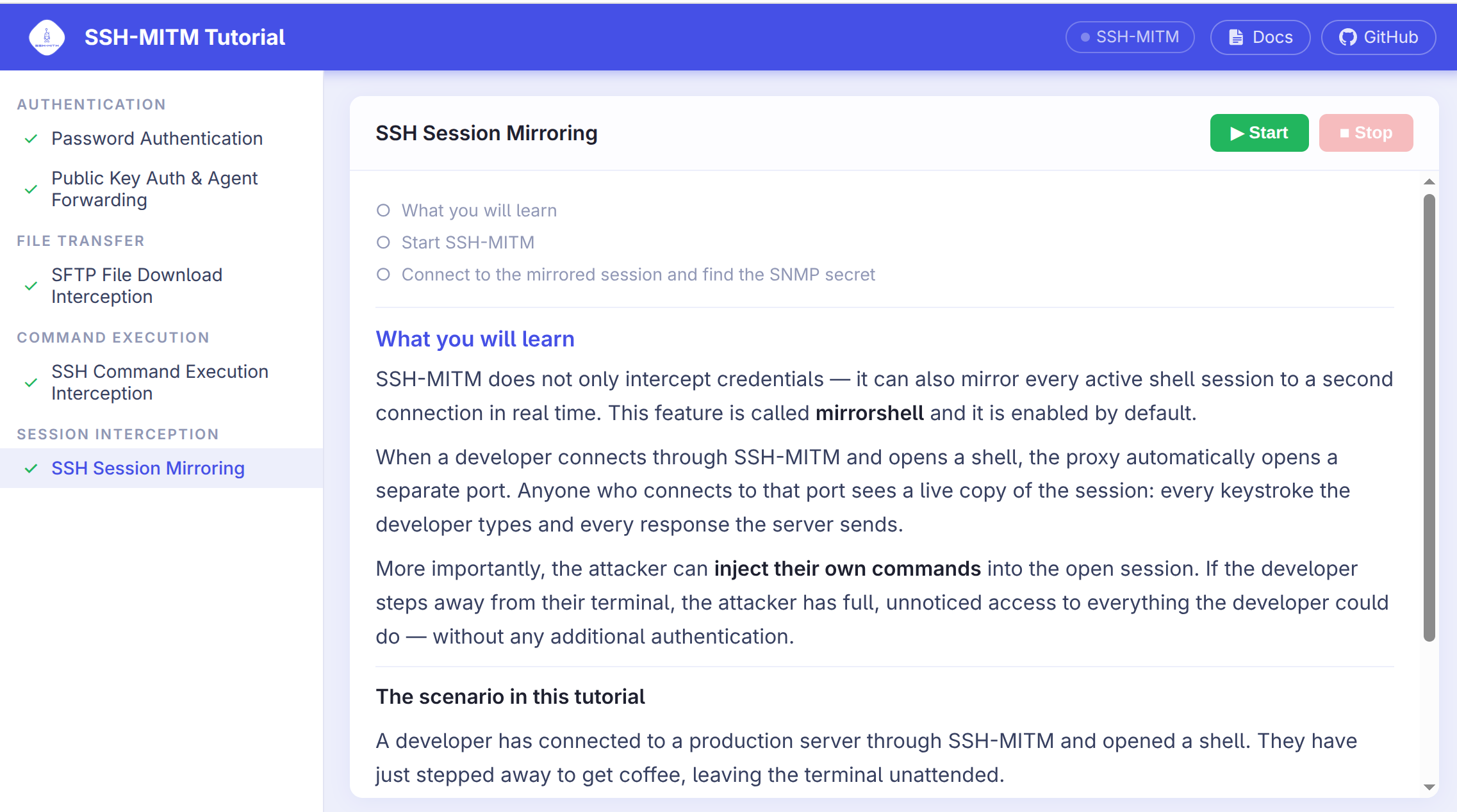
Opens a browser-based, step-by-step guide — no target server needed. Five chapters follow an authorized assessment of Logfile Inc., covering password interception, public-key auth, SFTP transfers, command execution, and live session mirroring.
Quick Start
Placed between a client and its SSH server, SSH-MITM intercepts the connection — terminating both sides independently and forwarding all traffic while giving the auditor full visibility and control:

1. Install
SSH-MITM requires no installation. Download the AppImage and you are ready to go:
wget -O ssh-mitm https://github.com/ssh-mitm/ssh-mitm/releases/latest/download/ssh-mitm-x86_64.AppImage
chmod +x ssh-mitm
Move it to a directory on your PATH (e.g. ~/.local/bin) to run it as ssh-mitm like below.
For other installation options (pip, Flatpak, Snap) see the installation guide.
⚡ Get the latest version
The PyPI release may lag behind. Install directly from GitHub to get the interactive tutorial and all recent improvements:
pip install git+https://github.com/ssh-mitm/ssh-mitm.git
2. Start SSH-MITM
Point SSH-MITM at your target host — use a system you are authorized to test:
ssh-mitm server --remote-host <target-host>
3. Route a client connection
Have the SSH client connect through SSH-MITM on port 10022:
ssh -p 10022 user@mitm-host
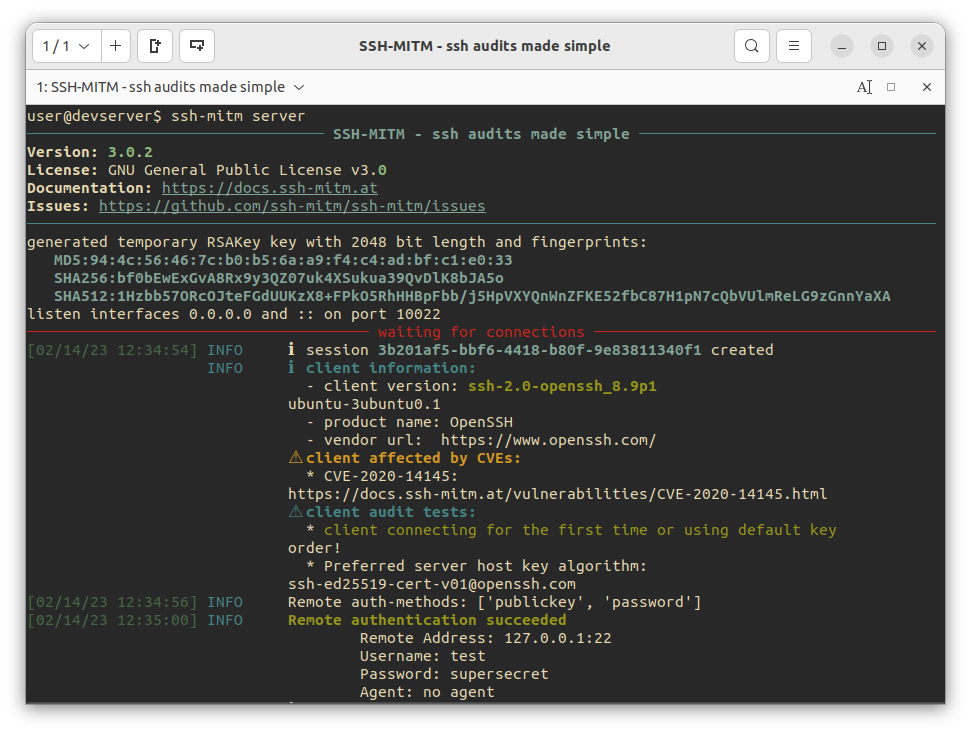
SSH-MITM intercepts the session and logs the credentials immediately:
INFO     Remote authentication succeeded
    Remote Address: <target-host>:22
    Username: alice
    Password: secret
    Agent: no agent
4. Attach to the live session
For every intercepted connection, SSH-MITM opens a mirror shell on a local port:
INFO ℹ created mirrorshell on port 34463. connect with: ssh -p 34463 127.0.0.1
Connect to it from a separate terminal:
ssh -p 34463 127.0.0.1
The mirror shell reflects the session in real time. The auditor can observe the user's activity and inject commands independently, without affecting the original connection.
What SSH-MITM can do
| Feature | Description |
|---|---|
| Interactive session monitoring | Attach to any intercepted session via a mirror shell — observe and inject commands in real time |
| File transfer manipulation | Intercept SCP/SFTP transfers, store copies, or replace files on the fly |
| Port forwarding interception | Intercept TCP tunnels and dynamic SOCKS 4/5 forwarding |
| FIDO2 token phishing | Intercept hardware token authentication via the trivial auth attack (OpenSSH info) |
| Authentication interception | Capture passwords; accept the same public key as the target server and fall back to password auth automatically |
| MOSH session monitoring | Intercept and decrypt MOSH (Mobile Shell) UDP sessions; view the live terminal via a built-in VT100/ANSI emulator |
| PowerShell remoting (PSRP) | Intercept PowerShell remoting sessions over SSH; log commands, output, errors, and state transitions; write per-session transcripts |
| Client auditing | Identify known vulnerabilities in connecting SSH clients from key negotiation behavior alone |
| Plugin support | Extend and customize all interception behavior with plugins |
Use Cases
- Penetration testing — actively audit SSH clients and servers in authorized engagements; intercept, manipulate, and replay sessions
- Security research — analyze SSH client behavior, authentication flows, and protocol-level weaknesses interactively
- Training environments — demonstrate MITM techniques and session hijacking in controlled lab setups
- Malware analysis — monitor and interact with SSH sessions from suspicious clients in isolated environments
Security Research
SSH-MITM was originally developed to investigate a fundamental weakness in how SSH clients handle hardware token authentication. The research uncovered that FIDO2 tokens — often used as a second factor — can be phished through a technique called trivial authentication.
The attack exploits the fact that SSH clients can be forced into a trivial authentication method — such as keyboard-interactive with no prompts — which effectively grants access without any real authentication. This completely bypasses hardware token protection, since the token is never challenged. SSH-MITM can simulate this against any client that does not explicitly reject it:
ssh-mitm server --enable-trivial-auth
Operating from the Man-in-the-Middle position makes it possible to observe SSH client behavior that is invisible from either endpoint. SSH-MITM has been used to discover 7 previously unknown vulnerabilities in widely-deployed SSH software:







Latest: CVE-2026-60000 — OpenSSH's GSSAPI authentication violated RFC 4462 in ways that let an attacker bypass
MaxAuthTriesentirely, causing a pre-authentication denial of service. The same root cause also produced a username validity oracle and a privileged-process crash, all fixed in OpenSSH 10.4.
Talk at DeepSec 2021 — full explanation of the attack:
Click to view on vimeo.com

Not every result of this research is a vulnerability — see Upstream Contributions for hardening fixes contributed directly to OpenSSH.
Contributing
Contributions are welcome! Please read CONTRIBUTING.md for details on the development setup, code style, and how to submit a pull request.
Contact
- E-Mail: [email protected]
- Issue Tracker