
SplitPro
An open source alternative to Splitwise
About
SplitPro is a self-hosted, open source way to share expenses with friends. It is designed as a replacement for Splitwise.
Quick start
- Use Docker Compose from docker/prod/compose.yml.
- Copy
.env.exampleto.envand configure auth, database, and uploads. - Start the stack and log in to create your first account.
See docker/README.md and docs/CONFIGURATION.md for the full setup steps.
Core features
- Add expenses with a friend or a group.
- Split methods: equal, percentage, share, exact, adjustments, and settlements.
- Categories, currencies, dates, and receipt attachments (stored locally).
- Negative expenses are supported for refunds and corrections.
- PWA support with push notifications.
- Activity feed with edits and deletions.
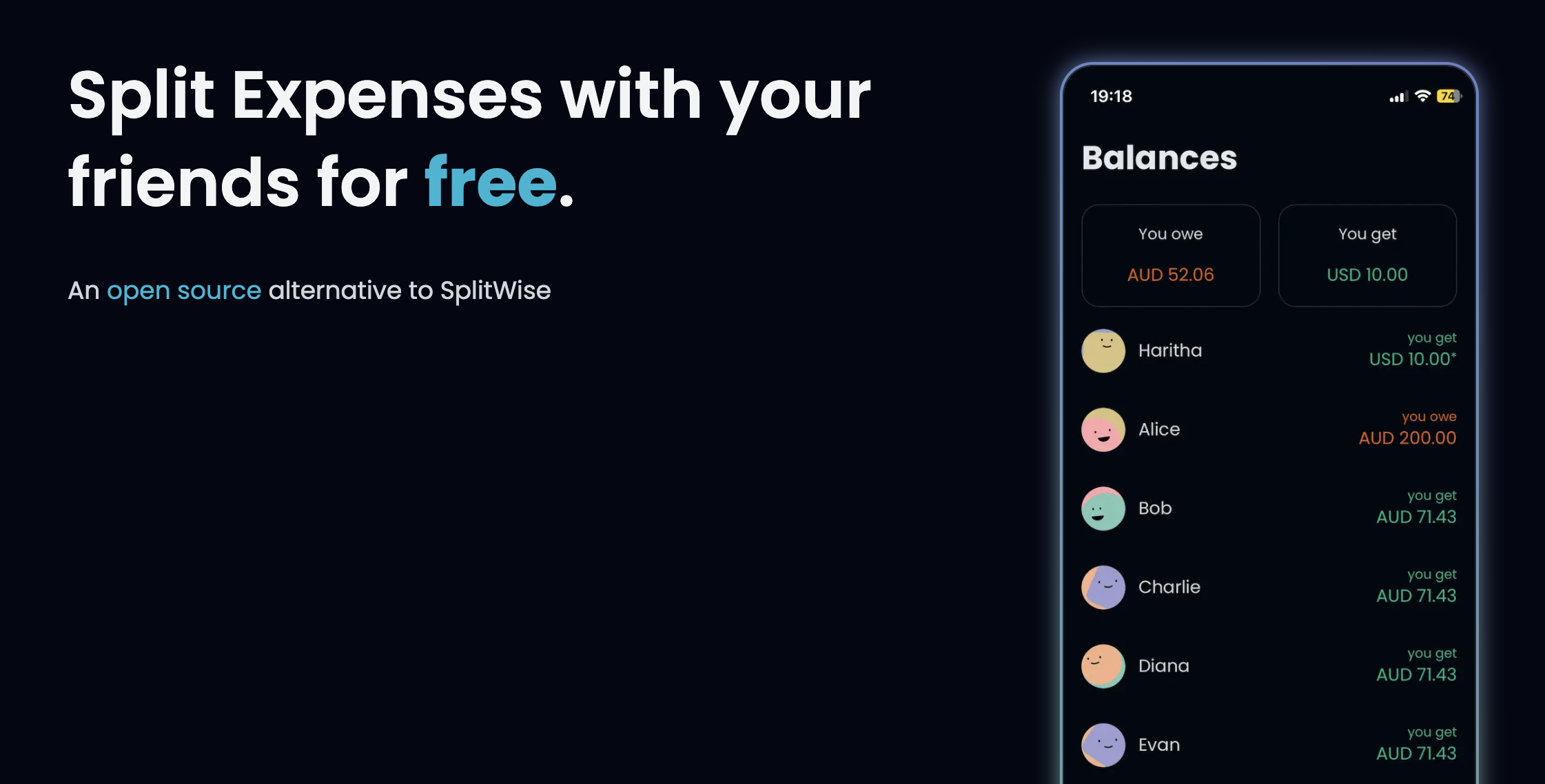
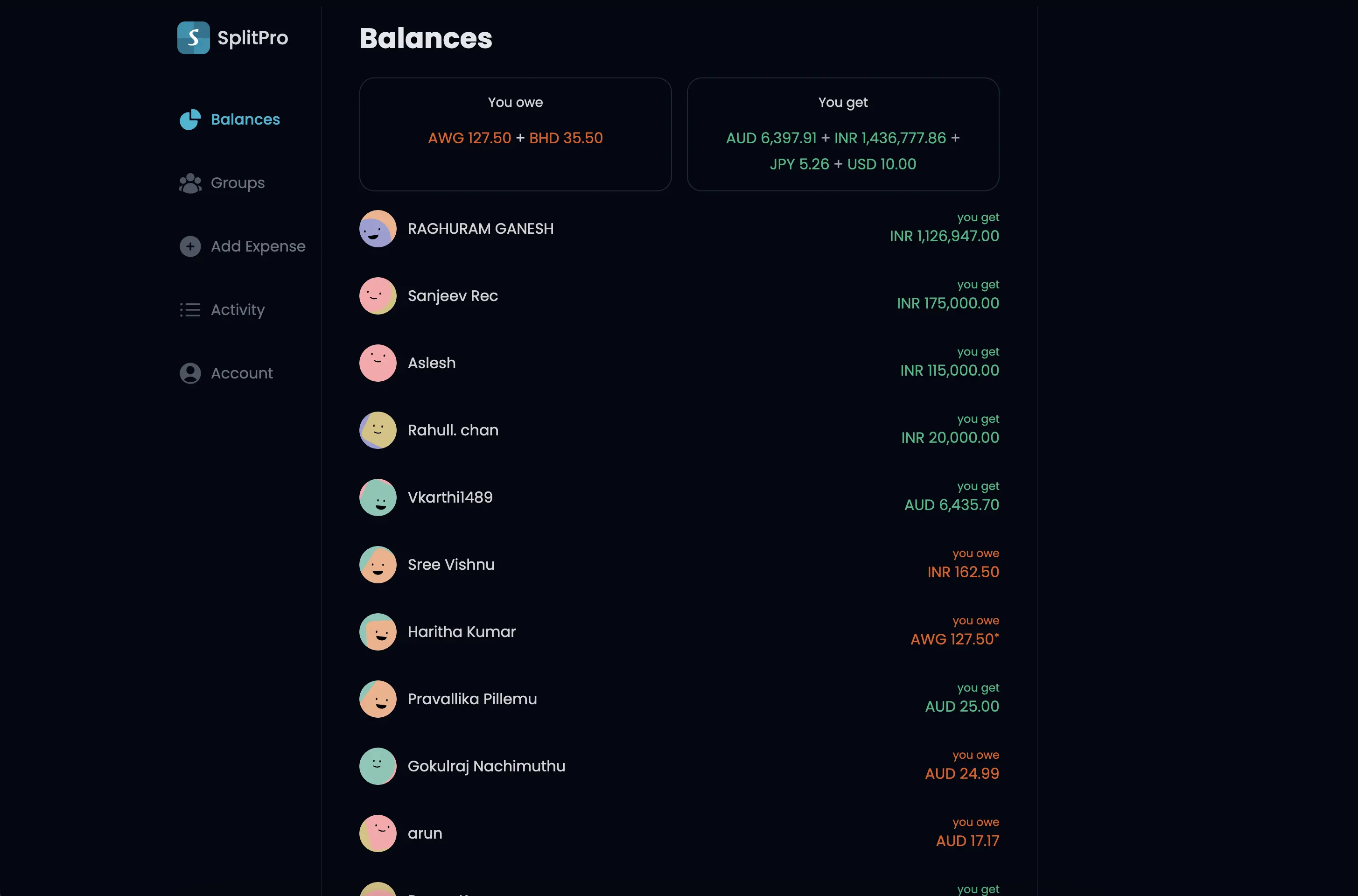
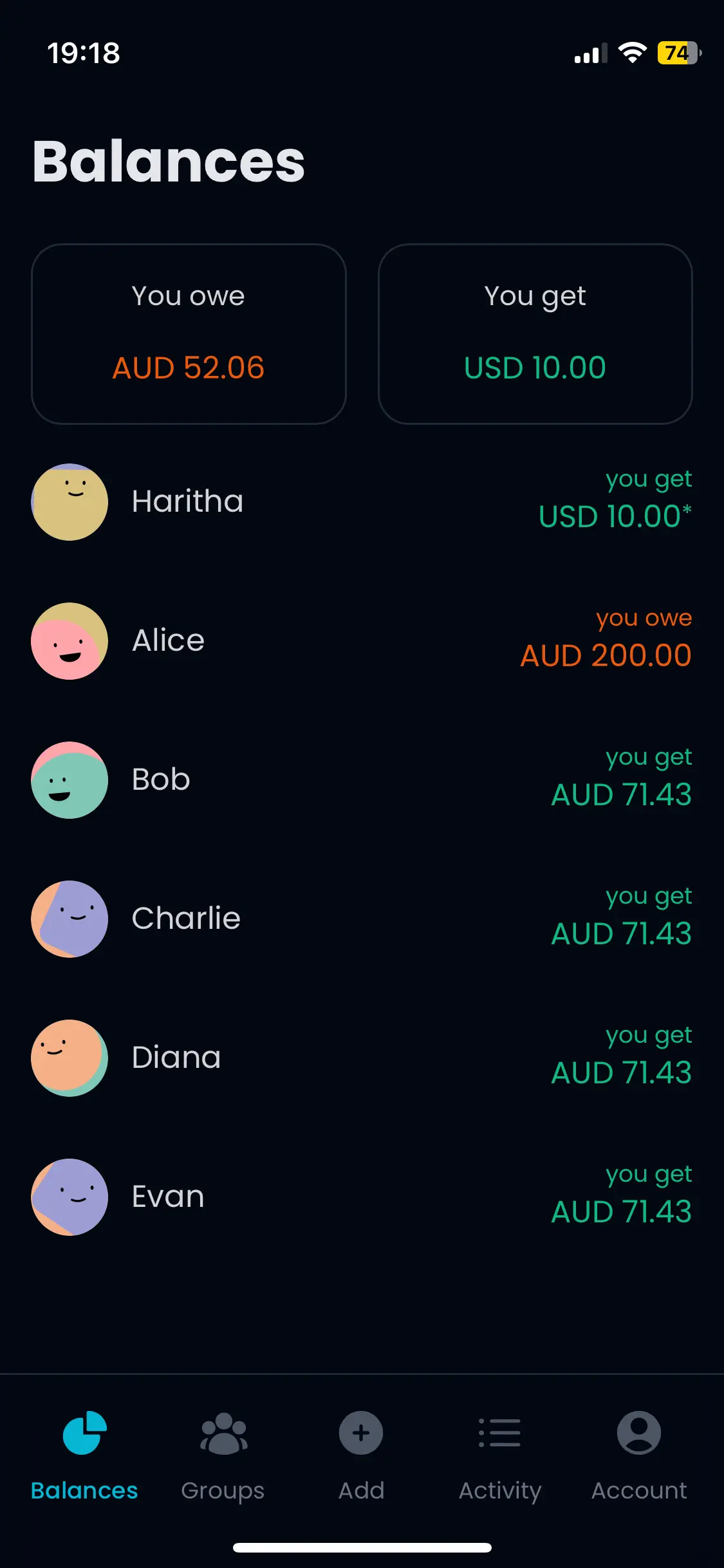
- Detailed balances per person and per group.
UI preview
Usage overview
1) Expenses, balances, and activity
Create expenses with categories, currencies, dates, and receipt attachments. SplitPro supports negative expenses for refunds and corrections. View per-person balances, detailed group balances, and an activity feed that includes edits and deletions.
2) Application info
SplitPro is a PWA and that is the recommended way to use the app. It supports push notifications for new expenses and updates, but push delivery requires additional configuration. See docs/CONFIGURATION.md.
3) Groups
Groups are the primary way to use SplitPro. You can invite friends by email, or add them directly if they are already in your friends list. Group debt simplification is optional, and the group balance view provides a detailed breakdown.
4) Data utilities
Splitwise import supports friends and groups (partial import). Expenses themselves are not imported yet. You can export data from the balances view and account settings.
5) Translations
Translations are managed in Weblate. When a language reaches 100%, it is enabled in the next update.
6) Authentication
SplitPro uses NextAuth. At least one provider must be configured.
- Email sign-in (magic link)
- OAuth (Google)
- OIDC (Authentik, Keycloak, or custom OIDC)
Username/password login is not supported. You can lock down an instance by disabling signups and invites. See docs/CONFIGURATION.md and docs/AUTHENTICATION.md for details.
7) Currency conversions
SplitPro can display balances in a single currency, convert expense amounts, and convert group balances. Provider availability and rate limits depend on the configured rate provider. See docs/CURRENCY_CONVERSIONS.md.
8) Recurring transactions
Recurring expenses require a PostgreSQL database with the pg_cron extension. We publish a prebuilt Postgres image with pg_cron; example usage is in docker/prod/compose.yml. If you use another database, you must enable the extension and adjust configuration. A non-superuser database role is supported when pg_cron is preinstalled; see docker/README.md. See docs/RECURRING_TRANSACTIONS.md.
9) Bank transaction integration
Bank integration allows you to load transactions from providers like Plaid and convert them into expenses. This feature was provided by @alexanderwassbjer, who is currently maintaining related issues. See docs/BANK_TRANSACTIONS.md.
Limitations and notes
- SplitPro computes balances from expenses on the fly using database views. Expenses are the source of truth, which keeps balances consistent and trustworthy. For self hosted deployments the efficiency of database aggregations is entirely sufficient, but please do report any performance issues.
- Recurring transactions require
pg_cron, which does not support cron ranges or lists. - Currency conversion accuracy and coverage depend on the selected provider.
- Receipts are stored on local disk; make sure your uploads volume is persistent.
Supporting docs
- docs/CONFIGURATION.md
- docs/AUTHENTICATION.md
- docs/MIGRATING_FROM_V1.md
- docs/CURRENCY_CONVERSIONS.md
- docs/RECURRING_TRANSACTIONS.md
- docs/BANK_TRANSACTIONS.md
- docker/README.md
Versions
SplitPro is for self hosting. To get the most recent features, build an image from source. Stabilized changes (GitHub releases) are available as Docker images on DockerHub and GHCR. The old community instance at https://splitpro.app is no longer maintained and is stuck at version 1.3.4.
Why
Splitwise is one of the best apps to add expenses and bills.
We understand that every app needs to make money, after all, lots of effort has been put into Splitwise. The main problem is how they implemented this.
Monetising on pro features or ads is fine, but asking money for adding expenses (core feature) is frustrating.
We were searching for other open-source alternatives (Let's be honest, any closed-source product might do the same and we don't have any reason to believe otherwise).
We managed to find a good app spliit.app by Sebastien Castiel but it's not a complete replacement and didn't suit my workflow sadly. Check it out to see if it fits you.
Translations
The app translations are managed using a Weblate project. You can easily add missing translations, fix issues you find and a new language! Just be aware that a new language also needs to be added in the code and open an issue for that once you finish translating the files. Here is the current state of translation:

FAQ
How numerically stable is the internal logic?
All numbers are stored in the DB as BigInt data, with no floats what so ever, safeguarding your expenses from rounding errors or lack of precision. This holds true for currencies with large nominal values that might outgrow the safe range of JS number type.
How are leftover pennies handled?
In case of an expense that cannot be split evenly, leftover amounts are distributed deterministically across participants, based on amount and date.
Currency rate providers
See docs/CURRENCY_CONVERSIONS.md for provider details and limits.
Getting started
Deployment with Docker
We provide Docker images on DockerHub and GHCR.
For setup instructions, see docker/README.md. For environment variables, see docs/CONFIGURATION.md.
Deployment as Proxmox LXC
Thanks to @johanngrobe there is now also a Proxmox Community Script available here.
Development and contributing
See the CONTRIBUTING.md document.
Sponsors
We are grateful for the support of our sponsors.
Our Sponsors


