Skybridge - the MCP Apps framework
The full-stack React framework for MCP Apps and MCP Servers.
Documentation · Quickstart · Examples


About Skybridge
Skybridge helps developers build type-safe MCP apps for Claude, ChatGPT and other UI-enabled MCP clients, with a complete set of tooling designed for both humans and agents.
Why? MCP apps extend the Model Context Protocol with rich, interactive UI views rendered from MCP servers. Conversational apps need seamless interaction between the user, the UI, and the model. This means new UX patterns, developer tooling, and abstractions. Plus, the raw SDKs are low-level: no hooks, type safety, HMR, etc.
That's why we built Skybridge.
Features include:
- Delightful dev environment: Skybridge provides a dev server with a local emulator, hot module reload, and a permanent tunnel to connect your local app to Claude and ChatGPT.
- Write once, run everywhere: the framework abstracts implementation differences between MCP clients, so your app runs seamlessly in Claude, ChatGPT, VSCode, and any other MCP apps compatible client.
- Agent-ready: powerful skills, CLI, and programmatic dev tool APIs, everything your coding agent needs to build MCP apps end-to-end.
- Type-safe end-to-end: tRPC-style inference from MCP server tool definition to React view for type safety from server to frontend.
- React-first: Intuitive React Query-style hooks, with advanced state management.
- Example library: get started quickly with ChatGPT- and Claude-ready app examples for ecommerce, travel, SaaS, and more.
They chose to build their MCP apps with Skybridge:





Get started
For agents
Install our skill for building MCP apps and ChatGPT apps:
npx skills add alpic-ai/skybridge -s skybridge
Once installed, ask your agent "What skills do you have?" to confirm, then try:
- Create a new MCP app
- Migrate my MCP server to the Skybridge framework
- Add a new view to my MCP app
For humans
Bootstrap a new project with:
npm create skybridge@latest my-app
For full install instructions, read our Quickstart guide.
Documentation
The Skybridge documentation covers the full lifecycle of building MCP Apps:
- Fundamentals: understand MCP Apps, ChatGPT Apps, and how Skybridge bridges both runtimes.
- Core concepts: learn about server model UI data flows, LLM context sync, type safety, and instant local iteration with our devtools.
- Guides: build real app behavior with tools, views, state, and model communication.
- API Reference: browse our MCP server APIs, React hooks, CLI commands, and runtime compatibility.
Deploy
Deploy Skybridge apps instantly on Alpic for scalable hosting, MCP-specific analytics, permanent tunneling, app store compliance auditing and submission help. You can also self-host on any Node.js-compatible platform.
See our deployment guide for the full production path.
Community & Contributing
We'd love your help improving Skybridge. Here are a few ways to get involved:
- Bugs: If you run into a bug or unexpected behavior, open a GitHub Issue with a clear reproduction.
- Questions and ideas: Need help building with Skybridge or have ideas to improve the framework, docs, examples, or developer experience? Open an issue or share them on our Discord.
- Pull requests: For code or documentation changes, read the Contributing Guide before opening a PR.
Skybridge is released under the MIT License.
Contributors
Built and maintained with ❤️ by Harijoe, Fred Barthelet, and the Alpic team.
Example templates
Explore all our example templates in the Examples section of the documentation.
Basic
| Preview | App | Description | Demo | Code |
|---|---|---|---|---|
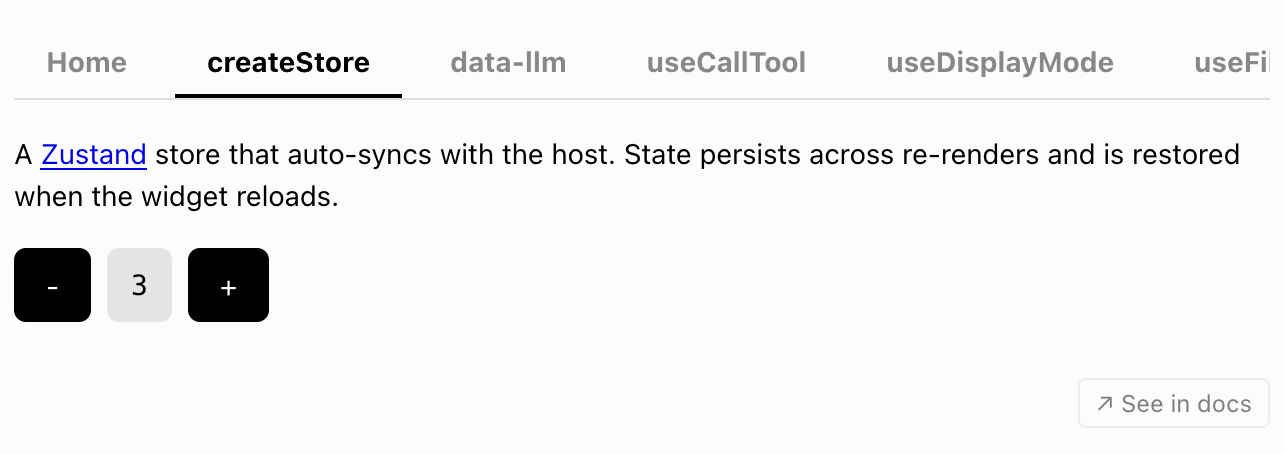 |
Everything | Comprehensive playground app showcasing all Skybridge hooks and features. | Try Demo | View code |
Use cases
| Preview | App | Description | Demo | Code |
|---|---|---|---|---|
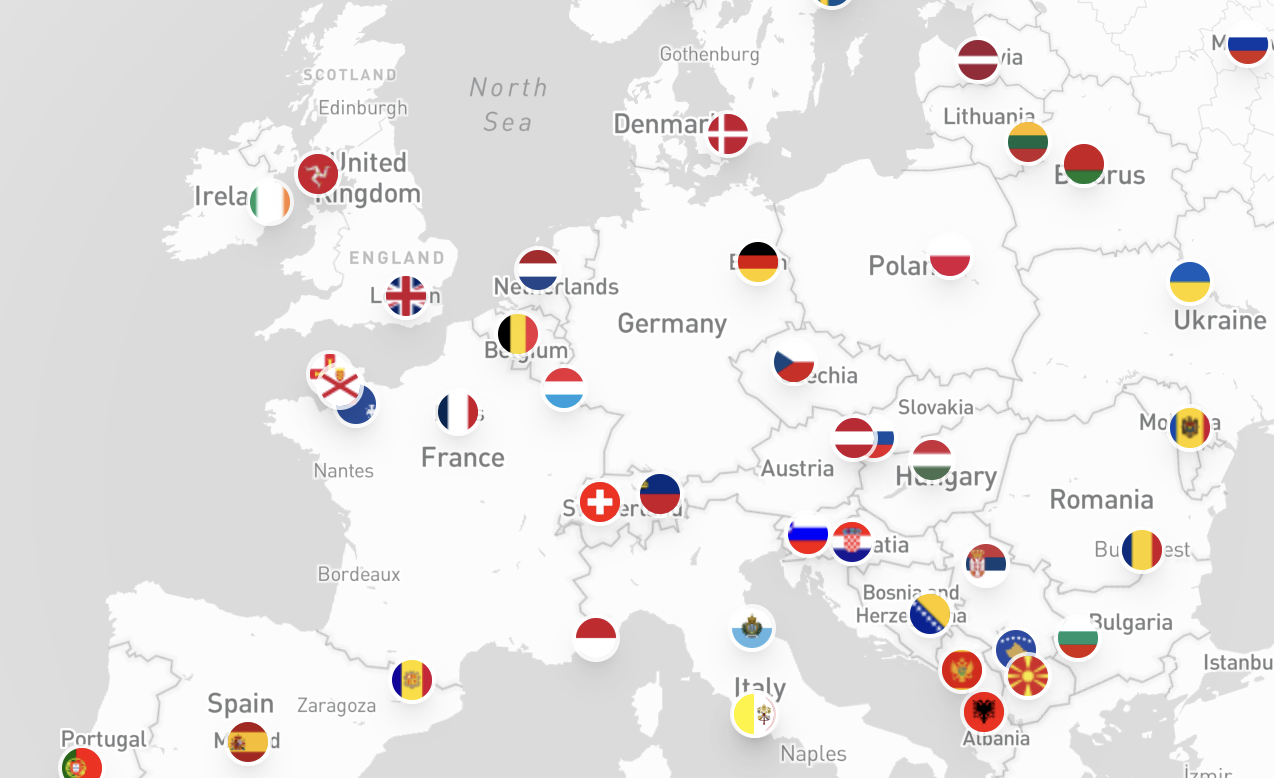 |
Capitals Explorer | Interactive world map with geolocation, country information, and dynamic capital exploration. | Try Demo | View code |
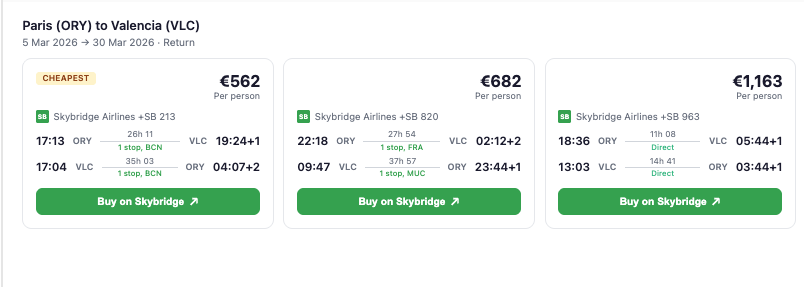 |
Flight Booking | Flight search carousel with route details, pricing comparison, and external booking. | Try Demo | View code |
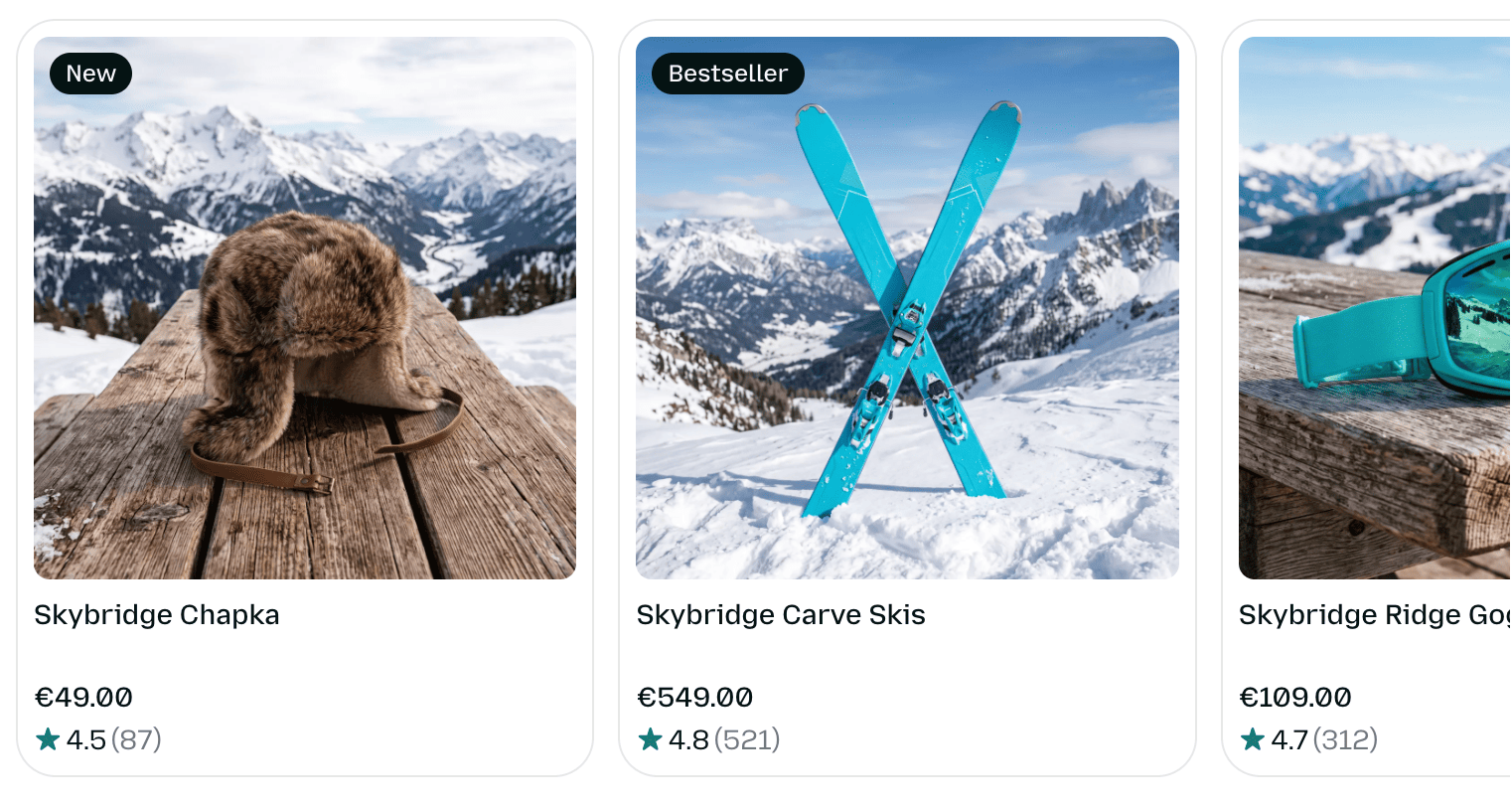 |
Ecommerce Carousel | Product carousel with persistent cart, localization, theme switching, and modal dialogs. | Try Demo | View code |
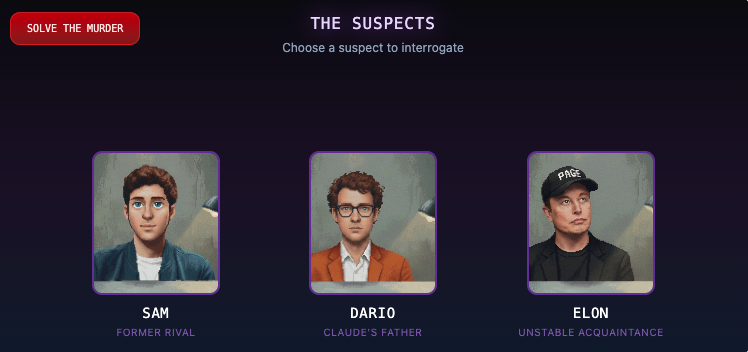 |
Investigation Game | Multi-screen mystery game with fullscreen mode, dynamic story progression and context asynchronicity demonstration | Try Demo | View code |
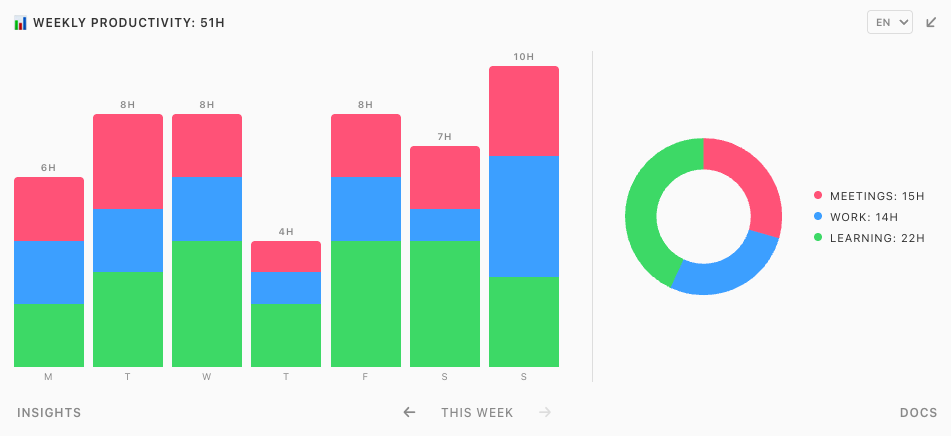 |
Productivity | Interactive analytics dashboard with charts, theme adaptation, localization, fullscreen mode, and bidirectional tool calls. | Try Demo | View code |
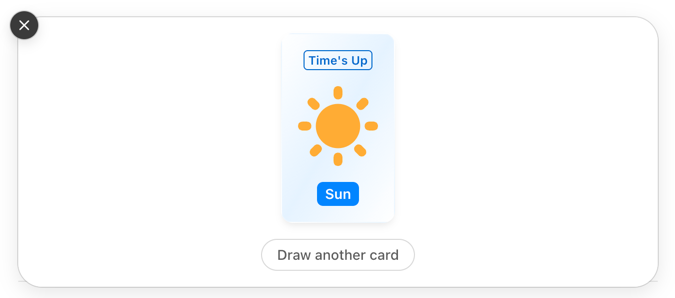 |
Time's Up | Word-guessing party game where the user gives hints and the AI tries to guess. | Try Demo | View code |
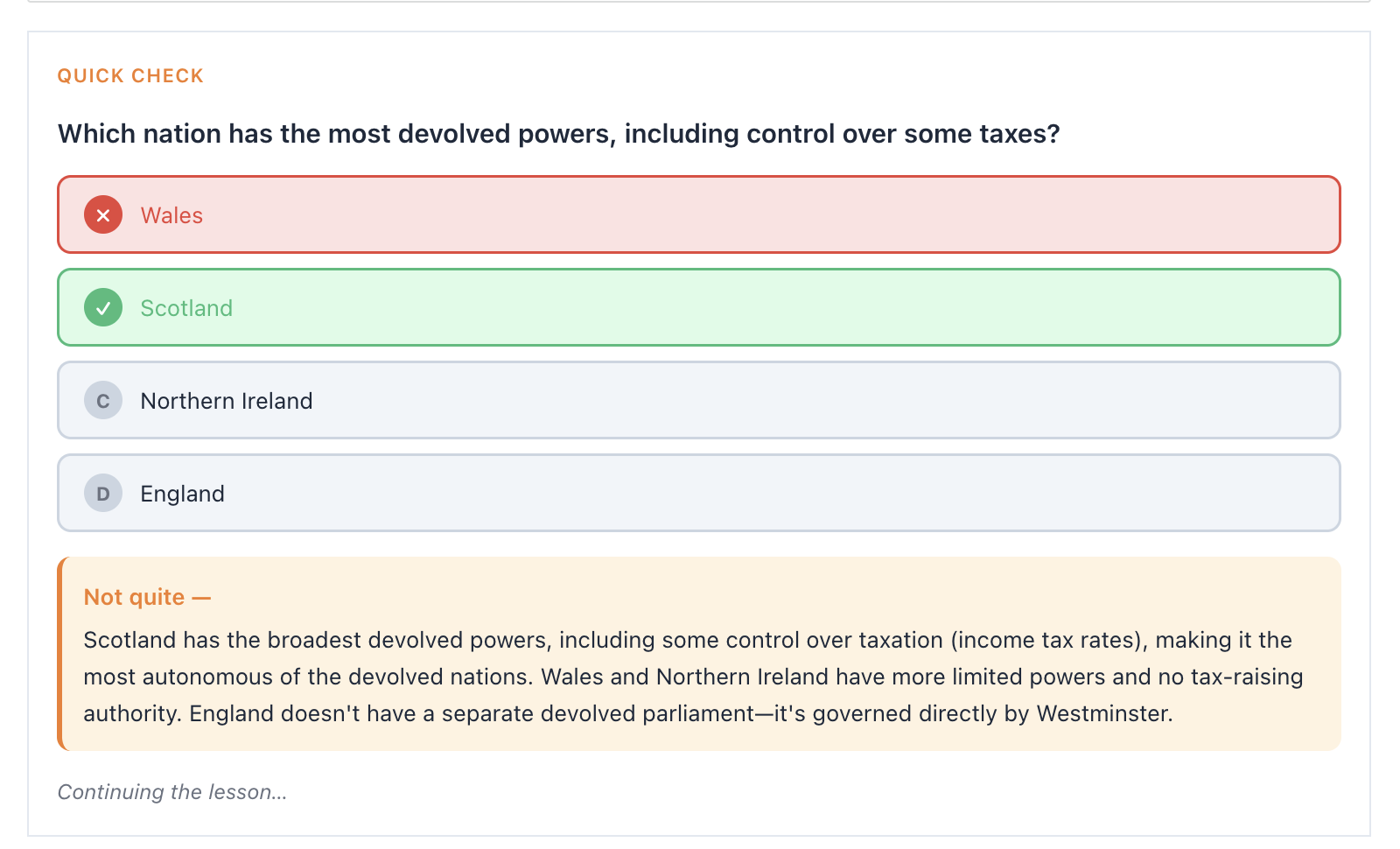 |
Lumo — Interactive AI Tutor | Adaptive tutor with Mermaid diagrams, mind maps, quizzes, and fill-in-the-blank exercises. | Try Demo | View code |
Auth
| Preview | Provider | Description | Code |
|---|---|---|---|
 |
Descope | Full OAuth authentication with Descope and personalized coffee shop search. | View code |
 |
Clerk | Full OAuth authentication with Clerk and personalized coffee shop search. | View code |
 |
WorkOS AuthKit | Full OAuth authentication with WorkOS AuthKit and personalized coffee shop search. | View code |
 |
Stytch | Full OAuth authentication with Stytch and personalized coffee shop search. | View code |
 |
Auth0 | Full OAuth authentication with Auth0 and personalized coffee shop search. | View code |
 |
Authplane | Full OAuth authentication with Authplane and personalized coffee shop search. | View code |
UI and component libraries
| Preview | App | Description | Demo | Code |
|---|---|---|---|---|
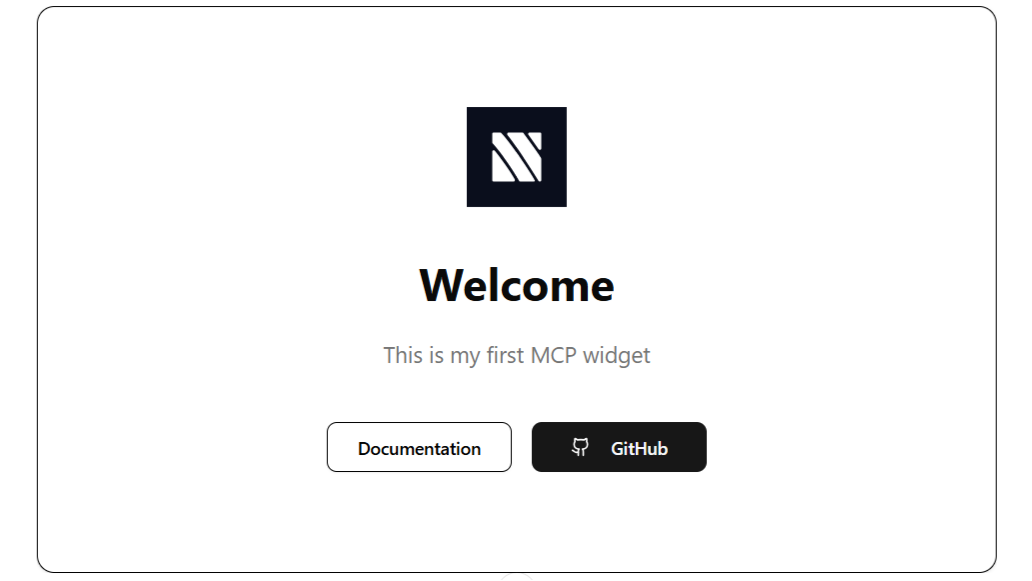 |
Manifest UI | Agentic component library example for rich AI-powered experiences. | Try Demo | View code |
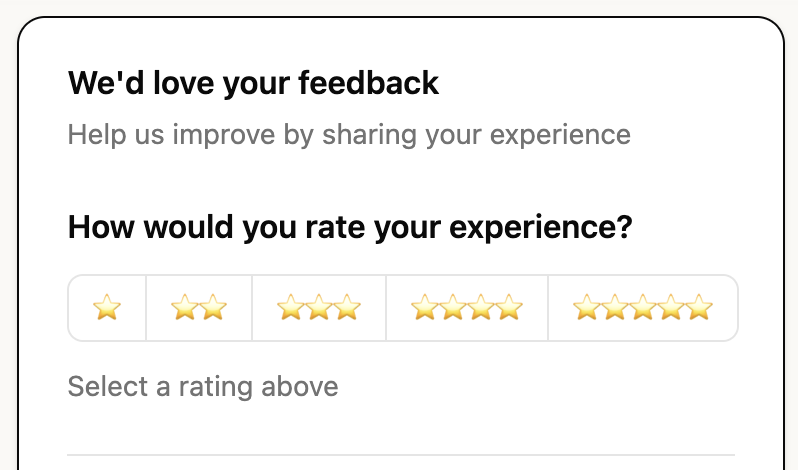 |
Generative UI | LLM-generated dynamic UIs with json-render and 36 pre-built shadcn/ui components. | Try Demo | View code |
 |
mcpcn | Agentic component library starter with pre-built mcpcn components and generative UI via json-render. | Try Demo | View code |