What it is
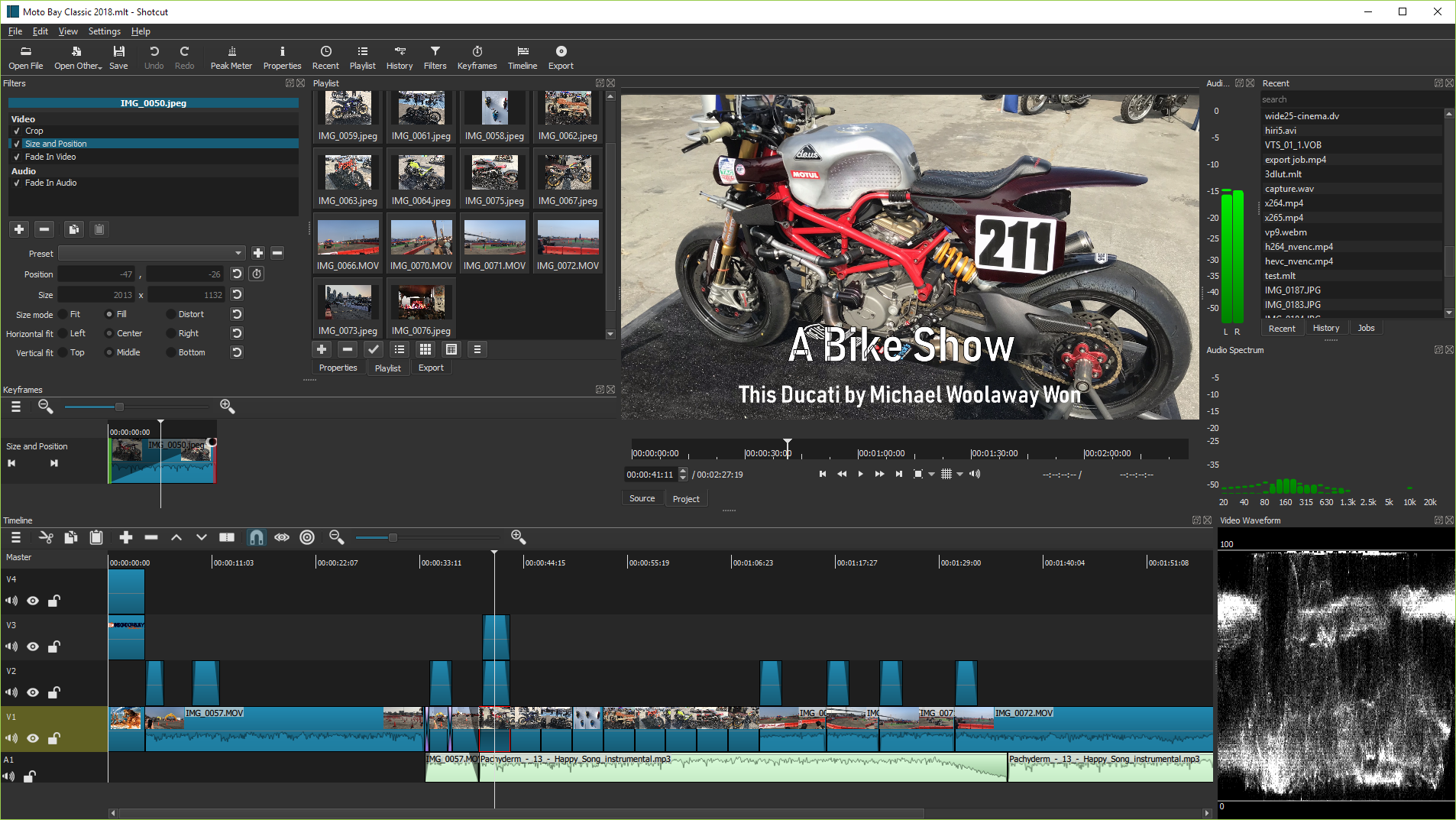
Shotcut is a free, open-source, cross-platform video editor written in C++ and released under the GPL-3.0 license. It lives in the Qt and MLT ecosystem, using Qt for its application and user interface and MLT as its multimedia authoring framework. It provides regularly built binaries for Linux, macOS, and Windows, and is positioned as an open alternative to Adobe Premiere Pro and DaVinci Resolve (Studio).
Shotcut addresses the need for a video editor that can be downloaded and used under the GPLv3 license across major desktop platforms. It uses Qt with MLT, FFmpeg, Frei0r, FFTW, and SDL, giving the editor access to multimedia formats, codecs, video plugins, and audio playback.
Key capabilities
- Shotcut runs on Linux, macOS, and Windows through regularly built binaries available from the download page.
- It uses Qt 6, with Qt 6.4 as the minimum, as the application and user interface framework.
- It is built on MLT, a multimedia authoring framework, and uses FFmpeg for format and codec libraries.
- It supports video plugins through Frei0r, uses SDL for cross-platform audio playback, and lists FFTW as a direct dependency.
- It can be built from source through Qt Creator or through a separate CMake command-line build directory.
Who uses it and how
- Desktop users can install Shotcut by downloading regularly built binaries for Linux, macOS, or Windows and running the application locally.
- Beta testers and contributors can try the development version through Qt Creator, which the README describes as the fastest way to build and test it.
- Source developers can configure a separate CMake build directory, build the project, and install files so the application can locate its QML resources at runtime.
- Translators can contribute language versions through Transifex, and users comparing editing tools may evaluate Shotcut as an open alternative to Adobe Premiere Pro or DaVinci Resolve (Studio).
Getting started
Typical users install Shotcut by downloading regularly built binaries from https://www.shotcut.org/download/. Developers can build it through Qt Creator or through a CMake configure, build, and install workflow.
When to use it — and when not to
Shotcut fits Linux, macOS, and Windows users who want a GPLv3 video editor and an open alternative to Adobe Premiere Pro or DaVinci Resolve (Studio). It is less suitable for people who expect source building to be routine, because the README warns that building should be reserved to beta testers or contributors who know what they are doing. It also requires a correct install step, since the application may fail when run if it cannot locate its QML files.
project readme (upstream, from github) — read inline



Shotcut - a free, open source, cross-platform video editor
Install
Binaries are regularly built and are available at https://www.shotcut.org/download/.
Contributors
- Dan Dennedy > : main author
- Brian Matherly > : contributor
Dependencies
Shotcut's direct (linked or hard runtime) dependencies are:
See https://shotcut.org/credits/ for a more complete list including indirect
and bundled dependencies.
License
GPLv3. See COPYING.
How to build
Warning: building Shotcut should only be reserved to beta testers or contributors who know what they are doing.
Qt Creator
The fastest way to build and try Shotcut development version is through Qt Creator.
From command line
First, check dependencies are satisfied and various paths are correctly set to find different libraries and include files (Qt, MLT, frei0r and so forth).
Configure
In a new directory in which to make the build (separate from the source):
cmake -DCMAKE_INSTALL_PREFIX=/usr/local/ /path/to/shotcut
We recommend using the Ninja generator by adding -GNinja to the above command line.
Build
cmake --build .
Install
If you do not install, Shotcut may fail when you run it because it cannot locate its QML
files that it reads at run-time.
cmake --install .
Translation
If you want to translate Shotcut to another language, please use Transifex.