[!TIP] Check out zeitgrep, another search tool I am working on!
 SeaGOAT
A code search engine for the AI age. SeaGOAT is a local search tool that leverages vector embeddings to enable you to search your codebase semantically.
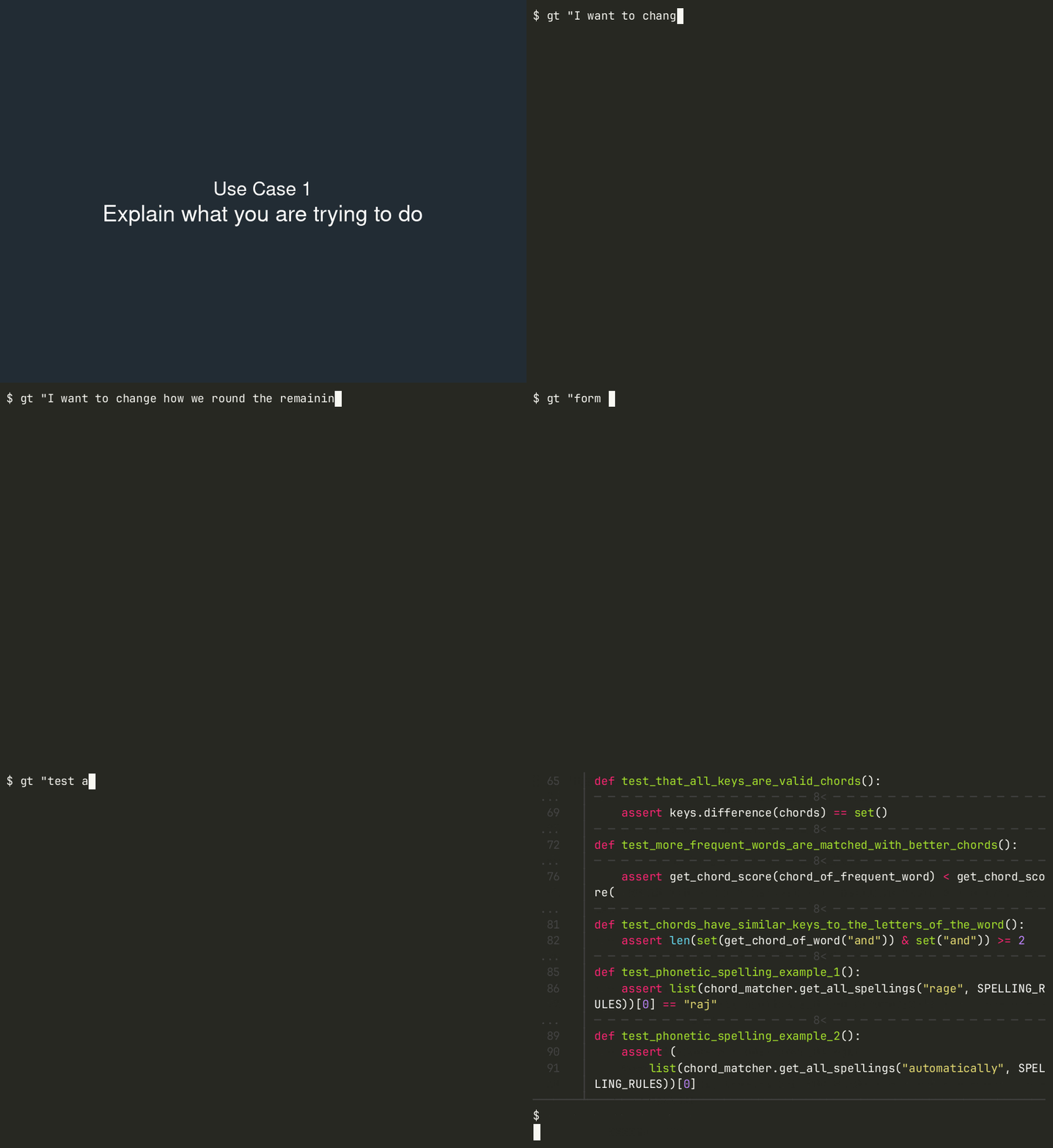
Getting started
Install SeaGOAT
In order to install SeaGOAT, you need to have the following dependencies already installed on your computer:
- Python 3.11 or newer
- ripgrep
- bat (optional, highly recommended)
When bat is installed,
it is used to display results as long as color is enabled. When SeaGOAT is
used as part of a pipeline, a grep-line output format is used. When color is
enabled, but bat is not installed, SeaGOAT will highlight the output using
pygments. Using bat is recommended.
To install SeaGOAT using pipx, use the following command:
pipx install seagoat
System requirements
Hardware
Should work on any decent laptop.
Operating system
SeaGOAT is designed to work on Linux (tested ✅), macOS (partly tested, help 🙏) and Windows (help needed 🙏).
Start SeaGOAT server
In order to use SeaGOAT in your project, you have to start the SeaGOAT server using the following command:
seagoat-server start /path/to/your/repo
Search your repository
If you have the server running, you can simply use the
gt or seagoat command to query your repository. For example:
gt "Where are the numbers rounded"
You can also use Regular Expressions in your queries, for example
gt "function calc_.* that deals with taxes"
Stopping the server
You can stop the running server using the following command:
seagoat-server stop /path/to/your/repo
Configuring SeaGOAT
SeaGOAT can be tailored to your needs through YAML configuration files,
either globally or project-specifically with a .seagoat.yml file.
For instance:
# .seagoat.yml

server:
  port: 31134  # Specify server port
Check out the documentation for more details!
Development
Requirements:
Install dependencies
After cloning the repository, install dependencies using the following command:
poetry install
Running tests
Watch mode (recommended)
poetry run ptw
Test changed files
poetry run pytest . --testmon
Test all files
poetry run pytest .
Manual testing
You can test any SeaGOAT command manually in your local development
environment. For example to test the development version of the
seagoat-server command, you can run:
poetry run seagoat-server start ~/path/an/example/repository
FAQ
The points in this FAQ are indications of how SeaGOAT works, but are not a legal contract. SeaGOAT is licensed under an open source license and if you are in doubt about the privacy/safety/etc implications of SeaGOAT, you are welcome to examine the source code, raise your concerns, or create a pull request to fix a problem.
How does SeaGOAT work? Does it send my data to ChatGPT?
SeaGOAT does not rely on 3rd party APIs or any remote APIs and executes all functionality locally using the SeaGOAT server that you are able to run on your own machine.
Instead of relying on APIs or "connecting to ChatGPT", it uses the vector database called ChromaDB, with a local vector embedding engine and telemetry disabled by default.
Apart from that, SeaGOAT also uses ripgrep, a regular-expression based code search engine in order to provider regular expression/keyword based matches in addition to the "AI-based" matches.
While the current version of SeaGOAT does not send your data to remote servers, it might be possible that in the future there will be optional features that do so, if any further improvement can be gained from that.
Why does SeaGOAT need a server?
SeaGOAT needs a server in order to provide a speedy response. SeaGOAT heavily relies on vector embeddings and vector databases, which at the moment cannot be replace with an architecture that processes files on the fly.
It's worth noting that you are able to run SeaGOAT server entirely locally, and it works even if you don't have an internet connection. This use case does not require you to share data with a remote server, you are able to use your own SeaGOAT server locally, albeit it's also possible to run a SeaGOAT server and allow other computers to connect to it, if you so wish.
Does SeaGOAT create AI-derived work? Is SeaGOAT ethical?
If you are concerned about the ethical implications of using AI tools keep in mind that SeaGOAT is not a code generator but a code search engine, therefore it does not create AI derived work.
That being said, a language model is being used to generate vector embeddings. At the moment SeaGOAT uses ChromaDB's default model for calculating vector embeddings, and I am not aware of this being an ethical concern.
What programming languages are supported?
Currently SeaGOAT is hard coded to only process files in the following formats:
- Text Files (
*.txt) - Markdown (
*.md) - Python (
*.py) - C (
*.c,*.h) - C++ (
*.cpp,*.cc,*.cxx,*.hpp) - TypeScript (
*.ts,*.tsx) - JavaScript (
*.js,*.jsx) - HTML (
*.html) - Go (
*.go) - Java (
*.java) - PHP (
*.php) - Ruby (
*.rb)
Why is SeaGOAT processing files so slowly while barely using my CPU?
Since processing files for large repositories can take a long time, SeaGOAT is designed to allow you to use your computer while processing files. It is an intentional design choice to avoid blocking/slowing down your computer.
This design decision does not affect the performance of queries.
By the way, you are able to use SeaGOAT to query your repository while it's processing your files! When you make a query, and the files are not processed yet, you will receive a warning with an estimation of the accuracy of your results. Also, regular expression/full text search based results will be displayed from the very beginning!
What character encodings are supported?
The preferred character encoding is UTF-8. Most other character encodings should also work. Only text files are supported, SeaGOAT ignores binary files.
Where does SeaGOAT store it's database/cache?
Where SeaGOAT stores databases and cache depends on your operating system.
For your convenience, you can use the seagoat-server server-info
command to find out where these files are stored on your system.
Can I host SeaGOAT server on a different computer?
Yes, if you would like to use SeaGOAT without having to run the server on
the same computer, you can simply self-host SeaGOAT server on a different
computer or in the cloud, and
configure
the seagoat/gt command to connect to this remote server through the
internet.
Keep in mind that SeaGOAT itself does not enforce any security as it is primarily designed to run locally. If you have private code that you do not wish to leak, you will have to make sure that only trusted people have access to the SeaGOAT server. This could be done by making it only available through a VPN that only your teammates can access.
Can I ignore files/directories?
SeaGOAT already ignores all files/directories ignored in your .gitignore.
If you wish to ignore additional files but keep them in git, you can use the
ignorePatterns attribute from the server configuration.
Learn more