Schemio is a web-based diagramming app for building interactive diagrams — and, as a secondary use, prototypes — aimed at people who need diagrams that viewers can click, explore, and navigate inside a browser rather than look at as static images.
What it is
Schemio is a JavaScript diagramming application that runs in the browser and produces diagrams whose items respond to events, link to other documents, and animate. The project lives in the web front-end ecosystem rather than the desktop drawing-tool world, and its stated purpose is interactive diagrams first, with prototyping as a capability the author notes it was not originally designed for. Diagrams are documents that can embed other diagrams, so a single page becomes a navigable structure instead of a flat canvas.
The concrete problem it replaces is the static exported image. A conventional diagram ends the moment it is saved as a picture: the reader cannot follow a connection to another diagram, cannot inspect documentation attached to an individual item, and cannot walk through a sequence step by step. Schemio addresses this by letting an item carry a link to another diagram or an external document, by allowing one diagram to be loaded dynamically inside another, and by assigning event handlers to items. The result is a document a reader keeps exploring while remaining in the original diagram.
Key capabilities
- Behavior editor that assigns event handlers to any item, with events including
init, click, mouse in, and mouse out.
- Component-based diagrams, where one diagram is loaded dynamically inside another so large documents are managed as smaller reusable parts.
- Linking from diagram items to other diagrams or to external documents.
- Relative transformations, attaching items to other items and adjusting rotation, pivot point, and scale.
- Free-form shape drawing, plus a frame animation editor that animates any property.
- Animation functions for smooth transitions such as fade in, fade out, and item movement, including particle effects.
- SVG export of the entire diagram or only the selected objects, and static generation of all diagrams for hosting anywhere, including GitHub Pages.
- Server configuration through environment variables:
SERVER_PORT, FS_ROOT_PATH, FILE_UPLOAD_MAX_SIZE, VIEW_ONLY_MODE, and ROUTE_PREFIX.
Who uses it and how
- Documentation and knowledge-base authors. The official demo,
ishubin/sre-knowledge-base, uses Schemio to answer the interview question "What happens when you open a website in your browser."
- Publishers who want no server at all, by generating a static version of all diagrams and hosting it on GitHub Pages.
- Self-hosters running the Docker image
binshu/schemio:latest, mounting a volume and storing diagrams and uploaded files under FS_ROOT_PATH (default /opt/schemio) on port 4010.
- Teams running Schemio behind a load balancer next to other services, using
ROUTE_PREFIX (for example /schemio) to serve it on a shared port.
- Read-only audiences, where
VIEW_ONLY_MODE=true disables editing and permits viewing of folders and diagrams only.
Getting started
The README gives a Docker path: pull binshu/schemio:latest and run it with a volume mounted at /opt/schemio, port 4010 published, and FS_ROOT_PATH and SERVER_PORT set. A hosted version is available at schem.io.
How it compares
No paid products that Schemio replaces are named in the facts for this entry, and no other similar tools are named either, so it stands alone in this registry. Readers wanting a direct comparison should look at the project's own homepage and demo rather than expect a positioning statement here.
When to use it — and when not to
Choose Schemio when diagrams must be explored rather than printed, and when self-hosting on plain file-system storage is acceptable — the operator owns the storage directory, must back it up, and controls uploads through FILE_UPLOAD_MAX_SIZE (default 10485760 bytes). Skip it if prototyping is the main requirement, since the README states Schemio was not originally designed for that, and skip it if the team wants a fully managed service with a support agreement. The entry also carries 20 open issues and no listed release cadence beyond a last push on 2026-09-13, so evaluate maintenance activity before committing.
project readme (upstream, from github) — read inline
Schemio
Schemio is a web based diagramming app that allows you to build interactive diagrams. Although originally Schemio was not designed for this, but it is also possible to use it as a prototyping app.
Features of Schemio:
- Creating interactive diagrams
- Documenting individual items in your diagrams
- Linking diagrams. You can add links to other diagrams or to external documents
- Component based diagrams: you can load diagrams dynamically inside of each other. This allows you to manage your digrams better and lets the user discover more and more while staying in original document
- Frame animation editor: t is possible to use frame based animations for any property.
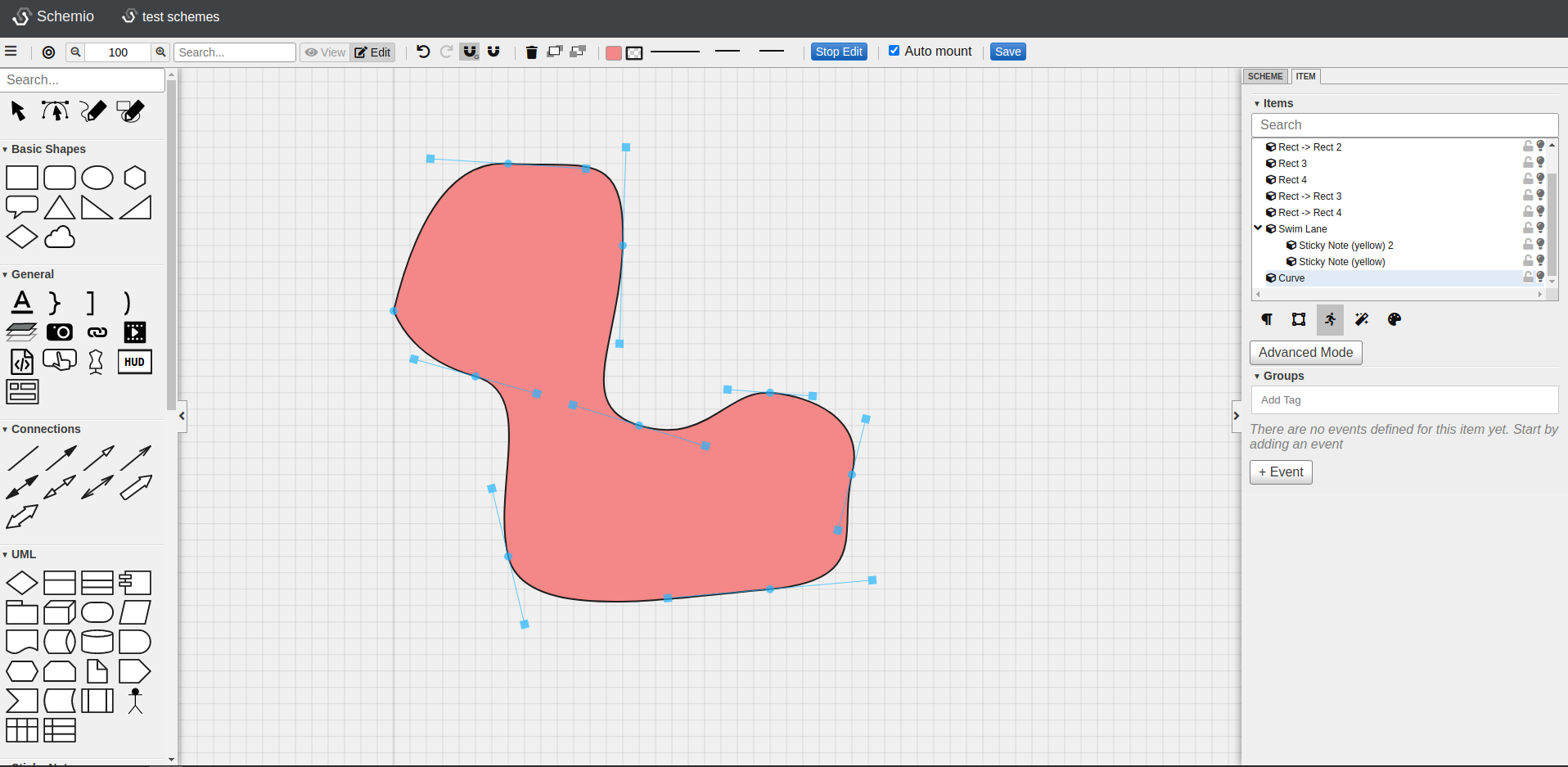
- Draw free-form shapes
- Relative transformations: you can attach items to other items in your diagrams and tweak rotation, pivot point and scale
- Behavior editor: you can assign event handlers to any item (events like: init, click, mouse in, mouse out)
- Various animation functions: you can have smooth transitions like fade in or fade out, move items, render particle effect etc.
- Export entire diagram or only selected objects as SVG
- Generate static version of all of your diagrams so that you can host it anywhere, even on GitHub pages
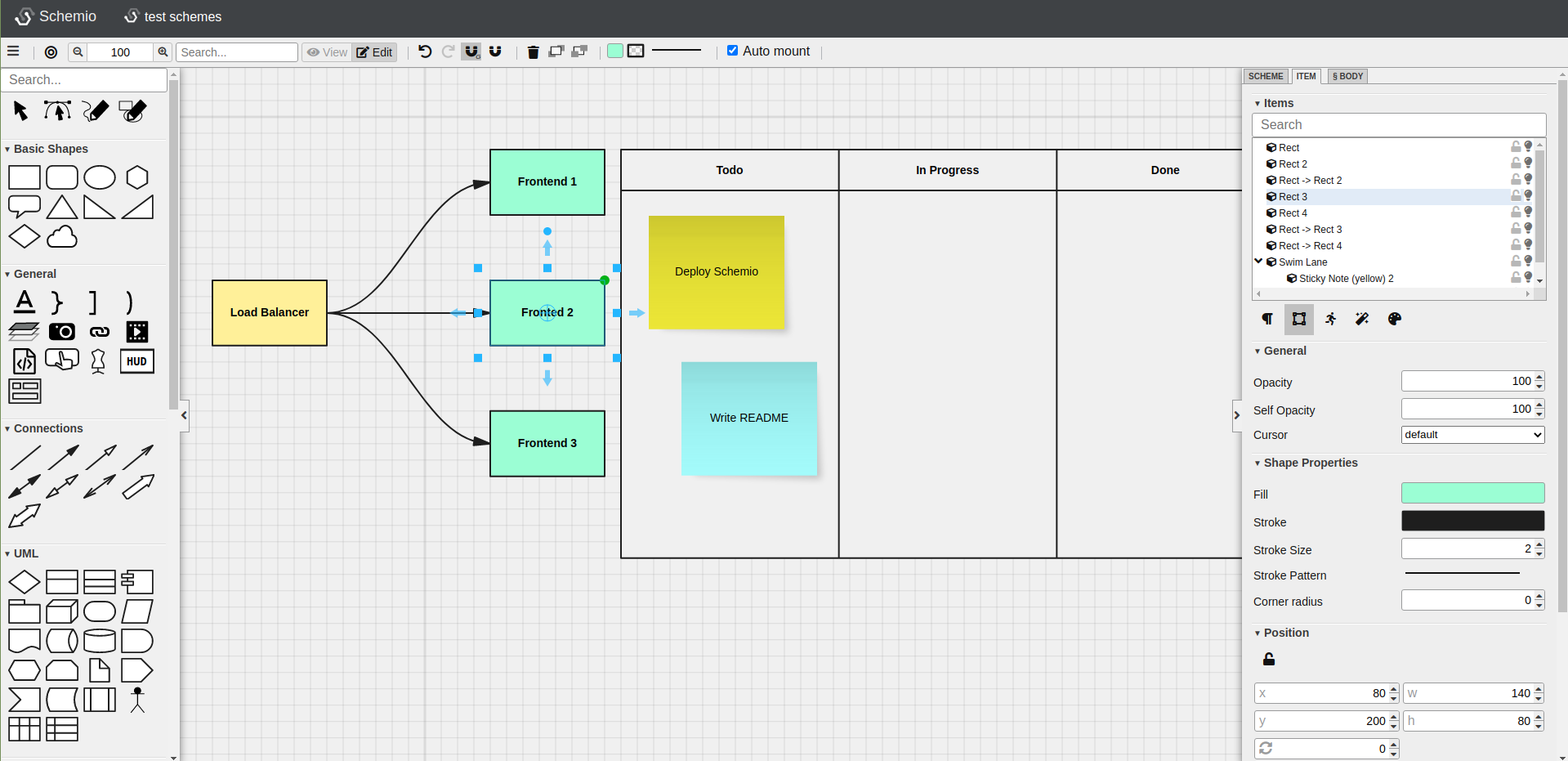
Demo: What happens when you open a website in your browser
There is a demo, built with Schemio that contains interactive diagrams that answer a popular interview question: "What happens when you open a website in your browser".
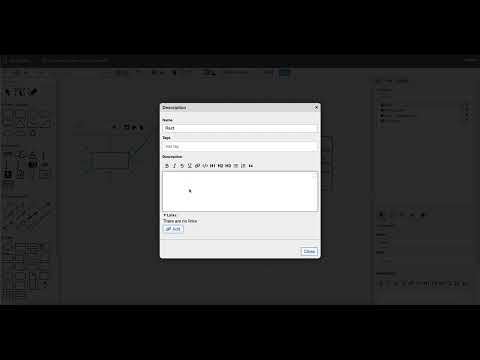
Introduction to interactive diagrams with Schemio (Youtube video)
Configuration of server-based version of Schemio
You can configure Schemio via the following environment variables
Running with Docker
Dockerized version of Schemio is available here: https://hub.docker.com/repository/docker/binshu/schemio
You can run it like this:
docker pull binshu/schemio:latest

docker run -v "$(pwd):/opt/schemio" \
    -p 4010:4010 \
    -e FS_ROOT_PATH=/opt/schemio \
    -e SERVER_PORT=4010 \
    binshu/schemio:latest
Don't forget to pull latest changes as Schemio is frequently updated.
License
This Source Code Form is subject to the terms of the Mozilla Public License, v. 2.0. If a copy of the MPL was not distributed with this file, You can obtain one at https://mozilla.org/MPL/2.0/.