SafeLine is a free, open source api development & testing project written in Go and released under GPL-3.0. It has 22,606 GitHub stars, 1,533 forks and 69 open issues, and was last pushed 8 days ago. On this registry it ranks #9 of 103 tracked projects in API Development & Testing, with 5 head-to-head comparisons available. It gained 9 stars over the last 3 tracked days.

What is SafeLine?

SafeLine is a self-hosted web application firewall and reverse proxy, written in Go and licensed under GPL-3.0, that filters, monitors, and blocks malicious HTTP/S traffic before it reaches a web application — built for developers, AppSec engineers, and blue teams who want to run edge protection on their own infrastructure.

What it is

SafeLine places a shield between a web application and the internet. By deploying a WAF in front of a web application, clients pass through the WAF before reaching the server, and traffic is filtered against a set of policies that determine what is malicious and what is safe. It is a reverse-proxy intermediary in the same structural position as a proxy server that hides a client's identity, except that it protects the server from a potentially malicious client. The repository is classified under Developer Tools / API Development & Testing, carries the GPL-3.0 licence, and lists 22,603 stars, 1,532 forks, and 69 open issues.

The concrete problem it addresses is the class of attacks aimed at web applications: SQL injection, XSS, code injection, OS command injection, CRLF injection, LDAP injection, XPath injection, RCE, XXE, SSRF, path traversal, backdoor, bruteforce, http-flood, and bot abuse. Repository topics include appsec, application-security, blueteam, firewall, captcha, cve, cybersecurity, hackers, and http-flood. The README positions SafeLine against ModSecurity Level 1 and CloudFlare Free in a detection and false-positive evaluation, so it occupies the slot a self-managed ModSecurity deployment would otherwise fill.

Key capabilities

  • Block Web Attacks covers SQL injection, XSS, code injection, OS command injection, CRLF injection, LDAP injection, XPath injection, RCE, XXE, SSRF, path traversal, and backdoor.
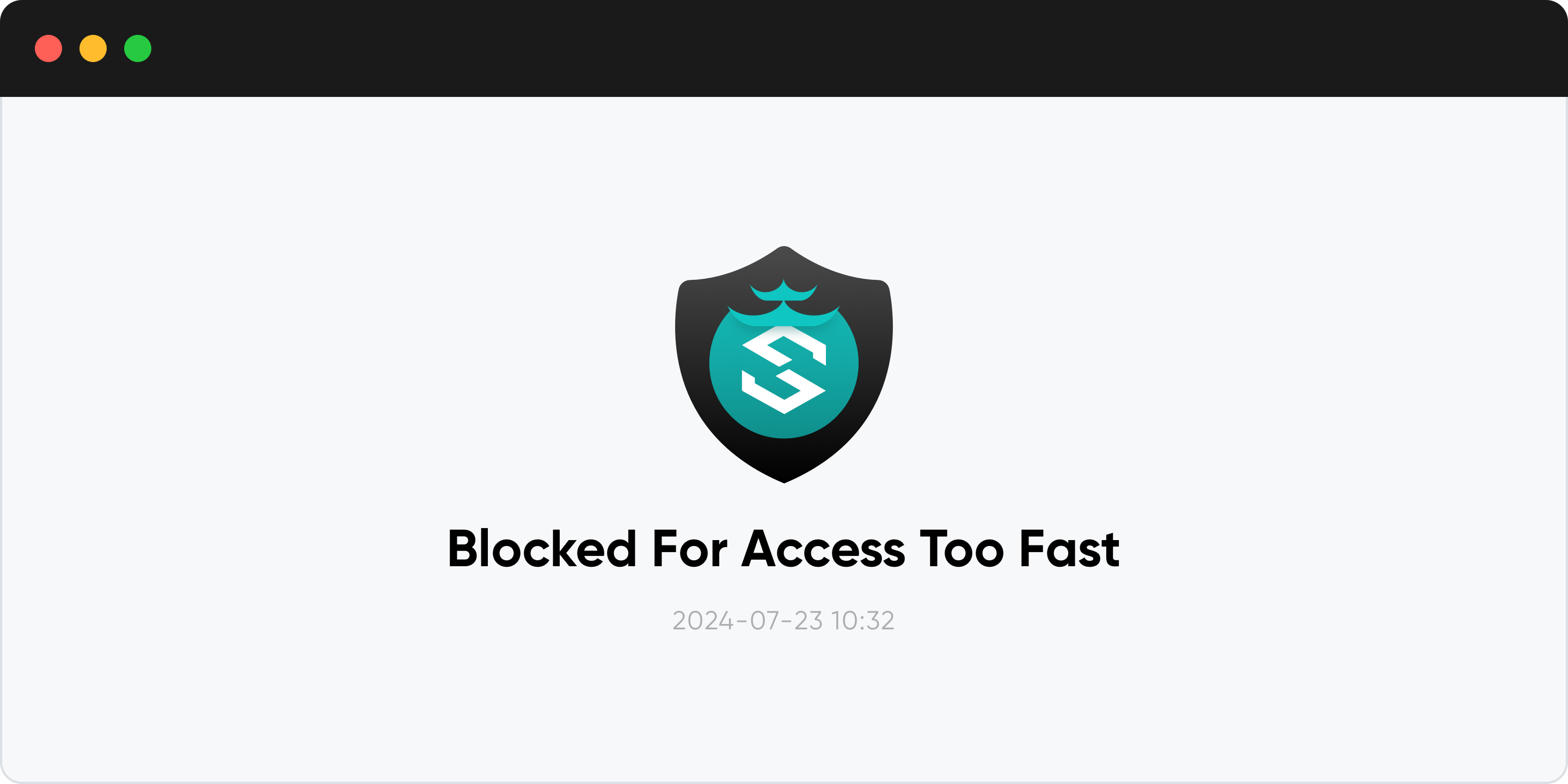
  • Rate Limiting throttles traffic that exceeds defined limits to defend against DoS attacks, bruteforce attempts, and traffic surges; IP-based rate limiting is listed as a core capability.
  • Anti-Bot Challenge allows human users through while crawlers and bots are blocked.
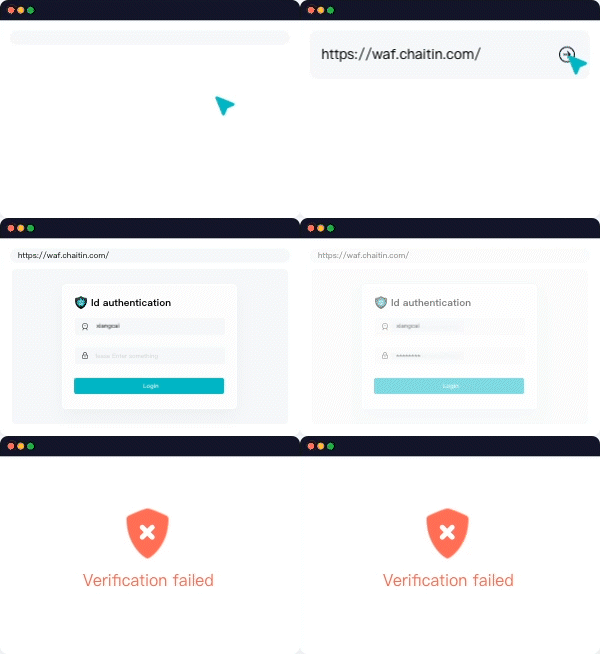
  • Authentication Challenge requires visitors to enter a password, otherwise they are blocked.
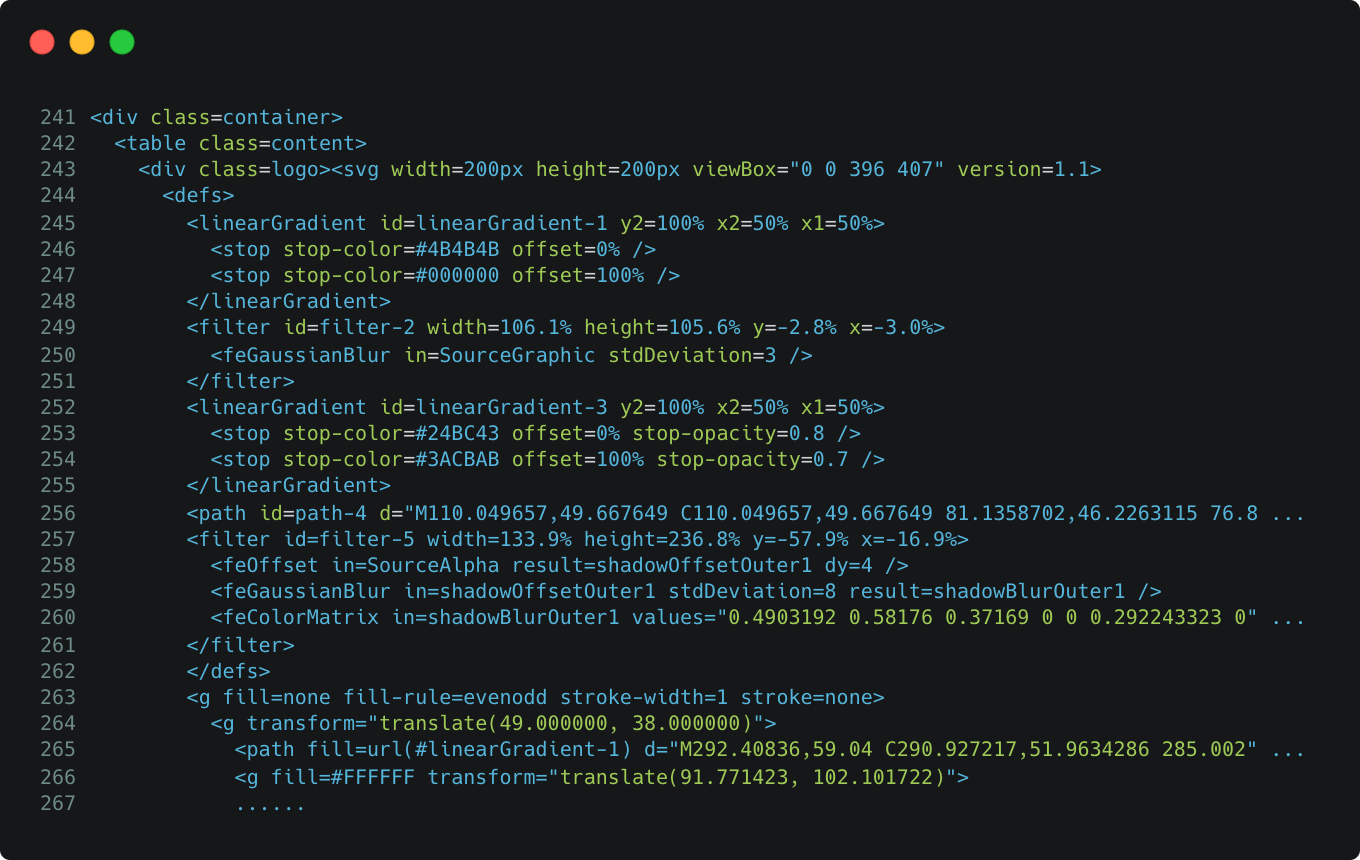
  • Dynamic Protection encrypts HTML and JavaScript code in the web server dynamically each time a visitor loads it.
  • Web Access Control List is listed as a core capability alongside defenses for web attacks and proactive bot abuse defense.
  • HTTP flood and bot abuse are named explicitly among the attacks the project handles.

Who uses it and how

  • AppSec and blue-team engineers self-host it as the reverse proxy in front of web applications; the README answers "Is SafeLine Production-Ready?" with yes.
  • API owners are addressed by the api-gateway and application-security topics.
  • Teams evaluating the project before deploying can use the hosted live demo at https://demo.waf.chaitin.com:9443/.
  • Operators facing sustained abuse use rate limiting to throttle bruteforce and HTTP-flood traffic.
  • Users in mainland China are warned that installing the international version may prevent connection to the cloud service, and are directed to the Chinese-language installation documentation instead.

Getting started

The README does not include install commands; it points to the Install Guide at https://docs.waf.chaitin.com/en/GetStarted/Deploy, with application configuration documented at https://docs.waf.chaitin.com/en/GetStarted/AddApplication. A live demo is available at https://demo.waf.chaitin.com:9443/.

How it compares

The README's evaluation over 33,669 samples reports 69.74% detection and 17.58% false positive for ModSecurity Level 1, 10.70% detection and 0.07% false positive for CloudFlare Free, 71.65% detection and 0.07% false positive for SafeLine in its Balance configuration, and 76.17% detection with 0.22% false positive in Strict. Accuracy on the same run is 82.20%, 98.40%, 99.45%, and 99.38% respectively. These are project-published figures rather than independent measurements.

When to use it — and when not to

Self-hosting means operating a reverse proxy in front of every protected application, and the README leaves installation steps to the external install guide rather than documenting them in the repository. The README is also truncated mid-sentence at its production-readiness answer, and the GPL-3.0 licence constrains redistribution inside closed products. Anyone who wants a fully managed edge service without running a proxy should not pick it, and mainland China users should follow the Chinese install documentation rather than the international build.

project readme (upstream, from github) — read inline

SafeLine - Make your web apps secure

🏠 Website   |   📖 Docs   |   🔍 Live Demo   |   🙋‍♂️ Discord   |   中文版

🏆 Achievements

chaitin/SafeLine — #1 GitHub Trending Repository chaitin/SafeLine — #1 Go Repository of the Day

chaitin/SafeLine — #1 Go Repository of the Week chaitin/SafeLine — #9 Go Repository of the Month

👋 INTRODUCTION

SafeLine is a self-hosted WAF(Web Application Firewall) to protect your web apps from attacks and exploits.

A web application firewall helps protect web apps by filtering and monitoring HTTP traffic between a web application and the Internet. It typically protects web apps from attacks such as SQL injection, XSS, code injection, os command injection, CRLF injection, ldap injection, xpath injection, RCE, XXE, SSRF, path traversal, backdoor, bruteforce, http-flood, bot abused, among others.

💡 How It Works
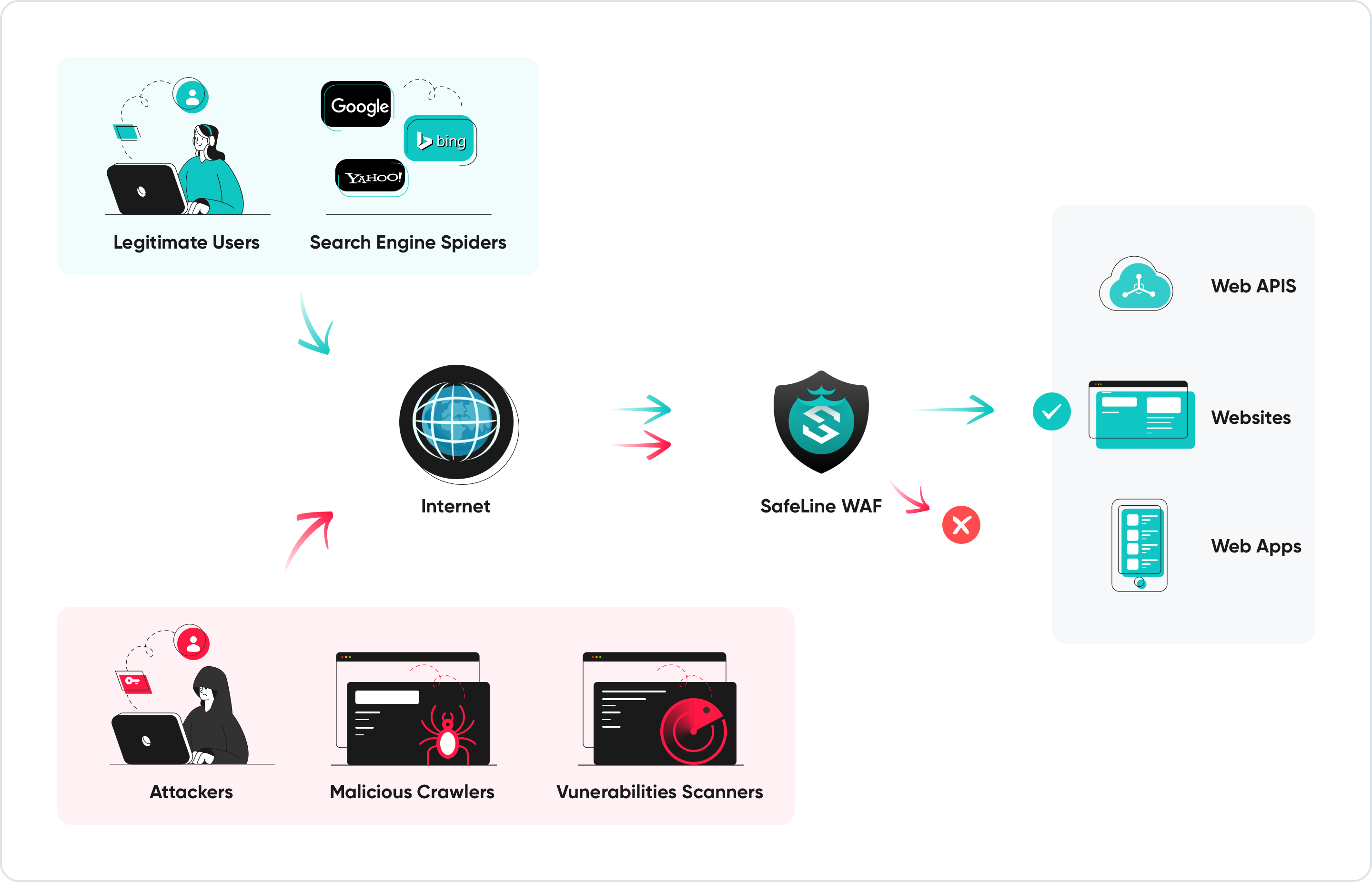
By deploying a WAF in front of a web application, a shield is placed between the web application and the Internet. While a proxy server protects a client machine’s identity by using an intermediary, a WAF is a type of reverse-proxy, protecting the server from exposure by having clients pass through the WAF before reaching the server.

A WAF protects your web apps by filtering, monitoring, and blocking any malicious HTTP/S traffic traveling to the web application, and prevents any unauthorized data from leaving the app. It does this by adhering to a set of policies that help determine what traffic is malicious and what traffic is safe. Just as a proxy server acts as an intermediary to protect the identity of a client, a WAF operates in similar fashion but acting as a reverse proxy intermediary that protects the web app server from a potentially malicious client.

its core capabilities include:

  • Defenses for web attacks
  • Proactive bot abused defense
  • HTML & JS code encryption
  • IP-based rate limiting
  • Web Access Control List
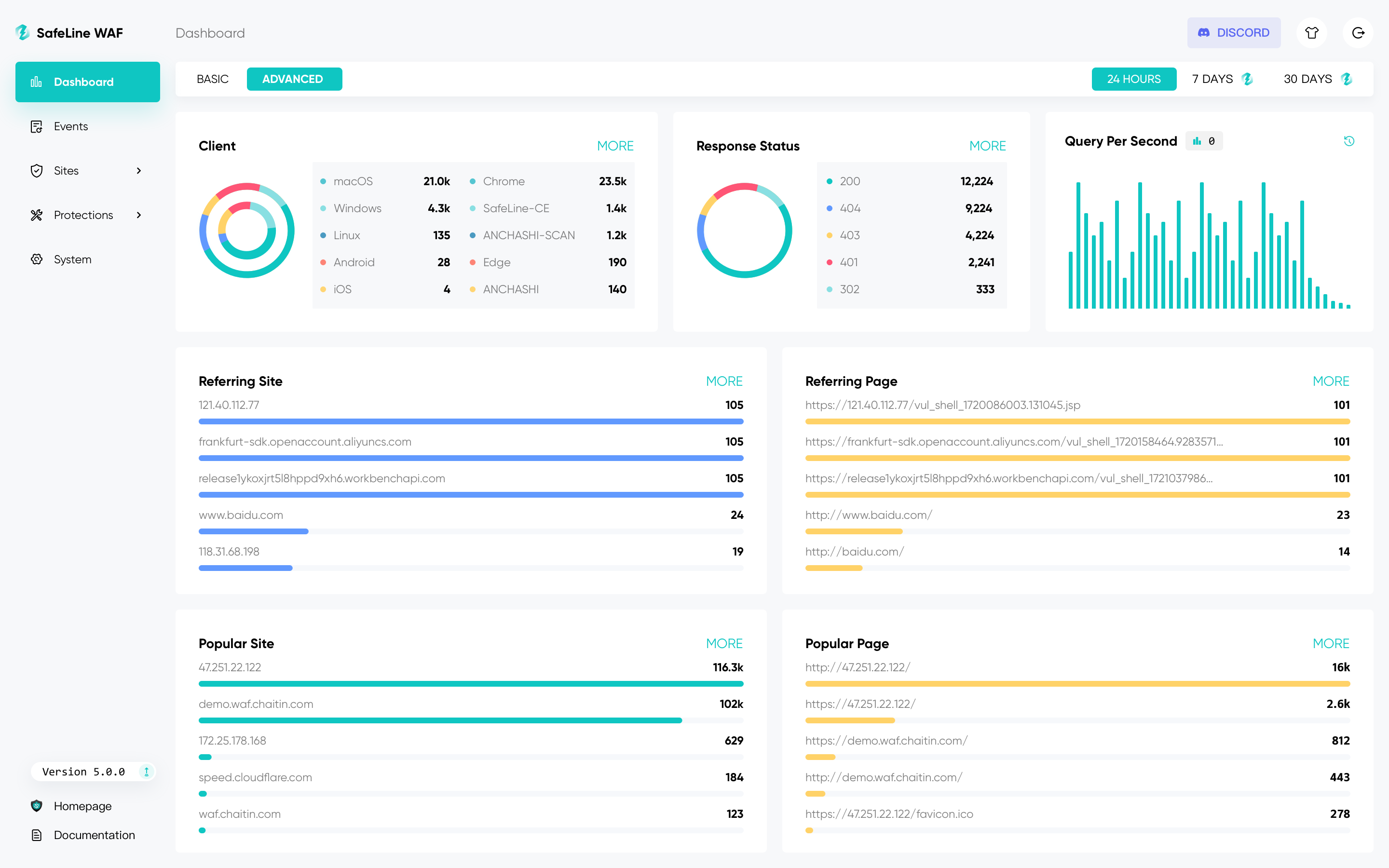
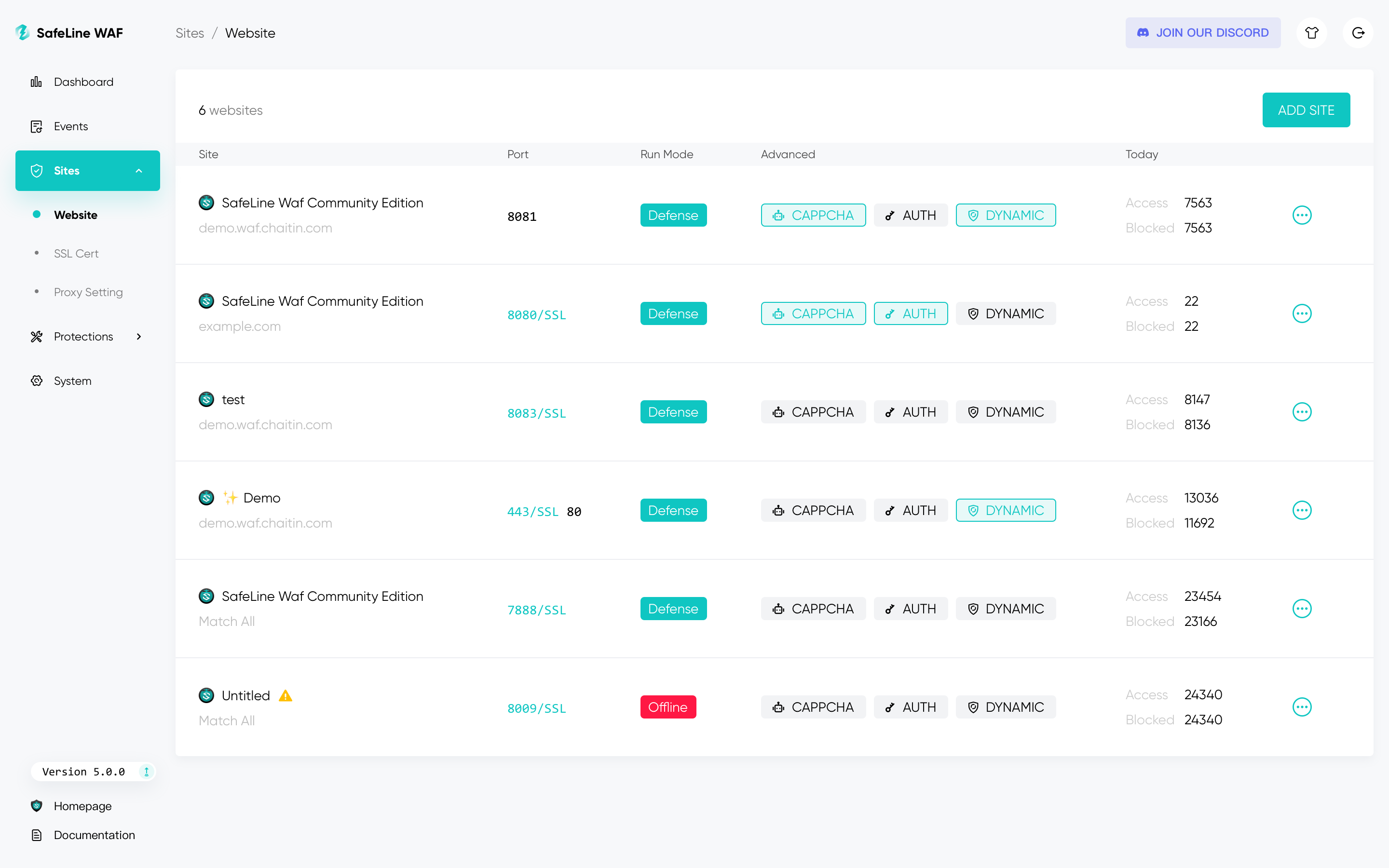
⚡️ Screenshots
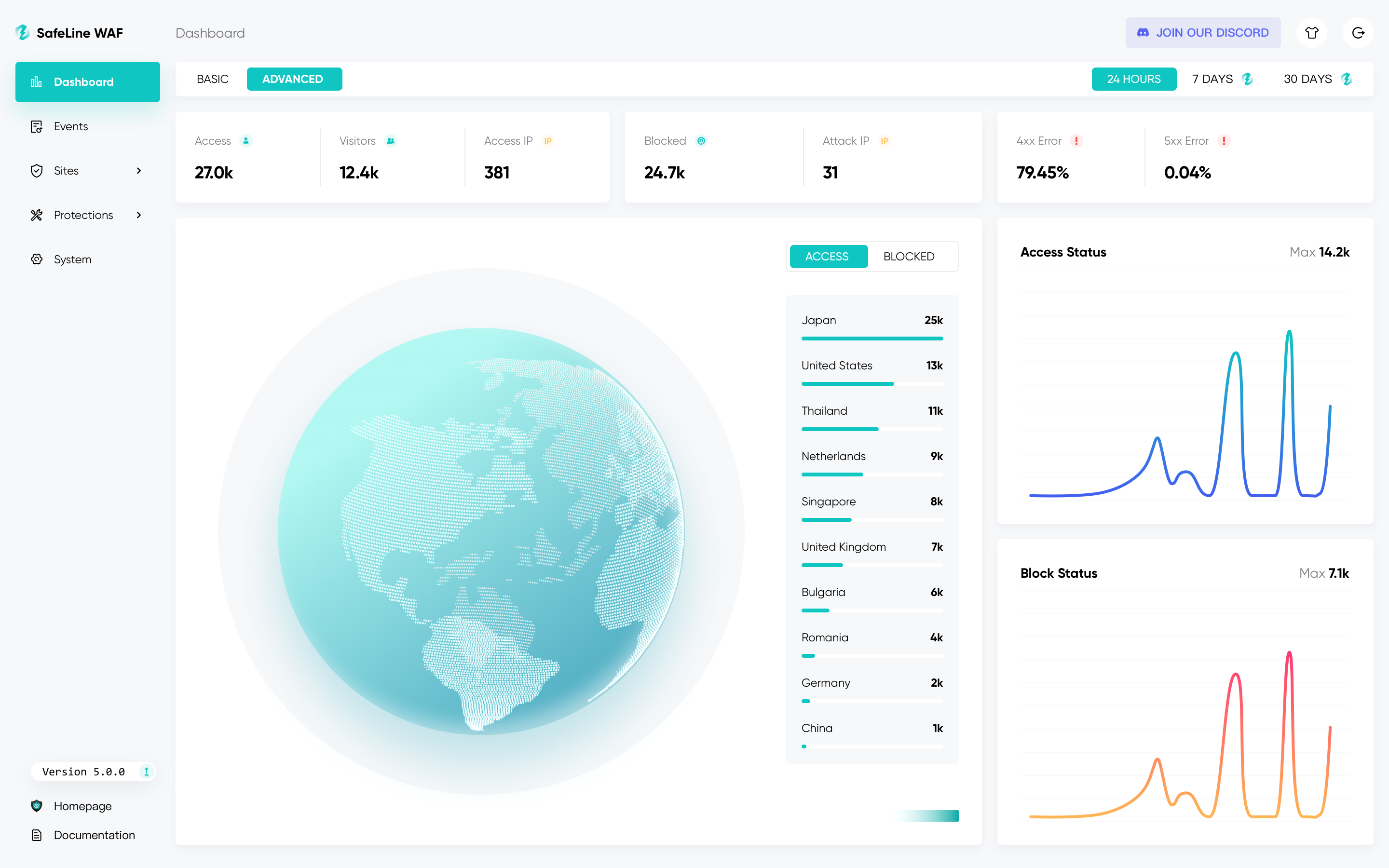
Get Live Demo

🔥 FEATURES

List of the main features as follows:

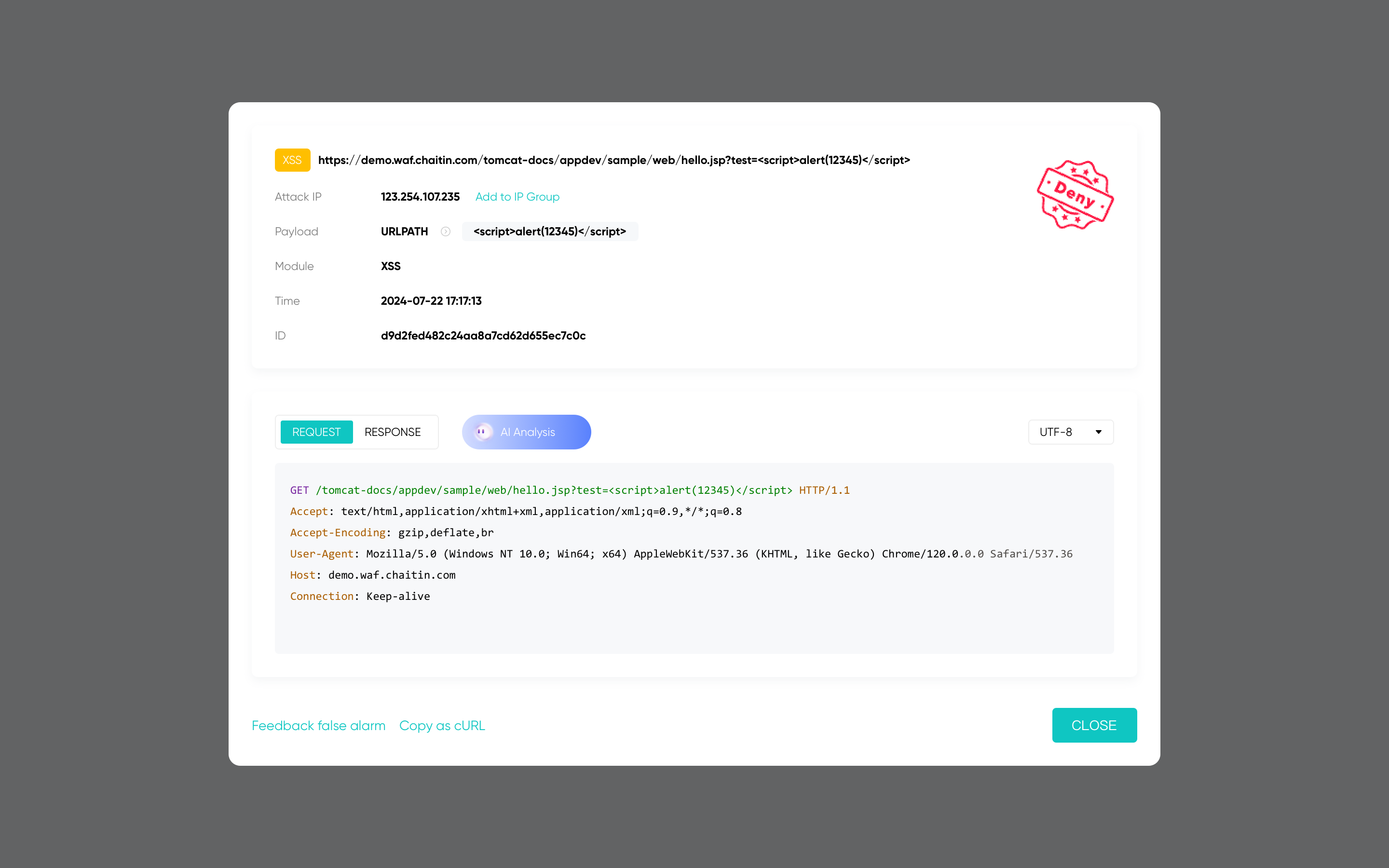
  • Block Web Attacks
    • It defenses for all of web attacks, such as SQL injection, XSS, code injection, os command injection, CRLF injection, XXE, SSRF, path traversal and so on.
  • Rate Limiting
    • Defend your web apps against DoS attacks, bruteforce attempts, traffic surges, and other types of abuse by throttling traffic that exceeds defined limits.
  • Anti-Bot Challenge
    • Anti-Bot challenges to protect your website from bot attacks, human users will be allowed, crawlers and bots will be blocked.
  • Authentication Challenge
    • When authentication challenge turned on, visitors need to enter the password, otherwise they will be blocked.
  • Dynamic Protection
    • When dynamic protection turned on, html and js codes in your web server will be dynamically encrypted by each time you visit.
🧩 Showcases
Legitimate User Malicious User
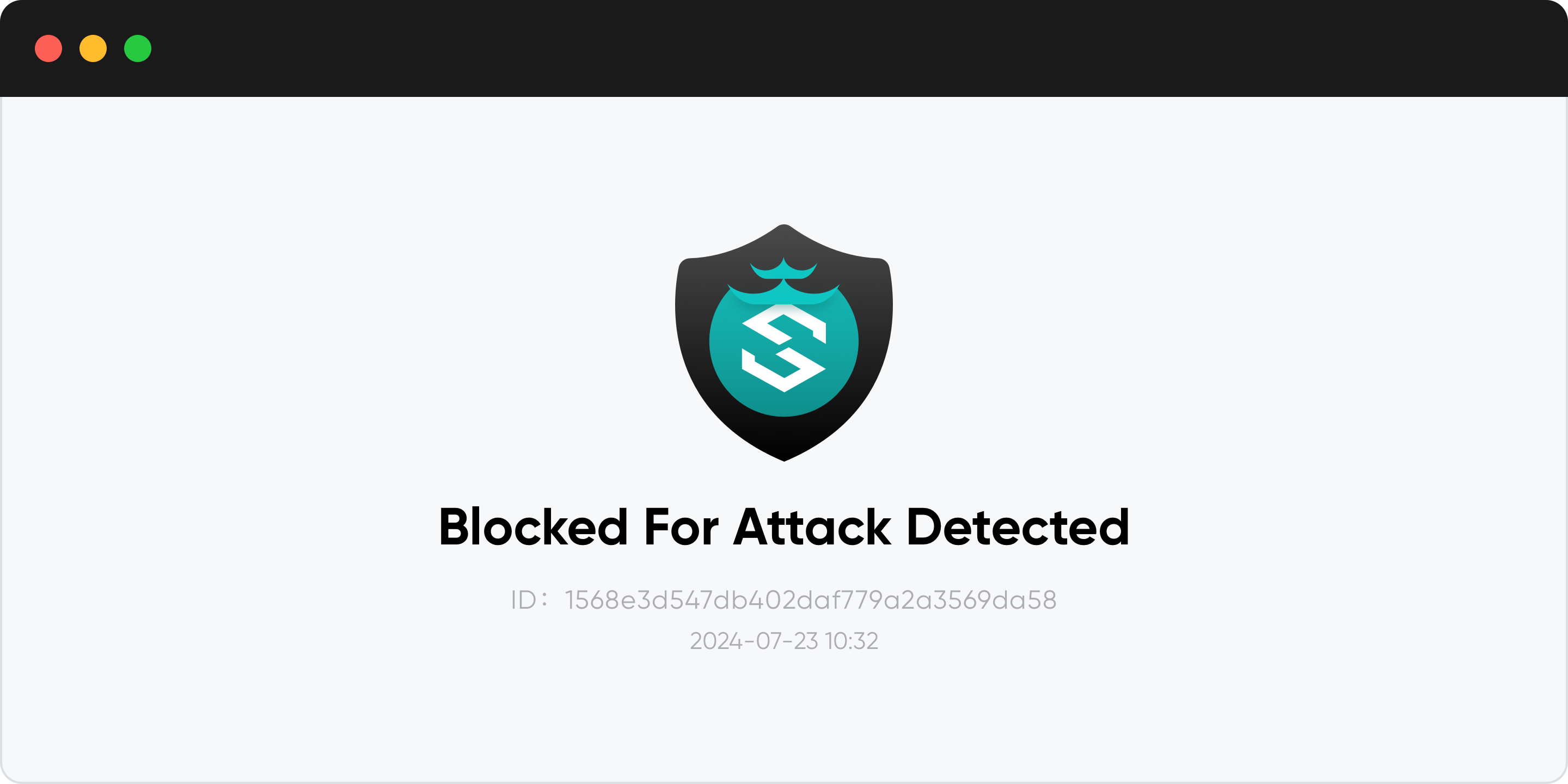
Block Web Attacks
Rate Limiting
Anti-Bot Challenge
Auth Challenge
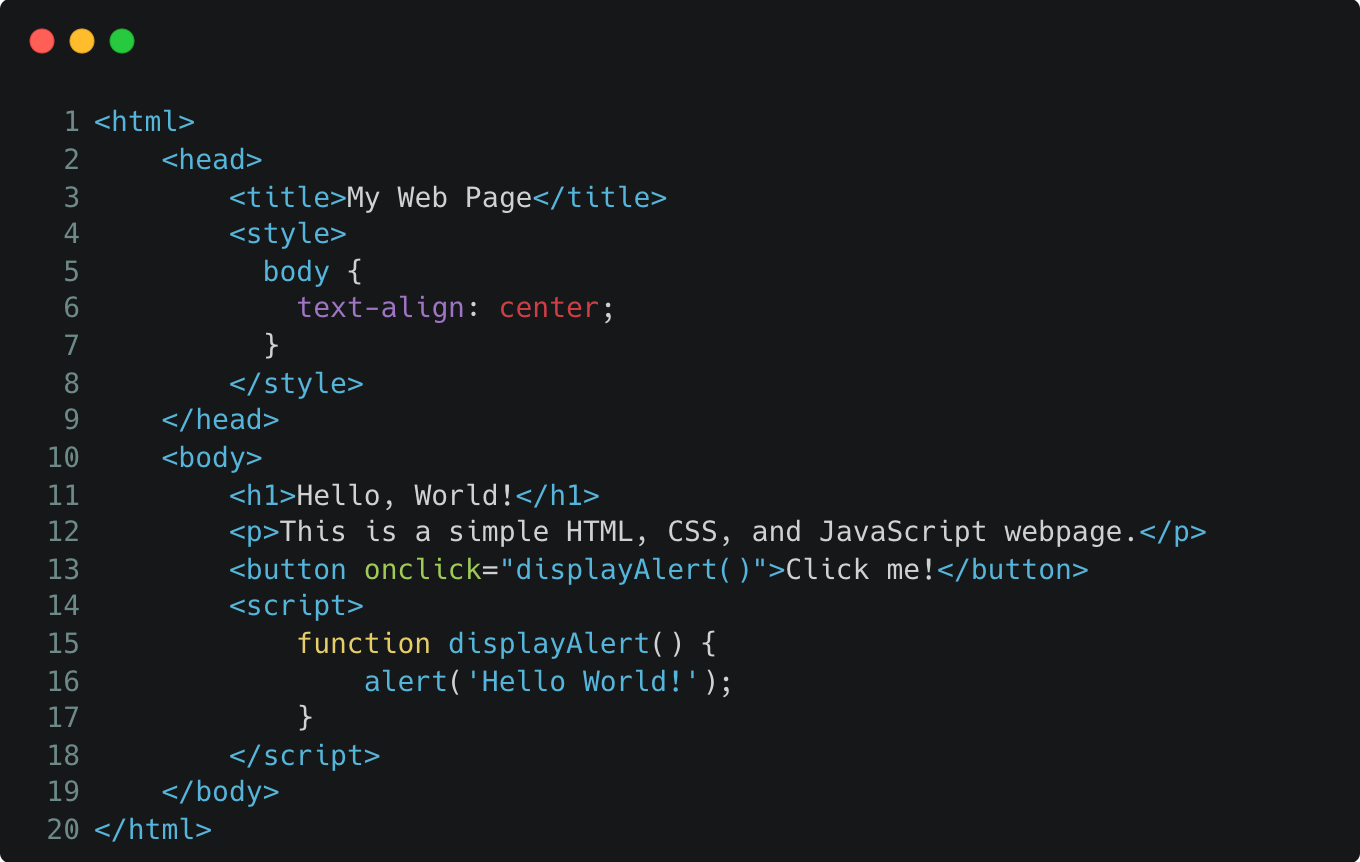
HTML Dynamic Protection
JS Dynamic Protection

🚀 Quickstart

[!WARNING] 中国大陆用户安装国际版可能会导致无法连接云服务,请查看 中文版安装文档

📦 Installing

Information on how to install SafeLine can be found in the Install Guide

⚙️ Protecting Web Apps

to see Configuration

📋 More Informations

Effect Evaluation
Metric ModSecurity, Level 1 CloudFlare, Free SafeLine, Balance SafeLine, Strict
Total Samples 33669 33669 33669 33669
Detection 69.74% 10.70% 71.65% 76.17%
False Positive 17.58% 0.07% 0.07% 0.22%
Accuracy 82.20% 98.40% 99.45% 99.38%
Is SafeLine Production-Ready?

Yes, SafeLine is production-ready.

🌟 Community Recognition
🔌 Ecosystem Integrations
🙋‍♂️ Community

Join our Discord to get community support, the core team members are identified by the STAFF role in Discord.

readme truncated — read the full docs on github

Frequently asked questions

Is SafeLine free to use?

SafeLine is open source under the GPL-3.0 licence. There is no licence fee and no seat count — you can self-host it or, where the project offers one, pay a vendor for a managed version instead.

What does SafeLine do?

SafeLine is a self-hosted WAF(Web Application Firewall) / reverse proxy to protect your web apps from attacks and exploits.

What is SafeLine written in?

SafeLine is primarily written in Go. Its source is publicly available at https://github.com/chaitin/SafeLine, and it has 22,606 GitHub stars.