React Simple Maps is an MIT-licensed TypeScript component library that renders composable SVG map charts inside React, and it is for React developers who need choropleth and geospatial data visualisation within an existing component tree rather than a separate charting runtime.
What it is
React Simple Maps exposes a set of components that can be combined to create SVG maps with markers and annotations. It is built on d3-geo and topojson-client rather than the entire d3 library, and it leaves all DOM work to React, which is why it plays nicely with other React component libraries. The API is fully typed, described as mature, and carries high test coverage — 99.8% according to the project badge — with the current release at version 5.0.5.
The concrete problem it solves is the usual one of wiring geographic projections and DOM mutation by hand. Instead of reaching for the whole d3 toolkit, a developer composes ComposableMap, Geographies and Geography, and the library handles tasks such as panning, zooming and simple rendering optimization. It replaces the full d3 dependency with a narrower pair of packages, and it does not restrict a project to one specific map: any geography representable as GeoJSON or TopoJSON — countries, regions or continents, at whatever level of complexity is needed — can be rendered, as long as the map file is supplied.
Key capabilities
- Composable components
ComposableMap, Geographies and Geography build SVG maps with markers and annotations.
- Renders from a consumer-supplied TopoJSON file reference, so no single basemap is imposed on a project.
- Accepts custom map files covering countries, regions and continents as long as they are valid GeoJSON or TopoJSON.
- Built on
d3-geo and topojson-client instead of the entire d3 library.
- Handles panning, zooming and simple rendering optimization internally.
- Fully typed API in TypeScript, with the example rendering a world map using the equal earth projection.
- Choropleth mapping is a first-class use case, reflected in the topic list.
Who uses it and how
- Teams building React dashboards in the Data & Analytics / Business Intelligence & Reporting space, where choropleth maps carry reporting data.
- Projects already committed to a React component library stack, since DOM work is left to React and the package composes with other component libraries.
- Applications needing custom geographic granularity, such as country, region or continent views, rather than one fixed world map.
- Developers who want map charts embedded alongside existing React UI without pulling in the whole d3 library.
- The project tracks 3,313 stars and 463 forks, indicating a widely referenced library rather than a niche one.
Getting started
Install with npm install react-simple-maps, then follow the documentation at the project site, starting from the getting-started guide, and provide a reference to a valid TopoJSON file for the map to render.
How it compares
No list of paid products that this project replaces is provided, and the facts name no directly comparable tool. What is named are its dependencies: it takes parts of d3-geo and topojson-client rather than relying on the entire d3 library, so it positions itself as a React-native component layer over those primitives. On the evidence available, it stands alone in this registry as a composable SVG map layer for React.
When to use it — and when not to
A self-hoster or adopter must supply their own valid map files, because the library does not bundle a basemap and expects GeoJSON or TopoJSON to be provided; that data acquisition step is on the user. It is a poor fit for teams that are not on React, or that want ready-made basemaps out of the box. Some signals warrant caution: 170 open issues, and documentation for pre-v5 versions is split off to a separate v3 site, which suggests older integrations will need to navigate two sets of docs.
project readme (upstream, from github) — read inline
React Simple Maps




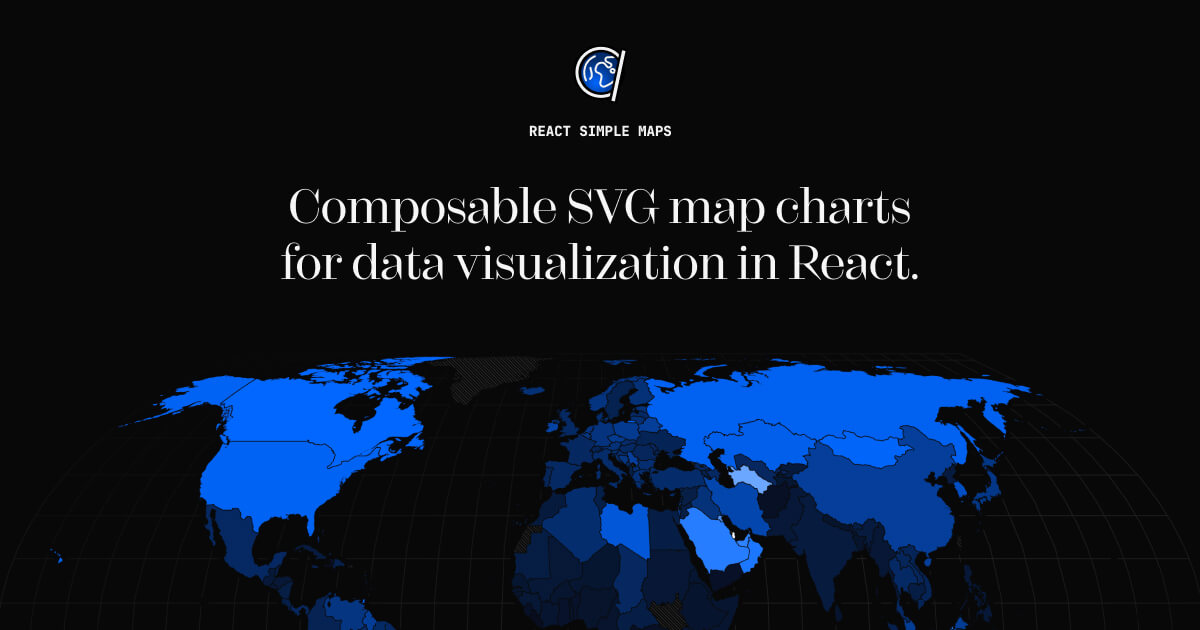
Compose map charts the same way you would write any other layout. Fully typed mature api with high test coverage, built on d3-geo and topojson.
Read the docs to get started with React Simple Maps.
Why
React Simple Maps aims to make working with svg maps in react easier. It handles tasks such as panning, zooming and simple rendering optimization, and takes advantage of parts of d3-geo and topojson-client instead of relying on the entire d3 library.
Since React Simple Maps leaves DOM work to react, it also plays nicely with other react component libraries.
Install
$ npm install react-simple-maps
Usage
React-simple-maps exposes a set of components that can be combined to create svg maps with markers and annotations. In order to render a map you have to provide a reference to a valid TopoJSON file. You can find examples of TopoJSON files on the react-simple-maps website. To learn how to make your own topojson maps from shapefiles, please read "How to convert and prepare TopoJSON files for interactive mapping with d3".
import { ComposableMap, Geographies, Geography } from "react-simple-maps"

// url to a valid TopoJSON file
const geoUrl = "/path/to/my-topojson-file.json"

const SampleMap = () => {
  return (
    <ComposableMap>
      <Geographies geography={geoUrl}>
        {({ geographies }) =>
          geographies.map((geo) => (
            <Geography key={geo.rsmKey} geography={geo} />
          ))
        }
      </Geographies>
    </ComposableMap>
  )
}
The above will render a world map using the equal earth projection. You can read more about this projection on Shaded Relief and on Wikipedia.
Map files
React-simple-maps does not restrict you to one specific map and relies on custom map files that you can modify in any way necessary for your project. This means that you can visualise countries, regions, and continents at various levels of complexity, as long as they can be represented using GeoJSON/TopoJSON.
In order for this to work properly, you will need to provide these valid map files to React Simple Maps yourself. Read our guide on map files. We also offer some testing files in the downloads section so you can get started quickly.
Documentation for previous versions (pre-v5)
If you are using React Simple Maps v3, you can find the old documentation at v3-react-simple-maps.io.
License
MIT licensed. Copyright (c) Richard Zimerman 2017. See LICENSE.md for more details.