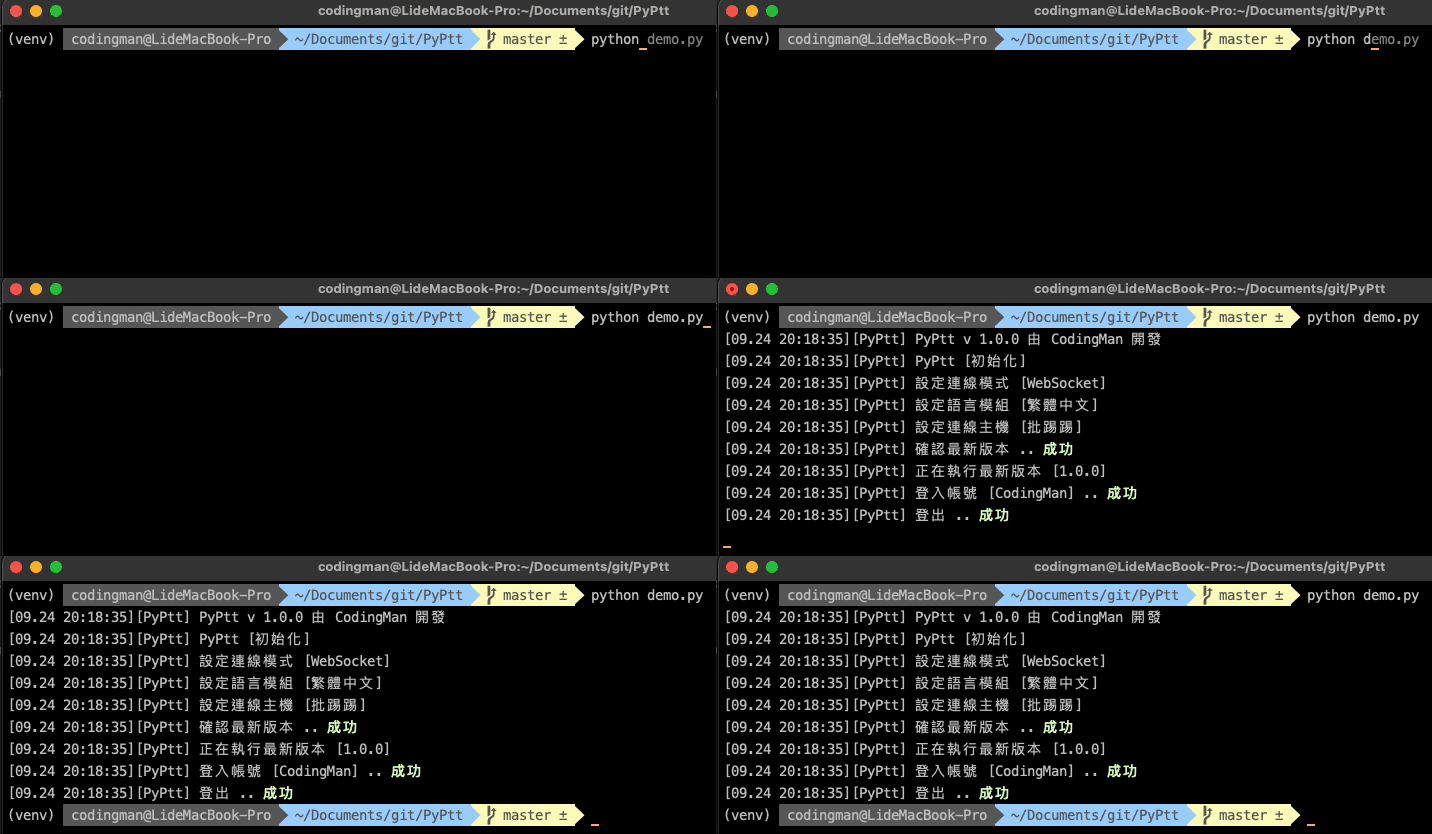
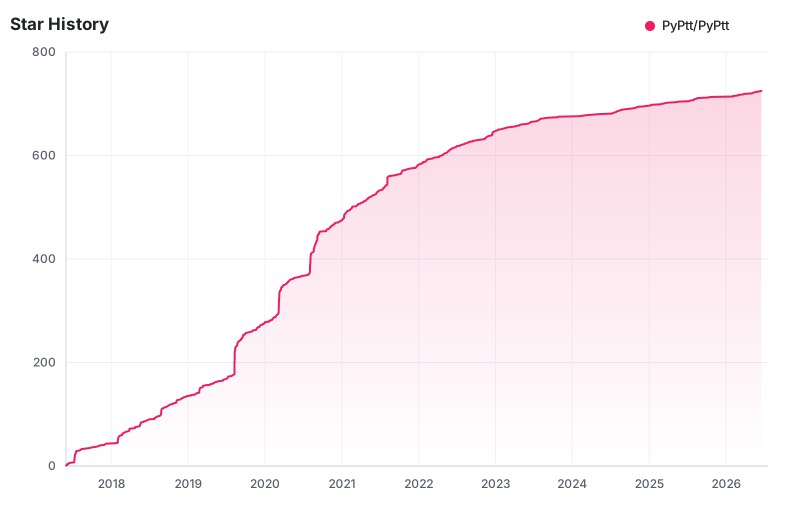
PyPtt is a pure-Python SDK for the PTT (批踢踢) bulletin board system, built for Python developers who want to write PTT bots and automation instead of reverse-engineering the service by hand.
What it is
PyPtt packages PTT functionality into a single Python library, published on PyPI as PyPtt and licensed under LGPL-3.0. It is written in pure Python and targets Python 3.11 and above. The project sits in the Data & Analytics / Data Extraction & Web Scraping category and carries the topics crawler, library, ptt, python, python3, and websockets, which reflects both its scraping role and the persistent connection style it uses to talk to the service. A homepage and FAQ live at pyptt.cc, and the maintainers run a Discord community for users.
The concrete problem it solves is that automating PTT otherwise means writing custom client code: handling login, session state, board navigation, and message framing yourself, then maintaining that code as the service changes. PyPtt replaces that ad-hoc scripting with a named API surface covering accounts, articles, boards, mail, moderation, and real-time interactions. Instead of a one-off crawler per task, a developer calls library methods for the operation they want.
Key capabilities
- Account management: log in, log out, and change a password.
- Article operations: post, push (推文), reply, and delete articles.
- Board operations: search articles and retrieve board information.
- Mail system: send, receive, and delete messages.
- Moderation functions: apply a 水桶 (ban) and modify a board title.
- Real-time features: send 水球 instant messages and transfer P幣.
- Distributed on PyPI with the package name
PyPtt, with a build and test workflow defined in deploy.yml.
Who uses it and how
- Bot developers who operate from a non-cloud environment, which the README states is required because PTT blocks cloud IP addresses.
- Hobbyists automating personal PTT activity, such as reading mail, sending 水球, or moving P幣 between accounts.
- Board moderators and community operators automating routine moderation work, including 水桶 and board title changes.
- Data-oriented users extracting article content by searching boards, which fits the project's crawler and web scraping classification.
- The project's Discord community, used for questions and troubleshooting alongside the FAQ at pyptt.cc/faq.html.
Getting started
Installation is a single PyPI command, pip install PyPtt, on Python 3.11 or newer. The README also notes that a non-cloud environment is required, since PTT blocks cloud IP ranges.
How it compares
No comparable tools or paid products are named in the facts for this registry entry, so PyPtt stands alone here as the PTT client library in the Data Extraction & Web Scraping category. Developers comparing it against writing their own PTT client should weigh the LGPL-3.0 licence and the library's existing coverage of accounts, boards, articles, mail, and moderation against the cost of maintaining bespoke code.
When to use it — and when not to
Choose PyPtt when you need a maintained Python interface to PTT and can run it from a non-cloud host, since cloud IP blocking rules out the typical serverless or cloud-VM deployment. Avoid it if your infrastructure is entirely cloud-based, or if you cannot accept LGPL-3.0 copyleft obligations in your own distribution. Be aware that the README is brief and primarily in Chinese, so the FAQ and Discord are the practical sources for detail; the project shows zero open issues at the time of this entry, with its most recent push in August 2026.