Prism
One beam. Many rays.
The fast, beautiful, open-source download manager for Windows, macOS and Linux.





⬇ Download · Website · ▶ Watch the film · Install guide · Browser extension · ☕ Buy me a beam

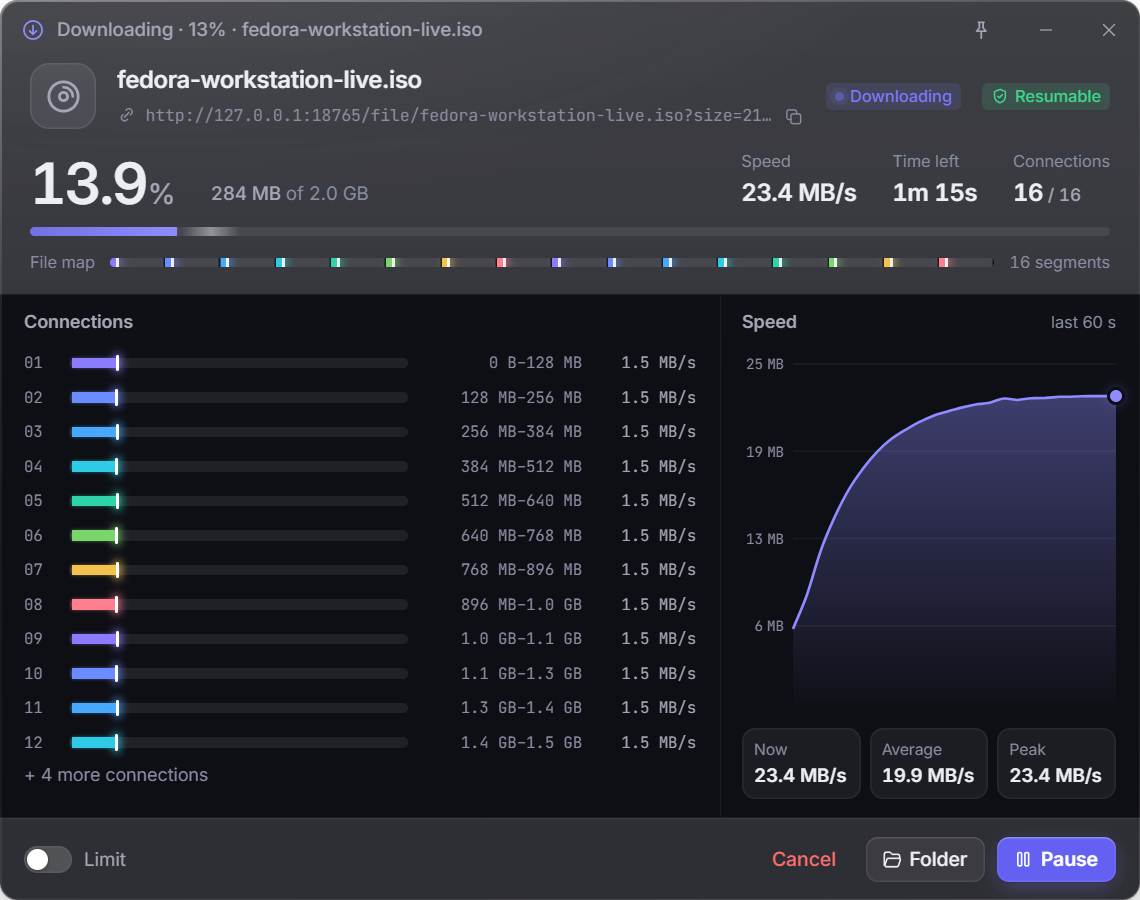
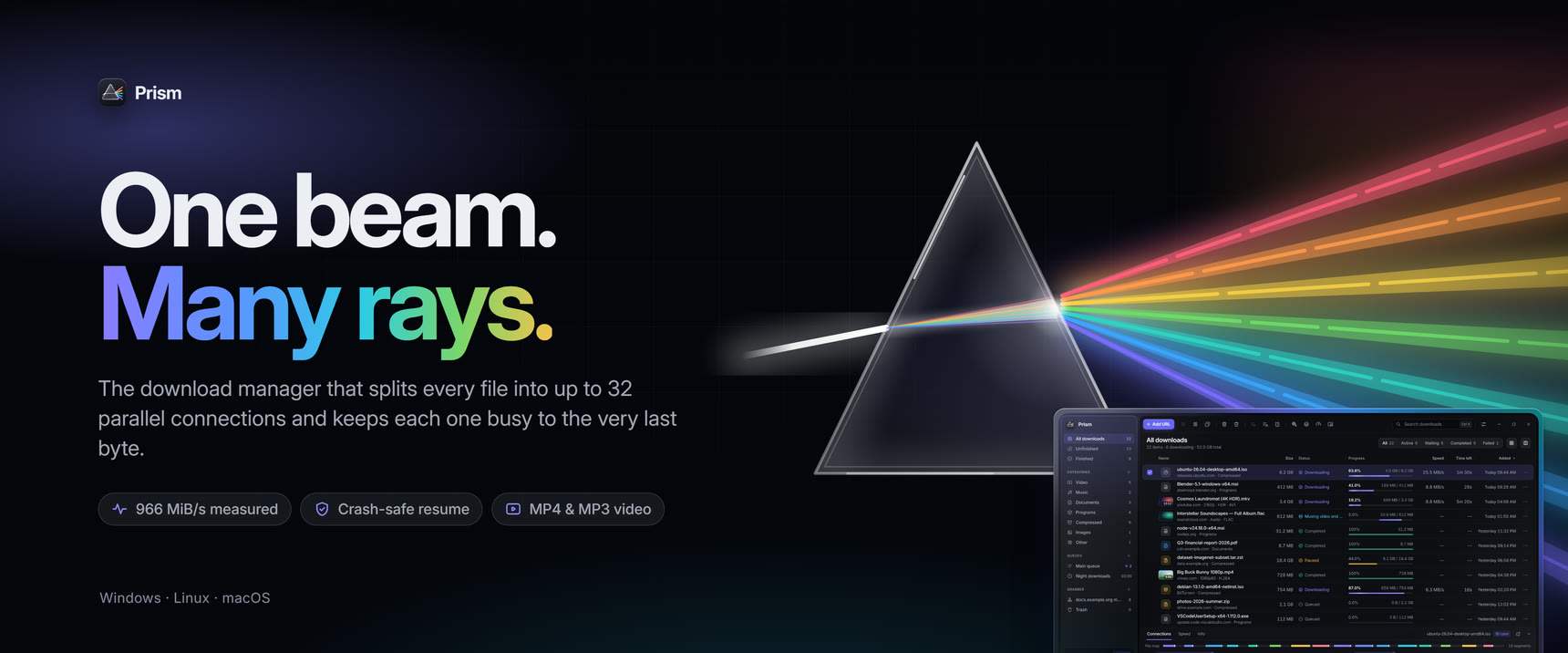
Prism splits every download into up to 32 parallel connections, keeps them all busy until the last byte, and survives crashes, sleep and pulled cables. Click a link in your browser and Prism takes over; hover a video and grab it as MP4 in the quality you want — or just the MP3. All of it in a calm, liquid-glass interface with dark and light themes.
Free, open source, no ads, no accounts, no telemetry.
✨ Why Prism
| ⚡ Up to 15× faster | On servers that throttle each connection, Prism's multi-connection engine is up to 15× faster than a normal browser download (benchmarks). |
| 🔁 Never start over | Pause, close the laptop, lose power — Prism resumes exactly where it stopped and checks that the file on the server hasn't changed. |
| 🌐 Lives in your browser | Chrome, Edge, Brave, Opera, Vivaldi and Firefox. Downloads jump into Prism in about a quarter of a second. |
| 🎬 Video & music | YouTube and 1,800+ sites: MP4 up to 8K/HDR or MP3 only, with subtitles, chapters and SponsorBlock. |
| 🧲 Every protocol | HTTP(S), FTP/FTPS, HLS and DASH streams, BitTorrent and magnet links. |
| 🤖 AI models | Download models from Hugging Face by name, link or search. Prism picks the files you need (one GGUF version, the weights in one format), downloads them over many connections and checks each against its SHA-256. Gated models, mirrors like hf-mirror.com and LM Studio's folder work too. |
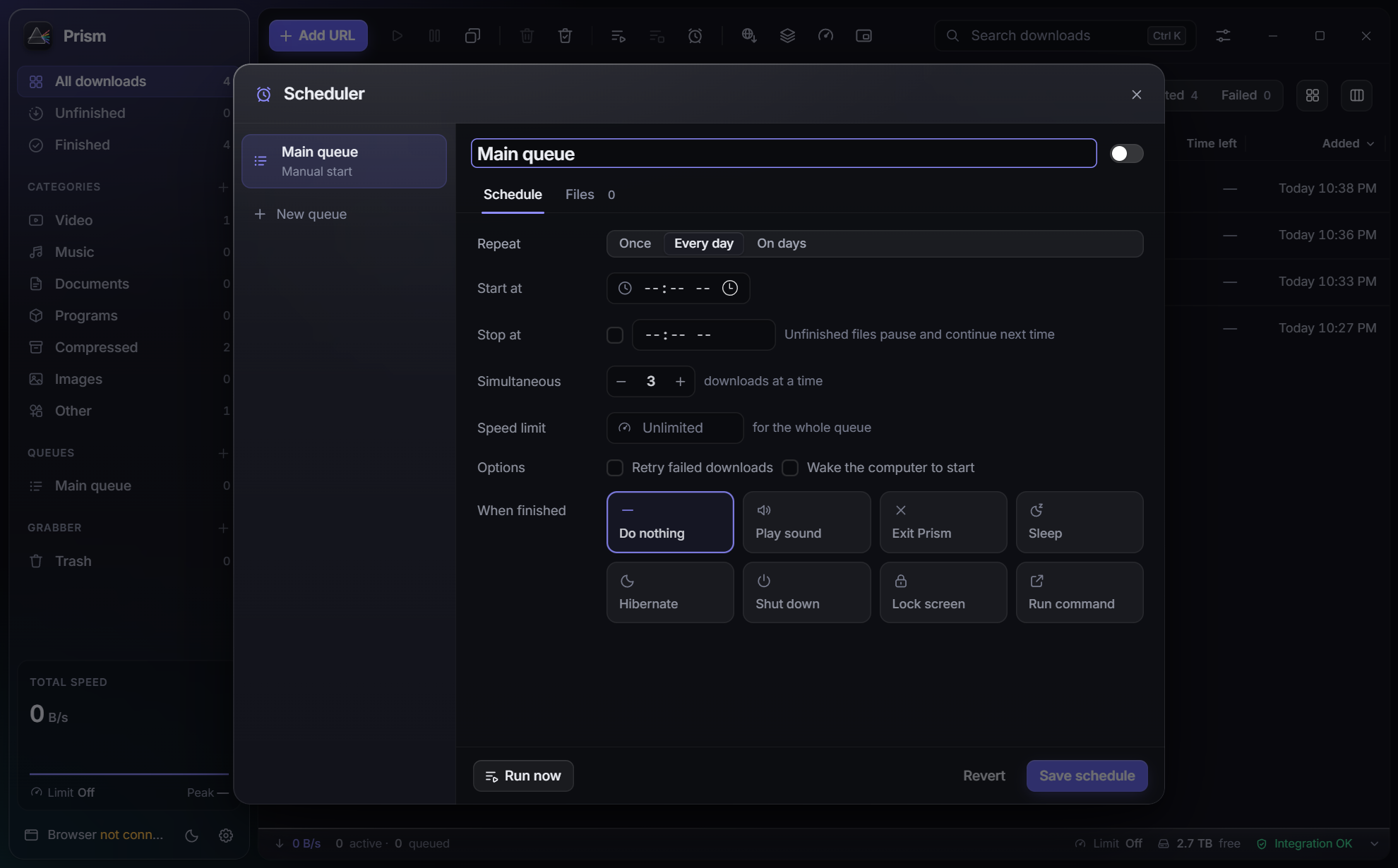
| 🗂 Organised | Categories, queues with schedules and speed limits, "shut down when done", site grabber, batch downloads, clipboard monitor. |
| 🌍 Your language | English, Czech, German, Spanish, French, Italian, Indonesian, Turkish, Simplified Chinese and Arabic. Prism follows your system's language, or pick one in Settings. |
| 🎨 Gorgeous | Liquid-glass design, dark & light themes, six accent colours, a mini window — and fast with thousands of downloads. |
⬇ Download
Grab the file for your system from the latest release:
| System | File |
|---|---|
| Windows 10 / 11 | Prism__x64-setup.exe — recommended, no admin rights needed…_x64_en-US.msi for all users · …-windows-x64-portable.zip for USB sticks |
| macOS 11+ Apple Silicon | Prism__aarch64.dmg |
| macOS 11+ Intel | Prism__x64.dmg |
| Ubuntu / Debian / Mint | Prism__amd64.deb |
| Fedora / openSUSE | Prism--1.x86_64.rpm |
| Any Linux | Prism__amd64.AppImage |
First start: the installers are not code-signed (certificates cost money). Windows: More info → Run anyway. macOS: run
xattr -dr com.apple.quarantine /Applications/Prism.apponce (or System Settings → Privacy & Security → Open Anyway). Step-by-step for every system: Installation guide.
🌐 Browser extension (1 minute)
Add Prism from the Chrome Web Store — Chrome, Edge, Brave, Opera, Vivaldi and Helium. Click Add to Chrome, pin the Prism icon, and it says Connected. The store keeps it up to date.
Prism also walks you through this on first start (and any time from Settings → Browser integration). Firefox, Edge/Opera notes, troubleshooting and privacy details: Browser extension guide.
📸 Screenshots
 |
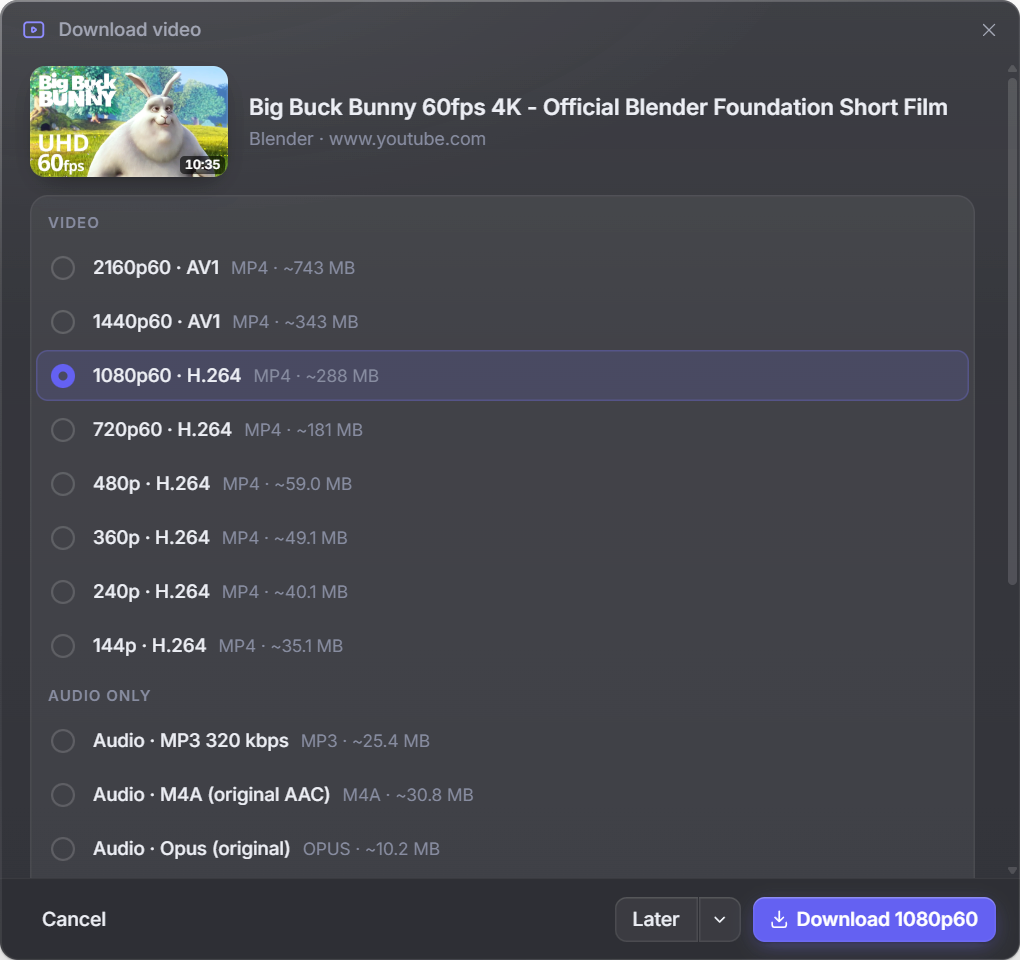 |
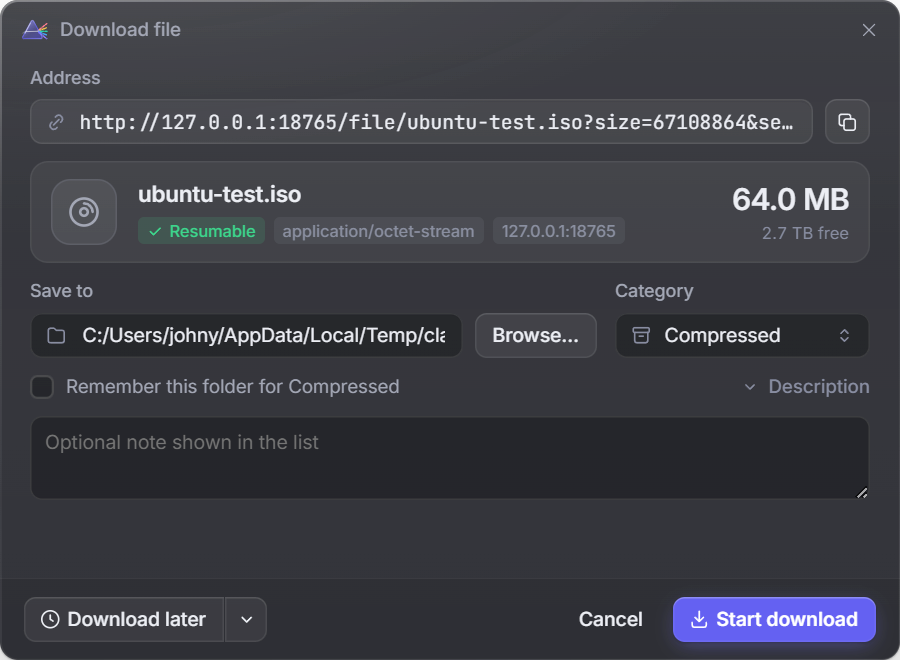
| Click a link — Prism asks where to save it | Grab a video — MP4 + quality, or MP3 only |
 |
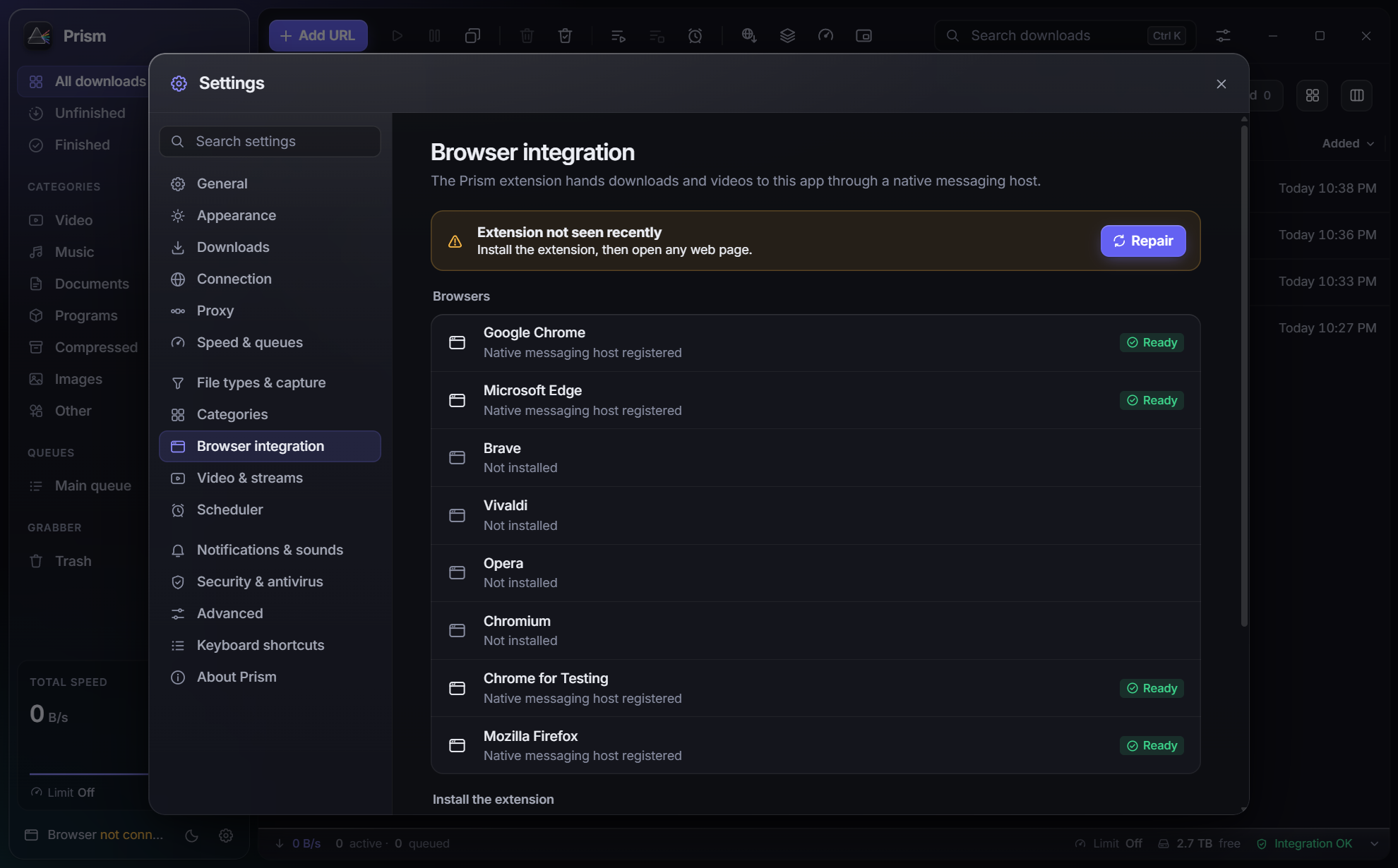 |
| Queues & scheduler — download at night, then sleep | Browser integration — status and one-click repair |
 |
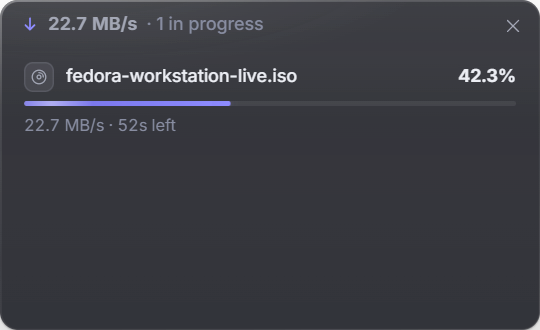 |
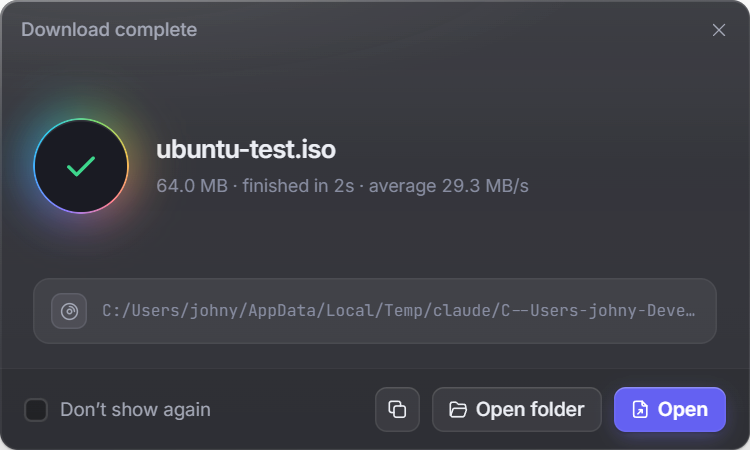
| Done — open, show in folder, verify | Mini window — stays out of your way |
📊 Benchmarks
Same files, same machine, every result verified by SHA-256 (method & full results):
| Scenario | curl (1 connection) | aria2c | Prism |
|---|---|---|---|
| 1 GiB from a server that throttles each connection | 4.0 MiB/s | 61.0 MiB/s | 60.9 MiB/s |
| 2 GiB, no network limit | 672 MiB/s | 324 MiB/s | 1029 MiB/s |
| Server allows only 4 connections | 2.0 MiB/s | 8.0 MiB/s | 8.0 MiB/s (max) |
| Server that randomly drops connections | — | ✘ gave up | 37.7 MiB/s ✔ |
| Real internet, ≈ 200 Mbit/s line | 25.9 MiB/s | 25.2 MiB/s | 25.1 MiB/s (line speed) |
🧠 How it works
- Dynamic segmentation. When a connection finishes its part, it takes over half of the largest part still remaining — so every connection stays busy until the very end and the slow tail gets split down instead of waiting on one slow socket.
- Server-aware. Prism notices when a server refuses extra connections, settles on what it allows and remembers it per host.
- Straight to disk. Data is written directly into the final file (sparse on NTFS, pre-allocated on Linux) — no slow "assembling" step at the end.
- Crash-safe. Progress is checkpointed only after data is flushed to disk; on resume Prism
validates size, ETag and Last-Modified with
If-Range. - Rust + Tauri. A Rust engine (tokio, rustls), a React UI in a native Tauri 2 shell — small, fast and memory-friendly.
Deep dive: ARCHITECTURE.md.
🛠 Build from source
git clone https://github.com/FortoGraphy/prism-download-manager
cd prism-download-manager
npm ci --prefix app && npm ci --prefix extension
npm run build --prefix extension
cd app && npm run tauri:build
Prerequisites and platform notes: BUILD.md (Windows, Linux) · docs/BUILD_MACOS.md (macOS).
crates/prism-engine       download engine: segmented HTTP/FTP, HLS/DASH, resume, speed limiter
crates/prism-core         app logic: manager, SQLite, queues, scheduler, grabber, browser IPC
crates/prism-video        yt-dlp / ffmpeg management, quality choices, muxing
crates/prism-torrent      BitTorrent / magnet
crates/prism-native-host  browser ↔ app bridge (native messaging) and browser registration
crates/prism-testserver   configurable HTTP server for tests and benchmarks
app/                      React UI + Tauri 2 shell
extension/                MV3 extension (Chromium + Firefox)
site/                     prismdl.site
❓ FAQ
Is it really free?
Yes. MIT-licensed, no ads, no trial, no account, no telemetry. The extension talks only to the app on your own computer.
Windows / macOS says the app is unsafe.
The installers aren't signed with a paid certificate. The code is all here and every release
is built by GitHub Actions from this repository, with SHA256SUMS.txt to verify your file.
Can I use it together with IDM or another download manager?
Yes, but disable their browser extension — two extensions fighting over the same download means neither works reliably.
Which sites can it download video from?
Every site supported by yt-dlp, which Prism installs and keeps up to date for you (together with ffmpeg). Please download only content you have the right to download.
How do I download a model from Hugging Face?
Click the model button in the toolbar (or paste a model's name like Qwen/Qwen3-8B, or its link,
into Add URL). Pick a version if the model has several, and click Download: the files go into
the Hugging Face queue. For gated or private models, add an access token in Settings › AI models
(Prism also uses the one hf auth login saved). The token is sent only to Hugging Face, never to
the servers the files come from.
Does it work on Linux Flatpak/Snap browsers?
Flatpak browsers can't talk to desktop apps (a sandbox limitation). Use the deb/rpm version of your browser for full integration.
🤝 Contributing
Bug reports, ideas and pull requests are very welcome — see CONTRIBUTING.md. If Prism saves you time, a ⭐ on this repo helps more people find it.
📄 License
MIT for Prism's own code. Bundled and downloaded components keep their own licenses — see THIRD_PARTY.md.
Prism is an independent project. It is not affiliated with, endorsed by or derived from Internet Download Manager or Tonec Inc.; all names are trademarks of their respective owners.