PostBot is an open-source, multi-platform content syndication tool for creators, individual自媒体 publishers, and small marketing teams who want to publish one piece of content to many Chinese and international social platforms at once.
What it is
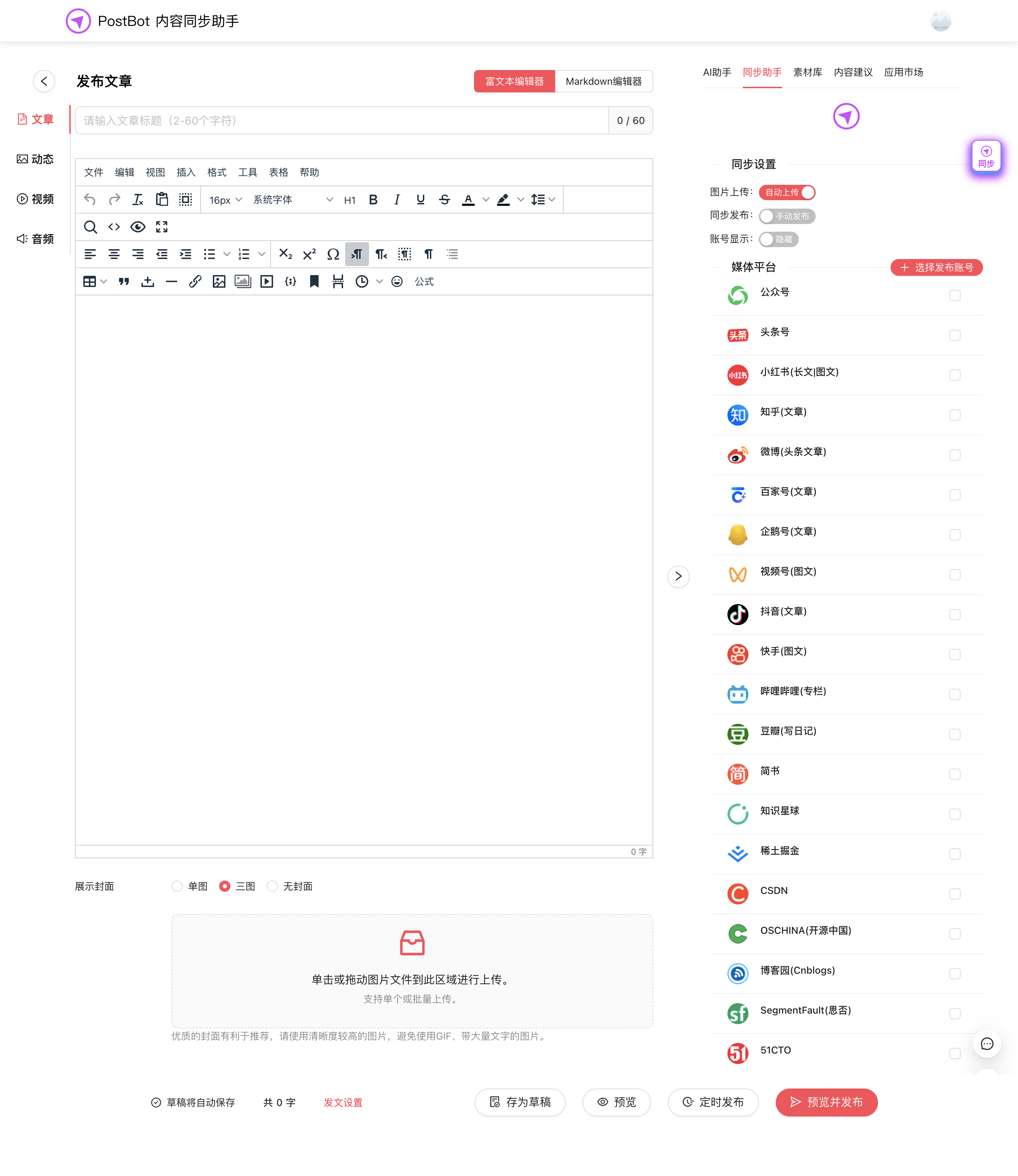
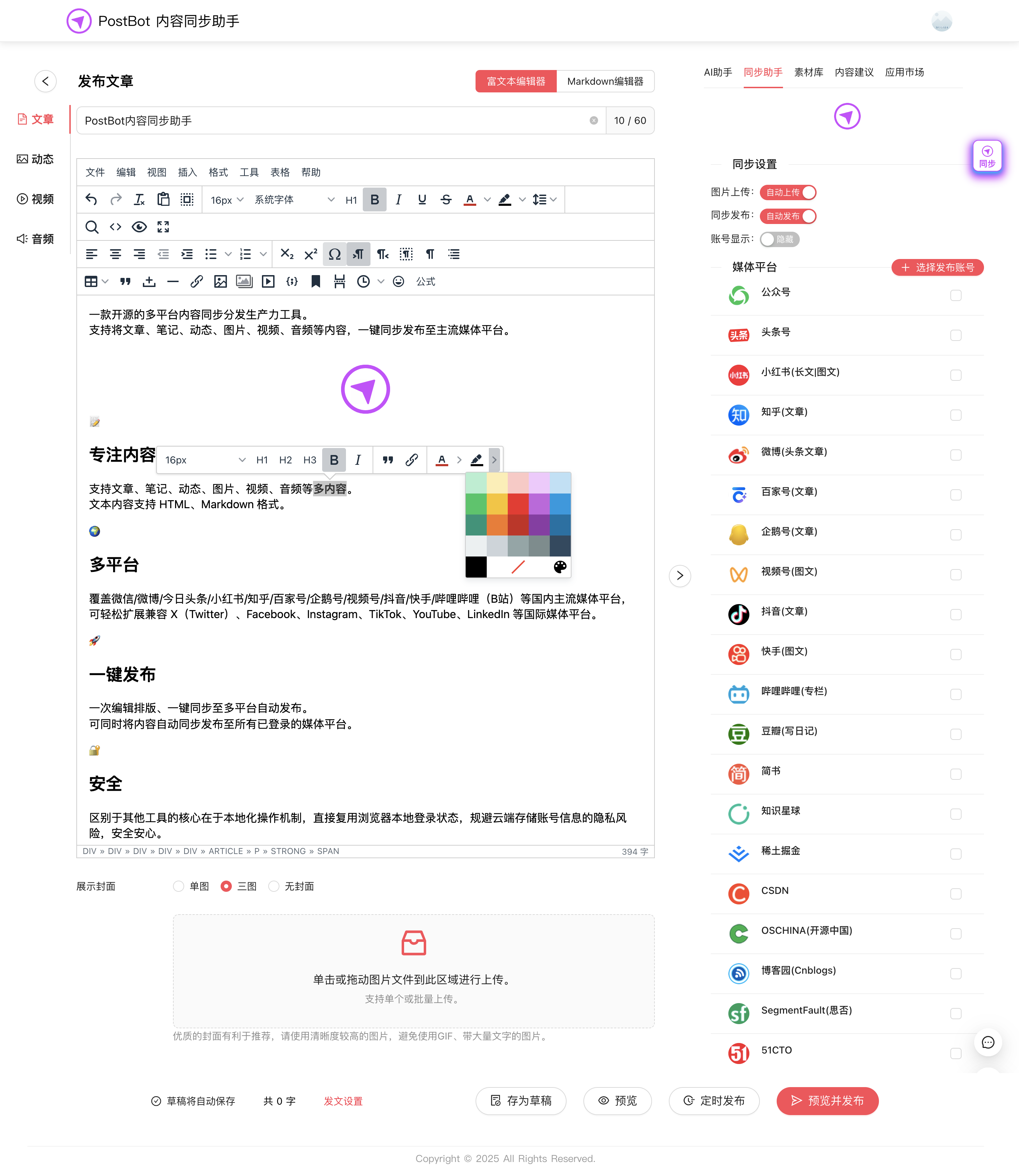
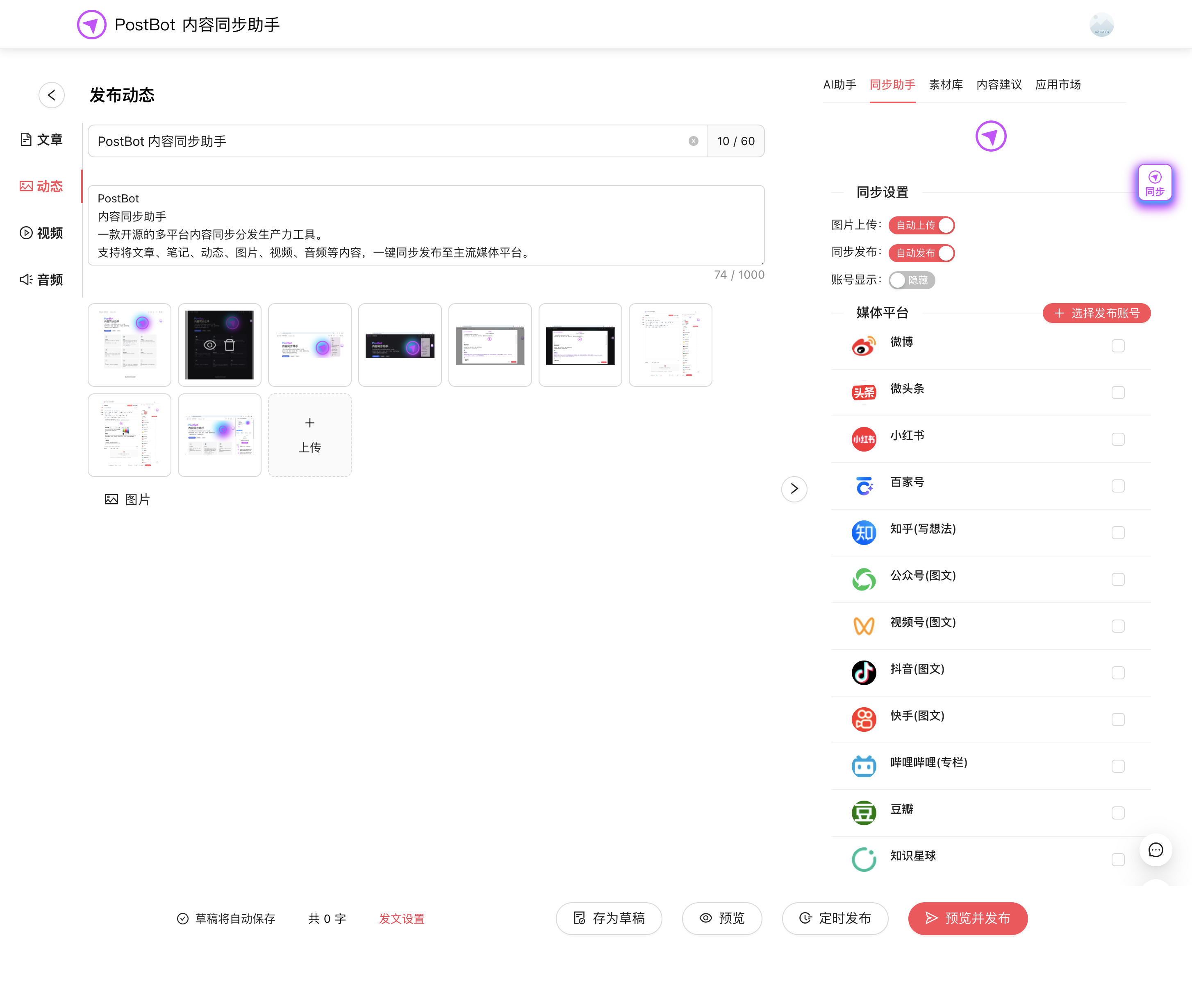
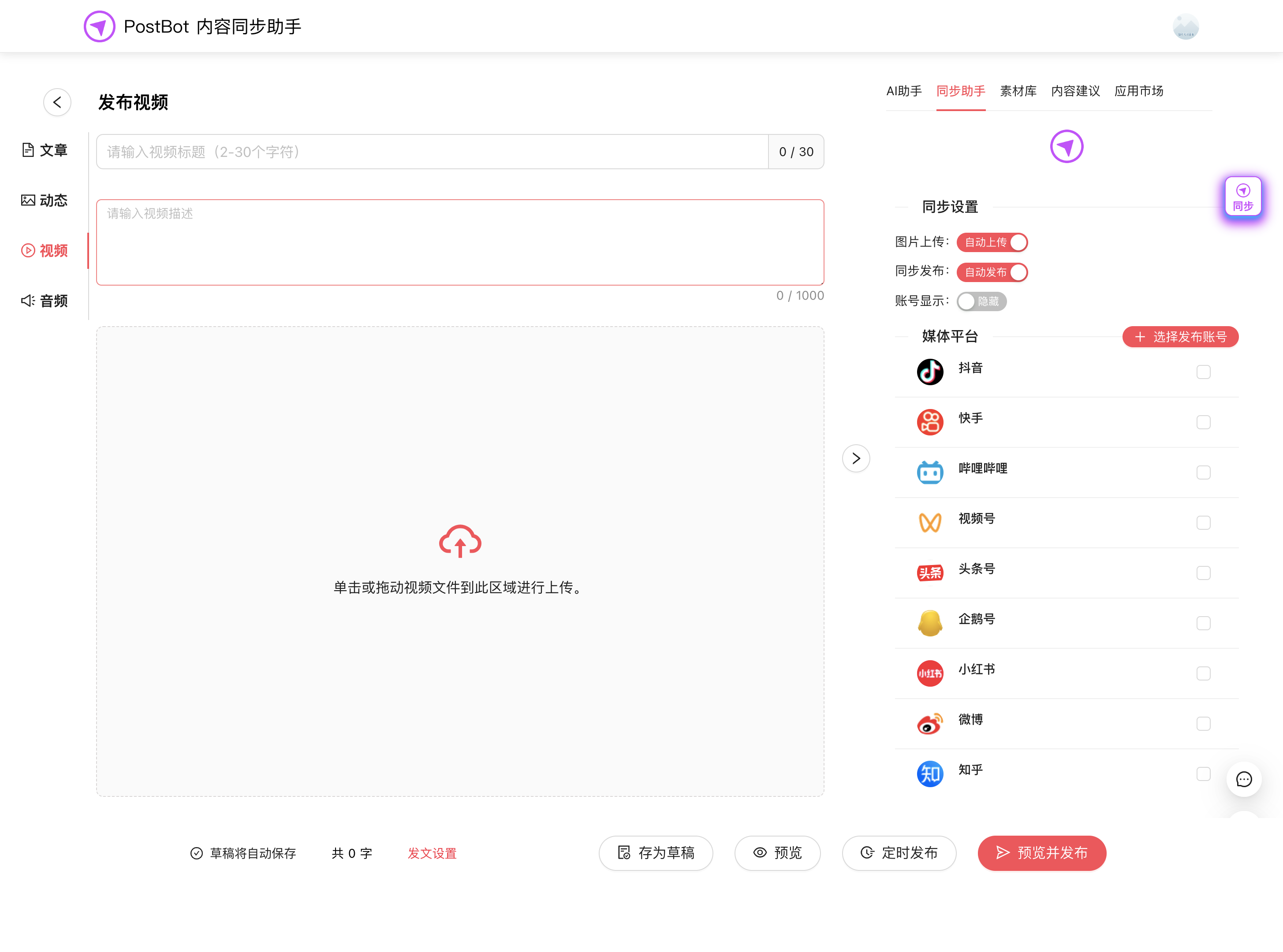
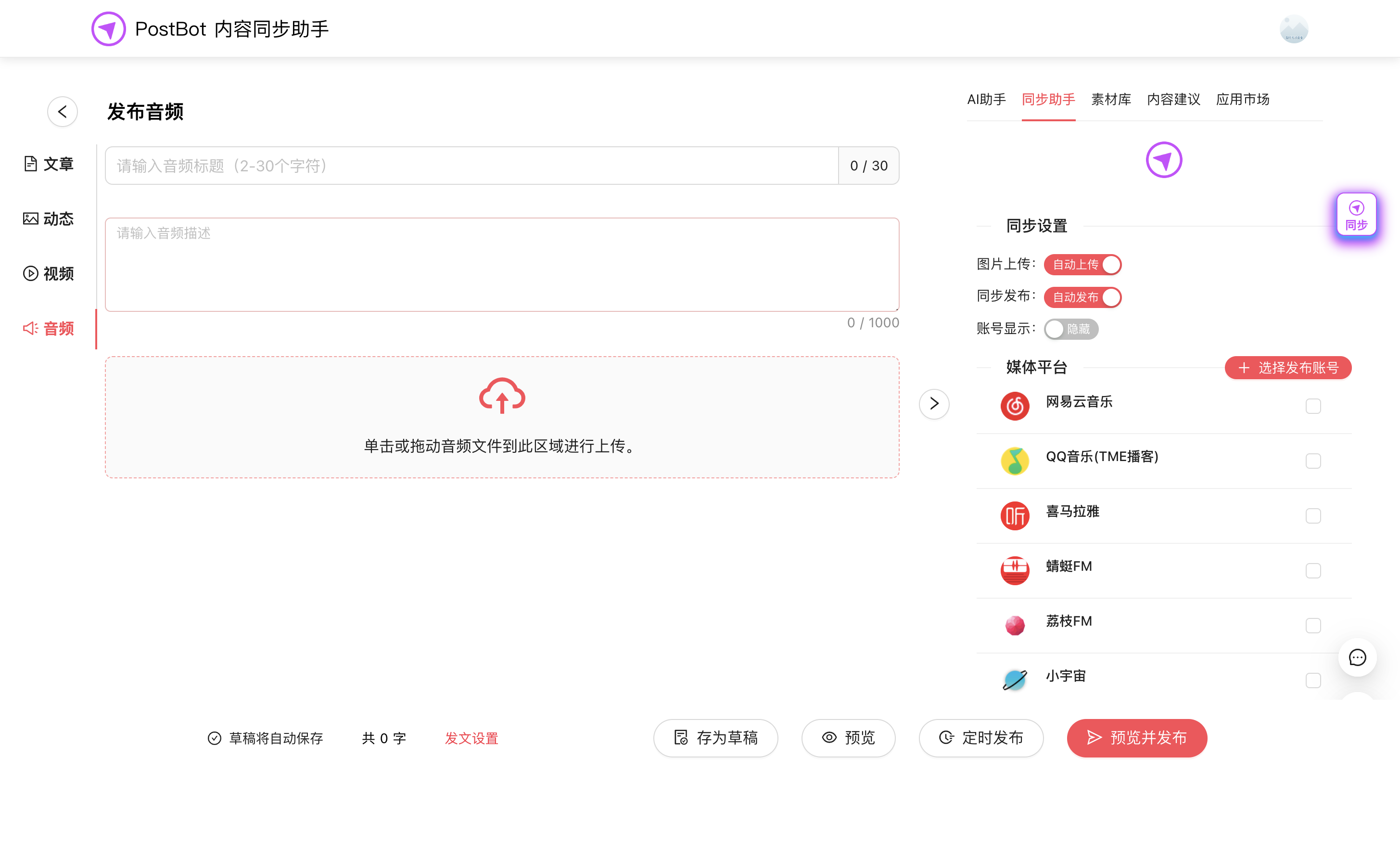
PostBot (PostBot 内容同步助手) is a content distribution productivity tool written in TypeScript, delivered primarily as a browser extension with plans to extend to desktop and mobile clients. It lets you write and format a piece of content once — articles, notes, short posts (动态), images, video, or audio — and then push it to every logged-in platform in a single publishing action, covering WeChat, Weibo, Toutiao, Xiaohongshu, Zhihu, Baijiahao, Penguin (企鹅号), WeChat Channels, Douyin, Kuaishou, and Bilibili, with easy extension to X (Twitter), Facebook, Instagram, TikTok, YouTube, and LinkedIn.
The concrete problem it solves is the repetitive copy-and-paste work of cross-posting: instead of reformatting and re-uploading the same item on a dozen sites, you edit and lay out once and trigger one-click sync publishing to all platforms where you are logged in. It also addresses the privacy concern of cloud-based schedulers, because it operates locally and reuses your browser's existing login state rather than storing account credentials in the cloud, and it adapts the content automatically to each platform's specific format requirements.
Key capabilities
- Publishes articles, notes, moments, images, video, and audio, with text accepted in HTML and Markdown formats.
- One-click sync publishing sends a single composition to all logged-in media platforms simultaneously.
- Runs locally by reusing the browser's own login sessions, so account information is never stored in the cloud.
- Includes a built-in smart web reader that extracts content from web pages for reuse.
- Automatically optimizes content to match each platform's format requirements.
- Ships a default sync engine that consumes no AI API tokens, with optional integration of Playwright, PageAgent, OpenClaw, and Hermes Agent automation engines for more elaborate workflows.
- Extensible through plugins, an SDK, API interfaces, MCP, the separate
postbot-cli command-line tool, AI Skills, AI agents, and an application marketplace.
Who uses it and how
- Individual自媒体 creators and small teams distributing content across many domestic platforms at zero cost, since the community browser extension is free and needs no AI API key for core syncing.
- Open-source contributors working on the fast-iteration development version, with the stable PostBot v1.1.20 tag available for local development runs.
- Developers automating bulk publishing and task management through the PostBot CLI batch and automation tooling.
- Teams that want to combine the extension with desktop and mobile tools, or link enterprise services through the SDK, MCP, and open platform.
- Publishers pairing it with the international edition, Postar, for X, Facebook, Instagram, TikTok, YouTube, and LinkedIn distribution.
Getting started
The default route is installing the browser extension community edition and following the 快速开始 quickstart in the official documentation at postbot.exmay.com/docs, or trying the hosted cloud experience at postbot.exmay.com/exmay/postbot/center/home. Developers wanting a stable local run should check out the 1.1.20 tag rather than the main branch.
How it compares
No paid products it replaces are named in the available material, and no comparable competing tools appear in the facts; Playwright, PageAgent, OpenClaw, and Hermes Agent are described only as optional automation engines you can integrate rather than as alternatives. On that basis it stands alone in this registry.
When to use it — and when not
Because it works as a browser extension against your own logged-in sessions, a self-hoster operates no database, storage layer, or SMTP service — but must maintain an authenticated browser session for every target platform and accept that publishing depends on those sessions staying valid. It is a poor fit for unattended headless or server-side pipelines without adopting the optional automation engines, and note that the project is explicitly labelled a fast-iteration development version, the GitCoffee Open Source License is Apache License 2.0 "with some additional restrictions," and the README is written in Chinese.