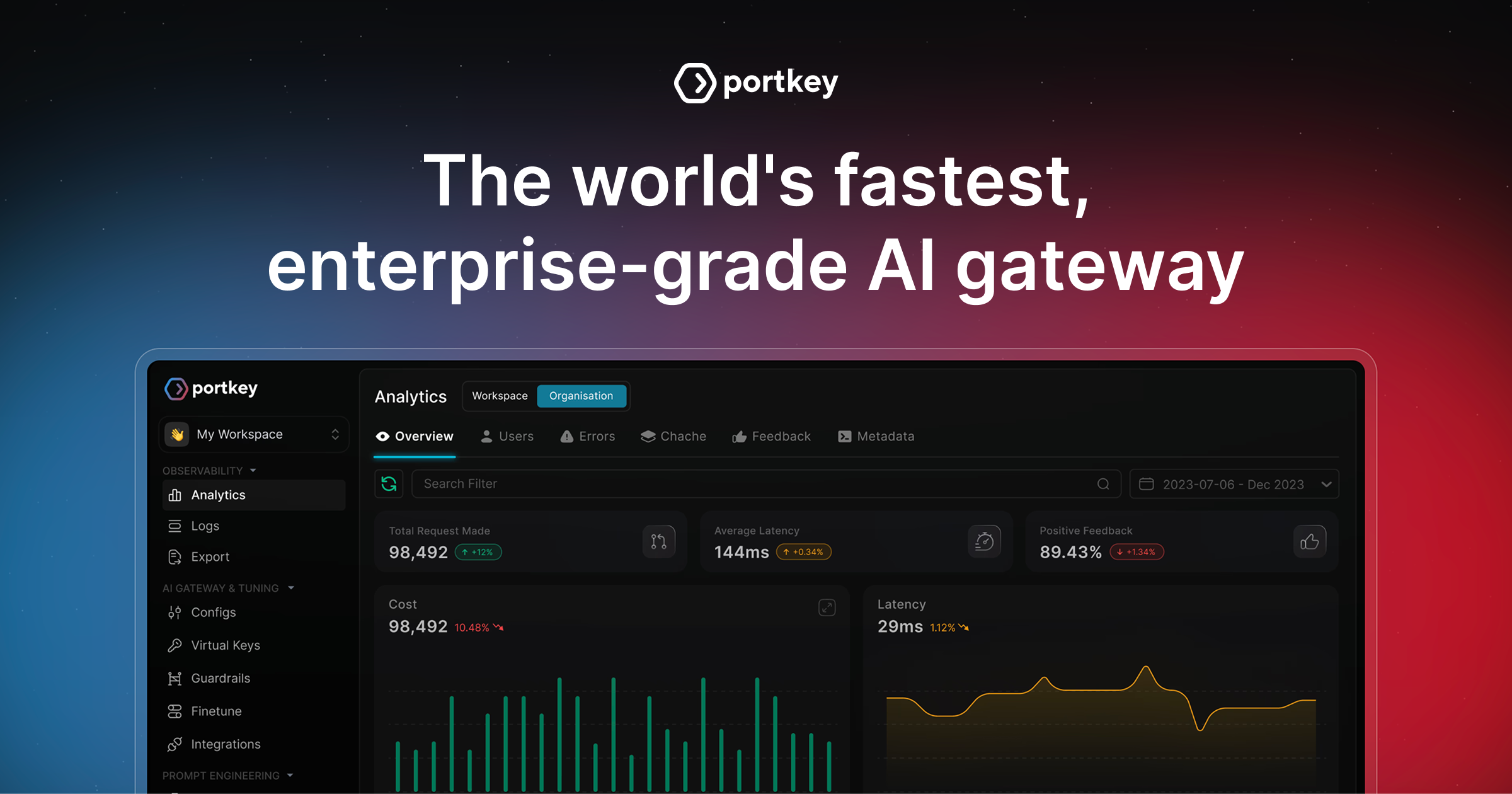
[!IMPORTANT] :rocket: Gateway 2.0 (Pre-Release) Portkey's core enterprise gateway is merging into open-source with our 2.0 release. You can try the pre-release branch here. Read more about what's next for Portkey in our Series A announcement.
🆕 Portkey Models - Open-source LLM pricing for 2,300+ models across 40+ providers. Explore →
AI Gateway
Route to 250+ LLMs with 1 fast & friendly API
Docs | Enterprise | Hosted Gateway | Changelog | API Reference







The AI Gateway is designed for fast, reliable & secure routing to 1600+ language, vision, audio, and image models. It is a lightweight, open-source, and enterprise-ready solution that allows you to integrate with any language model in under 2 minutes.
- Blazing fast (
What can you do with the AI Gateway?
- Integrate with any LLM in under 2 minutes - Quickstart
- Prevent downtimes through automatic retries and fallbacks
- Scale AI apps with load balancing and conditional routing
- Protect your AI deployments with guardrails
- Go beyond text with multi-modal capabilities
- Explore agentic workflow integrations
- Manage MCP servers with enterprise auth & observability using MCP Gateway
[!TIP] Starring this repo helps more developers discover the AI Gateway 🙏🏻
Quickstart (2 mins)
1. Setup your AI Gateway
# Run the gateway locally (needs Node.js and npm)
npx @portkey-ai/gateway
Deployment guides:The Gateway is running on
http://localhost:8787/v1The Gateway Console is running on
http://localhost:8787/public/
 Portkey Cloud (Recommended)
 Docker
 Node.js
 Cloudflare
 Replit
Others...
Replit
Others...2. Make your first request
# pip install -qU portkey-ai

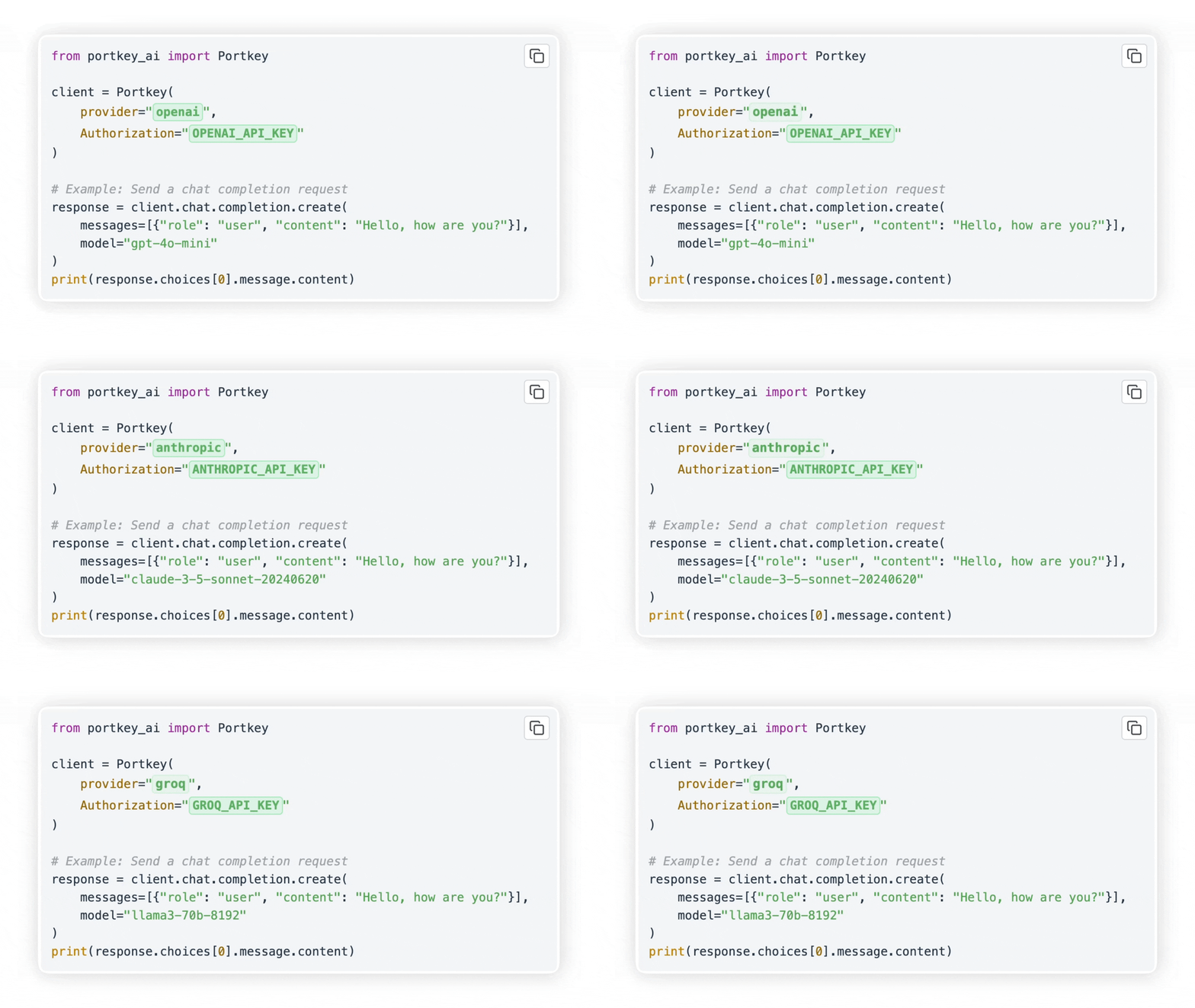
from portkey_ai import Portkey

# OpenAI compatible client
client = Portkey(
    provider="openai", # or 'anthropic', 'bedrock', 'groq', etc
    Authorization="sk-***" # the provider API key
)

# Make a request through your AI Gateway
client.chat.completions.create(
    messages=[{"role": "user", "content": "What's the weather like?"}],
    model="gpt-4o-mini"
)
Supported Libraries:


On the Gateway Console (http://localhost:8787/public/) you can see all of your local logs in one place.
3. Routing & Guardrails
Configs in the LLM gateway allow you to create routing rules, add reliability and setup guardrails.
config = {
  "retry": {"attempts": 5},

  "output_guardrails": [{
    "default.contains": {"operator": "none", "words": ["Apple"]},
    "deny": True
  }]
}

# Attach the config to the client
client = client.with_options(config=config)

client.chat.completions.create(
    model="gpt-4o-mini",
    messages=[{"role": "user", "content": "Reply randomly with Apple or Bat"}]
)

# This would always response with "Bat" as the guardrail denies all replies containing "Apple". The retry config would retry 5 times before giving up.
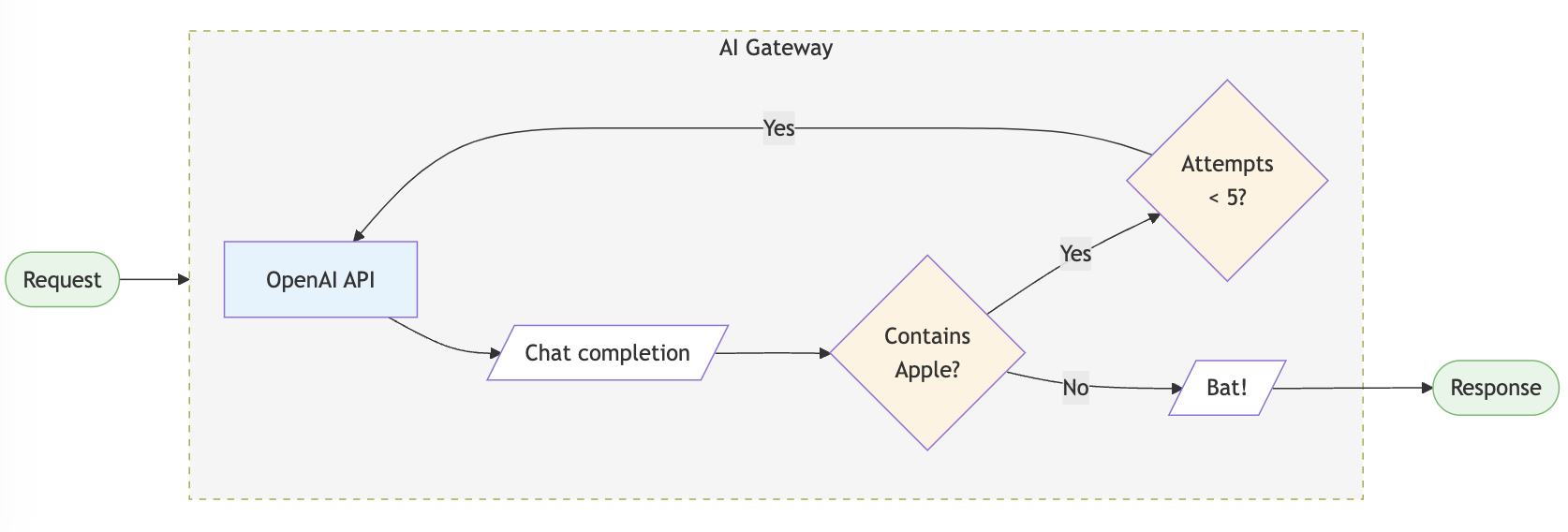
You can do a lot more stuff with configs in your AI gateway. Jump to examples →
Enterprise Version (Private deployments)
 AWS
AWS
 Azure
Azure


The LLM Gateway's enterprise version offers advanced capabilities for org management, governance, security and more out of the box. View Feature Comparison →
The enterprise deployment architecture for supported platforms is available here - Enterprise Private Cloud Deployments

MCP Gateway
MCP Gateway provides a centralized control plane for managing MCP (Model Context Protocol) servers across your organization.
- Authentication — Single auth layer at the gateway. Users authenticate once; your MCP servers receive verified requests
- Access Control — Control which teams and users can access which servers and tools. Revoke access instantly
- Observability — Every tool call logged with full context: who called what, parameters, response, latency
- Identity Forwarding — Forward user identity (email, team, roles) to MCP servers automatically
Works with Claude Desktop, Cursor, VS Code, and any MCP-compatible client. Get started →
Core Features
Reliable Routing
- Fallbacks: Fallback to another provider or model on failed requests using the LLM gateway. You can specify the errors on which to trigger the fallback. Improves reliability of your application.
- Automatic Retries: Automatically retry failed requests up to 5 times. An exponential backoff strategy spaces out retry attempts to prevent network overload.
- Load Balancing: Distribute LLM requests across multiple API keys or AI providers with weights to ensure high availability and optimal performance.
- Request Timeouts: Manage unruly LLMs & latencies by setting up granular request timeouts, allowing automatic termination of requests that exceed a specified duration.
- Multi-modal LLM Gateway: Call vision, audio (text-to-speech & speech-to-text), and image generation models from multiple providers — all using the familiar OpenAI signature
- Realtime APIs: Call realtime APIs launched by OpenAI through the integrate websockets server.
Security & Accuracy
- Guardrails: Verify your LLM inputs and outputs to adhere to your specified checks. Choose from the 40+ pre-built guardrails to ensure compliance with security and accuracy standards. You can bring your own guardrails or choose from our many partners.
- Secure Key Management: Use your own keys or generate virtual keys on the fly.
- Role-based access control: Granular access control for your users, workspaces and API keys.
- Compliance & Data Privacy: The AI gateway is SOC2, HIPAA, GDPR, and CCPA compliant.
Cost Management
- Smart caching: Cache responses from LLMs to reduce costs and improve latency. Supports simple and semantic* caching.
- Usage analytics: Monitor and analyze your AI and LLM usage, including request volume, latency, costs and error rates.
- Provider optimization*: Automatically switch to the most cost-effective provider based on usage patterns and pricing models.
Collaboration & Workflows
- Agents Support: Seamlessly integrate with popular agent frameworks to build complex AI applications. The gateway seamlessly integrates with Autogen, CrewAI, LangChain, LlamaIndex, Phidata, Control Flow, and even Custom Agents.
- Prompt Template Management*: Create, manage and version your prompt templates collaboratively through a universal prompt playground.
Portkey Models
Open-source LLM pricing database for 40+ providers - used by the Gateway for cost tracking.
Cookbooks
☄️ Trending
- Use models from Nvidia NIM with AI Gateway
- Monitor CrewAI Agents with Portkey!
- Comparing Top 10 LMSYS Models with AI Gateway.
🚨 Latest
- Create Synthetic Datasets using Nemotron
- Use the LLM Gateway with Vercel's AI SDK
- Monitor Llama Agents with Portkey's LLM Gateway
Supported Providers
Explore Gateway integrations with 45+ providers and 8+ agent frameworks.
| Provider | Support | Stream | |
|---|---|---|---|
 |
OpenAI | ✅ | ✅ |
 |
Azure OpenAI | ✅ | ✅ |
 |
Anyscale | ✅ | ✅ |
 |
Google Gemini | ✅ | ✅ |
 |
Anthropic | ✅ | ✅ |
 |
Cohere | ✅ | ✅ |
 |
Together AI | ✅ | ✅ |
 |
Perplexity | ✅ | ✅ |
 |
Mistral | ✅ | ✅ |
 |
Nomic | ✅ | ✅ |
 |
AI21 | ✅ | ✅ |
 |
Stability AI | ✅ | ✅ |
 |
DeepInfra | ✅ | ✅ |
 |
Ollama | ✅ | ✅ |
| Novita AI | ✅ | ✅ |
View the complete list of 200+ supported models here
Agents
Gateway seamlessly integrates with popular agent frameworks. Read the documentation here.
| Framework | Call 200+ LLMs | Advanced Routing | Caching | Logging & Tracing* | Observability* | Prompt Management* |
|---|---|---|---|---|---|---|
| Autogen | ✅ | ✅ | ✅ | ✅ | ✅ | ✅ |
| CrewAI | ✅ | ✅ | ✅ | ✅ | ✅ | ✅ |
| LangChain | ✅ | ✅ | ✅ | ✅ | ✅ | ✅ |
| Phidata | ✅ | ✅ | ✅ | ✅ | ✅ | ✅ |
| Llama Index | ✅ | ✅ | ✅ | ✅ | ✅ | ✅ |
| Control Flow | ✅ | ✅ | ✅ | ✅ | ✅ | ✅ |
| Build Your Own Agents | ✅ | ✅ | ✅ | ✅ | ✅ | ✅ |
| IO Intelligence | ✅ | ✅ |
*Available on the hosted app. For detailed documentation click here.
Gateway Enterprise Version
Make your AI app more reliable and forward compatible, while ensuring complete data security and privacy.
✅ Secure Key Management - for role-based access control and tracking
✅ Simple & Semantic Caching - to serve repeat queries faster & save costs
✅ Access Control & Inbound Rules - to control which IPs and Geos can connect to your deployments
✅ PII Redaction - to automatically remove sensitive data from your requests to prevent indavertent exposure
✅ SOC2, ISO, HIPAA, GDPR Compliances - for best security practices
✅ Professional Support - along with feature prioritization
Schedule a call to discuss enterprise deployments
Contributing
The easiest way to contribute is to pick an issue with the good first issue tag 💪. Read the contribution guidelines here.
Bug Report? File here | Feature Request? File here
Getting Started with the Community
Join our weekly AI Engineering Hours every Friday (8 AM PT) to:
- Meet other contributors and community members
- Learn advanced Gateway features and implementation patterns
- Share your experiences and get help
- Stay updated with the latest development priorities
Join the next session → | Meeting notes
Community
Join our growing community around the world, for help, ideas, and discussions on AI.
- View our official Blog
- Chat with us on Discord
- Follow us on Twitter
- Connect with us on LinkedIn
- Read the documentation in Japanese
- Visit us on YouTube
- Join our Dev community