poki is a free, open source ai interaction & interfaces project written in Swift and released under AGPL-3.0. It has 1,696 GitHub stars, 266 forks and 84 open issues, and was last pushed 6 hours ago. On this registry it ranks #120 of 167 tracked projects in AI Interaction & Interfaces, with 5 head-to-head comparisons available.

What is poki?

Poki is an open-source iPhone agent app, written in Swift and licensed AGPL-3.0, that runs on the device itself, reads the screen and taps, types and swipes inside real apps using your own model account — a tool for iPhone owners who want everyday tasks performed on the phone without keeping a computer attached.

What it is

Poki is an agent application for iOS and iPadOS that lives on the phone rather than driving it from a desktop. The Poki app reads the screen and operates real apps through taps, typing and scrolling, calling a model account that the user supplies. Its topic list — ios, iphone, ios-app, mobile-agent, gui-agent, computer-use, llm, mcp — describes a mobile GUI agent rather than a chat interface, and the project sits in the AI & Machine Learning / AI Interaction & Interfaces category, with a homepage at poki.bot.

The problem it addresses is the multi-app shuffle of ordinary errands: a weather check, a note, a lookup each require opening a different app and repeating the same taps. Poki takes the request in chat, or from the Action Button or Siri, and performs the steps in the real apps. It also replaces the project's own earlier computer-driven tooling: the README marks Poki MCP and Poki Agent as no longer updated, so the on-device app is the supported path.

Key capabilities

  • Screen-reading GUI control: taps, types and scrolls inside real apps on the iPhone, driven by the user's own model account rather than a bundled service.
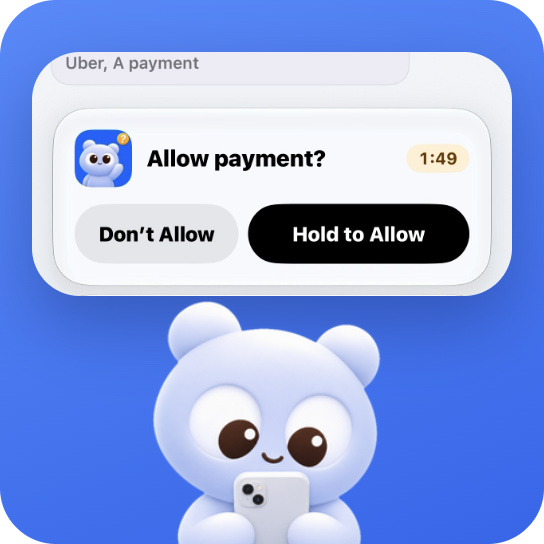
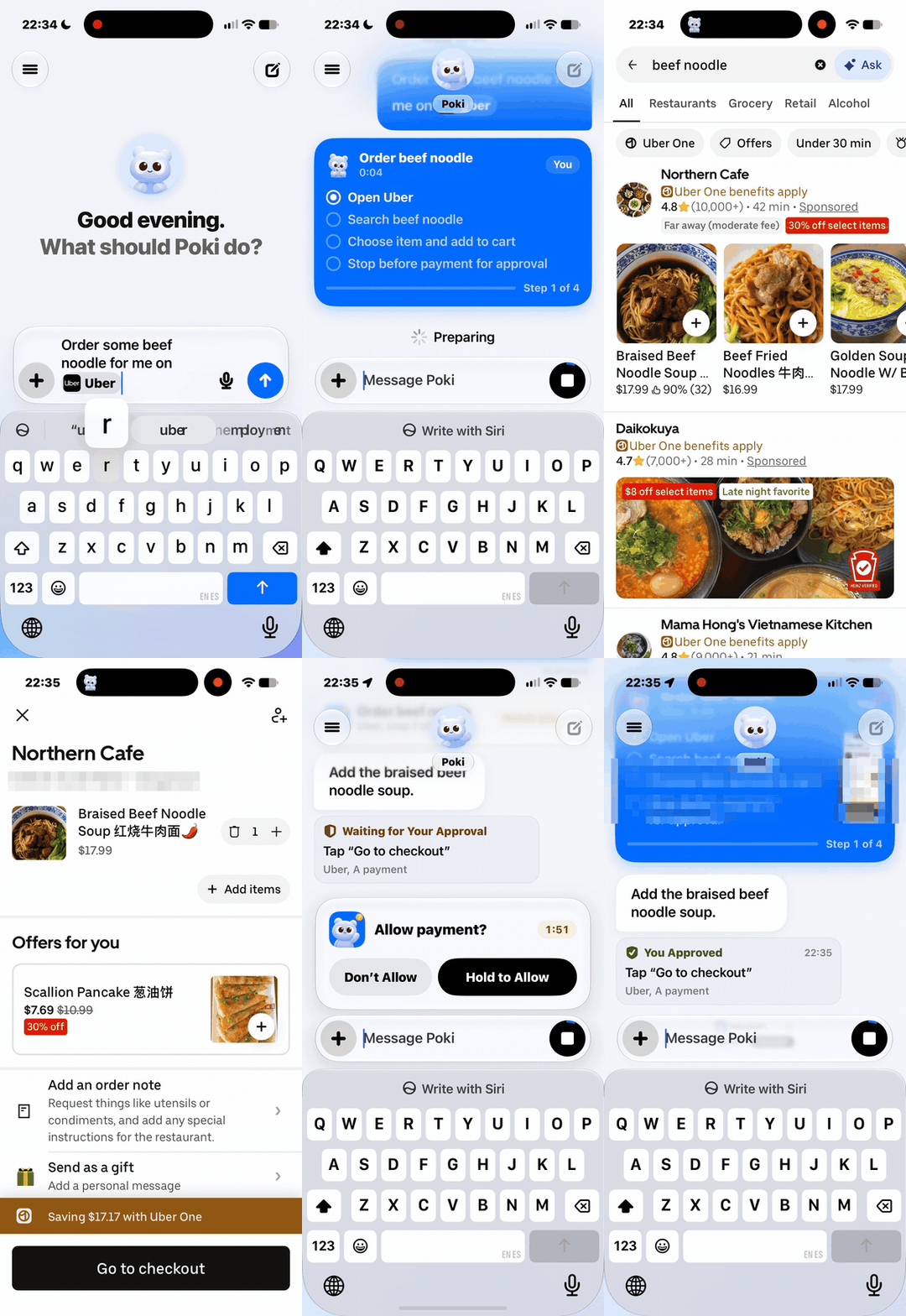
  • Confirmation gates: the user chooses how Poki asks for permission, while payments, deletions and Wallet actions always stop for confirmation, pausing on the Lock Screen or in the Dynamic Island until approved.
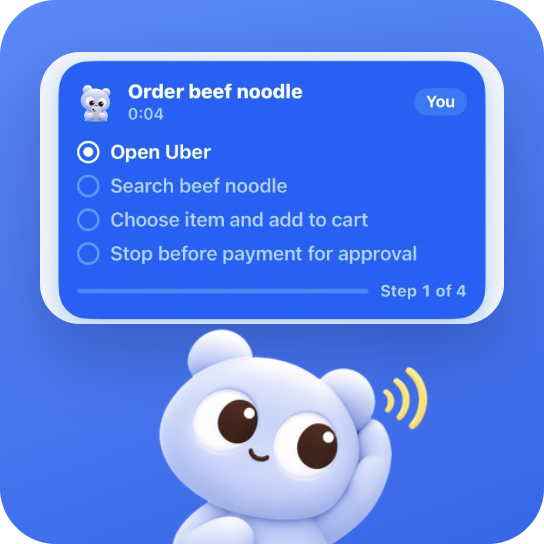
  • Several entry points: chat, a held Action Button, Siri, or a saved skill launched from the home screen, plus "Talk to Poki" for a hands-free spoken chat with Dynamic Island tracking each step.
  • Split View support on iPhone Duo, where Poki works across two apps side by side.
  • Bring-your-own model: sign in with ChatGPT Plus or Pro, or paste an API key for Anthropic, OpenAI, Gemini, DeepSeek, OpenRouter, OpenCode Go or an OpenAI-compatible server.
  • Standalone operation: once installed from a Mac or Windows PC, Poki runs on the iPhone with no computer attached.
  • Installer tooling: an install-poki skill (skills/install-poki/SKILL.md) for coding agents, and Poki Setup for macOS (.dmg) and Windows (.exe), which renews free 7-day signatures while it stays open.

Who uses it and how

  • Individuals clearing routine errands, such as checking tomorrow's weather, looking something up in the built-in browser or creating a note, without hopping between apps.
  • People who want the automation to survive on the phone alone: after the one-time USB install, nothing needs to stay connected or running elsewhere.
  • Users who repeat the same sequence daily and save it as a skill, launching it from the home screen by tap or by voice instead of redoing the steps.
  • iPhone Duo owners working across two apps in Split View, and hands-free users relying on "Talk to Poki" or the Action Button.
  • Developers already working with coding agents such as Claude Code or Codex, who install by pasting a single setup prompt; setup itself is per-device, over USB, from a Mac or Windows PC.

Getting started

Download Poki Setup from the releases page for macOS (.dmg) or Windows (.exe), or send the prompt "Install Poki on my iPhone from https://github.com/JosssphZhou/poki" to a coding agent; then connect the unlocked iPhone over USB, accept Trust, turn on Developer Mode and Automation Mode, configure the external connection routing 10.7.0.1 back to the phone, and sign in with a model account.

How it compares

The README names no paid or competing iPhone agent products, so Poki stands alone in this registry. The only related tools it mentions are the project's own earlier computer-driven Poki MCP and Poki Agent, which are explicitly no longer updated, and Claude Code and Codex, which appear solely as installers rather than as alternatives.

When to use it — and when not to

Adoption carries real setup weight: an iPhone on iOS 18 or later (iPhone XS, XR, SE 2nd gen or newer; iPadOS 18+ on iPad), a Mac on macOS 14+ with Node.js 24+ or a Windows x64 PC with Apple Devices or iTunes, a USB data cable, an Apple Account, a model account, and an external connection routing 10.7.0.1 through something like LocalDevVPN, Karing or Shadowrocket. Free Apple Accounts need their signatures renewed every 7 days while Poki Setup is open, and the repository carries 84 open issues. Anyone unwilling to sideload an app, enable Developer Mode and route traffic through a VPN profile — or who needs a zero-setup hosted service — should look elsewhere.

project readme (upstream, from github) — read inline

Copy this prompt and send it to your coding agent

Install Poki on my iPhone from https://github.com/JosssphZhou/poki

Connect your iPhone over USB and unlock it first. A free Apple Account works.

GitHub stars Poki App 0.4.4 Beta Platform: iOS, macOS and Windows License: AGPL-3.0-only

English | 简体中文 | 繁體中文 | 日本語 | 한국어 | Español
poki.bot

If Poki is useful to you, click ★ Star to support the project.

What Poki is

Poki is an open-source iPhone agent that operates your entire iPhone for you. The Poki app runs directly on your iPhone, reads the screen, and taps, types, and scrolls inside real apps using your own model account. You choose how it asks for permission; payments, deletions, and Wallet actions always stop for your confirmation.
Why Poki
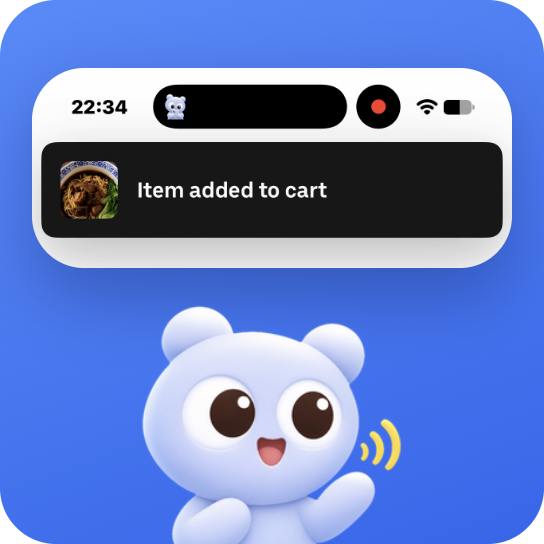
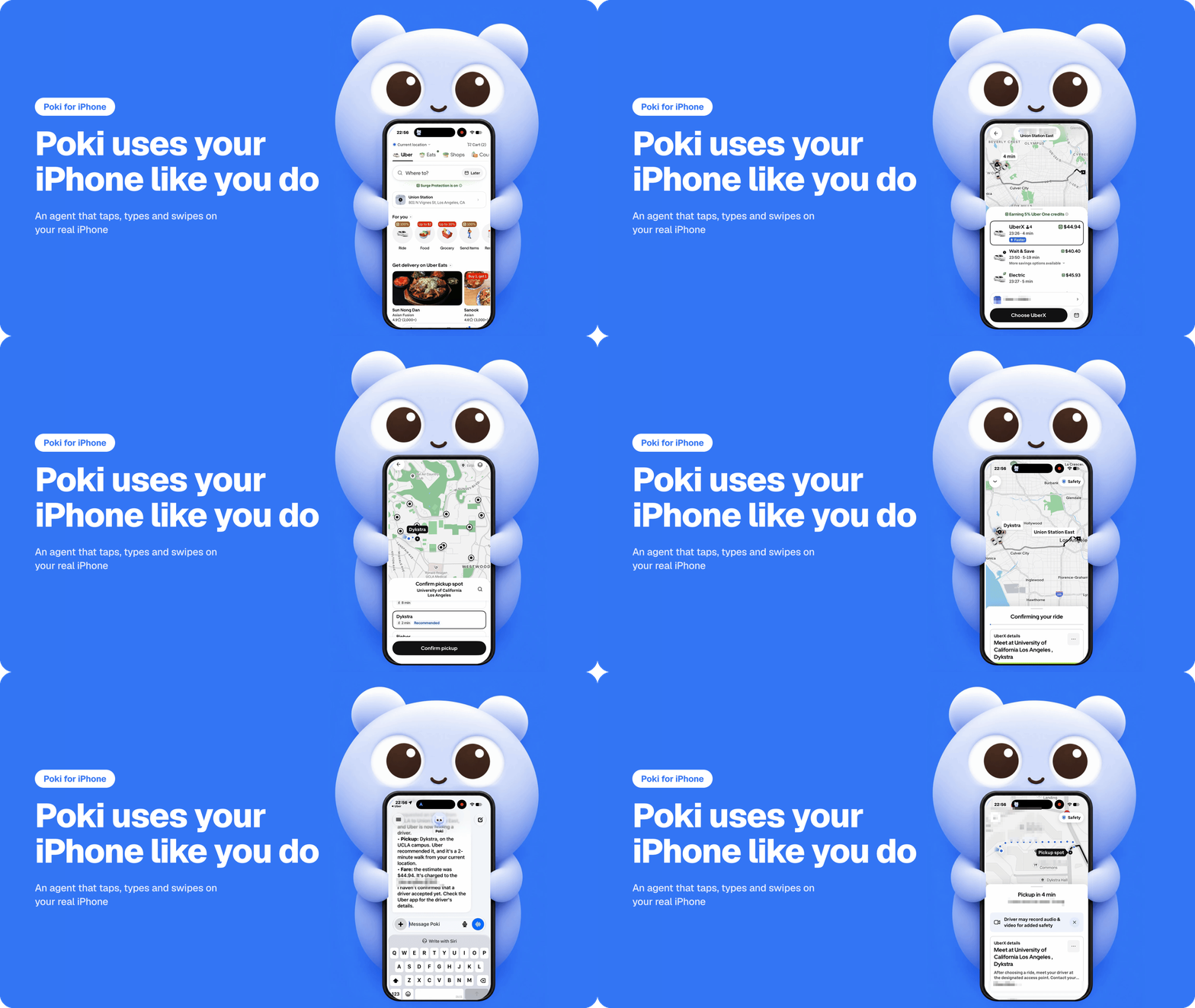
  • Skip multi-app tapping for everyday errands. Ask Poki in chat, hold the Action Button, or trigger Siri to look things up in the built-in browser, check tomorrow's weather, or create a note. On iPhone Duo, Poki works across two apps side by side in Split View.
  • Run saved skills by tap or by voice. Launch a saved skill from the home screen instead of repeating the same steps every day, or start a hands-free spoken chat with Talk to Poki while Dynamic Island tracks each step.
  • Automate your real phone without keeping a computer on. Once installed from a Mac or Windows PC, Poki runs standalone on your iPhone with no computer attached and pauses on the Lock Screen or in Dynamic Island whenever a step needs approval.

How to use

Install Poki on your iPhone

  1. Install once from a Mac or Windows PC. Connect and unlock your iPhone over USB (a free Apple Account works), then tell your coding agent, such as Claude Code or Codex:

    Install Poki on my iPhone from https://github.com/JosssphZhou/poki
    

    Or download Poki Setup for macOS (.dmg) or Windows (.exe) and follow the window.

  2. Connect and add your model account. Accept Trust, turn on Developer Mode and Automation Mode when iOS asks, set up an external connection routing 10.7.0.1 back to your iPhone (such as free LocalDevVPN), and sign in with ChatGPT Plus or Pro or paste an API key (Anthropic, OpenAI, Gemini, DeepSeek, OpenRouter, OpenCode Go, or an OpenAI-compatible server).

  3. Run your first task. Open Poki and send:

    Create a new note in Notes titled "Poki Demo" with these three lines: Milk, Eggs, Coffee. Open the note when finished. Leave existing notes unchanged.
    

    Open Notes afterward to confirm "Poki Demo" exists with those three lines.

Requirements, updating, common questions, and guides
Requirement
iPhone iOS 18 or later (iPhone XS, XR, SE 2nd gen or newer; iPadOS 18+ on iPad). Tested on physical iPhones with iOS 27.
Computer Mac with macOS 14+ (Node.js 24+ for agent install) or Windows PC (x64) with Apple Devices or iTunes.
Cable and account USB data cable and an Apple Account. Poki Setup renews free 7-day signatures while open, or sign in inside Poki.
Connection External connection routing 10.7.0.1 back to the iPhone (LocalDevVPN, Karing, or Shadowrocket).
Model account ChatGPT Plus/Pro sign-in, an API key (Anthropic, OpenAI, Gemini, DeepSeek, OpenRouter, OpenCode Go), or an OpenAI-compatible server.

Community

See all contributors in CONTRIBUTING.md.

Copyright (c) 2026 Joseph Zhou (周瑟夫) and contributors. Open source under AGPL-3.0-only. Brand assets are governed by BRAND.md. See Poki iPhone App Guide, THIRD_PARTY_NOTICES.md, and Disclaimer.

Frequently asked questions

Is poki free to use?

poki is open source under the AGPL-3.0 licence. There is no licence fee and no seat count — you can self-host it or, where the project offers one, pay a vendor for a managed version instead.

What does poki do?

Poki uses your iPhone like you do. An open-source agent app that runs on your iPhone, reads the screen, and taps, types and swipes in real apps with your own mo

What is poki written in?

poki is primarily written in Swift. Its source is publicly available at https://github.com/JosssphZhou/poki, and it has 1,696 GitHub stars.