Pireel is an open-source AI video editor, positioned as the open-source alternative to CapCut and ChatCut, that is built for both human editors and AI agents and can be driven by any AI agent over MCP.
What it is
Pireel Studio is a TypeScript video editing workspace published under AGPL-3.0-only, listed in this registry under Miscellaneous / Photo & Video Editors. It lives in the AI video editing ecosystem alongside the closed consumer editors it names as the products it replaces, and it ships in two forms: the open-source edition, which focuses on local editing, and a hosted experience at pireel.com that adds built-in Chat and connected services. The project describes itself as bringing AI into a real editing workspace rather than replacing one, so editing happens on a canvas and timeline where the editor retains control of captions, graphics, audio and the final export.
The concrete problem it solves is the gap between AI tools that produce a first cut and the editing controls a real project needs afterwards. Pireel lets AI make the first cut while the human still owns the canvas, the timeline and the export, and it extends that same workspace to agents through a Model Context Protocol connection rather than leaving agent-driven editing as a black box. For teams that want the AI-assisted editing style of CapCut or ChatCut without depending on a closed hosted service, it offers a locally runnable editor whose source is available.
Key capabilities
- Hands-on canvas and timeline editing for cuts, pacing, captions, layouts, graphics, audio and final export, with AI assistance available for the first cut.
- Three ways to edit — directly in Studio, with Chat by describing the result you want, or with an AI agent such as Codex or Claude Code — used in any combination.
- Agent connectivity over MCP, enabled by the public agent plugin installed with
npx skills add pireel/pireel-agent.
- Reusable editing Skills and visual Frames for shaping videos with repeatable structures.
- Production of talking-head videos with cleaner pacing and readable captions, short clips cut from longer recordings, product demos, tutorials, explainers, marketing videos, and multi-source edits that combine video, images, audio and graphics.
- Multiple versions of a project for different platforms, formats and audiences.
- Projects can start from a single clip, a collection of media, or a blank video, with media imported after launch.
Who uses it and how
- Creators editing talking-head videos and short clips from longer recordings, who want AI help with pacing and captions while keeping final control.
- Teams producing demos, tutorials, explainers and marketing videos, using reusable Skills and Frames to keep multi-platform versions consistent.
- Agent-first users who work through Codex or Claude Code and connect Pireel as a tool over MCP.
- Self-hosters who want local editing with their own media, running the open-source edition on their own machine.
- Users who need the built-in Chat and connected services, who use the hosted option at pireel.com instead.
Getting started
For the open-source editor, clone https://github.com/pireel/pireel.git, run corepack enable, pnpm install and pnpm dev, then open the URL shown in the terminal and import your media. To connect an agent, install the plugin with npx skills add pireel/pireel-agent and follow the connection guide for supported agents.
How it compares
Pireel is presented as the open-source alternative to CapCut and ChatCut, with the contrast resting on licensing and control: Pireel's editor is published under AGPL-3.0-only, so its source can be inspected, modified and self-hosted, while the open-source edition performs editing locally so media need not be uploaded to a third-party service. The separate agent plugin is licensed differently, under Apache-2.0, which keeps the MCP integration usable under more permissive terms than the editor itself. There is no licence fee for the open-source edition; the complete hosted experience, including built-in Chat and connected services, is a separate option offered at pireel.com.
When to use it — and when not to
Choose Pireel if you want an AI-assisted editor that a human still drives, or if you need an editing tool an agent can operate over MCP without handing your media to a hosted service. Be aware that the open-source edition is limited to local editing: built-in Chat and connected services are only in the hosted product, so anyone expecting those features from a self-hosted install will be disappointed. The README also gives only a development workflow (pnpm dev), with no production deployment guidance, and no runtime prerequisites such as a database or storage service are documented — organisations with policies against AGPL-3.0-only copyleft licensing should treat that as a deciding constraint before adopting it.
project readme (upstream, from github) — read inline
Pireel Studio
An open-source AI video editor built for humans and AI agents.
English · 简体中文
Start with one clip, a collection of media, or a blank video. Edit directly on
the canvas and timeline, or describe the result you want.


Try Pireel · Connect an agent
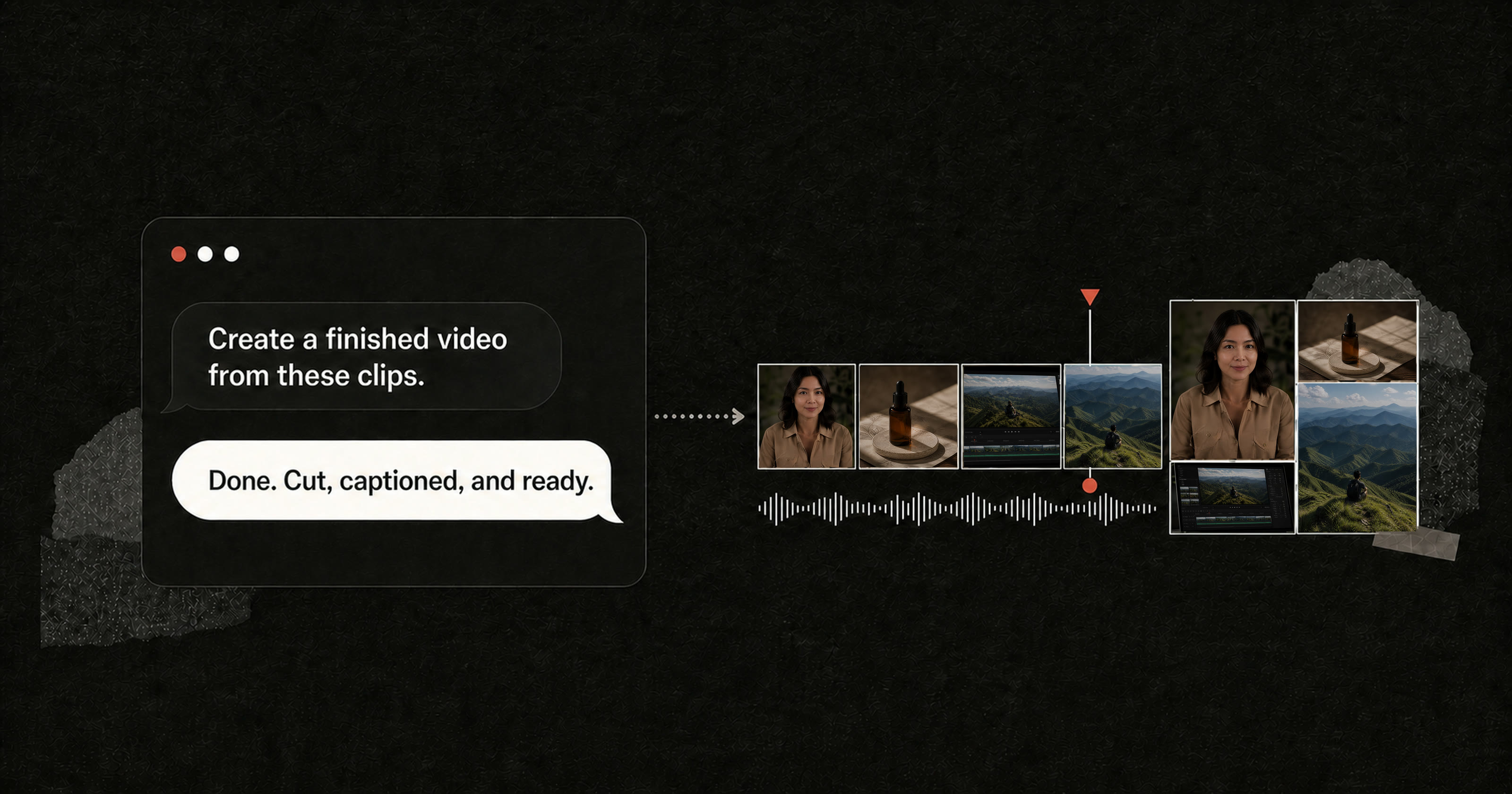
Pireel brings AI into a real editing workspace. AI can help make the first cut,
but you stay in control of the canvas, timeline, captions, graphics, audio, and
final export.
What you can create
- Talking-head videos with cleaner pacing and readable captions
- Short clips made from longer recordings
- Product demos, tutorials, explainers, and marketing videos
- Multi-source edits combining video, images, audio, and graphics
- Multiple versions for different platforms, formats, and audiences
- Videos shaped with reusable editing Skills and visual Frames
Edit your way
- Directly in Studio for hands-on canvas and timeline editing
- With Chat by describing cuts, pacing, captions, layouts, and visual ideas
- With an AI agent such as Codex or Claude Code
- Any combination of the three as the project develops
Run the open-source editor
git clone https://github.com/pireel/pireel.git
cd pireel
corepack enable
pnpm install
pnpm dev
Open the URL shown in the terminal and import your media.
The open-source edition focuses on local editing. For the complete hosted
experience, including built-in Chat and connected services, visit
pireel.com.
Connect an AI agent
Install the public Pireel agent plugin:
npx skills add pireel/pireel-agent
Then ask your agent to set up Pireel. See the
connection guide for supported agents.
License
AGPL-3.0-only. The separate agent plugin is licensed under Apache-2.0.