
Personal Management System
Backend
Your central point for managing personal data.
This is only backend - read below!.
Documentation / Demo
- Frontend - available here
- Documentation - available here
- Demo - click here
- Login: admin@admin.admin
- Password/LockPassword: admin
Description
It's easier to understand this web application when you think about a CMS (WordPress) or CRM (SugarCRM); the logic behind this system is very similar to those two. My PMS may offer fewer possibilities than those systems above, but it just does what I want it to do. Additionally, writing extensions is not too hard, depending on the logic required. Anyone with development knowledge can pretty much write their own extensions for personal needs.
Reasoning/Purpose
I decided to create my own system, because playing around with tons of plugins for WordPress and writing customizations to some existing CRMs would take me as much time as writing my own system and by knowing the logic from its core it's easier for me to write extensions and add additional modules - whatever I need.
Secondly, there is no system like that, and I didn't wanted to end up integrating a docker based cloud with CMS. Furthermore I just need an application like that to keep organized and I'm tired of having some very personal data on OneDrive, other data on Google cloud, some notes here, and some notes there. The end goal is to have an application running on terminal or raspberry 24/7 plugged into my home network, without access to internet.
Preview
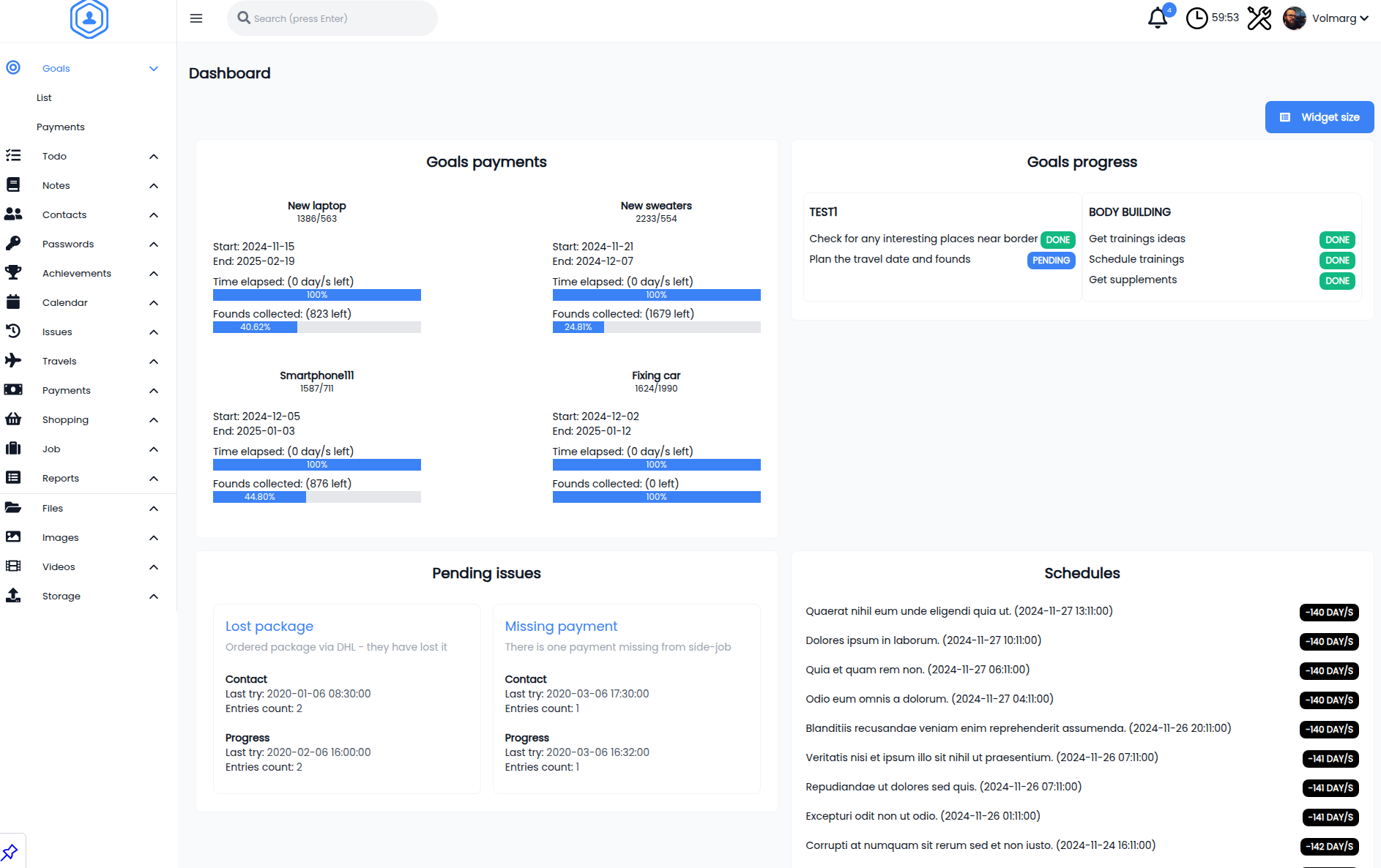
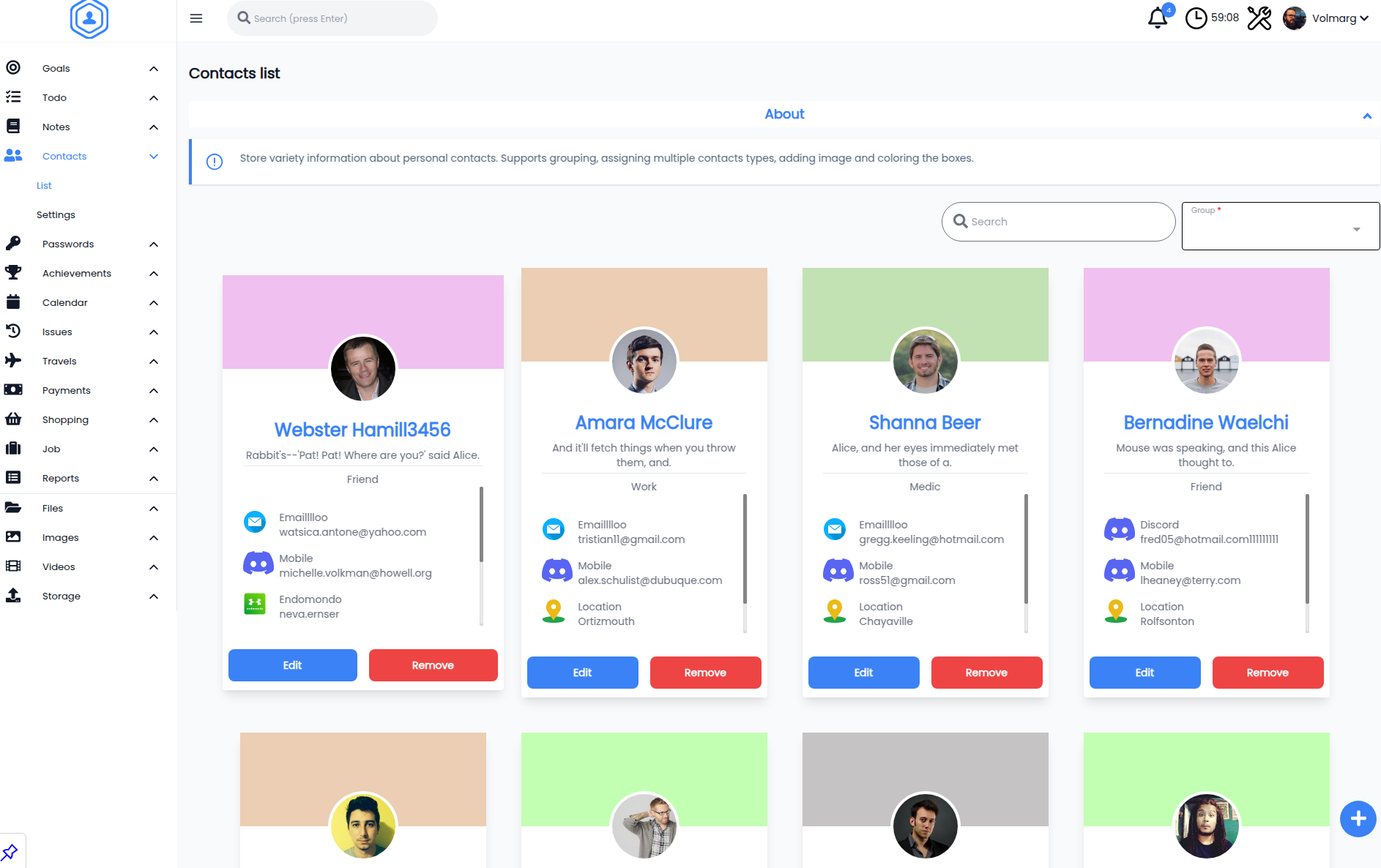
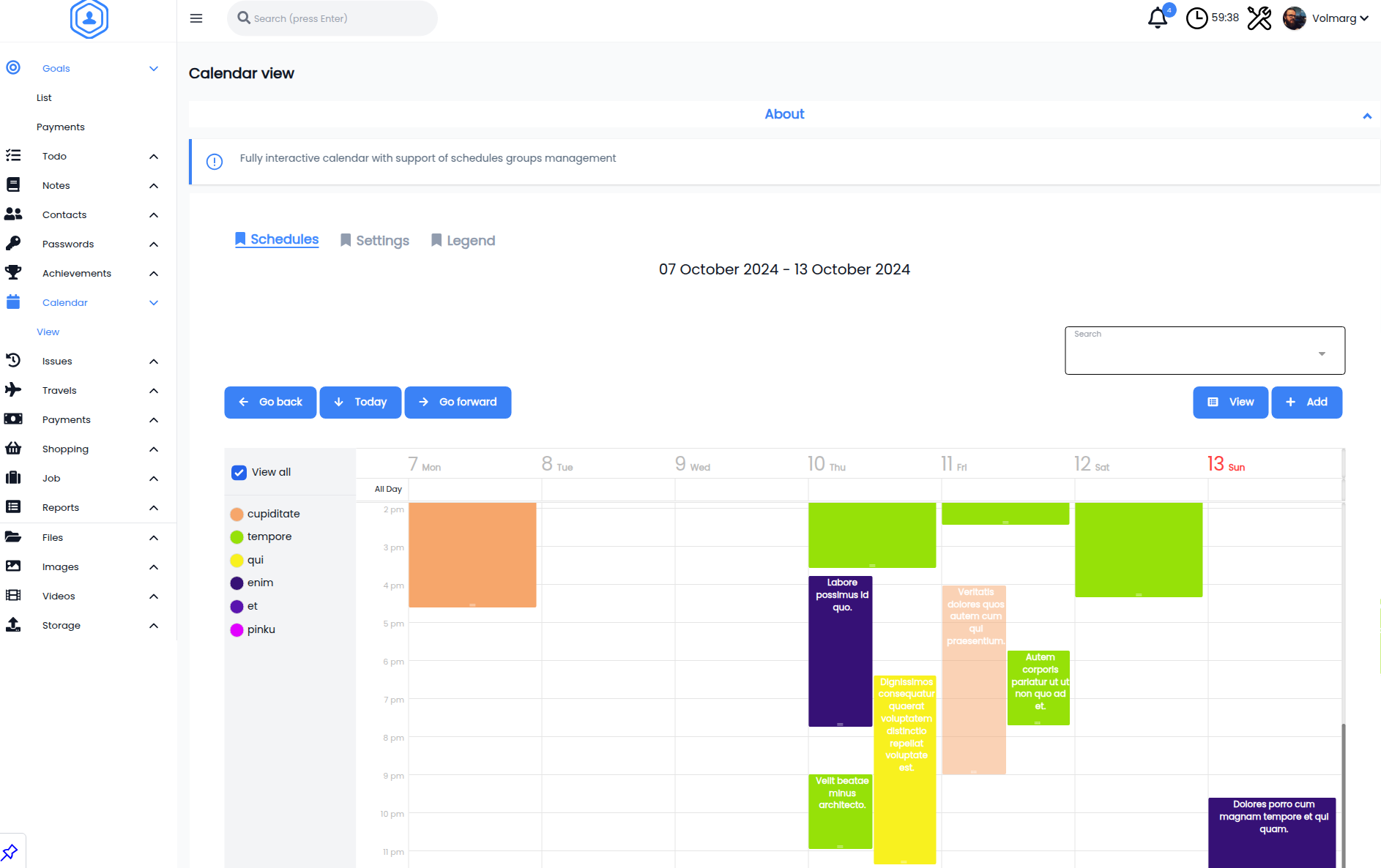
Available options and modules
- 🎯 Todo/Goals - Keep a track of your personal goals. You can use todolist to keep track of your goals progress or use payments submodule to keep an eye of the money amount that you want to collect for something.
- 📖 Notes - Add any personal note to desired category. Here, you can keep any small information that you need; it can be either quick notes from phone call, bunch of information collected all around different pages or some links to things that you want to check somewhere later in future.
- 📞 Contacts - You ever feel like You got dozens of phone contacts, emails etc. that you would like to get rid of, or make some safety backup in case you loose your phone? With this simple module you can organize your personal contacts.
- 🔑 Passwords - We all get to certain point when there are just way too many passwords to handle all around. Yeah we can keep them on email, pendrive, have special patterns in our heads, but lets face it sometimes it's just too many. With the Passwords module You can keep Your passwords encrypted in Your database, while on the frontend there is a copy button that will fetch You back the original password.
- 🏆 Achievements - Want to keep a track on anything cool you did - put in this module!
- 📅 Schedules - This module purpose is to keep track of any recurring things you got to do like for example car oil changes, payments, visits etc. Data added to the groups of schedules will be displayed on Dashboard and in the notification bell.
- 🔁 Issues - In this section You can track any ongiong/pending cases that have to be eventually resolved but it's not necessary required to keep constantly an eye on it - yet it might be required to go back one day in future to it so it allows to add subrecords of performed contacts and progress in given case
- 🌴 Travels - Having some ideas of places to visit but without any specific plans to it? Add it to this Module with google map link and some image so you can come back to it at any moment. May the image remind you why you were interested in this particular place.
- 💸 Payments - Don't know how much money You spend on food, travels, domestic shopping? Simply from now on add every shopping details to the list and let it do all the calculations, alongside with summary for given month.
On the other hand if you would like to keep an eye of prices for particular products you can add information about them in Products Prices submodule (which I'm personally using while being in other country - on the moment when I'm writing this).
Here You can also keep track of who owes You some money or who You owe something to by using owed money submodule.
Bills submodule allows saving information about money spent on certain things (separately from monthly payments for things like money spent on holiday etc.)
- 🛒 Shopping - You got plans to buy something in future? Add it to the list, and then just check it out, maybe You will be able to buy this particular thing just now.
- 💻 Job - The Afterhours submodule is a nice way to keep an eye of all the afterhours you've made in work. With this you can also separate specified minutes/hours for certain goal. For example you need 24h for trip and 4h to do something. Just add some time to pre existing goal, create new one or leave it blank (will go to general purpose pool). Holidays submodule is a simple way to track down how many days did You used from yearly holidays pool.
- 📷 Images - This module allows You to organize Your photos/scans/downloaded pics in form of masonry galleries. Clicking on image miniature will call lightbox gallery with possibility to rename, remove or download image. You can create as many galleries (folders) as You want.
- 📁 Files - Files uploaded for this module are visible in form of DataTable where You can see simple information about the file - that is: extension, filetype icon (if there is one defined for given type), file size. Files can be renamed, downloaded and removed from the gui.
- 🎬 Video - Got small video downloaded from internet or recorded on phone? That's a module to store it then - supports most popular web video formats.
- 📑 Reports - contains readonly reports created from already existing data in database
How to install/documentation
Check the official documentation: here
Future development plans
Improvements
Overally I will just add some bug fixes/improvements/modules from time to time - anything that I will just need.
Support
I cannot guarantee support. I've got a job, personal things etc, I'm just sharing my code/my application as MIT. However feel totally free to ask about something, write issues etc. As mentioned I'm using and I will use this application from now on daily so there might be some changes even good for me.
As I'm working on it there will be some fixes, and new modules in future when I reach the point when I got all I need.
Tech / frameworks / solutions
Check the official documentation: here
Contribution / special thanks
Go here: here