pdfcpu is a free, open source document management & e-signatures project written in Go and released under Apache-2.0. It has 8,842 GitHub stars, 633 forks and 121 open issues, and was last pushed 4 days ago. On this registry it ranks #5 of 18 tracked projects in Document Management & E-Signatures, with 5 head-to-head comparisons available. It gained 5 stars over the last 3 tracked days.

What is pdfcpu?

What it is

pdfcpu is a PDF processing library and command-line tool written in Go. It lives in the Go and Golang ecosystem, is distributed under the Apache-2.0 license, and is listed under Business Software in the Document Management and E-Signatures category. The project has existed for nine years, carries 8,835 stars and 628 forks, and lists 121 open issues. Its maintainer, Horst Rutter, is a member of the PDF Association, and the project documentation lives at pdfcpu.io. The GitHub topics attached to the repository are cli, go, golang, golang-library, pdf, pdf-files, and pdf-tools, which describes both halves of what the codebase offers: a library for Go programs and an executable for shell use.

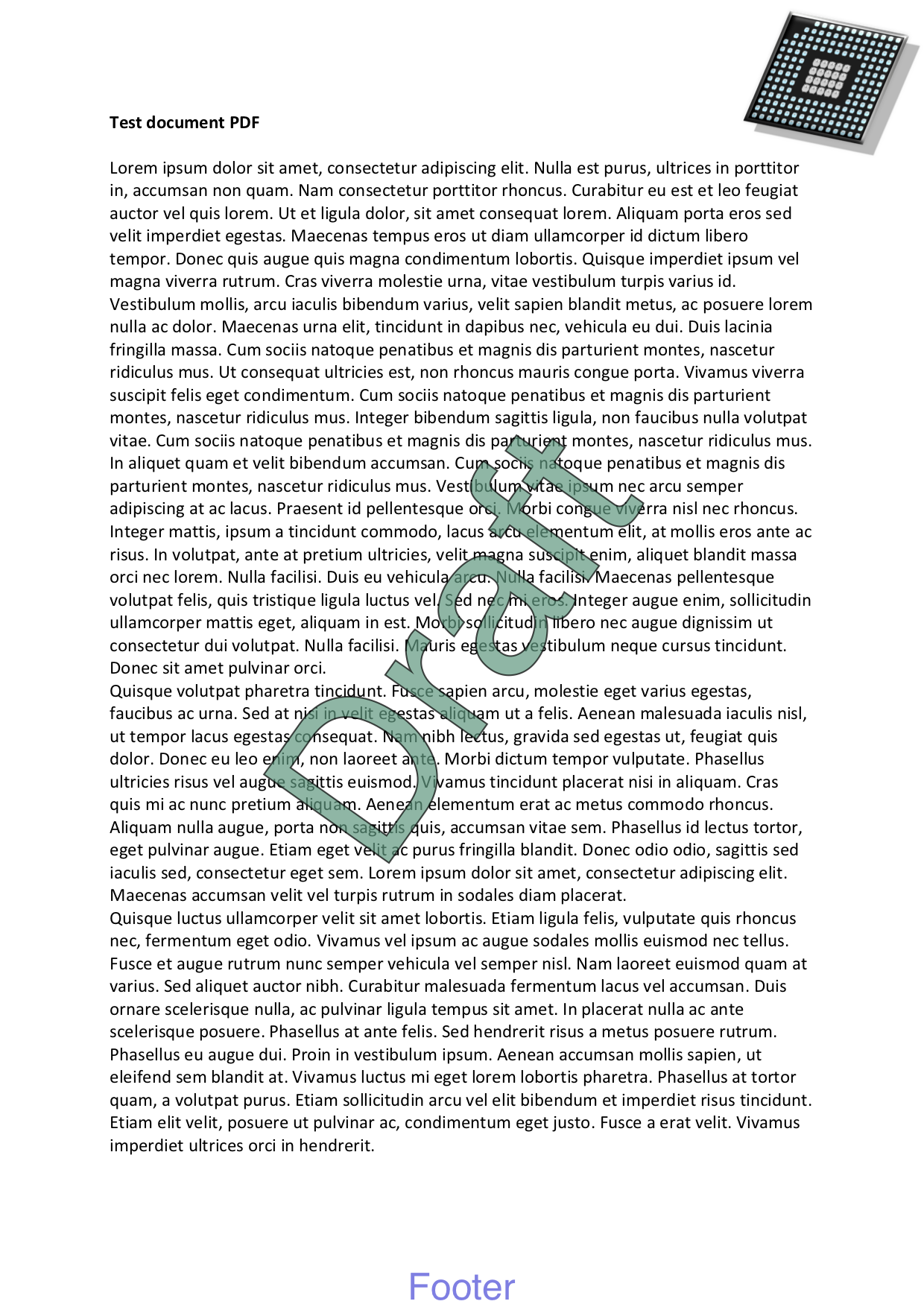
The concrete problem it solves is that PDF work is normally split between closed desktop applications and narrowly scoped scripts. pdfcpu gathers the routine operations of PDF handling into one tool: validating a file against the specification, optimizing it, encrypting or decrypting it, splitting, trimming, merging, resizing and rotating pages, extracting and manipulating images, fonts and metadata, adding or removing stamps and watermarks, and managing attachments and portfolios. It supports PDF versions through PDF 2.0 (ISO 32000-2), so the toolchain targets the current standard rather than only legacy files. The same engine is reachable two ways, which means a Go service and a shell pipeline can apply identical processing without depending on different vendors.

Key capabilities

  • Validates PDFs and reports on file structure, with PDF 2.0 validation support described as basic and continuously improving.
  • Splits, trims, and merges documents, including booklet, n-up, cut, grid, poster, and ndown page assembly commands.
  • Encrypts and decrypts PDFs, changes owner and user passwords, and sets permissions.
  • Signs documents and validates signature integrity, reports signature evidence, and removes signatures.
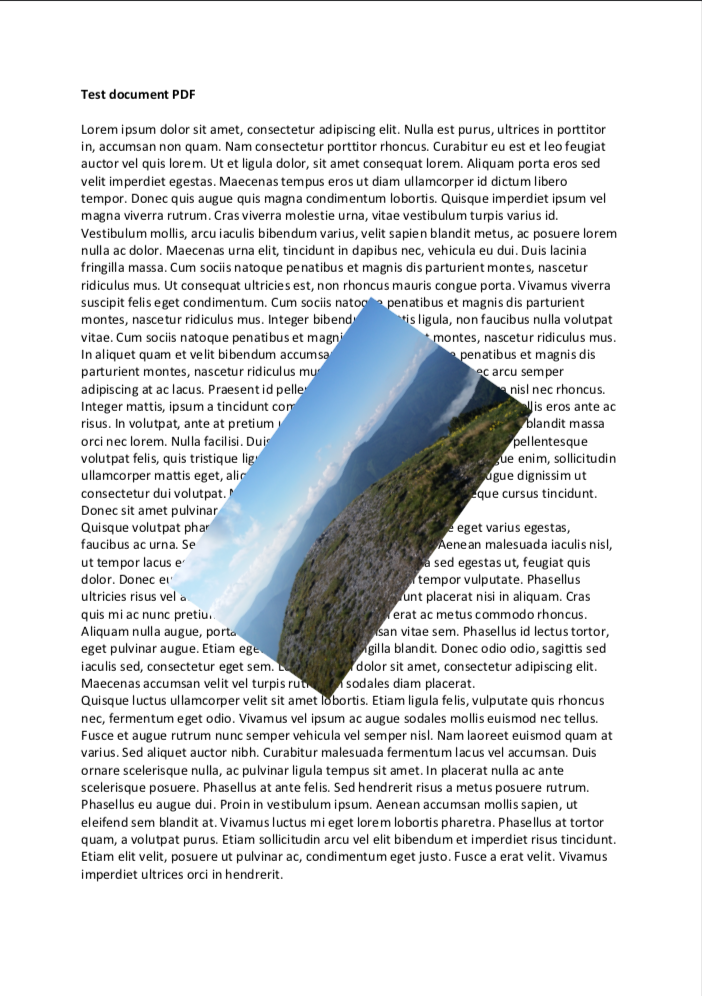
  • Extracts and manipulates images, fonts, metadata, keywords, properties, and bookmarks.
  • Adds and removes stamps and watermarks, and resizes, rotates, crops, and zooms pages.
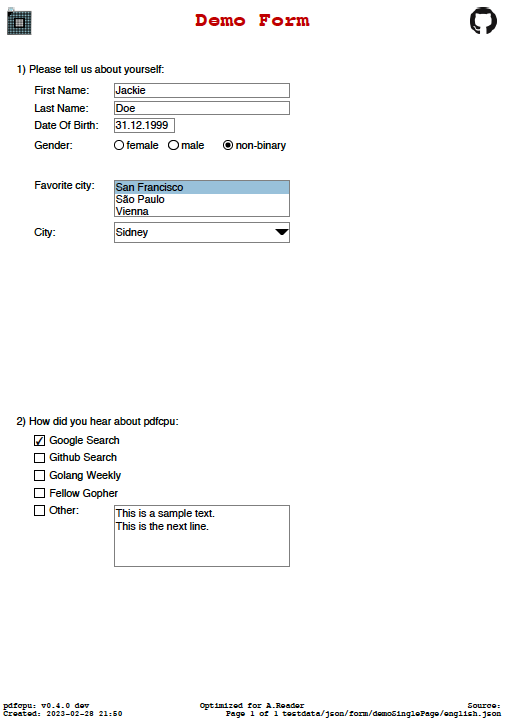
  • Manages attachments and portfolios, plus annotations, forms, and viewer preferences.

Who uses it and how

  • Shell and CI pipelines validate incoming PDFs before they enter a document workflow.
  • Go services import the library to run the same operations in-process instead of shelling out.
  • Teams merge, split, and trim batches of files during document assembly and prepress work.
  • Administrators apply or strip encryption and set document permissions before distribution.
  • Reviewers check signature integrity or remove signatures from files as part of intake.

Getting started

The README points to separate installation instructions for the command-line interface and the Go API at pdfcpu.io. The CLI is invoked as pdfcpu followed by a command, for example pdfcpu validate input.pdf or pdfcpu merge merged.pdf in1.pdf in2.pdf.

When to use it — and when not to

Self-hosters and Go developers get a permissively licensed tool covering most standard PDF operations without a commercial license. The stated weakness is validation depth for PDF 2.0, which the README calls basic and still improving, so strict conformance checking against the newest standard is not its strong point. With 121 open issues and an actively changing codebase, pinning a version and testing upgrades is sensible.

project readme (upstream, from github) — read inline

pdfcpu: PDF tooling for Go and the command line

Test Coverage Status Go Reference License Sponsor

pdfcpu is a PDF processing library and command-line tool written in Go. It supports validation, optimization, encryption, signing, document assembly, content extraction, and other common PDF operations.

pdfcpu supports PDF versions through PDF 2.0 (ISO 32000-2). PDF 2.0 validation support is basic and continuously improving.
  Horst Rutter, the maintainer of pdfcpu, is a member of the PDF Association.


Installation


Usage

CLI

Validate a PDF:

pdfcpu validate input.pdf

Merge two PDFs:

pdfcpu merge merged.pdf in1.pdf in2.pdf

Go API

See API documentation for usage examples.


Features

  • Validate, optimize, split, trim, and merge PDFs
  • Extract and manipulate images, fonts, and metadata
  • Encrypt and decrypt PDFs
  • Resize and rotate pages
  • Add and remove stamps and watermarks
  • Validate signature integrity, report signature evidence, and remove signatures
  • Manage attachments and portfolios

Examples

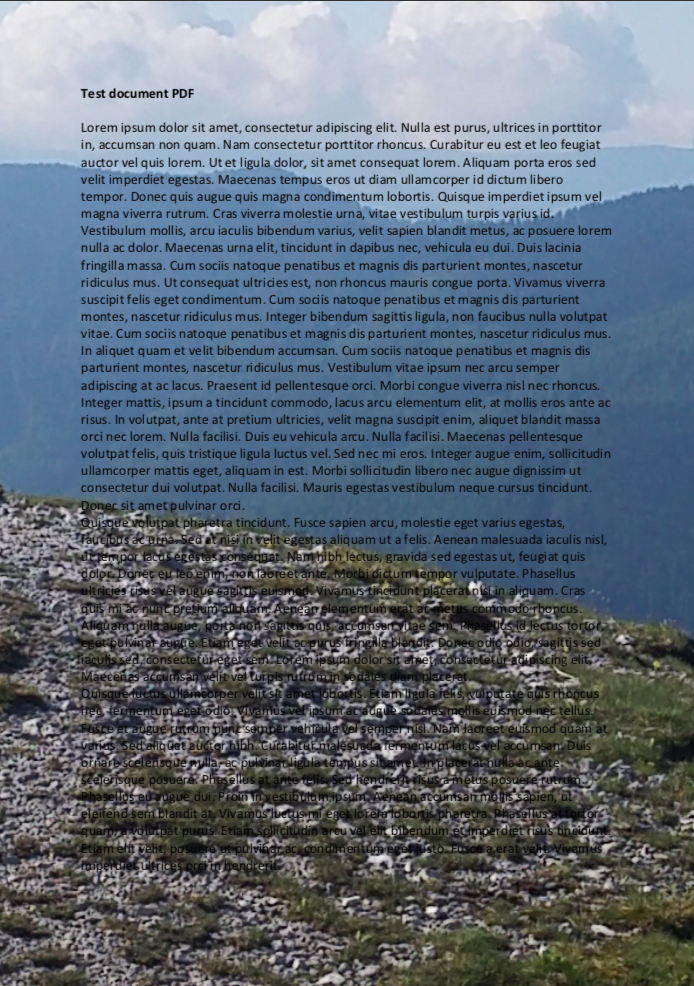
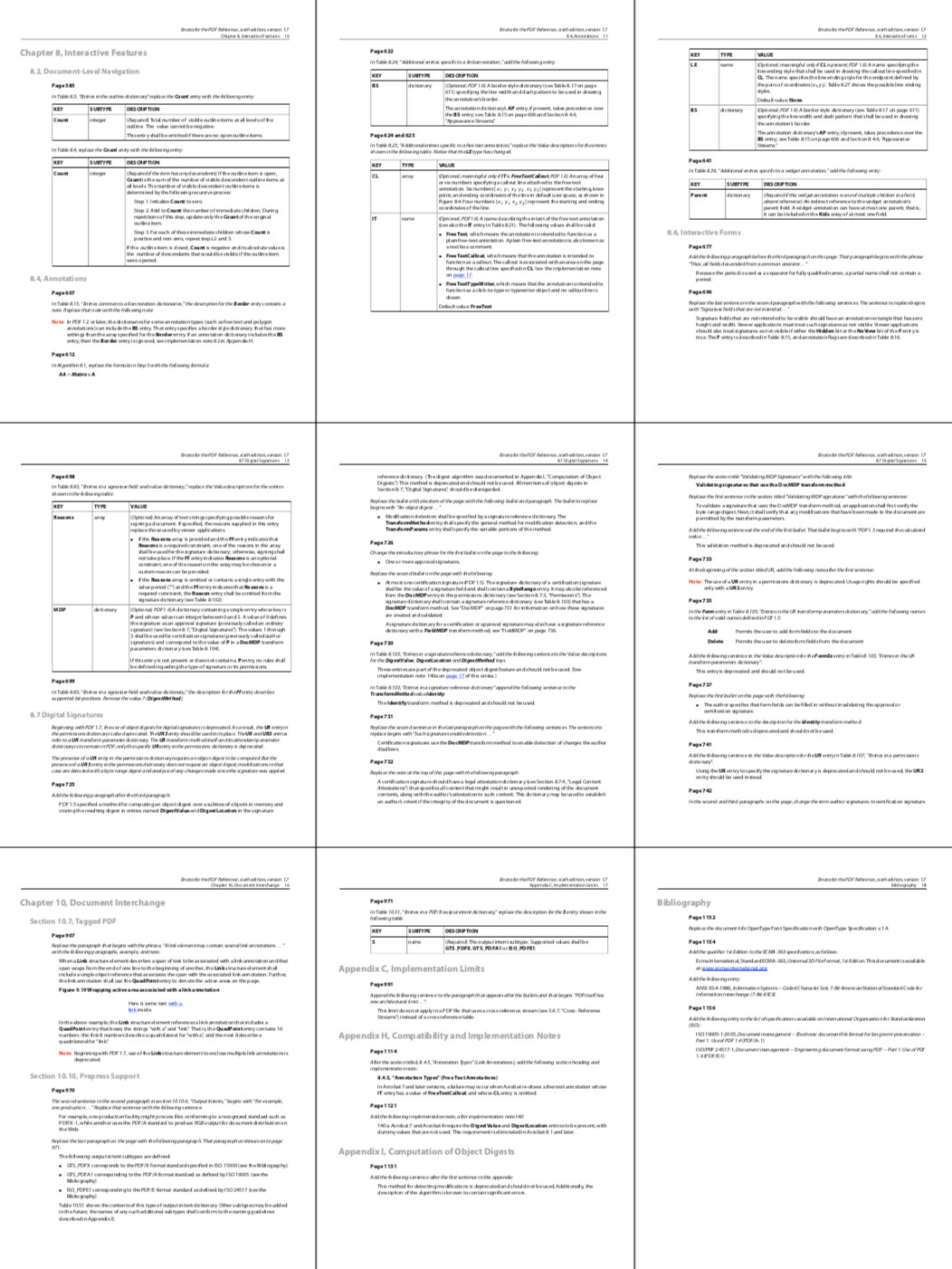
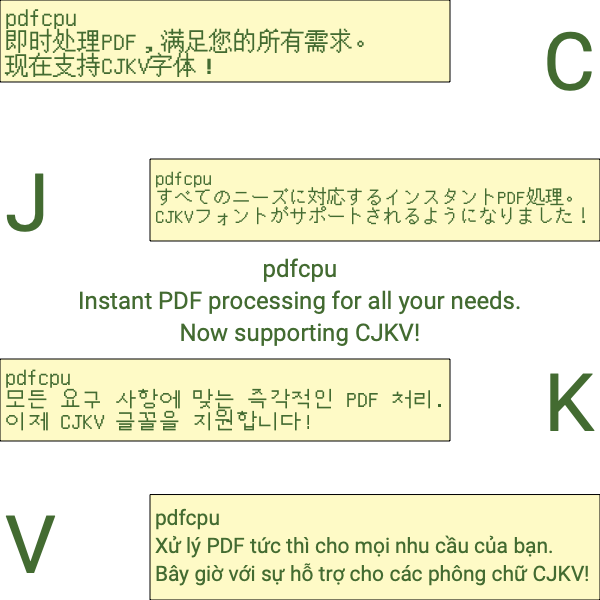
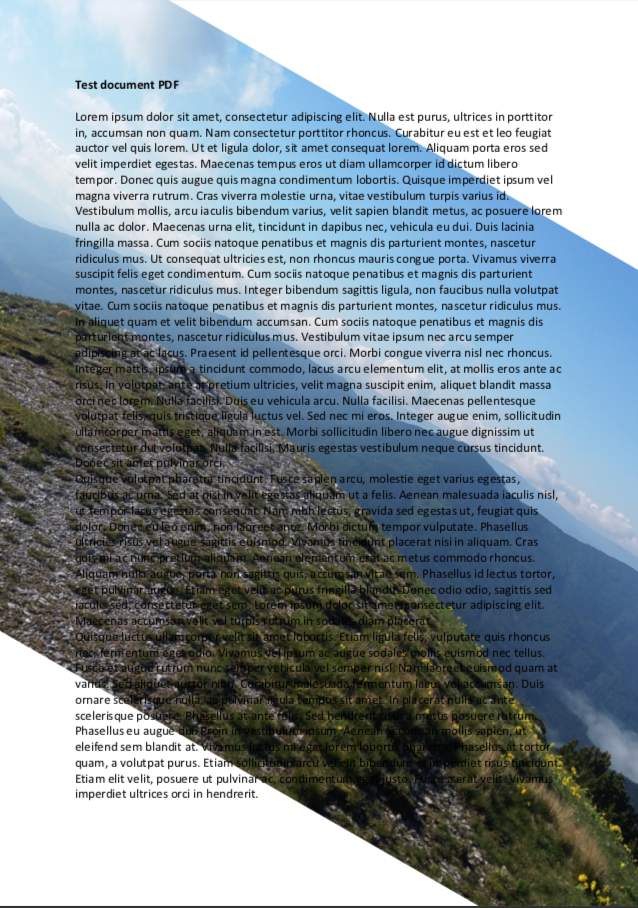
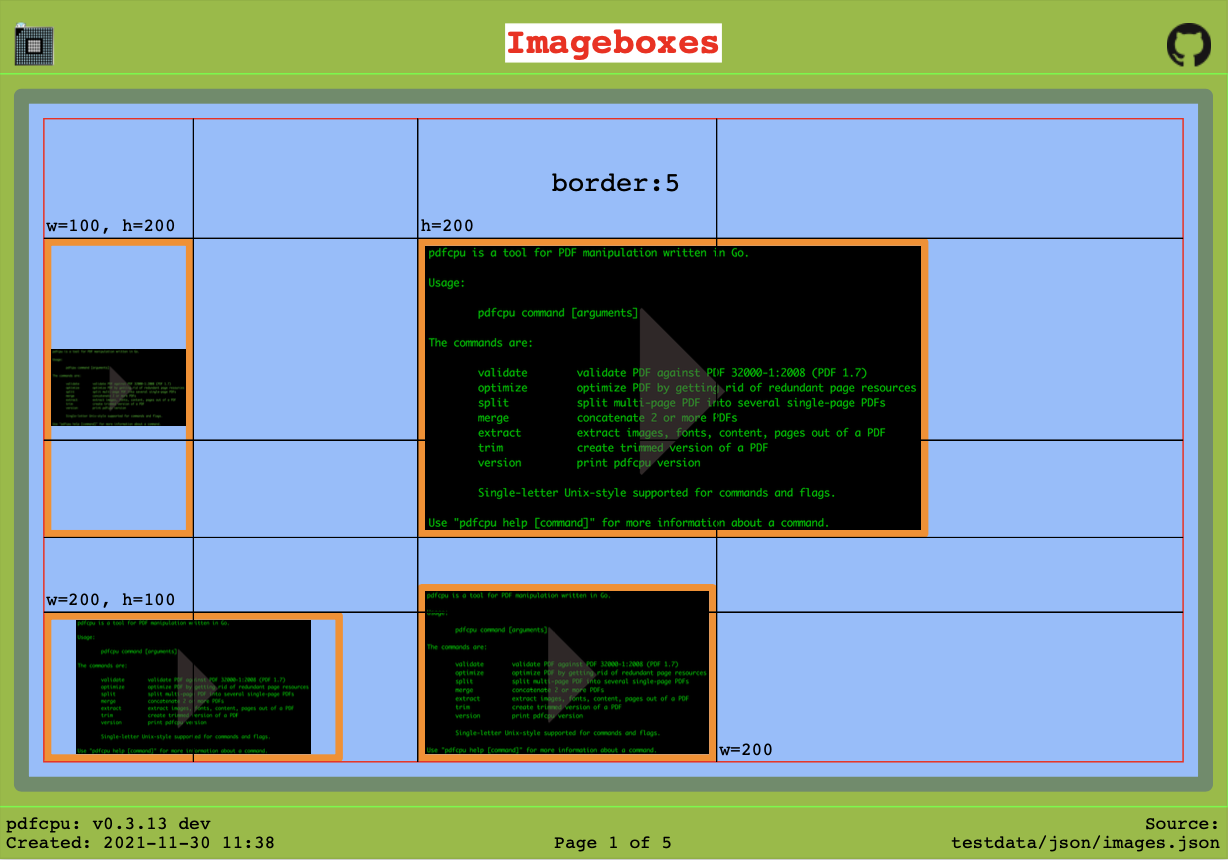
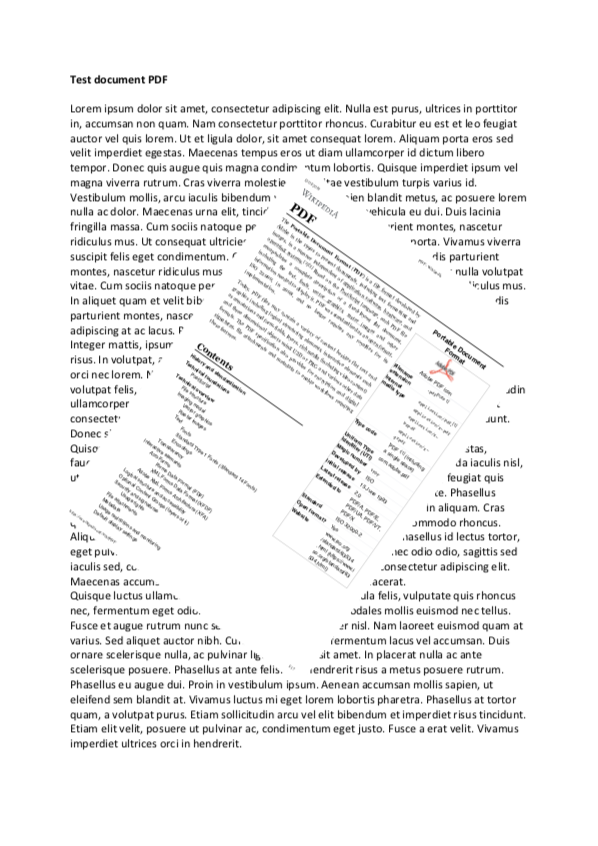
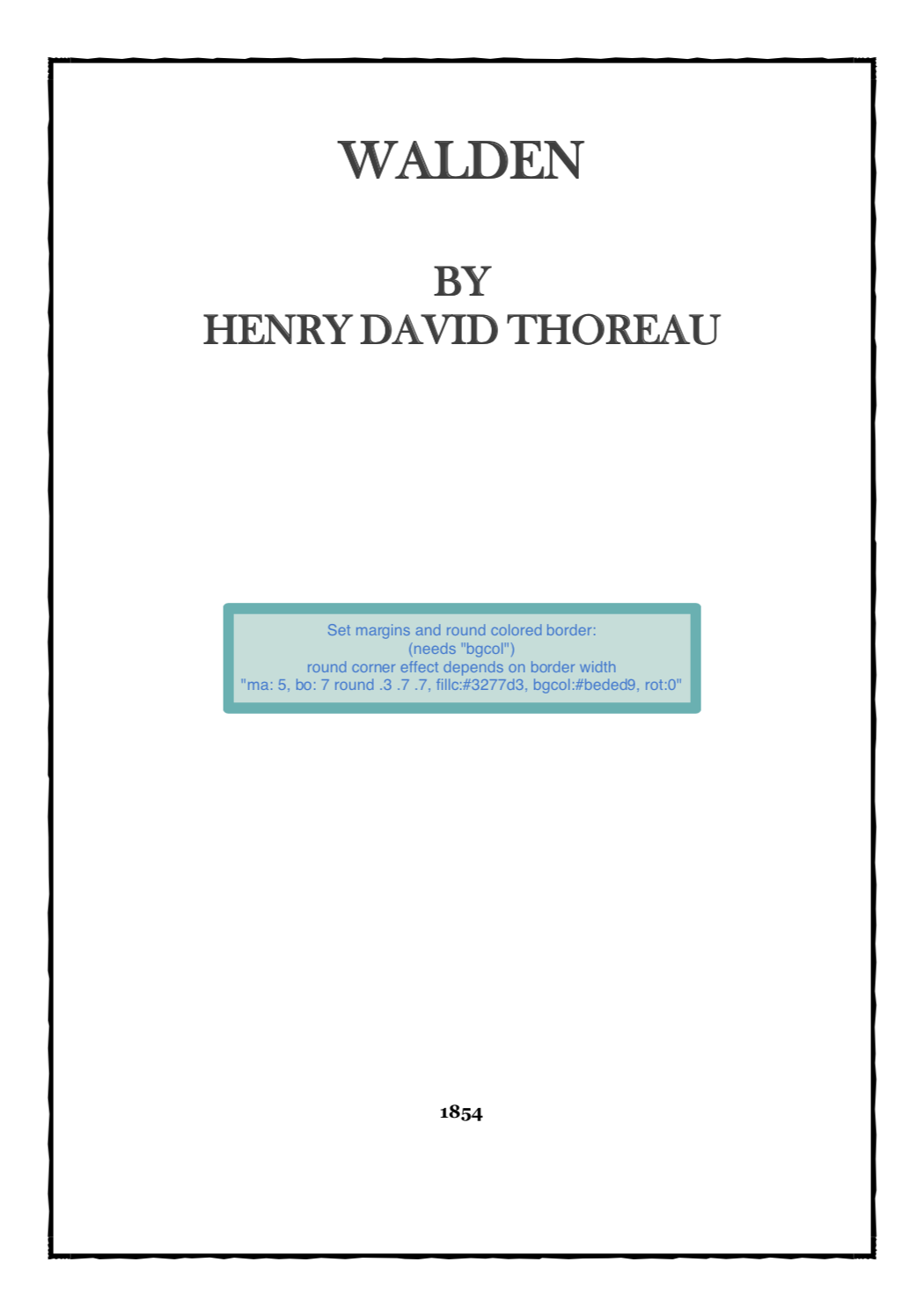
Selected examples:
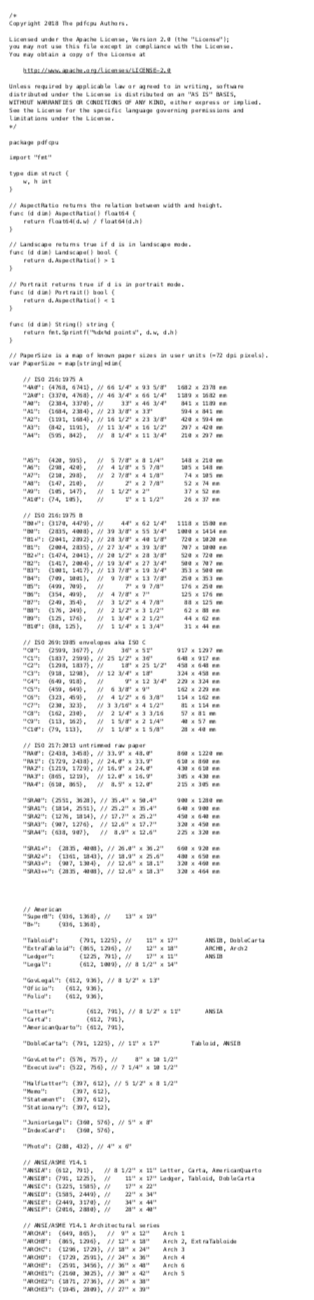


Commands

Complete list of supported commands:


Motivation

pdfcpu aims to provide comprehensive PDF processing capabilities implemented in Go for both individual files and automated batch processing.

It focuses on correctness, robustness and independence from external dependencies.


Focus

  • comprehensive PDF processing functionality
  • minimal external dependencies
  • predictable and stable behavior

Documentation

CLI

  • Command help: pdfcpu [command] --help

Go API


Contributing

Contributions are welcome. See the contributing guidelines and the complete list of contributors.

Reporting PDF issues

For triage, we use Adobe Acrobat Reader and macOS Preview as practical compatibility references.
Reports are especially helpful when a PDF opens in either application but cannot be processed by pdfcpu, as these cases may reveal opportunities to improve validation or parser compatibility.
If neither application can open the PDF, it is unlikely that pdfcpu will be able to process it reliably.

Start by validating the file:

pdfcpu validate -vv <file.pdf>

Include the command, its verbose output, and a sample PDF with the report.
Please submit only files that you have permission to share and that contain no confidential information or personal data.


Security

Please do not report security vulnerabilities through public GitHub issues.
See the security policy for private reporting instructions.


Code of Conduct

This project is released with a Contributor Code of Conduct. By participating, you agree to abide by its terms.


Disclaimer

Use of pdfcpu assumes compliance with all applicable copyrights for any processed PDF content, including embedded resources such as fonts and images.

Gopher artwork by Renee French


License

Apache License 2.0


Frequently asked questions

Is pdfcpu free to use?

pdfcpu is open source under the Apache-2.0 licence. There is no licence fee and no seat count — you can self-host it or, where the project offers one, pay a vendor for a managed version instead.

What does pdfcpu do?

PDF tooling for Go and the command line.

What is pdfcpu written in?

pdfcpu is primarily written in Go. Its source is publicly available at https://github.com/pdfcpu/pdfcpu, and it has 8,842 GitHub stars.