

Paperling
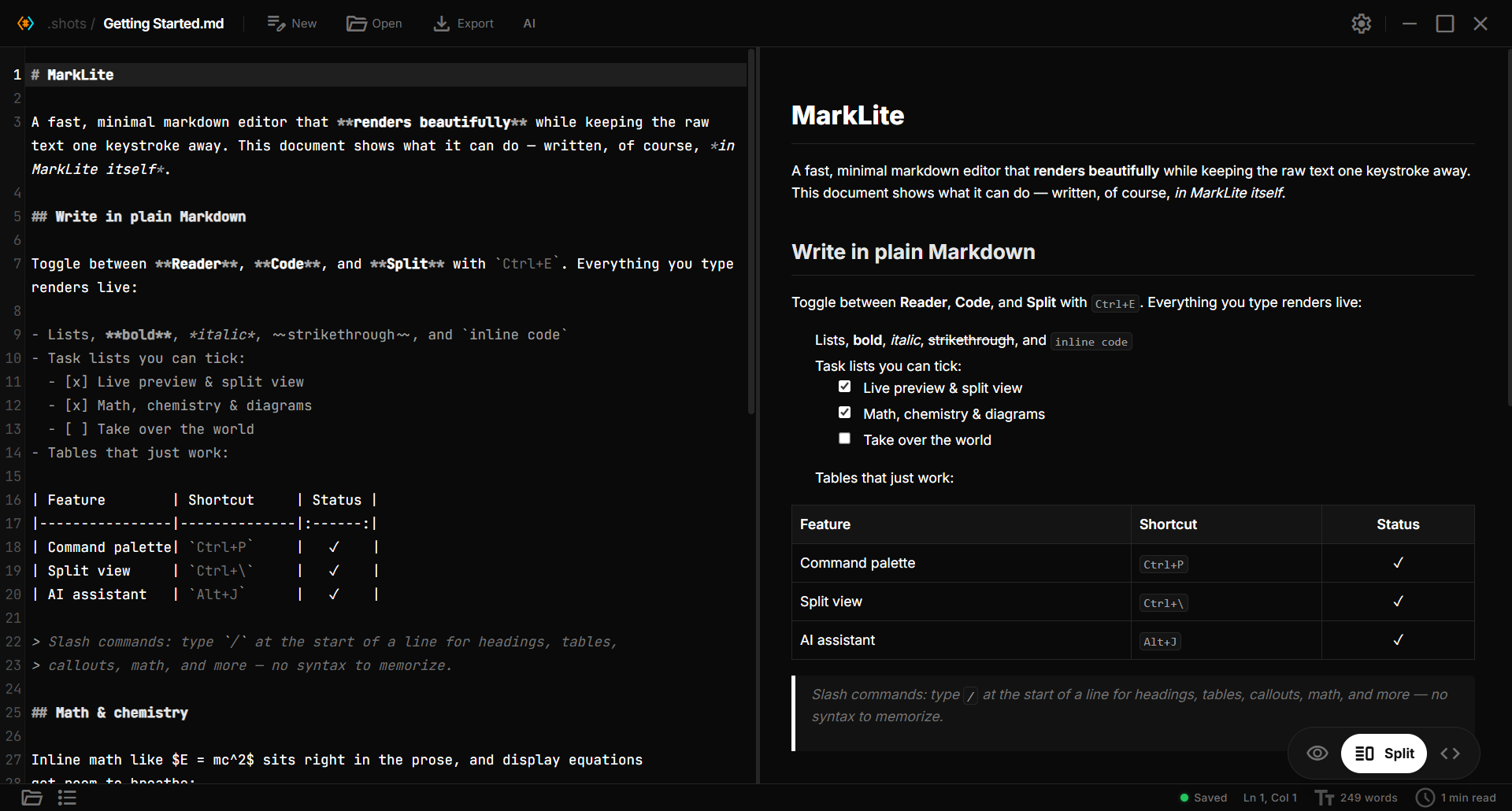
A no-setup Markdown reader and editor. Open any .md file and read it beautifully, edit with live preview (math, chemistry, and diagrams as you type), and use an optional free AI that proposes edits you accept or reject inline. No vaults, no plugins, no heavy app. Built with Tauri, React, and TypeScript.





⬇ Download · Website · Features · Contribute
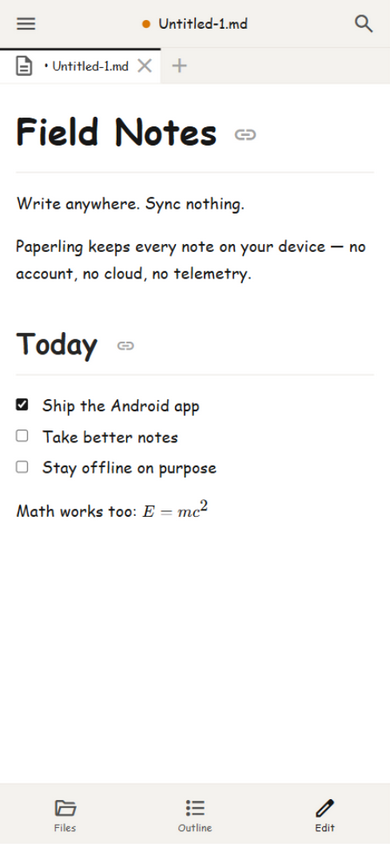
📱 Now on Android — get the APK from the releases page.
Why Paperling?

As a developer, I frequently work with markdown files for documentation, notes, and project READMEs. The frustration of opening .md files in Notepad or basic text editors, only to see raw, unformatted text with all the symbols and syntax cluttering the content, inspired me to build Paperling.
I wanted something you just open and write in: it renders Markdown beautifully while keeping the raw text one keystroke away. Tools like Obsidian are powerful, but vaults, graphs, and plugins are overkill if you only want to open a file and edit it. Paperling stays out of that complexity and adds the things I actually reach for: math and chemistry that render live, and an optional free AI (bring your own model) that proposes edits you accept or reject right in the text.
The little paper fellow above lives inside the app too: it greets you on the welcome screen, gives you a 30-second tour on first launch, and naps in the corners of empty panels.
Screenshots
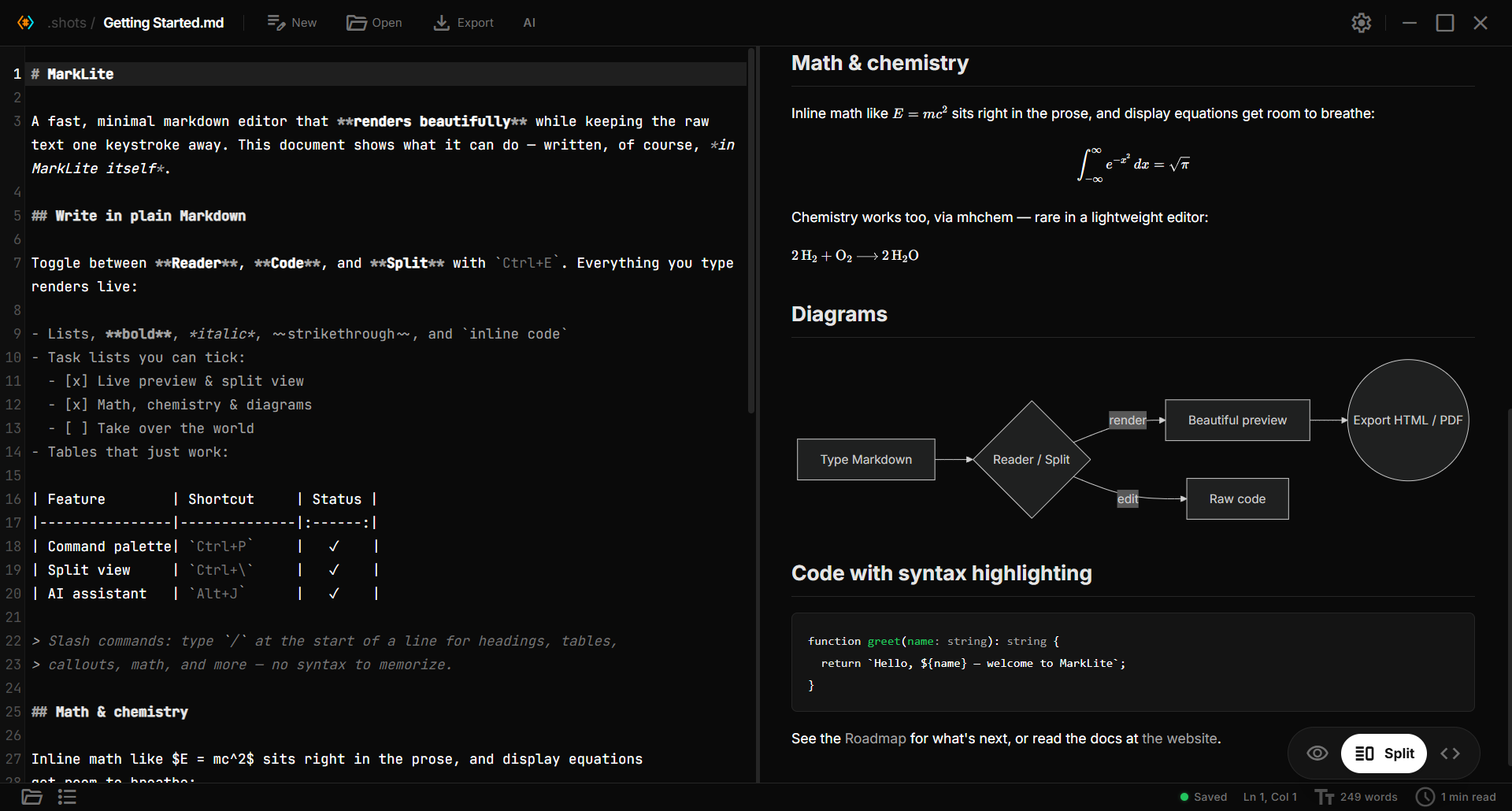
Math, chemistry, diagrams, and code — all rendered live as you type.
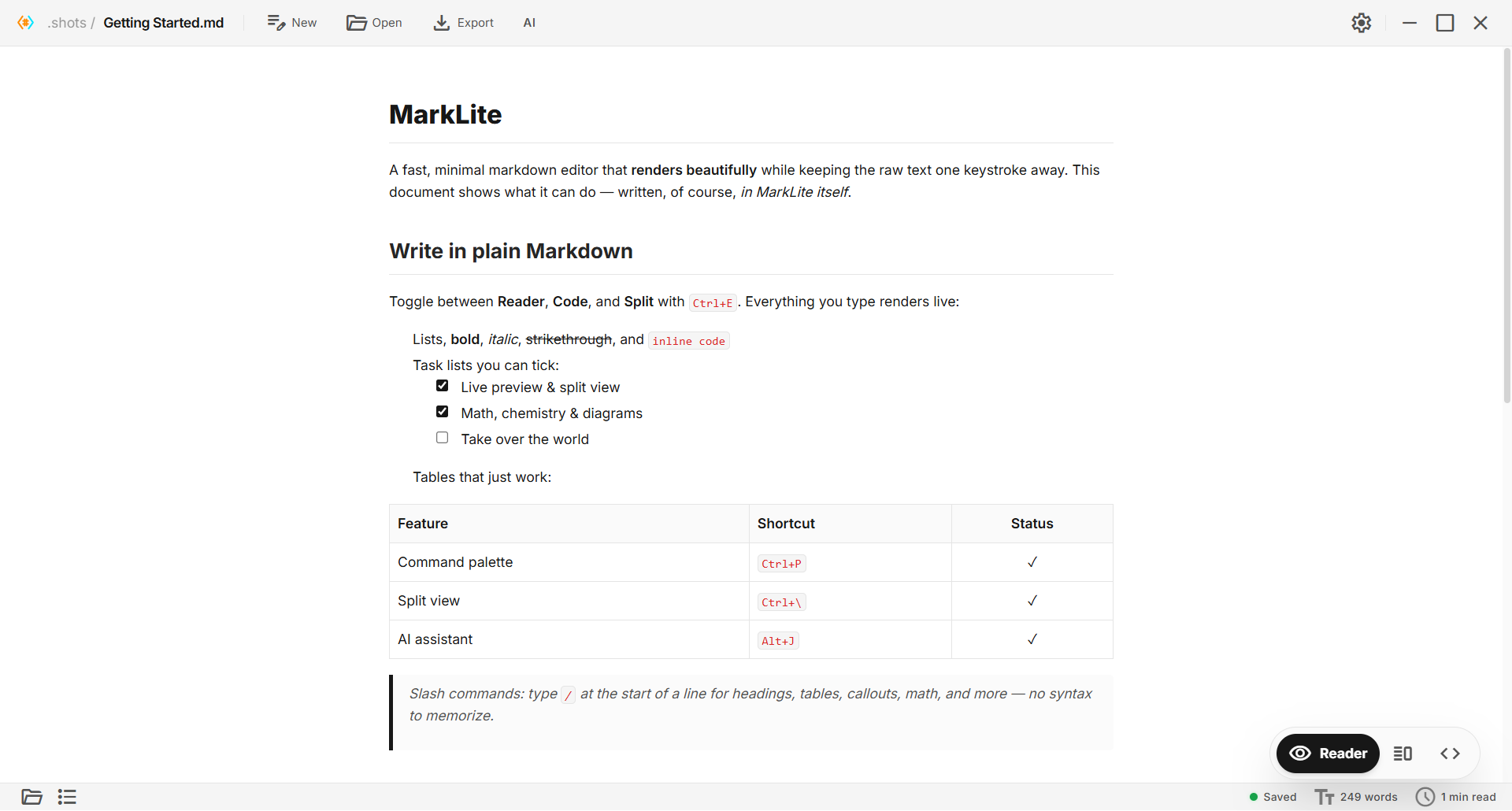
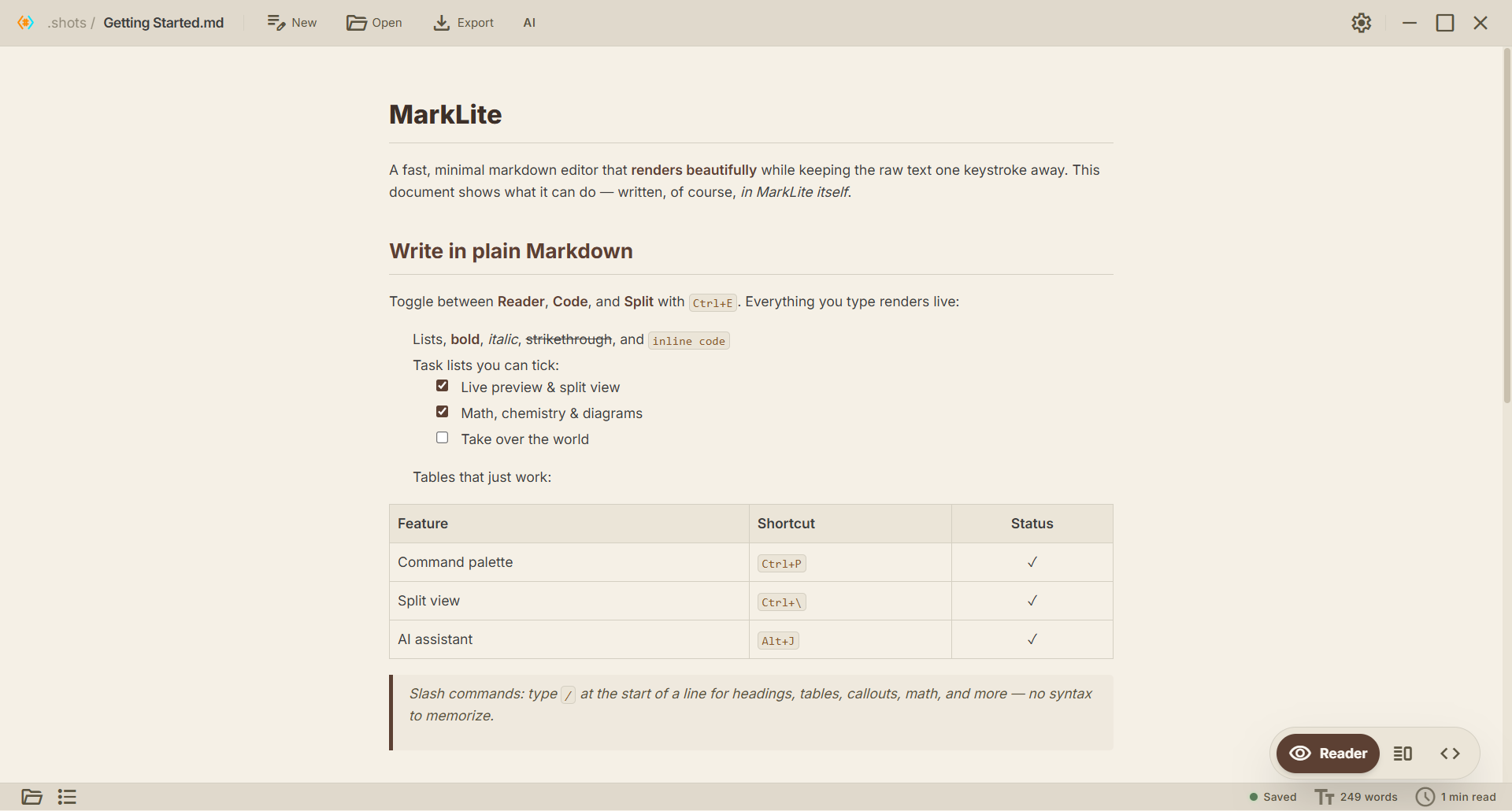
Four themes
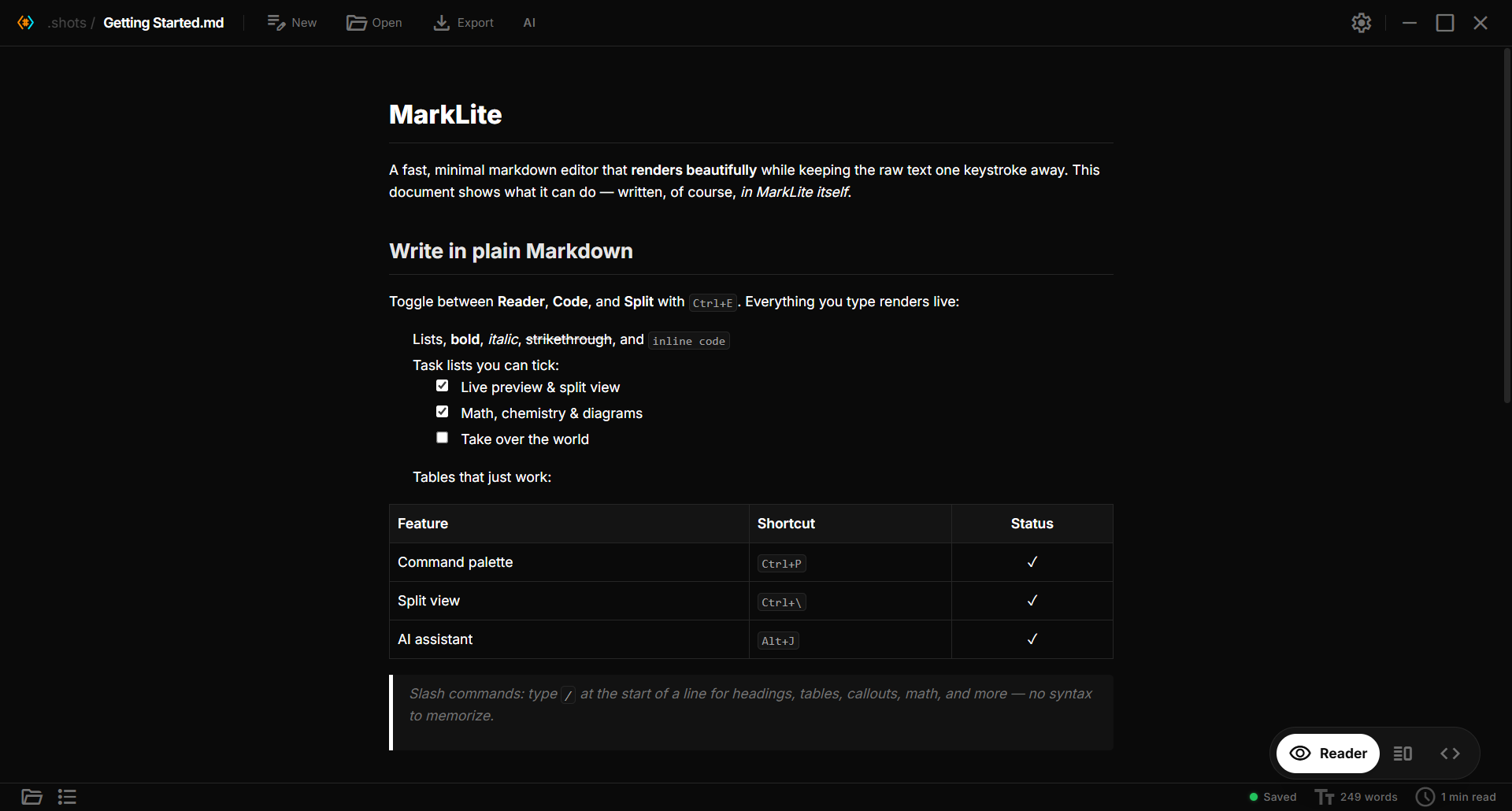
Dark, Light, Paper, and Dracula.
| Dark | Light | Paper |
|---|---|---|
 |
 |
 |
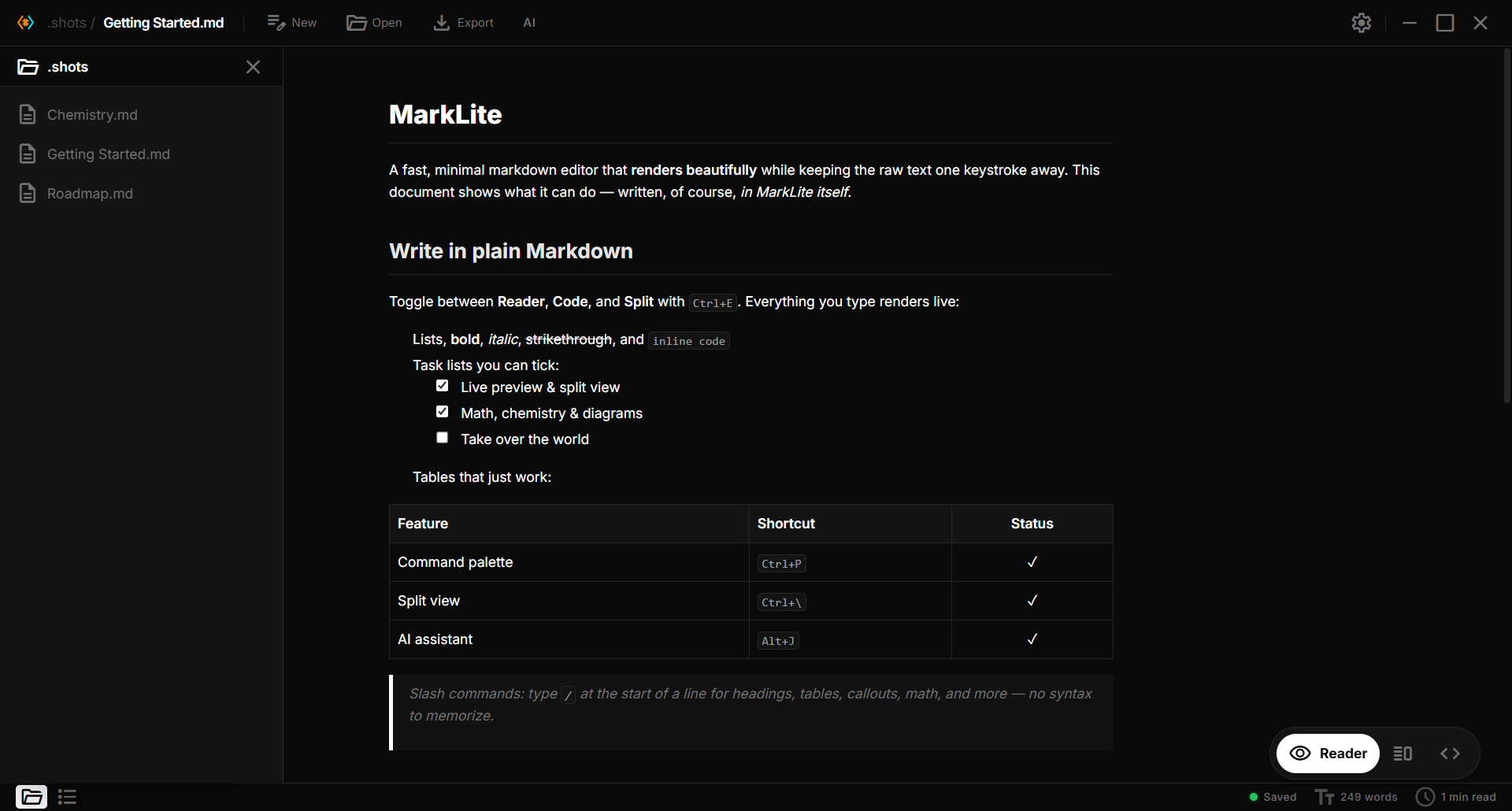
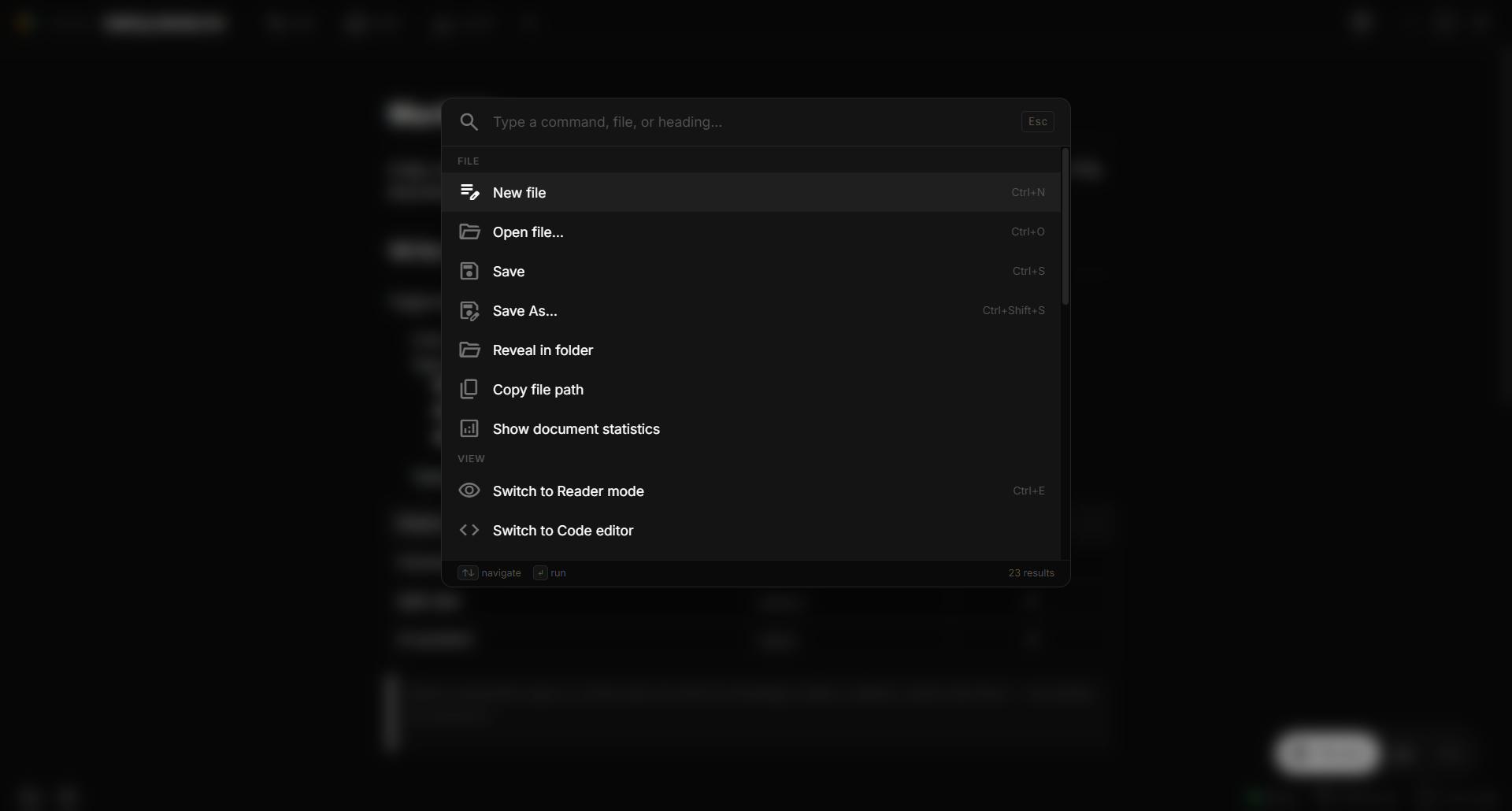
File explorer & command palette
| File explorer | Command palette |
|---|---|
 |
 |
Features
 Writing
- Clean Interface — minimal UI that stays out of your way
- Reader / Code / Split view — Ctrl+E to toggle, Ctrl+\ for split with bidirectional scroll sync
- Focus mode — dim non-active lines so you can think
- Typewriter mode — caret stays vertically centered
- Formatting toolbar (toggleable) and shortcuts: Ctrl+B / Ctrl+I / Ctrl+K / Ctrl+/
- Slash commands — type
/at line start for headings, lists, tables, math, mermaid, callouts, and more - Auto-pair brackets, quotes, and code marks; list/quote continuation on Enter
- Tab in tables moves between cells; auto-creates new rows
- Visual table editing: a toolbar appears when the caret is in a table, with buttons to add or delete rows and columns, set column alignment, and tidy the layout
- Find & Replace (Ctrl+F / Ctrl+H) with regex and match counter; replace across a whole folder from folder search (Ctrl+Shift+F)
- Multiple cursors — Ctrl+D selects the next occurrence; Ctrl/Cmd+click adds a cursor
- Lists and tasks from the keyboard — Tab / Shift+Tab nest items, numbered lists renumber, Ctrl+Enter ticks a task
- Right-to-left languages — Arabic, Hebrew, Persian and Urdu lines read right-to-left automatically; Ctrl+Right Shift / Ctrl+Left Shift switch the direction
- Smart paste — URL → link, rich HTML → markdown, TSV → GFM table
 Preview
- GitHub Flavored Markdown with task lists, tables, strikethrough
- Code blocks with syntax highlighting and one-click copy
- Math via KaTeX (
$inline$,$$block$$) — loaded only when needed - Chemistry via mhchem —
$\ce{2 H2 + O2 -> 2 H2O}$, ions, isotopes, Kröger-Vink defects - Mermaid diagrams (
```mermaid) — flowcharts, sequence, class, state, gantt, ER, mindmaps; zoom, pan, fullscreen, copy as PNG, save as SVG - Callouts, #tags and %%comments%% — Obsidian-style
> [!NOTE]boxes (foldable), tag pills that search your folder, hidden comments - Image lightbox — click to zoom; lazy loading
- Interactive task checkboxes — toggling writes back to source
- Heading anchors with click-to-jump
- Wikilinks
[[other-file]]and[[other-file#Heading]]resolve in the same folder; Ctrl/Cmd+click follows links in the editor too, and Ctrl+Alt+← / → go back and forward - Frontmatter rendered as an editable Properties card
 AI assistant

- AI side panel — open it from the AI button next to Export (or
Alt+J/⌘J). A VS Code-style chat docked on the right; content reflows beside it. - Ask mode — chat about the current document: summarize it, find something, ask questions. Answers stream in live.
- Agent mode — describe a change in plain language and the AI proposes edits. They appear as an inline diff in the editor (green added / red removed) which you review and accept or reject — per change, or all at once. Nothing is written until you approve.
- Selection assist — select text and press
Alt+J/⌘Jto rewrite, shorten, expand, continue, or translate it in place. - Bring your own model — works with any OpenAI-compatible endpoint: OpenAI, Google Gemini (OpenAI-compat), Ollama, llama.cpp, and more. Configure it in Settings → AI; your API key is stored in the OS keychain.
 Files & workflow
- Command palette (Ctrl+P) — search commands, files, headings, toggles
- Cheatsheet (
?) — every shortcut categorized and searchable - Settings modal (Ctrl+,) — sidebar nav with Appearance / Editor / AI / About
- New File (Ctrl+N) and Save As (Ctrl+Shift+S)
- Auto-save (optional, debounced) with status indicator
- External-change detection — reload or keep your version when the file changes outside the app; Paperling never silently overwrites newer work
- Crash-safe — unsaved changes, even in never-saved notes, come back after a crash or force-quit
- Recent files on the welcome screen — missing files marked
- Restore last opened file on launch
- File Explorer with folder navigation, new note / new folder, rename (F2) and move to trash
- Custom keyboard shortcuts — rebind any command in Settings → Shortcuts
- Outline pane that follows the cursor
- Backlinks panel showing which notes in the current folder link to the open file
 Customization
- Seven themes — Dark, Graphite, Nord, Midnight, Light, Paper, Dracula — with an adjustable accent color
- Five bundled fonts plus custom system fonts — Inter, Merriweather, Lora, Source Serif, Fira Sans, or a locally installed family
- Four font sizes and an optional readable line length column
- WCAG-friendly — visible focus rings,
prefers-reduced-motionrespected
 Platform
- Native performance — built with Tauri
- Cross-platform — Windows, macOS, Linux, and Android (arm64)
 Installation
Download the latest release from the Releases page.
Available Formats
| Platform | Formats |
|---|---|
| Windows | .msi installer · .exe (NSIS) installer |
| macOS | .dmg (Apple Silicon + Intel, universal) |
| Linux | .AppImage · .deb · .rpm |
| Android | .apk (arm64-v8a; allow "install unknown apps" once when installing) |
Note: builds aren't code-signed yet, so Windows SmartScreen or macOS Gatekeeper may warn on first launch. On Windows choose More info → Run anyway.
macOS: recent macOS versions report an unsigned app as "damaged and can't be opened" — right-click → Open does not clear that message. After copying the app to
/Applications, run this once in Terminal and it opens normally:xattr -cr /Applications/Paperling.app(Alternatively: System Settings → Privacy & Security → Open Anyway.) This is a consequence of shipping without Apple's paid notarization, not a broken download. Auto-update packages are signed and verified before installing.
Development
Prerequisites
Setup
# Clone the repository
git clone https://github.com/Razee4315/Paperling.git
cd Paperling

# Install dependencies
bun install

# Run in development mode
bun run tauri dev

# Build for production
bun run tauri build
 Keyboard Shortcuts
A few essentials — press ? inside the app for the full searchable list.
| Action | Shortcut |
|---|---|
| Command palette | Ctrl+P |
| Cheatsheet | ? |
| Settings | Ctrl+, |
| New file | Ctrl+N |
| Open file | Ctrl+O |
| Save | Ctrl+S |
| Save As | Ctrl+Shift+S |
| Toggle Reader / Code | Ctrl+E |
| Toggle Split view | Ctrl+\ |
| File explorer / Outline | Ctrl+Shift+E / Ctrl+Shift+O |
| Find / Replace | Ctrl+F / Ctrl+H |
| Bold / Italic / Link | Ctrl+B / Ctrl+I / Ctrl+K |
| Toggle blockquote | Ctrl+/ |
| AI panel / assist | Alt+J (Windows) · ⌘J (macOS/Linux) |
Tech Stack
- Frontend: React, TypeScript, Tailwind CSS
- Backend: Rust, Tauri v2
- Build: Vite
Contributing

Contributions are very welcome — code, docs, bug reports, or ideas.
- 🌱 New here? Browse
good first issue— small, scoped tasks to get started. - 🗺️ See the Roadmap for where Paperling is headed and where help is wanted.
- 📦 Want to help with distribution? See
packaging/(winget, Scoop, and more). - 📋 Please read the Contributing Guidelines and Code of Conduct before opening a pull request.
Even a ⭐ helps others discover the project.
Author
Saqlain Abbas
Email: [email protected]
GitHub: @Razee4315
Linkedin: @saqlain.razee
License
Paperling is licensed under the Apache License 2.0: free to use, modify, and distribute for both personal and commercial purposes, with an explicit patent grant. Just keep the license and NOTICE with copies you redistribute.

~ end of file ~