PairDrop for Android is an open-source Android client that lets you quickly send files from your phone to a PC or other devices over a local network using the PairDrop and self-hosted Snapdrop services.
What it is
PairDrop for Android is a native Android application, written in Java and released under the GPL-3.0 licence, that wraps the browser-based PairDrop file sharing solution at https://pairdrop.net/. PairDrop itself is a free and open source local file sharing service that works entirely in the browser and connects Windows, Linux, Android, iPhone and Mac devices on the same network; the Android app is the client that integrates it into the operating system so files can be sent from within other apps directly through the standard Android share sheet.
The concrete problem it addresses is the everyday friction of moving one file from a phone to a computer. The README frames the alternatives it replaces: USB as "old fashioned", Bluetooth as "too much cumbersome and slow", and emailing a file to yourself as a chore. Instead, the app provides a share target inside other Android applications, so a file is dispatched to a nearby device without cables, pairing dialogs, or a mailbox involved.
Key capabilities
- Acts as an Android client for both the hosted PairDrop service at https://pairdrop.net/ and self-hosted Snapdrop installations.
- Integrates with the Android operating system so PairDrop can be selected as a share target directly from within other apps.
- Transfers files between Android, Windows, Linux, iPhone and Mac devices on the local network, using WebRTC.
- Ships as a signed release on both Google Play and F-Droid, with an
APK Build GitHub Actions workflow producing CI builds from the master branch.
- Is localized through Crowdin, with translations managed centrally rather than edited by hand in the
.xml resource files.
- Publishes a public uptime status page for the PairDrop service alongside a Codacy code-quality badge and a GitHub Issues tracker that currently carries 29 open issues.
- Accepts community contributions through issues and pull requests, with translations welcomed for languages that do not yet exist.
Who uses it and how
- Individual users who regularly move a single file between an Android phone and a desktop and want to avoid USB cables, Bluetooth pairing, or self-addressed emails.
- People who already use PairDrop in a browser and install the app because they use it often enough in daily life to benefit from native Android integration.
- Users sending files from inside other Android applications by selecting PairDrop as the system share destination.
- Operators running their own Snapdrop server who point the same client at their self-hosted instance instead of the public service.
- Contributors and translators working through the repository's issues, pull requests, and the Crowdin localization project.
Getting started
Install the app from Google Play at com.fmsys.snapdrop or from F-Droid; prebuilt APKs are also available from the GitHub Releases page, which the README's release badge links to.
How it compares
The README explicitly positions PairDrop as "a bit like Apple's Airdrop, but not only for Apple devices", extending the same idea of direct local sharing to a genuinely cross-platform set of systems rather than a single vendor's ecosystem. Against the alternatives it lists — USB, Bluetooth, and email — the differentiator is that files move over the local network through the PairDrop service with no cable, pairing step, or message.
When to use it — and when not
You need an Android device, and the transfer path depends on the PairDrop or Snapdrop service being reachable, so an outage of the hosted site affects you unless you operate a self-hosted server yourself; the project also maintains a public uptime page, which implies that dependency. This is not the place to report bugs in the PairDrop website itself, since problems occurring independently of the app are explicitly out of scope, and with 29 open issues open some rough edges remain; it is also a GPL-3.0 Java project, so contributors should be comfortable with that licence and codebase.
project readme (upstream, from github) — read inline







PairDrop for Android

PairDrop for Android is an android client for the free and open source local file sharing solution https://pairdrop.net/.
[!TIP]
Do you also sometimes have the problem that you just need to quickly transfer a file from your phone to the PC?
- USB? - Old fashioned!
- Bluetooth? - Too much cumbersome and slow!
- E-mail? - Please not another email I write to myself!
- PairDrop!
PairDrop is a local file sharing solution which completely works in your browser. A bit like Apple's Airdrop, but not only for Apple devices. Windows, Linux, Android, IPhone, Mac - no problem at all!
However, even if it theoretically would fully work in your browser and you don't have to install anything, you will love this app if you want to use PairDrop more often in your daily life. Thanks to perfect integration into the Android operating system, files are sent even faster. Directly from within other apps you can select PairDrop to share with. Thanks to its radical simplicity, "PairDrop for Android" makes the everyday life of hundreds of users easier. As an open source project we don't have any commercial interests but want to make the world a little bit better. Join and convince yourself!
Where can I download the app?
PairDrop for Android is available on Google Play and F-Droid.


Screenshots
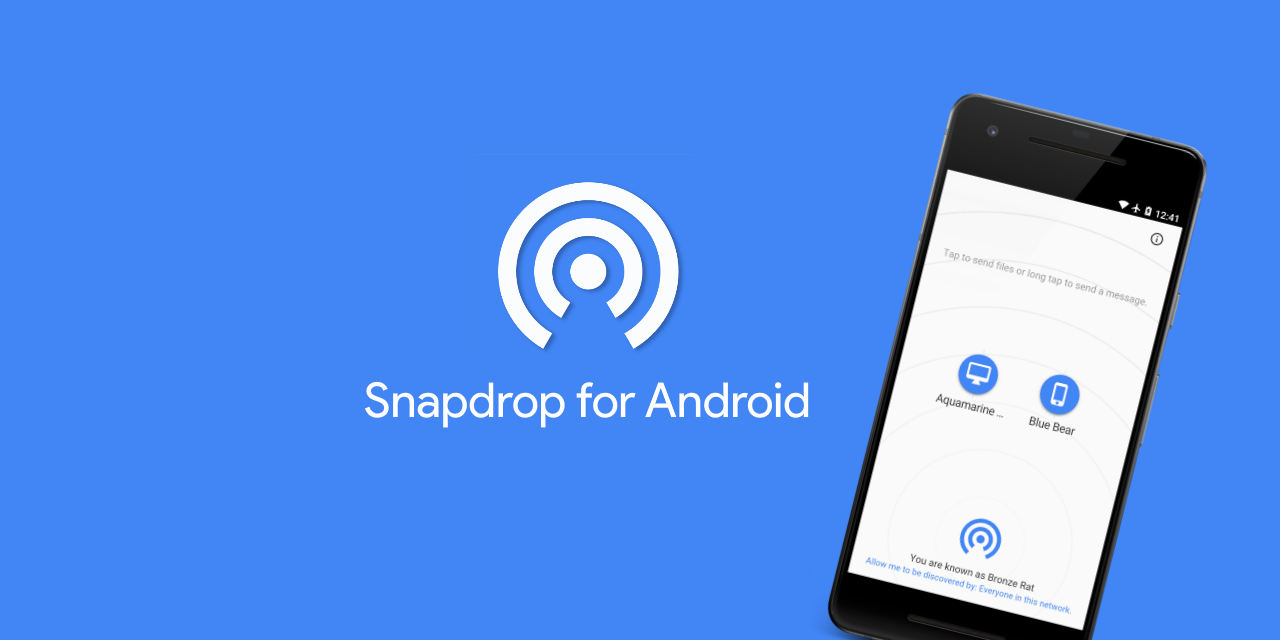
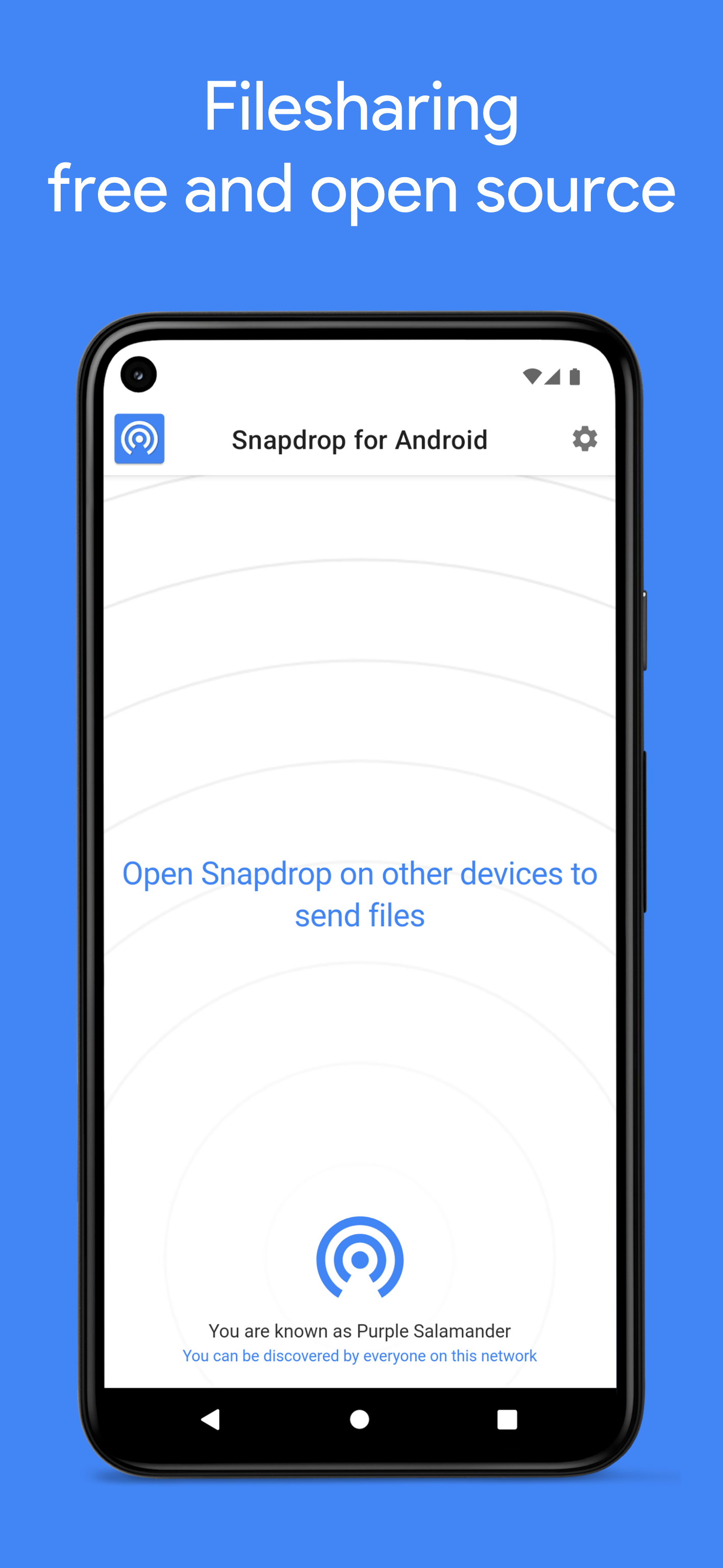
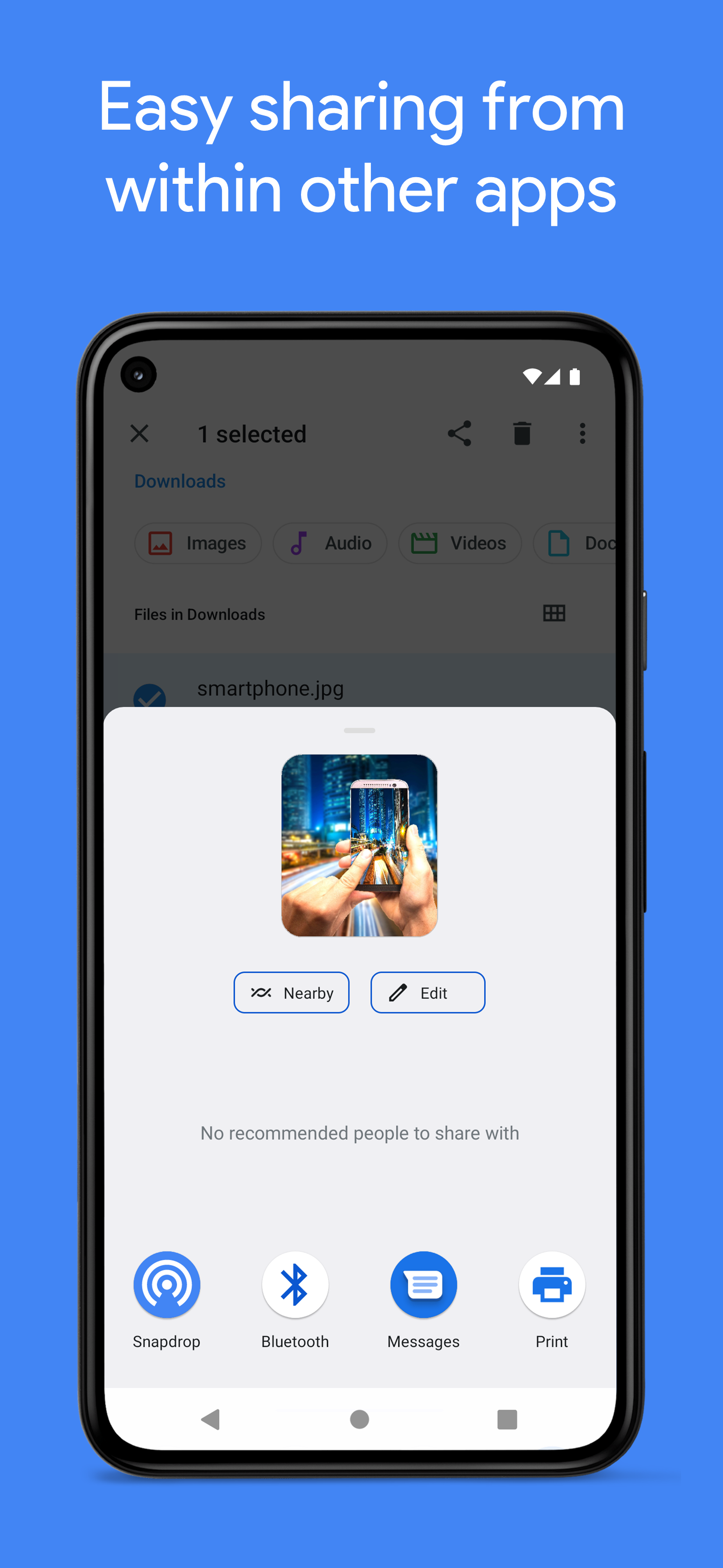
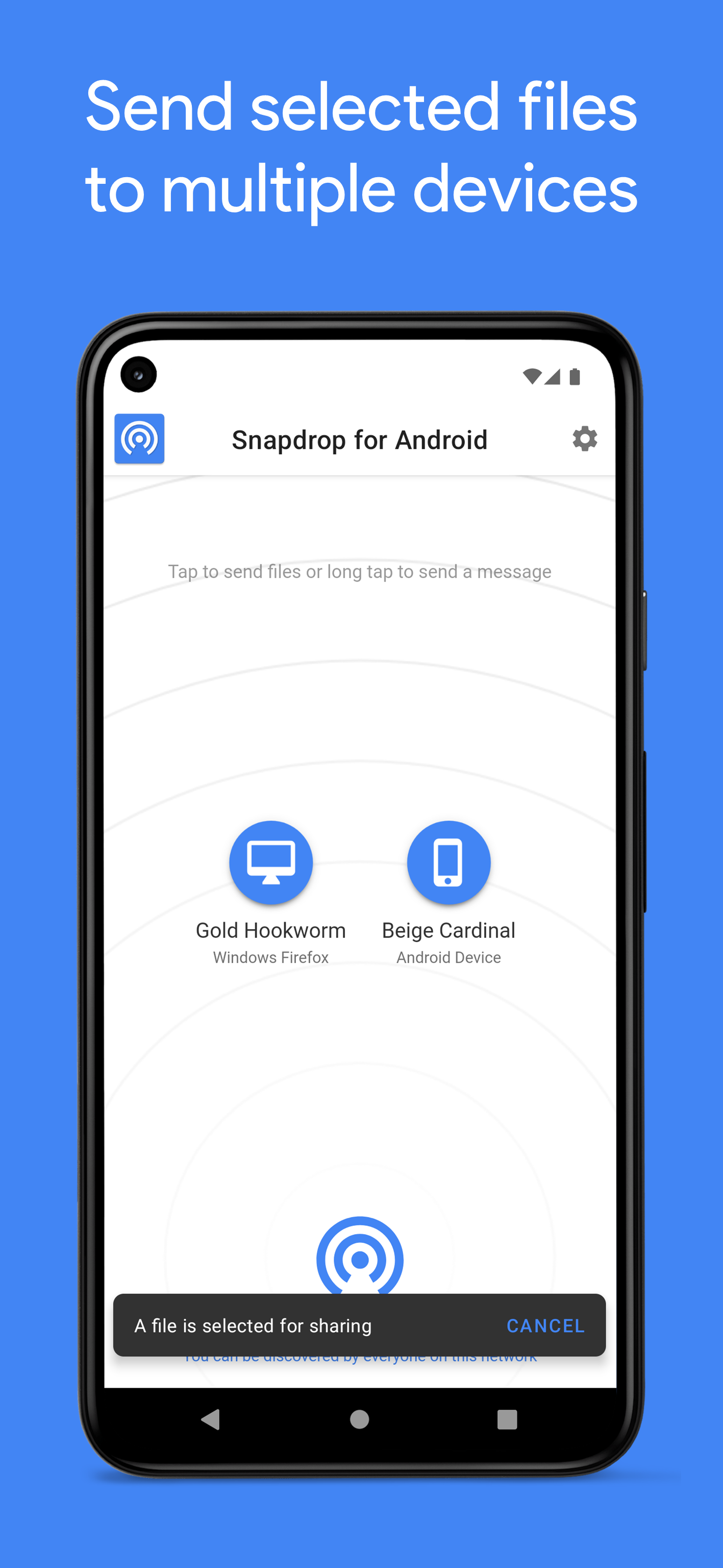
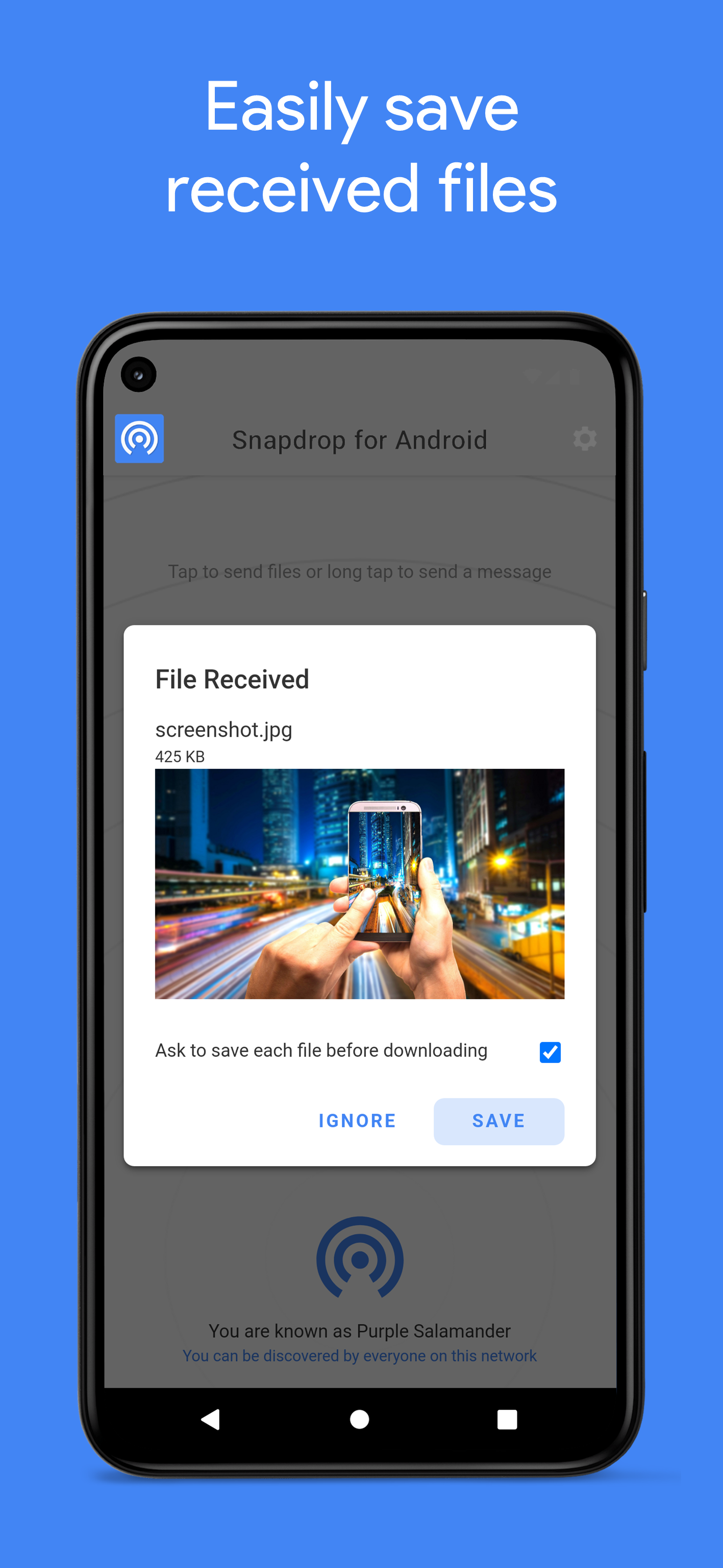
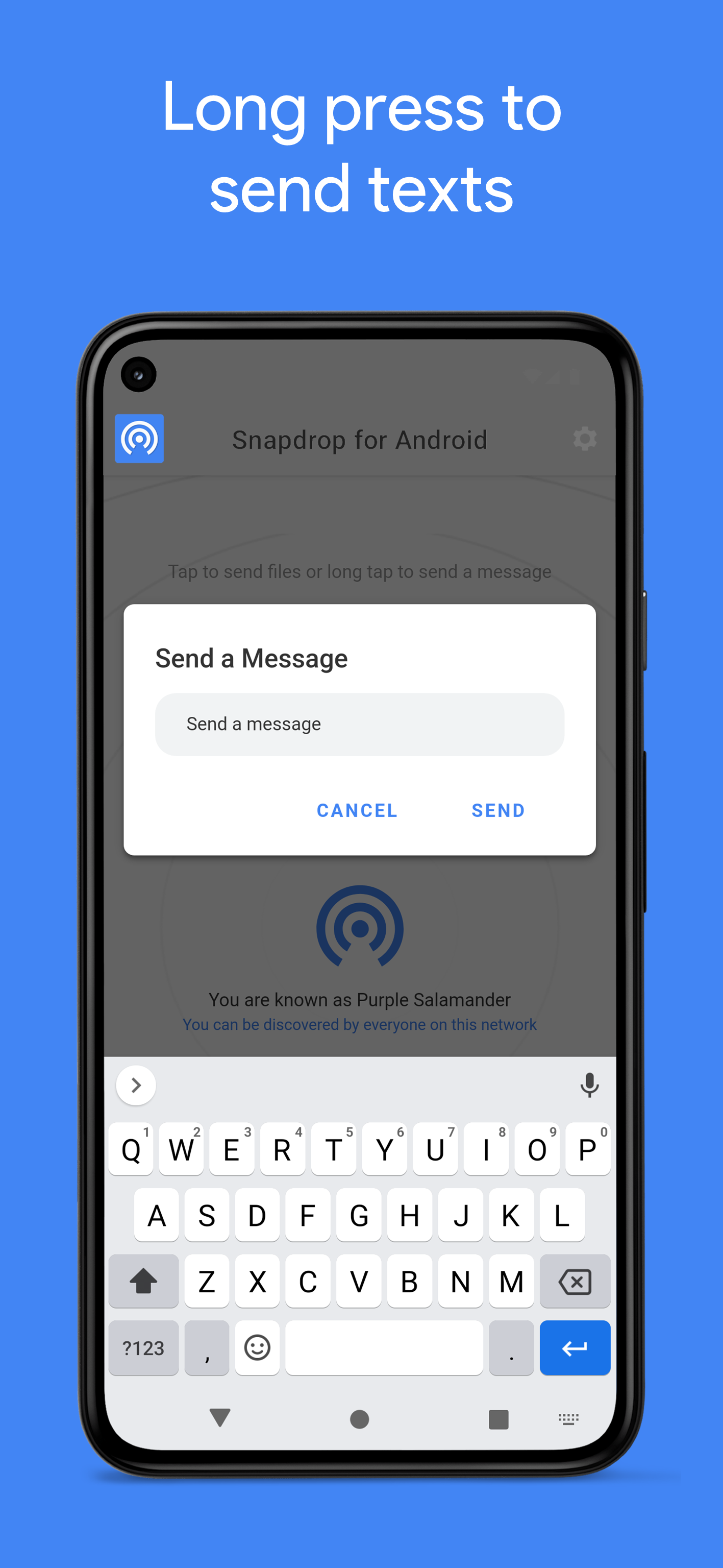
Support PairDrop
➡️ See how you can support this app and the PairDrop community
Contributing
PairDrop for Android would like to become a community project. I invite your participation through issues and pull requests! Also bug reports are very welcome! But note that this is not the right place to report bugs regarding the Pairdrop website which occur independently of this app.
Localization
We use Crowdin to manage all our translations. If you want to contribute, feel free to help translating PairDrop for Android into your favorite language. If your language does not yet exist and you want to contribute, please open an issue so we can discuss whether it is worth maintaining translations for that language.

One additional hint:
Please do not change any translations manually in the .xml resource files. Nothing bad would happen though, but these changes would be deleted/overwritten automatically by Crowdin. If you add/change any resource strings within your PR, Crowdin will automatically take care of all related translations.
Development
If you want to help with development, this would be more than welcome! I am very glad about every pull request. Just fork the repo and start coding. However, if you plan to implement larger changes, please tell us in the issue tracker before hacking on your great new feature.
Other software
related software
Alternatives
- Apple Airdrop (Mac and IOS only, plus an unofficial open source implementation for Linux)
- Google Nearby Share (Android, Chrome OS and Windows, plus an unofficial macOS client)
- Windows Nearby Sharing (Windows only, there is a FLOSS implementation for android)
- Link to Windows (Your Android phone will be mounted as storage directly in your Windows file explorer, read more)