oterm


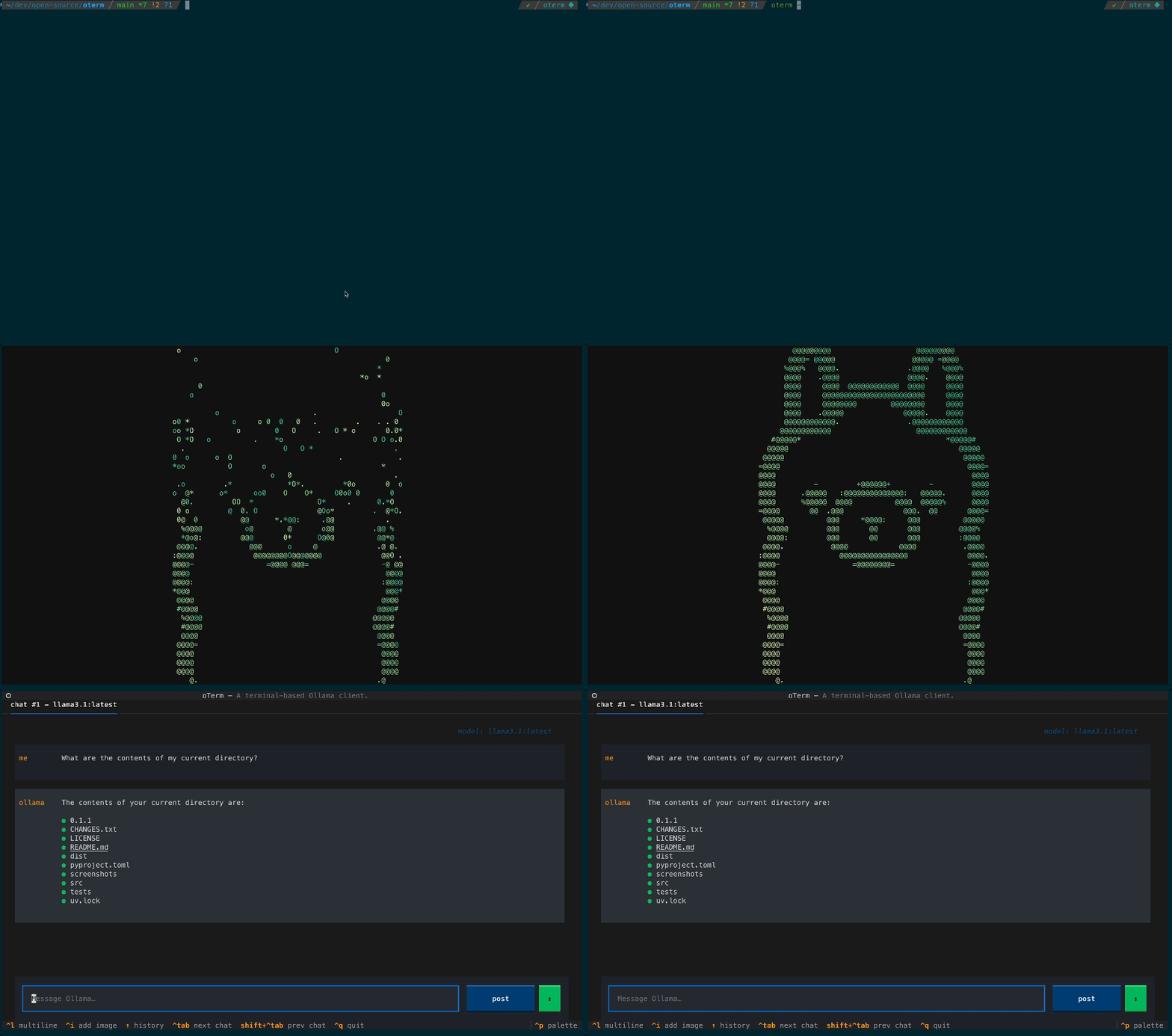
The terminal client for Ollama, OpenAI, Anthropic, and any pydantic-ai-supported provider.
Install
uvx oterm
Full install methods, configuration, and usage: oterm Documentation.
What's new
See the CHANGELOG.
oterm is a free, open source ai interaction & interfaces project written in Python and released under MIT. It has 2,442 GitHub stars, 138 forks and 4 open issues, and was last pushed 18 hours ago. On this registry it ranks #92 of 140 tracked projects in AI Interaction & Interfaces, with 5 head-to-head comparisons available.
oterm is the terminal client for LLMs: a Python TUI that connects one terminal interface to Ollama, OpenAI, Anthropic, and any pydantic-ai-supported provider, aimed at developers and terminal-centric teams who would rather chat with models from the command line than from a browser.
oterm is a Python application, released under the MIT licence, that provides a terminal user interface for chatting with large language models. Its topics describe it as a chatbot and a TUI built with Textual, filed under AI & Machine Learning / AI Interaction & Interfaces, and it targets the provider ecosystems listed alongside it: anthropic, ollama, openai, and pydantic-ai. The project lives on GitHub, where it has 2,442 stars and 138 forks against 4 open issues, and it keeps a documentation site at https://ggozad.github.io/oterm/ alongside a CHANGELOG.md.
The problem it solves is fragmentation. Ollama, OpenAI, and Anthropic each offer their own chat interfaces, and pydantic-ai exposes a further range of providers, so a developer working in a shell has to leave it for a browser or juggle several clients depending on which model is wanted. oterm replaces that per-provider, browser-bound arrangement with a single terminal client that reaches all of them, keeping the conversation inside the environment where the work is already happening. Its topic list also includes mcp, the Model Context Protocol.
uvx oterm command.The README's installation line is uvx oterm, and it points to https://ggozad.github.io/oterm/ for full install methods, configuration, and usage.
No paid products that oterm replaces appear in the facts provided, and no comparable terminal client is named either, so it stands alone in this registry; the other projects named alongside it are providers it connects to rather than alternatives it competes with. A fair comparison is therefore against each provider's own first-party interface, which is the arrangement oterm is designed to replace.
Adopting oterm means supplying your own model access: a local Ollama instance or API credentials for OpenAI, Anthropic, or another pydantic-ai provider, since no hosted service is described. It fits people who are at home in a terminal, and it is a poor choice for anyone who wants a graphical or browser-based chat interface or a fully managed service with no local setup. The README itself is sparse, offering the uvx oterm command and a link to external documentation, so configuration and daily usage have to be learned from the documentation site, and no released version or date is given beyond the CHANGELOG reference.
The terminal client for Ollama, OpenAI, Anthropic, and any pydantic-ai-supported provider.
uvx oterm
Full install methods, configuration, and usage: oterm Documentation.
See the CHANGELOG.
oterm is open source under the MIT licence. There is no licence fee and no seat count — you can self-host it or, where the project offers one, pay a vendor for a managed version instead.
the terminal client for LLMs
oterm is primarily written in Python. Its source is publicly available at https://github.com/ggozad/oterm, and it has 2,442 GitHub stars.