OpenBudgeteer is a self-hosted budgeting web application built on the Bucket Budgeting Principle, aimed at people who want to run their own budget planning software in Docker rather than pay for a hosted service.
What it is
OpenBudgeteer is an open-source budgeting application written in C# and released under the AGPL-3.0 licence. Its core is built on .NET and follows the MVVM pattern, while the front end uses Blazor Server. The budgeting model follows the Bucket Budgeting Principle, in which money is allocated into buckets, and the project's README states that it is inspired by YNAB and by Buckets. It sits in the Business Software / Finance & Accounting category, and it is distributed as a web application that runs on the operator's own infrastructure rather than as a managed service.
The concrete problem it solves is ownership of personal and household financial data. Hosted budgeting products keep accounts, transactions, and budget allocations on someone else's servers, and access depends on a continuing subscription. OpenBudgeteer replaces that arrangement with an instance the user deploys and controls. Because the data lives in the operator's own database and the application code is public under a copyleft licence, the budget history remains available and inspectable regardless of what any vendor decides to do with its product.
Key capabilities
- Bucket Budgeting Principle as the core allocation model, applied to accounts and transactions rather than to envelope-less expense tracking.
- Blazor Server front end, which keeps the UI in the browser while the application logic runs server-side.
- .NET core organised with the MVVM pattern, separating view models from the budgeting logic.
- Docker-based deployment that pairs the application with MariaDB as its database.
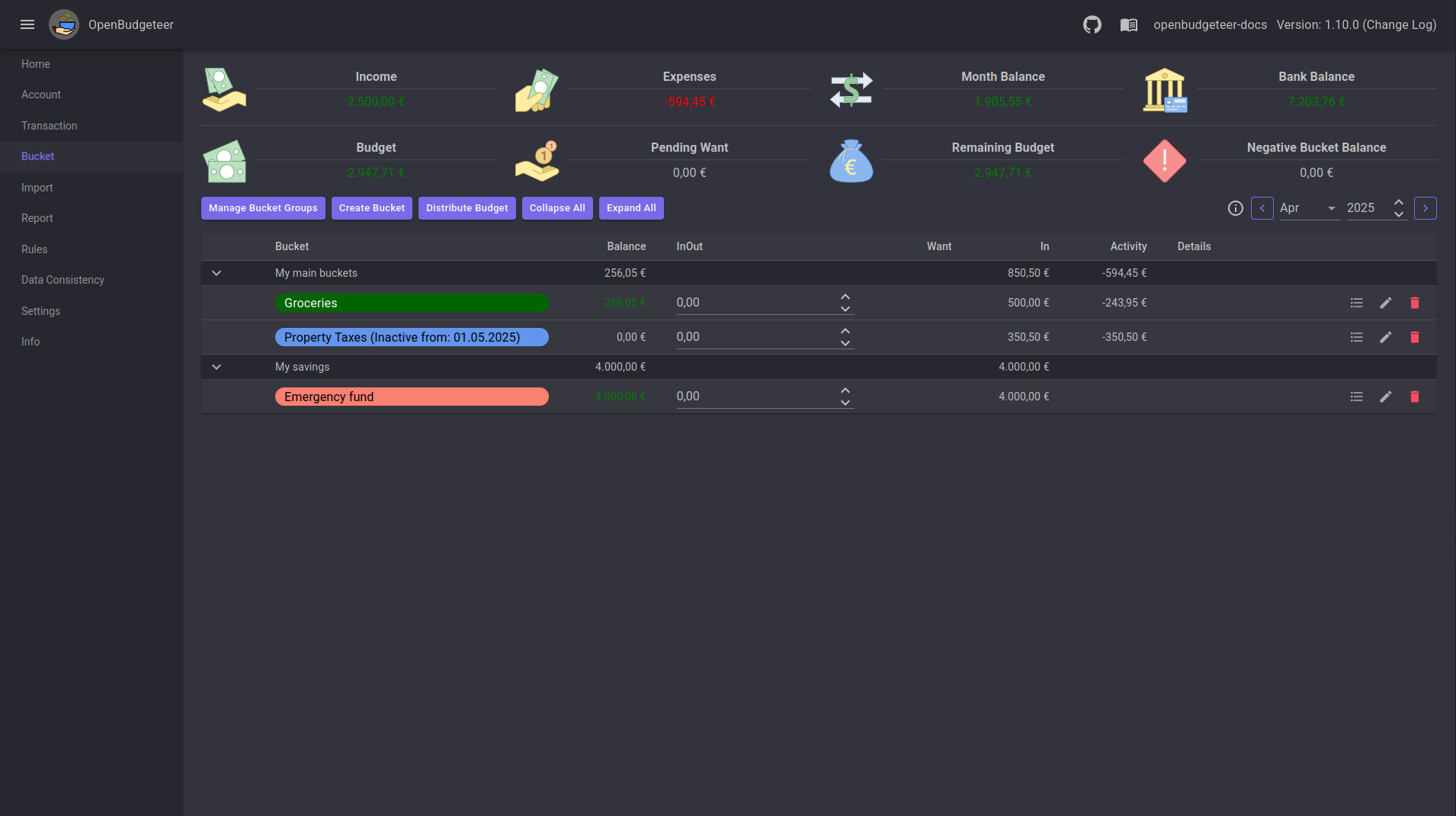
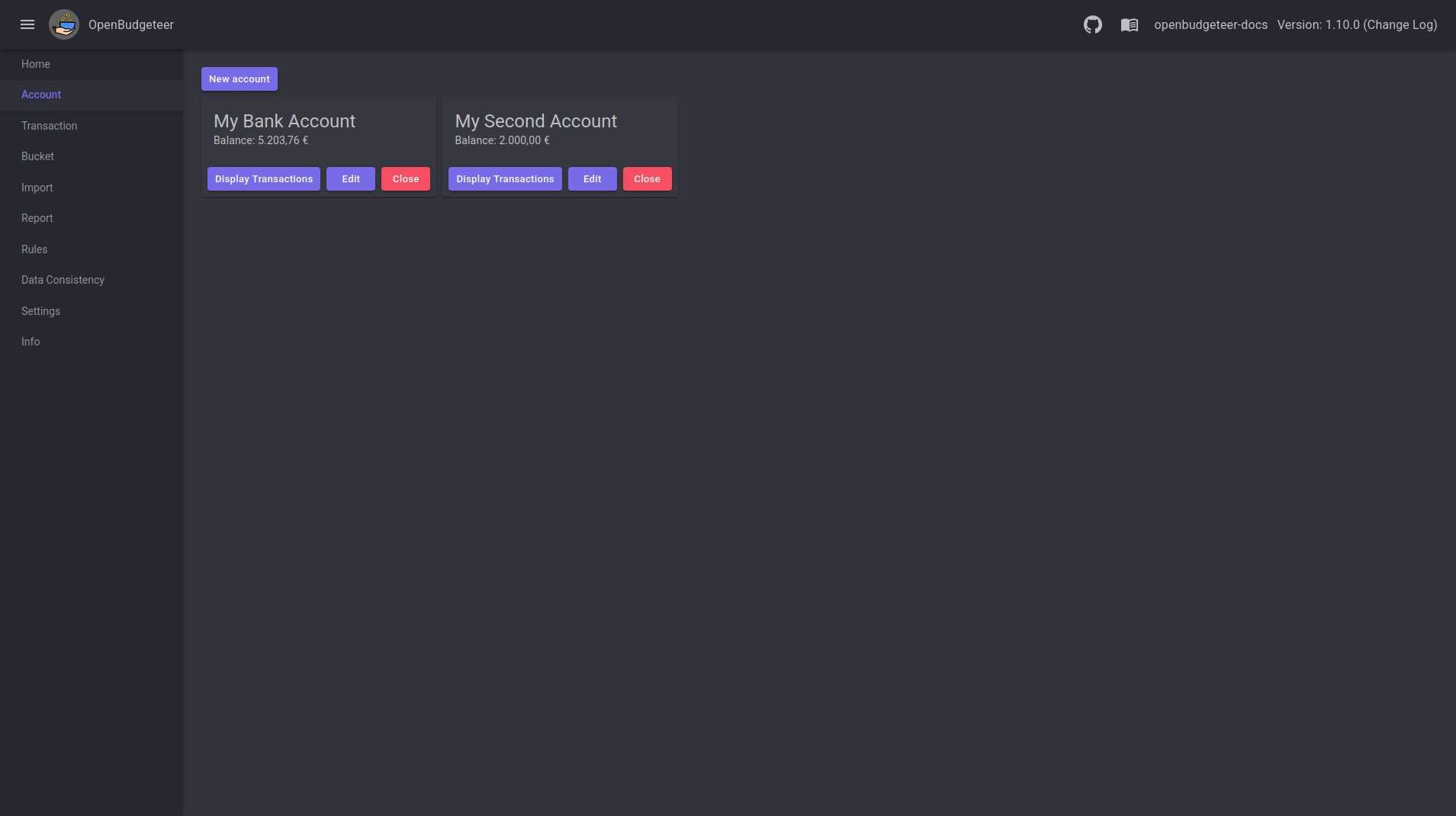
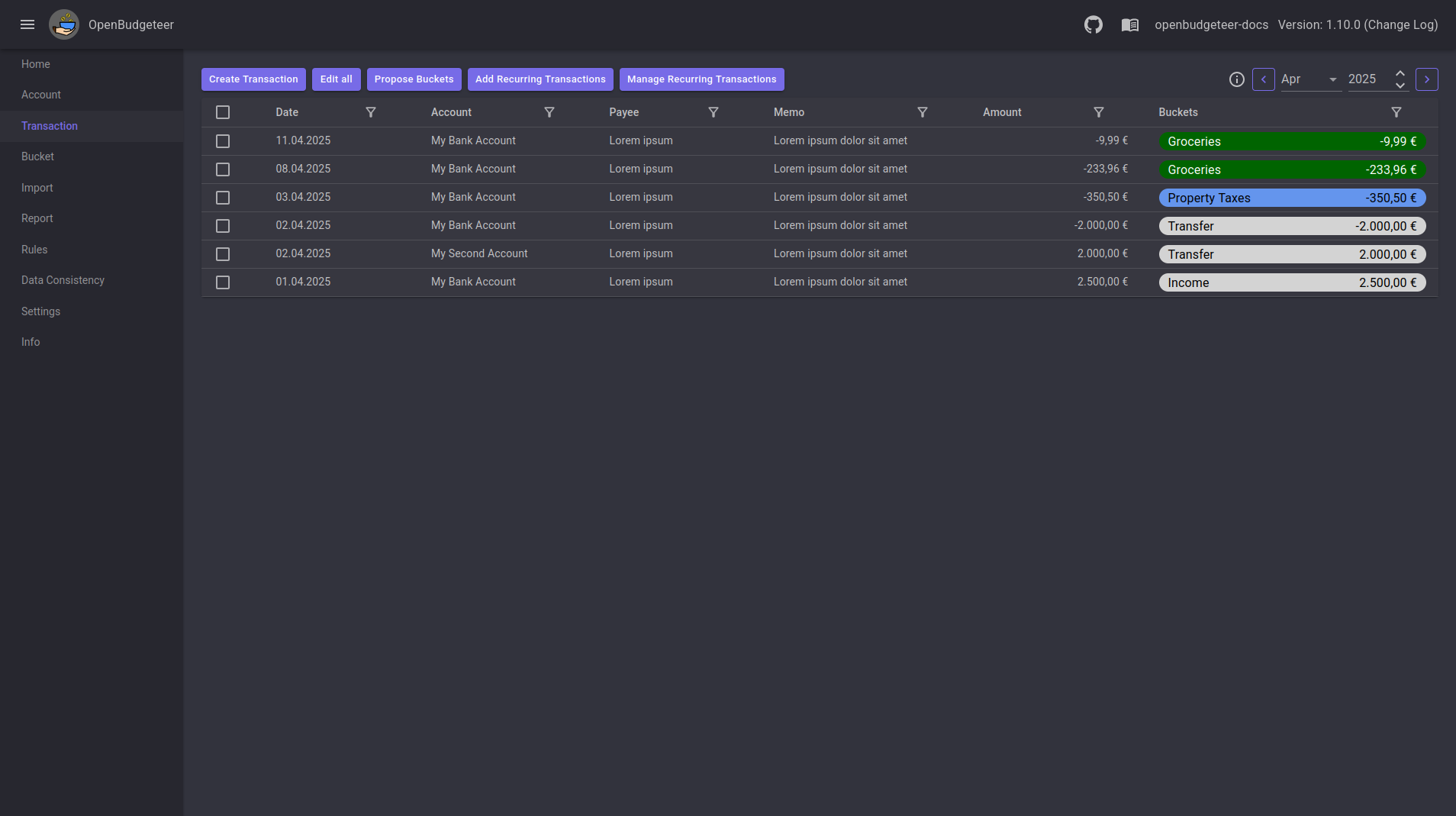
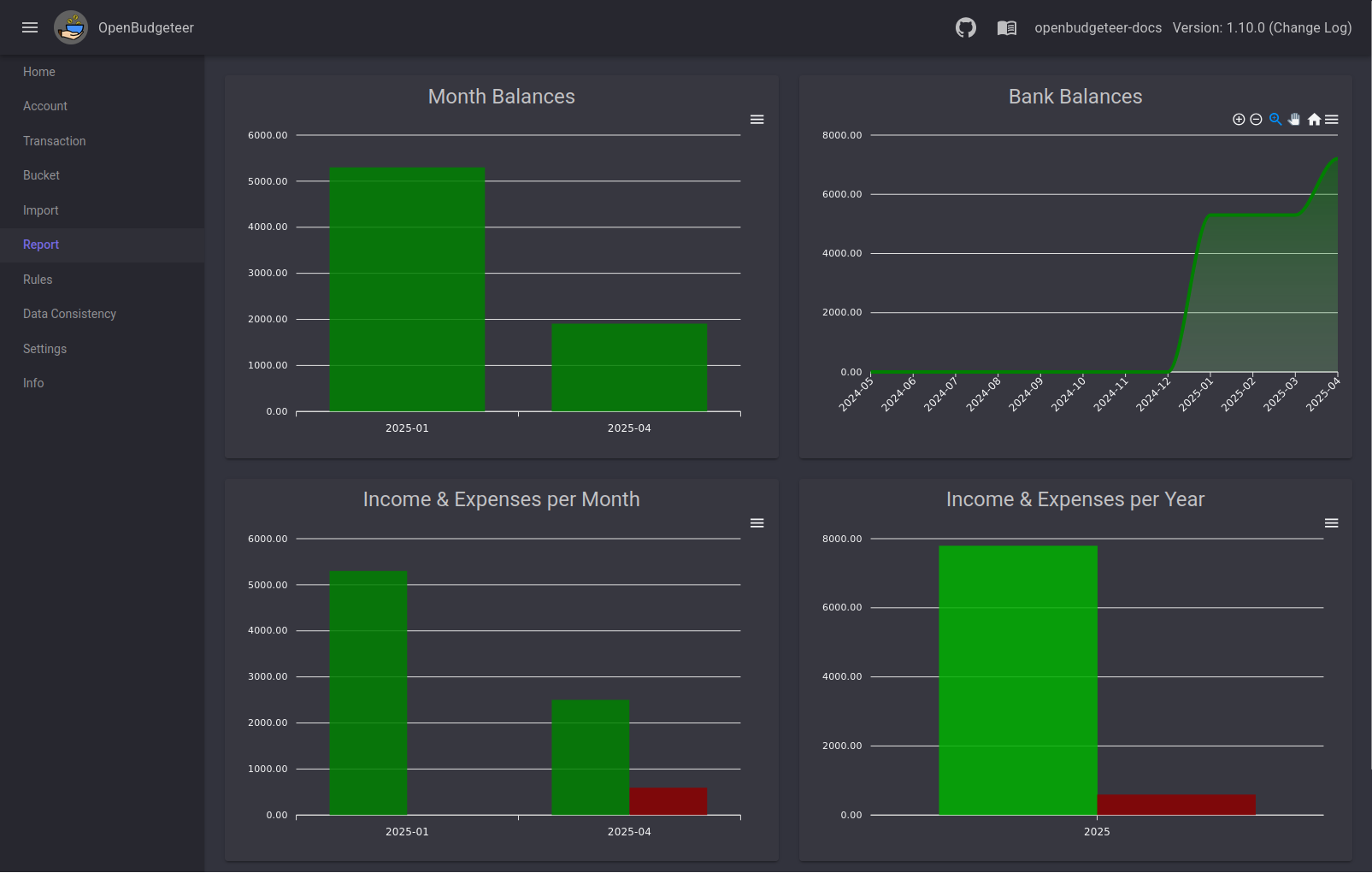
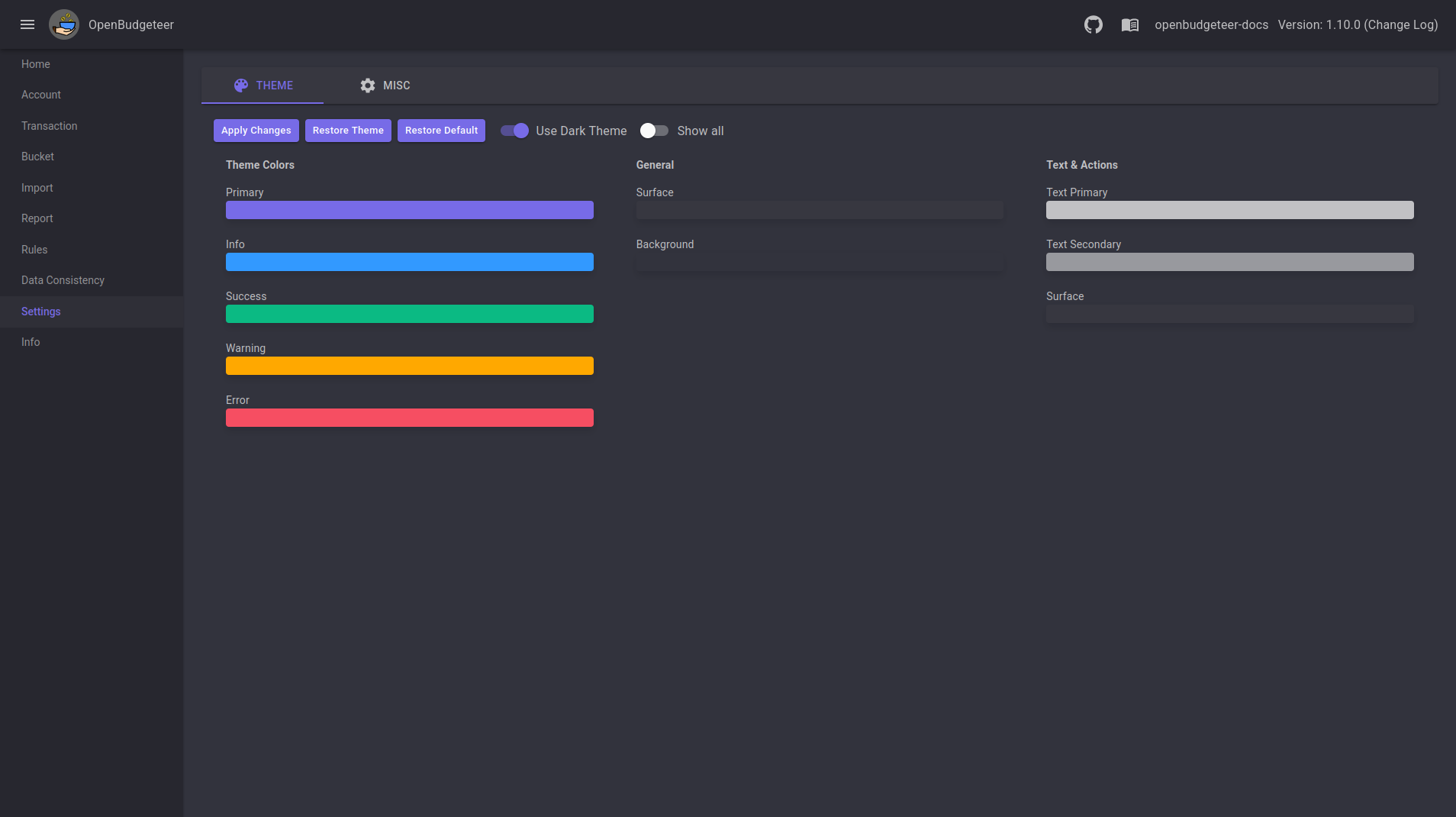
- Five functional areas visible in the repository assets: a bucket page (
assets/bucket.png), an account page (assets/account.png), a transaction page (assets/transaction.png), a report page (assets/report.png), and a settings page (assets/settings.png).
- Self-hosted web application shape, consistent with the
self-hosted, docker, web-app, and web-application topics on the repository.
- A dedicated documentation site with a Quick Start covering installation and setup of the Docker and MariaDB stack.
Who uses it and how
- Self-hosters who already run a Docker host and a database container and want personal finance tooling alongside them.
- Households and individuals who prefer that account and transaction data never leaves their own hardware, which is the scenario the
self-hosted and financial topics describe.
- .NET and C# developers, who can read the Blazor Server codebase directly and adapt the bucket logic to their own accounting rules under the AGPL-3.0 terms.
- Users moving off a subscription budgeting tool who still want the bucket-style allocation model that YNAB and Buckets popularised, without a recurring fee.
Getting started
The README's Quick Start covers a ramp-up using Docker together with MariaDB, linked from the documentation site at https://theaxelander.github.io/latest/quick-start/. Installation and setup details live in the documentation rather than in the README itself.
How it compares
The README names YNAB and Buckets as the projects that inspired it, so it is best understood as an open-source answer to those paid bucket-budgeting products. The difference the facts support is structural: OpenBudgeteer is AGPL-3.0, deployed by the operator with Docker and MariaDB, with no hosted tier described and no subscription mentioned. That means the cost model and the data ownership model are both set by the person running the instance, not by a vendor.
When to use it — and when not to
A self-hoster must operate a Docker host and a MariaDB database, and must be willing to work from documentation that is partly still marked as work in progress. Anyone who does not want to run or maintain a database, or who wants a vendor-supported hosted service with a support contract, should look elsewhere. The repository also shows 15 open issues, so prospective users should read the tracker before depending on a specific workflow.