
Open Mercato




Open Mercato - the AI-Engineering Foundation Framework.
AI code assistants generate code. They don't decide where it goes, how it should be layered, or whether it stays consistent across 30 or 50 engineers in the team.
Open Mercato is the open-source foundation framework that solves it:
- Architecture-aware AI harness - agents know where in the project to place code, not just how to write it, they are provided with autonomous skills for everything from adding data table, Design-System coherent forms to implementing whole features with unit and integration tests,
- Spec-first development - specs ship with the repo, AI output becomes reproducible
- Including AI harness and skills for human cooperation - code review, ticketing flow and debugging
- Ready-made CRM/ERP domain modules - start at 80% done
- Open-source, no lock-in - full code ownership, no per-seat pricing trap
- Teachable - the whole team enters AI-assisted dev, not just 1–2 seniors
End with „almost ready apps”. Ship it pro, ship it fast. We’ve got you!
Built for CTOs who have already deployed Cursor/Copilot and noticed it isn't enough. Built for developers who want to build professional business apps and backends without constantly checking their back.
Start with 80% done.
Buy vs. build? Now, you can have best of both. Use Open Mercato enterprise-ready business features like CRM, Sales, OMS, Encryption, and build the remaining 20% that really makes the difference for your business.
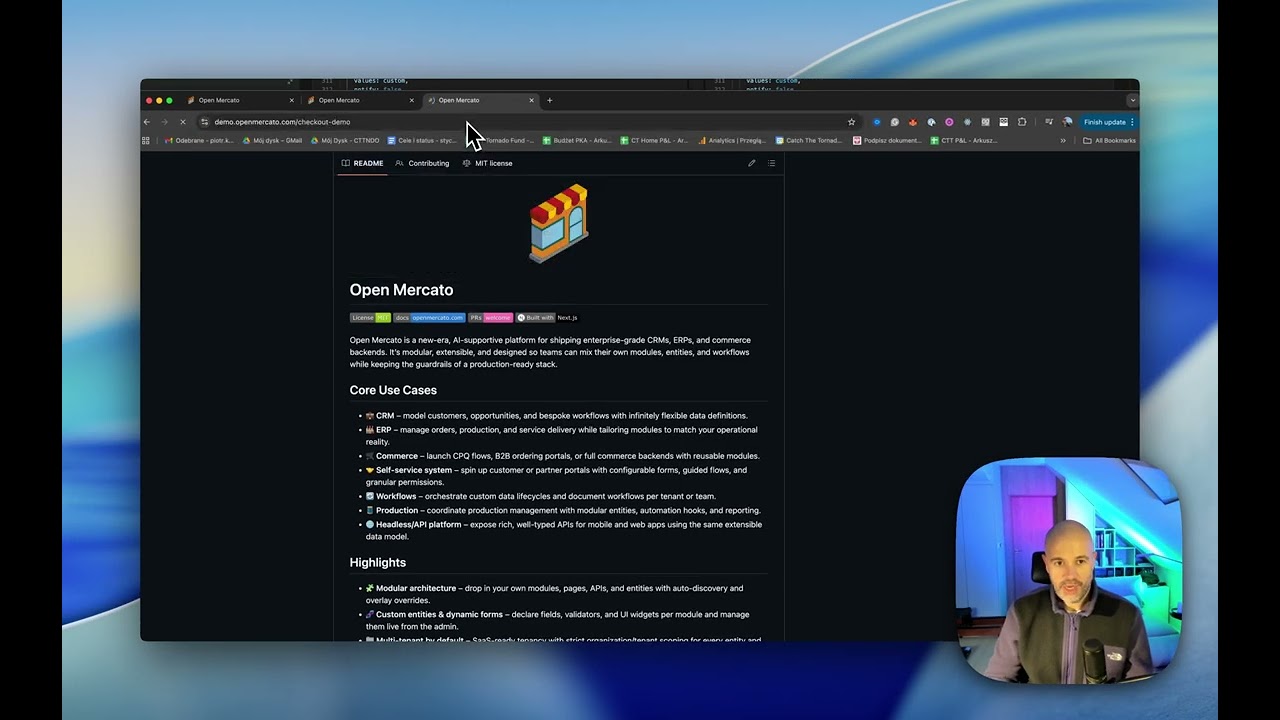
Quick Links
⚡ Getting Started · 🎬 Building your First Open Mercato App · 📚 Documentation
Core Use Cases
- 🛒 Commerce – launch CPQ flows, B2B ordering portals, or full commerce backends with reusable modules.
- 🌐 Headless/API platform/Custom Backend – expose rich, well-typed APIs for mobile and web apps using the same extensible data model.
- 💼 CRM – model customers, opportunities, and bespoke workflows with infinitely flexible data definitions.
- 🏭 ERP – manage orders, production, and service delivery while tailoring modules to match your operational reality.
- 🤝 Self-service system – spin up customer or partner portals with configurable forms, guided flows, and granular permissions.
- 🔄 Workflows – orchestrate custom data lifecycles and document workflows per tenant or team.
- 🧵 Production – coordinate production management with modular entities, automation hooks, and reporting.
Highlights
- 🧩 Modular architecture – drop in your own modules, pages, APIs, and entities with auto-discovery and overlay overrides.
- 🧬 Custom entities & dynamic forms – declare fields, validators, and UI widgets per module and manage them live from the admin.
- 🏢 Multi-tenant by default – SaaS-ready tenancy with strict organization/tenant scoping for every entity and API.
- 🏛️ Multi-hierarchical organizations – built-in organization trees with role- and user-level visibility controls.
- 🛡️ Feature-based RBAC – combine per-role and per-user feature flags with organization scoping to gate any page or API.
- ⚡ Data indexing & caching – hybrid JSONB indexing and smart caching for blazing-fast queries across base and custom fields.
- 🔔 Event subscribers & workflows – publish domain events and process them via persistent subscribers (local or Redis).
- ✅ Growing test coverage – expanding unit and integration tests ensure modules stay reliable as you extend them.
- 🧠 AI-supportive foundation – structured for assistive workflows, automation, and conversational interfaces.
- ⚙️ Modern stack – Next.js App Router, TypeScript, zod, Awilix DI, MikroORM, and bcryptjs out of the box.
Live demo
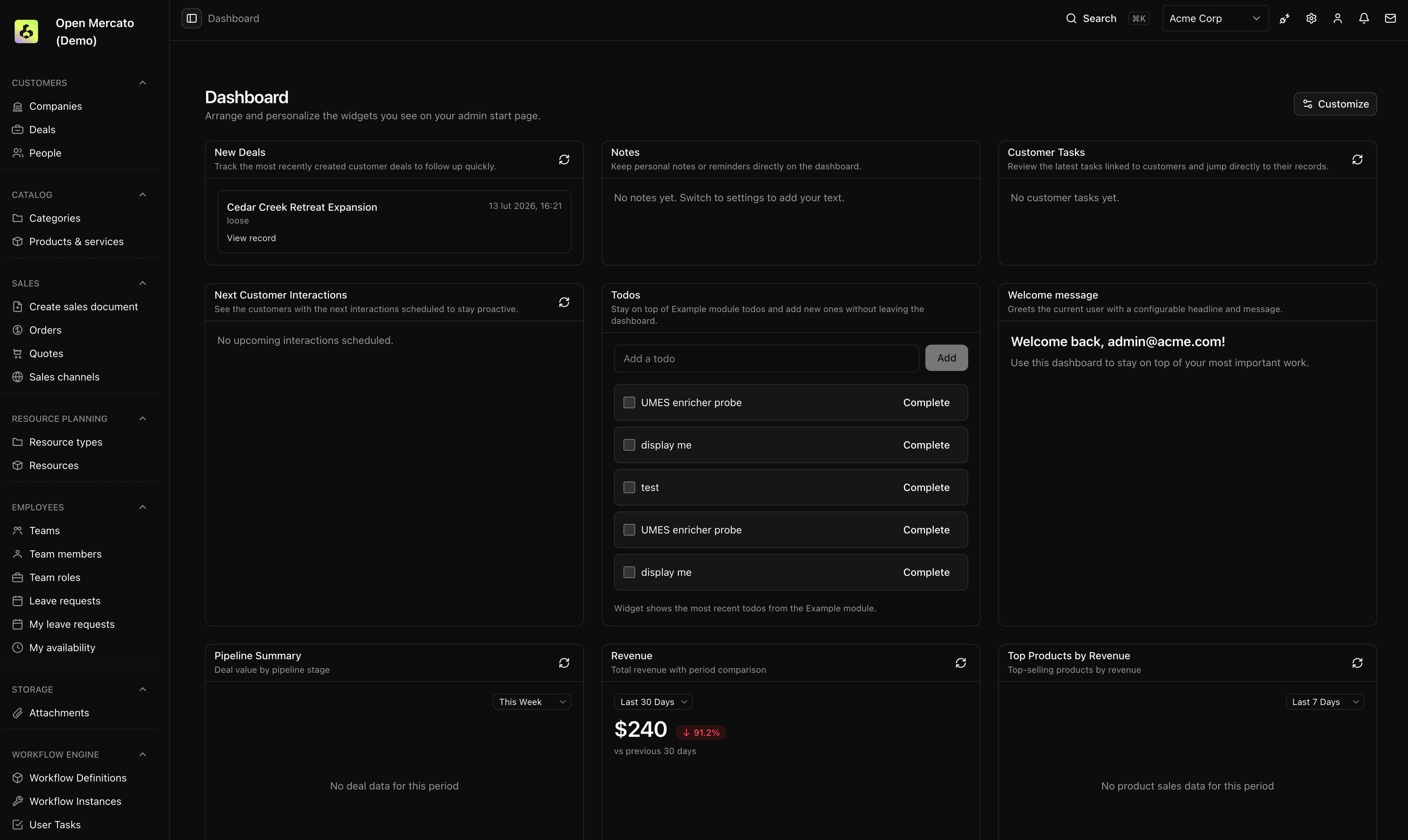
Screenshots
 Dashboard |
 Order Details |
 AI Assistant |
Browse the full screenshot gallery.
Architecture Overview
- 🧩 Modules: Each feature lives under
src/modules/with auto‑discovered frontend/backend pages, APIs, CLI, i18n, and DB entities. - 🗃️ Database: MikroORM with per‑module entities and migrations; no global schema. Migrations are generated and applied per module.
- 🧰 Dependency Injection: Awilix container constructed per request. Modules can register and override services/components via
di.ts. - 🏢 Multi‑tenant: Core
directorymodule definestenantsandorganizations. Most entities carrytenant_id+organization_id. - 🔐 Security: RBAC roles, zod validation, bcryptjs hashing, JWT sessions, role‑based access in routes and APIs.
Read more on the Open Mercato Architecture
Getting Started
⚡ Quick start
You need: Node.js 24 · Git · PostgreSQL + Redis (easiest via Docker Desktop)
🔧 Monorepo — core development / full demo
# macOS / Linux
brew install node@24   # or: nvm install 24 && nvm use 24
corepack enable && corepack prepare yarn@4.12.0 --activate

git clone https://github.com/open-mercato/open-mercato.git
cd open-mercato && git checkout develop
docker compose up -d                  # starts PostgreSQL, Redis, Meilisearch
cp apps/mercato/.env.example apps/mercato/.env
# set DATABASE_URL / JWT_SECRET / REDIS_URL in apps/mercato/.env
yarn dev:greenfield                   # installs, builds, seeds, starts the app
# Windows (PowerShell as Administrator — or use Git Bash / cmd)
# 1. Install Node.js 24 MSI from https://nodejs.org/en/download, then open a new terminal
Set-ExecutionPolicy -ExecutionPolicy RemoteSigned -Scope CurrentUser
corepack enable; corepack prepare yarn@4.12.0 --activate

git clone https://github.com/open-mercato/open-mercato.git
cd open-mercato; git checkout develop
docker compose up -d                  # or use native PostgreSQL + pgAdmin: https://www.postgresql.org/download/windows/
Copy-Item apps\mercato\.env.example apps\mercato\.env
# set DATABASE_URL / JWT_SECRET / REDIS_URL in apps\mercato\.env
yarn dev:greenfield
Open http://localhost:3000/backend — credentials printed in the terminal.
📦 Standalone app — build on Open Mercato without touching the core
# macOS / Linux
brew install node@24   # or: nvm install 24 && nvm use 24
corepack enable && corepack prepare yarn@4.12.0 --activate

npx create-mercato-app my-app
cd my-app
docker compose up -d                  # starts PostgreSQL, Redis, Meilisearch
# set DATABASE_URL / JWT_SECRET / REDIS_URL in .env
yarn setup                            # installs, seeds, starts the app
# Windows (PowerShell as Administrator — or use Git Bash / cmd)
# 1. Install Node.js 24 MSI from https://nodejs.org/en/download, then open a new terminal
Set-ExecutionPolicy -ExecutionPolicy RemoteSigned -Scope CurrentUser
corepack enable; corepack prepare yarn@4.12.0 --activate

npx create-mercato-app my-app
cd my-app
docker compose up -d                  # or use native PostgreSQL + pgAdmin: https://www.postgresql.org/download/windows/
# set DATABASE_URL / JWT_SECRET / REDIS_URL in .env
yarn setup
Open http://localhost:3000/backend — credentials printed in the terminal.
Running multiple persistent local instances
To keep two long-lived local instances pointing at the same PostgreSQL server (e.g. client-a next to a stock open-mercato), pass an optional database-name override to yarn dev, yarn dev:greenfield, or yarn setup:
# Monorepo: explicit database name; .env update is offered (default yes)
yarn dev:greenfield --database-name=my_db

# Monorepo: derive database name from the current working directory
yarn dev --database-name

# Standalone app: same flag, applied to ./.env
yarn setup --database-name=client_a

# One-off run that does not touch .env (current child process only)
yarn dev --database-name=review_1720 --no-update-env
Without the flag, behavior is unchanged (no prompt, no .env mutation). See the installation guides and yarn setup for details.
Reducing dev-mode memory usage
yarn dev watches every workspace package by default, and the watcher's memory footprint scales with how many packages it tracks. On smaller machines you can narrow the watch scope so only the packages you actually touch stay live — the active mode is printed with an emoji at startup:
# Watch only packages you've touched recently (git working tree + branch diff)
yarn dev --watch=auto-optimized
OM_WATCH_SCOPE=auto-optimized yarn dev

# Watch only an explicit set of packages
OM_WATCH_SCOPE=env OM_WATCH_PACKAGES=core,ui yarn dev

# Watch only the most frequently changed packages (default cap: 6)
yarn dev --watch=popular
Set OM_WATCH_SCOPE=all (or --watch=all) to restore watching every package. See Choosing which packages the watcher tracks for the full reference, including OM_WATCH_POPULAR_LIMIT and the git-detection toggles.
Detailed guides (prerequisites, native services, troubleshooting)
Each guide below is self-contained and covers all prerequisites, infrastructure setup (native services or Docker), and every command from zero to a running app.
| Guide | |
|---|---|
| 🔧 Monorepo — contribute to the core or demo the full platform | 🍎 macOS · 🐧 Linux · 🪟 Windows |
| 📦 Standalone app — build your product without modifying the core | 🍎 macOS · 🐧 Linux · 🪟 Windows |
| 🐧 Windows with WSL2 — Ubuntu on Windows: memory config, Docker, GitHub CLI, native Postgres bridging | WSL2 guide → |
| 🐳 Docker dev — full containerized dev with hot reload, no local toolchain | All platforms → |
| 🚀 VPS / production — deploy a full stack to any Linux server | Deploy guide → |
| 🛠️ Dev Container — zero-install VS Code environment | Setup guide → |
| ☁️ Railway — one-click cloud deployment | Railway guide → |
Getting Started for Core Contributions
|
Building Standalone App on Linux/Mac
|
How to install Open Mercato on Windows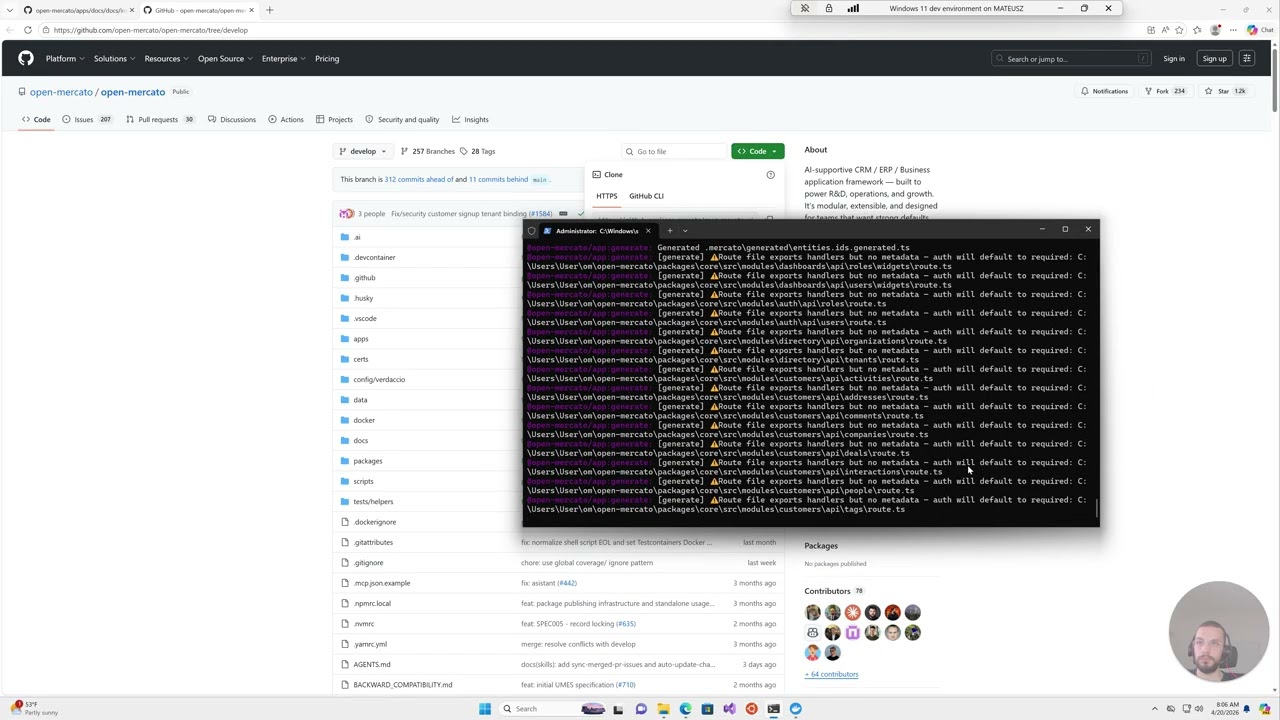
|
🤖 Learn AI Engineering like we do!
All of our experience building this enterprise-grade ERP is distilled into open-mercato/skills — re-usable, technology-agnostic agent skills for autonomous PR creation, code review, CI stabilization, spec writing, integration testing, and merge management.
Stack-agnostic — install them all with one command:
npx skills add open-mercato/skills --skill '*'

Spec Driven Development
Open Mercato follows a spec-first development approach. Before implementing new features or making significant changes, we document the design in the .ai/specs/ folder.
Why Specs?
- Clarity: Specs ensure everyone understands the feature before coding starts
- Consistency: Design decisions are documented and can be referenced by humans and AI agents
- Traceability: Each spec maintains a changelog tracking the evolution of the feature
How It Works
- Before coding: Check if a spec exists in
.ai/specs/(named{YYYY-MM-DD}-{title}.md) - New features: Create or update the spec with your design before implementation
- After changes: Update the spec's changelog with a dated summary
Naming convention: Specs use the format {YYYY-MM-DD}-{title}.md (e.g., 2026-01-26-sidebar-reorganization.md)
See .ai/specs/README.md for the full specification directory and .ai/specs/AGENTS.md for detailed guidelines on maintaining specs.
Developing your first Open Mercato app
How to use Open Mercato CRM as a backend for the custom app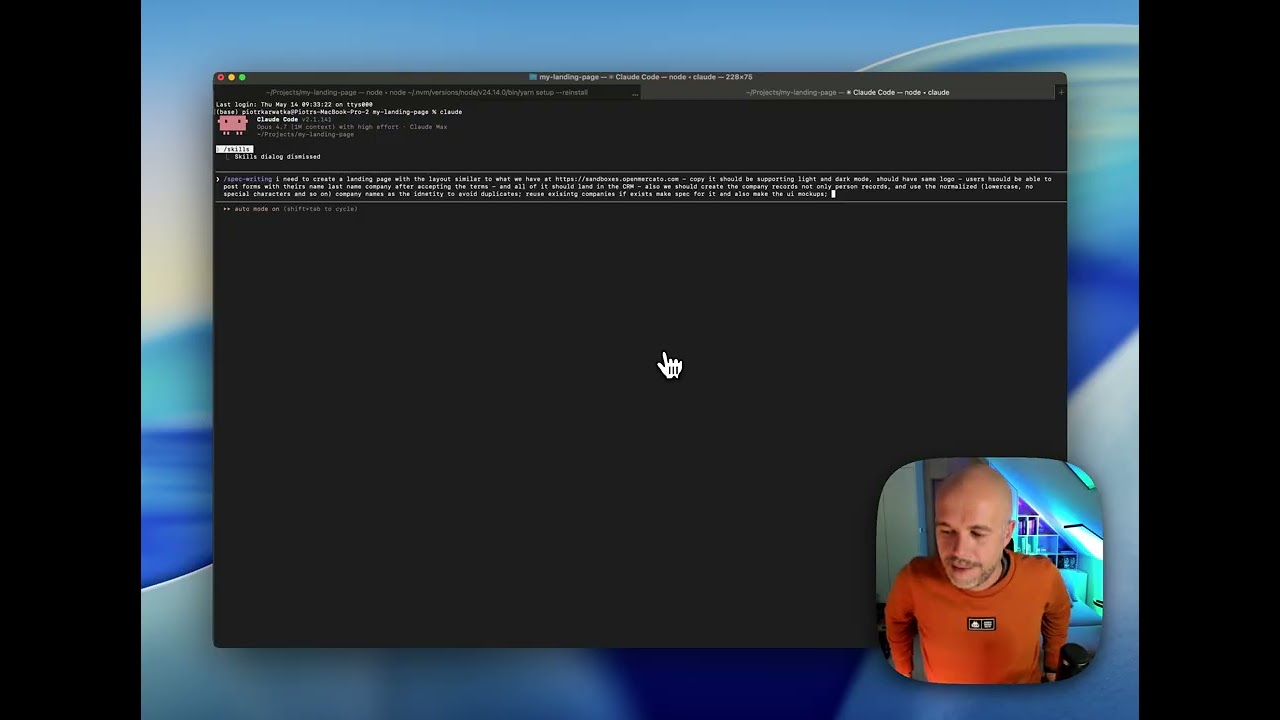
|
How to build custom landing page with Open Mercato as a backend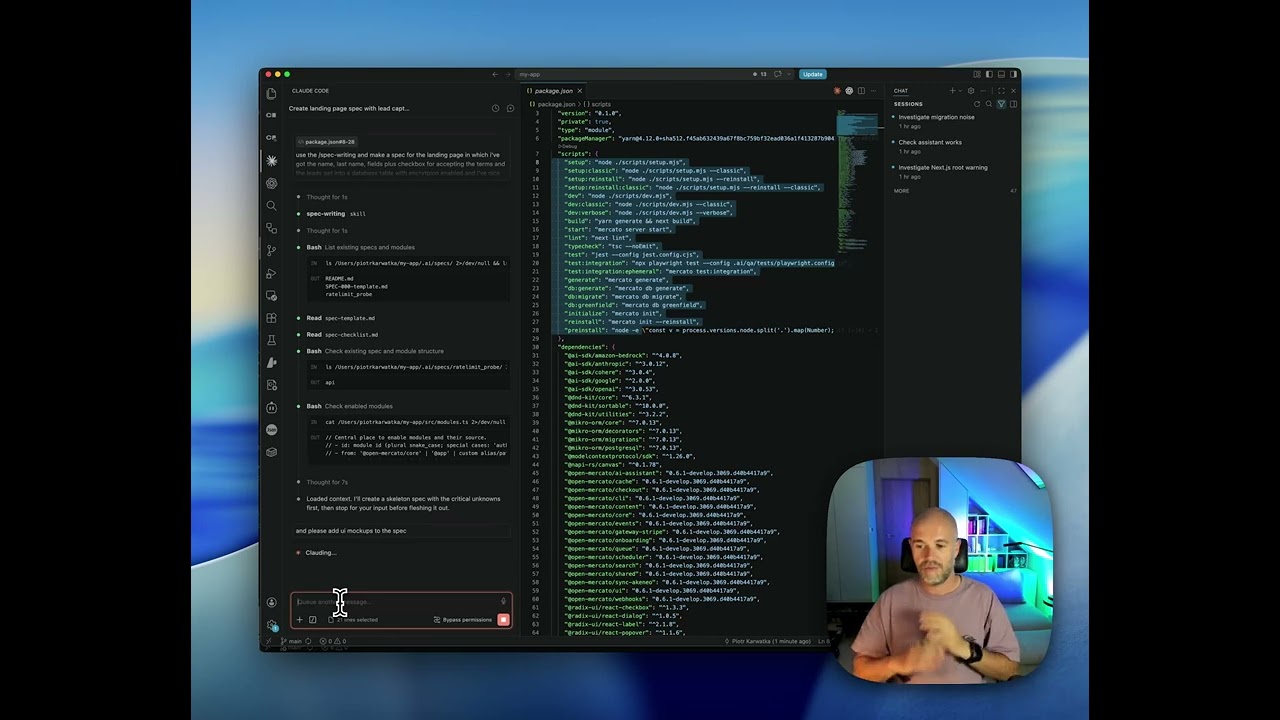
|
These walkthroughs show how to treat Open Mercato as a ready-made business backend while keeping the frontend fully custom. You can start from the built-in CRM data model, expose it through the generated APIs, and then build the customer-facing experience around your product's own design. They are a practical path from the default admin setup to a tailored app or landing page powered by Open Mercato.
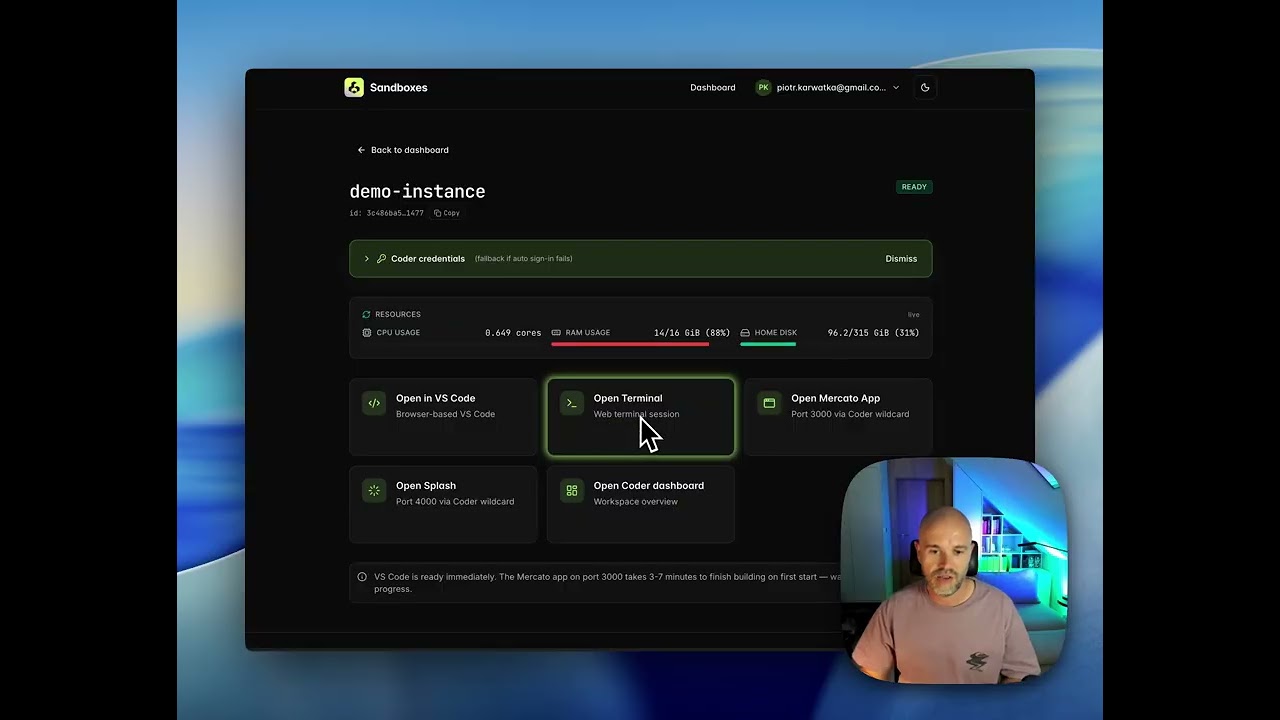
Get started without devops hassle
|
Start your own Sandbox instance with Claude Code, Codex, Visual Studio Code, and Open Mercato in under 30 seconds. Launch a Sandbox instance |
|
Official Modules
Open Mercato ships with a module system that lets you add features to your app without forking or modifying the platform. The Official Modules repo is where the community publishes those features.
Every module there:
- 🔌 Installs in one command — no manual wiring, no config files to edit
- 🔒 Stays isolated — each module is its own npm package that hooks into the platform through declared extension points, never by patching core code
- 🧬 Is ejectable — run
--ejectto copy the module into your app and own it fully - 🤝 Gets reviewed — every submission goes through core team review before reaching npm
Whether you're adding a small UI widget or shipping a full vertical feature with its own entities, API routes, and admin pages — if it runs on Open Mercato, it belongs there.
AI Assistant
Open Mercato ships with focused AI assistants that open inside the admin pages where your team already works. Agents are scoped by module, permissions, and tool allowlists, and any write is staged behind an explicit approval card before data changes.
 |
 |
| Global launcher | Mutation approvals |
Use the global launcher to find every assistant you can access, or embed `` directly in module pages for contextual workflows such as customer account exploration and catalog merchandising. Operators can tune prompts, downgrade mutation policies, and disable individual tools per tenant without redeploying.
Data Encryption
Open Mercato ships with tenant-scoped, field-level data encryption so PII and sensitive business data stay protected while you keep the flexibility of custom entities and fields. Encryption maps live in the admin UI/database, letting you pick which system and custom columns are encrypted; MikroORM hooks automatically encrypt on write and decrypt on read while keeping deterministic hashes (e.g., email_hash) for lookups.
Architecture in two lines: Vault/KMS (or a derived-key fallback) issues per-tenant DEKs and caches them so performance stays snappy; AES-GCM wrappers sit in the ORM lifecycle, storing ciphertext at rest while CRUD and APIs keep working with plaintext. Read the docs to dive deeper: docs.openmercato.com/user-guide/encryption.
Release Channels
latestis the stable npm channel published frommain.developis the moving prerelease channel published from pushes todevelop.- Exact snapshot versions remain installable for debugging or rollback when you need to pin one specific build.
- PR package previews are opt-in. Run the
Package Previewsworkflow manually with the PR number, or use theom-auto-publish-prskill /gh workflow run, to publish pkg.pr.new previews without publishing to npm. RunNPM Snapshot Previewmanually only when you need the legacy npm canary snapshot and standalone validation path.
Examples:
yarn add @open-mercato/core@develop
npx create-mercato-app@develop my-app
Docker Setup
Open Mercato ships two Docker Compose configurations — one for hot-reload development and one for production. Full step-by-step guides with environment variables, troubleshooting, and upgrade instructions:
- 🐳 Docker dev setup — hot reload, no local toolchain required
- 🚀 VPS / production deployment — full production stack with security guidance and backup instructions
- 🛠️ Dev Container — zero-install VS Code environment (12 GB RAM recommended)
- ☁️ Deploy on Railway — one-click cloud deployment
Documentation
Browse the full documentation at docs.openmercato.com.
- Introduction
- Installation
- User Guide
- Tutorials
- Customization
- Architecture
- Framework
- API Reference
- CLI Reference
- Appendix
Join us on Discord
Connect with the team and other builders in our Discord community: https://discord.gg/f4qwPtJ3qA.
🏆 Hall of Fame
Honoring the champions of the Open Mercato Agentic Hackathon — Sopot, 10–12 April 2026.
🥇 Team MercatoMinds — 378 pts · 36 PRs
| # | Contributor | GitHub | Points | PRs |
|---|---|---|---|---|
| 1 | Michał Strześniewski | @strzesniewski | 106 | 9 |
| 2 | Wiktor Idzikowski | @WXYZx | 93 | 11 |
| 3 | Adam Kardasz | @WH173-P0NY | 87 | 7 |
| 4 | Karol Roman | @RMN-45 | 39 | 3 |
| 5 | Adam Kanigowski | @AK-300codes | 29 | 3 |
| 6 | Tomasz Jeleszuk | @Tomeckyyyy | 24 | 3 |
Huge thanks for the incredible energy, craftsmanship, and contributions delivered over the weekend. 🎉
Contributing
We welcome contributions of all sizes—from fixes and docs updates to new modules. Start by reading CONTRIBUTING.md for branching conventions (main, develop, feat/), release flow, and the full PR checklist. Then check the open issues or propose an idea in a discussion, and:
- Fork the repository and create a branch that reflects your change.
- Install dependencies with
yarn installand bootstrap viayarn mercato init(add--no-examplesto skip demo CRM content;--stresstestfor thousands of synthetic contacts, companies, deals, and timeline interactions; or--stresstest --litefor high-volume contacts without the heavier extras). - Develop and validate your changes (
yarn lint,yarn test, or the relevant module scripts). - Open a pull request referencing any related issues and outlining the testing you performed.
Refer to AGENTS.md for deeper guidance on architecture and conventions when extending modules.
Sponsors
Blacksmith

Open Mercato's continuous integration is powered by Blacksmith, providing fast and reliable GitHub Actions runners for the project.
Catch The Tornado

Open Mercato is proudly supported by Catch The Tornado.
CLI Commands
Open Mercato let the module developers to expose the custom CLI commands for variouse maintenance tasks. Read more on the CLI documentation
Considering a project on Open Mercato?
If you're planning to build on Open Mercato, don’t go it alone.
Certified Partner Agencies
Reach out to us - we will connect you with one of our Certified Partner Agencies. Our Partnership Program certifies software consultancies that actively use and contribute to Open Mercato.
Our mission is simple: ensure every Open Mercato deployment is successful, secure, and scalable.
License
- MIT — see
LICENSEfor details. Enterprise licensing details are documented inpackages/enterprise/README.md.
Enterprise Edition
Open Mercato Core is and always will be MIT Licensed, fully Open Source.
Open Mercato Enterprise Subscription
The Open Mercato Enterprise Subscription helps ensure your deployment is secure, scalable, and production-ready without surprises before go-live.
It combines certification, expert reviews, and ongoing advisory support for teams building serious systems on Open Mercato.
What’s included:
- Architecture & Production Readiness
- Pre-deployment architecture audit
- Production approval before go-live
- Hosting and deployment best practices
- Security & Quality (monthly reviews)
- Customer Success Manager (pre-go-live)
- Priority technical support channel
- Platform Continuity - access to security patches and new features
Contact us to get support for your implementation: info@openmercato.com
Enterprise features are delivered under the @open-mercato/enterprise package (/packages/enterprise) and are not part of the open source license scope.