Oak is an open-source, Apache-2.0-licensed 2D game engine written in Go and consumed as the module github.com/oakmound/oak/v4, built for Go developers who want to make games and GUI applications inside their existing toolchain rather than moving to another language or engine runtime.
What it is
Oak is a game engine distributed as a Go module and organised into packages covering the systems a 2D game needs: render for image rendering and particles, collision for spatial queries and raycasting, physics, event, mouse, joystick, audio, and scene for scene management. It lives in the Go ecosystem, is documented on pkg.go.dev, and takes its window and key event layer from a fork of golang.org/x/exp/shiny and its collision R-tree from a fork of rtreego. It is primarily a 2D engine, it also carries a ui topic, and the project states its goal as letting a user pull down the engine and create a fully functional game or GUI application.
The concrete problem it solves is the boilerplate sitting between a Go program and a running game: window creation, a scene lifecycle, a render pipeline with modifiable sprites and primitives, collision detection and response, and input from keyboard, mouse and joystick. Instead of reaching for an engine written in another language and binding it, or hand-rolling a render loop and a collision structure, a developer writes a main package, registers a scene with oak.AddScene, starts the engine with oak.Init, and draws entities and binds callbacks inside the scene's Start function.
Key capabilities
- Window management with support for multiple windows running at the same time, built on window and key event code forked from
shiny.
- Image rendering behind the
render.Modifiable interface, with built-in Renderable types Sprite, Sequence, Switch and Composite, primitive builders ColorBox, Line and Bezier, and the history-tracking Reverting, integrated with the gift image manipulation library.
- A particle system in
render/particle.
- Collision handling through a collision R-Tree forked from
rtreego, 2D raycasting in collision/ray, and collision spaces that attach to objects and react to collisions automatically through events.
- A 2D physics system plus a general event handler.
- Input coverage spanning mouse handling, joystick support and keyboard events.
- Audio support.
Who uses it and how
- Finished games ship on it:
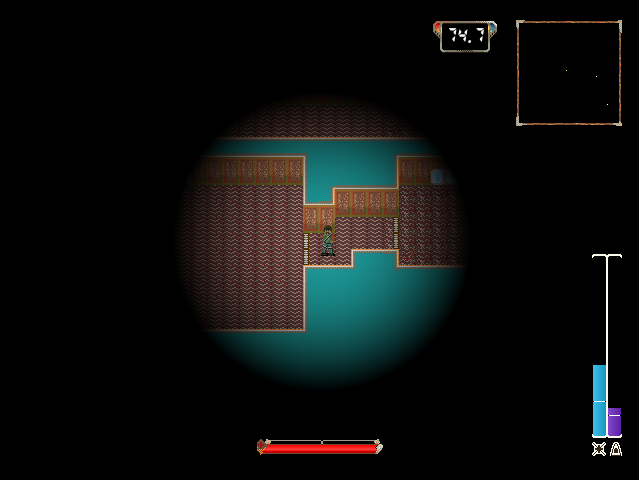
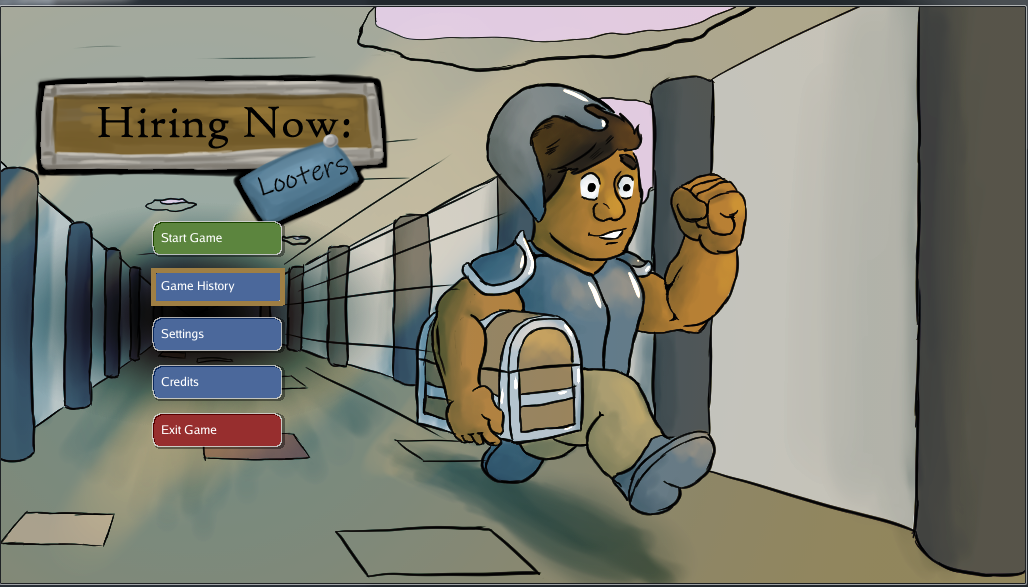
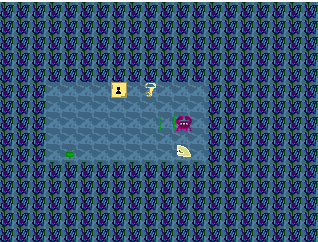
Agent Blue, Hiring Now: Looters, Diamond Deck Championship and SokoPic are published on itch.io, while Fantastic Doctor and Jeremy The Clam are open source.
- New projects commonly start from the companion
game-template repository rather than from an empty module.
- Developers learn the engine from runnable examples in the repository, including a platformer, a top-down shooter, a Flappy Bird clone, bezier curves, joystick visualisation, a piano, screen options, multi-window and a particle demo.
- Support runs through GitHub issues and pull requests, with informal discussion in the
#oak channel on the gophers Slack and progress notes on the project's blog.
Getting started
Install the module with go get -u github.com/oakmound/oak/v4, then register a scene with oak.AddScene and call oak.Init from main. Reference documentation lives on pkg.go.dev, with further material in the project wiki and the grove repository.
How it compares
No paid or hosted products are listed as being replaced, and no comparable engine is named in the supplied facts, so Oak stands alone in this registry as its Go game engine entry. Its lineage shows instead in what it builds on: window and key events forked from shiny, collision indexing forked from rtreego, and image manipulation delegated to gift. It is Apache-2.0 licensed and installed as source through the Go module system.
When to use it — and when not to
Choose Oak when the project is a 2D Go program and the team would rather compose engine packages than adopt an editor-driven workflow, accepting that documentation is spread across godoc, a wiki, a blog and the separate grove repository for extended features. The caveat is stated by the README itself: Oak has brought in dependencies that include C code while still describing itself as a pure Go engine, so anyone requiring a strictly cgo-free build should check current dependencies before committing. Teams needing 3D rendering, or an all-in-one editor with a bundled asset pipeline, will not find that here.
project readme (upstream, from github) — read inline
Oak
A Pure Go game engine


Table of Contents
Installation
Features
Support
Quick Start
Examples
Finished Games
Installation
go get -u github.com/oakmound/oak/v4
Features and Systems
- Window Management
- Windows and key events forked from shiny
- Support for multiple windows running at the same time
- Image Rendering
- Manipulation
render.Modifiable interface- Integrated with optimized image manipulation via gift
- Built in
Renderable types covering common use cases
Sprite, Sequence, Switch, Composite- Primitive builders,
ColorBox, Line, Bezier
- History-tracking
Reverting
- Primarily 2D
- Particle System
- Mouse Handling
- Joystick Support
- Audio Support
- Collision
- Collision R-Tree forked from rtreego
- 2D Raycasting
- Collision Spaces
- Attachable to Objects
- Auto React to collisions through events
- 2D Physics System
- Event Handler
Support
For discussions not significant enough to be an Issue or PR, feel free to ping us in the #oak channel on the gophers slack. For insight into what is happening in oak see the blog.
Quick Start
This is an example of the most basic oak program:
package main

import (
    "github.com/oakmound/oak/v4"
    "github.com/oakmound/oak/v4/scene"
)

func main() {
    oak.AddScene("firstScene", scene.Scene{
        Start: func(*scene.Context) {
            // ... draw entities, bind callbacks ...
        },
    })
    oak.Init("firstScene")
}
See below or navigate to the examples folder for demos. For more examples and documentation checkout godoc for reference documentation, the wiki, or our extended features in grove.
Examples
Games using Oak
To kick off a larger game project you can get started with game-template.
On Pure Go
Oak has recently brought in dependencies that include C code, but we still describe the engine as a Pure Go engine, which at face value seems contradictory. Oak's goal is that, by default, a user can pull down the engine and create a fully functional game or GUI application on a machine with no C compiler installed, so when we say Pure Go we mean that, by default, the library is configured so no C compilation is required, and that no major features are locked behind C compliation.
We anticipate in the immediate future needing to introduce alternate drivers that include C dependencies for performance improvements in some scasenarios, and currently we have no OSX solution that lacks objective C code.
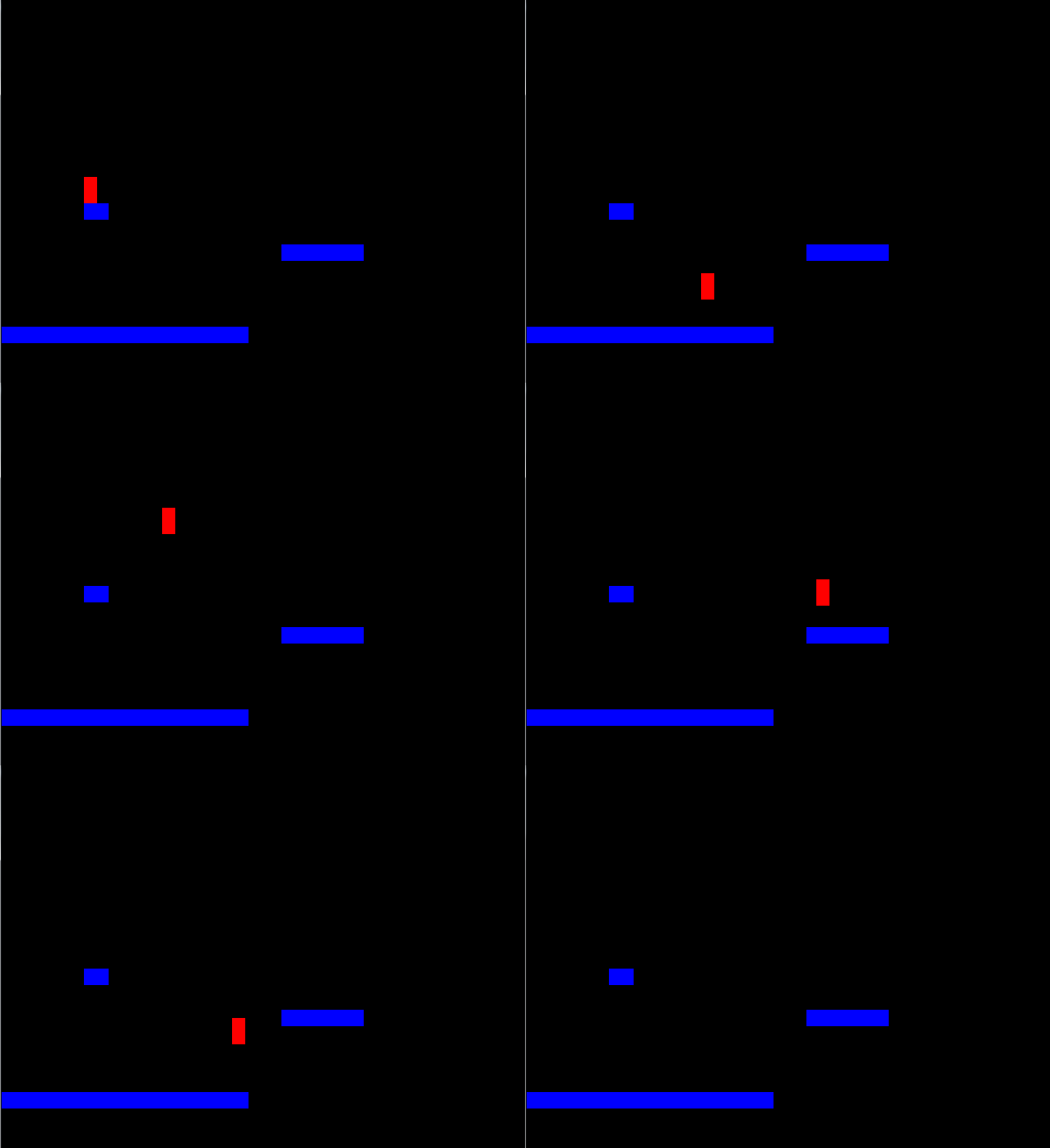 Platformer
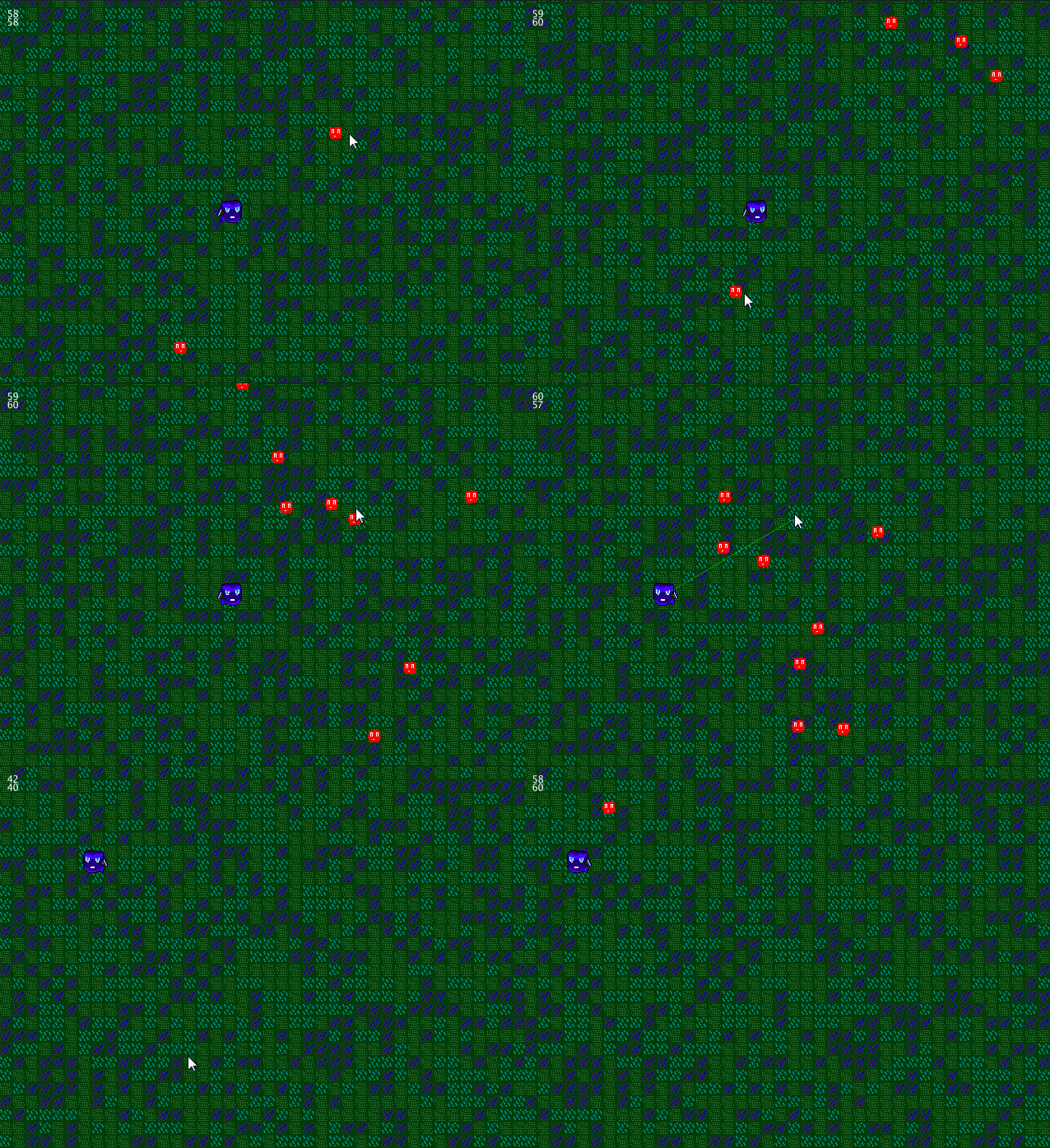 Top down shooter
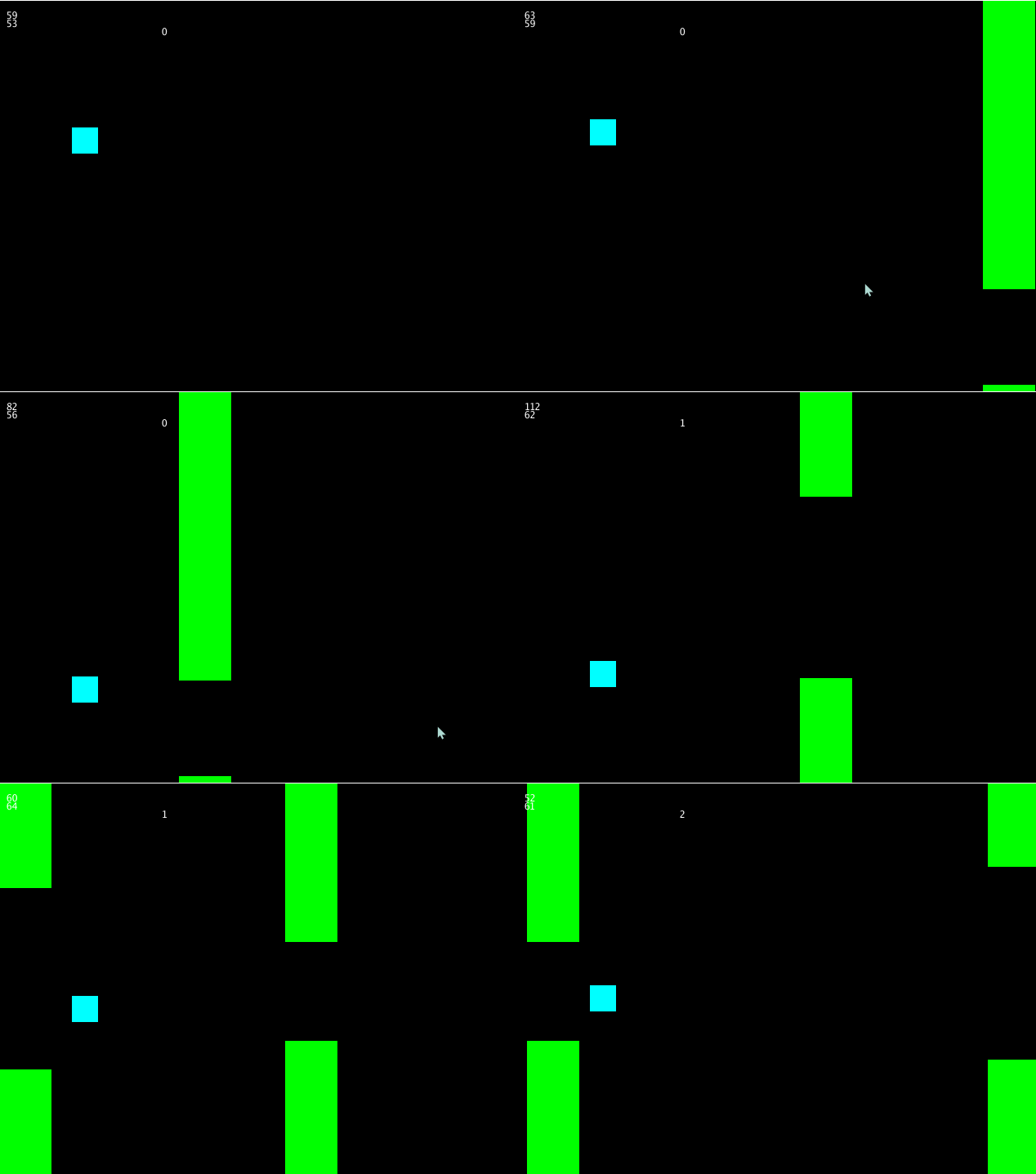 Flappy Bird
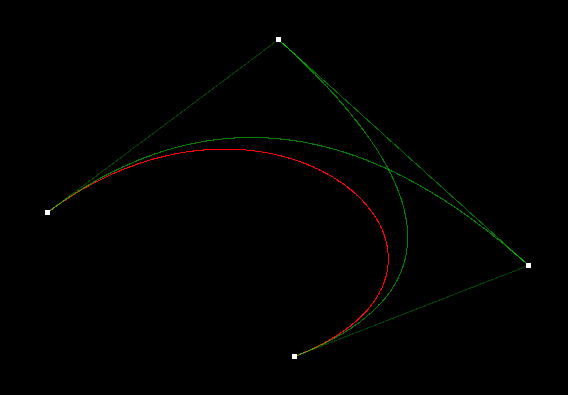 Bezier Curves
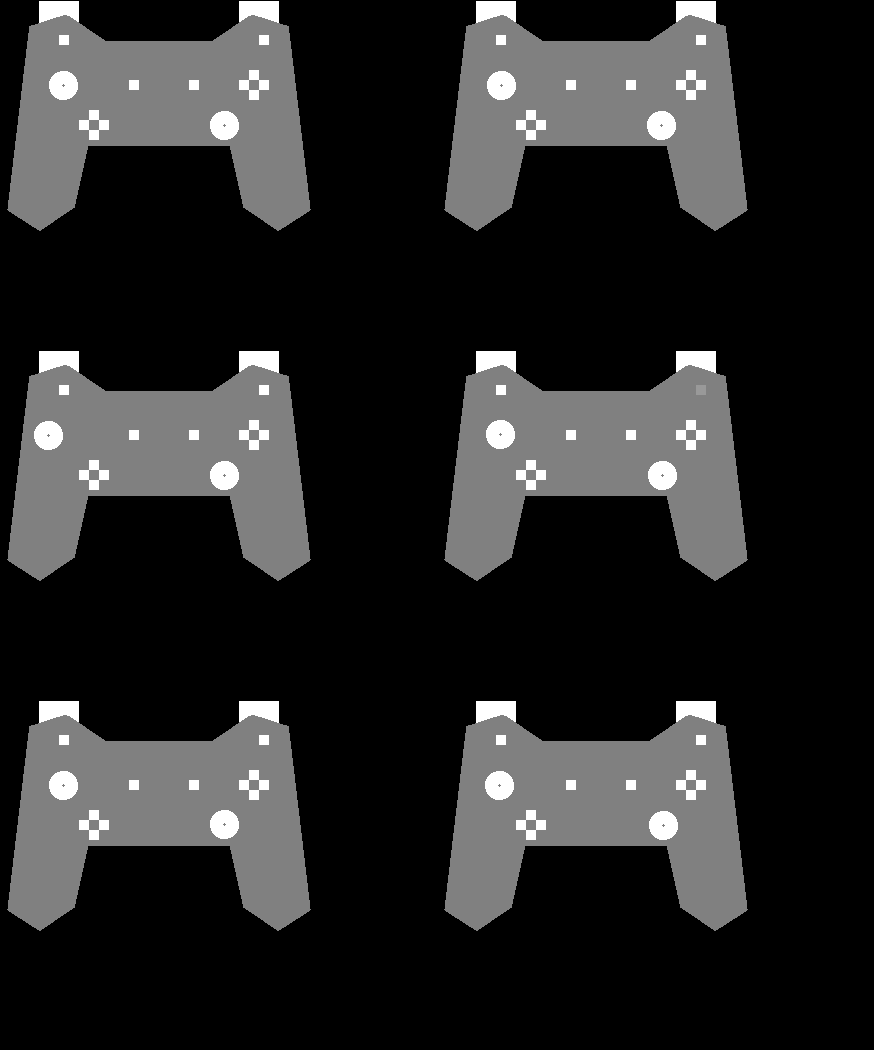 Joysticks
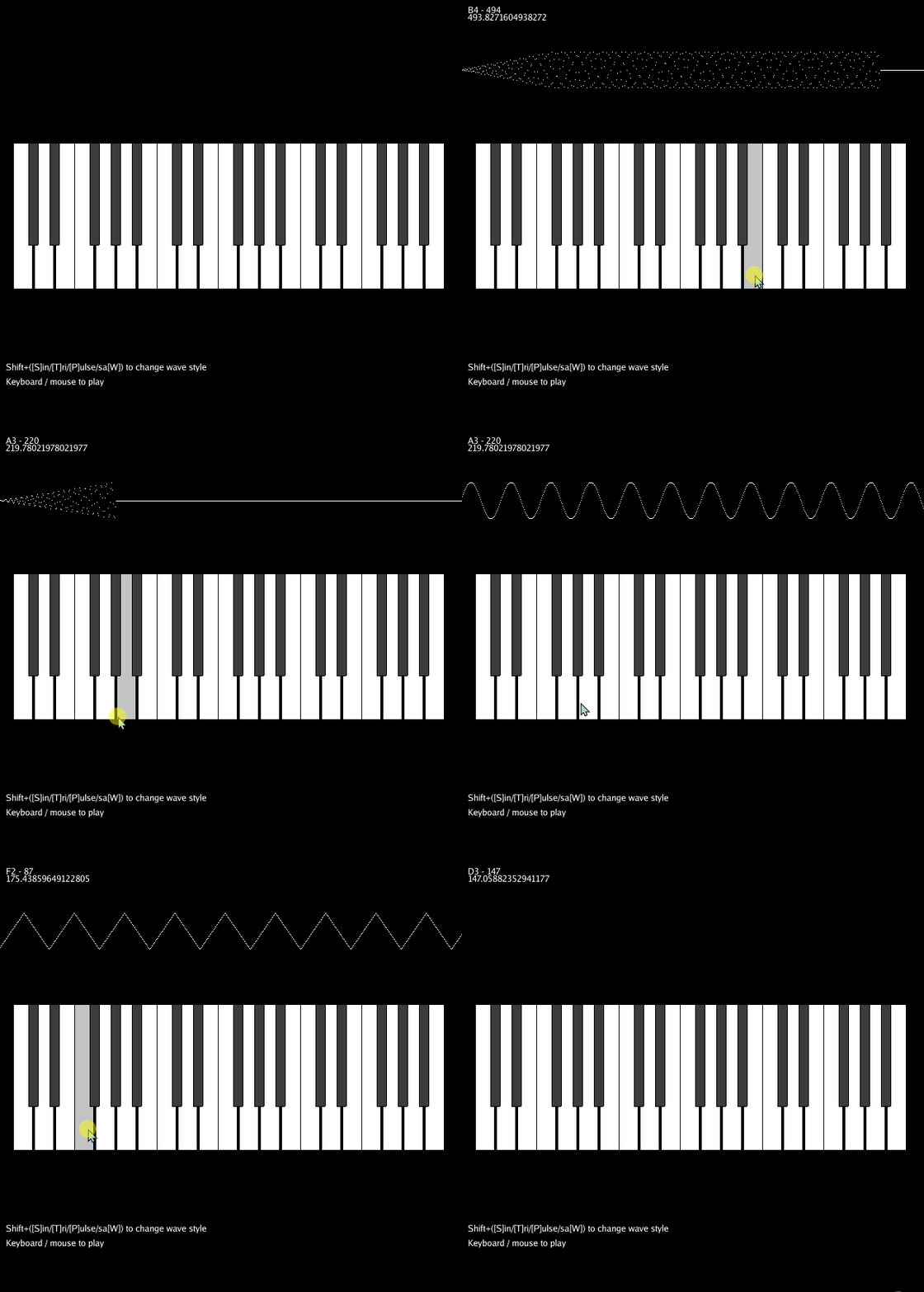 Piano
 Screen Options
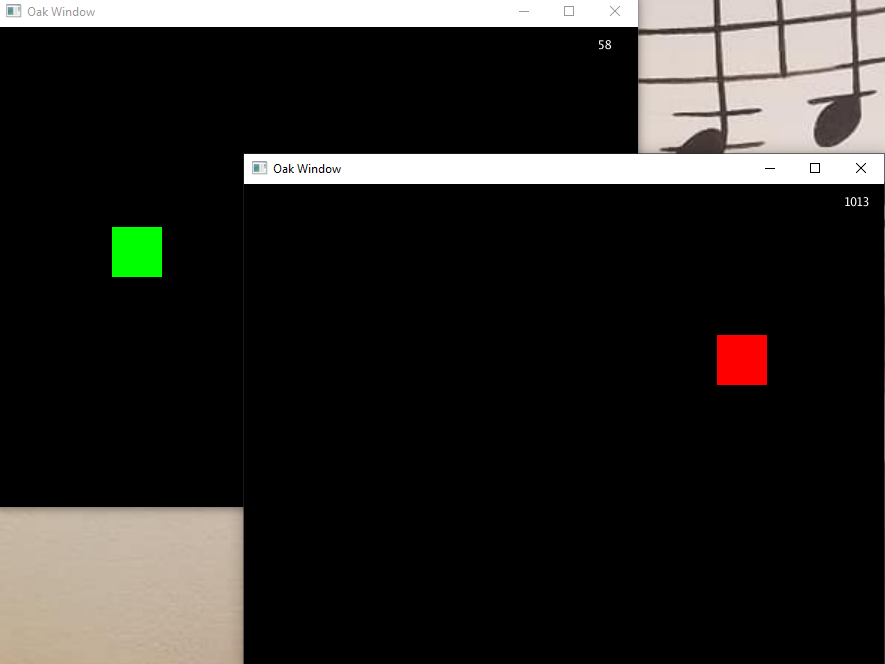 Multi Window
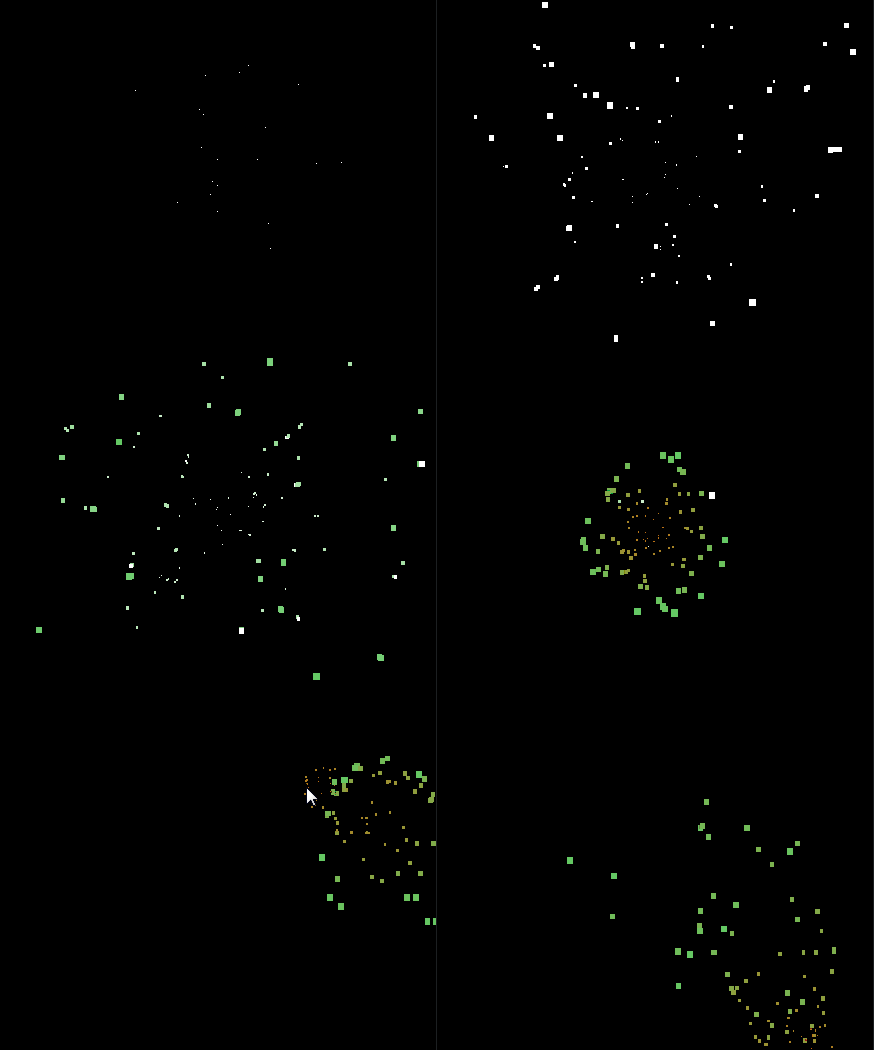 Particles