NouTube is an AGPL-3.0, TypeScript open-source client that wraps the mobile web versions of YouTube and YouTube Music into a single ad-free app with background playback, distributed for Android, iOS, desktop, and as a Firefox and Chrome browser extension.
What it is
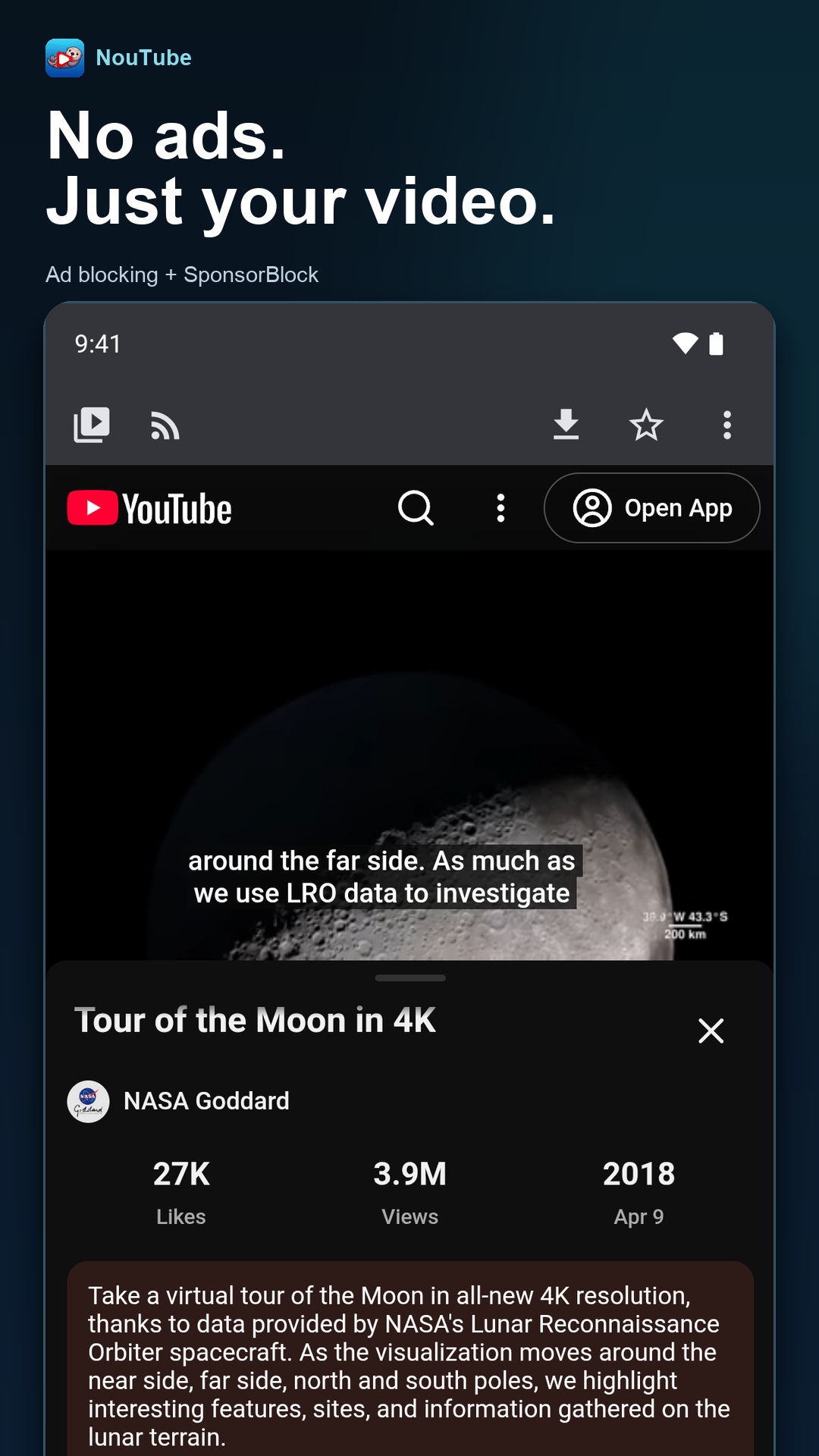
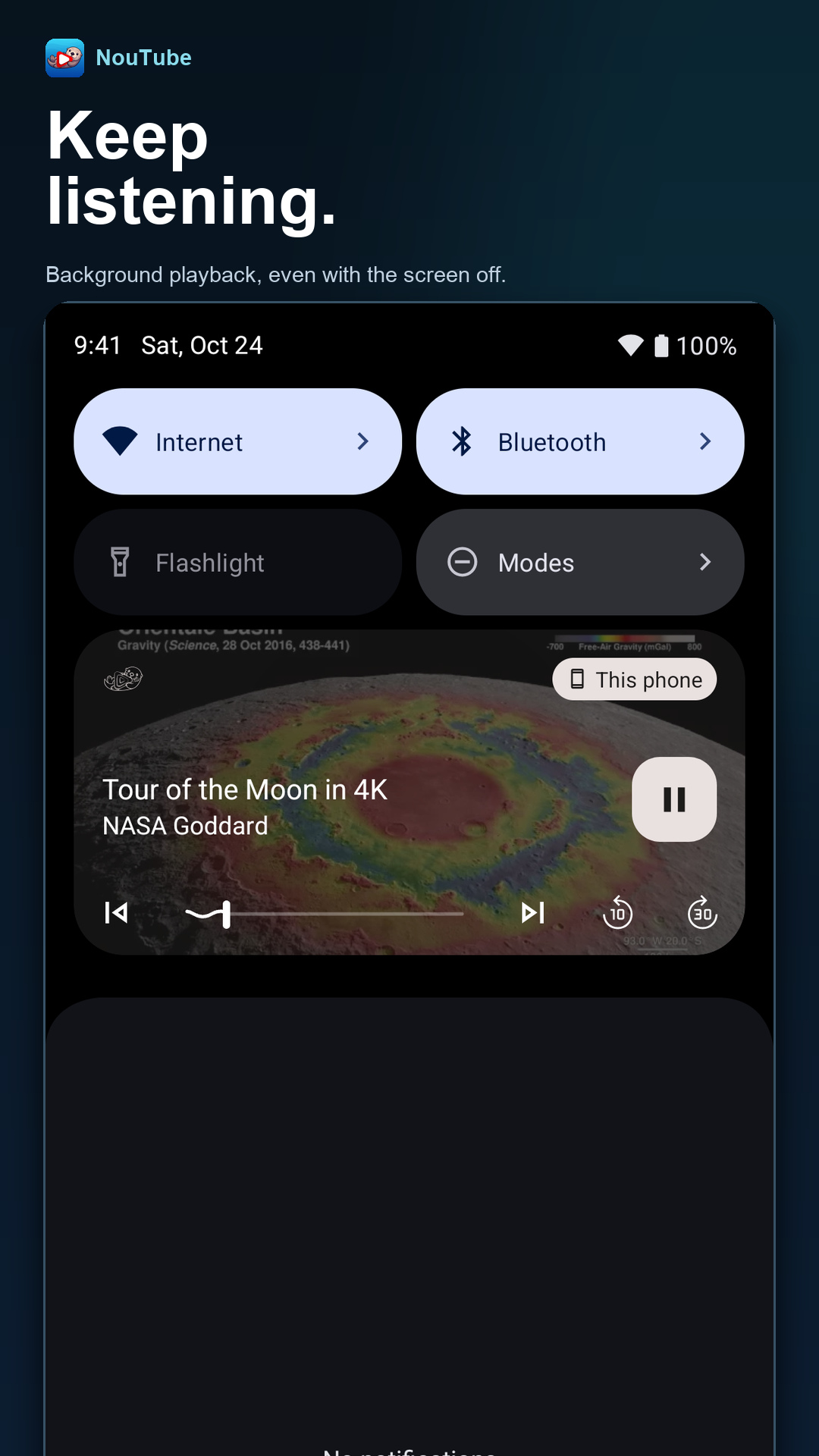
NouTube presents YouTube and YouTube Music in one interface rather than as two separate applications. It does this by wrapping https://m.youtube.com and https://music.youtube.com in a webview, injecting code into the loaded pages to block ads, and hooking the playback controls so audio continues when the app is not in the foreground. The project lives in the Android, iOS, desktop, and browser-extension space; its repository is written in TypeScript under the AGPL-3.0 licence, and it carries the topics android-app, ios-app, desktop-app, browser-extension, youtube, and youtube-music alongside 1,544 stars and 117 forks.
The concrete problem it solves is the advertising and playback restrictions of the official clients. The stock YouTube and YouTube Music apps interrupt playback with ads and stop audio when backgrounded unless the user pays for a subscription. NouTube replaces those official apps and the ad-supported mobile web player with an ad-free client that keeps playing in the background and, notably, lets a user manage a video and music library and a watch history without logging in at all.
Key capabilities
- Ad blocking through injected code in the wrapped m.youtube.com and music.youtube.com pages, as described in the project's "How it works" notes.
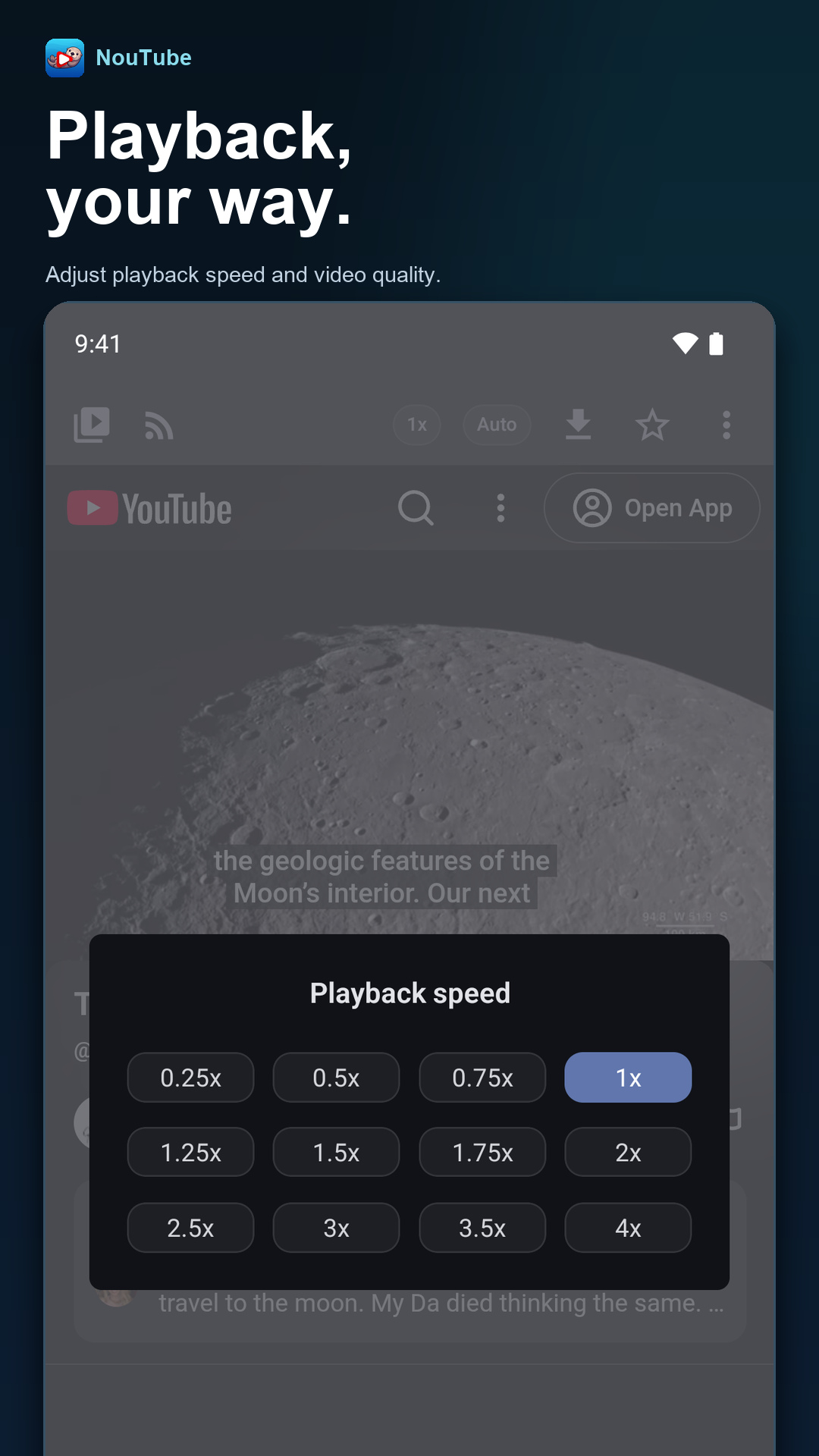
- Background playback enabled by hooking the page's playback controls.
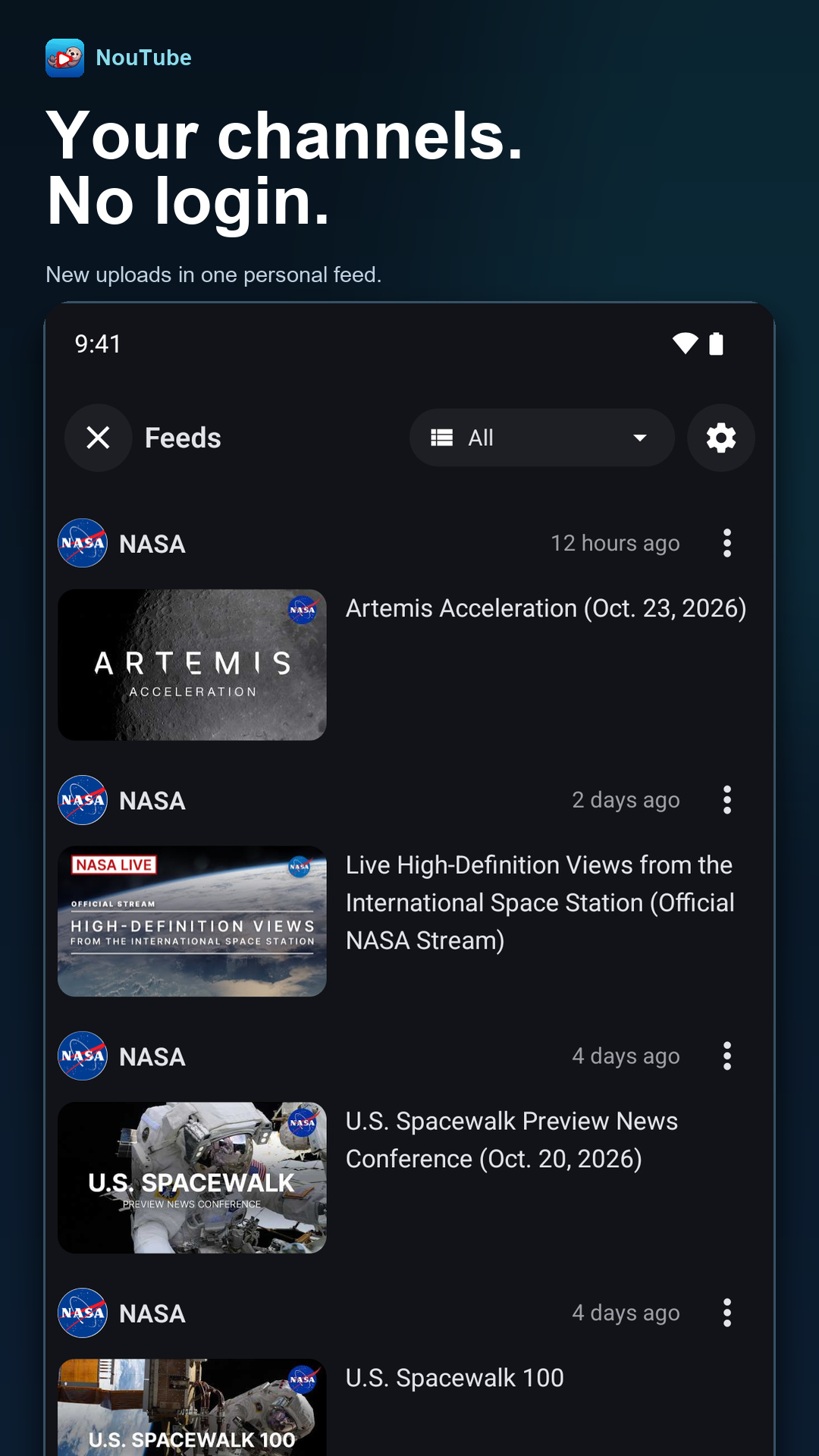
- Library and watch history management without a login.
- Video download from within the app.
- An RSS feed reader for YouTube channels.
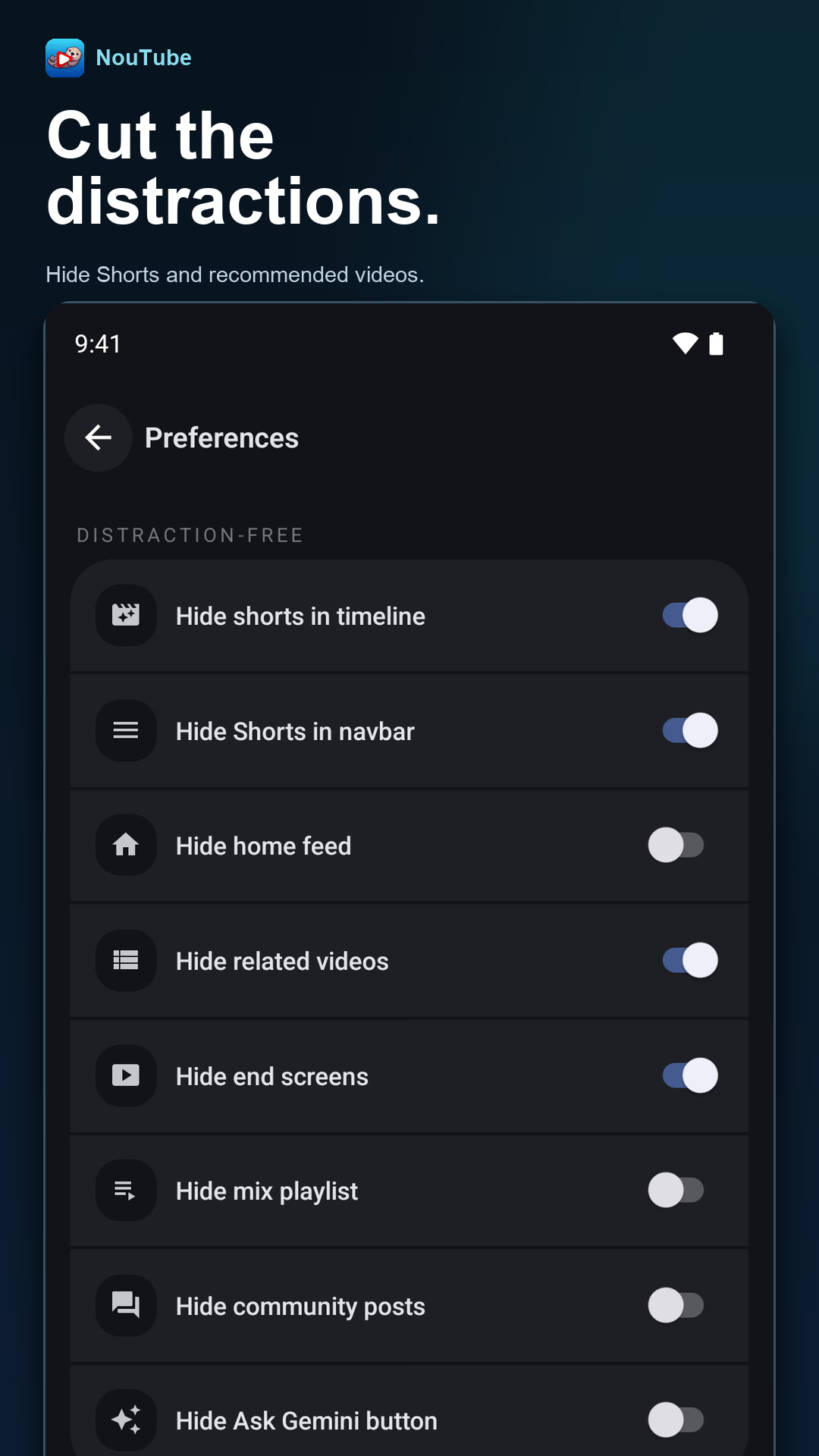
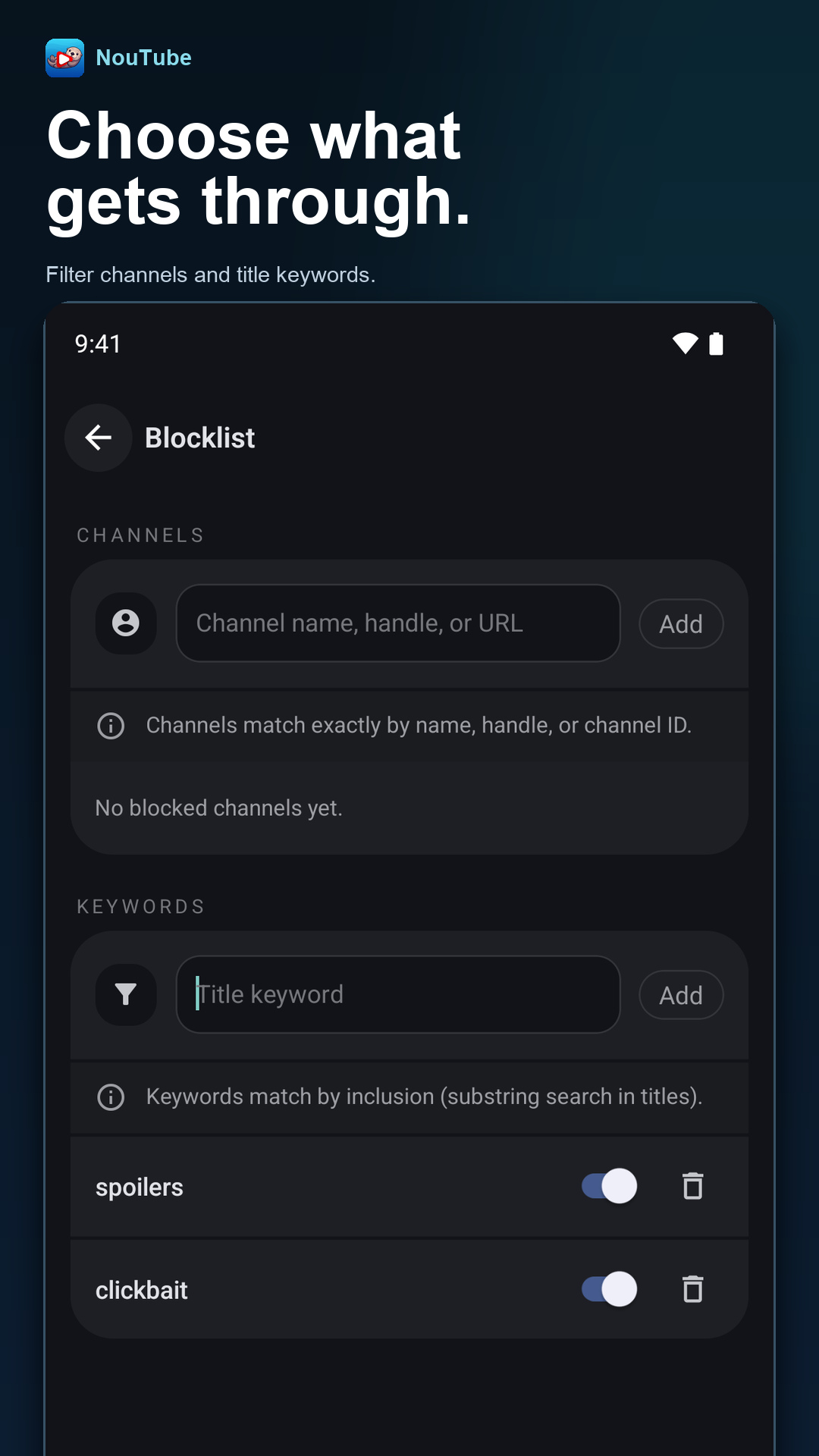
- A hide-shorts option and live chat support.
- Playback of the original audio track and interface customisation with CSS.
Who uses it and how
- Android users install it from F-Droid under the package name jp.nonbili.noutube, or sideload the APK published on the GitHub releases page.
- iOS users join the TestFlight beta through the invitation link in the README.
- Desktop users on Linux, macOS, and Windows obtain their builds from the separate NouTube-Desktop repository.
- Browser users run it as an extension installed from the Firefox Add-ons site or the Chrome Web Store.
- Translators contribute localisations through the project's Weblate instance.
Getting started
Install from F-Droid as jp.nonbili.noutube or download the APK from the GitHub releases page; iOS builds are distributed through TestFlight, Linux, macOS, and Windows builds are published in NouTube-Desktop, and the browser extension is available from the Firefox Add-ons site and the Chrome Web Store.
How it compares
The facts provided list no paid products that NouTube replaces and name no similar tools, so it stands alone in this registry. The honest contrast is with the official YouTube and YouTube Music clients it substitutes for: NouTube is AGPL-3.0 licensed and openly developed, runs without a subscription or an account, and keeps library and history data local to the installation rather than tied to a Google login, though it does so by wrapping YouTube's own web front end rather than reimplementing it.
When to use it — and when not
Choose NouTube if the goal is ad-free background playback of YouTube and YouTube Music across Android, iOS, desktop, and the browser without paying for a subscription or signing in. Be aware that the client rides on YouTube's mobile web pages, so its behaviour and layout track whatever those pages do, and the README is brief: it documents features and a short "how it works" sketch but no build-from-source path or configuration guide, and the repository carries 73 open issues. Anyone wanting an offline-first native client, or a self-hosted server component with its own storage and accounts, should look elsewhere, and the project explicitly notes that it is not affiliated with any .org websites.
 NouTube