NotallyX is a minimalistic, open-source Android note-taking and task-list application written in Kotlin under the GPL-3.0 licence, aimed at Android users who want a lightweight local notes app and who are willing to install and back it up themselves — it is the extended fork of the original Notally app.
What it is
NotallyX is an Android application for writing notes and managing task lists. It is a default Android project written in Kotlin, licensed under GPL-3.0 in accordance with the original Notally project developed by OmGodse, which the tagline describes as "Notally, but eXtended." The project is catalogued in this registry under Productivity & Utilities / Note Taking & Knowledge Management, carries the topics android, minimalistic, note-taking and task-list, supports Lollipop devices and up, and wears an adaptive Android app icon. Its homepage is hosted at crustack.github.io/NotallyX, and development is active in the sense that the repository has drawn 743 stars and 50 forks.
The concrete problem it solves is continuity of a notes collection on Android without a cloud account. NotallyX replaces the original Notally app with an extended feature set, and it explicitly offers a migration path away from other note tools: it imports from Evernote, Google Keep and Quillpad. Its own immediate operational problem is data safety. Because multiple users experienced data loss, the maintainer temporarily removed the app from the Google Play Store, and the README now instructs users to configure auto-backup, ideally daily and also on save. That context shapes the app: notes, tasks, attachments and backups are handled on the device, and the user is responsible for holding the copies.
Key capabilities
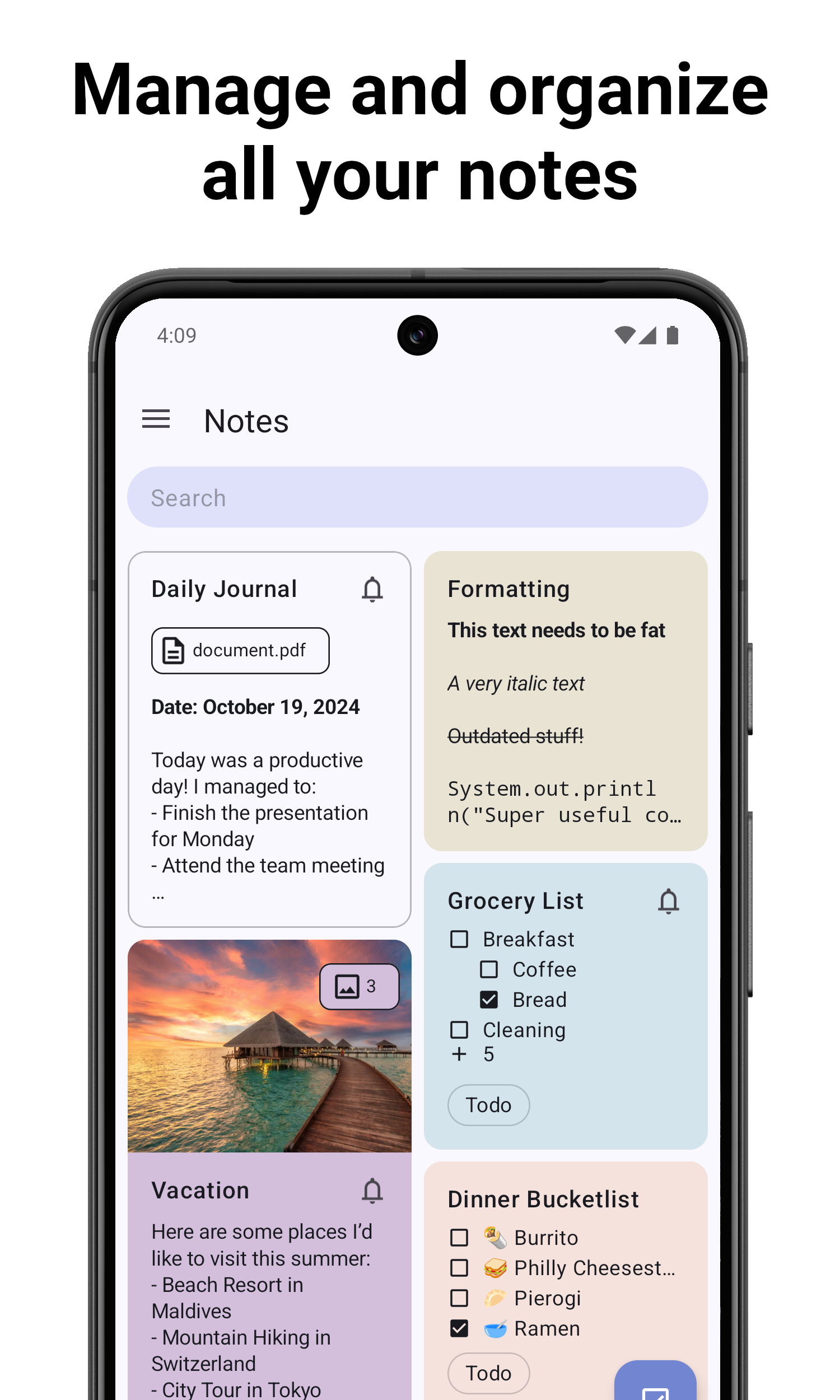
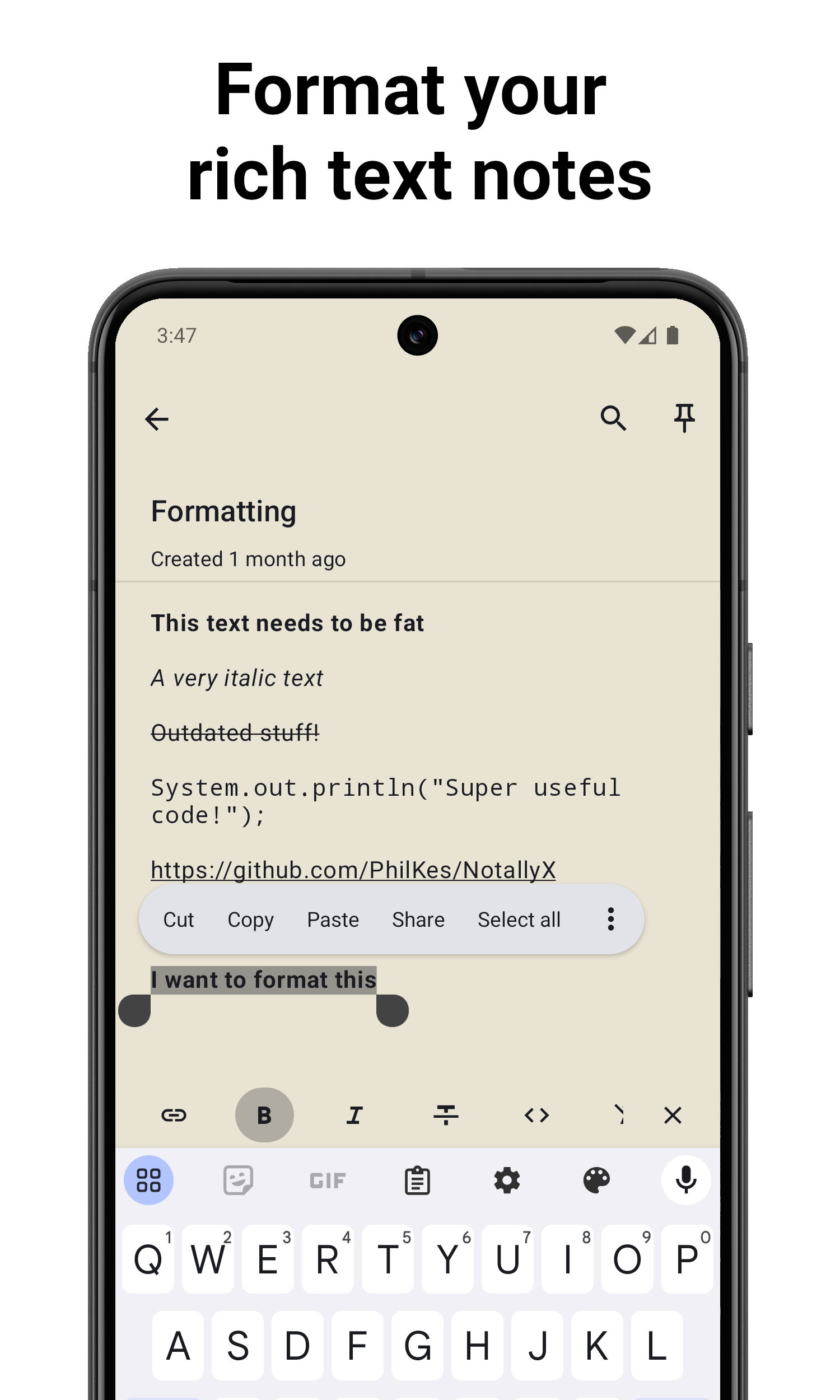
- Create rich text notes with support for bold, italics, mono space and strike-through, with undo and redo actions.
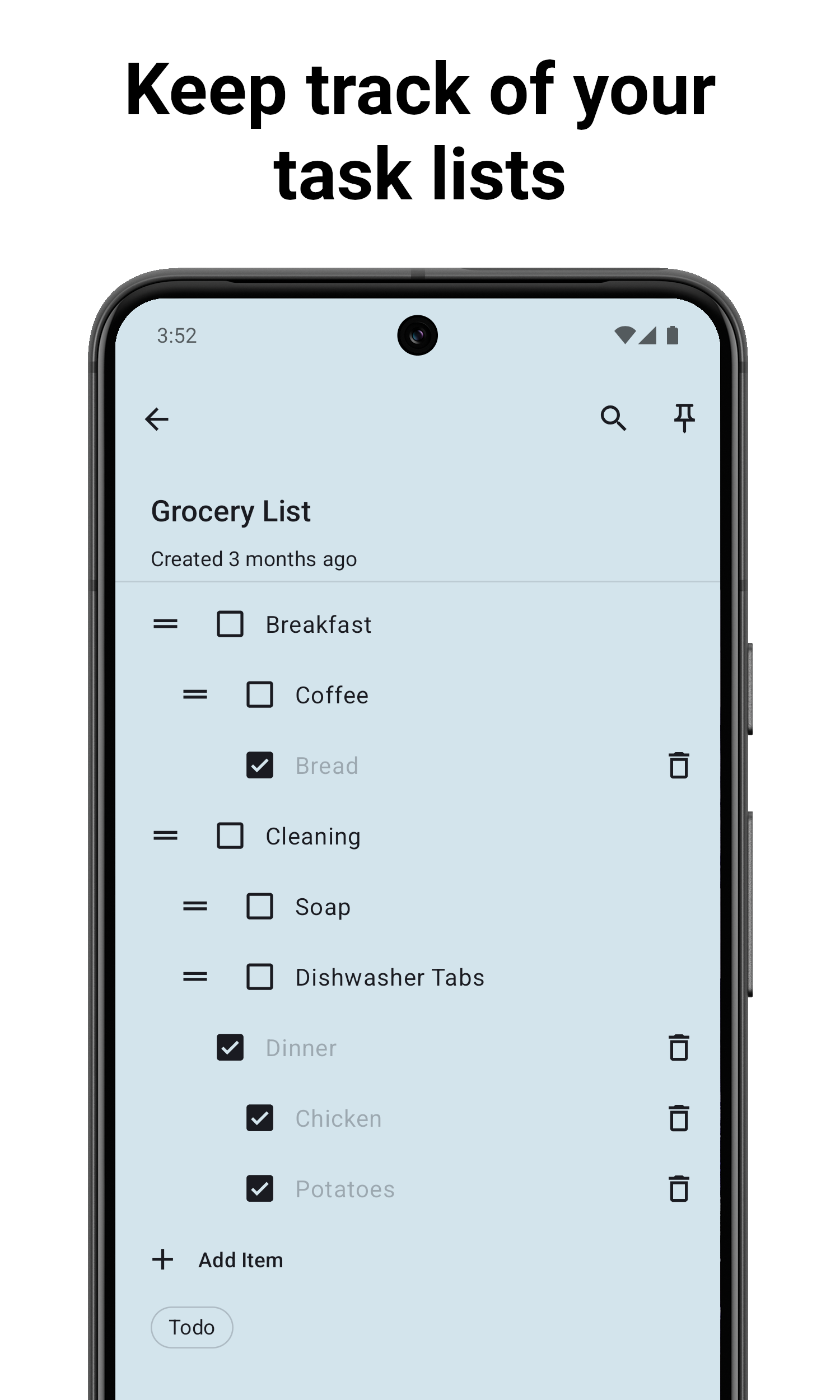
- Create task lists ordered with subtasks, with auto-sort of checked items to the end and actions to quickly remove checked tasks.
- Set reminders with notifications for important notes.
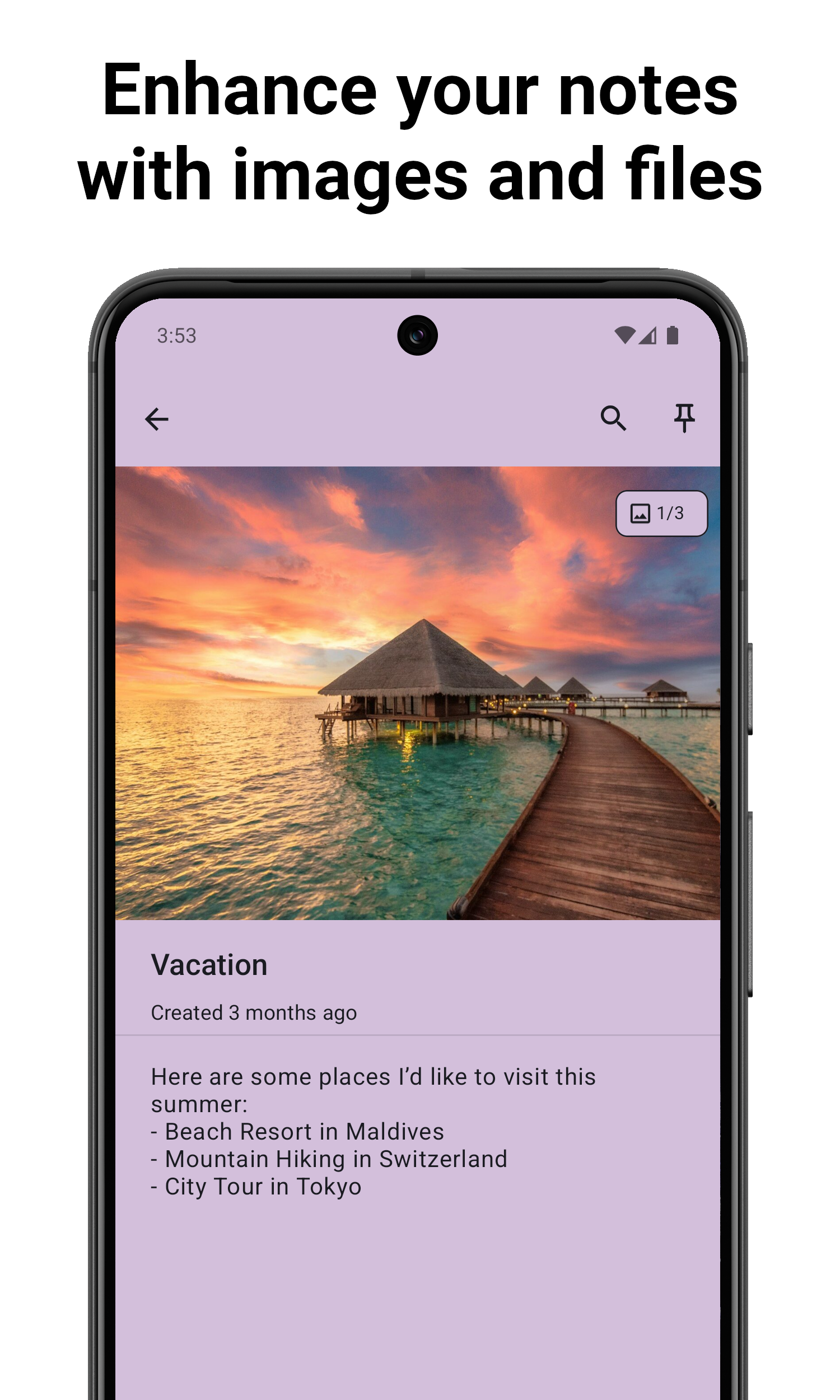
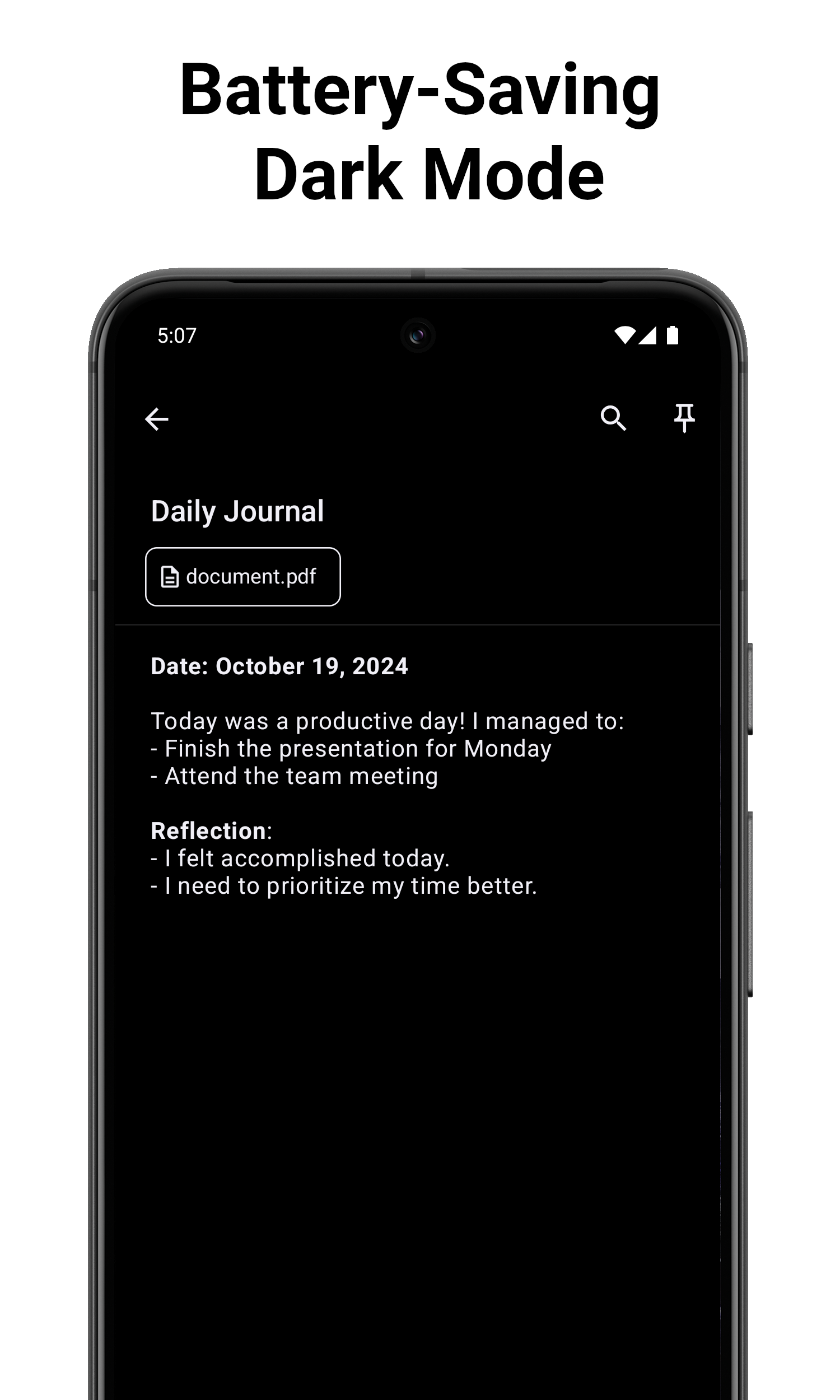
- Complement notes with any type of file, such as pictures and PDFs, and create quick audio notes.
- Sort notes by title, last modified date or creation date, and color, pin and label them for organisation, displayed either in a list or a grid.
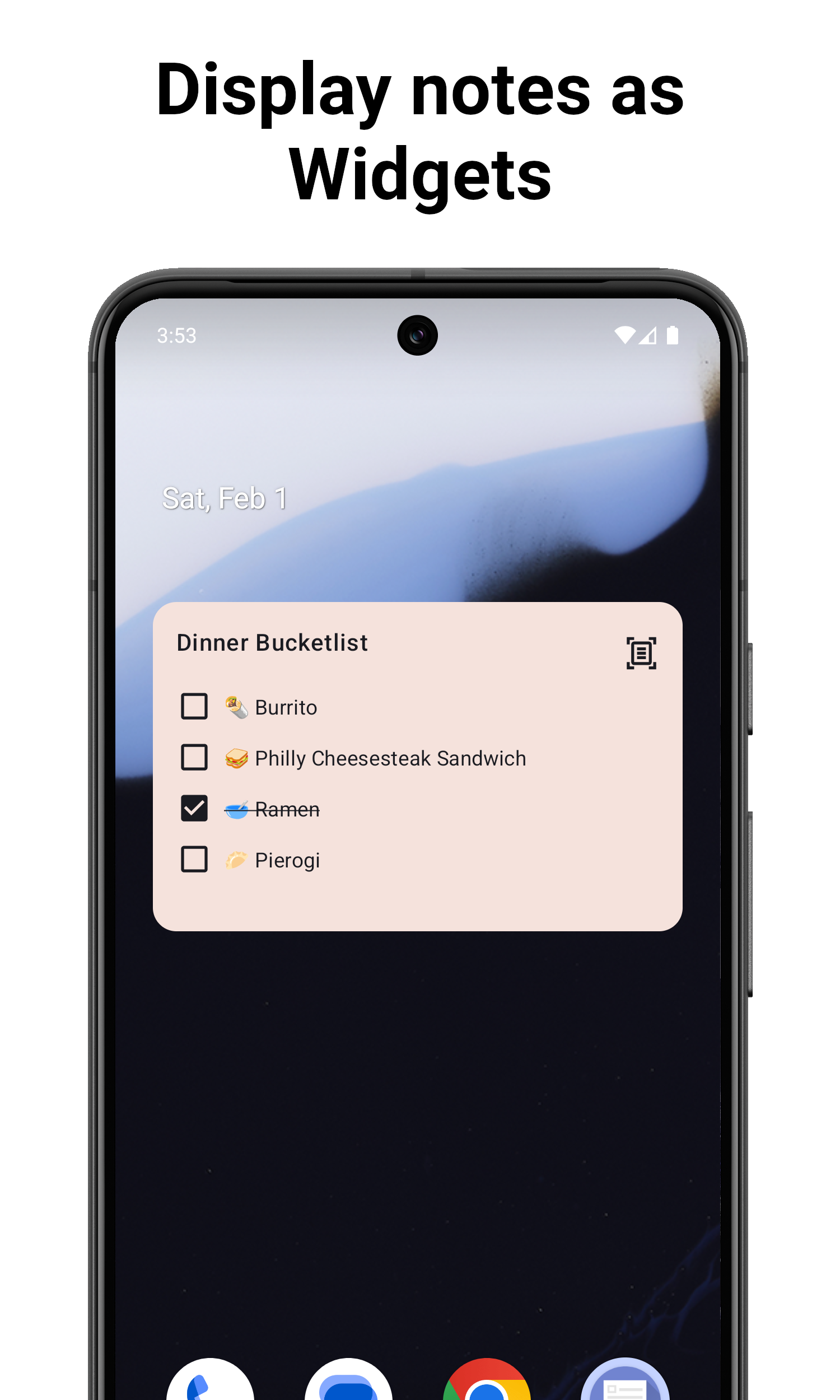
- Lock notes via Biometric or PIN, and use a Home Screen Widget to reach important notes quickly.
- Configure auto-backups, import notes from other apps, and share notes quickly by text, supported by extensive preferences to adjust views.
Who uses it and how
- Android users who install the release APK directly, since the app was temporarily withdrawn from the Google Play Store.
- Beta testers who install
NotallyX BETA alongside the stable app: beta releases use another applicationId, appear as a separate app, and keep their own data.
- Switchers moving an existing collection in from Evernote, Google Keep or Quillpad using the built-in import.
- Contributors who fork the repository, claim an unassigned open issue, develop in Android Studio, test on a device or emulator matching the
targetSdk in build.gradle, then verify with ./gradlew test and format with ./gradlew ktfmtFormat.
- Translators, since all translations are crowd sourced and described in
TRANSLATIONS.md.
Getting started
Installation is by downloading the .apk from the GitHub releases page, with the most recent beta release available under the beta tag; a SHA256 certificate fingerprint is published so a downloaded APK can be verified. Building from source requires opening the Kotlin Android project in Android Studio.
How it compares
No list of paid products replaced by this project is provided, so it is best located against the tools named in its own facts: it is a downstream fork of Notally by OmGodse, carrying the same GPL-3.0 licence, and it extends that base rather than replacing it. Because it can import from Evernote, Google Keep and Quillpad, it also sits as a destination for users of those apps who want their notes on a GPL-3.0 Android client.
When to use it — and when not to
Choose NotallyX if a local, GPL-3.0 Android notes and task app suits you and you will set auto-backup to run daily and on save, as the README insists. Do not choose it if you depend on Google Play distribution for installation and updates, since the app was temporarily removed from that storefront while data-loss reports were addressed. Note also the 297 open issues and the fact that the README is sparse on setup beyond backups, so expect to verify the APK fingerprint or build the project yourself rather than rely on a documented hosted service.
project readme (upstream, from github) — read inline

</p>
Due to multiple users experiencing data loss (e.g. https://github.com/Crustack/NotallyX/issues/1066), I temporarily removed the App from the Google Play Store. If you use the app, ensure that you have setup auto-backup (e.g. daily) and ideally also backup on save!



</p>
Features
Notally, but eXtended
- Create rich text notes with support for bold, italics, mono space and strike-through
- Create task lists and order them with subtasks (+ auto-sort checked items to the end)
- Set reminders with notifications for important notes
- Complement your notes with any type of file such as pictures, PDFs, etc.
- Sort notes by title, last modified date, creation date
- Color, pin and label your notes for quick organisation
- Add clickable links to notes with support for phone numbers, email addresses and web urls
- Undo/Redo actions
- Use Home Screen Widget to access important notes fast
- Lock your notes via Biometric/PIN
- Configurable auto-backups
- Import from other apps such as Evernote, Google Keep, Quillpad
- Create quick audio notes
- Display the notes either in a List or Grid
- Quickly share notes by text
- Extensive preferences to adjust views to your liking
- Actions to quickly remove checked tasks
- Adaptive android app icon
- Support for Lollipop devices and up
Bug Reports / Feature-Requests
If you find any bugs or want to propose a new Feature/Enhancement, feel free to create a new Issue
When using the app and an unknown error occurs, causing the app to crash you will see a dialog (see showcase video in https://github.com/Crustack/NotallyX/pull/171) from which you can immediately create a bug report on Github with the crash details pre-filled.
Beta Releases
I occasionally release BETA versions of the app during development, since its very valuable for me to get feedback before publicly releasing a new version.
These BETA releases have another applicationId as the release versions, thats why when you install a BETA version it will show up on your device as a separate app called NotallyX BETA.
BETA versions also have their own data, they do not use the data of your NotallyX app
You can download the most recent BETA release here on Github
APK Signing Certifcate Fingerprint
If you wish to verify your downloaded .apk file, here is the app's certificate SHA256 fingerpint:
D2:14:B6:05:7B:79:F8:25:09:DD:CD:1E:35:19:65:B3:C6:EC:C4:B2:A3:89:6E:5C:DF:88:5A:70:A0:B6:1D:FD
Translations
All translations are crowd sourced.
For details on how to contribute translations and what languages are available, see TRANSLATIONS
Contributing
If you would like to contribute code yourself, just grab any open issue (that has no other developer assigned yet), leave a comment that you want to work on it and start developing by forking this repo.
The project is a default Android project written in Kotlin, I highly recommend using Android Studio for development. Also be sure to test your changes with an Android device/emulator that uses the same Android SDK Version as defined in the build.gradle targetSdk.
Before submitting your proposed changes as a Pull-Request, make sure all tests are still working (./gradlew test), and run ./gradlew ktfmtFormat for common formatting (also executed automatically as pre-commit hook).
Attribution
The original Notally project was developed by OmGodse under the GPL 3.0 License.
In accordance to GPL 3.0, this project is licensed under the same GPL 3.0 License.