
Easy, fast, and cheap CAPTCHA automation for everyone.
| API Reference | Documentation | CAPTCHA Demo | Developer Discord |





Latest News 🔥
- [2026/08] Released 0.6.2-rc.2. See the release notes here.
- [2026/06] Released 0.6.1 fixing some bugs and making Turnstile and PerimeterX work on more pages. See the release notes here.
- [2026/06] Released 0.6.0 adding configurable mouse speed and visualization, richer popup solve-status and pass-rate diagnostics, Text CAPTCHA math expression mode, and reliability fixes across PerimeterX, GeeTest, AWS WAF, FunCAPTCHA, reCAPTCHA, Turnstile, and Firefox. See the release notes here.
- [2026/04] Released 0.5.6 adding user-configurable input and hook methods; improving drag-drop and label-binary handling; and various minor bug fixes and improvements. See the release notes here.
- [2026/01] Released 0.5.5 improving bounding-box precision for canvas-based challenges; improving mouse action stability for all supported CAPTCHAs; and fixing minor bugs. See the release notes here.
- [2025/12] Released 0.5.4 updating mouse actions into an undetectable implementation for FunCAPTCHA, reCAPTCHA, and Cloudflare Turnstile (Chromium-only), among other fixes and improvements. See the release notes here.
- [2025/11] Released 0.5.3 adding support for video challenges and improved click precision; introduced online RL for browser agents. See the release notes here.
Previous News
- [2025/11] Released 0.5.2 fixing drag-and-drop coordinate rescaling on small viewports, Turnstile checkbox detection on Cloudflare interstitial pages, improving Turnstile bounding boxes, hardening reCAPTCHA flows, and restoring GeeTest. See the updated API reference here.
- [2025/11] Released 0.5.1 to adapt to a new coordinate system post 0.5.0. See the notes here.
- [2025/11] Released 0.5.0 introducing new AI models for general computer use (invite-only beta), plus Turnstile fixes, performance, and stability improvements. Notes here.
- [2024/11] Released 0.4.13 fixing Cloudflare Turnstile, improving GeeTest recognition, and delivering performance and stability improvements.
- [2024/06] Released 0.4.12 fixing Cloudflare Turnstile.
- [2024/06] Released 0.4.11 fixing the reCAPTCHA language code.
- [2024/06] Released 0.4.10 adding beta support for GeeTest, Lemin, and Yandex CAPTCHAs; plus fixes for AWS CAPTCHA and Cloudflare Turnstile, and stability improvements.
- [2024/05] Released 0.4.9 adding retry delay to avoid rate limits, fixing icon text overflow, and improving stability.
- [2024/04] Released 0.4.8 fixing AWS WAF loop; improving AWS WAF, and reCAPTCHA recognition; plus performance and minor bug fixes.
- [2023/11] Released 0.4.7 adding CSS selector extraction via UI and a disabled hosts menu; fixing Text CAPTCHA input, duplicate AWS WAF API calls, and Firefox logs; with performance and stability improvements.
- [2023/11] Released 0.4.6 with a UI redesign, Settings API logs, an incognito bug fix, and major stability improvements.
- [2023/10] Released 0.4.5 fixing empty image data in POST and PerimeterX on several domains; stability improvements.
- [2023/10] Released 0.4.4 fixing Draw a box around challenges; minor stability improvements.
- [2023/10] Released 0.4.3 adding support for a new API function.
- [2023/10] Released 0.4.2 improving area select recognition and fixing minor bugs.
- [2023/10] Released 0.4.1 maintenance update.
- [2023/10] Released 0.4.0 maintenance update.
- [2023/04] Released 0.3.13 maintenance update.
- [2023/04] Released 0.3.12 maintenance update.
- [2023/04] Released 0.3.11 maintenance update.
- [2023/04] Released 0.3.10 maintenance update.
- [2023/04] Released 0.3.9 maintenance update.
- [2023/03] Released 0.3.8 fixing a multiple choice bug.
- [2023/03] Released 0.3.7 maintenance update.
- [2023/03] Released 0.3.6 maintenance update.
- [2022/12] Major commit textcaptcha empty selectors improving Text CAPTCHA selector handling.
- [2022/12] Major commit popup mods, auth header updating popup UI and authentication headers.
- [2022/11] Major commit BG API, reCAPTCHA visibility check, Firefox bug fix adding background API functions, improving reCAPTCHA visibility checks, and fixing Firefox issues.
- [2022/11] Major commit add disabled hosts introducing a disabled hosts list.
- [2022/11] Major commit add custom solve delay input exposing a configurable solve delay.
- [2022/11] Major commit Popup (#21) introducing a new popup interface.
- [2022/11] Major commit add aws waf adding first class automation for AWS WAF challenges.
- [2022/10] Major commit locator iframes & add funcaptcha demo enhancing iframe injection and adding a FunCaptcha demo.
- [2022/10] Major commit ocr autodetect WIP adding OCR auto detection groundwork.
- [2022/10] Major commit ocr base64 from canvas implementing base64 OCR extraction from canvas.
About
NopeCHA is a free-to-use and fully automatic CAPTCHA solver powered by multimodal AI through the NopeCHA API platform.
Why NopeCHA?
- Staying up-to-date with frequently changing CAPTCHA challenges can be tedious.
- Our extensions, libraries, and API receive regular updates, ensuring uninterrupted service for your automation needs.
- Load our extension in an automated browser like Selenium and bypass CAPTCHAs in any web automation workflow, from testing to data collection and more.
- Use our API endpoints in your preferred programming language.
- NopeCHA AI is state-of-the-art in CAPTCHA solving. Behind the scenes, AI agents collect feedback by interacting with real CAPTCHAs. Our models use this experience to update their policies, continuously and autonomously. The moment a new CAPTCHA is released, our AI is already learning to solve it. Our robust and powerful online RL pipeline allows us to stay ahead of the curve and offer the lowest prices in the industry.
Find the full list of supported CAPTCHAs here.
Getting Started
The fastest way to start is to install our browser extension that automatically detects and solves CAPTCHAs present on the page. It works in both Chrome and Firefox, including all Chromium-based automation tools like Puppeteer and Selenium.
 Chrome Extension
 Firefox Add-on
Free to use for up to 100 requests per day. No sign-up or API key needed! Just install our extension and it will work instantly on any CAPTCHA it detects.
Note: requests made without an API key counts usage by IP address.
For higher limits and more features, sign up at NopeCHA.com to create an API key.
For developers integrating NopeCHA into their projects, please see our Documentation and API reference.
Supported CAPTCHA Types
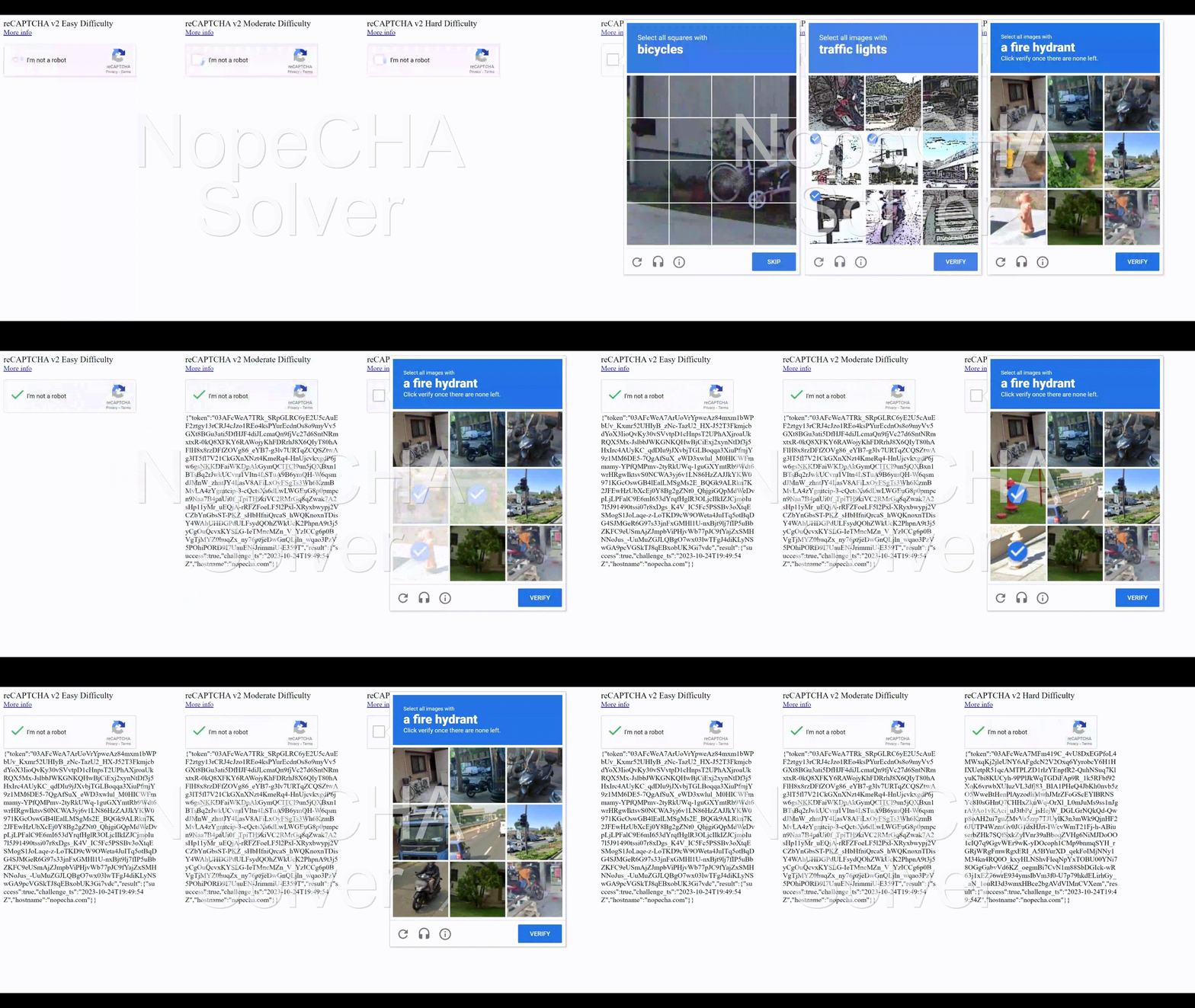
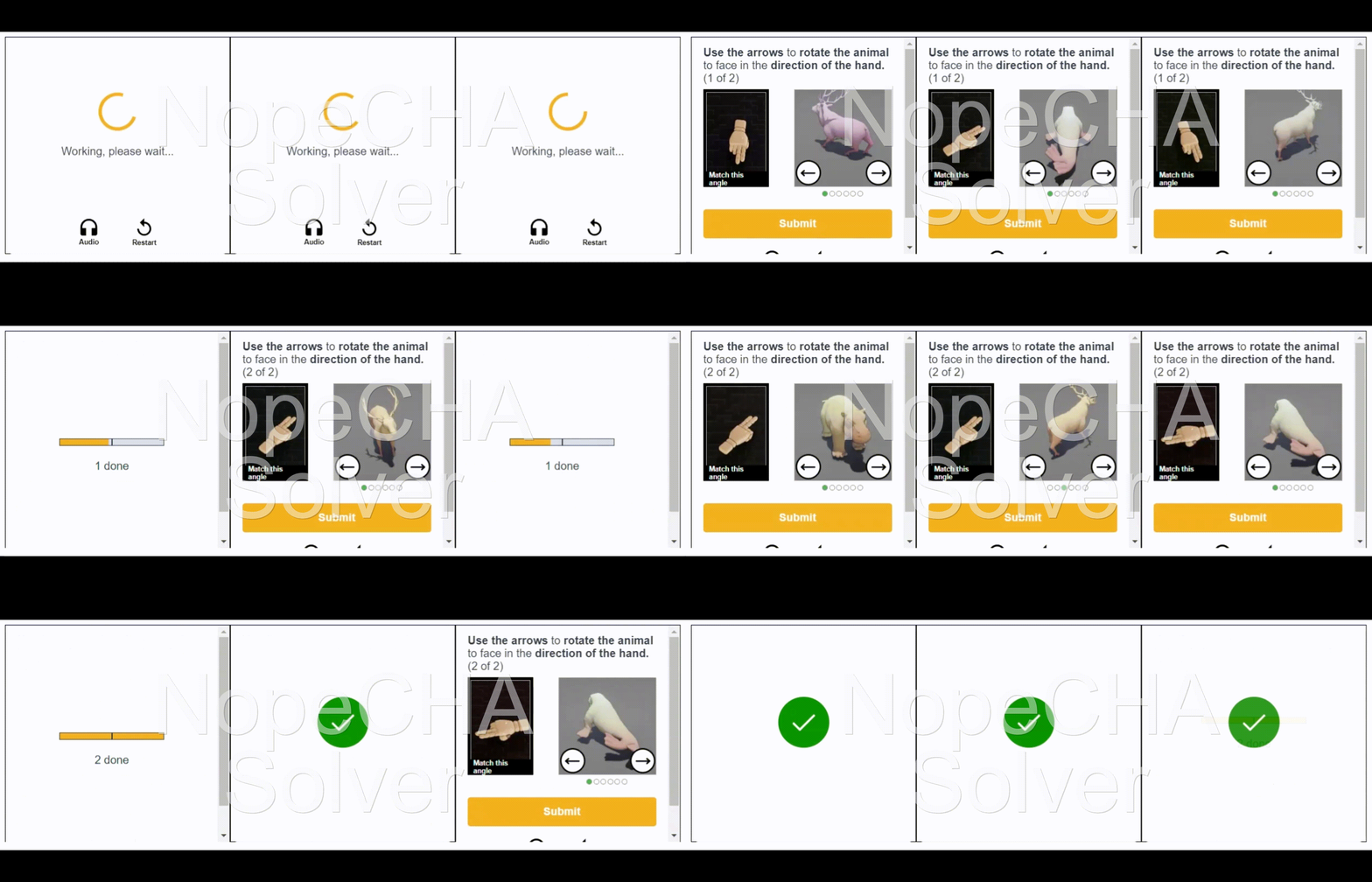
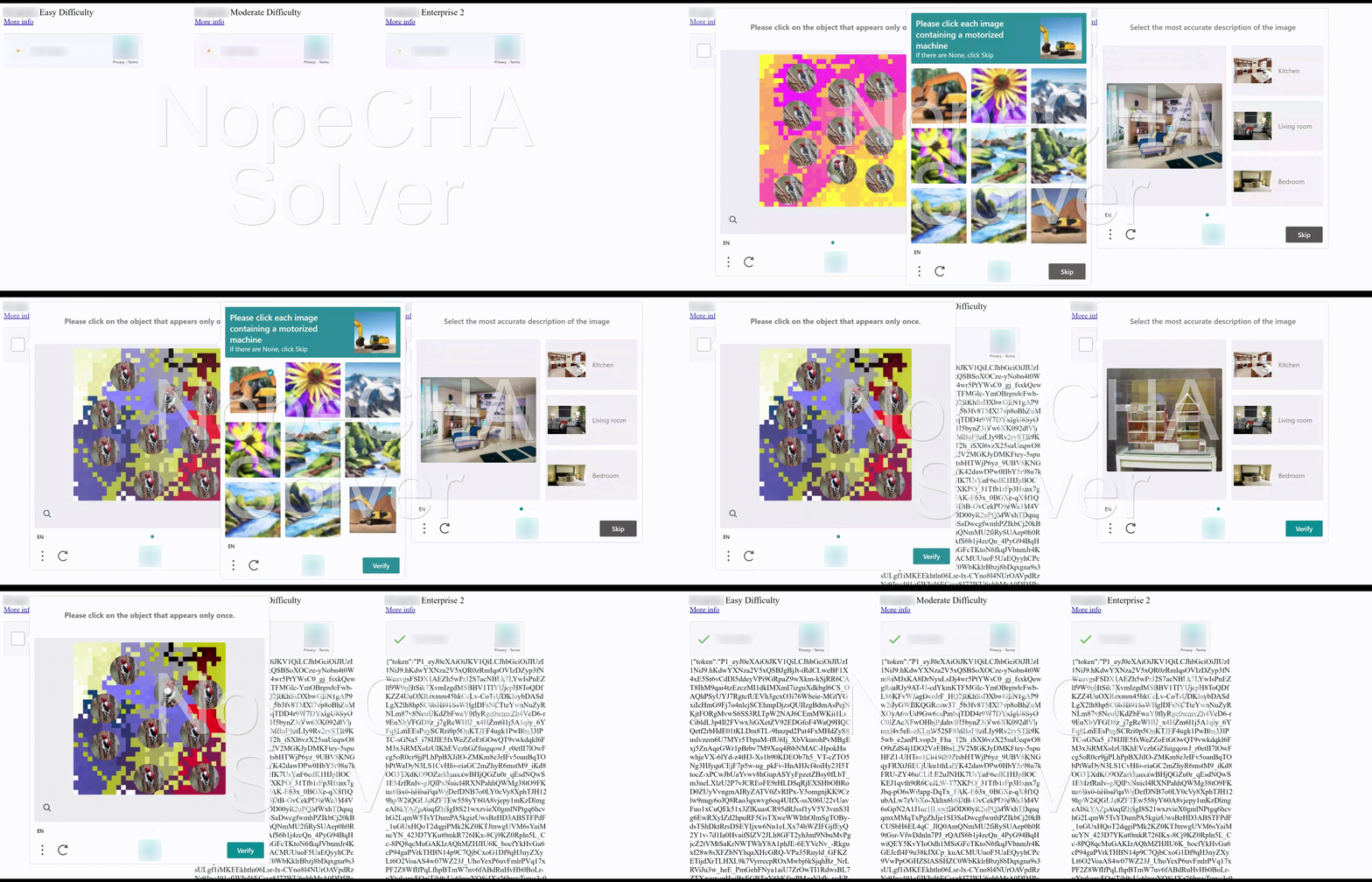
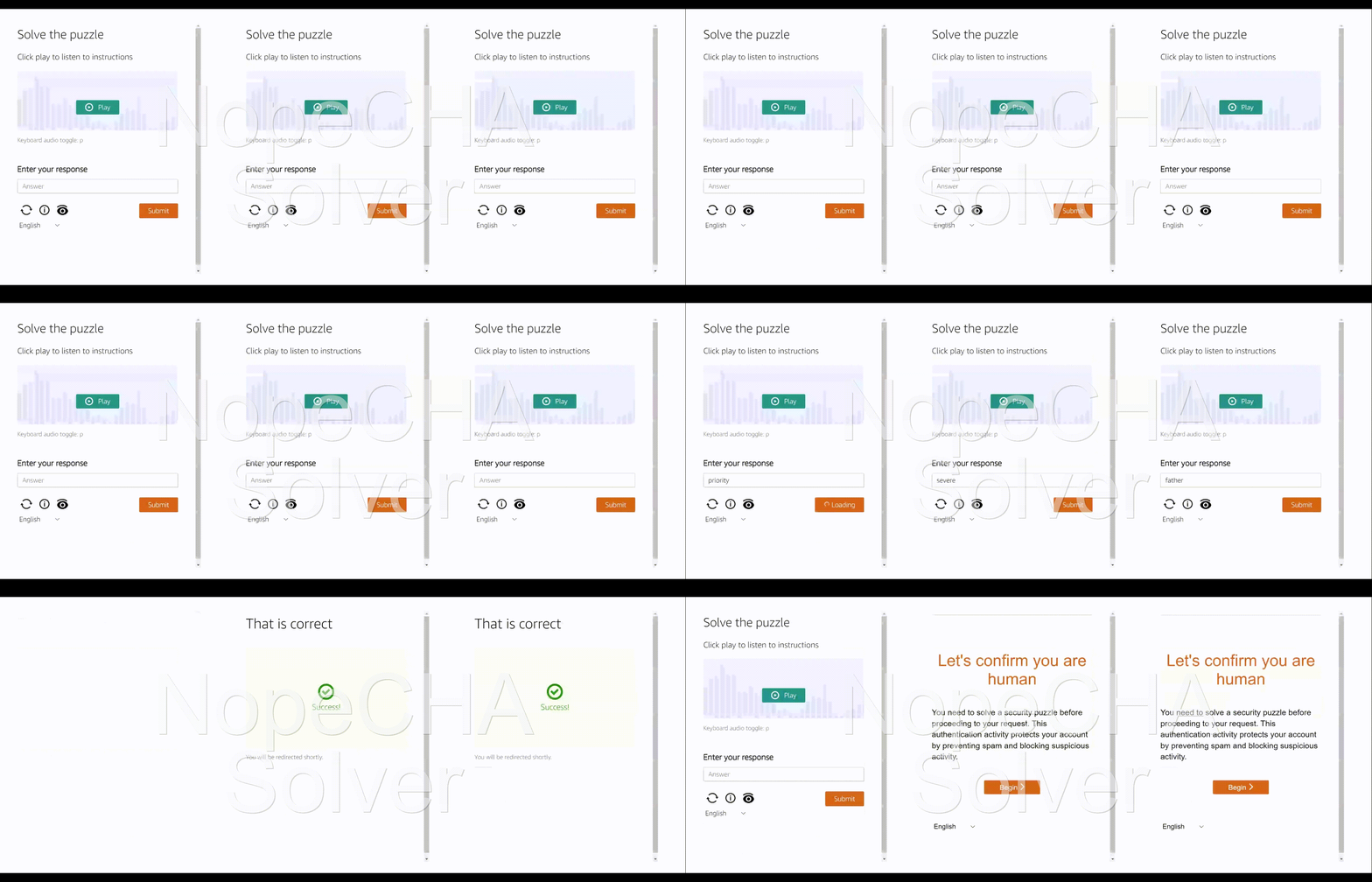
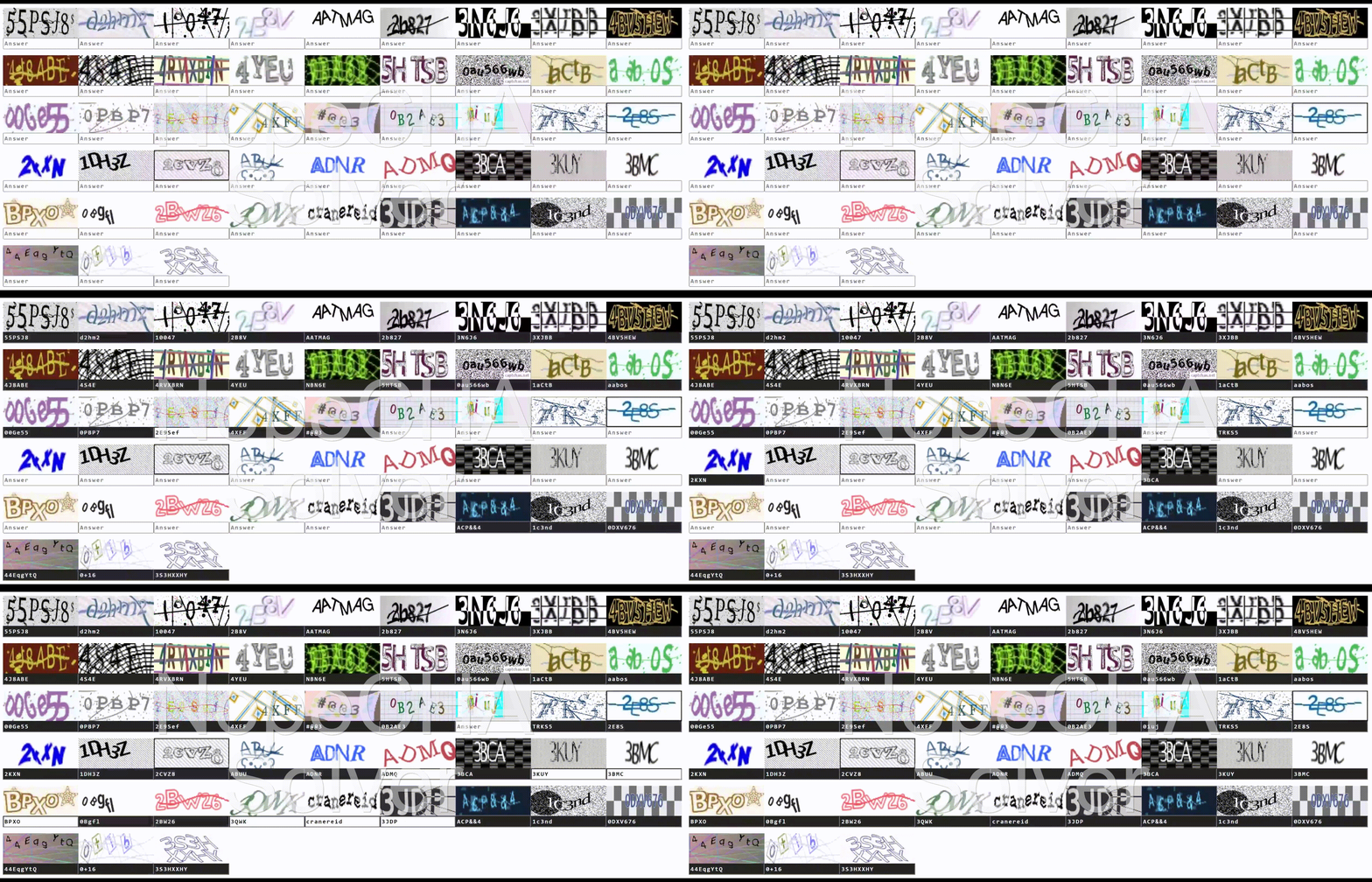
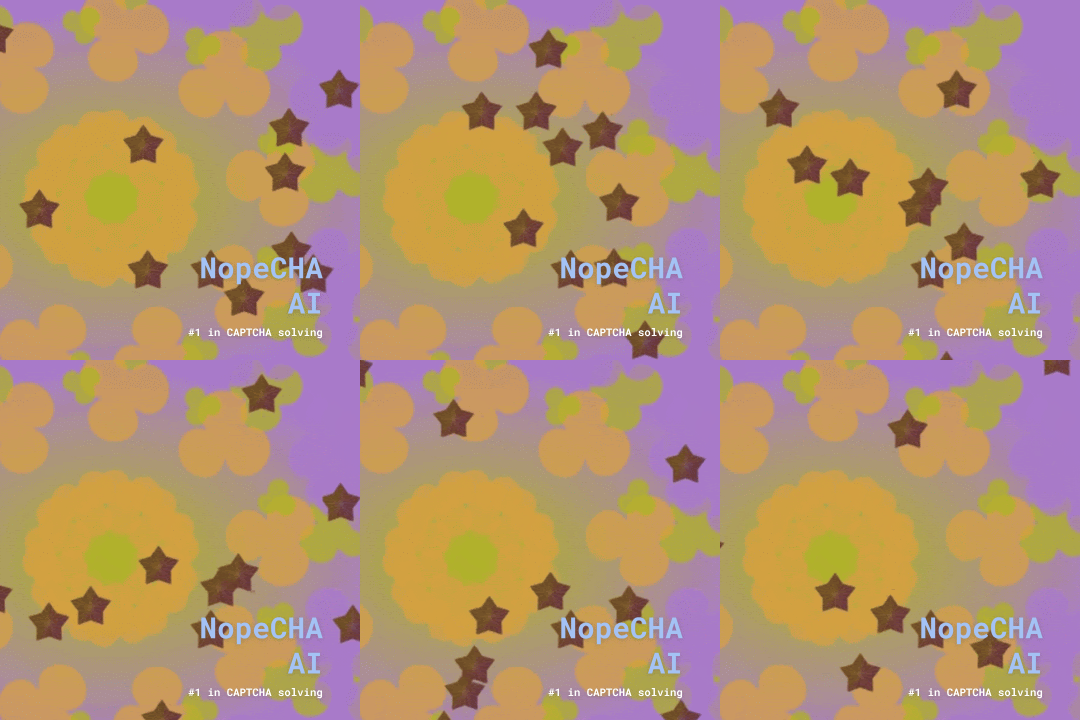
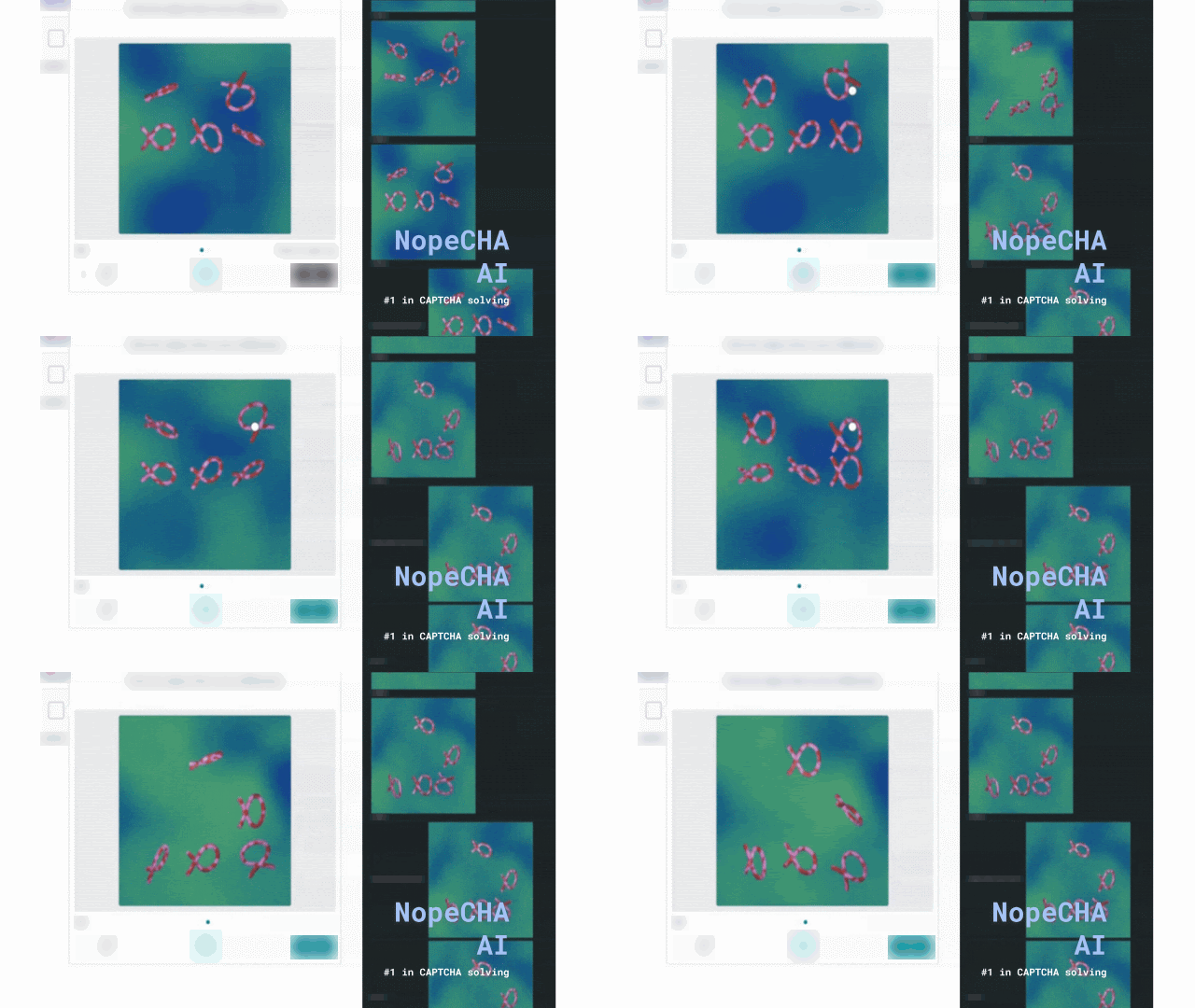
Here is a sample of CAPTCHA types supported by NopeCHA, with more added regularly:
| reCAPTCHA | FunCAPTCHA |
|---|---|
 |
 |
| Image CAPTCHA | AWS WAF |
|---|---|
 |
 |
| Text CAPTCHA | Cloudflare Turnstile |
|---|---|
 |
 |
| And more ... | |
|---|---|
 |
 |
Resources
- See our latest release notes for the most recent updates and new features.
- View API reference for the full list of supported endpoints and CAPTCHAs.
- View documentation for guides on how to automate using the NopeCHA extension.
- Visit our website for more information about our services and to sign up for an API key.
About our Transition to Closed Source in 2023
Read more
Why Closed Source?
To maintain our edge and prevent abuse, we have chosen to restrict source code access to our browser extension. This allows us to continue providing a free-to-use service while protecting our proprietary technology and ensuring the integrity of our CAPTCHA-solving capabilities.
What Changed
We continue to publish the latest builds under GitHub releases and in the Chrome Web Store and Mozilla Add-on store, but the source code for the latest versions will no longer be publicly available.
We have archived the open-source v0.3.x branch for reference, but it is no longer maintained or supported.
The Road Ahead
We are committed to expanding support across CAPTCHA providers and improving accuracy, throughput, and cost efficiency.
Thank you for your understanding and continued support as we evolve our services to better serve our users and maintain the quality and reliability of our CAPTCHA-solving technology.