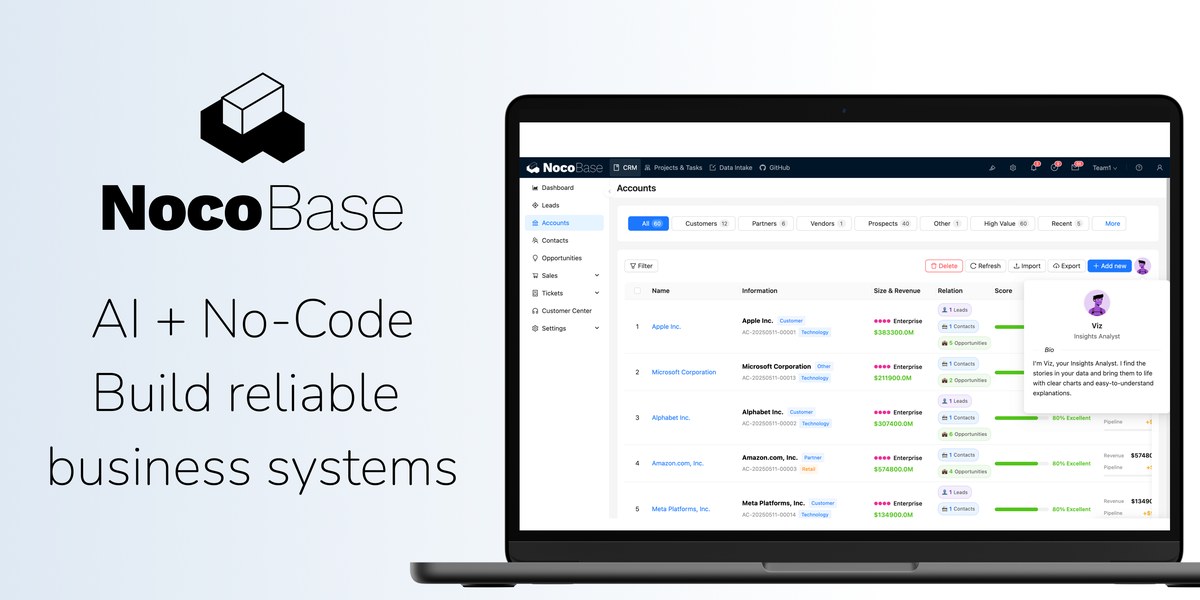
NocoBase is a free, open source build & deployment project written in TypeScript and released under a custom open-source licence. It has 24,256 GitHub stars, 2,876 forks and 307 open issues, and was last pushed 14 hours ago. On this registry it ranks #9 of 59 tracked projects in Build & Deployment, with 5 head-to-head comparisons available. It gained 78 stars over the last 6 tracked days.

NocoBase — Build custom apps without code, deploy with ease

What is NocoBase?

NocoBase is an open-source AI plus no-code platform, written in TypeScript, for teams and non-developers who need to build and run internal business systems such as admin dashboards, CRM, and ERP tooling.

What it is

NocoBase is an AI plus no-code platform for building business systems fast. It ships as a TypeScript project with a command-line interface published to npm and a browser-based WYSIWYG builder, so a data model, a page, a workflow, or a permission rule can be created either by hand in the visual interface or by an AI coding agent driving the same CLI. The README states the design goal directly: rather than generating everything from scratch, AI works on top of production-proven infrastructure and a WYSIWYG no-code interface, so teams get speed and reliability together.

The concrete problem it solves is the blank-slate build. A team that needs an internal admin dashboard, a CRUD application, or CRM and ERP-adjacent tooling would otherwise scaffold models, pages, workflows, and access control from nothing for every new system. NocoBase puts that infrastructure in place first and lets AI and people edit on top of it, so generated artefacts land in a running application rather than in an empty repository. Work can be split freely between the two: AI creates data models, pages, and workflows, and people refine the user interface and interactions afterwards.

Key capabilities

  • Command-line workflow built on @nocobase/cli: npm install -g @nocobase/cli, then nb init --ui to install an application and nb --version to check the installed release.
  • WYSIWYG no-code interface with one-click switching between usage mode and configuration mode, covering data models, pages, workflows, and permissions.
  • Agent-driven development with mainstream coding agents including Claude Code, Cursor, Codex, OpenCode, and TRAE; agents can handle setup, development, migration, and release end to end.
  • AI employees that work inside the running system — front-end analysis, Q&A, and form filling, plus back-end document recognition, risk monitoring, and task routing — and that join workflow decisions and execution.
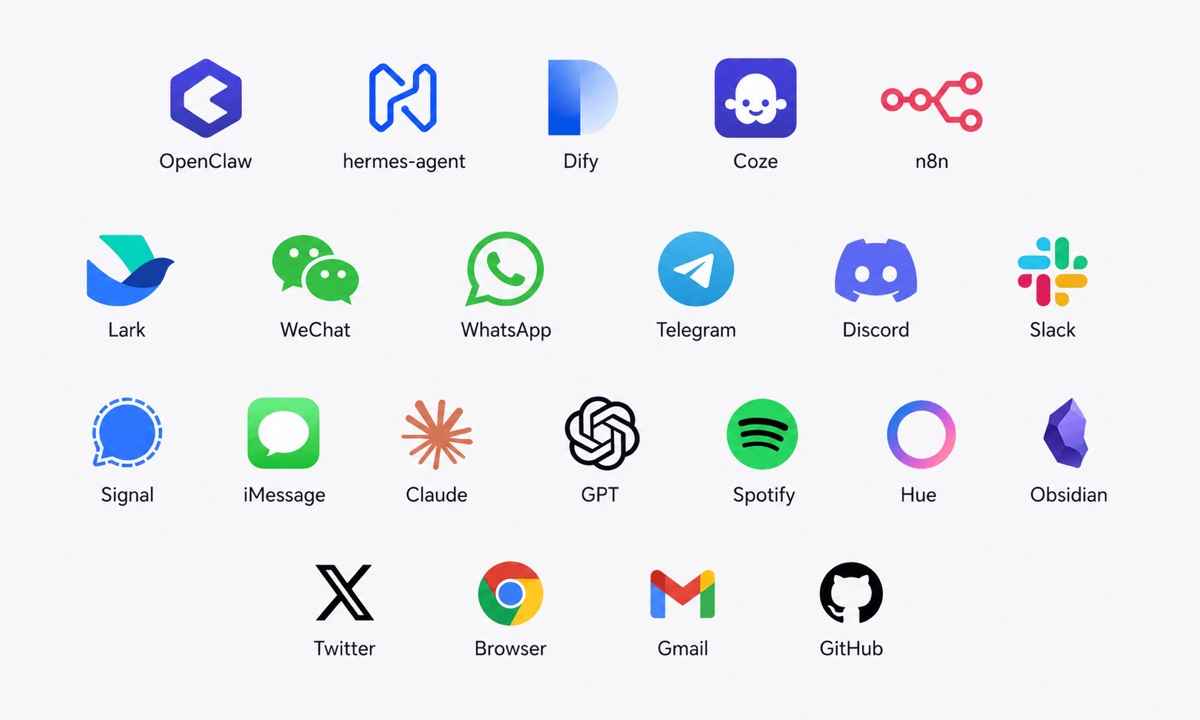
  • Open interfaces for the agent ecosystem: MCP, HTTP APIs, CLI, and skills, used by platforms such as OpenClaw, Hermes, Dify, Coze, and n8n, keeping internal and external agents inside the same boundaries.
  • Chat and mail integration with Telegram, WhatsApp, Slack, and Gmail to query data, trigger actions, and execute business workflows.
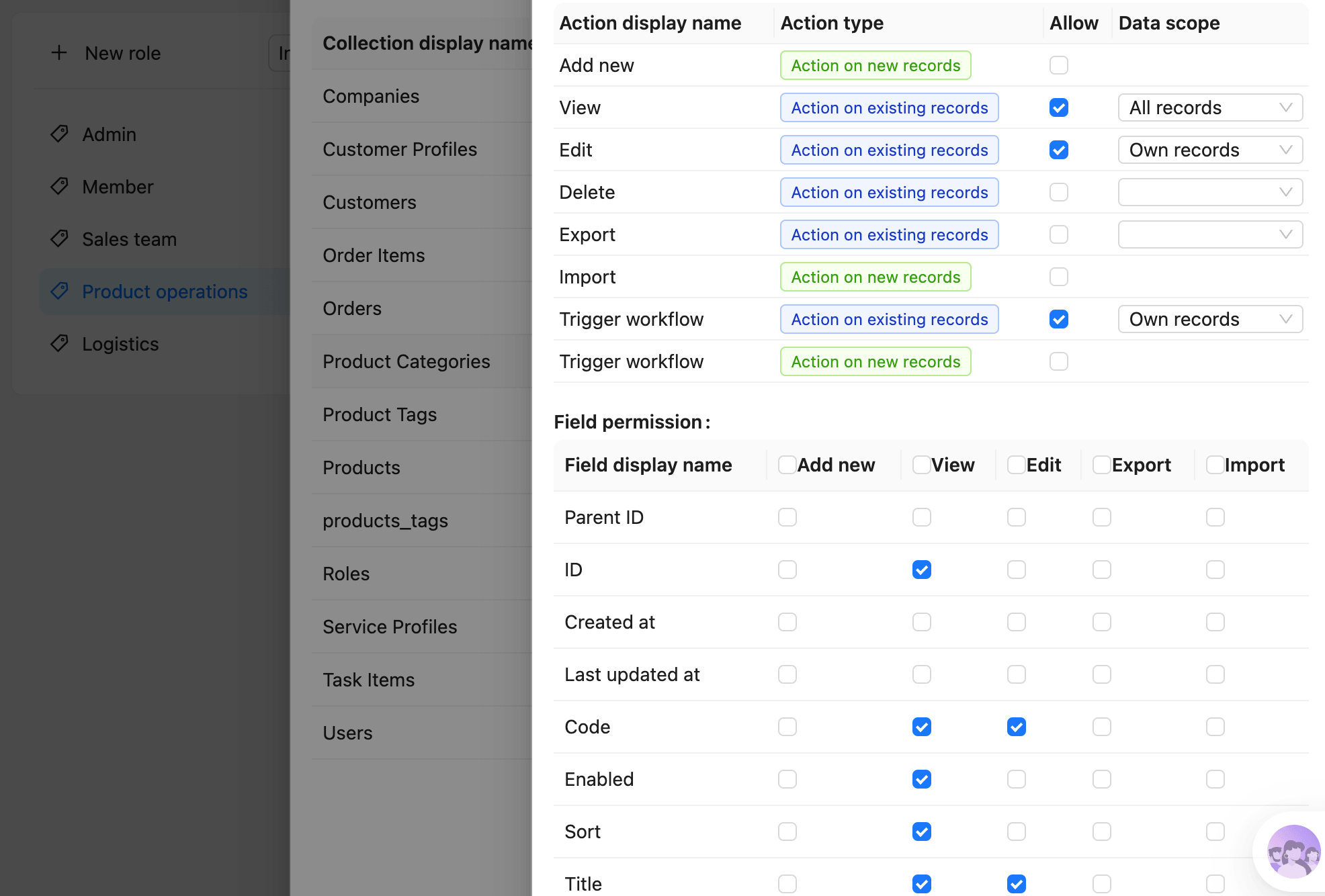
  • Fine-grained permissions applied identically to AI and human users, including per-AI-employee roles with field-level read and write permissions, and audit logs on every data change and workflow trigger.

Who uses it and how

  • Teams that need admin dashboards, CRM, ERP, internal tools, or general CRUD systems and would otherwise build each one by hand.
  • Mixed teams where developers work through coding agents while non-developers build and modify the same system visually, each refining the other's output.
  • Operations and business groups that place AI employees into workflows for document recognition, risk monitoring, and automatic task routing.
  • Organizations that connect Slack, Telegram, WhatsApp, or Gmail so staff query data and trigger business workflows from tools they already use.
  • Administrators who need every AI action constrained by the same role and field-level permissions as human users, with audit trails available for review.

Getting started

Install globally with npm install -g @nocobase/cli, then run nb init --ui to install a NocoBase app; coding agents such as codex, claude, or opencode can be used during the build. An online demo is available at https://demo.nocobase.com/new, with documentation at https://docs.nocobase.com/.

How it compares

The facts accompanying this entry name no paid products that NocoBase replaces, and no comparable projects appear alongside it. On the evidence available, it stands alone in this registry.

When to use it — and when not to

The recorded licence is NOASSERTION, so anyone evaluating it for commercial or regulated use should confirm the actual terms on the project repository rather than trusting the registry field. The project carries 307 open issues, and its change history reaches readers through blog release notes with weekly summaries rather than a versioned changelog, while the documented quick start is a self-installed CLI application with no managed hosting described. Choose it when AI-assisted building on an existing no-code foundation matches the need; look elsewhere if an unambiguous open-source licence or a fully hosted service is a hard requirement.

project readme (upstream, from github) — read inline

English | 简体中文 | 日本語 | Français | Español | Português | Português (BR) | Bahasa Indonesia | Tiếng Việt | Deutsch

https://github.com/user-attachments/assets/3b89d965-f60f-48e0-8110-24186c2911d2

nocobase%2Fnocobase | Trendshift NocoBase - Scalability-first, open-source no-code platform | Product Hunt

Table of Contents

What is NocoBase

NocoBase is an open-source AI + no-code platform for building business systems fast. Instead of generating everything from scratch, AI works on top of production-proven infrastructure and a WYSIWYG no-code interface, so you get both speed and reliability.

Homepage:
https://www.nocobase.com/

Online demo:
https://demo.nocobase.com/new

Documentation:
https://docs.nocobase.com/

Forum:
https://forum.nocobase.com/c/english-forum/5

User stories:
https://www.nocobase.com/en/blog/tags/customer-stories

Quick Start

# Install NocoBase CLI
npm install -g @nocobase/cli
nb --version

# Install a NocoBase app
nb init --ui

# Optional: build together with an AI Agent
codex # claude, opencode

Detailed steps:

Release Notes

Our release notes are updated regularly on the blog, with weekly summaries of important changes.

Distinctive Features

1. Collaborative: AI and people build together

Coding agents get a full CLI and skills, while people get a WYSIWYG no-code interface, so both can collaborate efficiently.

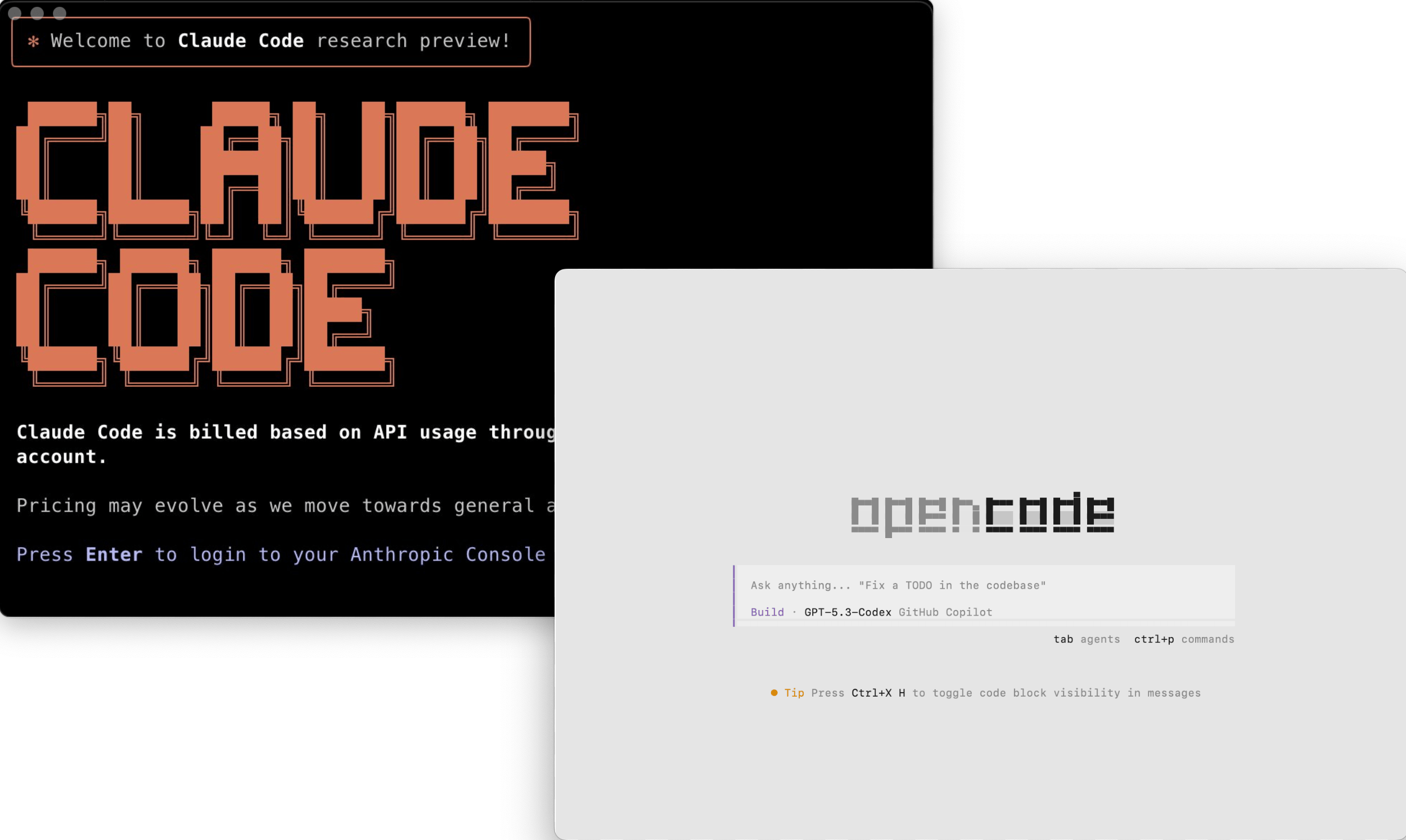
Build with the AI coding agents you already know

Go from deployment to a working system in minutes with mainstream coding agents.

  • Works with mainstream agents like Claude Code, Cursor, Codex, OpenCode, and TRAE
  • Agents can handle setup, development, migration, and release end to end
coding-agent

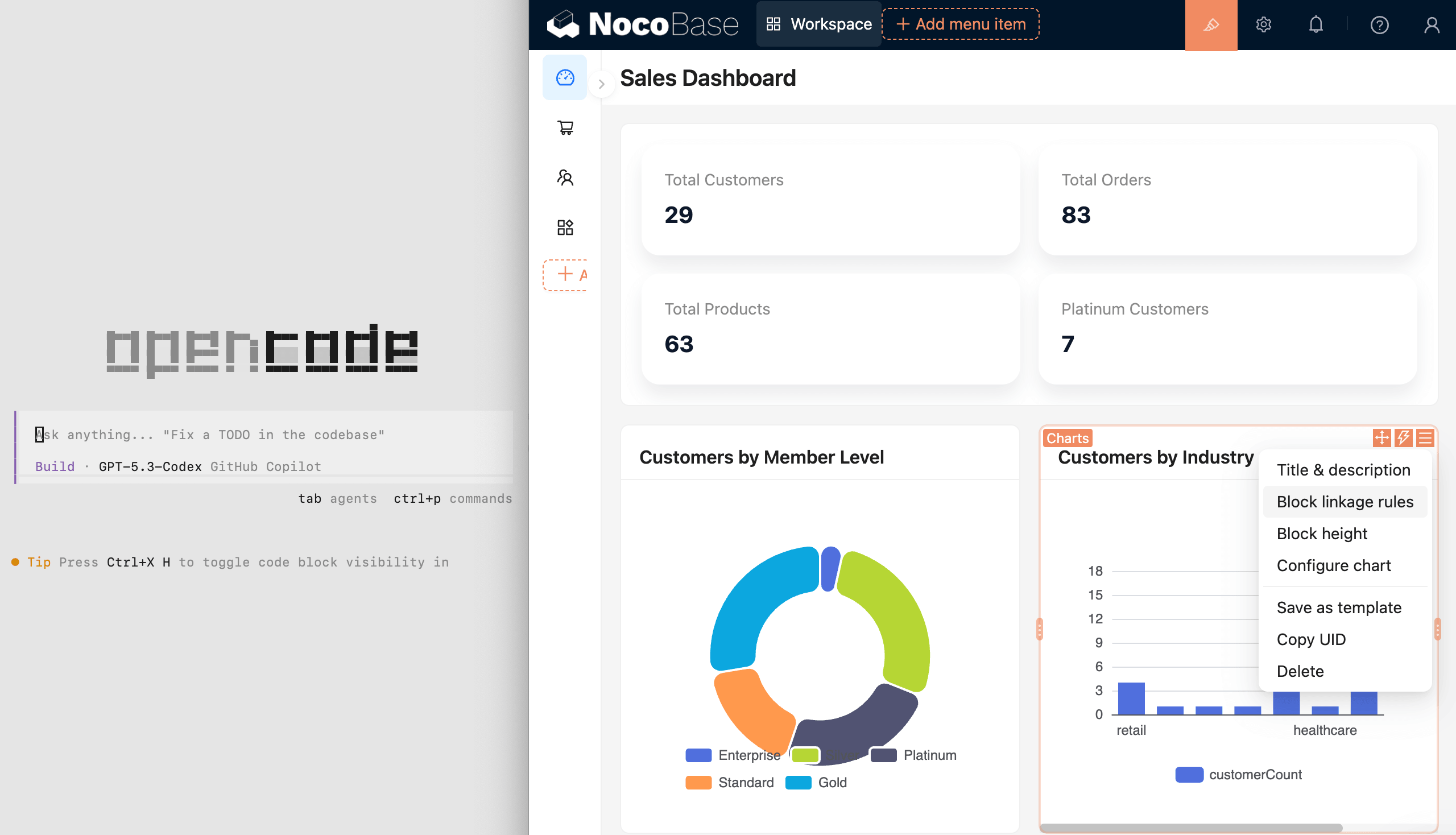
Build manually in a WYSIWYG no-code interface

People can build and modify visually in a WYSIWYG interface, even without AI.

  • Switch between usage mode and configuration mode with one click
  • Review and configure data models, pages, workflows, and permissions visually
  • Designed for regular users, not just developers

wysiwyg

Mix AI development and manual building however you need

Split the work as needed: people can refine what AI builds, and AI can continue from human configuration.

  • AI can quickly create data models, pages, and workflows
  • People can quickly refine the UI and interactions
  • Collaborate as needed and keep iterating
ai-no-coding

2. Intelligent: AI helps run the business, not just build the system

NocoBase includes AI employees, so AI can work directly inside the system.

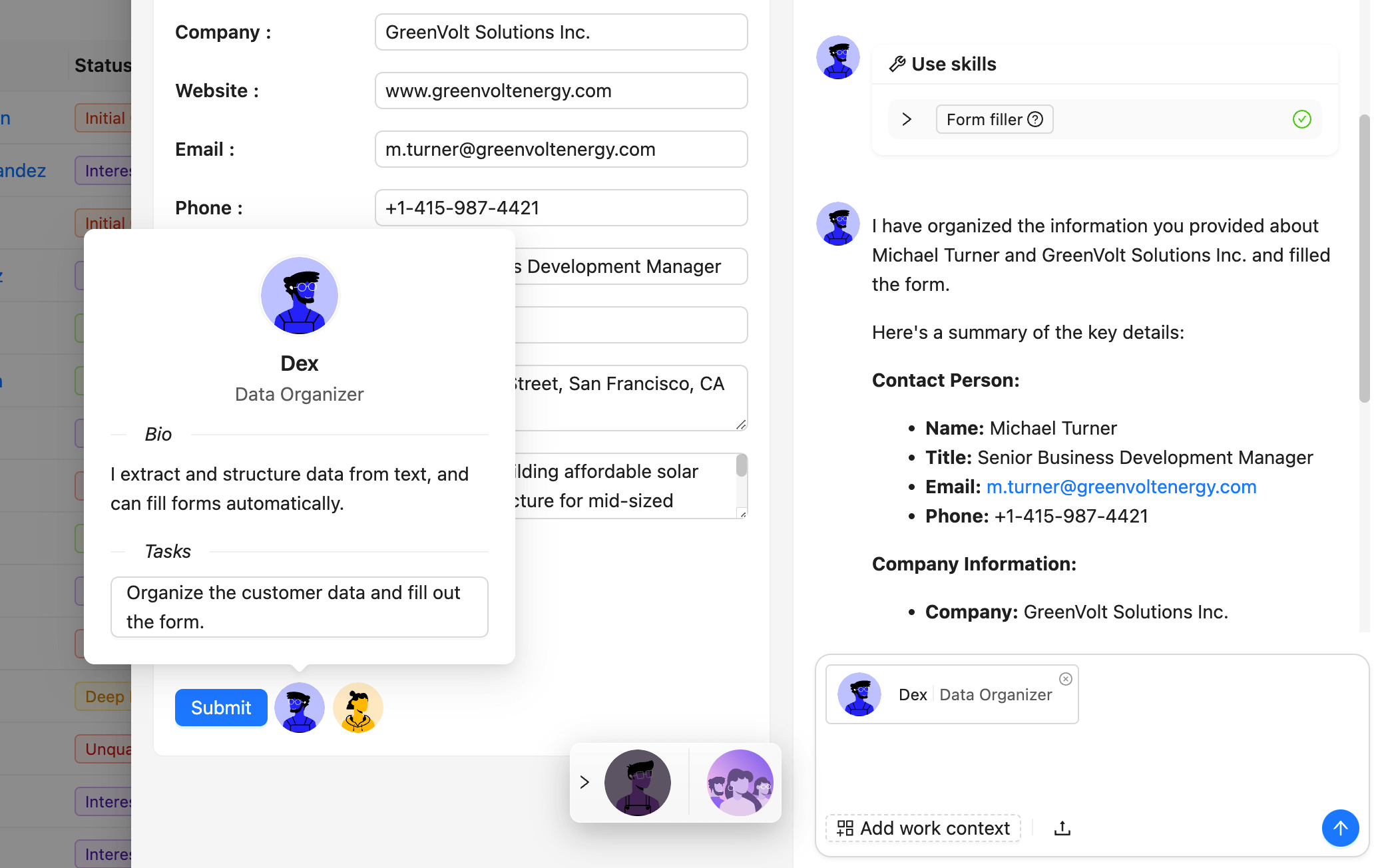
AI employees integrated into business workflows

AI employees get business context automatically and execute tasks directly inside the system.

  • Front-end: help with analysis, Q&A, form filling, and more
  • Back-end: handle document recognition, risk monitoring, and task routing automatically
  • Integrated with workflows, AI employees can join decisions and execution
AI-employee

Open interfaces for the agent ecosystem

MCP, HTTP APIs, CLI, and rich skills let external agents connect securely.

  • Platforms like OpenClaw, Hermes, Dify, Coze, and n8n connect through standard protocols
  • Connects with Telegram, WhatsApp, Slack, and Gmail to query data, trigger actions, and execute business workflows
  • One interface model keeps internal and external agents within the same boundaries
agents

Permission controls keep AI behavior under control

Every AI action follows the same fine-grained permissions as human users.

  • Each AI employee has its own role, with field-level read and write permissions
  • Audit logs make every data change and workflow trigger traceable
  • Admins can adjust AI permissions at any time to keep boundaries clear
permission

3. Reliable: ready infrastructure for real business

Data models, permissions, and workflows are complex and error-sensitive.
NocoBase provides them as built-in infrastructure, tested and proven in production.

Complete infrastructure, without starting from scratch

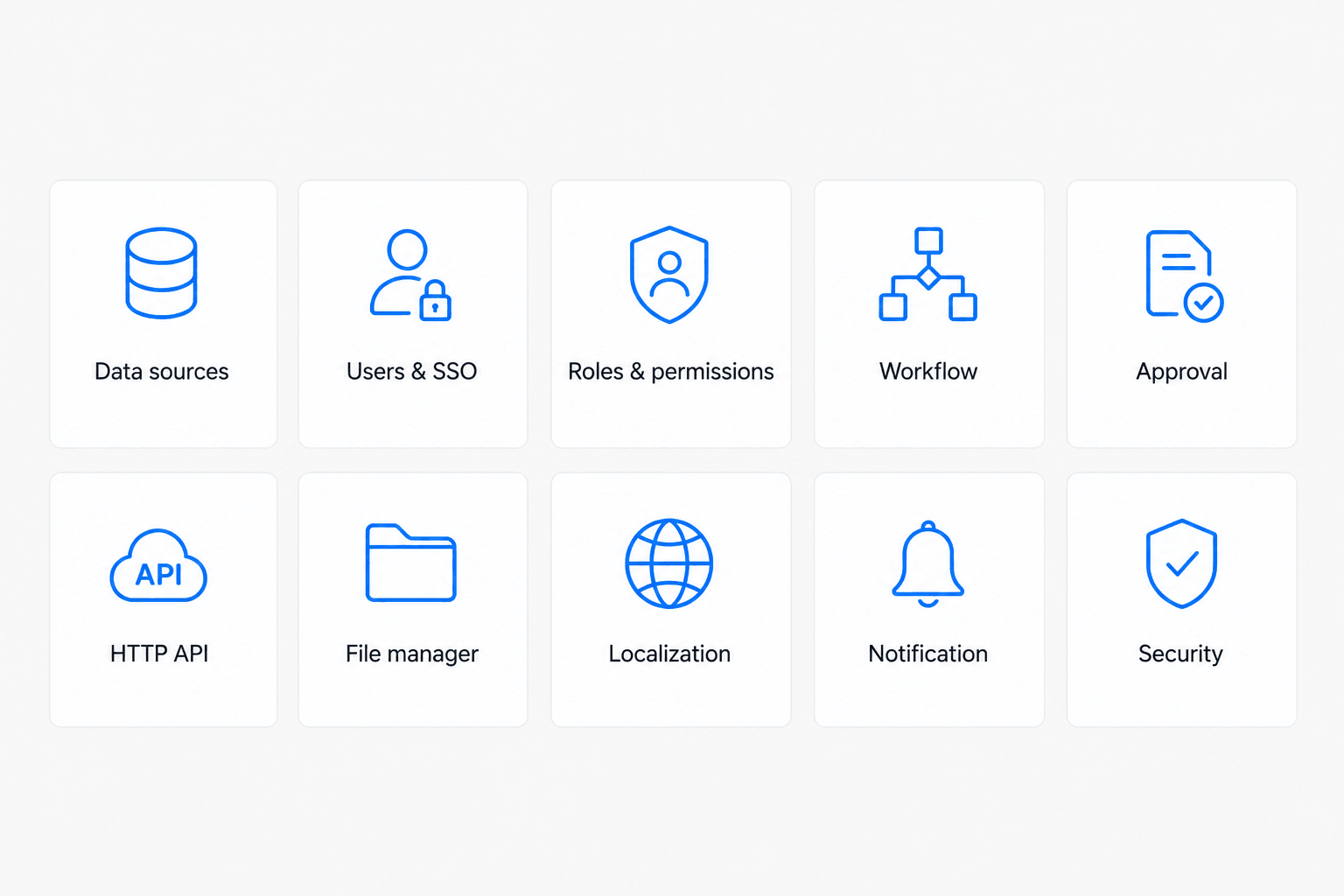
Dozens of built-in modules cover the most common business needs.

  • Data models, permissions, workflows, and audit logs work out of the box
  • Proven in production, instead of regenerated as black-box code each time
  • Built-in guardrails keep AI output aligned with the system architecture
core

Data-model driven, with data decoupled from UI

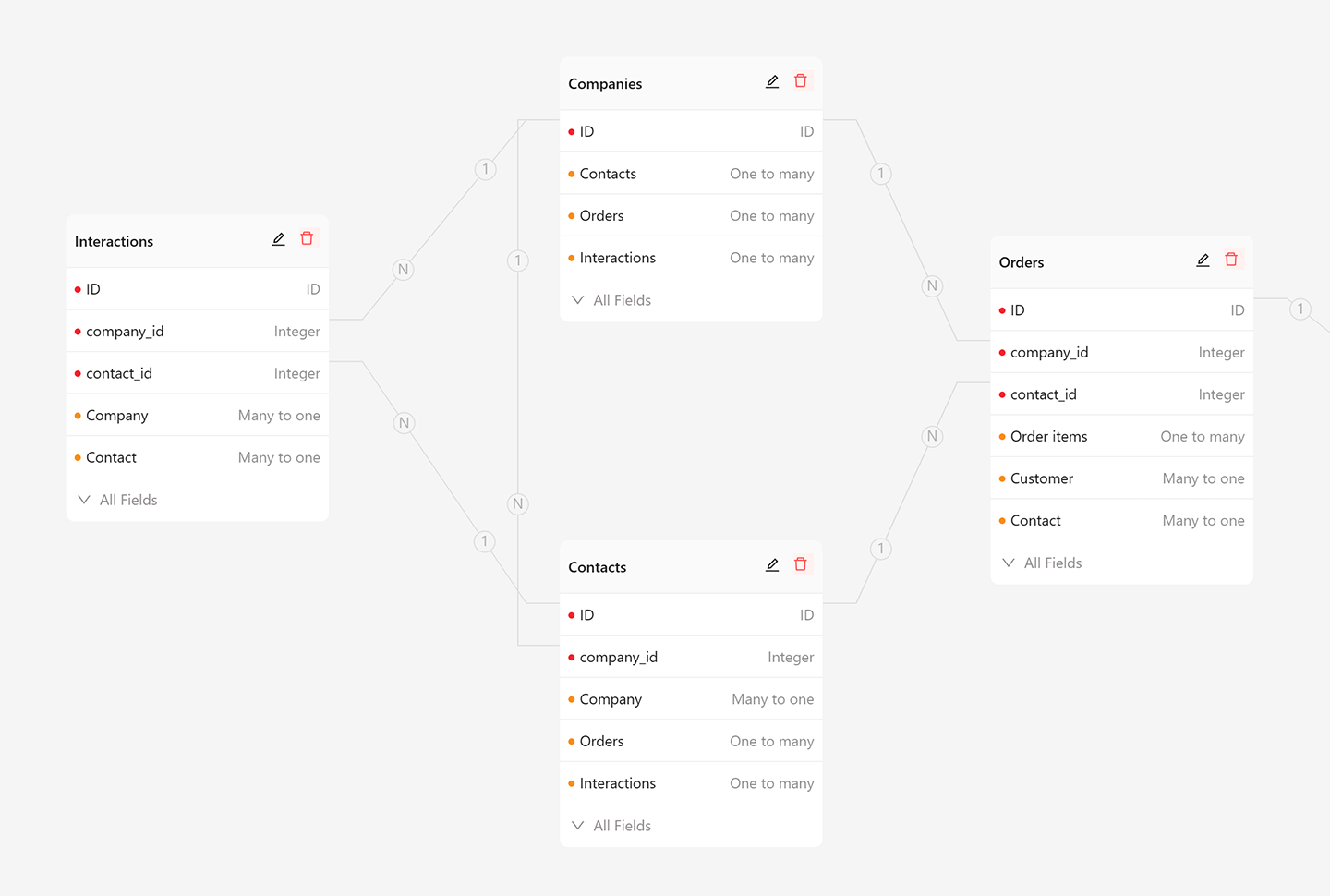
Business data stays in standard relational structures, separate from the UI.

  • Use the main database, external databases, and third-party APIs as data sources
  • AI and people work on the same data model, so results stay transparent
  • Your data always stays in your own database, without platform lock-in
model

Plugin architecture for sustainable growth

With a microkernel design, everything is a plugin and the system can grow without losing control.

  • New features are added through composable plugins with shared conventions
  • Mix custom and official plugins to fit your business
  • The same architecture applies to both AI-built and manually built plugins
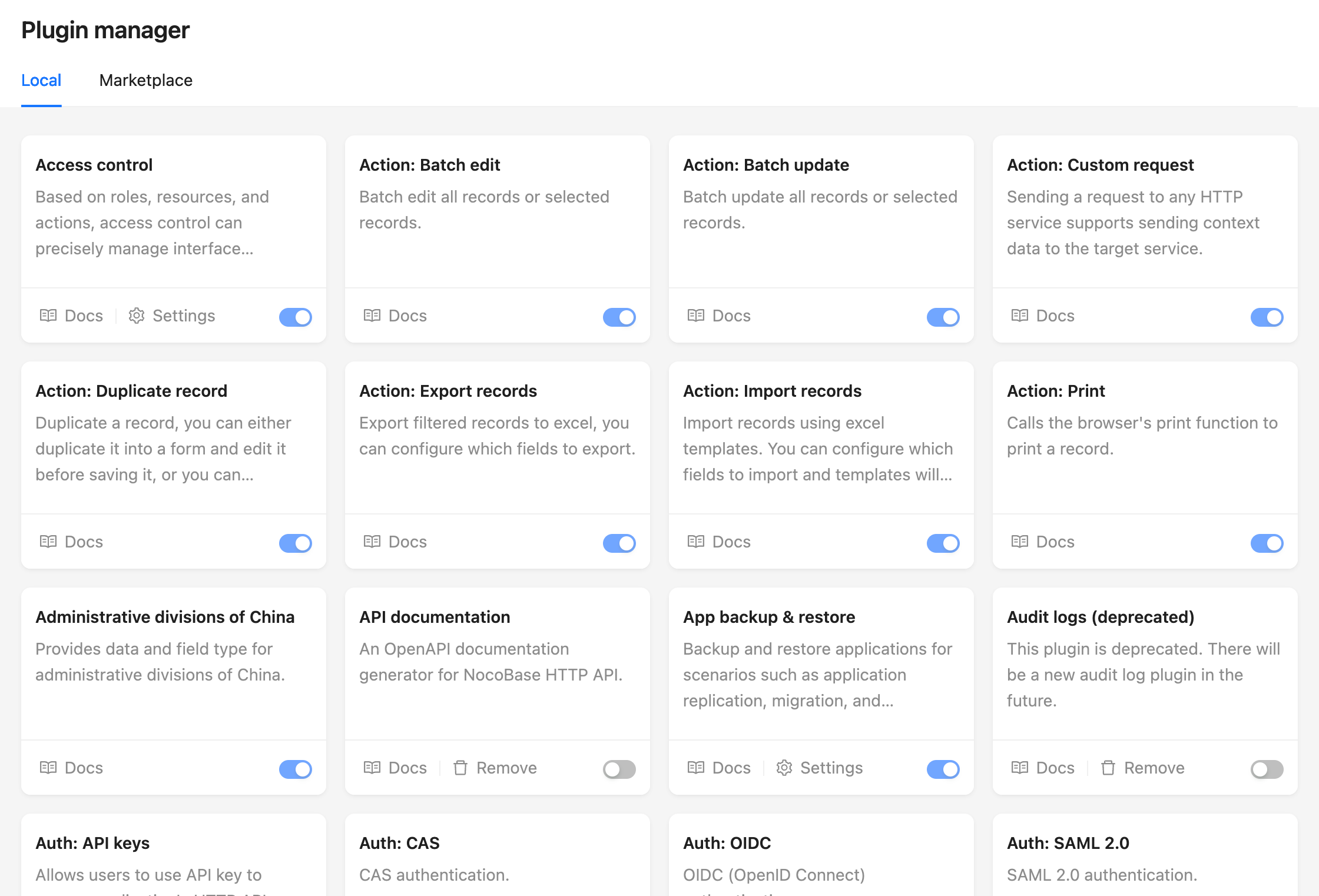
plugins

Frequently asked questions

Is NocoBase free to use?

NocoBase is open source. There is no licence fee and no seat count — you can self-host it or, where the project offers one, pay a vendor for a managed version instead.

What does NocoBase do?

Build custom apps without code, deploy with ease

What is NocoBase written in?

NocoBase is primarily written in TypeScript. Its source is publicly available at https://github.com/nocobase/nocobase, and it has 24,256 GitHub stars.