nextcloud-deck is an Android client for the Nextcloud Deck kanban app, built for people who run their own Nextcloud server and want to manage boards, lists and cards from a phone.
What it is
nextcloud-deck is a native Android application written in Java that talks to the Nextcloud Deck app installed on a Nextcloud instance. It lives in the Nextcloud ecosystem and depends on it directly: the README lists a running Nextcloud instance, the Nextcloud Android app version 3.9.0 or newer, and the Nextcloud Deck app version 0.6.4 or newer as hard requirements. The project is licensed under GPL-3.0, with contributors retaining copyright over their contributions.
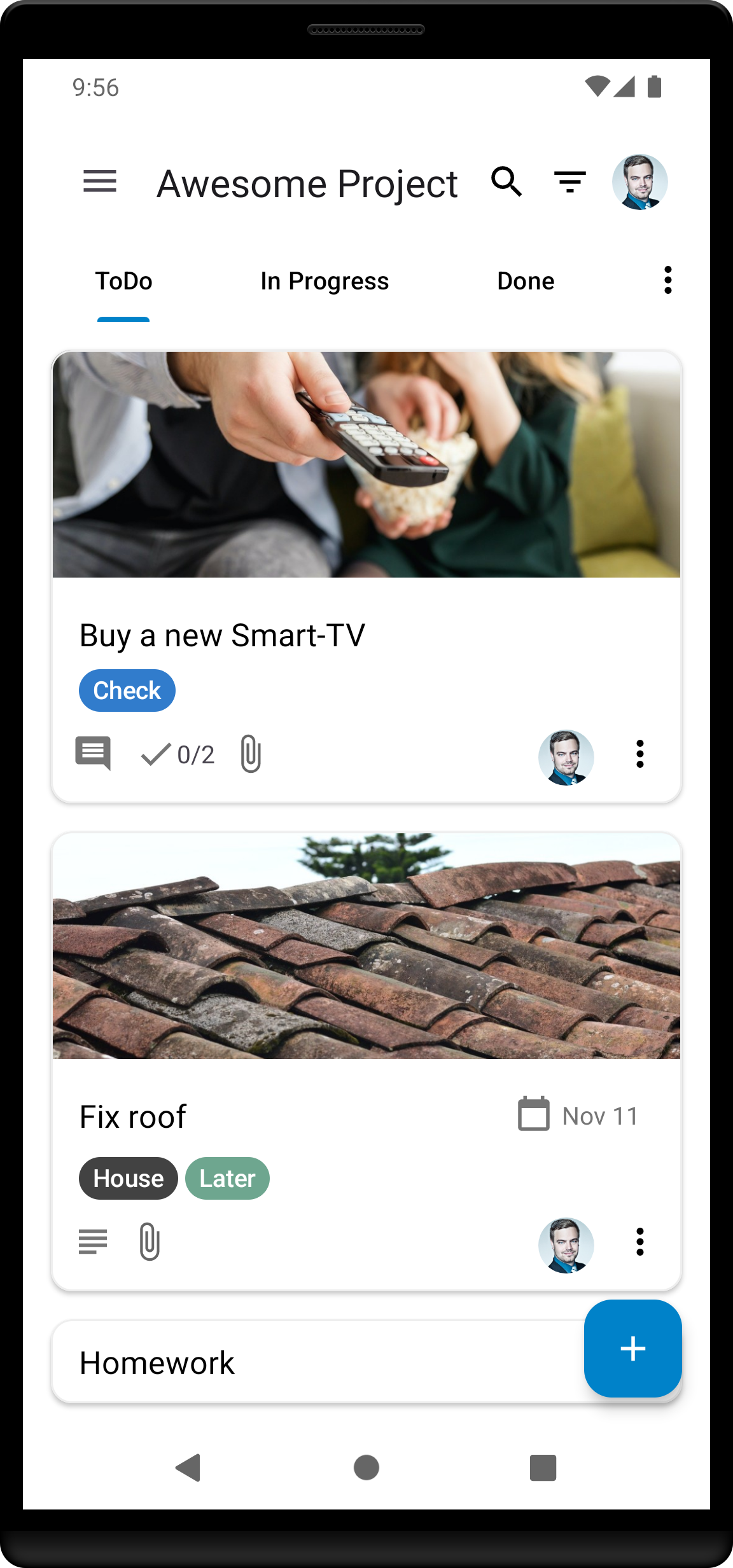
The concrete problem it solves is mobile access. Deck itself is a web application, so a board is only comfortable to use from a browser on a desktop screen. nextcloud-deck puts that same board, list and card model into an offline-capable Android app, so a card can be read and edited on a phone without a live connection to the server. It stands in for the browser tab a Deck user would otherwise keep open, and it plays the role that hosted kanban apps fill for teams that do not host their own data.
Key capabilities
- Multiple accounts, so one installation can point at more than one Nextcloud server or user.
- Offline operation, with changes synced back when connectivity returns.
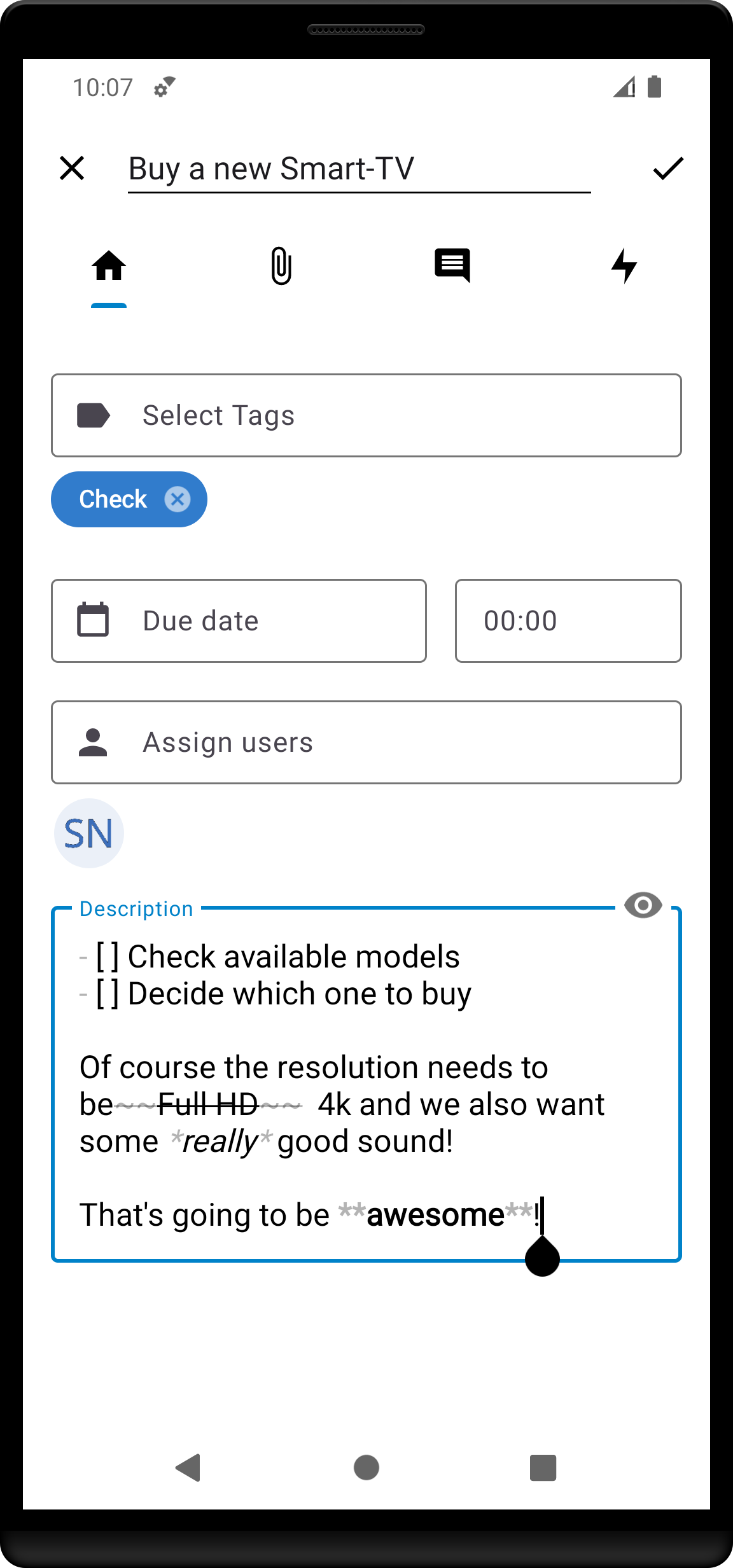
- Card, list and board management as the primary workflow.
- Tag management across cards.
- Attachments, activities and comments surfaced inside the app.
- Dark mode.
- Translations in many languages, maintained on Transifex for the Nextcloud Android Deck project.
Who uses it and how
- Self-hosters running a Nextcloud instance who enabled the Deck app and want phone access to existing boards rather than a second, separate task tool.
- Teams already using Deck on the web for agile, kanban or scrum-style boards, where members need to update cards away from a desk.
- Contributors testing the app on different devices, filing issues in the GitHub issue tracker, and picking up issues labelled "good first issue".
- Translators working through the Transifex project to extend language coverage.
- Developers adding unit tests to raise test coverage, with changes reaching the project through the Android CI pipeline.
Getting started
Install the app from Google Play under the package it.niedermann.nextcloud.deck.play, or from F-Droid under it.niedermann.nextcloud.deck. Before first run, the server side must already be in place: a Nextcloud instance with the Deck app enabled at version 0.6.4 or newer, plus the Nextcloud Android app at version 3.9.0 or newer.
How it compares
The project's own topics place it alongside Trello and describe it as trello-like, so the natural comparison is with hosted kanban services of that shape. The difference the facts support is where the data and the software live: nextcloud-deck is a GPL-3.0 client that requires the user to supply a Nextcloud server, rather than a client for a vendor-hosted board. The cost model follows from that, since the server, storage and account are the operator's own rather than a subscription the client provider sells.
When to use it — and when not to
A self-hoster must run and maintain the Nextcloud instance and keep the Deck app enabled and updated, since the Android client is useless without that backend. Anyone who wants a kanban board without operating a server should not pick this, and neither should anyone whose Nextcloud is older than the stated minimum versions. The state of the repository is also worth weighing honestly: 115 open issues are recorded, and the README documents no troubleshooting section, so expect to consult the issue tracker when something misbehaves.