

Mockoon is a free, open source api development & testing project written in TypeScript and released under MIT. It has 8,411 GitHub stars, 477 forks and 31 open issues, and was last pushed 28 hours ago. On this registry it ranks #26 of 103 tracked projects in API Development & Testing, with 5 head-to-head comparisons available. It gained 14 stars over the last 6 tracked days.

What is Mockoon?

What it is

Mockoon is an open-source API mocking tool written in TypeScript and released under the MIT license. It ships as a desktop application built with Electron for designing and running mock servers locally, alongside a command-line interface and a serverless package for running the same mock APIs in headless and cloud function environments. The project lives in the JavaScript and TypeScript ecosystem, distributed through NPM as @mockoon/cli and @mockoon/serverless, and through native package managers on each desktop platform. No remote deployment and no account are required to run it.

The concrete problem it solves is dependency on external services during development and integration work. Third-party APIs impose rate limits, costs, and availability constraints, and they rarely produce the error conditions a developer needs to test against. Mockoon lets a team define routes with chosen HTTP methods, status codes, and latencies, so applications can be exercised against predictable responses in a controlled environment. It also supports proxy forwarding and request logging, which makes it usable as an inspection layer in front of a real API rather than only as a replacement for one.

Key capabilities

  • Unlimited number of local mock servers and routes.
  • Route definition with control over HTTP methods, statuses, regex paths, file serving, and custom headers.
  • OpenAPI compatibility for importing and working with existing API descriptions.
  • JSON templating for generating dynamic response bodies.
  • Proxy forwarding mode that passes requests through to a real backend.
  • Recording and logging of all entering and forwarded requests.
  • HTTPS support for mock servers.

Who uses it and how

  • Frontend and mobile developers run local mock servers to build against an API that does not exist yet or is not reachable.
  • Teams integrate third-party services by mocking the provider first, removing rate limits, cost, and availability from the inner development loop.
  • QA and test workflows use the CLI to run mocks in headless environments and CI pipelines.
  • Serverless projects deploy mock APIs to AWS Lambda, GCP Functions, or Firebase Functions through the serverless NPM package.
  • Teams that need shared state use Mockoon Cloud for deployments, data synchronization, and real-time collaboration.

Getting started

The desktop application installs through Homebrew (brew install --cask mockoon), winget, Chocolatey, the Windows Store, Snap (snap install mockoon), or the AUR, and releases are published on the repository. The CLI and serverless packages install from NPM as @mockoon/cli and @mockoon/serverless.

When to use it — and when not to

Mockoon covers the local mocking workflow without an account, while Mockoon Cloud is the paid tier for collaboration, synchronization, and cloud deployments, so teams needing shared mock state should expect a subscription. A self-hoster running the CLI operates the mock process directly; the README does not describe a database, object storage, or SMTP dependency to maintain. The project is maintained without external funding and relies on sponsorships and Cloud subscriptions, and the repository currently carries 31 open issues, which is worth weighing for teams that need guaranteed support timelines.

project readme (upstream, from github) — read inline


Mockoon: awesome API mocking

Mockoon is the easiest and quickest way to design and run mock APIs. No remote deployment, no account required, free and open-source.

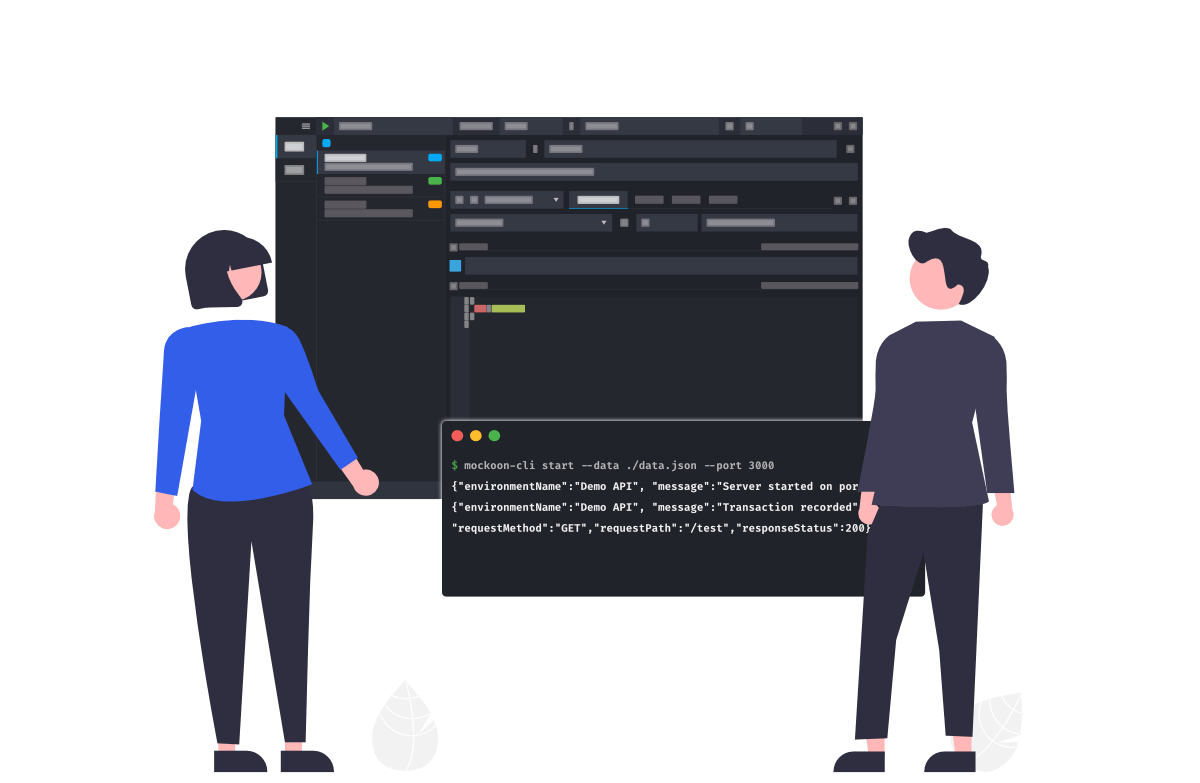
It combines a desktop application to design and run mock servers locally, and a CLI to self-host your fake APIs. A cloud is also available to collaborate with your team, keep your data in sync, and deploy your mock APIs.

API mocking helps you speed up development and third-party API integration by reducing dependency on external services and their limitations: rate limits, costs, availability, etc. It also allows you to test your applications in a controlled environment with predictable responses, status codes, and latencies, and easily simulate edge cases and error scenarios. Finally, you can onboard new team members faster by providing them with a consistent and reliable environment to test and develop their applications.

➡️ Download
Features

Mockoon offers many features:

  • Unlimited number of mock local servers and routes
  • CLI to run your mock in headless environments, CI, etc.
  • Complete control on routes definition: HTTP methods and statuses, regex paths, file serving, custom headers, etc.
  • OpenAPI compatibility
  • Record/logs of all entering and forwarded requests
  • JSON templating
  • Proxy forwarding mode
  • HTTPS support

You can check the complete list on the website.

Download the desktop application

You can get Mockoon desktop's latest release directly from this repository or on the official website. Mockoon desktop is also available through:

MacOS:

  • Homebrew: brew install --cask mockoon.

Windows:

Linux:

Install the CLI

Mockoon CLI is available as an NPM package. Please check our dedicated documentation to learn how to install and use it.

Use in cloud functions and serverless environments

Mockoon's Serverless NPM package provides an easy way to run Mockoon's mock APIs in cloud functions and serverless environments: AWS Lambda, GCP Functions, Firebase Functions, etc.

Please check our dedicated documentation to learn how to use it.

Support us!

Mockoon is proudly independent and open-source, maintained without external funding. We rely on both sponsorships and Mockoon Cloud subscriptions to keep improving the project and building new features. A big thank you to the companies below for supporting our work and helping us grow (and all the sponsors who helped this project over time!):

Platinum

GitHub logo


Localazy logo


SerpApi logo

Gold

CodeRabbit logo


TestMu AI logo

Silver

emqx logo

If you'd like to support Mockoon as well, you can become a sponsor or subscribe to Mockoon Cloud, every contribution helps keep the project alive and evolving. Thank you!

sponsor button

Subscribe to Mockoon Cloud

With advanced features for solo developers and teams, Mockoon Cloud supercharges your API development:

Upgrade today and take your API development to the next level.

cloud button

Mockoon's documentation

You will find Mockoon's documentation on the official website. It covers Mockoon's most complex features. Feel free to contribute or ask for new topics to be covered.

Changelogs

You will find Mockoon applications changelogs on the official website.

Support/feedback

You can discuss all things related to Mockoon and ask for help on the official community. It's also a good place to discuss bugs and feature requests before opening an issue on this repository.

Contributing

If you are interested in contributing to Mockoon, please take a look at the contributing guidelines.

Please also take a look at our Code of Conduct.

Roadmap

If you want to know what will be coming in the next release you can check the global Roadmap or subscribe to our newsletter.

Frequently asked questions

Is Mockoon free to use?

Mockoon is open source under the MIT licence. There is no licence fee and no seat count — you can self-host it or, where the project offers one, pay a vendor for a managed version instead.

What does Mockoon do?

Effortless API mocking for seamless development

What is Mockoon written in?

Mockoon is primarily written in TypeScript. Its source is publicly available at https://github.com/mockoon/mockoon, and it has 8,411 GitHub stars.