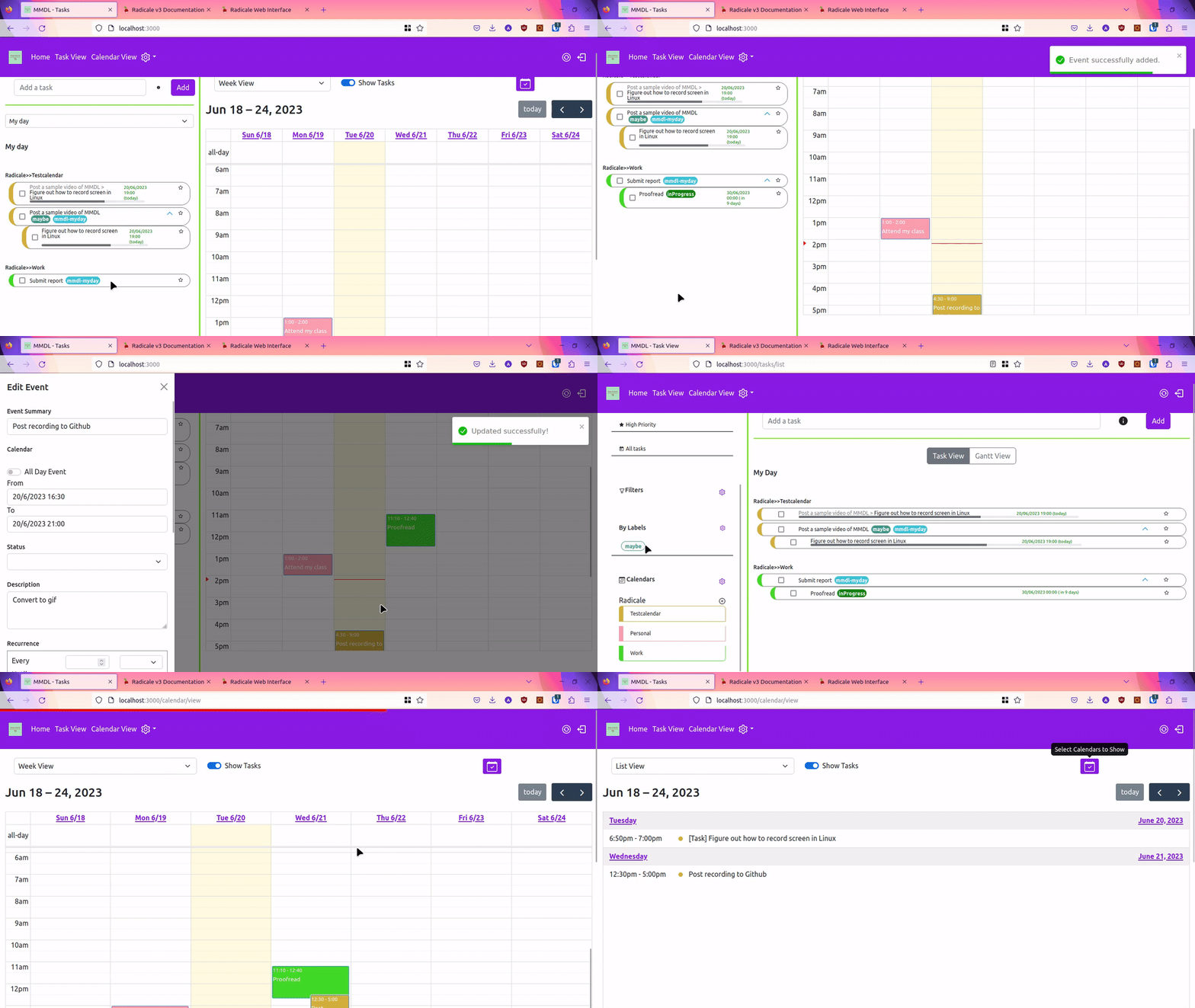
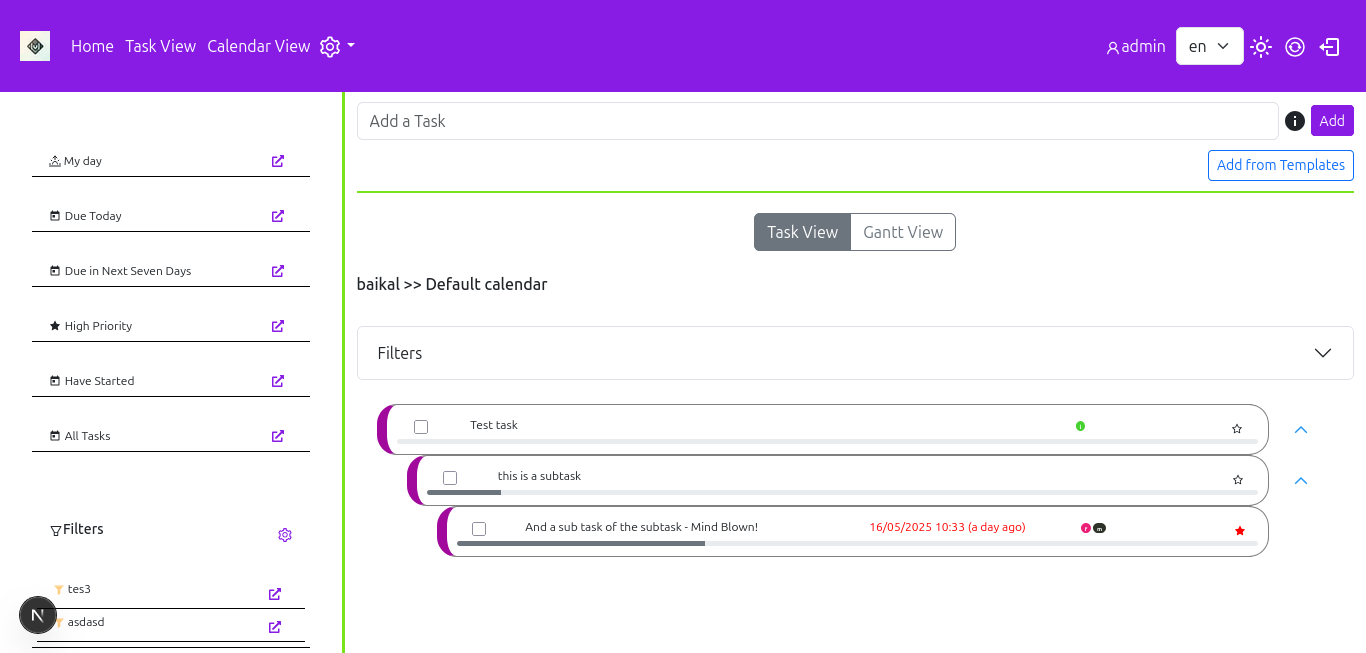
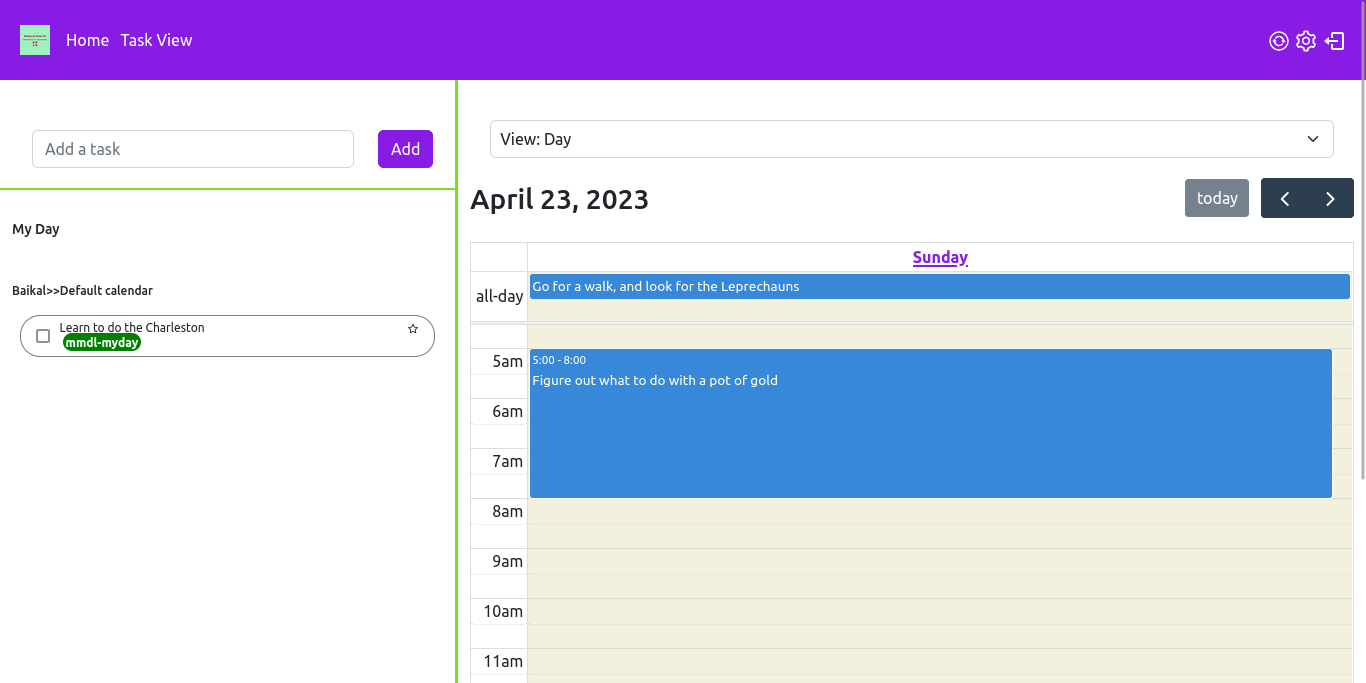
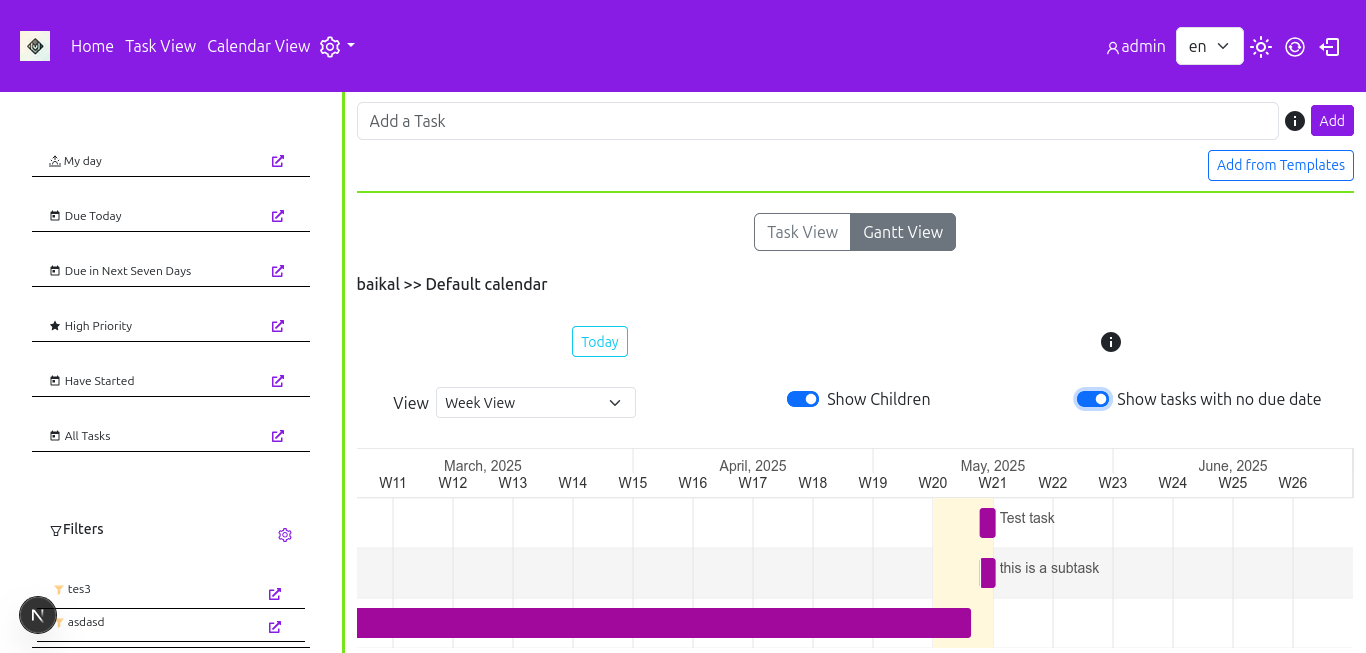
Manage My Damn Life (MMDL) is a self-hosted, GPL-3.0 licensed frontend for managing CalDAV tasks and calendars, built for people who keep their task and calendar data on their own CalDAV server and want a desktop-style interface on top of it.
What it is
MMDL is a JavaScript application, named after the Next.js framework it is built on, that acts as a front end over CalDAV. Rather than storing tasks and events itself, it connects to an existing CalDAV server and presents the data held there in a task-first interface. It has been tested against Nextcloud, Radicale, and Baikal, and it reaches those servers through the "tsdav" library, so it should work with any server that library supports. It supports OAuth authentication for CalDAV accounts, with Google Calendars supported as of now.
The concrete problem it solves is the gap between what CalDAV servers provide and what task management needs. A CalDAV server stores VTODO and VEVENT records correctly, but the interface it ships is usually calendar-shaped rather than task-shaped, and mobile clients such as JTX Boards and OpenTasks cover phones rather than desktops. MMDL fills that space with a desktop-first client that treats tasks as the primary object, supports subtasks and fields such as due date, status, description, and recurrence, and renders the same data as a list, on a calendar, or in a Gantt view. The project is in beta state, and the README warns against working with production data without care.
Key capabilities
- Manages CalDAV tasks, including sub tasks and fields such as due, status, description, and recurrence.
- Manages calendar events alongside tasks in the same interface.
- Supports multiple CalDAV accounts and multiple user accounts.
- Displays tasks as a list, in a Gantt view, or on a calendar, with task filters that can be created and managed.
- Authenticates against CalDAV accounts over OAuth, with Google Calendars documented in
docs/Feature Guide/GoogleCaldav.md.
- Connects through the "tsdav" library, with Nextcloud, Radicale, and Baikal named as tested servers.
- Offers a "responsive-ish" view, though the project is explicitly desktop first.
Who uses it and how
- Self-hosters already running a CalDAV server such as Nextcloud, Radicale, or Baikal who want a dedicated task interface in front of it.
- Households or small teams that need several user accounts and several CalDAV accounts managed from one deployment.
- Google Calendar users who authenticate over OAuth rather than configuring a CalDAV password.
- Desktop users who keep JTX Boards or OpenTasks on their phones and want the same underlying data presented for larger screens.
- Translators contributing through Weblate, which the project uses to manage translations.
Getting started
The installation documentation lives at docs/install/index.md, and deployment is self-hosted rather than offered as a hosted service. Google CalDAV setup has its own guide at docs/Feature Guide/GoogleCaldav.md.
How it compares
The facts name no paid products that MMDL replaces, so placement is among the tools it mentions. JTX Boards and OpenTasks are the mobile clients the README points to, and MMDL is deliberately the desktop counterpart to them rather than a competitor. It also sits alongside the CalDAV servers it has been tested with, since those provide storage while MMDL provides the task-oriented view.
When to use it — and when not to
A self-hoster must already operate, or be willing to operate, a CalDAV server such as Nextcloud, Radicale, or Baikal, since MMDL is a frontend and holds no data of its own. Anyone whose primary device is a phone should look at JTX Boards or OpenTasks instead, because this is a desktop-first project, and the beta status plus 36 open issues mean production task data carries risk. The README also lists incomplete work, including full RFC 5545 field coverage for VTODO and VEVENT, drag and drop for tasks, and plugin support, all of which remain planned rather than delivered.