LLM Wiki
An autonomous, self-maintaining personal Wikipedia built and maintained by AI.

LLM Wiki transforms your scattered reading and research into a persistent, AI-maintained second brain. Capture documents, notes, and web clippings as you work, and deploy a nightly Claude Routine to autonomously synthesize those sources into a permanent knowledge base. Because the clipper captures your highlights and margin notes alongside the source, the wiki becomes a record of not just what you read but what you thought about it — one that compounds over months and years, long after the original context would have faded. This architecture is heavily inspired by Andrej Karpathy's LLM Wiki concept, with an increased emphasis on autonomous maintenance.
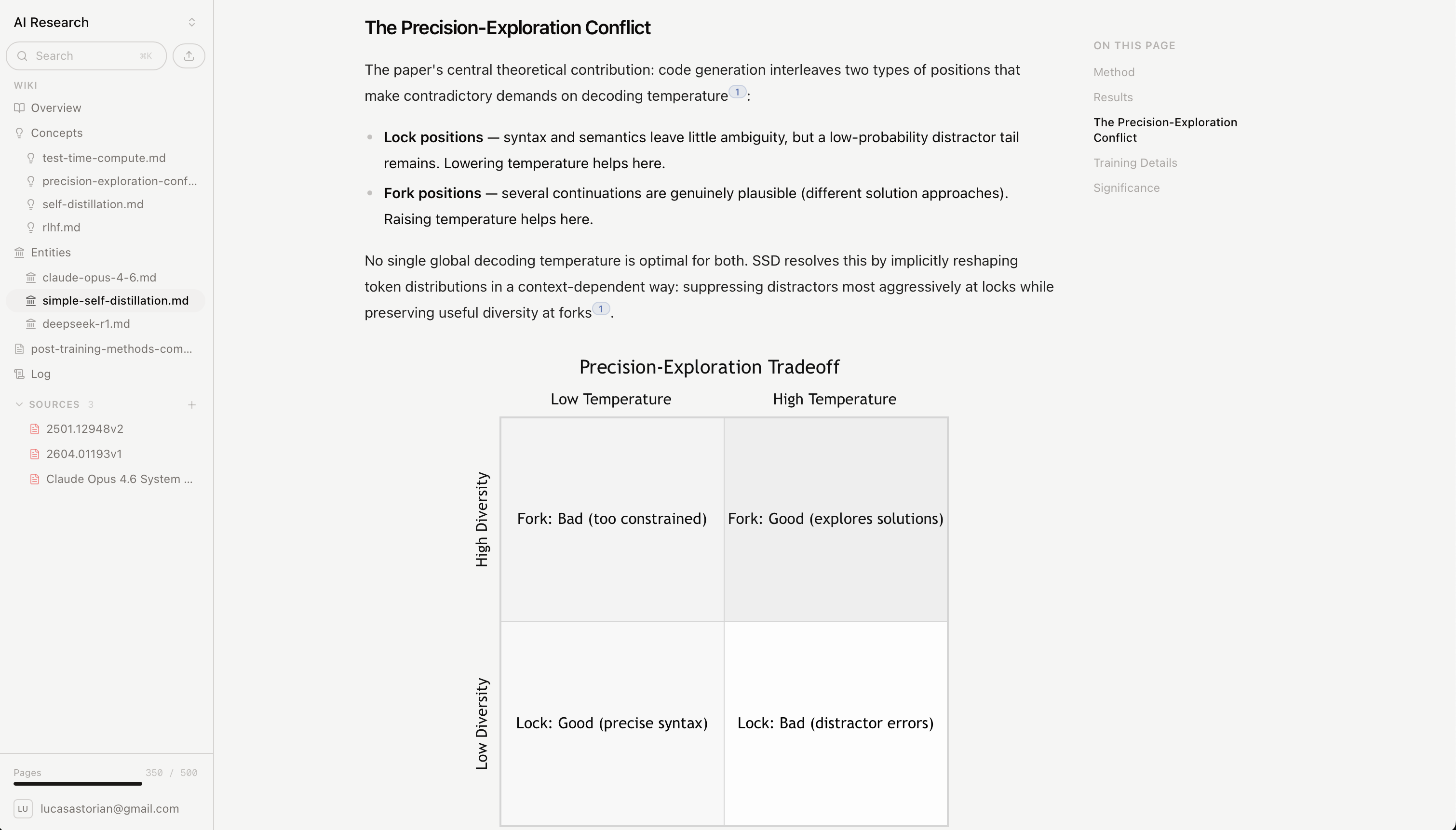
LLM Wiki is designed to work at three distinct scales:
- For you — a personal Wikipedia of what you've read that you don't have to remember to update.
- For your AI — a context layer for LLMs to apply your own mental models when working with you.
- For your organization — most organizations have poor institutional memory, because know-how generally lives in people's heads. We hope companies will consider adopting this model to build a self-maintaining institutional knowledge layer.
Features
- Connect via MCP Connect Claude.ai, Claude Cowork, Claude Code, or Codex (or any other MCP-compatible app)
- A Chrome extension Clip webpages and PDFs as you read, highlight key sections, and leave comments that Claude can see over MCP.
- Uploads Markdown, PowerPoint, PDFs, Word documents, and more.
- A clean Next.js web app to navigate your own wikipedia — and view the underlying sources.
- Native cross-linking between wiki pages, and back to the sources they came from.
- A graph viewer to see how your concepts and entities relate.
- Visualizations — Charts and other visualizations, including SVGs and Mermaid diagrams.
Getting started
LLM Wiki supports two modes: remote & local. You can self-host the remote app, or try it out for free at llmwiki.app. Or you can git clone the repository, and use the CLI to get started.
Here's how to get started locally.
Requirements: Python 3.11+, Node.js 20+. Optional: LibreOffice to extract Word/PowerPoint files, and a MISTRAL_API_KEY for higher-quality PDF OCR.
1. Install. Clone the repo and install the Python and web dependencies.
macOS / Linux:
git clone https://github.com/lucasastorian/llmwiki.git
cd llmwiki
python -m venv .venv && source .venv/bin/activate
pip install -r api/requirements.txt -r mcp/requirements.txt
cd web && npm install && cd ..
Windows (PowerShell):
git clone https://github.com/lucasastorian/llmwiki.git
cd llmwiki
python -m venv .venv
.venv\Scripts\Activate.ps1
pip install -r api/requirements.txt -r mcp/requirements.txt
cd web; npm install; cd ..
If activation is blocked by your execution policy, run Set-ExecutionPolicy -Scope CurrentUser RemoteSigned once, or skip activation and use .venv\Scripts\python in place of python below.
2. Point it at a folder of your files — PDFs, Word documents, PowerPoints, Markdown, notes. Use any folder on your disk (it does not go inside this repo): the one that already holds your documents, or a fresh empty one. LLM Wiki indexes it into a local search index so the files show up in the app and Claude can read them. It never moves, modifies, or uploads your files — the only things it adds are a wiki/ folder for generated pages and a hidden .llmwiki/ index (see What happens on disk).
./llmwiki open ~/research                     # macOS / Linux
python llmwiki open C:\Users\you\research     # Windows
This initializes the workspace, indexes the folder, starts the API and web app, and opens localhost:3000.
Local mode is intentionally loopback-only: the API listens on 127.0.0.1 and does not support LAN or remote binding.
To preview the hosted onboarding UX locally without authentication or API writes, start the web app with the development-only preview flag and open localhost:3000/onboarding:
cd web
NEXT_PUBLIC_ONBOARDING_PREVIEW=true npm run dev
Restart the development server after changing this flag. The preview simulates creation and completion in memory; it does not create a wiki or change onboarding state.
3. Connect Claude over MCP. MCP enables Claude to read, write, and search your wiki.
./llmwiki mcp-config ~/research                     # macOS / Linux
python llmwiki mcp-config C:\Users\you\research     # Windows
Paste the printed JSON into claude_desktop_config.json (Claude Desktop) or .claude/settings.json (Claude Code). One workspace is one MCP server entry, so add one per folder. Then tell Claude: "Read the guide, then ingest my sources and start building the wiki."
4. Make it self-maintaining. Set up a Claude Routine — a scheduled prompt that runs on its own — so Claude refreshes the wiki without you having to remember to. Each run, it reads whatever's new in the workspace since last time (uploads, notes, and clips and highlights from the Chrome extension) and updates the pages those sources touch. You curate the sources; the wiki keeps itself current.
A routine prompt that works well:
Read the guide. Find everything added to the workspace since your last run — new sources, clips, and highlights. For each one, read it and update the wiki: write new pages where they're warranted, fold new material into existing pages, and fix any cross-references or citations it affects.
Then schedule that prompt to run nightly. Claude Code Routines run it on Anthropic's cloud on a fixed cadence even when your laptop is closed — create one at claude.ai/code/routines, with /schedule in the CLI, or from Claude Cowork — while a Desktop scheduled task runs the same prompt on your own machine. Either way the wiki compounds: a year from now you can open it and read back the ideas you were working through a year ago.
Adding content
There are two ways to get material into your wiki.
Upload. Drag files into the web app, or just drop them into the workspace folder — the background watcher picks them up and indexes them. Markdown, PDF, Word, PowerPoint, Excel, images, and more. Each file becomes searchable and readable by Claude.
Chrome extension. Clip web pages and PDFs as you read, highlight the parts that matter, and leave comments. Everything you save lands in the same workspace, and your highlights and notes are visible to Claude over MCP — so a nightly routine can fold them into the wiki on its own.
Install from the Chrome Web Store →
The extension works in both modes. By default it talks to the hosted app; flip the toggle to Local and it points at your running workspace at http://localhost:8000 — so anything you clip while ./llmwiki open is running goes straight into your local wiki. Pick a destination folder (default /webclipper/) and start saving.
Supported files
| Type | Formats | How it's handled |
|---|---|---|
.pdf |
Text and figures extracted locally. Set MISTRAL_API_KEY for higher-quality OCR on tables and complex layouts. |
|
| Office | .docx .doc .pptx .ppt |
Converted with LibreOffice, then extracted — requires a local LibreOffice install. |
| Spreadsheets | .xlsx .xls |
Extracted sheet by sheet. |
| Web pages | .html .htm |
Cleaned to readable Markdown, stripping nav and ads. |
| Text & data | .md .txt .csv .json .xml .yaml .svg, and more |
Indexed and chunked directly. |
| Images | .png .jpg .webp .gif |
Stored and viewable inline; Claude can read them when asked. |
What happens on disk
LLM Wiki adds exactly two things to the folder you point it at. Your source files are never moved, modified, or uploaded — they stay exactly where they are.
~/research/                  # your files, untouched
  papers/paper.pdf
  notes.md
  data.xlsx
  wiki/                      # generated pages — created by LLM Wiki
    overview.md
    concepts/
      attention.md
  .llmwiki/                  # index + cache — hidden, rebuildable
    index.db
    cache/
wiki/holds ordinary Markdown files. Claude writes and updates them over MCP, but they're just files — open them in any editor, commit them to git, edit them by hand..llmwiki/is a derived layer: a local SQLite search index (index.db) and extracted artifacts (cache/). It's safe to delete —./llmwiki reindex ~/researchrebuilds it from your source files.
The filesystem is the source of truth; the index just makes it fast to search. A background watcher notices changes you make outside the app and re-indexes them, so editing a wiki page in your own editor stays in sync.
What Claude can do
Once connected over MCP, Claude works the wiki through a small, deliberate set of tools — the same set in local and hosted mode:
| Tool | What it does |
|---|---|
guide |
Orients Claude — how the vault works and which knowledge bases exist. It calls this first. |
create_knowledge_base |
Creates a knowledge base and starter overview.md; local mode returns the existing singleton workspace. |
list_knowledge_bases |
Lists your knowledge bases and their slugs (every other tool takes one). |
search |
Browse files, full-text search across content, or query the citation graph — what cites what, plus stale or uncited pages. |
read |
Read documents — a single file or a glob batch, PDF/office page ranges, optionally with embedded images. |
create |
Create a wiki page, note, or asset (SVG diagram, CSV) with footnote citations back to sources. |
edit |
Find-and-replace exact text in an existing page. |
append |
Add content to the end of a page. |
delete |
Remove pages or sources by path or glob (overview.md and any legacy log.md are protected). |
lint |
Deterministic hygiene checks — citation resolution, dangling links, orphan and stale pages, frontmatter consistency. |
Writes go to the source of truth first — a file on disk in local mode, Postgres in hosted mode — then the search index updates. So when Claude creates /wiki/concepts/attention.md, it's a real file (or row) immediately, not a pending change.
Architecture
Three kinds of client reach the workspace, through two entry services, over one storage abstraction:
  Claude  ──MCP──►  MCP server ─┐
                                │                local mode  →  SQLite + your filesystem
  Web app ──HTTP─►  API ────────┼──►  VaultFS  ─┤
                                │                hosted mode →  Postgres + S3
  Chrome  ──HTTP─►  API ────────┘
                      └──►  Converter  (PDF / Office text extraction)
VaultFS is the seam: the same wiki operations run against a SQLite-plus-filesystem backend locally or a Postgres-plus-S3 backend when hosted, so Claude's tools behave identically either way. The MCP server speaks to Claude; the API serves the web app and the Chrome extension; the converter handles heavier PDF and Office extraction. Whatever the backend, the durable store is the source of truth and the search index is derived from it.
What's next
Today you add content two ways: upload, or the Chrome extension. The wiki is only as good as what reaches it, so the roadmap is mostly about widening that funnel — more channels for capturing what you read, write, and discuss:
- Slack — save messages and threads, and ask the wiki questions, without leaving Slack. This is the natural channel for the institutional-memory case: most of what an organization knows is already flowing through chat.
- Granola — pull in your meeting notes automatically, so the conversations you have become part of your memory alongside the things you read.
- Email / forward-to-save — a dedicated address you forward articles, newsletters, and notes to; they land in the workspace and the nightly routine folds them in.
- Public ingest API + webhooks — a documented endpoint so scripts and other tools can push content into a workspace programmatically, plus a Zapier integration to wire up the apps you already use without writing code.
The throughline: capture should meet you wherever you already read and think, and the wiki keeps itself current from there.
License
Apache 2.0 — see LICENSE.