
Litlyx is a free, open source web & product analytics project written in TypeScript and released under Apache-2.0. It has 1,744 GitHub stars, 114 forks and 8 open issues, and was last pushed 10 months ago. On this registry it ranks #15 of 25 tracked projects in Web & Product Analytics, with 5 head-to-head comparisons available. It gained 2 stars over the last 6 tracked days.

What is Litlyx?

What it is

Litlyx is a privacy-focused web and product analytics platform for JavaScript and TypeScript applications. It collects visitor and event data without cookies and presents results in an AI-powered dashboard or hosted cloud service. The project sits in the open-source analytics ecosystem and is presented as an alternative to Google Analytics, MixPanel, Plausible, Umami, Matomo, Google Analytics 4, and Posthog.

It addresses the need for lightweight analytics that can be added quickly to modern web stacks without cookie-based tracking. Its documentation emphasizes a short setup path, automatic tracking of common metrics, custom event collection, and support for browser installation and package-manager integration. This makes it relevant for teams that want product metrics, page visit data, and real-time user counts while keeping the analytics stack under their own control.

Key capabilities

  • Litlyx initializes with a workspace identifier and tracks page visits, real-time users, and unique visitors.
  • The litlyx-js library sends custom events with optional metadata such as product name, price, and currency.
  • An HTTP POST request can submit events using project identifier, event name, metadata, website, and user agent fields.
  • Users install the package through npm, pnpm, or other modern package managers and use it with JavaScript and TypeScript frameworks.
  • A self-hosted dashboard runs with Docker Compose at localhost:3000, and data forwarding uses data-host, data-port, and data-secure variables.
  • The topic list connects the project to charts, data visualization, metrics, Angular, Next.js, Nuxt, and Node.js.

Who uses it and how

  • Developers add a minimal script to a website or web application to start tracking visitors.
  • Teams using npm or pnpm import the library, initialize it with a workspace identifier, and track page and event data.
  • Product teams record custom events with metadata to analyze actions such as purchases or interactions.
  • Self-hosters run the dashboard locally with Docker and point websites to their own data endpoint.
  • WordPress sites use the script tag through a third-party plugin.

Getting started

Users can sign up for the hosted cloud, create a project, and connect a website with a workspace identifier. Self-hosting requires cloning the repository, preparing Docker images, running Docker Compose, and configuring the data-forwarding variables.

When to use it — and when not to

Litlyx fits teams that want cookie-less analytics, a fast setup, and control over the dashboard, especially when replacing Google Analytics, MixPanel, Plausible, Umami, Matomo, Google Analytics 4, or Posthog. The facts do not describe database, storage, or SMTP requirements, so a self-hoster should verify operational dependencies before production deployment. Repository metadata shows zero contributors, eight open issues, and a repository age of zero years, which suggests teams needing a long maintenance history should evaluate it carefully.

project readme (upstream, from github) — read inline

📚 Docs 👾 Discord 🌐 Website 🔥 Cloud

Litlys is the easiest analytics tool you will ever use. It is fast, modern and completely cookie free.
Install in under 30 seconds. Self host with Docker or use our hosted cloud.
A powerful alternative to Google Analytics 4, Posthog and Mixpanel.
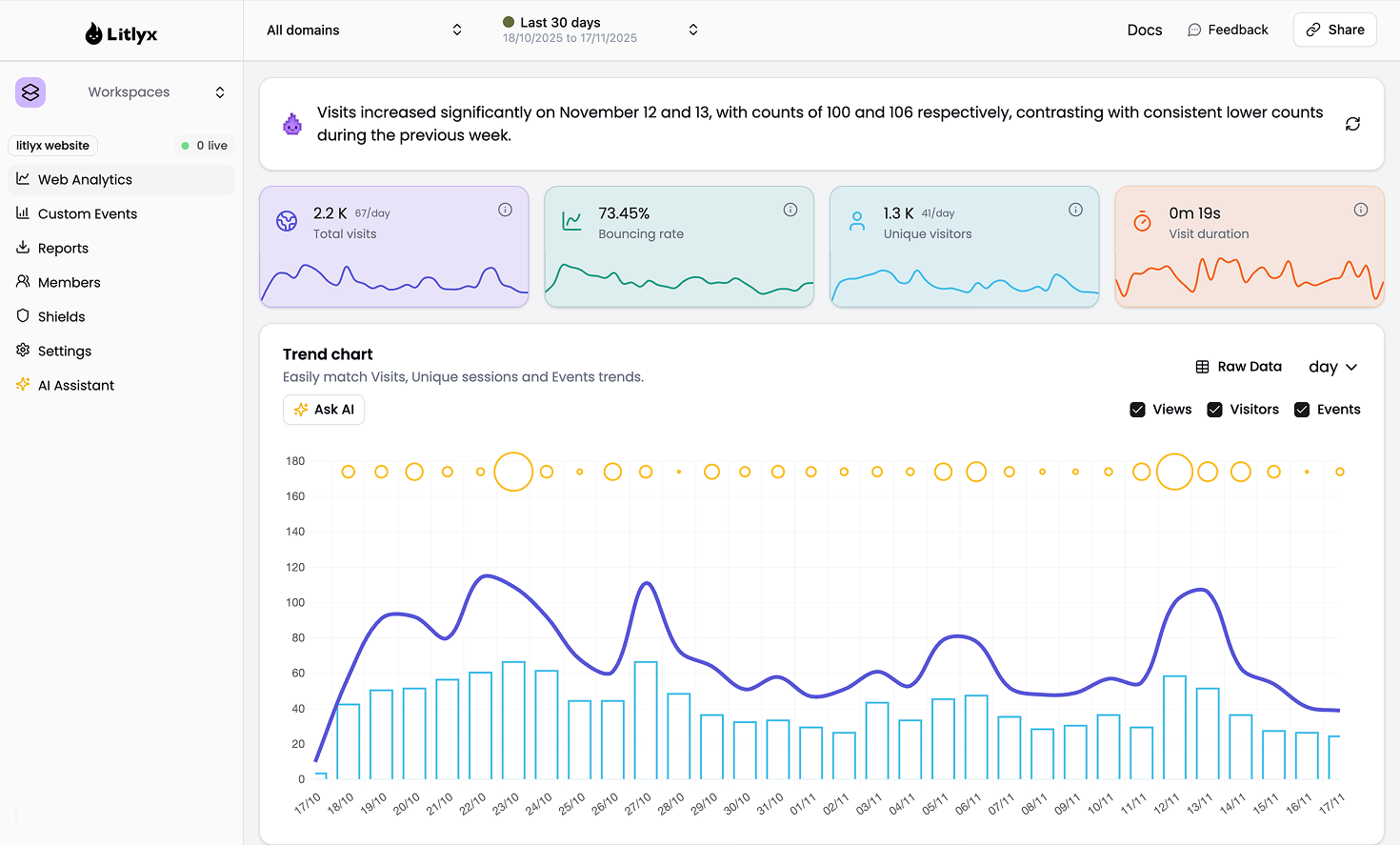

Get Started on our Cloud Version

Sign up on Litlyx.com and create a project. Then use your workspace_id to connect Litlyx to your website.

Universal Installation

<script defer data-workspace = "workspace_id" 
src = "https://cdn.jsdelivr.net/npm/litlyx-js@latest/browser/litlyx.js"></script>

This minimal setup is all you need to start tracking visitors on your website or web apps with ease.

Intergrate with everything

You can install Litlyx using npm, pnpm or any modern package managers:

npm i litlyx-js

Litlyx works with all modern JavaScript and TypeScript frameworks. You can also use Litlyx on any WordPress website by injecting the script with a third party plugin.
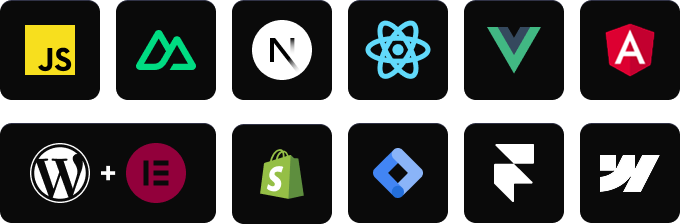
Import using a package manager

First, import the litlyx-js library:

import { Lit } from 'litlyx-js';

Then initialize Litlyx:

Lit.init('your_workspace_id');

Once initialized, Litlyx automatically tracks page visits, real time users, unique visitors and much more.

Track Custom Events

You can track your own custom events with Litlyx.

Lit.event('click_on_buy_item');

If you need more detailed information, you can add metadata:

Lit.event('click_on_buy_item', {
  metadata: {
    'product-name': 'Coca-Cola',
    'price': 1.50,
    'currency': 'EUR'
  }
});

Litlyx makes it easy to adapt your analytics to your project.

Fire Your First Event with cURL

Use the command below to send a test event. Replace workspace_id with your project ID.

curl -X POST "https://broker.litlyx.com/event" \
  -H "Content-Type: application/json" \
  -d '{
    "pid": "workspace_id",
    "name": "testEvent1",
    "metadata": "{\"test\": \"something\"}",
    "website": "something",
    "userAgent": "something"
  }'

Self-hosting with docker

To self host the Litlyx dashboard, first clone this repository. Litlyx Docker images are hosted on DockerHub.

Run the following commands in order:

npm run docker-prepare #use your favourite package manager like pnpm, bun, etc...

and than:

docker-compose up

At localhost:3000 you will see your own instance of the Litlyx dashboard.

Forward data to your self-hosted instance with script tag

To forward your data on your self-hosted instance, you need to set up the following variables: data-host, data-port, data-secure(true if it is HTTPS or false if it is HTTP).

<script defer data-project="your_workspace_id" 
        data-host="your-host-name" 
        data-port="your-port" 
        data-secure="true/false"
        src="https://cdn.jsdelivr.net/gh/litlyx/litlyx-js/browser/litlyx.js">
</script>

Unlock the full power of Litlyx self hosting

Litlyx self hosting gives you the freedom to use the full platform for free.
If you want to scale to more client seats, you can choose one of our lifetime plans available in the pricing section.

Read our docs

For more info on how to use litlyx read our documentation.

Stay updated with our roadmap

To keep track on what we are cooking behind the scene we have a public Roadmap for you to check.

Join discord

If you need more information, want to interact with us or the community, need help, or have feedback to share, feel free to join us on Litlyx's Discord channel.

Contribution

If you want to contribute to Litlyx's development, reach out to us on Discord in our #contribution channel.

Thank you!

Support or Business Inquiries

For any support, write to [email protected]. We are happy to assist you.

License

Litlyx is licensed under the Apache 2.0 license.

Frequently asked questions

Is Litlyx free to use?

Litlyx is open source under the Apache-2.0 licence. There is no licence fee and no seat count — you can self-host it or, where the project offers one, pay a vendor for a managed version instead.

What does Litlyx do?

Cookie-less analytics for privacy-focused insights

What is Litlyx written in?

Litlyx is primarily written in TypeScript. Its source is publicly available at https://github.com/litlyx/litlyx, and it has 1,744 GitHub stars.