LangBot is a free, open source ai development platforms project written in Python and released under Apache-2.0. It has 18,666 GitHub stars, 1,681 forks and 119 open issues, and was last pushed 15 hours ago. On this registry it ranks #45 of 155 tracked projects in AI Development Platforms, with 5 head-to-head comparisons available. It gained 687 stars over the last 30 tracked days.

What is LangBot?

LangBot is an open-source, production-grade platform for building AI-powered instant messaging bots, aimed at developers and teams who need to connect large language models to chat platforms such as Discord, Telegram, Slack, LINE, and WeChat.

What it is

LangBot is a Python project, licensed under Apache-2.0, that links Large Language Models to instant messaging platforms so that teams can build agents which converse, execute tasks, and connect to existing workflows. It sits in the AI and machine learning tooling ecosystem, filed under AI Development Platforms, and it ships as a single codebase covering Discord, Telegram, Slack, LINE, QQ, WeChat, WeCom, Lark, DingTalk, KOOK, and Matrix. The project carries 17,880 stars and 1,598 forks, with documentation translated into nine languages, a plugin market, and a roadmap published alongside the source.

The concrete problem it solves is per-platform bot plumbing and hand-edited configuration. Rather than writing a separate bot for each messenger and maintaining its configuration in YAML files, LangBot provides one runtime with a browser-based management panel, so bots are configured, managed, and monitored without editing YAML. It also supplies the production concerns that a naive bot script omits: access control, rate limiting, sensitive word filtering, comprehensive monitoring, and exception handling, all applied across the pipelines that connect models to chat surfaces.

Key capabilities

  • AI conversations and agents with multi-turn dialogues, tool calling, multi-modal support, and streaming output.
  • Built-in RAG knowledge base with deep integration to Dify, Coze, n8n, Langflow, Deerflow, and Weknora.
  • Universal IM platform support from one codebase: Discord, Telegram, Slack, LINE, QQ, WeChat, WeCom, Lark, DingTalk, and KOOK.
  • Production features including access control, rate limiting, sensitive word filtering, comprehensive monitoring, and exception handling.
  • Plugin ecosystem with hundreds of plugins, event-driven architecture, component extensions, and MCP protocol support.
  • Web management panel for configuring, managing, and monitoring bots, with no YAML editing required.
  • Multi-pipeline architecture that runs different bots for different scenarios under the same deployment.
  • Model support spanning ChatGPT (GPT), DeepSeek, Claude, Gemini, GLM, Ollama, SiliconFlow, Moonshot, openclaw, hermes agent, and deerflow.

Who uses it and how

  • Teams shipping one bot to many messengers use the single codebase to reach Discord, Telegram, Slack, LINE, and WeChat at once.
  • Enterprises rely on the built-in access control, rate limiting, and sensitive word filtering to expose agents to real user populations.
  • Knowledge-driven deployments use the built-in RAG knowledge base or attach an external Dify, Coze, or Langflow agent as the answer engine.
  • Automation teams route conversations through n8n so that chat messages trigger wider workflows.
  • Operators running several distinct bots for separate scenarios use the multi-pipeline architecture instead of separate installations.

Getting started

The quickest launch is the one-line command uvx langbot, which requires uv and serves the panel at http://localhost:5300. Alternatives include cloning the repository and running docker compose --profile all up -d from LangBot/docker, the hosted LangBot Cloud for zero deployment, one-click templates on Zeabur and Railway, and documented Docker, manual, BTPanel, and Kubernetes paths.

How it compares

No comparable open-source tools are named in the registry entry, so LangBot stands alone in this registry. It also does not list paid products that it replaces, so no licence, hosting, or cost contrast can be drawn against commercial alternatives here.

When to use it — and when not to

Choose LangBot when the goal is one maintained runtime across many messaging platforms with a panel instead of YAML files. A self-hoster must still operate the deployment itself, whether through uv, Docker Compose, manual installation, or Kubernetes, and must configure each platform integration and model provider individually. Teams that only need a single messenger bot with no production controls will find the platform larger than the task, and the repository currently carries 119 open issues, so expect active churn rather than a frozen surface.

project readme (upstream, from github) — read inline

LangBot - Easy-to-use global IM bot platform designed for the LLM era | Product Hunt

Production-grade platform for building agentic IM bots.

Quickly build, debug, and ship AI bots to Slack, Discord, Telegram, WeChat, and more.

English / 简体中文 / 繁體中文 / 日本語 / Español / Français / 한국어 / Русский / Tiếng Việt

Discord Ask DeepWiki GitHub release (latest by date) python GitHub stars

Website | Features | Docs | API | Cloud | Plugin Market | Roadmap


What is LangBot?

LangBot is an open-source, production-grade platform for building AI-powered instant messaging bots. It connects Large Language Models (LLMs) to any chat platform, enabling you to create intelligent agents that can converse, execute tasks, and integrate with your existing workflows.

Key Capabilities

  • AI Conversations & Agents — Multi-turn dialogues, tool calling, multi-modal support, streaming output. Built-in RAG (knowledge base) with deep integration to Dify, Coze, n8n, Langflow, Deerflow, Weknora.
  • Universal IM Platform Support — One codebase for Discord, Telegram, Slack, LINE, QQ, WeChat, WeCom, Lark, DingTalk, KOOK.
  • Production-Ready — Access control, rate limiting, sensitive word filtering, comprehensive monitoring, and exception handling. Trusted by enterprises.
  • Plugin Ecosystem — Hundreds of plugins, event-driven architecture, component extensions, and MCP protocol support.
  • Web Management Panel — Configure, manage, and monitor your bots through an intuitive browser interface. No YAML editing required.
  • Multi-Pipeline Architecture — Different bots for different scenarios, with comprehensive monitoring and exception handling.

→ Learn more about all features

📍 Practical guides: deploy a multi-platform AI bot in 5 minutes, connect DeepSeek to WeChat, Discord, and Telegram, run a Dify Agent in Discord, Telegram, and Slack, and build an n8n-powered chatbot.


😎 Stay Updated

Click the Star and Watch buttons in the top-right corner of the repository to get the latest updates.
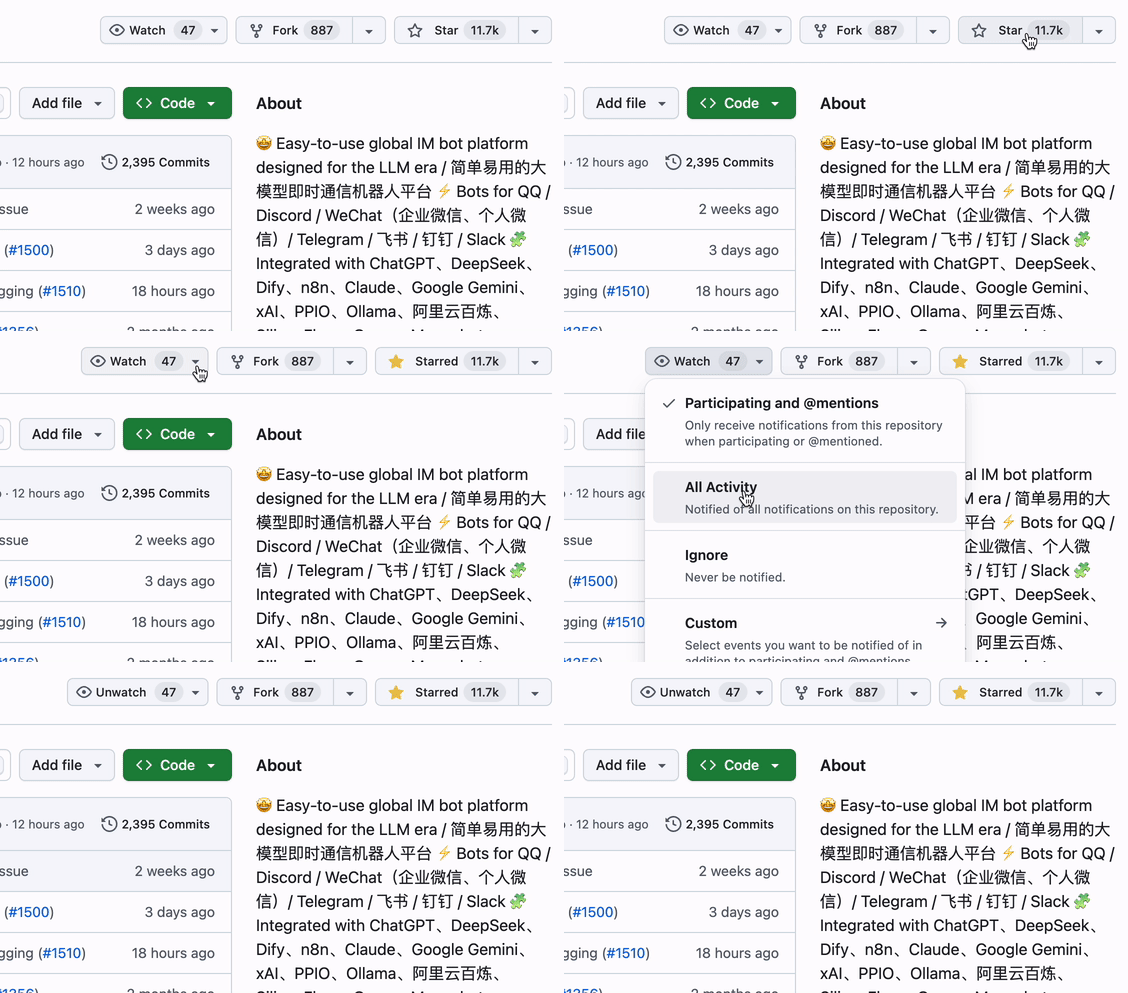
star gif

Quick Start

☁️ LangBot Cloud (Recommended)

Deploy on LangBot Cloud

Zero deployment, ready to use.

One-Line Launch

uvx langbot

Requires uv. Visit http://localhost:5300 — done.

Docker Compose

git clone https://github.com/langbot-app/LangBot
cd LangBot/docker
docker compose --profile all up -d

One-Click Cloud Deploy

Deploy on Zeabur Deploy on Railway

More options: Docker · Manual · BTPanel · Kubernetes


Supported Platforms

Platform Status Notes
Discord ✅ Official
Telegram ✅ Official
Slack ✅ Official
LINE ✅ Official
QQ ✅ Personal & Official API (Channel, DM, Group)
WeCom ✅ Enterprise WeChat, External CS, AI Bot
WeChat ✅ Personal & Official Account
Lark ✅ Official
DingTalk ✅ Official
KOOK ✅ Official
Satori ✅
Email ✅ Matrix, Satori
Matrix ✅ Supports multiple bridged platforms such as Signal, WhatsApp, Messenger, iMessage, Mattermost, Google Chat, IRC, XMPP, Zulip, and more

Supported LLMs & Integrations

Provider Type Status
OpenAI LLM ✅
Anthropic LLM ✅
DeepSeek LLM ✅
Google Gemini LLM ✅
xAI LLM ✅
Moonshot LLM ✅
Zhipu AI LLM ✅
Ollama Local LLM ✅
LM Studio Local LLM ✅
Dify LLMOps ✅
MCP Protocol ✅
SiliconFlow Gateway ✅
Aliyun Bailian Gateway ✅
Volc Engine Ark Gateway ✅
ModelScope Gateway ✅
GiteeAI Gateway ✅
CompShare GPU Platform ✅
PPIO GPU Platform ✅
ShengSuanYun GPU Platform ✅
接口 AI Gateway ✅
302.AI Gateway ✅
Qiniu Gateway ✅

→ View all integrations


Why LangBot?

Use Case How LangBot Helps
Customer Support Deploy AI agents to Slack/Discord/Telegram that answer questions using your knowledge base
Internal Tools Connect n8n/Dify workflows to WeCom/DingTalk for automated business processes
Community Management Moderate QQ/Discord groups with AI-powered content filtering and interaction
Multi-Platform Presence One bot, all platforms. Manage from a single dashboard

Built for AI Agents 🤖

LangBot is agent-friendly by design — your coding agents (Claude Code, Codex, Copilot, Cursor, …) can operate, extend, and deploy LangBot with first-class support:

  • MCP Server — LangBot exposes a built-in Model Context Protocol endpoint at /mcp, mirroring the HTTP API so an agent can manage bots, pipelines, plugins, and models programmatically. Authenticate with the same API key (set a global key in config.yaml or use a per-user key) — no login flow required. Configure it in the Web panel's API & MCP tab.
  • In-repo Skills — The skills/ directory is the single source of truth for working with LangBot: plugin development, core development, end-to-end testing, deployment, and operating the LangBot / LangBot Space MCP servers. Point your agent at this directory and it knows how to build.
  • AGENTS.md — Every repo ships an AGENTS.md (symlinked to CLAUDE.md) describing architecture, conventions, and the rule that API changes must keep the MCP server and skills in sync.
  • llms.txt — Machine-readable project context for LLMs is published on the website.

Cloud / Marketplace: LangBot Space also exposes an MCP server so agents can search and inspect the plugin / MCP / skill marketplace, authenticated with a Personal Access Token.


Community

Discord


Contributors

Thanks to all contributors who have helped make LangBot better:

Frequently asked questions

Is LangBot free to use?

LangBot is open source under the Apache-2.0 licence. There is no licence fee and no seat count — you can self-host it or, where the project offers one, pay a vendor for a managed version instead.

What does LangBot do?

Production-grade platform for building agentic IM bots - 生产级多平台智能机器人开发平台/ Agent、知识库编排、插件系统 / Bots for Discord / Slack / LINE / Telegram / WeChat(企业微信, 企微智能机器人,

What is LangBot written in?

LangBot is primarily written in Python. Its source is publicly available at https://github.com/langbot-app/LangBot, and it has 18,666 GitHub stars.