简体中文 | हिंदी |Português | Indonesian | English | Türkçe
Koodo Reader
A cross-platform ebook reader
Download | Preview | Roadmap | Document | Plugins
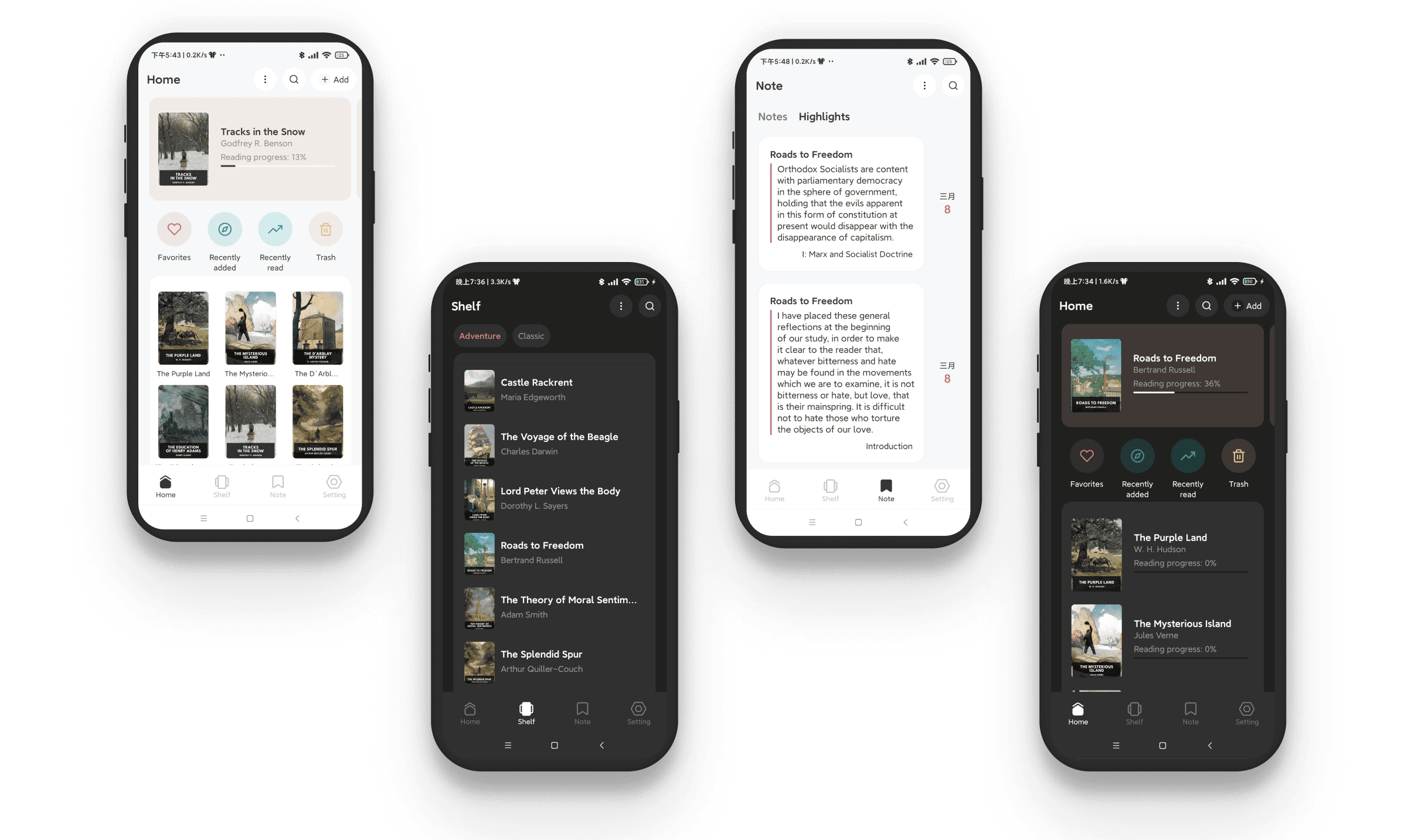
Preview

Features
- Format support:
- EPUB (.epub)
- PDF (.pdf)
- DRM-free Mobipocket (.mobi) and Kindle (.azw3, .azw)
- Plain-text (.txt)
- FictionBook (.fb2)
- Comic book archive (.cbr, .cbz, .cbt, .cb7)
- Rich text (.md, .docx)
- HyperText (.html, .xml, .xhtml, .mhtml, .htm)
- Platform support: Windows, macOS, Linux, Android, iOS and Web
- Sync and backup your data with OneDrive, Google Drive, Dropbox, iCloud, MEGA, pCloud, Yandex Disk, Box, FTP, SFTP, WebDAV, SMB, or Object Storage
- Easily import books from OneDrive, Google Drive, MEGA, Yandex Disk, Box, FTP, SFTP, WebDAV, SMB, or Object Storage
- Use your custom AI model to power AI Translation, AI Dictionary, AI Summarization, and AI Encyclopedia
- Sync reading progress with KOReader
- Sync notes and highlights to Readwise, Notion, Obsidian, Joplin, and more
- Support local MDX dictionary lookup
- Automatically sync words to Anki and Eudic
- Protect your library with password, PIN, Windows Hello, Touch ID, and more
- One-click export of all books
- One-click export of notes and highlights, supporting CSV, Markdown, HTML, TXT, and PDF
- Privacy-first design: no tracking services, and no proactive uploading of your reading data or personal information
- Support OPDS protocol and share your library as an OPDS feed
- Support browser extension to save anything on the web to your library
- Built-in 50+ plugins for translation, dictionaries, and text-to-speech, with support for custom plugins
- Support vertical layout book
- Support reading statistics
- Built-in Paddle and Tesseract OCR engines
- Support library snapshots and version control
- Single-column, two-column or continuous scrolling layouts
- Text-to-speech, translation, dictionary, touch screen support, and batch import
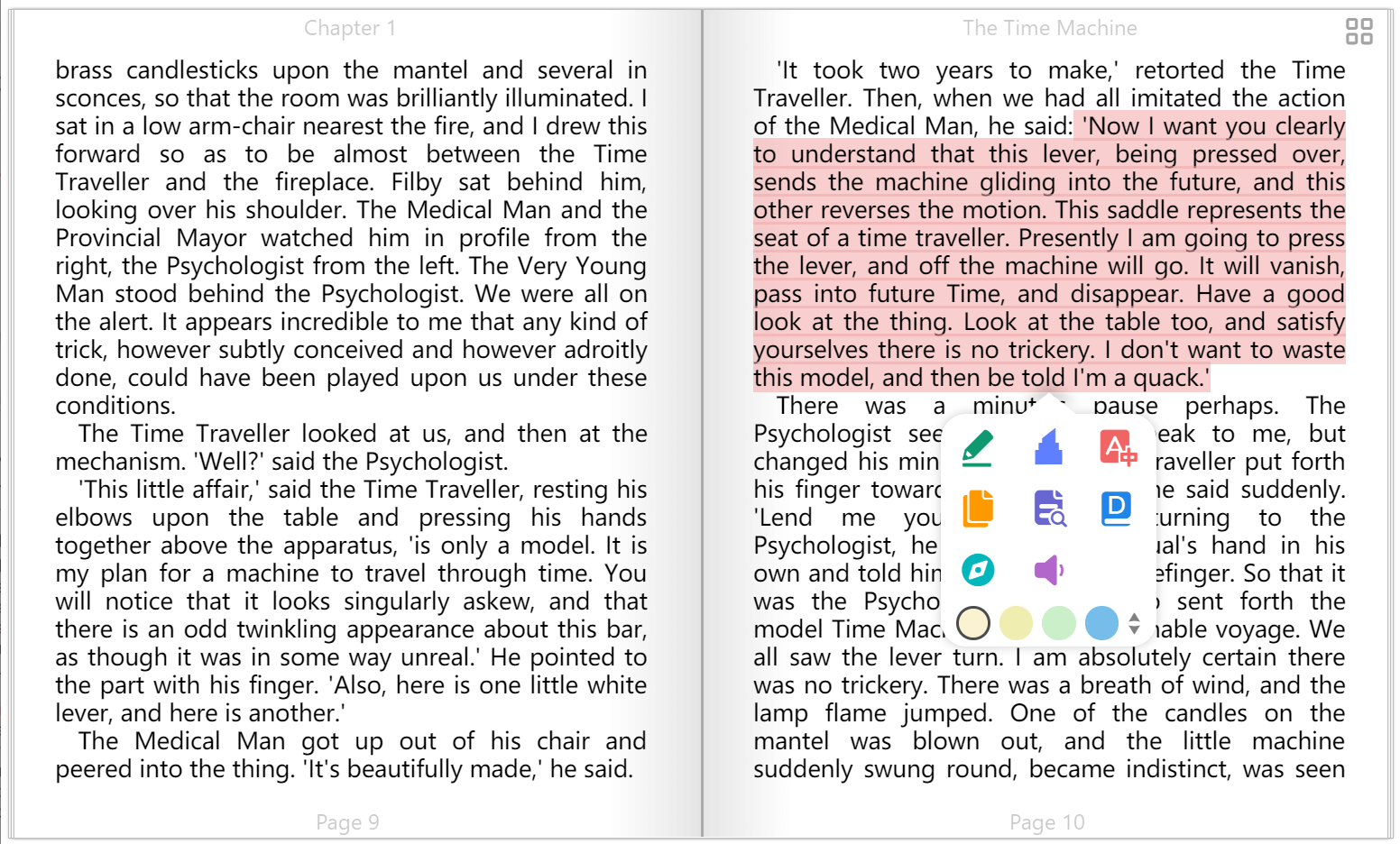
- Add bookmarks, notes, and highlights to your books
- Adjust font size, font family, line-spacing, paragraph spacing, background color, text color, margins, and brightness
- Night mode and theme color
- Text highlighting, underline, boldness, italics, and shadow
Installation
Desktop version: Download
Web version:Visit
Android version:Download
iOS version:Download
Browser extension:Download
Install with Scoop:
scoop bucket add extras
scoop install extras/koodo-reader
Install with Winget:
winget install AppByTroye.KoodoReader
Install with Flathub:
flatpak install flathub io.github.troyeguo.koodo-reader
Install with Snap Store:
sudo snap install koodo-reader
Install with Homebrew:
brew install --cask koodo-reader
Install with Docker:
Screenshot
Book list
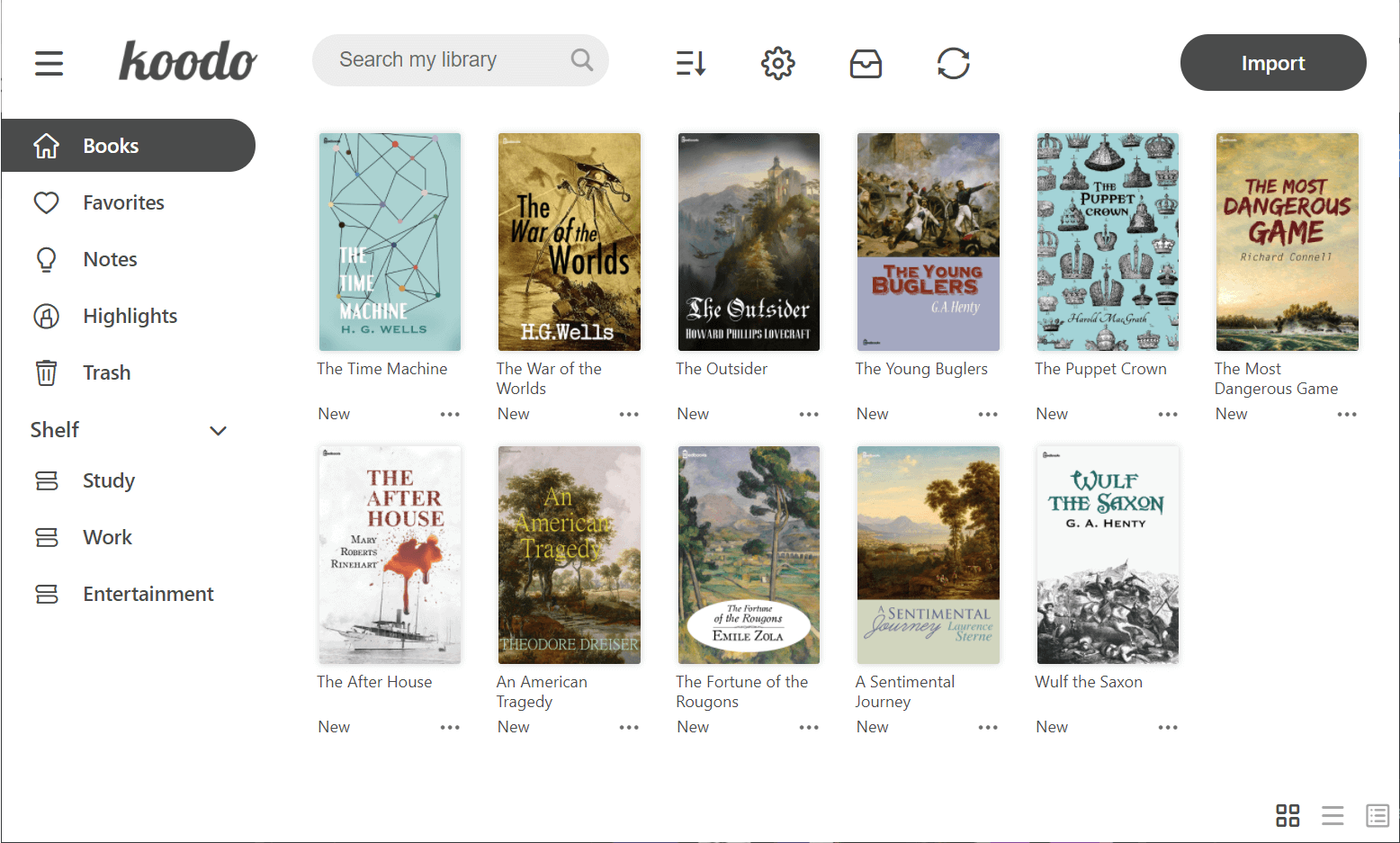
Book display
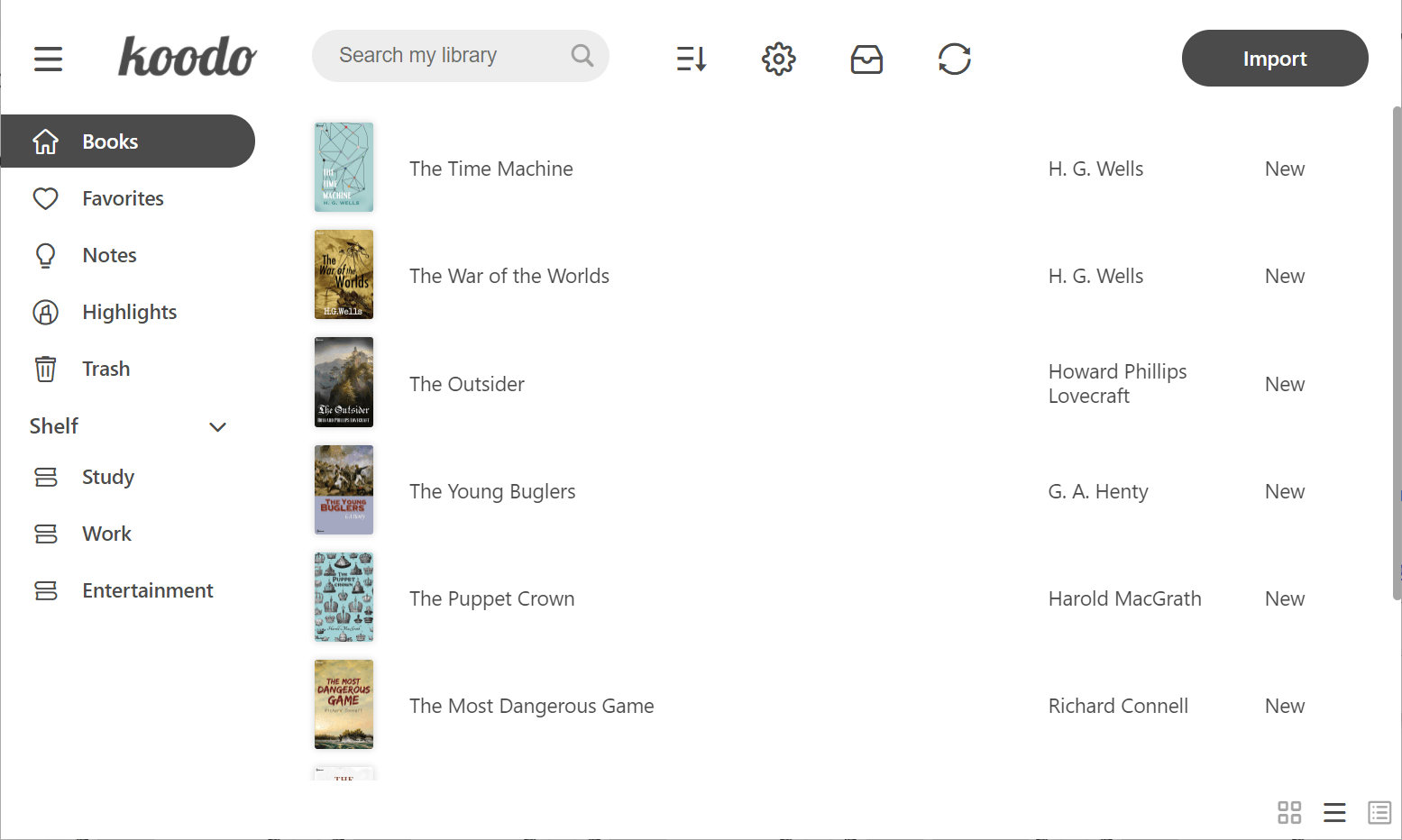
List mode
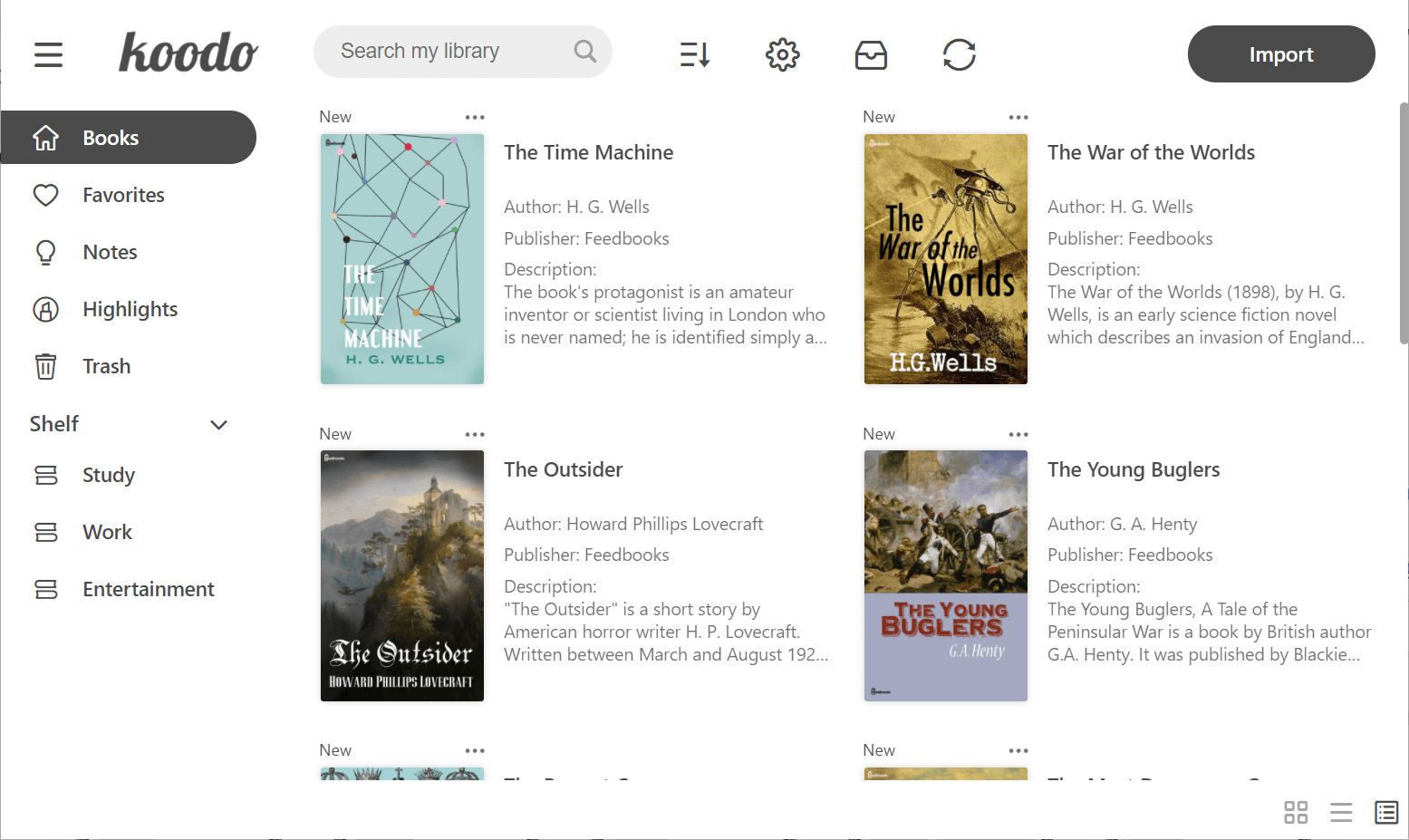
Cover mode
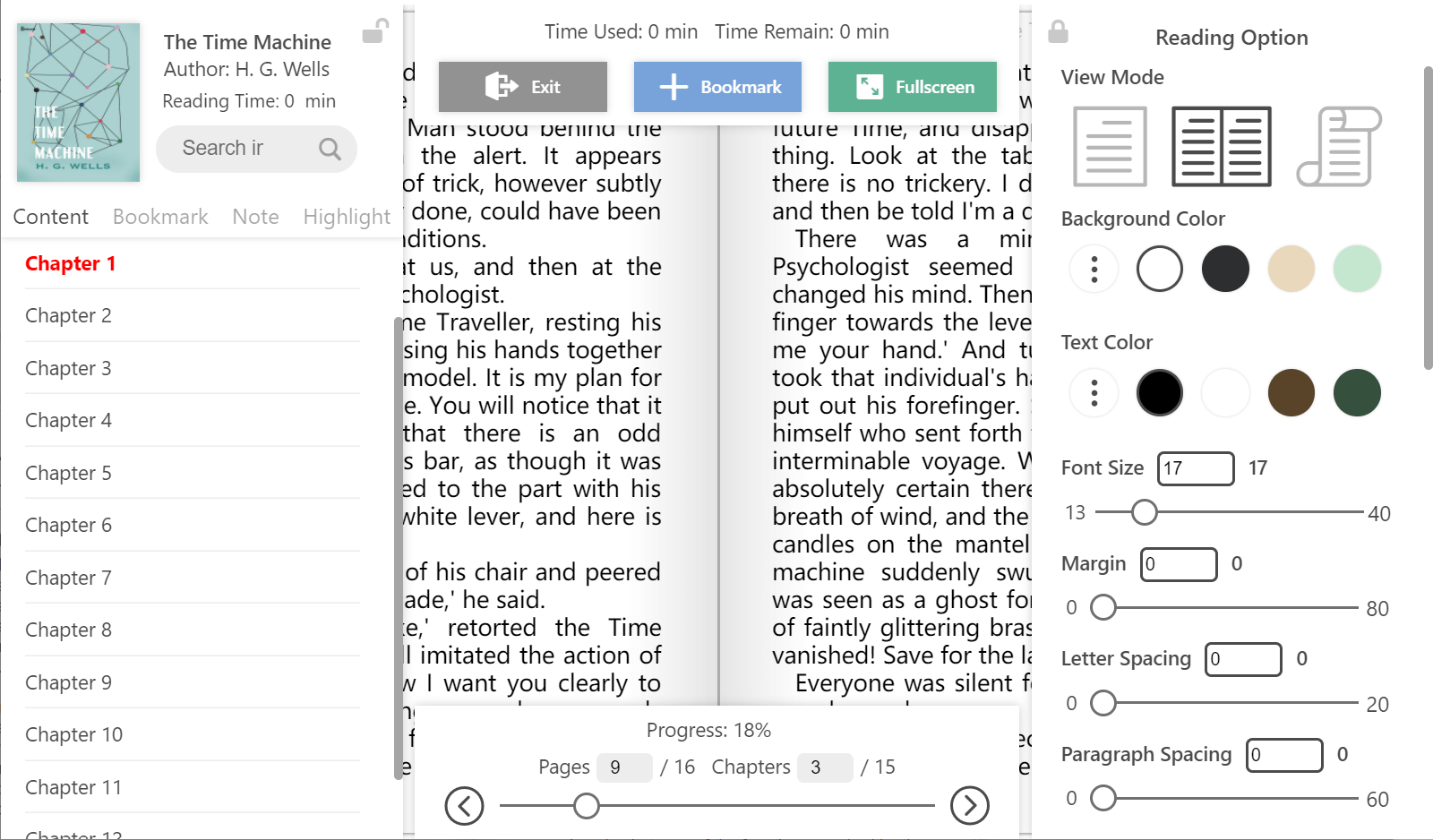
Reader menu
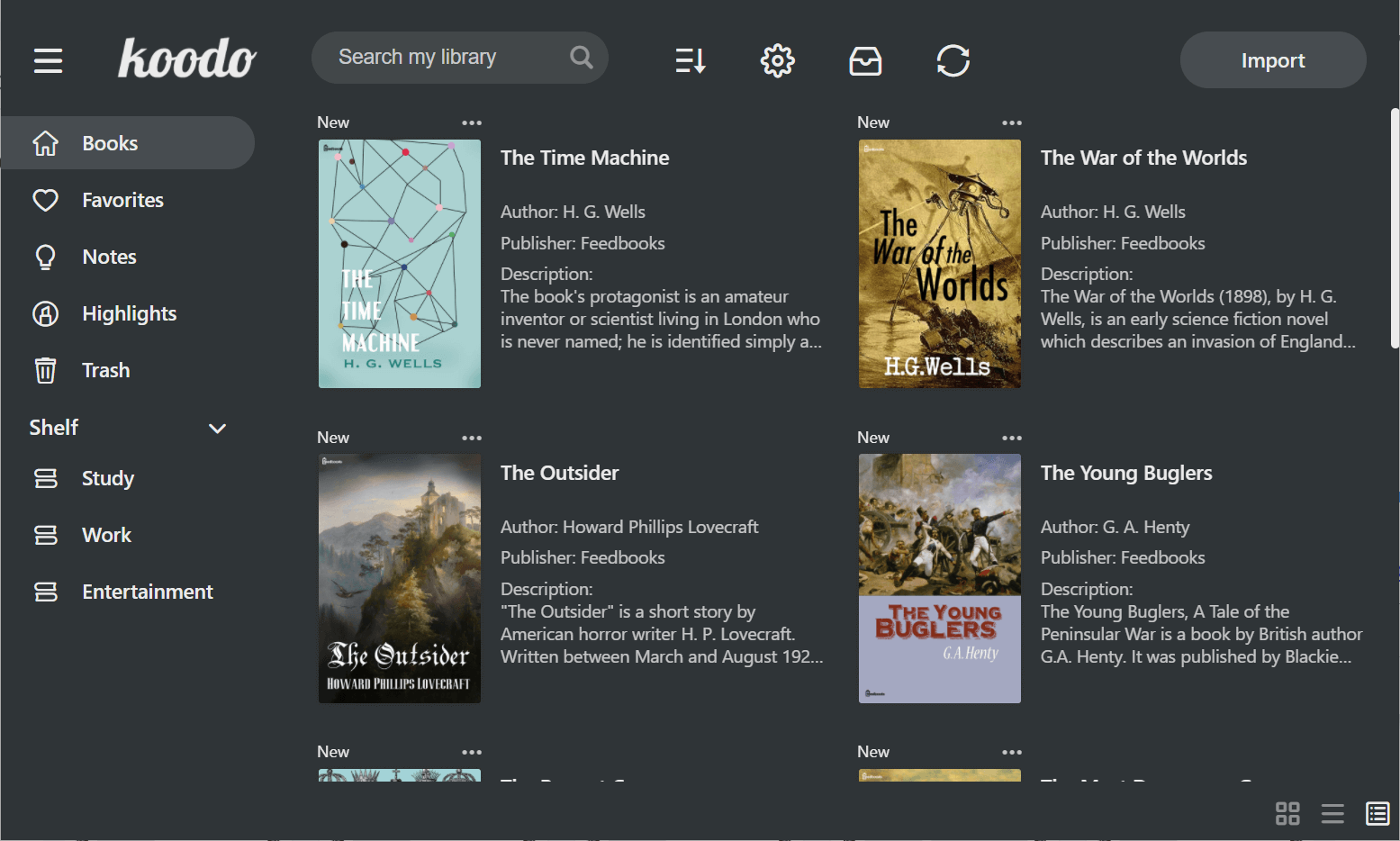
Dark mode
Develop
Make sure that you have installed yarn and git
Download the repo
git clone https://github.com/koodo-reader/koodo-reader.gitEnter desktop mode
yarn
yarn dev
Enter web mode
yarn
yarn start
Translation
Edit current language
Select your target language from the following list.
Click the view button to examine the source file. The untranslated terms are listed at the bottom of each file.
Translate the terms to your target language based on the given English reference
Submit the translation file or just translation snippets based on the amount of your translation to this link. Pull request is also welcomed.
| Language(A-Z) | Code | View |
|---|---|---|
| Amharic | am | View |
| Arabic | ar | View |
| Armenian | hy | View |
| Bengali | bn | View |
| Bulgarian | bg | View |
| Chinese (CN) | zh-CN | View |
| Chinese (MO) | zh-MO | View |
| Chinese (TW) | zh-TW | View |
| Czech | cs | View |
| Danish | da | View |
| Dutch | nl | View |
| English | en | View |
| Finnish | fi | View |
| French | fr | View |
| German | de | View |
| Greek | el | View |
| Hindi | hi | View |
| Hungarian | hu | View |
| Indonesian | id | View |
| Interlingue | ie | View |
| Irish | ga | View |
| Italian | it | View |
| Japanese | ja | View |
| Korean | ko | View |
| Persian | fa | View |
| Polish | pl | View |
| Portuguese | pt | View |
| Portuguese (BR) | pt-BR | View |
| Romanian | ro | View |
| Russian | ru | View |
| Slovenian | sl | View |
| Spanish | es | View |
| Swedish | sv | View |
| Tamil | ta | View |
| Thai | th | View |
| Tagalog | tl | View |
| Tibetan | bo | View |
| Turkish | tr | View |
| Ukrainian | uk | View |
| Vietnamese | vi | View |