Open-source orchestration platform for data, AI, and infrastructure workflows









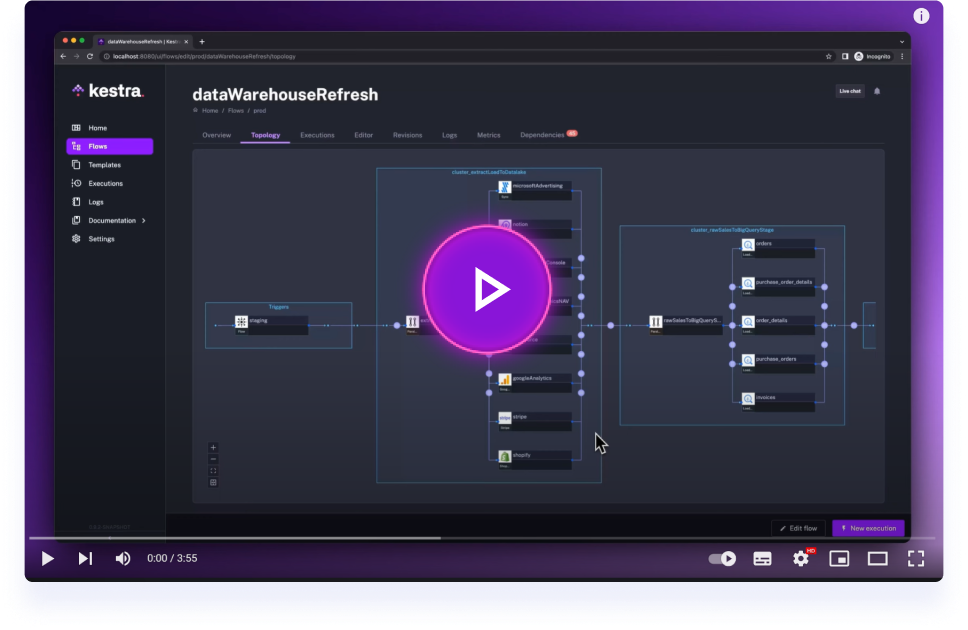
Click on the image to learn how to get started with Kestra in 3 minutes.
🌟 What is Kestra?
Kestra is an open-source, event-driven orchestration platform for data, AI, and infrastructure workflows. It unifies scheduled and event-driven automation behind a declarative, language-agnostic interface. By bringing Infrastructure as Code best practices to your data, process, and microservice pipelines, you can build reliable workflows directly from the UI in just a few lines of YAML, let the built-in AI Copilot write them for you, or generate them straight from your coding agent (Claude Code, Cursor, Windsurf, and others) with Agent Skills.
📖 Table of Contents
- ✨ What's New in 2.0
- 🚀 Quick Start
- 🧩 Plugin Ecosystem
- 📚 Key Concepts
- 🎨 Build Workflows Visually
- 🔧 Extensible and Developer-Friendly
- 🌐 Join the Community
- 🤝 Contributing
- 📄 License
- ⭐️ Stay Updated
Key Features:
- Everything as Code and from the UI: keep workflows as code with a Git Version Control integration, even when building them from the UI.
- Three ways to build the same flow: the YAML editor, the No-Code editor, and the AI Copilot all edit the same flow and stay in sync.
- AI-native orchestration: AI Agents and RAG workflows as first-class task types, plus a built-in MCP server that exposes your flows as tools to any MCP-compatible agent.
- Event-Driven & Scheduled Workflows: automate both scheduled and real-time event-driven workflows via a simple
triggerdefinition. - Declarative YAML Interface: define workflows using a simple configuration in the built-in code editor.
- Rich Plugin Ecosystem: hundreds of plugins built in to extract data from any database, cloud storage, or API, and run scripts in any language.
- Intuitive UI & Code Editor: build and visualize workflows directly from the UI with syntax highlighting, auto-completion and real-time syntax validation.
- Scalable: designed to handle millions of workflows, with high availability and fault tolerance. Workers talk to the control plane over gRPC, so they can run in another region or inside a restricted network.
- Version Control Friendly: write your workflows from the built-in code Editor and push them to your preferred Git branch directly from Kestra, enabling best practices with CI/CD pipelines and version control systems. Save a flow as a draft to iterate without disrupting the revision your triggers are running.
- Structure & Resilience: tame chaos and bring resilience to your workflows with namespaces, labels, subflows, retries, timeout, error handling, inputs, outputs that generate artifacts in the UI, variables, conditional branching, advanced scheduling, event triggers, backfills, dynamic tasks, sequential and parallel tasks, checks that validate preconditions before an execution starts, quotas that cap how many executions a flow can create in a time window, and skip tasks or triggers when needed by setting the flag
disabledtotrue.
🧑💻 The YAML definition gets automatically adjusted any time you make changes to a workflow from the UI or via an API call. Therefore, the orchestration logic is always managed declaratively in code, even if you modify your workflows in other ways (UI, No-Code editor, AI Copilot, CI/CD, Terraform, API calls).
✨ What's New in 2.0
Kestra 2.0 is a major release. The highlights below are the short version. See What's New in Kestra 2.0 for the full list, and the 2.0 migration guide for breaking changes and upgrade steps.
AI
- AI Copilot is now a persistent sidebar with Ask, Edit, and Plan modes, and it reads your namespace metadata so suggestions reuse the credentials you already configured.
- AI Agents and RAG workflows let you orchestrate LLM calls, vector stores, and chunking inside a flow, with token usage reported per execution.
- The MCP server, the MCP Tool Trigger, and Agent Skills make your flows callable from AI agents and coding assistants.
Workflow components
ForEachandForEachItemare replaced by a singleLooptask.- Trigger
conditionsare now written aswhen, alongside new date helpers such asisWeekend(),isPublicHoliday(),isDayWeekInMonth(), andisLastWorkingDay(). See date functions. - The new
subflow()function returns a subflow's outputs inline in an expression, with no dedicated task. - Inputs gain
{label, value}options forSELECT/MULTISELECT, JSON Schema validation, and aFORMtype that groups inputs into a multi-step wizard. - Draft revisions let you stage flow changes while triggers keep running the last published revision.
- Triggers can attach labels to the executions they create.
Developer experience
- The No-Code editor builds flows block by block, with a guided form per task and the available upstream outputs listed alongside.
- Plugin Artifacts let a plugin ship Vue components that load into the Kestra UI at runtime, and plugin file renderers preview task output files inline.
kestractlcovers flows, plugins, and IAM; the VS Code extension can mount a namespace as a live folder.
Infrastructure
- Worker communication moved from the JDBC queue to a gRPC worker-controller, separating the control plane from the data plane. Task run outputs live in dedicated storage instead of inline in the execution record, which shrinks the database and speeds up the execution list. See Architecture.
- Four new VM task runners: AWS EC2, Azure Virtual Machine, Google Compute Engine, and Huawei Cloud CCI.
- The
-no-pluginsimage suffix is now-slim, andKESTRA_PLUGINS_AUTO_INSTALL_ENABLED=truefetches plugins from Maven Central on demand. The Quick Start command below uses both. PurgeStoragecleans internal storage by last-modified date, including files whose execution records are already gone.- HTTP task URL filtering lets operators allow-list or deny-list the URLs HTTP tasks may reach.
Enterprise Edition also gains an action-based RBAC model, Policies, Cases for incident management, Promote for UI-driven cross-instance deployment, Reusable Inputs, Worker Groups 2.0, and an external log data store.
🚀 Quick Start
Launch on AWS (CloudFormation)
Deploy Kestra on AWS using our CloudFormation template:

Launch on Google Cloud (Terraform deployment)
Deploy Kestra on Google Cloud Infrastructure Manager using our Terraform module.
Get Started Locally in 5 Minutes
Launch Kestra in Docker
Make sure that Docker is running. Then, start Kestra in a single command:
docker run --pull=always --rm -it -p 8080:8080 --user=root \
  --name kestra \
  -v kestra_data:/app/storage \
  -v kestra_db:/app/data \
  -v /var/run/docker.sock:/var/run/docker.sock \
  -v /tmp:/tmp \
  -e KESTRA_PLUGINS_AUTO_INSTALL_ENABLED=true \
  kestra/kestra:latest-slim server local
If you're on Windows and use PowerShell:
docker run --pull=always --rm -it -p 8080:8080 --user=root `
  --name kestra `
  -v "kestra_data:/app/storage" `
  -v "kestra_db:/app/data" `
  -v "/var/run/docker.sock:/var/run/docker.sock" `
  -v "C:/Temp:/tmp" `
  -e KESTRA_PLUGINS_AUTO_INSTALL_ENABLED=true `
  kestra/kestra:latest-slim server local
If you're on Windows and use Command Prompt (CMD):
docker run --pull=always --rm -it -p 8080:8080 --user=root ^
  --name kestra ^
  -v "kestra_data:/app/storage" ^
  -v "kestra_db:/app/data" ^
  -v "/var/run/docker.sock:/var/run/docker.sock" ^
  -v "C:/Temp:/tmp" ^
  -e KESTRA_PLUGINS_AUTO_INSTALL_ENABLED=true ^
  kestra/kestra:latest-slim server local
If you're on Windows and use WSL (Linux-based environment in Windows):
docker run --pull=always --rm -it -p 8080:8080 --user=root \
  --name kestra \
  -v kestra_data:/app/storage \
  -v kestra_db:/app/data \
  -v "/var/run/docker.sock:/var/run/docker.sock" \
  -v "/mnt/c/Temp:/tmp" \
  -e KESTRA_PLUGINS_AUTO_INSTALL_ENABLED=true \
  kestra/kestra:latest-slim server local
The -slim image ships without bundled plugins to keep the download small; KESTRA_PLUGINS_AUTO_INSTALL_ENABLED=true makes Kestra fetch each plugin from Maven Central the first time a flow needs it. Prefer everything bundled up front? Use kestra/kestra:latest instead and drop the environment variable.
Check our Installation Guide for other deployment options (Docker Compose, Podman, Kubernetes, AWS, GCP, Azure, and more).
Access the Kestra UI at http://localhost:8080 and start building your first flow!
Your First Hello World Flow
Create a new flow with the following content:
id: hello_world
namespace: dev

tasks:
  - id: say_hello
    type: io.kestra.plugin.core.log.Log
    message: "Hello, World!"
Run the flow and see the output in the UI!
🧩 Plugin Ecosystem
Kestra's functionality is extended through a rich ecosystem of plugins that empower you to run tasks anywhere and code in any language, including Python, Node.js, R, Go, Shell, and more. Here's how Kestra plugins enhance your workflows:
Run Anywhere:
- Local or Remote Execution: Execute tasks on your local machine, remote servers via SSH, or scale out to serverless containers and cloud VMs using Task Runners, including the AWS EC2, Azure Virtual Machine, and Google Compute Engine runners added in 2.0.
- Docker and Kubernetes Support: Seamlessly run Docker containers within your workflows or launch Kubernetes jobs to handle compute-intensive workloads.
Code in Any Language:
- Scripting Support: Write scripts in your preferred programming language. Kestra supports Python, Node.js, R, Go, Shell, and others, allowing you to integrate existing codebases and deployment patterns.
- Flexible Automation: Execute shell commands, run SQL queries against various databases, and make HTTP requests to interact with APIs.
AI and LLMs:
- Model-Agnostic Tasks: Call OpenAI, Anthropic, Google Gemini, Amazon Bedrock, Ollama, and other providers from the same task interface.
- Agents and RAG: Build AI agents with tool calling, or RAG pipelines with document chunking and vector store ingestion.
Event-Driven and Real-Time Processing:
- Real-Time Triggers: React to events from external systems in real-time, such as file arrivals, new messages in message buses (Kafka, Redis, Pulsar, AMQP, MQTT, NATS, AWS SQS, Google Pub/Sub, Azure Event Hubs), and more.
- Custom Events: Define custom events to trigger flows based on specific conditions or external signals, enabling highly responsive workflows.
Cloud Integrations:
- AWS, Google Cloud, Azure: Integrate with a variety of cloud services to interact with storage solutions, messaging systems, compute resources, and more.
- Big Data Processing: Run big data processing tasks using tools like Apache Spark or interact with analytics platforms like Google BigQuery.
Monitoring and Notifications:
- Stay Informed: Send messages to Slack channels, email notifications, or trigger alerts in PagerDuty to keep your team updated on workflow statuses.
Kestra's plugin ecosystem is continually expanding, allowing you to tailor the platform to your specific needs. Whether you're orchestrating complex data pipelines, automating scripts across multiple environments, or integrating with cloud services, there's likely a plugin to assist. And if not, you can always build your own plugins to extend Kestra's capabilities.
🧑💻 Note: This is just a glimpse of what Kestra plugins can do. Explore the full list on our Plugins Page.
📚 Key Concepts
- Flows: the core unit in Kestra, representing a workflow composed of tasks.
- Tasks: individual units of work, such as running a script, moving data, or calling an API.
- Namespaces: logical grouping of flows for organization and isolation.
- Triggers: schedule or events that initiate the execution of flows.
- Inputs & Variables: parameters and dynamic data passed into flows and tasks.
- Outputs: values and files a task passes downstream, surfaced as artifacts in the UI.
- Checks: preconditions evaluated before an execution starts, so a flow fails fast instead of half-running.
- Quotas: limits on how many executions a flow may create in a time window, failing or cancelling the excess.
🎨 Build Workflows Visually
Kestra provides an intuitive UI that allows you to interactively build and visualize your workflows:
- No-Code Editor: build a flow block by block, with a guided form for every task and the upstream outputs available at that point listed next to it.
- AI Copilot: describe what you want in the Ask, Edit, or Plan sidebar and review the generated YAML before it is applied.
- Drag-and-Drop Interface: add and rearrange tasks from the Topology Editor.
- Real-Time Validation: instant feedback on your workflow's syntax and structure to catch errors early.
- Auto-Completion: smart suggestions as you type to write flow code quickly and without syntax errors.
- Live Topology View: see your workflow as a Directed Acyclic Graph (DAG) that updates in real-time.
The YAML editor, the No-Code editor, and the AI Copilot all edit the same flow, so a change in one is reflected immediately in the others.
🔧 Extensible and Developer-Friendly
Plugin Development
Create custom plugins to extend Kestra's capabilities. Check out our Plugin Developer Guide to get started. Plugins can also define UI artifacts such as Topology nodes, which are Vue components loaded into the Kestra UI at runtime, and custom file renderers that preview task outputs inline.
Infrastructure as Code
- Version Control: store your flows in Git repositories.
- CI/CD Integration: automate deployment of flows using CI/CD pipelines.
- Terraform Provider: manage Kestra resources with the official Terraform provider (
~> 2.0for Kestra 2.x).
CLI, SDKs, and Editors
kestractl: manage flows, namespace files, plugins, and IAM from the terminal. See the CLI reference.- SDKs: drive the API from Python or JavaScript.
- VS Code extension: mount a namespace as a live folder, upload files, and sync directories. See the extension guide.
- AI agents: point any MCP-compatible agent at the built-in MCP server, or use Agent Skills from your coding assistant.
🌐 Join the Community
Stay connected and get support:
- Slack: Join our Slack community to ask questions and share ideas.
- LinkedIn: Follow us on LinkedIn — next to Slack and GitHub, this is our main channel to share updates and product announcements.
- YouTube: Subscribe to our YouTube channel for educational video content. We publish new videos every week!
- X: Follow us on X if you're still active there.
🤝 Contributing
We welcome contributions of all kinds!
- Report Issues: Found a bug or have a feature request? Open an issue on GitHub.
- Contribute Code: Check out our Contributor Guide for initial guidelines, and explore our good first issues for beginner-friendly tasks to tackle first.
- Develop Plugins: Build and share plugins using our Plugin Developer Guide.
- Contribute to our Docs: Contribute edits or updates to keep our documentation top-notch.
📄 License
Kestra is licensed under the Apache 2.0 License © Kestra Technologies.
⭐️ Stay Updated
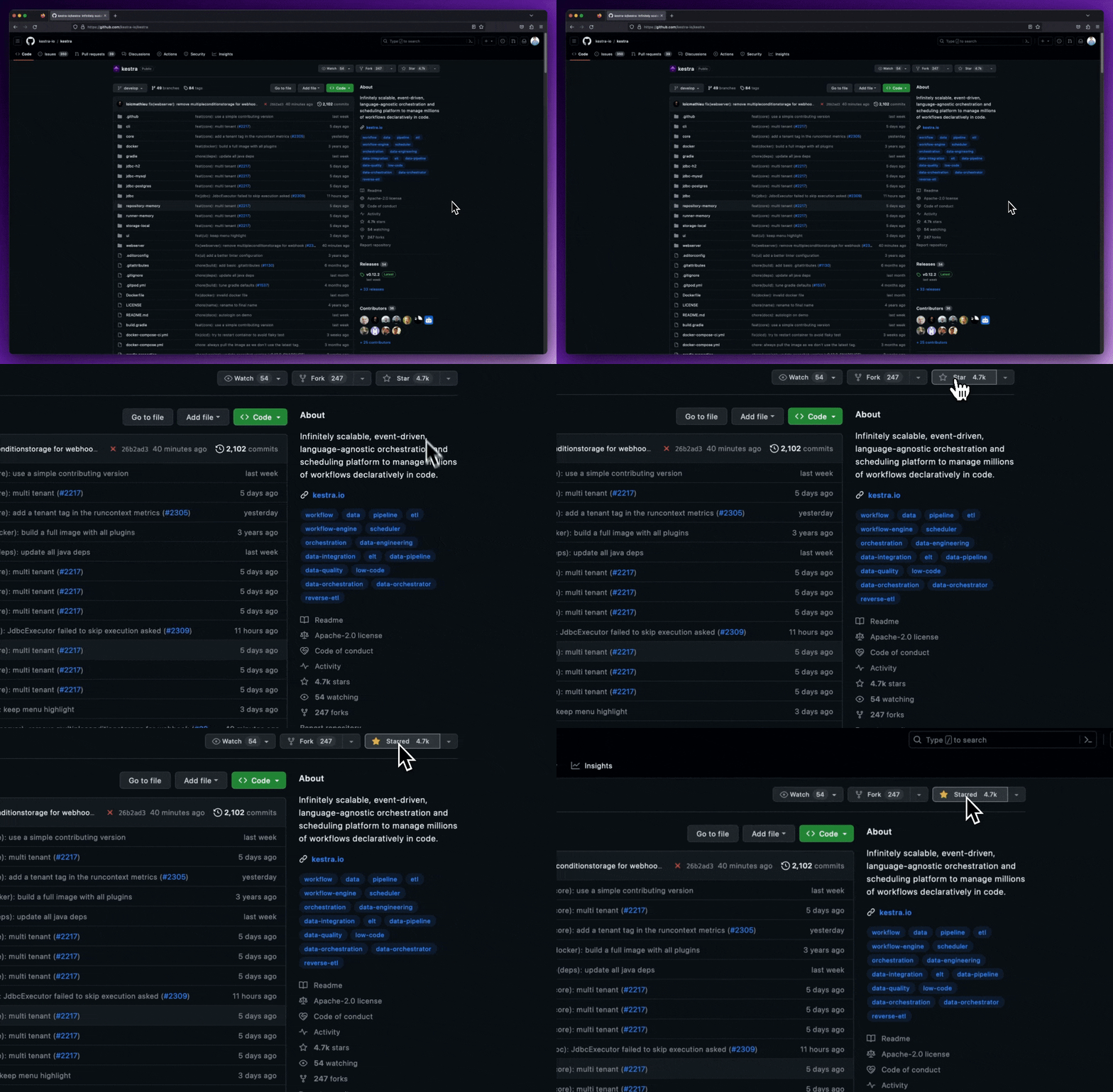
Give our repository a star to stay informed about the latest features and updates!
Thank you for considering Kestra for your workflow orchestration needs. We can't wait to see what you'll build!