What it is
Kap is an open-source screen recorder for macOS, built with web technology and distributed as a native desktop application under the MIT license. The project is written in TypeScript and uses Electron and Next.js components in its stack, placing it within the macOS productivity and screen-capture ecosystem rather than a browser extension or command-line utility. Its public repository also identifies a related project named Aperture and a separate website repository, indicating that the recording application is part of a broader open-source project structure.
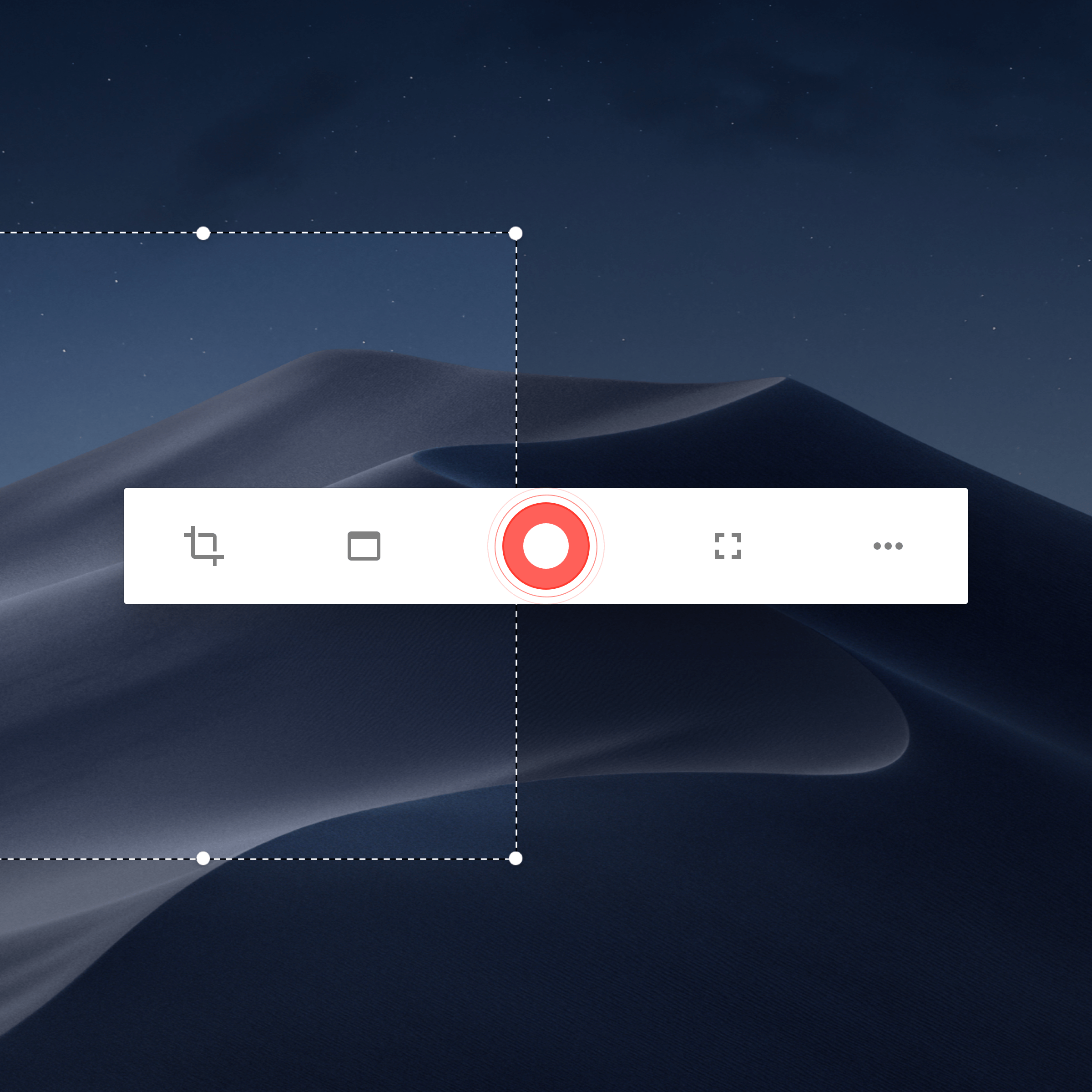
The concrete problem it addresses is the need for a simple, local recording workflow on Apple computers. Users can open the tool from the menu bar, select a portion of the screen, and start or stop recording without leaving the desktop environment. The README presents the application as an accessible way to capture screen activity, with support for plugins, development builds, and hosted downloads and updates through Vercel.
Key capabilities
- Kap records a selected portion of the macOS screen from a menu bar interface.
- The application starts and stops recording through the same menu bar icon.
- Users can pause during recording by Option-clicking the menu bar icon.
- The menu bar icon provides additional options through right-click access.
- Kap offers a plugin system documented in a separate plugins guide.
- The macOS application ships with separate Apple silicon and Intel downloads.
- Homebrew-Cask can install the application with a single command.
Who uses it and how
- macOS users use Kap for quick screen recording for communication, documentation, or demonstration.
- Contributors use the documented plugin system to extend the recorder.
- Developers test unsupported development builds from the main branch or other branches.
- Users prefer Homebrew-Cask installation over manual download of Apple silicon or Intel packages.
- Maintainers and users rely on hosted downloads and updates provided through the project website.
Getting started
The typical installation methods are downloading the latest Apple silicon or Intel release from the project website or installing the application with Homebrew-Cask using brew install --cask kap. After installation, the README directs users to click the menu bar icon, select the portion of the screen to record, and press the record button.
When to use it — and when not to
Kap is suitable for macOS users who want an open-source, menu bar screen recorder with a plugin system and simple recording controls. The available documentation does not list a paid product it replaces, nor does it describe self-hosted infrastructure such as a database, storage, or SMTP service; the project relies on hosted downloads and updates through Vercel. The available repository facts show 256 open issues and a last push date of 2024-11-12, so users who need active maintenance signals should review current activity before adoption.