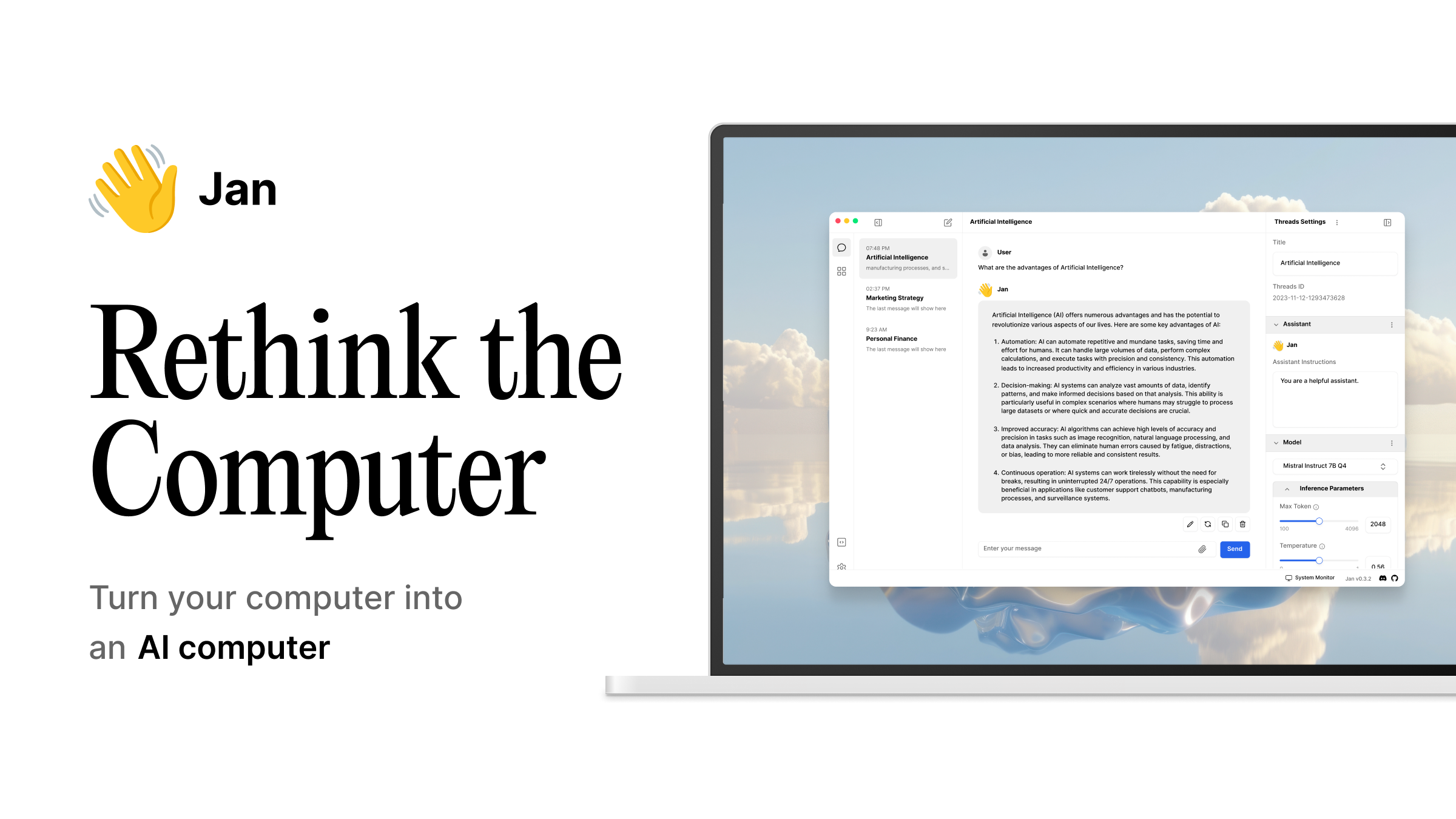
Jan - Open-source ChatGPT replacement





Getting Started - Community - Changelog - Bug reports
Jan is bringing the best of open-source AI in an easy-to-use product. Download and run LLMs with full control and privacy.
Installation

|

|
The easiest way to get started is by downloading one of the following versions for your respective operating system:
| Platform | Download |
| Windows | jan.exe |
| macOS | jan.dmg |
| Linux (deb) | jan.deb |
| Linux (AppImage) | jan.AppImage |
| Linux (Arm64) | How-to |
Download from jan.ai or GitHub Releases.
Features
- Local AI Models: Download and run LLMs (Llama, Gemma, Qwen, GPT-oss etc.) from HuggingFace
- Cloud Integration: Connect to GPT models via OpenAI, Claude models via Anthropic, Mistral, Groq, MiniMax, and others
- Custom Assistants: Create specialized AI assistants for your tasks
- OpenAI-Compatible API: Local server at
localhost:1337for other applications - Model Context Protocol: MCP integration for agentic capabilities
- Privacy First: Everything runs locally when you want it to
Build from Source
For those who enjoy the scenic route:
Prerequisites
- Node.js ≥ 20.0.0
- Yarn ≥ 4.5.3
- Make ≥ 3.81
- Rust (for Tauri)
- (macOS Apple Silicon only) MetalToolchain
xcodebuild -downloadComponent MetalToolchain
Run with Make
git clone https://github.com/janhq/jan
cd jan
make dev
This handles everything: installs dependencies, builds core components, and launches the app.
Available make targets:
make dev- Full development setup and launchmake build- Production buildmake test- Run tests and lintingmake clean- Delete everything and start fresh
Manual Commands
yarn install
yarn build
yarn dev
Building on Windows
Run make dev from Git Bash (installed with Git for Windows) — make dispatches its recipes through sh, so a plain cmd.exe won't work.
You do not need a "Native Tools Command Prompt for VS 2022". The bundled llama.cpp engine builds with Ninja + clang-cl, and clang-cl locates the MSVC toolchain and Windows SDK on its own. What has to be installed (and on PATH for ninja/clang-cl/cmake):
- Visual Studio 2022 Build Tools (MSVC x64 workload + Windows SDK)
- LLVM (provides
clang-cl) - Ninja
- CMake
- CUDA Toolkit — only for
JAN_ENGINE_VARIANT=cuda12/cuda13builds
Engine variants are picked with JAN_ENGINE_VARIANT (tokens: cpu, vulkan, metal, cuda12, cuda13, hip/rocm, joined by -), e.g.:
make dev JAN_ENGINE_VARIANT=cuda13
"nvcc fatal : Could not open output file ...fattn-...cu.obj.d" during tauri-plugin-llamacpp(build) means the build path crossed Windows' 260-character MAX_PATH limit — nvcc does not honor the long-path opt-in. The build script now detects this and automatically relocates the llama.cpp build tree to a short directory under %LOCALAPPDATA%\jan-engine. If you hit path-length errors anyway, set JAN_ENGINE_BUILD_DIR to a short path (e.g. C:\jb) or move the checkout closer to the drive root.
System Requirements
Minimum specs for a decent experience:
- macOS: 13.6+ (8GB RAM for 3B models, 16GB for 7B, 32GB for 13B)
- Windows: 10+ with GPU support for NVIDIA/AMD/Intel Arc
- Linux: Most distributions work, GPU acceleration available
For detailed compatibility, check our installation guides.
Troubleshooting
If things go sideways:
- Check our troubleshooting docs
- Copy your error logs and system specs
- Ask for help in our Discord
#🆘|jan-helpchannel
Contributing
Contributions welcome. See CONTRIBUTING.md for the full spiel.
Note: Please sign your commits so we can verify your contributions.
Links
- Documentation - The manual you should read
- API Reference - For the technically inclined
- Changelog - What we broke and fixed
- Discord - Where the community lives
Contact
- Bugs: GitHub Issues
- Business: hello@jan.ai
- Jobs: hr@jan.ai
- General Discussion: Discord
License
Apache 2.0 - Because sharing is caring.
Acknowledgements
Built on the shoulders of giants: