
itsnotes
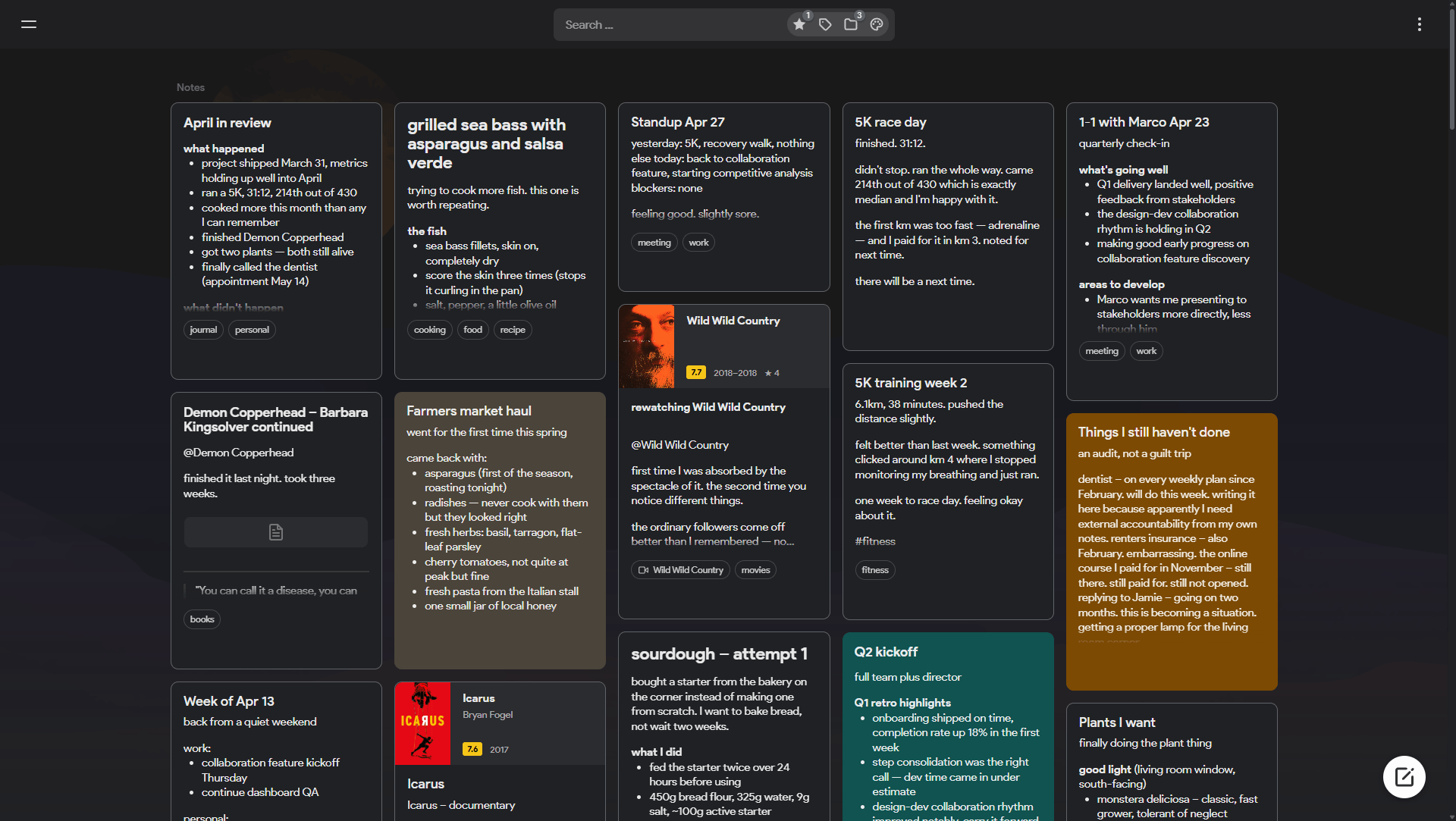
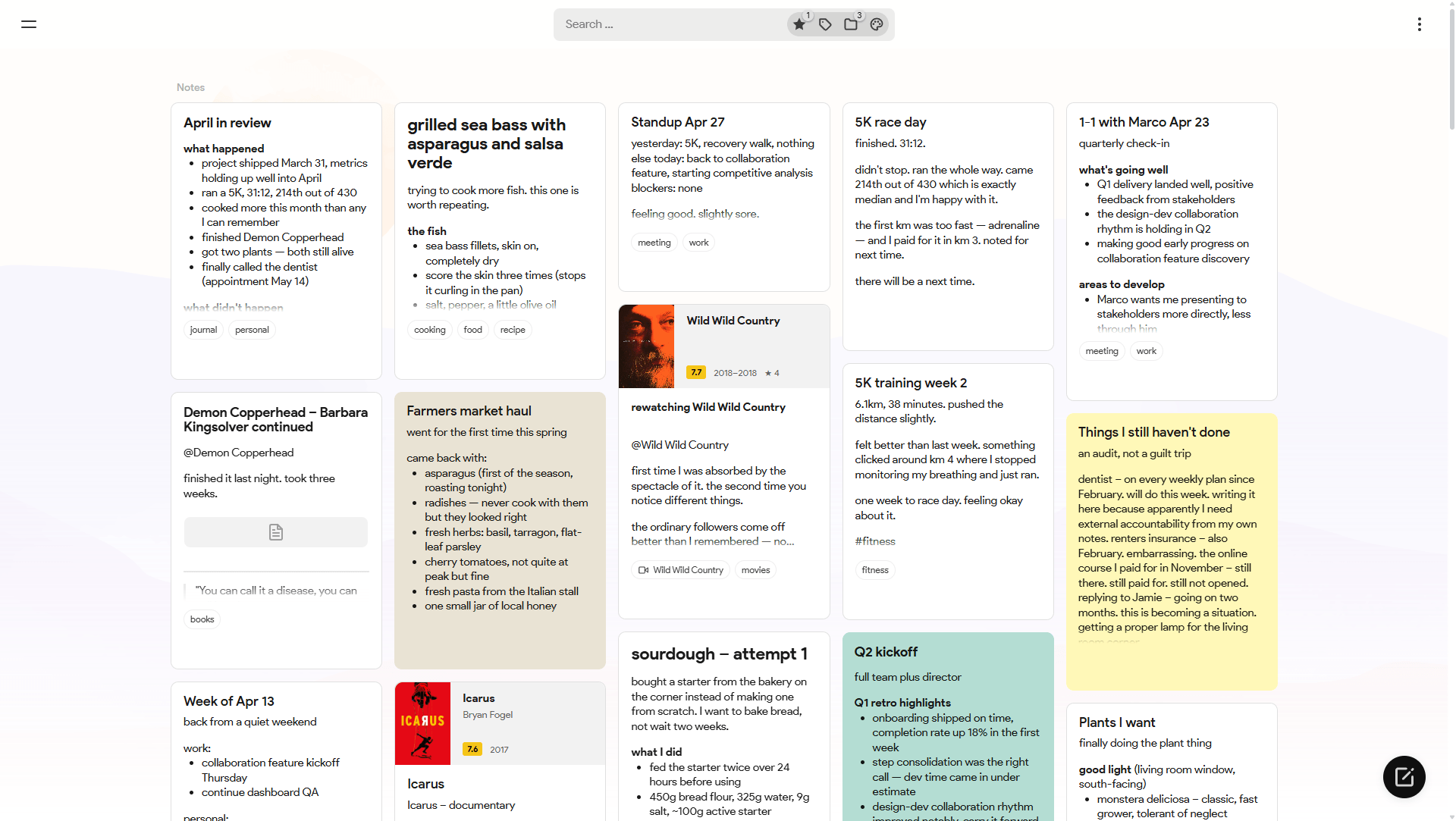
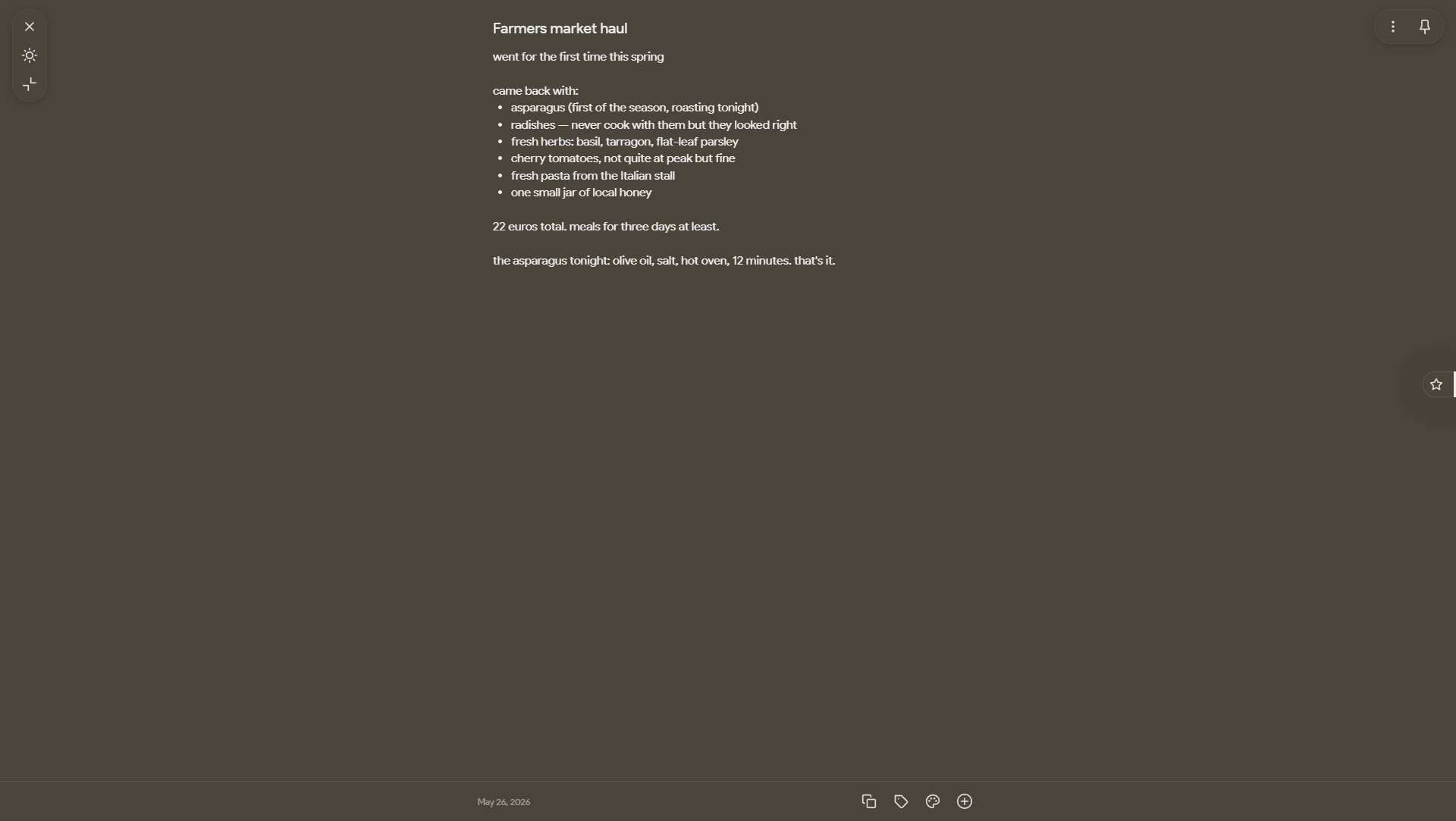
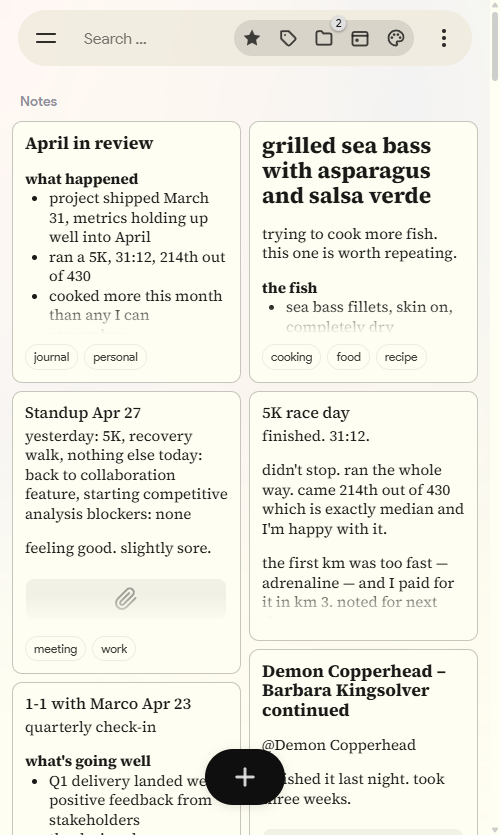
A self-hosted Google Keep alternative. It sticks to the familiar masonry layout but overhauls how you actually navigate and organize a large amount of notes.
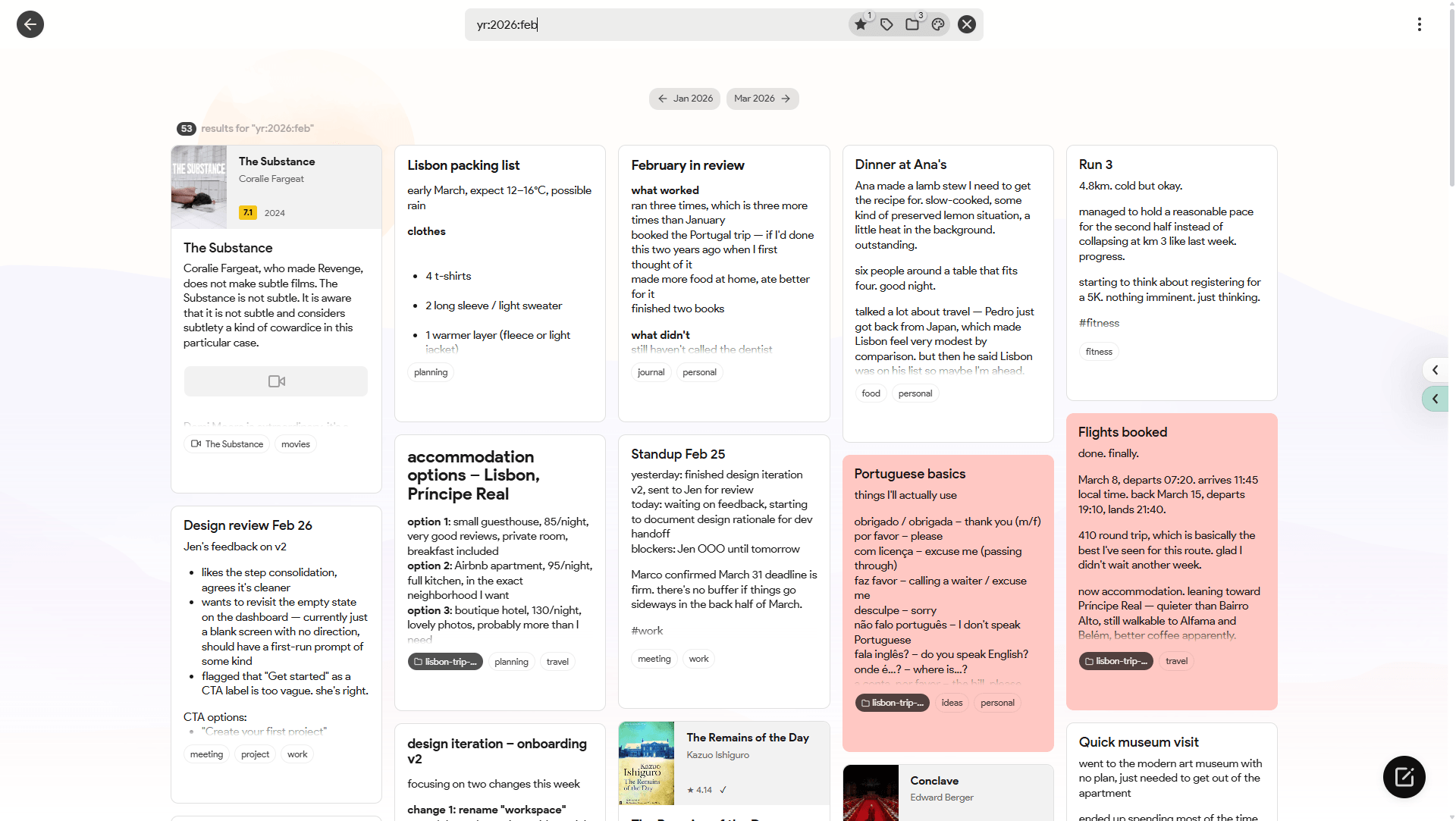
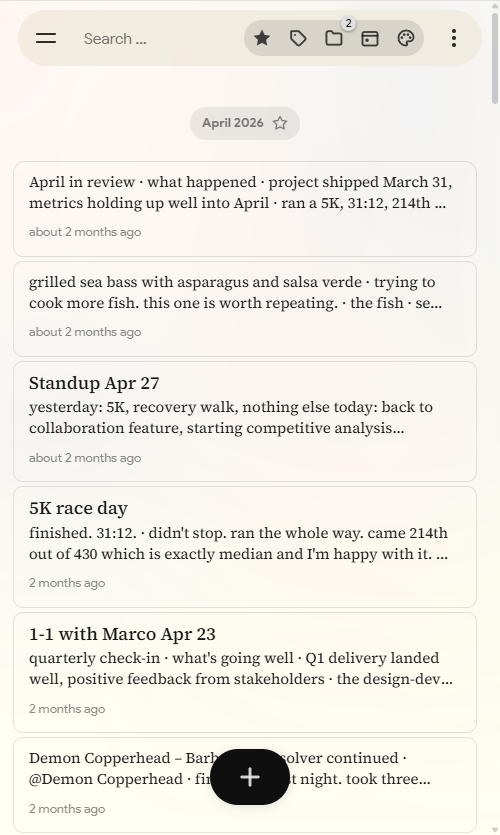
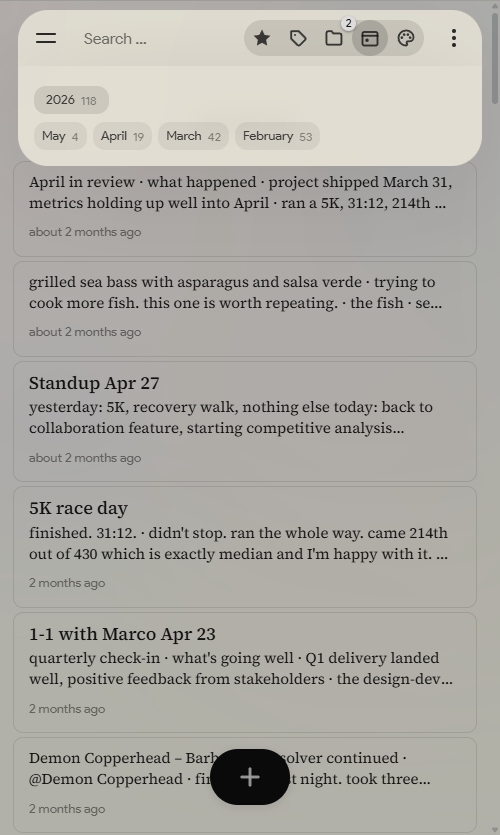
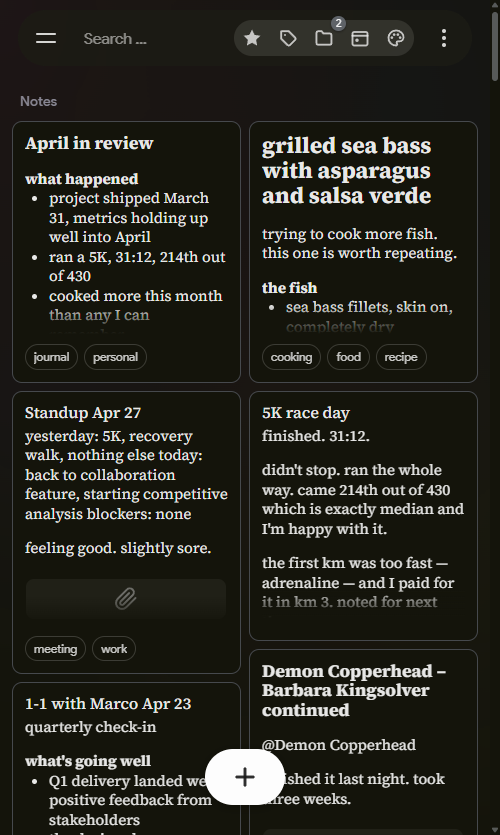
Instead of an endless wall of text, the feed is broken down by month markers. There are quick-search panels for colors and tags, a basic folder implementation, and a proper list view. It also handles data import natively, so moving off Keep or importing text files is straightforward.

Features:
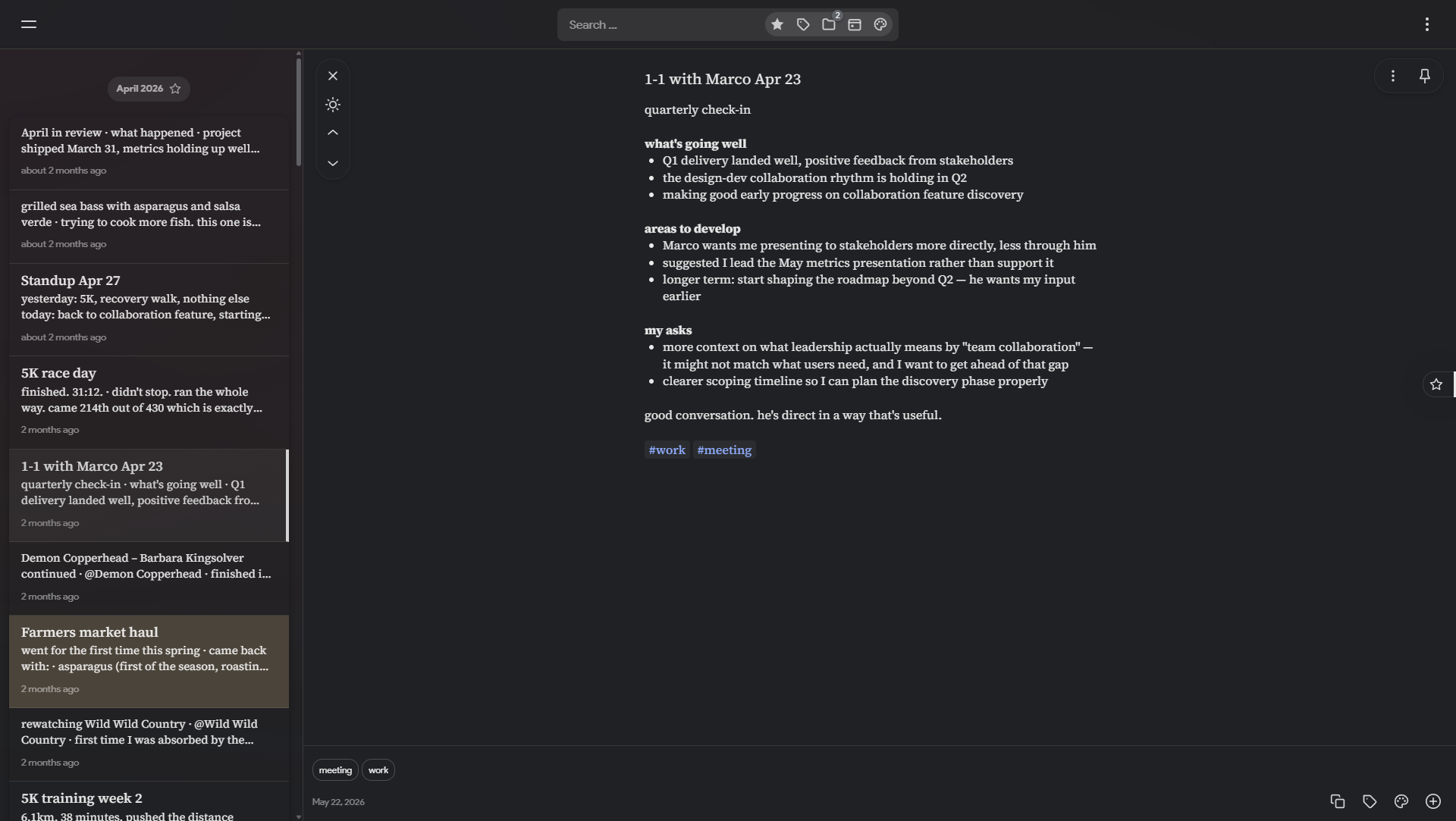
- Better navigation: The timeline has month markers to break up the list. There are quick-access panels for colors, tags, saved searches, and a calendar.
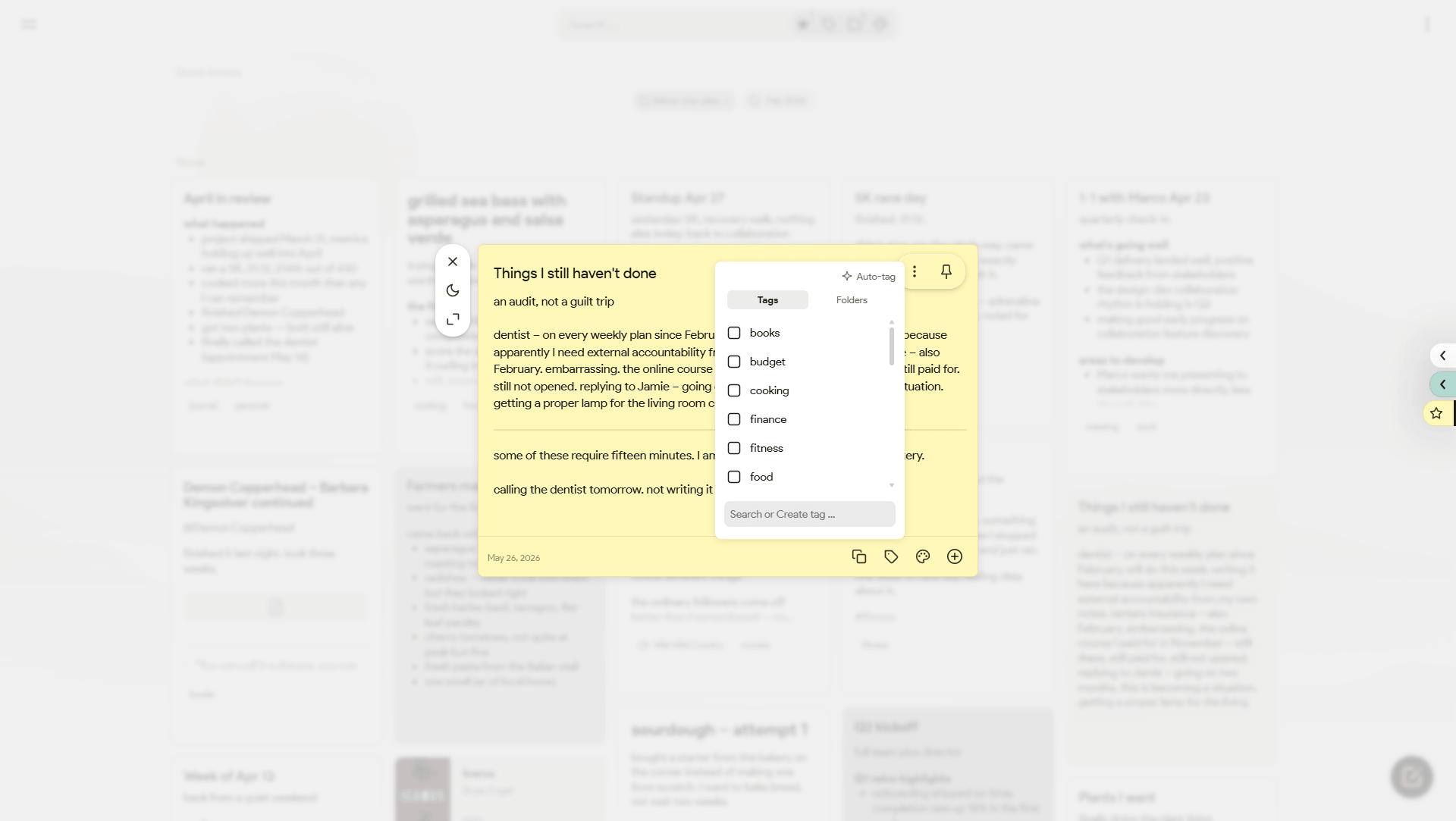
- More ways to organize: Basic folders, internal note linking, and the ability to rename color labels to whatever makes sense to you.
- View modes: The standard masonry grid, a stacked view, and a proper dense list view.
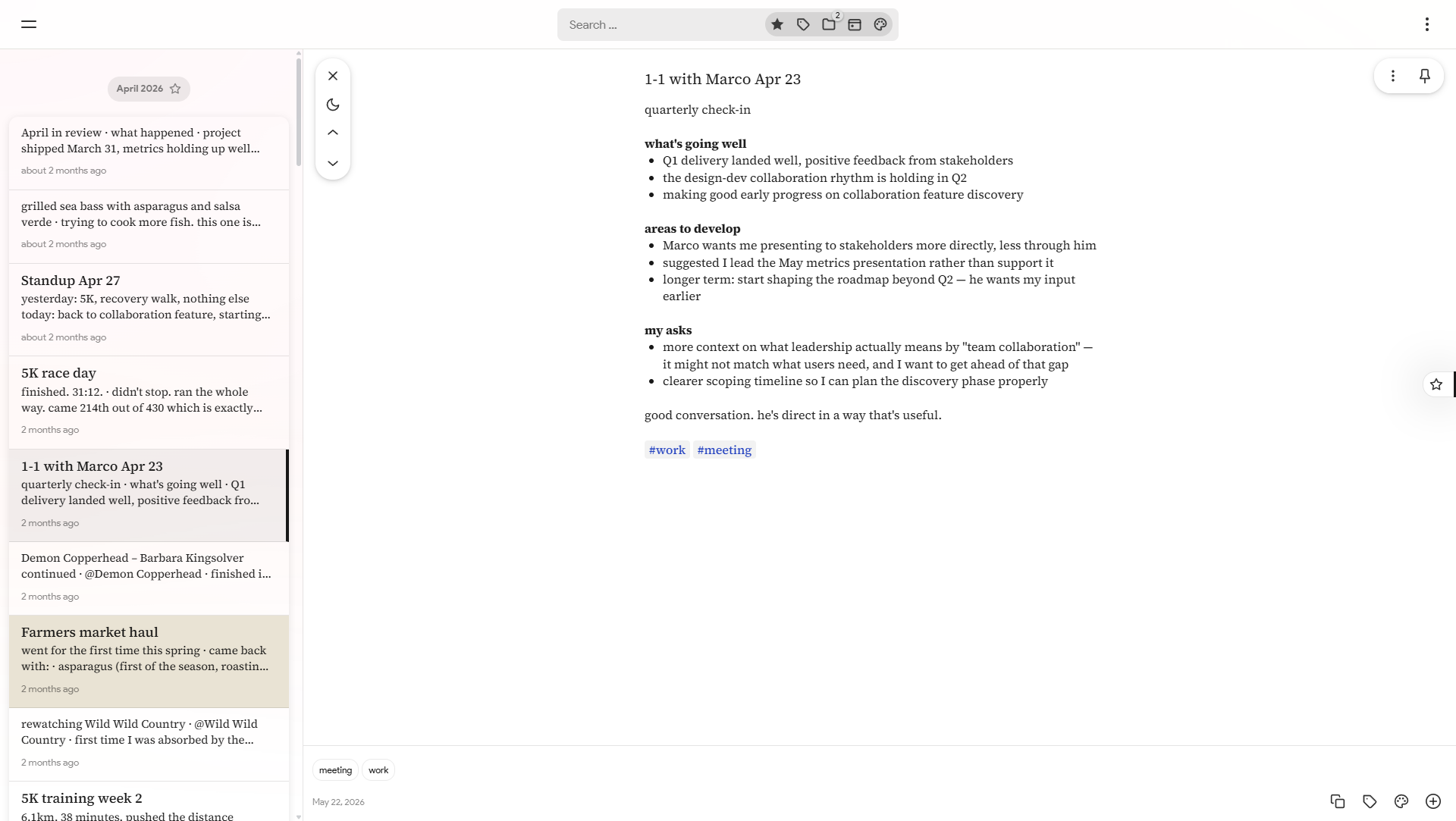
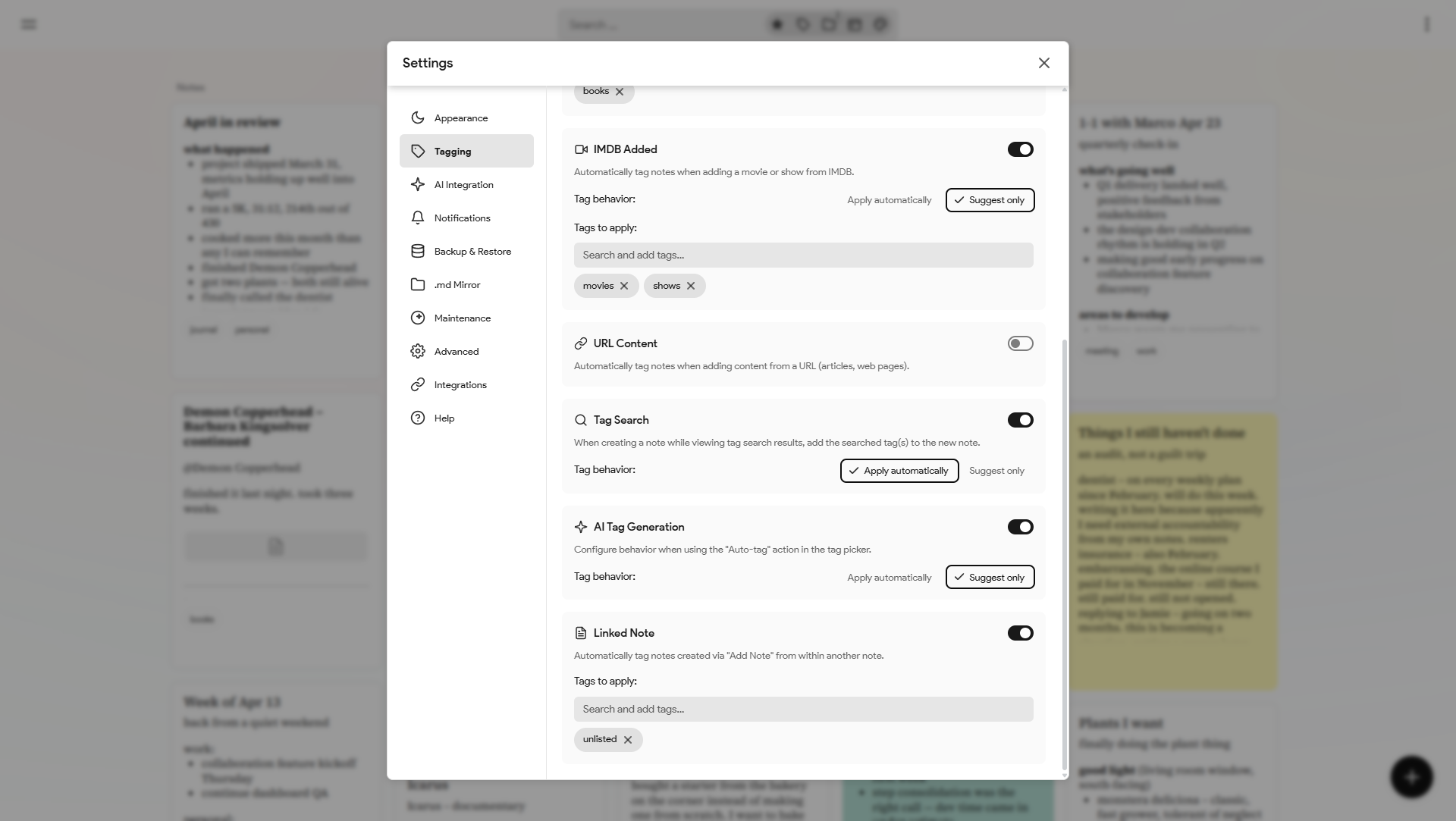
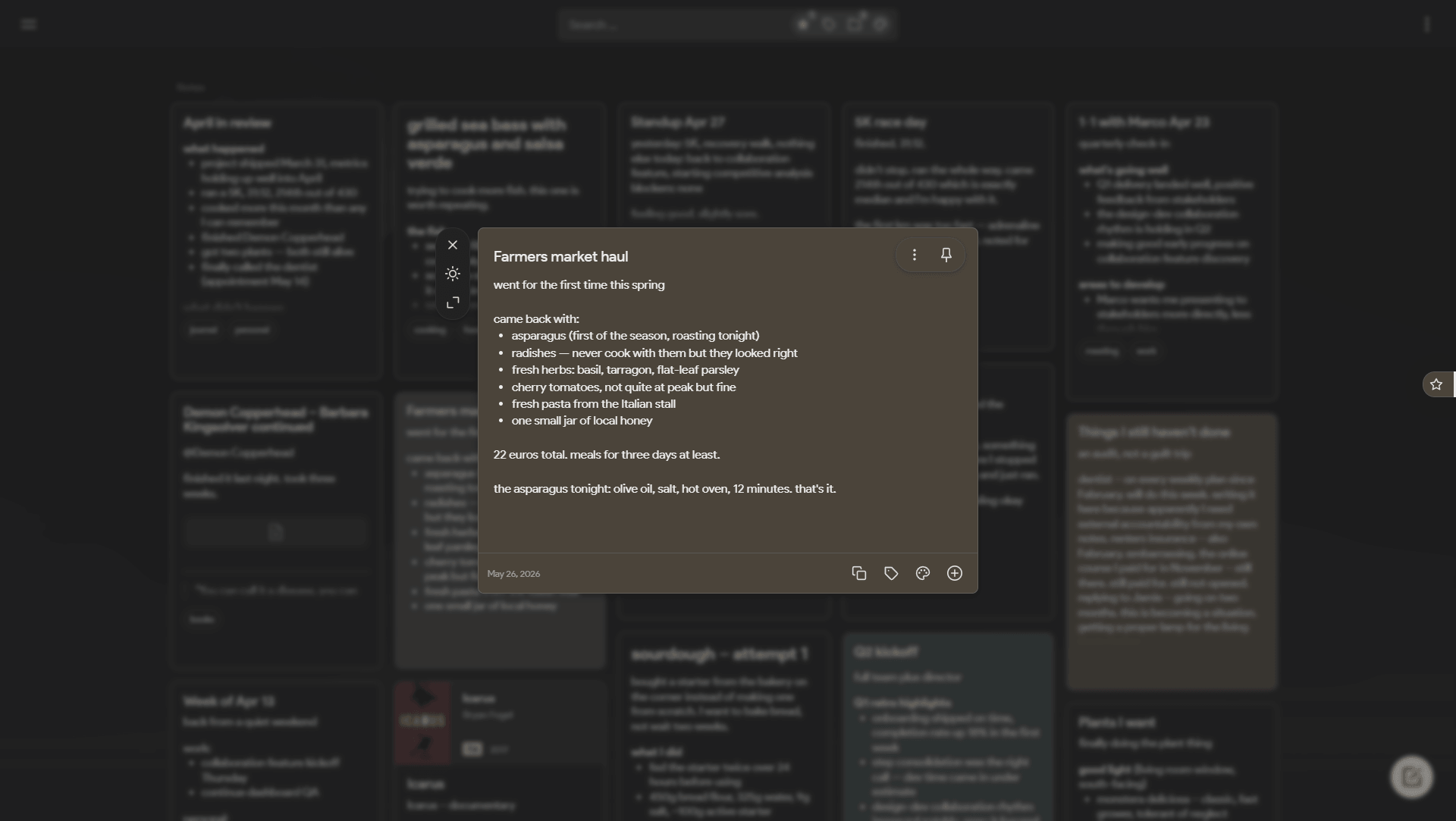
- Customization: A heavy settings modal to tweak layouts, page backgrounds, and form behaviors.
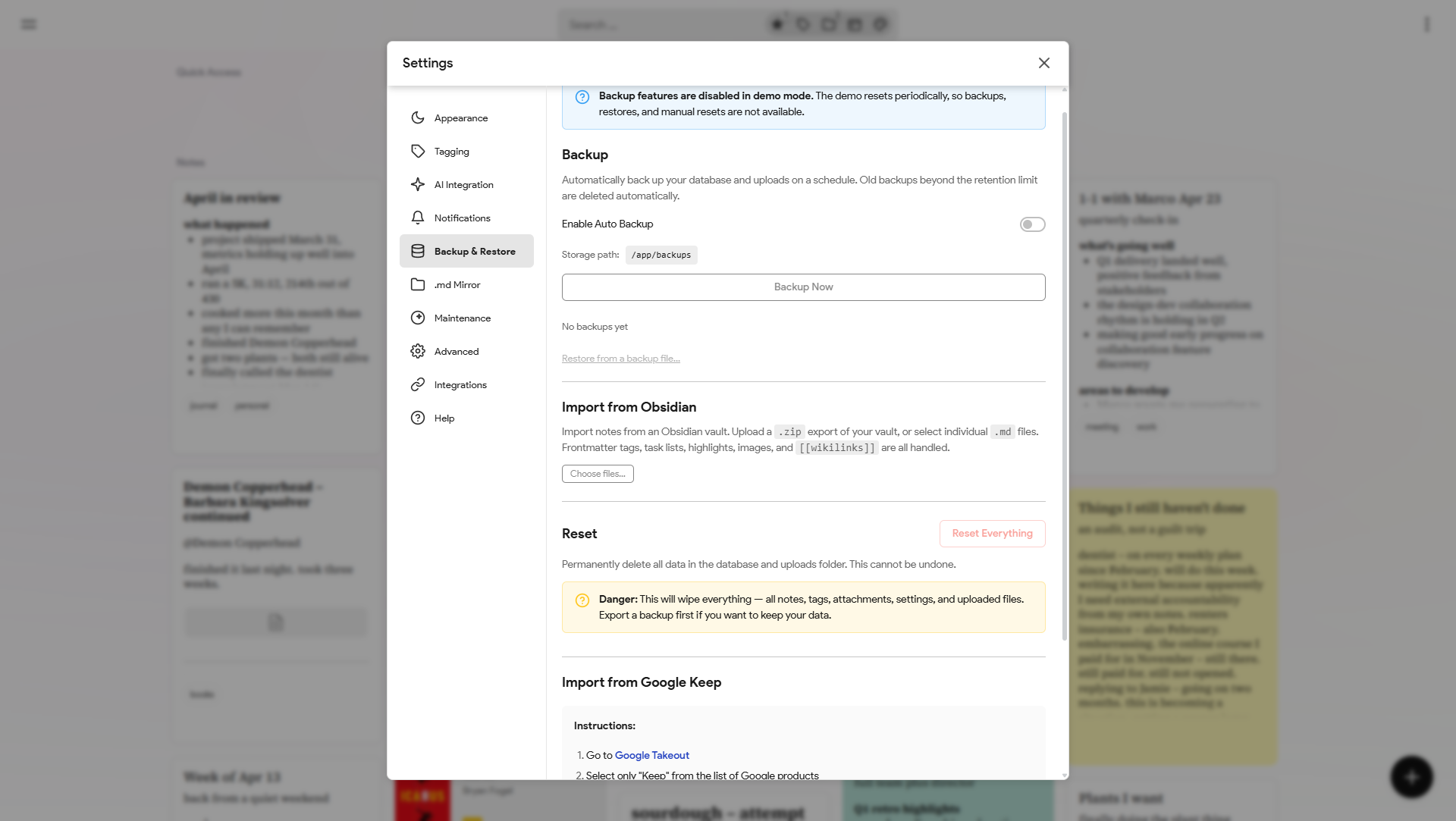
- Easy imports: Drop in a Google Takeout
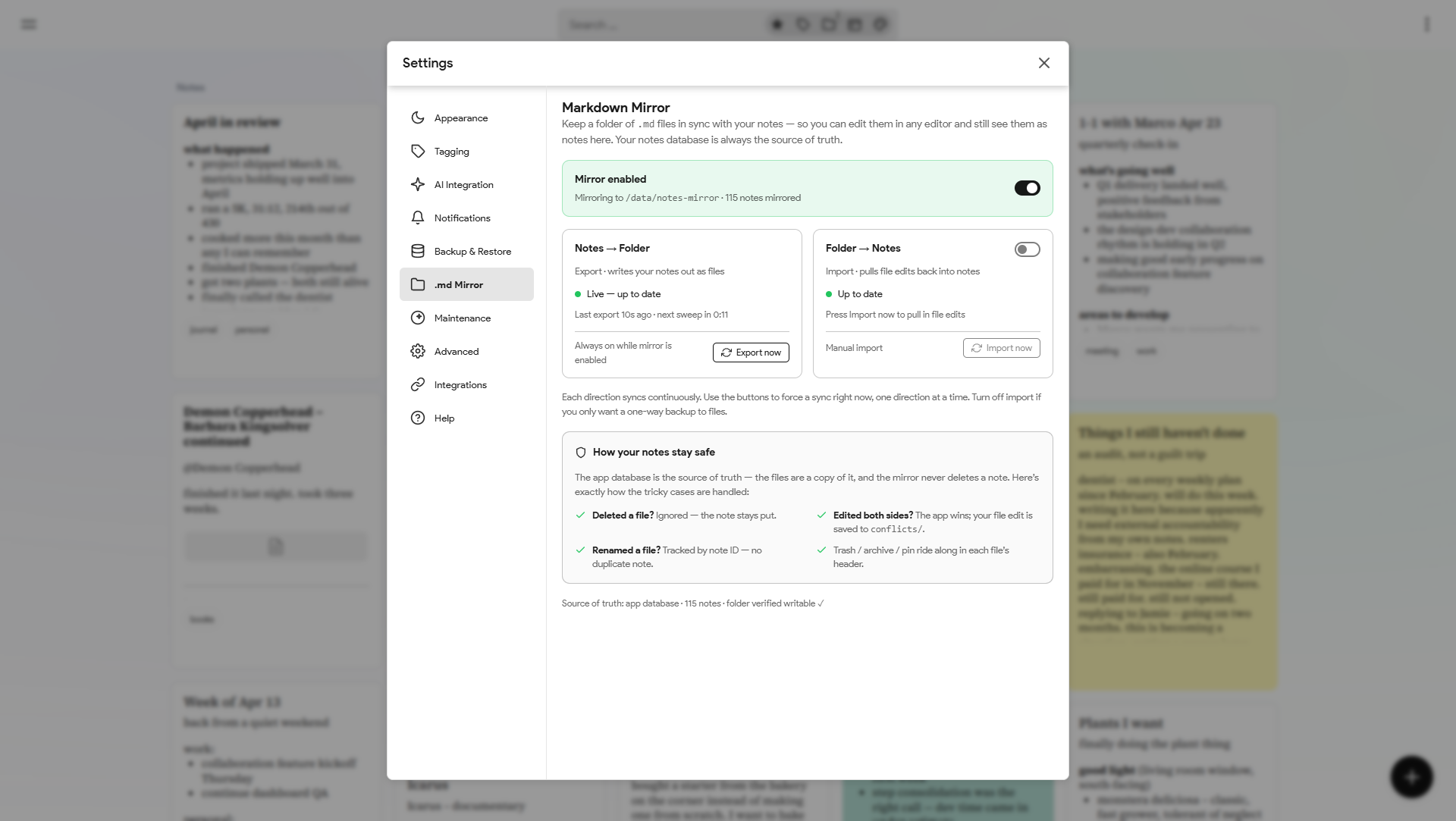
.zipto import Keep data, or bulk upload.txtand.mdfiles directly. - Markdown mirror: Two-way sync between your notes and a folder of
.mdfiles. Every note is continuously written out with a metadata header (tags, color, reminders, pin/archive/trash state) and images/attachments alongside, and edits you make to the files in any editor (Obsidian, VS Code) are pulled back into your notes — automatically if you want. The database stays the source of truth: conflicting edits are kept safe in aconflicts/folder and renames are tracked by note ID, never duplicated. Great for backups, grep, git, or living in Obsidian. - Quality of life: Built-in note history for revisions, plus automatic metadata fetching for books and movies.
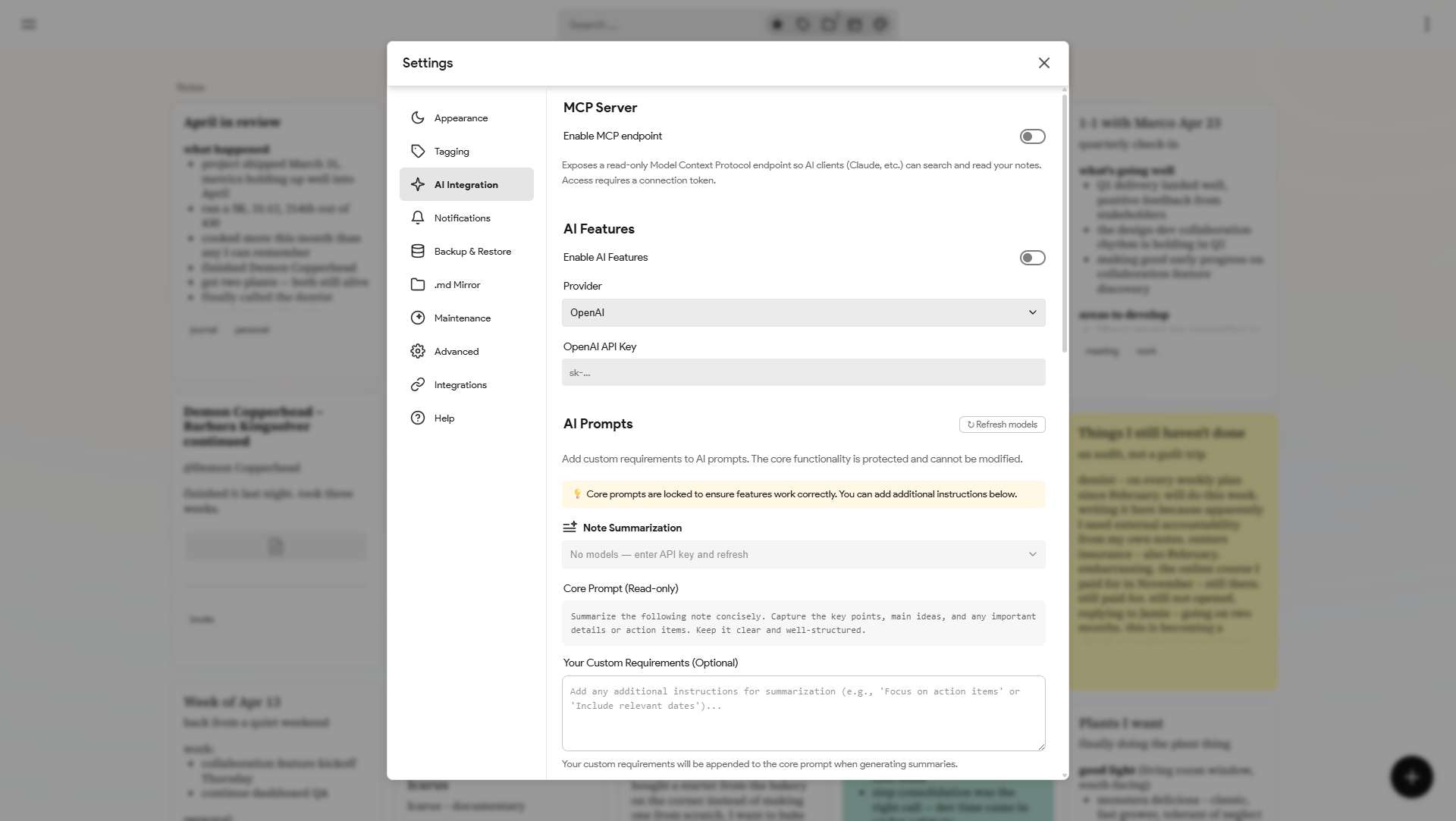
- Optional AI stuff: Hooks for auto-tagging and reminder parsing, plus a built-in MCP server so external AI clients can query your database.
Built with React, Node.js, PostgreSQL, and Socket.io.
 |
 |
 |
|
 |
 |
 |
 |
 |
 |
 |
 |
 |
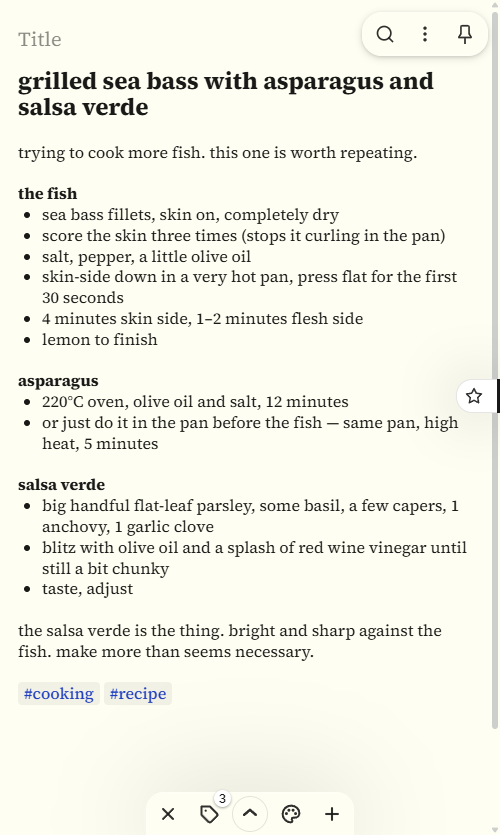
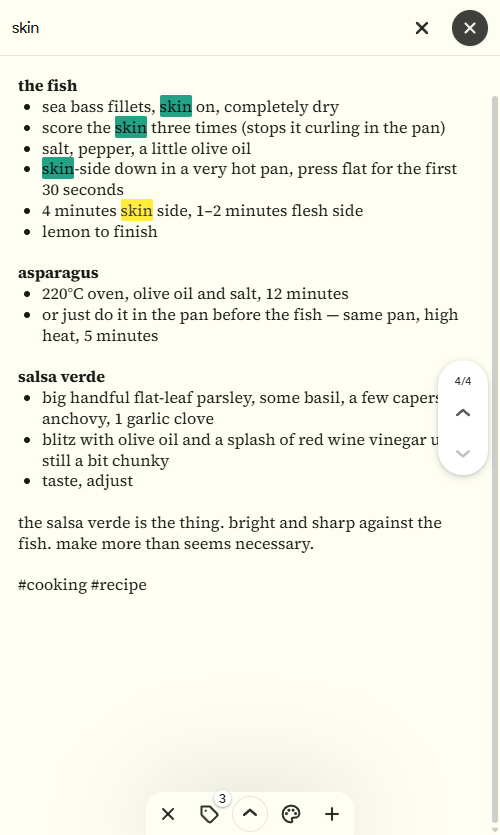
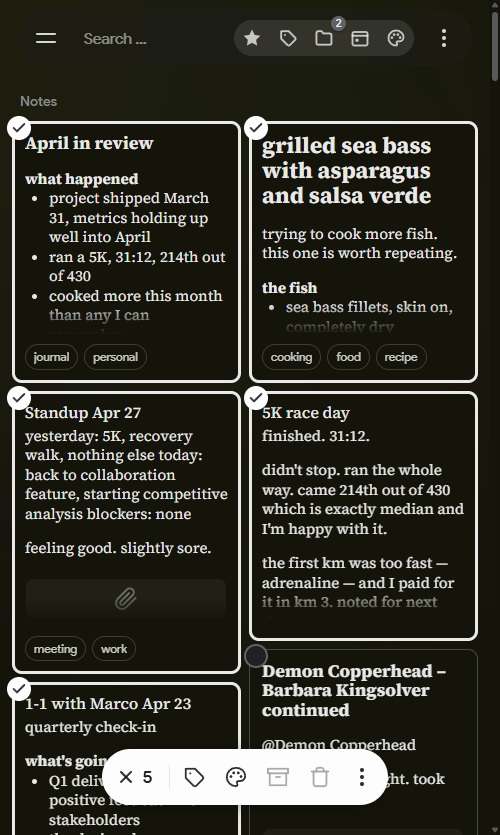
On mobile
 |
 |
 |
 |
 |
 |
 |
Docker Setup
Save this as docker-compose.yml:
name: itsnotes

services:
  itsnotes-db:
    image: postgres:17-alpine
    restart: unless-stopped
    environment:
      POSTGRES_USER: itsnotesuser
      POSTGRES_PASSWORD: change-this-password
      POSTGRES_DB: itsnotes
    volumes:
      - postgres_data:/var/lib/postgresql/data
    healthcheck:
      test: ["CMD-SHELL", "pg_isready -U $$POSTGRES_USER -d $$POSTGRES_DB"]
      interval: 10s
      timeout: 5s
      retries: 5

  itsnotes-server:
    image: ghcr.io/alexmicuplusfour/itsnotes-server:latest
    restart: unless-stopped
    depends_on:
      itsnotes-db:
        condition: service_healthy
    environment:
      NODE_ENV: production
      PORT: 5000
      DB_HOST: itsnotes-db
      DB_PORT: 5432
      DB_USER: itsnotesuser
      DB_PASSWORD: change-this-password
      DB_NAME: itsnotes
      PUPPETEER_EXECUTABLE_PATH: /usr/bin/chromium-browser
      BACKUP_PATH: /app/backups
      # Markdown Mirror target — exported .md files appear in ./notes-mirror on the host
      MD_MIRROR_PATH: /data/notes-mirror
    volumes:
      - attachments_data:/app/uploads
      - backups_data:/app/backups
      # Browsable folder for the Markdown Mirror feature (turn it on in Settings)
      - ./notes-mirror:/data/notes-mirror

  itsnotes-client:
    image: ghcr.io/alexmicuplusfour/itsnotes-client:latest
    restart: unless-stopped
    depends_on:
      - itsnotes-server
    ports:
      - "80:80"

volumes:
  postgres_data:
  attachments_data:
  backups_data:
Change the database password (and set any optional values — see .env.example), then start it:
docker compose up -d
The app will be available on port 80.
With Caddy (HTTPS + domain)
For automatic HTTPS, use docker-compose.caddy.example.yml instead — it adds a Caddy service. You'll also need a Caddyfile (Caddyfile.example) with your domain. Then docker compose up -d; Caddy handles SSL certificates automatically.
Serving under a subpath
itsnotes can share a domain with other apps by living under a path prefix,
e.g. https://example.com/itsnotes. Set BASE_PATH on the client container
and put a reverse proxy in front that strips the prefix before forwarding.
The normal published image is used — changing BASE_PATH only needs a
restart, not a rebuild. Leave BASE_PATH unset to serve at the root as usual.
  itsnotes-client:
    image: ghcr.io/alexmicuplusfour/itsnotes-client:latest
    environment:
      BASE_PATH: /itsnotes
With Caddy, handle_path strips the prefix:
example.com {
    redir /itsnotes /itsnotes/
    handle_path /itsnotes/* {
        reverse_proxy itsnotes-client:80
    }
}
For an existing Traefik installation, docker-compose.traefik.example.yml
is a complete example using Traefik's Docker provider — edit the placeholder
domain, path, and network at the top of the file.
Configuration
All configuration is via the environment: blocks in docker-compose.yml. See .env.example for the full list of available options.
Optional AI features (auto-tagging, OCR, summarization, reminder parsing) work with three providers, configured under Settings → AI:
- OpenAI or Anthropic — needs an API key (
OPENAI_API_KEY/ANTHROPIC_API_KEY, or just paste it in Settings). - Ollama — fully local, no API key, and note content never leaves your server.
Local AI with Ollama
Pick Ollama in Settings → AI, set the base URL, hit ↻ Refresh models, and assign a model per feature:
- itsnotes in Docker, Ollama on the host:
http://host.docker.internal:11434 - Ollama as a compose service (commented-out block in
docker-compose.example.yml):http://ollama:11434 - Elsewhere on your network:
http://:11434
OCR requires a model with vision support. Quality depends entirely on the models you run — and if summaries seem to ignore the end of long notes, raise Ollama's context window setting.
REST API
The same API the frontend uses is available to external scripts and apps. Log in with your credentials, call POST /api/auth/api-token to get a long-lived token, then pass it as a Bearer header on any request:
curl https://your-instance/api/notes/search?query=yr:2024 \
  -H "Authorization: Bearer <token>"
See docs/api.md for the full reference: endpoints, query params, search operators, and the note object schema.
Chatting with your notes (MCP)
There's a built-in MCP server that lets Claude (and other AI clients) search and read your notes. Turn it on under Settings → AI → MCP Server and generate a token. To connect, paste the URL into Claude's custom connector, or run the claude mcp add command it gives you for Claude Code.
It's off by default, read-only, and won't work without the token.
Importing from Obsidian
If you keep your notes in Obsidian, you can bring your entire vault over:
- Zip your Obsidian vault folder (the folder that contains your
.mdfiles and the.obsidianconfig directory). - In itsnotes, open Settings → Backup & Restore → Import from Obsidian and select the
.zip.
Alternatively, you can select individual .md files if you only want to import a subset.
What comes across: note titles, body text, frontmatter tags (including nested project/sub hierarchies), inline #tags, [[wikilinks]] (resolved to internal note links), ![[embedded images]], standard , ==highlights==, task lists, and frontmatter fields for created/modified dates, pinned, and archived state. Obsidian comments (%%...%%) are stripped. A two-pass approach ensures wikilinks resolve correctly even when the linked note appears later in the import batch.
Importing from Google Keep
If you're moving over from Google Keep, you can bring your notes with you:
- Go to Google Takeout and request an export of just Keep.
- Download the resulting
.zipwhen it's ready. - In itsnotes, open Settings → Backup & Restore → Import from Google Keep → Import from Takeout and select the
.zip.
Notes, checklists, labels, colors, archive/trash/pin state, original timestamps, and images all come across. Image attachments land in each note's gallery, and any other attachments are brought over too.
Alternatives
- memos — A lightweight, privacy-first hub for quick notes and memos. Leans toward a fast, microblog-style stream rather than a Keep-like board, and ships as a single Go binary.
- Joplin — A mature, full-featured note and to-do app with Markdown, end-to-end encryption, web clipper, and sync across desktop, mobile, and web. The heavyweight option if you want notebooks and offline apps everywhere.
- Zen — A minimal, single-user self-hosted notes app focused on simplicity and staying out of your way. A good pick if you want something tiny and no-frills.
- Karakeep — A self-hosted "bookmark everything" app for links, notes, and images, with automatic AI tagging and full-text search. More of a hoarding-and-recall tool than a Keep-style note board.
This project is entirely 𝚟𝚒𝚋𝚎𝚌𝚘𝚍𝚎𝚍.