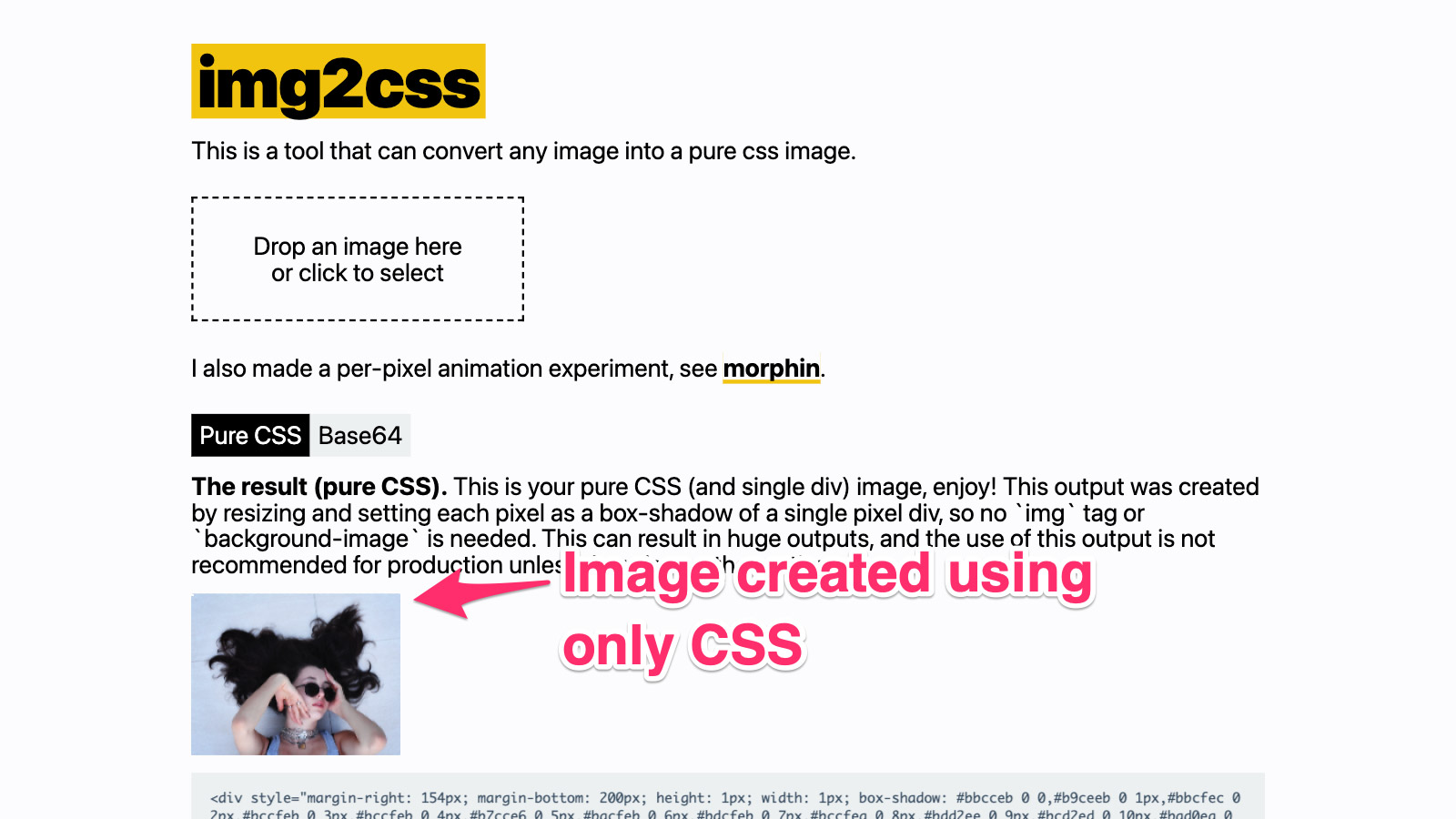
img2css is a browser-based design tool that converts any image into pure CSS, aimed at frontend developers, designers and pixel-art enthusiasts who want image output without shipping image files.
What it is
img2css is a JavaScript project, published under the BSD-3-Clause licence, that turns an uploaded image into CSS markup rather than a bitmap asset. It lives in the frontend and design-tooling ecosystem, the same space as CSS generators, prototyping utilities and asset-reduction helpers, and it carries the registry topics css, design, design-tool, frontend, img2css, javascript, pixel-art and react. The public build is served at https://javier.xyz/img2css, and the repository at javierbyte/img2css is the source for that site.
The concrete problem it solves is asset delivery. A conventional page loads an image through an img tag or a background-image rule, which means the browser must fetch a separate file from a host. img2css replaces that request: it resizes the source image and emits it either as a matrix of box-shadow values or as a base64 payload. In the pure CSS mode, each pixel becomes a box-shadow on a single pixel div, so no img tag and no background-image are needed at all. The author is explicit that this output can be enormous and that production use is not recommended unless there is no other option. The base64 mode writes the whole image file inside the img tag as a data URI, which removes the need for external hosting without removing the image.
Key capabilities
- Two distinct outputs: a pure CSS
box-shadow matrix, and a base64 image embedded directly in the img tag.
- Pure CSS mode renders every pixel as a
box-shadow on one single-pixel div, requiring no img tag and no background-image.
- Base64 mode embeds the entire image file in the markup, so no external hosting is required.
- Hosted converter at https://javier.xyz/img2css, usable without any local setup.
- Static site build:
pnpm build writes the compiled site to out/.
- Local development server through
pnpm install followed by pnpm dev.
- Automated deploy: a push to
main publishes to the gh-pages branch, which serves javier.xyz/img2css.
- Related work named in the README: canvas-image-utils for a programmatic route, and morphin for a per-pixel animation experiment.
Who uses it and how
- Frontend developers stripping external image requests from small decorative graphics, favicons or icons where inlining beats a separate fetch.
- Designers and prototypers producing single-file demos where the page must carry its own visual assets with no hosting step.
- Pixel-art creators, matching the repository's pixel-art topic, because the per-pixel
box-shadow model maps cleanly onto low-resolution sprites.
- Teams that already run static sites on GitHub Pages, since the deploy path targets a
gh-pages branch directly from main.
- Developers who need the same conversion inside a build or script, who are pointed by the README toward canvas-image-utils instead of the web UI.
Getting started
The fastest route is the hosted tool at https://javier.xyz/img2css. To run it locally, install with pnpm install, start it with pnpm dev, and generate the static site with pnpm build, which outputs to out/.
How it compares
No list of paid products replaced by this project appears in the facts, and no competing tools are named either. The README references only the author's own adjacent projects, canvas-image-utils for programmatic conversion and morphin for animation. In this registry it stands alone for its specific job of converting an image into pure CSS.
When to use it — and when not to
Use it for small, decorative or pixel-art assets, for offline single-file demos, or when the goal is to remove an external image request entirely. Do not use the pure CSS output for anything large or production-facing: the README states that the output can be huge and that this mode is not recommended for production unless no alternative exists. The README is also sparse on internals, so anyone evaluating the tool should expect to judge it from the two output modes and the hosted site rather than from documentation.