
Frappe HR
Open Source, modern, and easy-to-use HR and Payroll Software


Frappe HR
Frappe HR has everything you need to drive excellence within the company. It's a complete HRMS solution with over 13 different modules right from Employee Management, Onboarding, Leaves, to Payroll, Taxation, and more!
Motivation
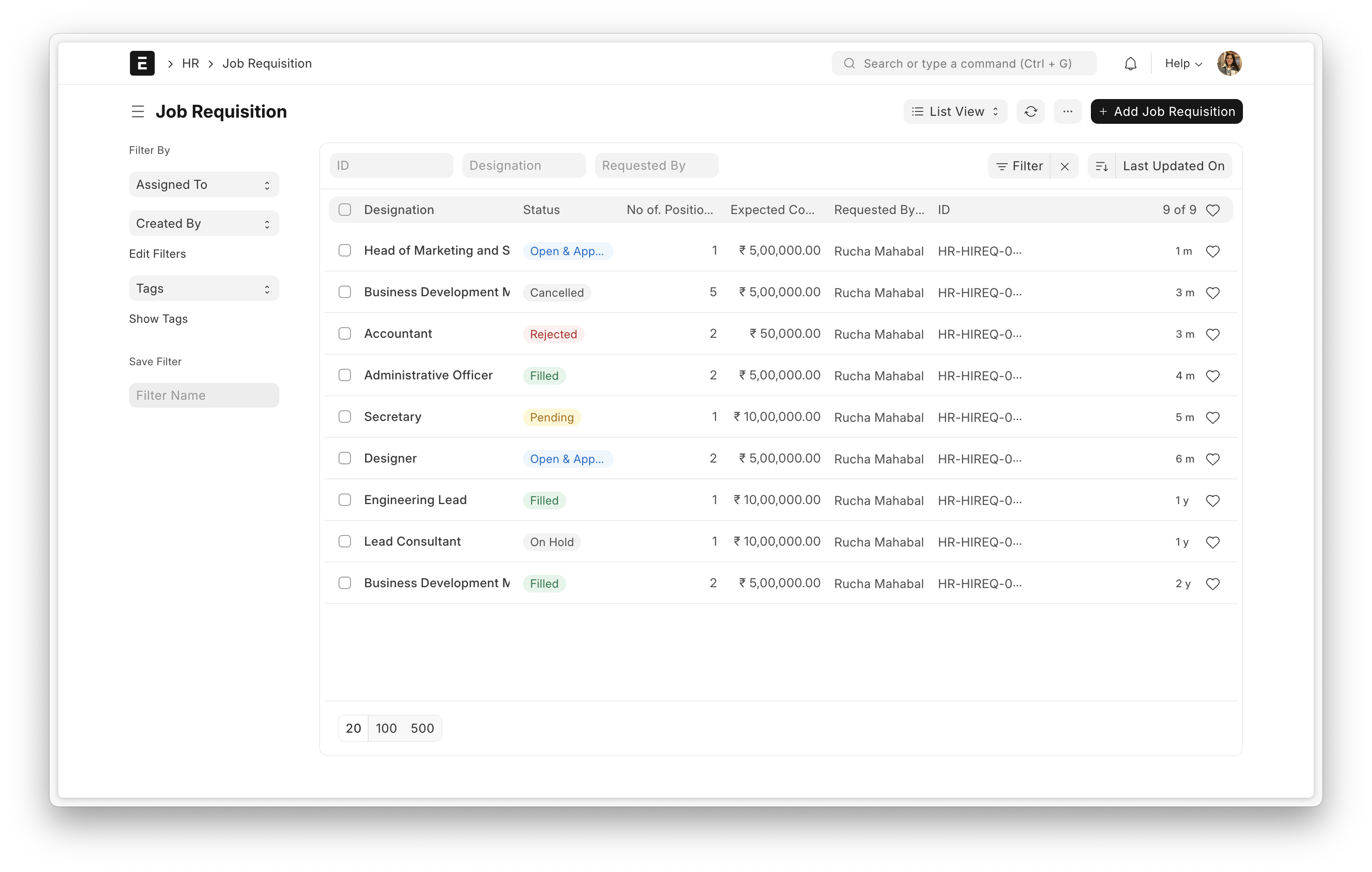
When Frappe team started growing in terms of size, we needed an open-source HR and Payroll software. We didn't find any "true" open-source HR software out there and so decided to build one ourselves. Initially, it was a set of modules within ERPNext but version 14 onwards, as the modules became more mature, Frappe HR was created as a separate product.
Key Features
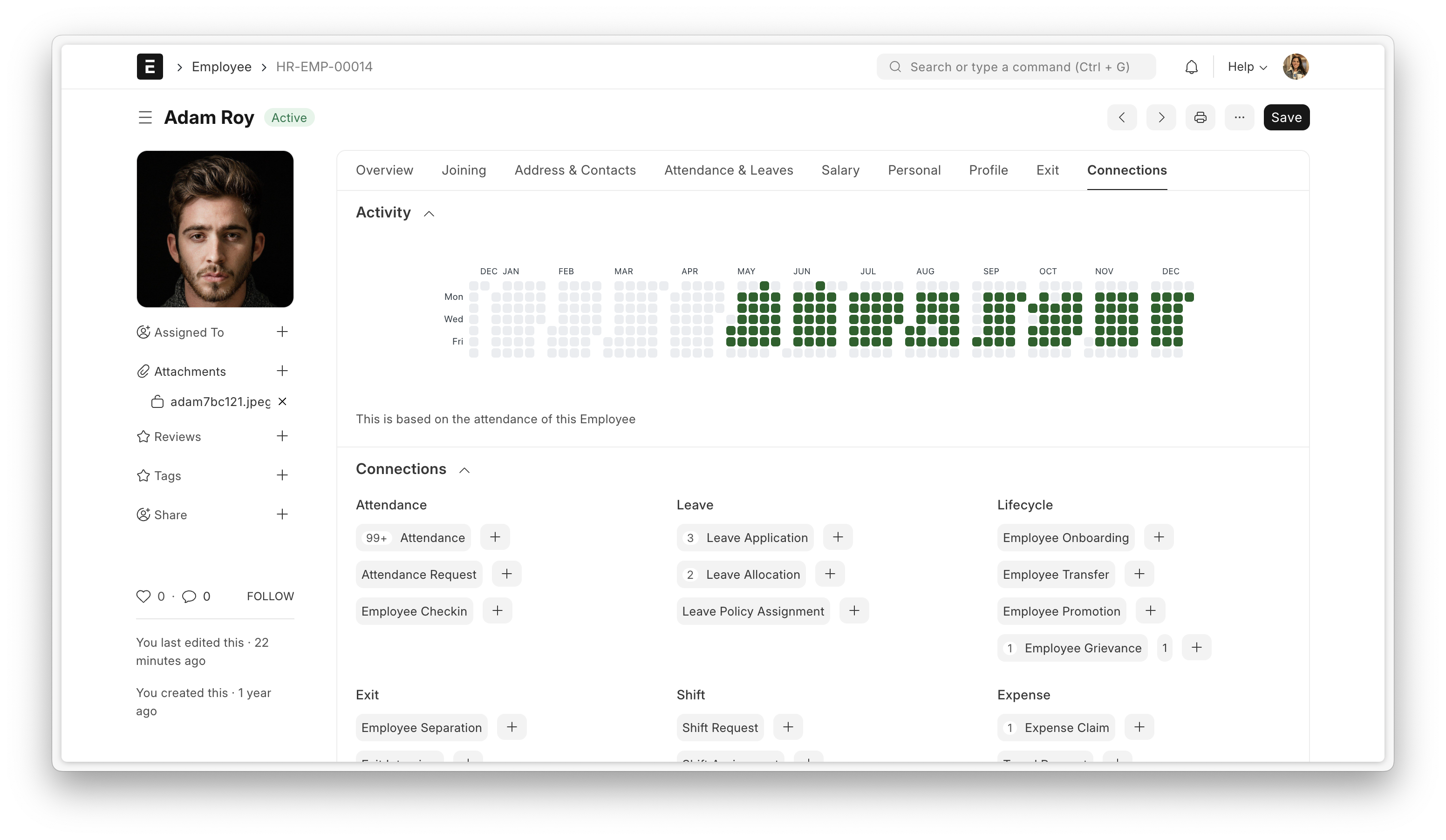
- Employee Lifecycle: From onboarding employees, managing promotions and transfers, all the way to documenting feedback with exit interviews, make life easier for employees throughout their life cycle.
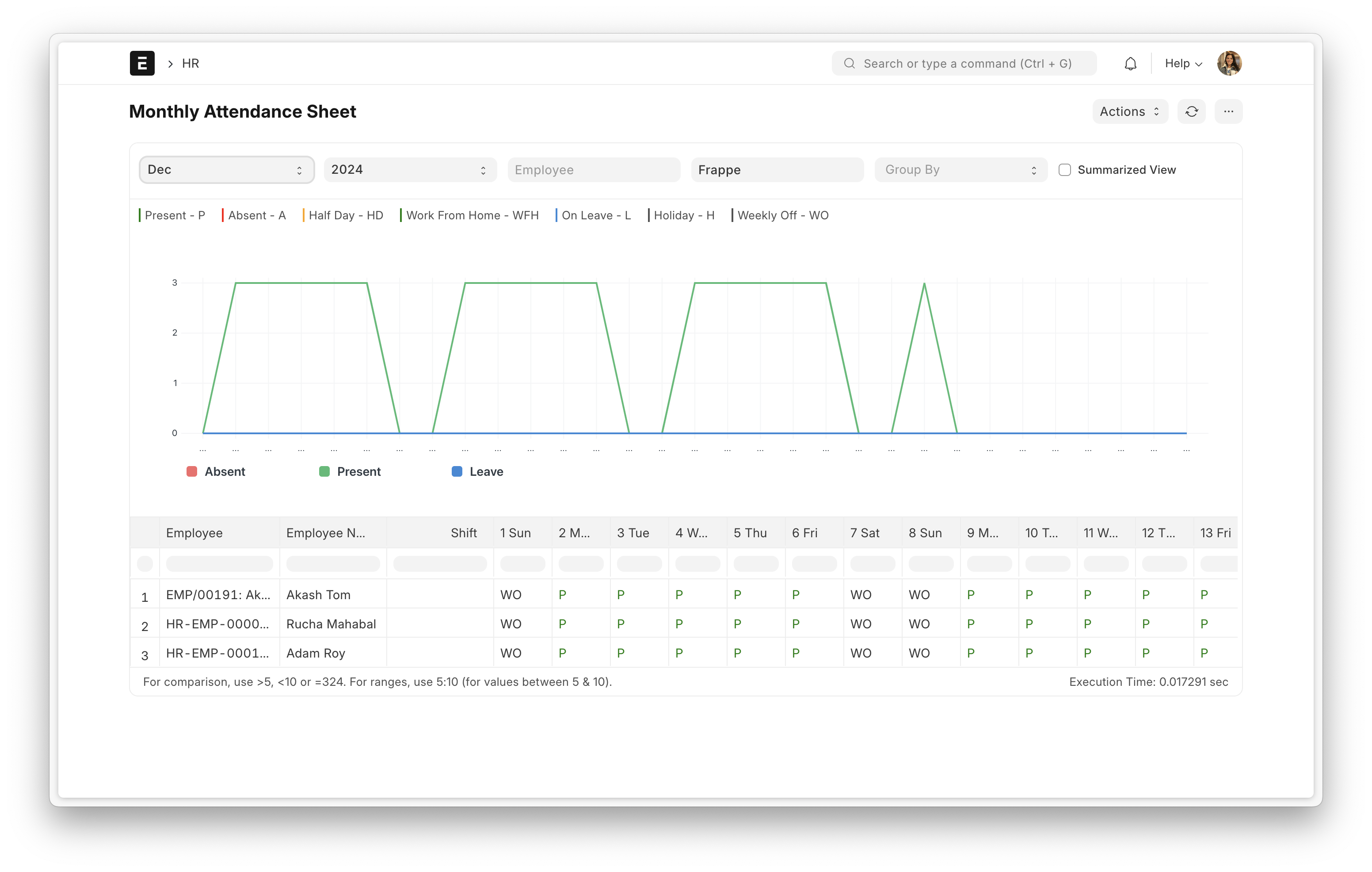
- Leave and Attendance: Configure leave policies, pull regional holidays with a click, check-in and check-out with geolocation capturing, track leave balances and attendance with reports.
- Expense Claims and Advances: Manage employee advances, claim expenses, configure multi-level approval workflows, all this with seamless integration with ERPNext accounting.
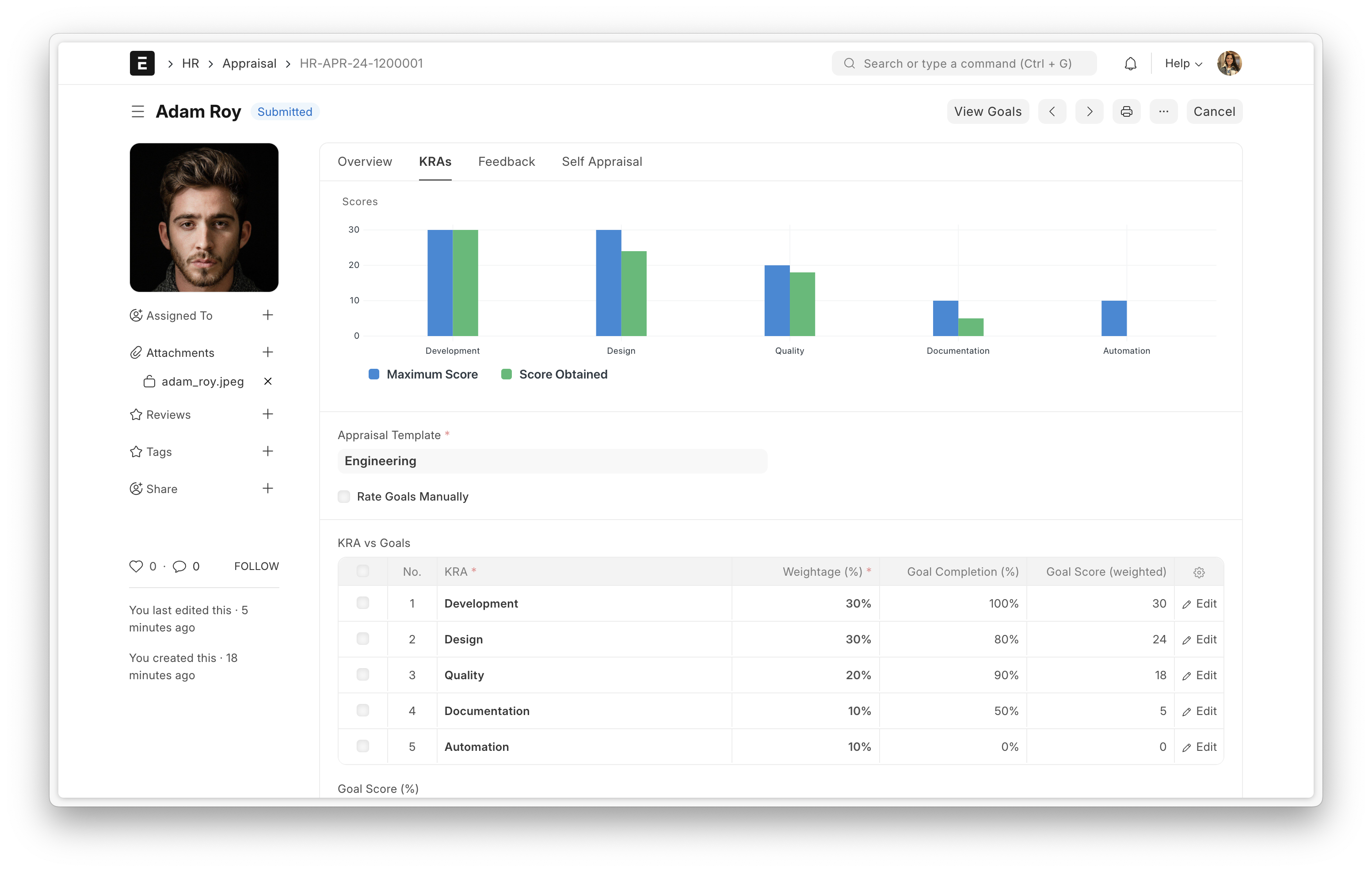
- Performance Management: Track goals, align goals with key result areas (KRAs), enable employees to evaluate themselves, make managing appraisal cycles easy.
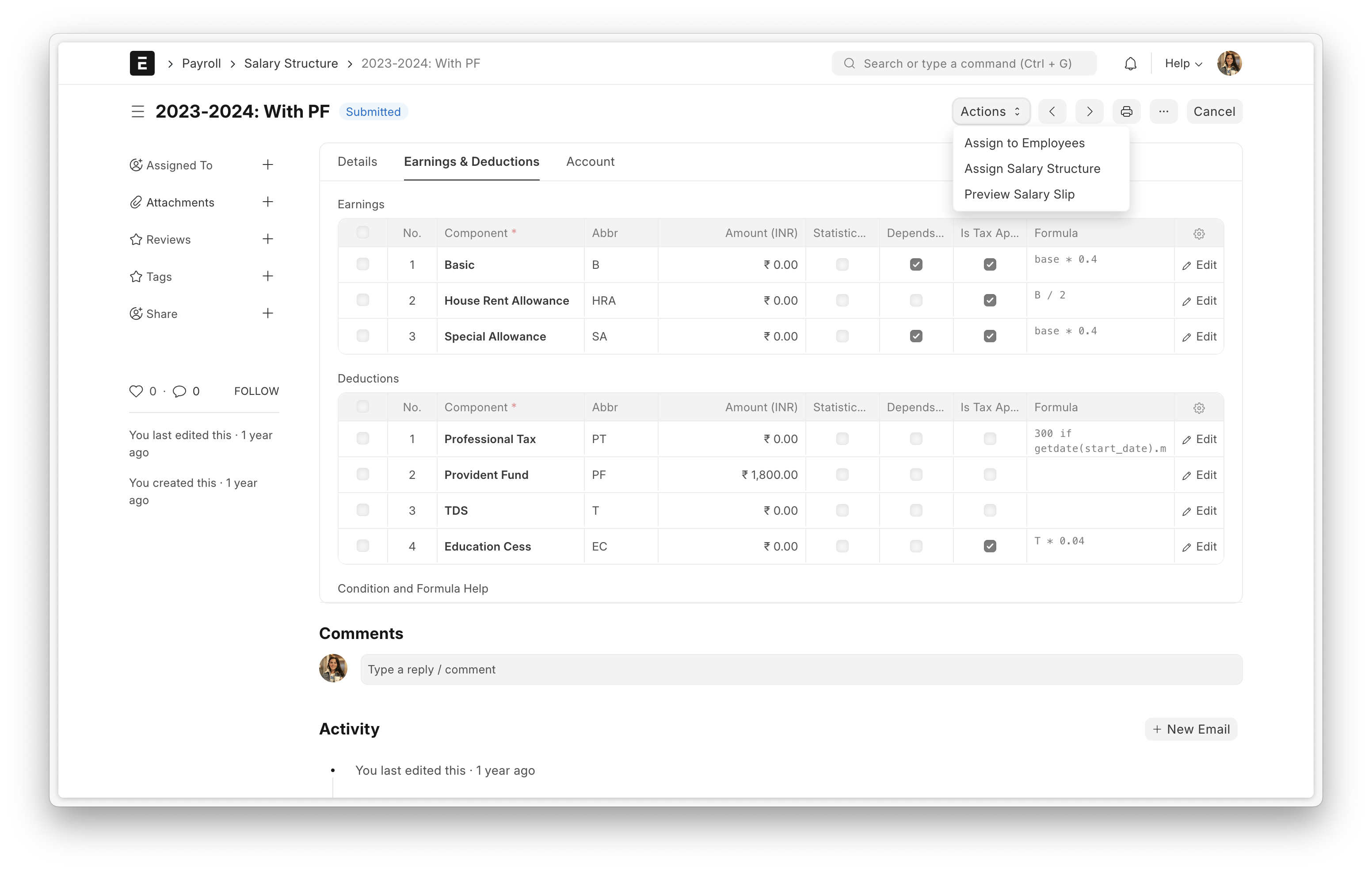
- Payroll & Taxation: Create salary structures, configure income tax slabs, run standard payroll, accommodate additional salaries and off cycle payments, view income breakup on salary slips and so much more.
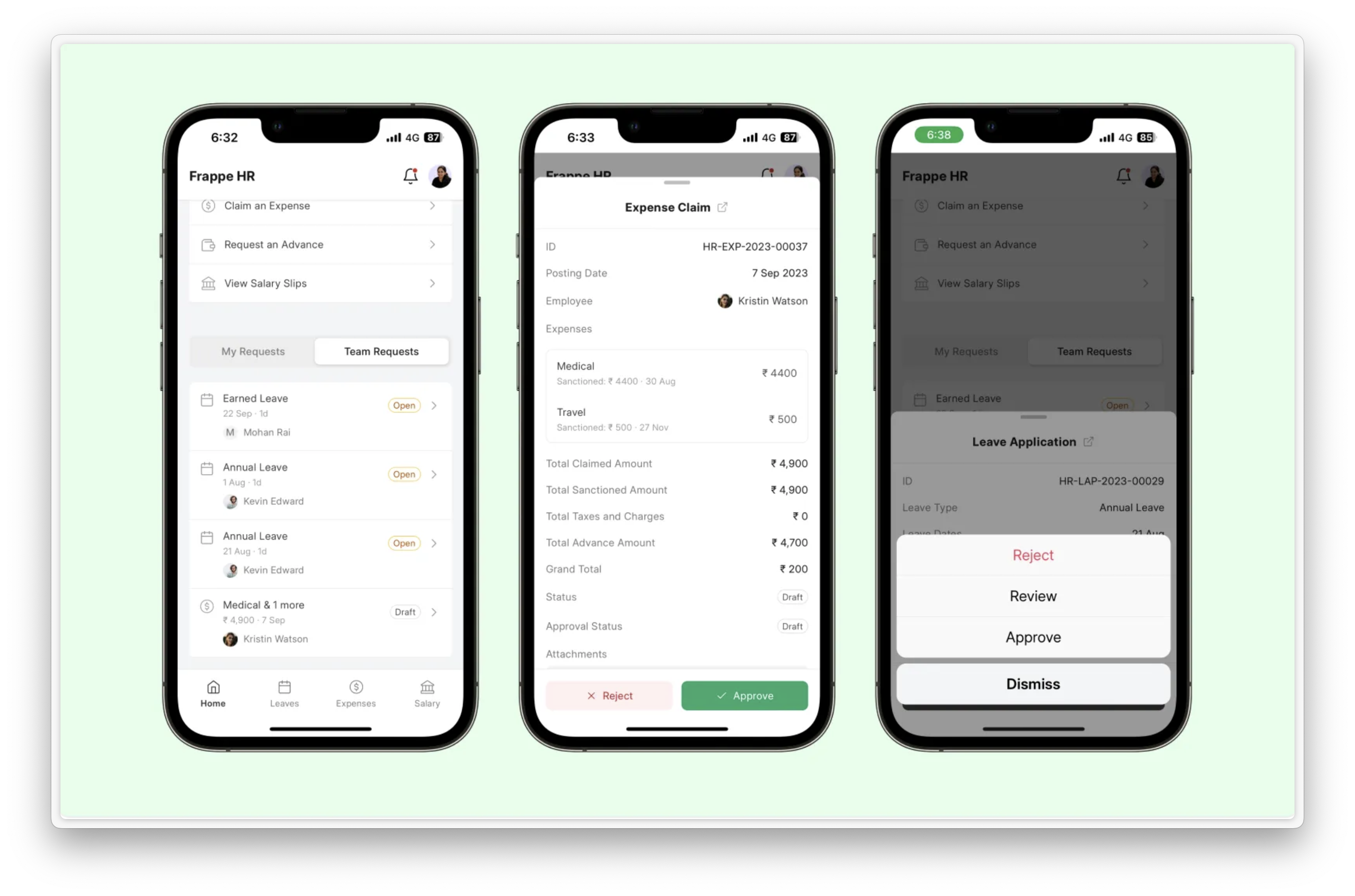
- Frappe HR Mobile App: Apply for and approve leaves on the go, check-in and check-out, access employee profile right from the mobile app.
View Screenshots
Under the Hood
Frappe Framework: A full-stack web application framework written in Python and Javascript. The framework provides a robust foundation for building web applications, including a database abstraction layer, user authentication, and a REST API.
Frappe UI: A Vue-based UI library, to provide a modern user interface. The Frappe UI library provides a variety of components that can be used to build single-page applications on top of the Frappe Framework.
Production Setup
Managed Hosting
You can try Frappe Cloud, a simple, user-friendly and sophisticated open-source platform to host Frappe applications with peace of mind.
It takes care of installation, setup, upgrades, monitoring, maintenance and support of your Frappe deployments. It is a fully featured developer platform with an ability to manage and control multiple Frappe deployments.

</a>
Development setup
Docker
You need Docker, docker-compose and git setup on your machine. Refer Docker documentation. After that, run the following commands:
git clone https://github.com/frappe/hrms
cd hrms/docker
docker-compose up
Wait for some time until the setup script creates a site. After that you can access http://localhost:8000 in your browser and the login screen for HR should show up.
Use the following credentials to log in:
- Username:
Administrator - Password:
admin
Local
- Set up bench by following the Installation Steps and start the server and keep it running
$ bench start - In a separate terminal window, run the following commands
$ bench new-site hrms.localhost $ bench get-app erpnext $ bench get-app hrms $ bench --site hrms.localhost install-app hrms $ bench --site hrms.localhost add-to-hosts - You can access the site at
http://hrms.localhost:8080
Learning and Community
- Frappe School - Learn Frappe Framework and ERPNext from the various courses by the maintainers or from the community.
- Documentation - Extensive documentation for Frappe HR.
- User Forum - Engage with the community of ERPNext users and service providers.
- Telegram Group - Get instant help from the community of users.
Contributing
Logo and Trademark Policy
Please read our Logo and Trademark Policy.

</a>