





Website · Download · Documentation · Release notes · Roadmap · Project status · Contributing
Horizon
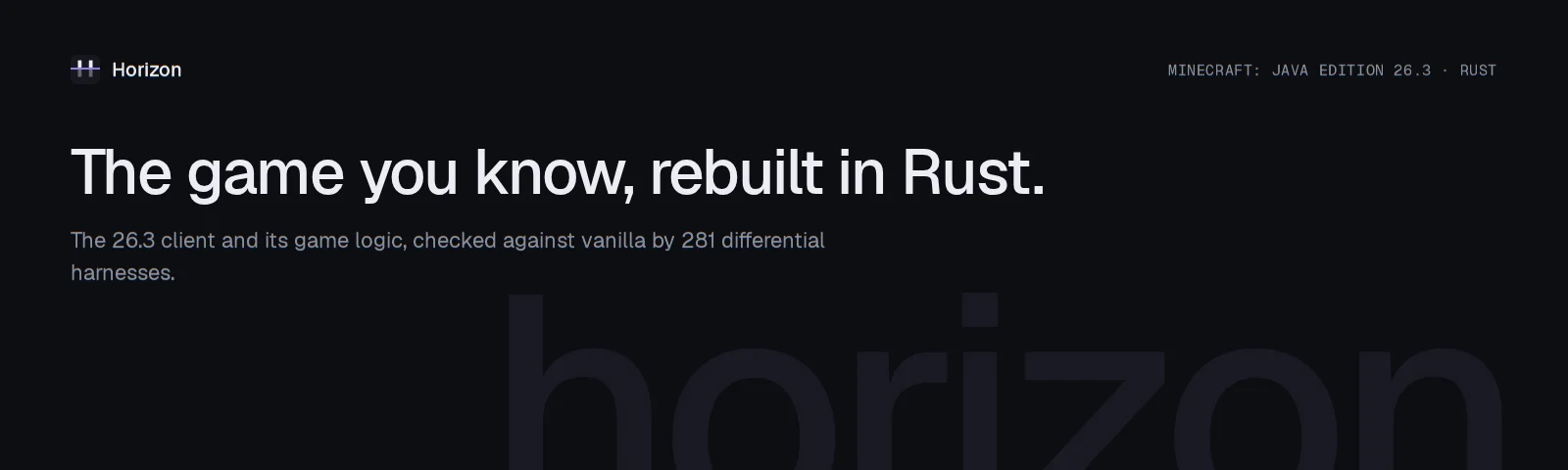
Horizon is Minecraft: Java Edition 26.3 rewritten in Rust: a native game that reads the same worlds, follows the same rules and generates the same terrain as the Java game, and is checked against it by 281 differential harnesses. You play it through a small launcher, on the files from your own copy of Minecraft. It is free, open source and unofficial.
Not an official Minecraft product. Not approved by or associated with Mojang or Microsoft. Horizon contains no Minecraft code, assets or data: you need your own legally obtained copy of Minecraft: Java Edition 26.3.
Download
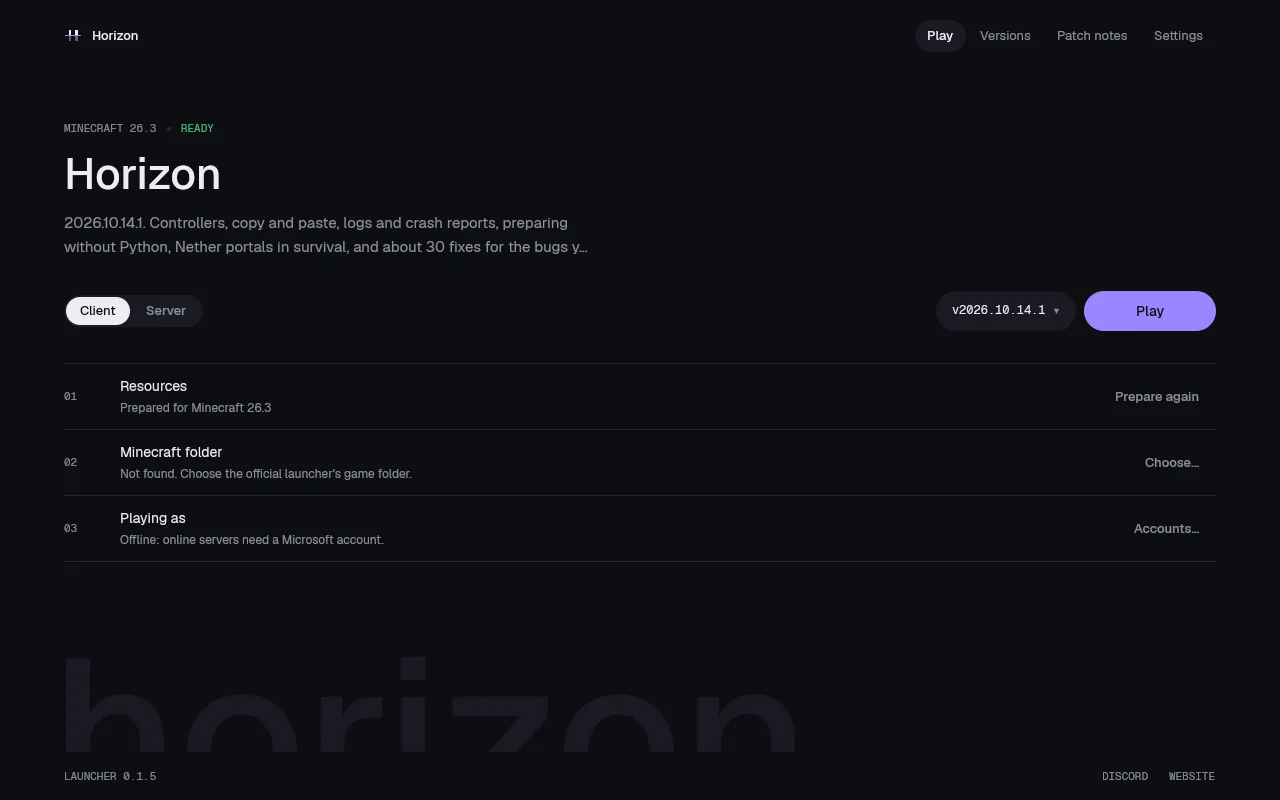
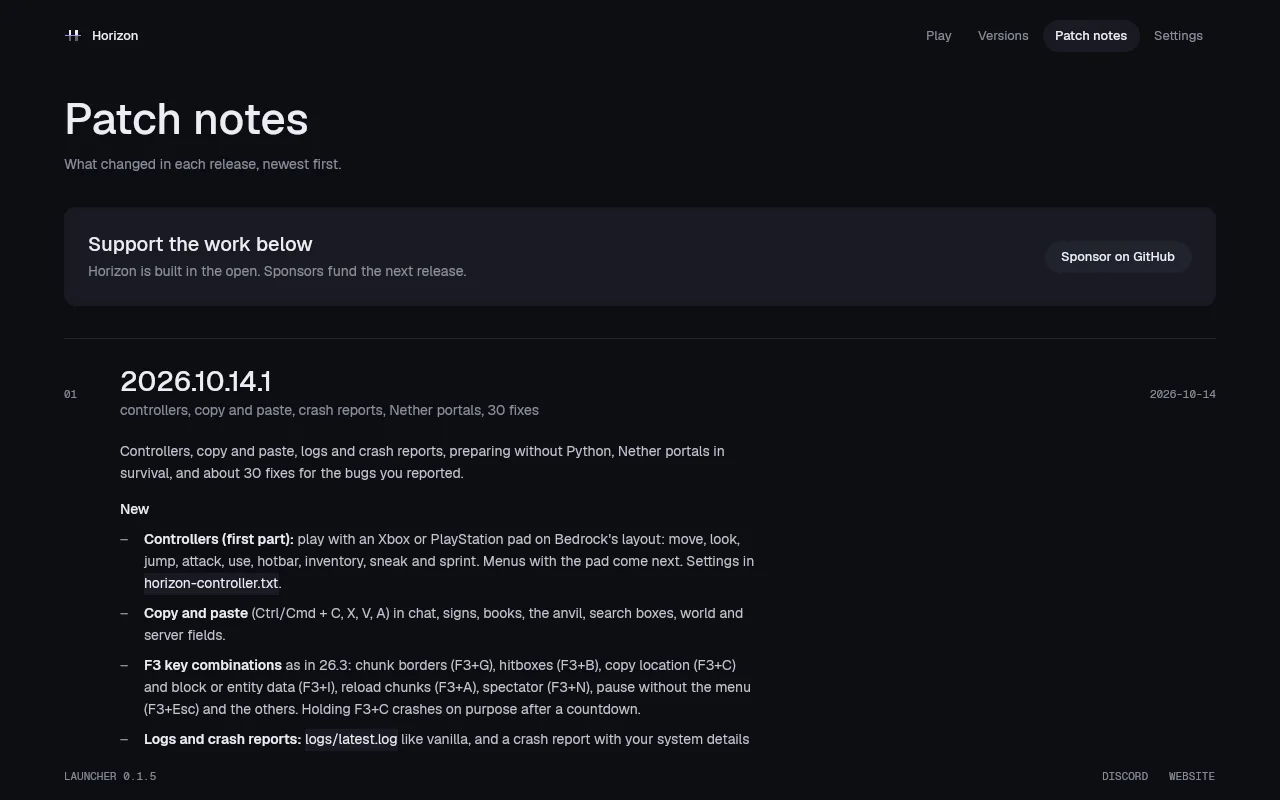
Horizon is installed through the Horizon launcher. Get it from playhorizon.dev (the Download button picks your system) or from the launcher releases, for Linux x86-64, macOS on Apple Silicon or Windows x64. The launcher installs and updates the game, prepares its files from your own copy of Minecraft, and updates itself.
You need Minecraft: Java Edition 26.3, played once (the official launcher, Prism, MultiMC and other launchers all work); a Java 25 runtime, for the one-time preparation; and a GPU with Vulkan on Linux and Windows, or any Apple Silicon Mac. Step by step, with macOS's first-open prompt and the first launch: Install and first launch.
 |
 |
What works today
The documentation covers each of these.
- The game: singleplayer with vanilla's world generation, mobs, villagers, raids, redstone, every command, the HUD and the recipe book, on saves in vanilla's format. Worlds from 1.8 to 26.2 are upgraded as vanilla does. Status table.
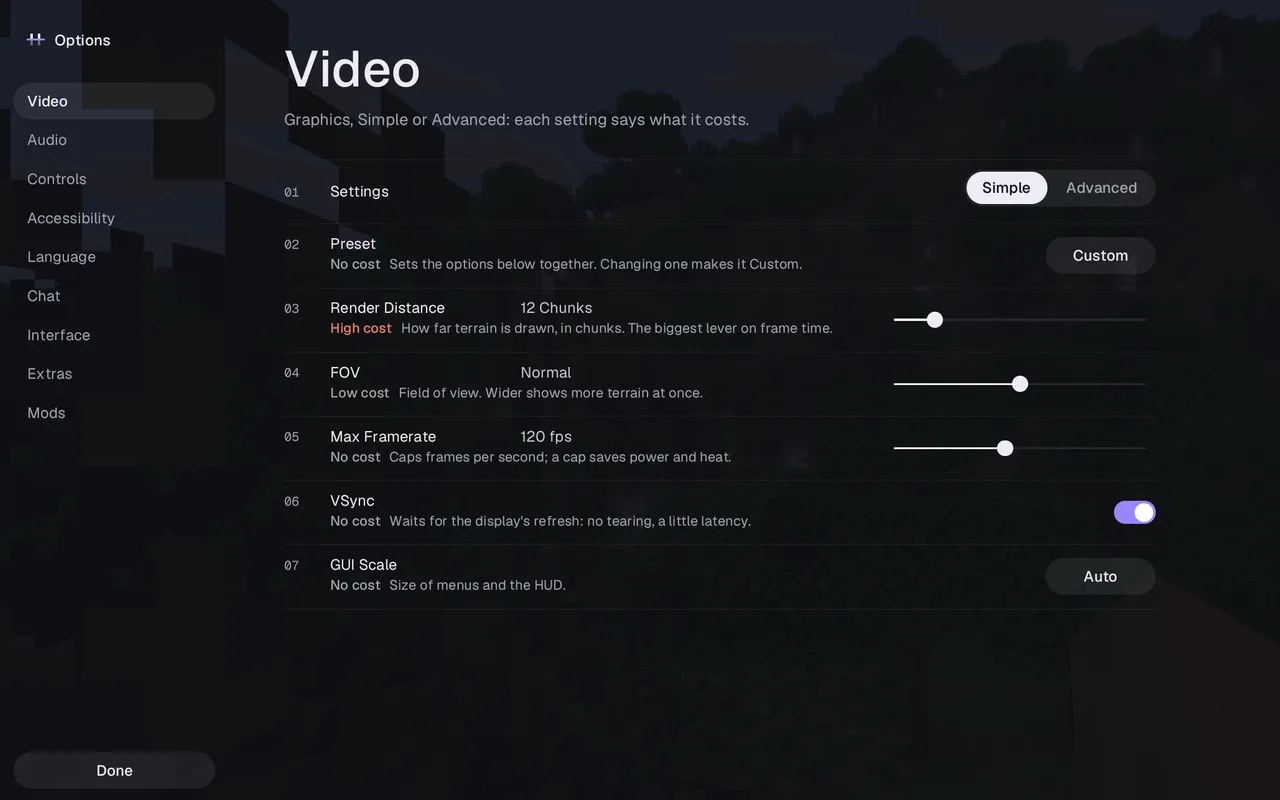
- Horizon's own extras: new menus (vanilla's are one setting away), graphics presets, distant terrain up to 1024 chunks, controller support, optional zoom, minimap and more, all off by default where they would change the vanilla look. See Settings.
- Resource packs and data packs: resource packs work, and data packs load functions, predicates and item modifiers.
- Playing with others: invite friends from the pause menu's Friends button with a code, Open to LAN, and joining offline-mode servers. Horizon cannot sign in to a Microsoft account yet, so it cannot join servers that check accounts. See Multiplayer.
- Mods: Horizon has its own mod system (Rust compiled to WebAssembly). Java mod jars do not run. See Mods and data packs.
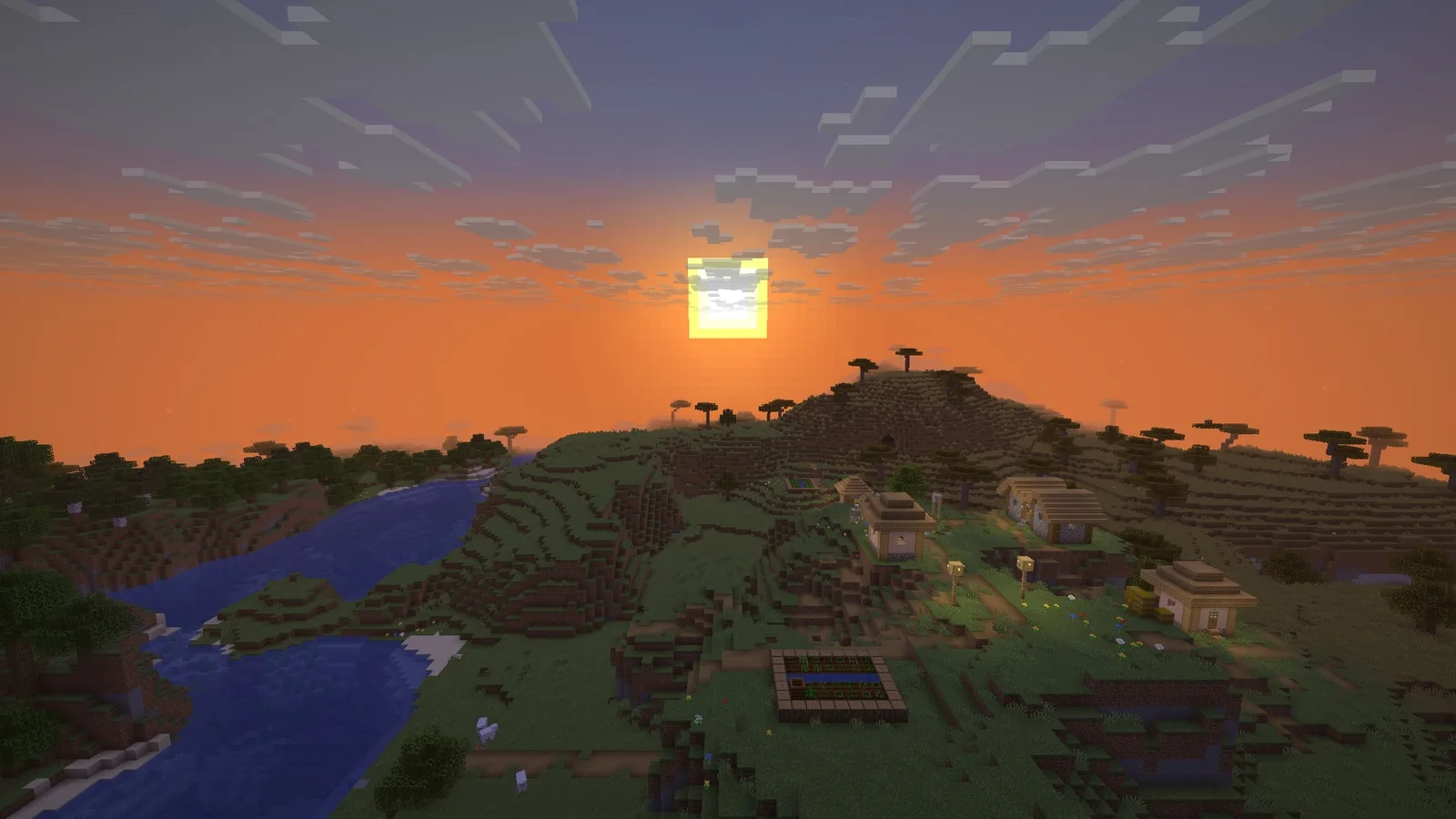
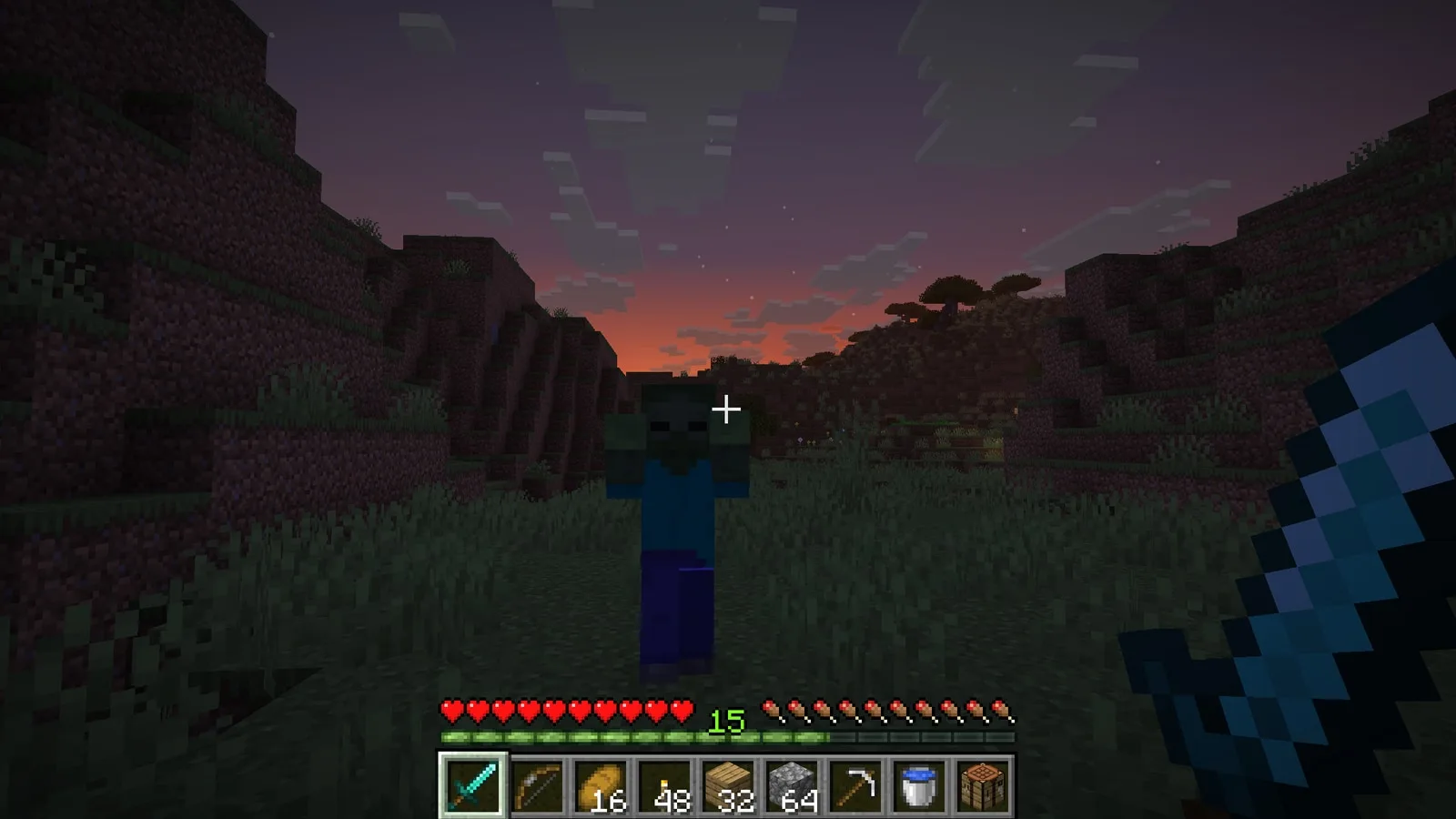
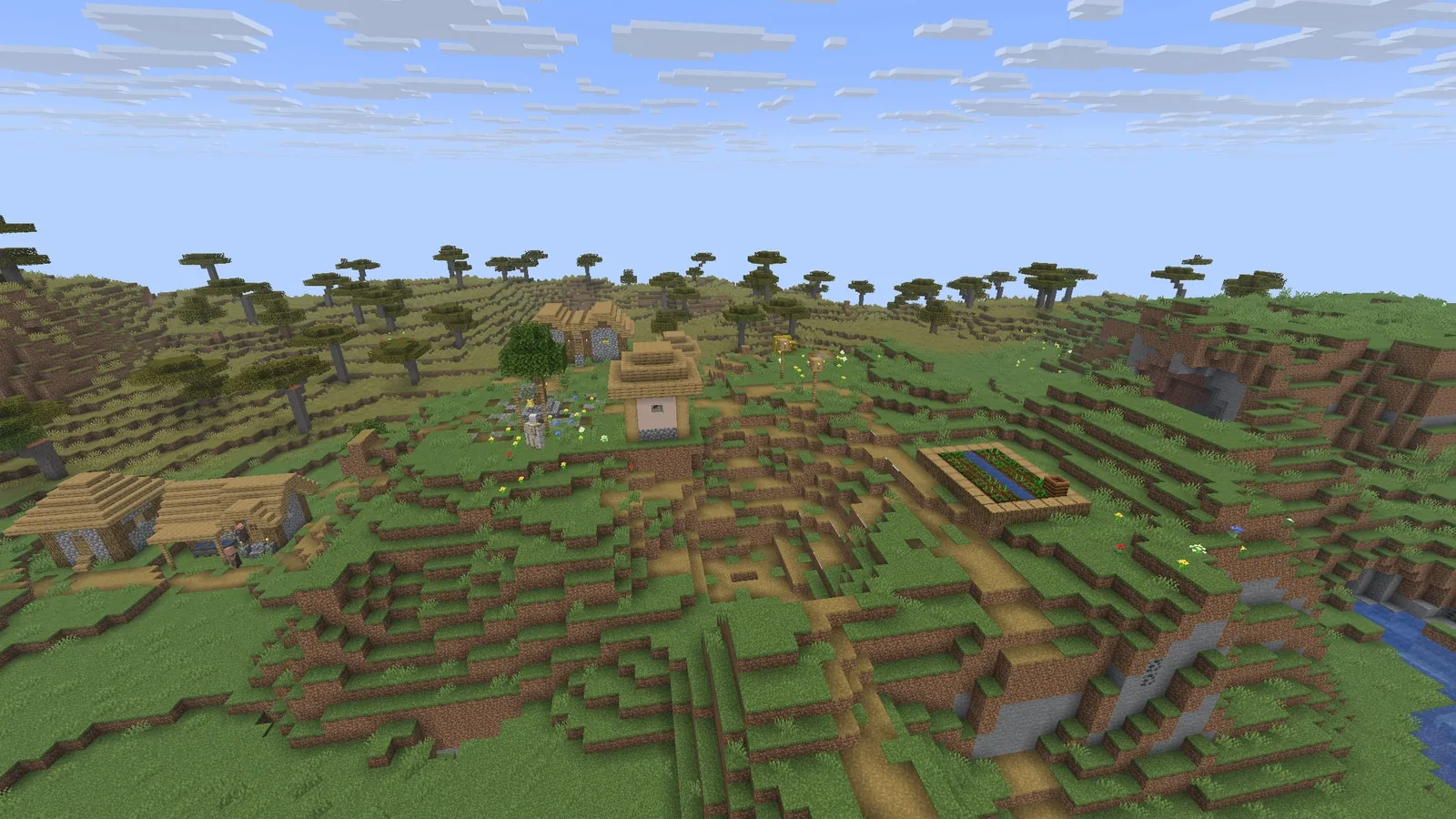
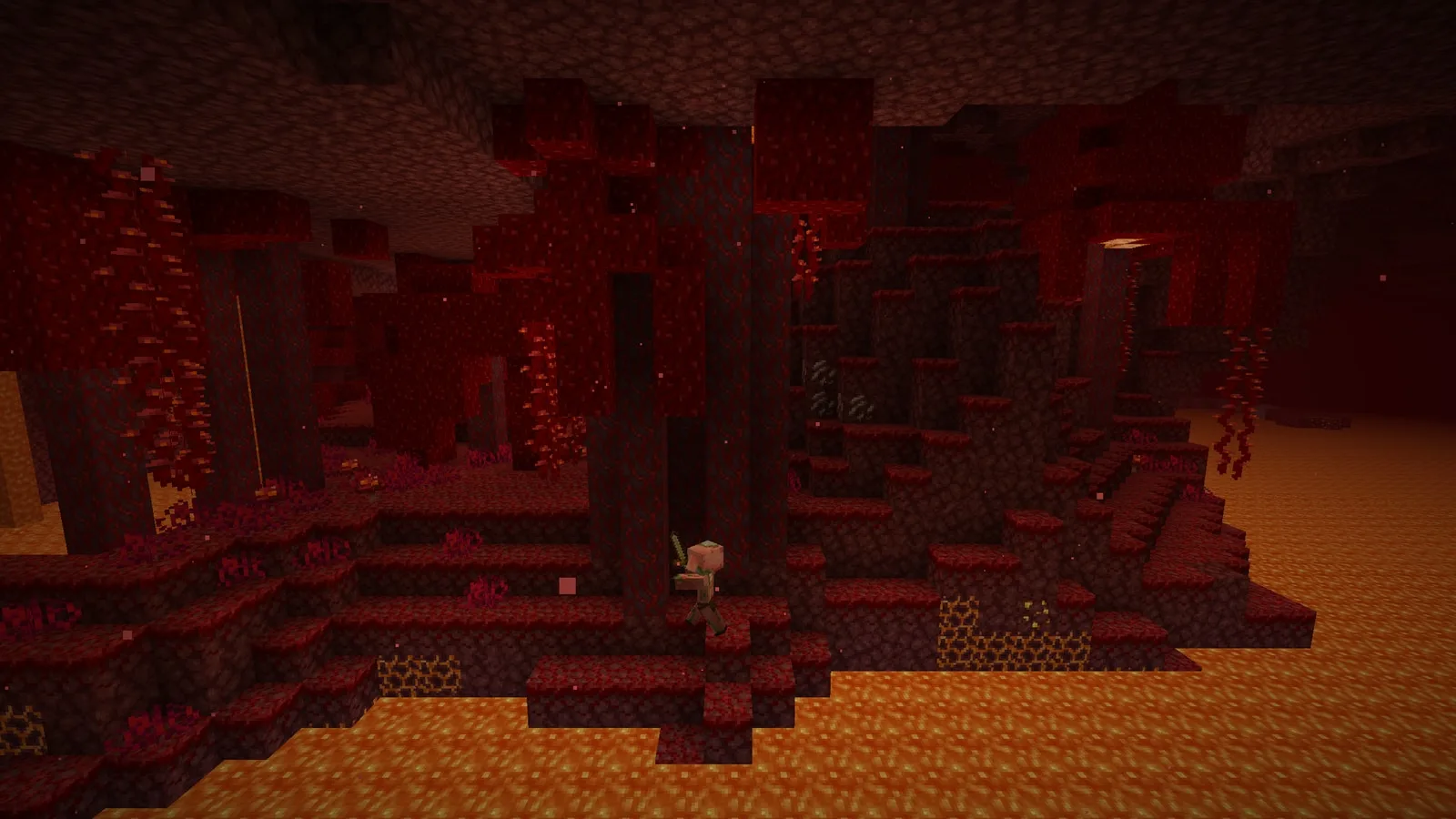
Screenshots, captured in the Rust client itself with vanilla assets and no mods or shaders:
 |
|
 |
 |
 |
 |
Host a server
The launcher's Servers page creates, starts, backs up and updates a Horizon server with buttons, and invites friends over Tailscale. On a VPS, horizon-server installs with one command and runs without Java. Guide: Host a server (reference).
Modpacks
The launcher's Modpacks page imports a Modrinth or CurseForge pack, shows which of its mods Horizon can carry over, and plays the ones it can as their own profile. Today that means content mods made of data and assets; mods with Java code are not ported yet. See Modpacks.
Agent control
AI agents and scripts can play Horizon. horizon-ctl, shipped beside the game in every release folder, is a command line that reads the game as JSON and acts like a player; horizon-ctl mcp serves the same commands as an MCP server (one tool per command, screenshots returned as images).
horizon-ctl launch --world Survival --seed 5 --wait   # finds the version the launcher installed
horizon-ctl state                                       # position, health, food, target, screen...
horizon-ctl find-block birch_log                        # the nearest logs
horizon-ctl goto -0.5 65 -2.5 --near 2.5                # walks there along a path
horizon-ctl break -1 65 -3                              # mines it; replies with the drops
horizon-ctl open-inventory && horizon-ctl click-slot 0  # menus: slots, buttons by label, text fields
Commands block until the action is done and reply with what happened; errors are JSON with distinct exit codes, horizon-ctl help lists every command and horizon-ctl COMMAND --help explains one with examples. It talks to the game over a Unix socket on Linux and macOS and over a token-protected localhost port on Windows. See Agent control in the native client guide.
Build from source
For developers. Requirements: Rust 1.90 or newer, Python 3.10 or newer, JDK 25, and on Linux the ALSA and udev development headers (libasound2-dev libudev-dev on Debian and Ubuntu). Development and the vanilla harnesses run on Linux.
Horizon contains no game files and never downloads them. It builds its resources from your own copy of Minecraft: Java Edition 26.3, verified against the checksums in research-lock.json:
- Client: install Java Edition with the official launcher and play 26.3 once. Horizon reads
versions/26.3/,libraries/andassets/from the launcher's game directory (~/.minecrafton Linux). If yours lives elsewhere, pass--minecraft-diror setHORIZON_MINECRAFT_DIR. - Server jar: the 26.3 server jar, from the
downloads.server.urlin your launcher'sversions/26.3/26.3.json(or minecraft.net/download/server while 26.3 is the current release). Pass it with--server-jaror setHORIZON_SERVER_JAR. It is only needed the first time.
git clone https://github.com/ludovic111/horizon.git
cd horizon
cargo run --release -p horizon-prepare -- --prepare --server-jar ~/Downloads/server.jar   # needs JDK 25
cargo run --release -p horizon-prepare -- sounds   # optional: sounds from your launcher install
cargo run --release -p horizon-client
Everything prepared lands in the gitignored .local/. It is derived from the game: never commit it or share it.
The client starts on the title screen. Command-line options (--world, --seed, --creative, --render-distance, --dedicated), controls, scripting through horizon-ctl and the architecture are described in the native client guide. The rest of the developer documentation is indexed in docs/README.md, including the parity workflow.
Roadmap
What is being done now, what comes next and where you can help, in plain words and in technical detail: ROADMAP.md. playhorizon.dev/hub shows it with the work board, the journal of what shipped and how to help.
Contributing
Issues and pull requests are welcome: see CONTRIBUTING.md for how we work (vanilla first, small pull requests, labels), or the contributing guide on the site. Questions and ideas: Discord. Before opening a pull request, run the self-check and paste the block it prints:
git config core.hooksPath .githooks
python3 tools/pr_ready.py
It runs rustfmt, clippy with warnings denied, the tests of the crates you touched, the Python tests, the public-tree check, and the vanilla harnesses your change can affect. CI runs the same checks on GitHub's Linux runners; the vanilla harnesses need the game, which Horizon never downloads, so they run on a maintainer's computer holding their own copy. Never commit game files, decompiled source or prepared resources: tools/check_public_tree.py rejects them, and tracked Java is allowed only under the project's own dev/horizonlab namespace.
Project status
The table below is the project's own audit of each subsystem. Every subsystem now matches vanilla in every harness that compares it. 100% means 100% of what the harnesses compare, not proof that nothing else differs. The remaining known differences are listed below.
Java parity: 100%
Each subsystem scores 0 (absent), 0.25 (started, not playable), 0.5 (playable,
major vanilla features missing), 0.75 (playable, mostly complete) or 1 (complete
and verified against vanilla by differential tests). The percentage is the
average; tests/test_parity.py keeps it in sync with this table. Last audited
2026-10-13 against the harness results: all 281 harnesses pass on Linux, each
rerun whenever one of its inputs changed, and the Mac mini now runs every one of
them too (Rust uses Java's own float maths on each platform).
| Subsystem | Score | Main gaps |
|---|---|---|
| Window, input and game loop | 1 | None: the game loop, options, camera, auto-jump, toggle sprint/sneak, local input and the frame limiter match vanilla |
| Assets and resources | 1 | None: item models match vanilla over 196,290 stacks and the client draws every item through them; the resource pack screen matches vanilla's drawing over 3,000 sessions of clicks, scrolling and searching, its incompatibility confirmation included |
| Network protocol and multiplayer | 1 | None: joins vanilla servers; the dedicated server (--dedicated) matches vanilla's files, status ping, login, configuration, play, chunks, chat, recipes, advancements and command tree, a client built from vanilla's packet code joins it, Horizon joins a vanilla server, and LAN discovery matches over 462 cases (offline mode only) |
| Chunk storage and palettes | 1 | None: client and saves share paletted containers, identical to vanilla over 266 scenarios |
| Section meshing | 1 | None: 112 scenes and over a million quads identical to vanilla |
| Rendering | 1 | None: entity models, block entity renderers (407 cases, End portals, gateways and the loom's banner preview included) and their animations (296 cases, End gateway beams included), the HUD overlays (2,200 states), the recipe book (600 states), the player list, subtitles and the world border match vanilla |
| Lighting | 1 | None: saved and relit light matches vanilla, slabs and stairs included |
| World generation | 1 | None: 2,352 whole chunks over 225 structure sites, in all three dimensions, identical to vanilla |
| Region files and saves | 1 | None: saves round-trip with vanilla, and worlds from 1.8 to 26.2 upgrade as vanilla's DataFixers do, superflat worlds included; old options.txt and hotbar.nbt files are upgraded too |
| Entities and physics | 1 | None: attributes, dimensions, death loot, spawn rules, natural spawning (15,500 cases), raids and patrols (1,900 cases), spawned mobs' gear, enchantments and state (finalizeSpawn, 24,000 cases) and mob AI (92 scenarios: villager breeding and gossip, the warden, ghastlings and copper golems included) match vanilla |
| Interaction and inventory | 1 | None: menu clicks match over 8,000 click sequences, the loom and the crafter included; recipe book placement (6,000 cases), its buttons (1,200), the saved book (1,500) and the loom and crafter screens (1,600) match vanilla |
| Menus, HUD and chat | 1 | None: every command runs as vanilla (758 commands over 39,685 parsed inputs), scoreboards and teams match (81,000 operations), the player list matches over 872,000 draw calls with heads drawn from players' skins (authlib's textures, SkinManager's lookup, legacy skin conversion), and the chat matches focused and scrolled; the resource pack screen (selection over 4,000 cases, drawing and its incompatibility confirmation over 3,000 sessions) and the chat input with its command suggestions, usage lines, Tab completion and history (3,000 sessions on vanilla's client command tree) match vanilla |
| Audio | 1 | None: the sound engine, sound events, music, situational music, ambience and subtitles match vanilla |
| Block behaviours and ticking | 1 | None: block updates, random ticks, redstone, dispensers (6,000 cases), crafters (4,000 crafts), block entity removal (containers spill, 4,000 cases), copper golem chest sorting and the sculk family (435 scenarios: shrieker warnings and warden summoning included) match vanilla |
Known issues
Horizon can't sign in to a Microsoft account yet, so it can't join online-mode servers (it joins offline-mode ones); skins served over https show the default skin unless already cached; pack icons show the unknown-pack texture in game; the creative hotbar keys (C/X) aren't wired to the hotbar loader; item tooltips lack attribute lines.
Licence
MIT, for the project's original work only. Dependencies keep their own licences. Minecraft is a trademark of Mojang Synergies AB; Minecraft code and assets belong to Mojang and Microsoft and are covered by the Minecraft EULA. Decompiled game source and prepared resources stay on your machine and are never published.
Third-party credits and licenses: Third-party notices.
Author
Made by Ludovic Marie (@ludovic111).