Hopp is an open source, self-hostable screen sharing and remote pair programming desktop app for developers and small engineering teams that want sub-100ms latency without depending on a proprietary SaaS backend.
What it is
Hopp is a native desktop pair programming and screen sharing application built for developers. It combines a Tauri desktop shell written with React and TypeScript in the tauri/ directory with a Rust screen capture and WebRTC engine in core/, and it uses LiveKit for its WebRTC infrastructure. The project is licensed AGPL-3.0, is written primarily in Rust, and currently has 686 stars and 51 forks on GitHub.
The concrete problem it solves is remote pair programming that requires sharing links through chat and running through a browser-based conferencing stack. Hopp replaces that workflow with one-click pairing: the user clicks a teammate and starts pairing, with no link sharing and no additional setup. It also targets the hosted commercial products in this space, positioning itself explicitly as the open source alternative to Tuple, and as an open source alternative to Pop, Drovio, and Coscreen.
Key capabilities
- Latency-tuned WebRTC delivery, described by the project as sub-100ms latency for screen sharing.
- Mob programming for up to 10 participants, who join a room and start pairing instantly.
- One-click pairing that removes link sharing over chat.
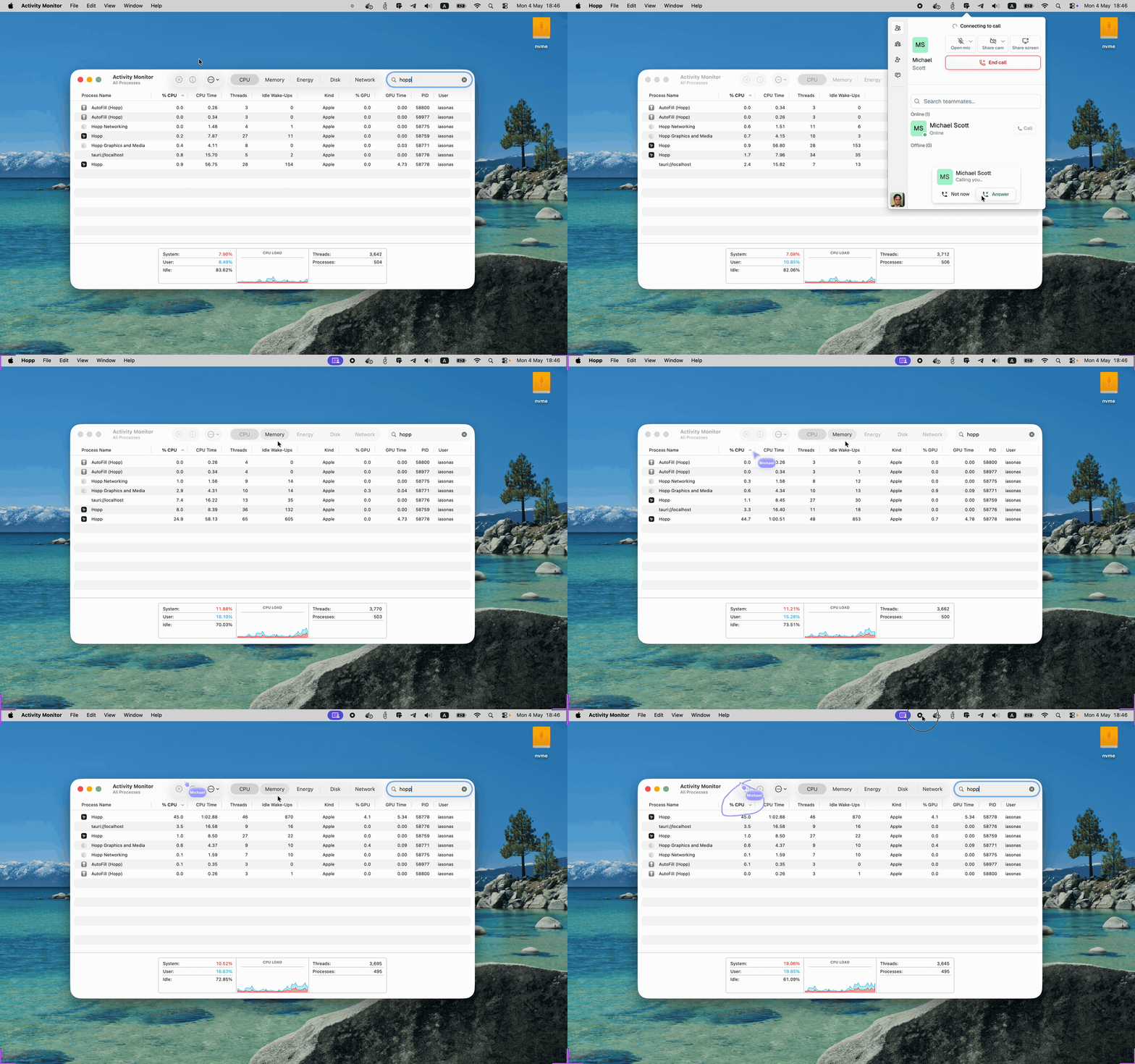
- Native desktop performance through Tauri and Rust, with low CPU overhead.
- Full source availability with a self-hosting path for running the backend on your own infrastructure.
- Multi-cursor and remote-control support, indicated by the project topics.
- Self-host stack composed of PostgreSQL, Redis, LiveKit, and Caddy with automatic TLS, defined through Docker Compose.
Who uses it and how
- Developer teams that want to pair program remotely without routing screen and input through a third-party SaaS backend they do not control.
- Teams running mob programming sessions of up to 10 people in a single room.
- Organisations that need a self-hosted deployment and are willing to operate their own backend rather than sign up for the managed service.
- Users on macOS, where the desktop application is stable; Windows users can run it as an alpha build.
- Teams that already run container infrastructure, since the self-host path is a
docker compose up -d deployment.
Getting started
Download the desktop application from the latest GitHub release for macOS (stable) or Windows (alpha), then either sign up for the managed cloud at gethopp.app, which includes a 14-day free trial, or self-host by cloning the repository, entering hopp/selfhost, copying .env.example to .env, editing DOMAIN and secrets, and running docker compose up -d.
How it compares
Tuple, Pop, Drovio, and Coscreen are commercial hosted products, while Hopp is AGPL-3.0 licensed with the source publicly available. Hopp can be self-hosted, which places the session data and infrastructure under the operator's control instead of a vendor's, and it offers a paid managed cloud whose subscriptions fund continued development of the open source app. The cost model is therefore a choice between operating the open source backend yourself at infrastructure cost or paying for the managed plan to avoid the operational work.
When to use it — and when not to
Self-hosters must operate PostgreSQL, Redis, LiveKit, and Caddy, which is real infrastructure work rather than a single binary. Linux users should not adopt it yet, because Linux support is planned rather than shipped, and Windows support is still alpha. The roadmap also lists unfinished items such as dynamic codec selection with adaptive streaming resolution and key bindings, so teams needing those features today should expect to wait or contribute.
project readme (upstream, from github) — read inline
Hopp
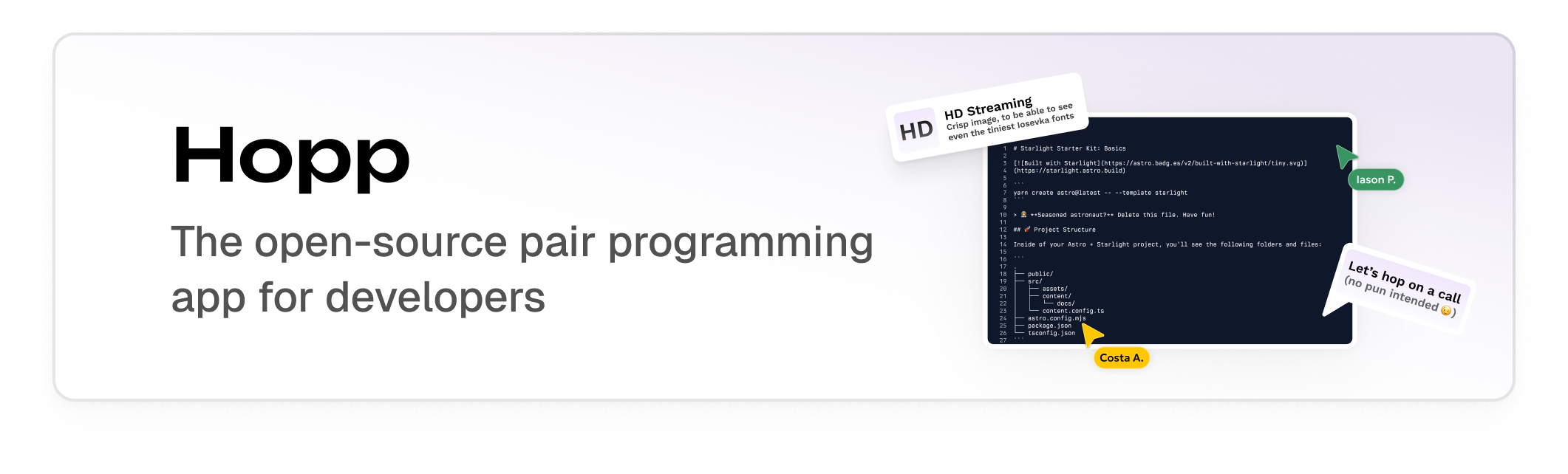
Open source screen sharing built for developers. Pair program with sub-100ms latency. The OSS Tuple alternative.
Website · Download · Sign up · Docs · Self-host · Discord · Twitter




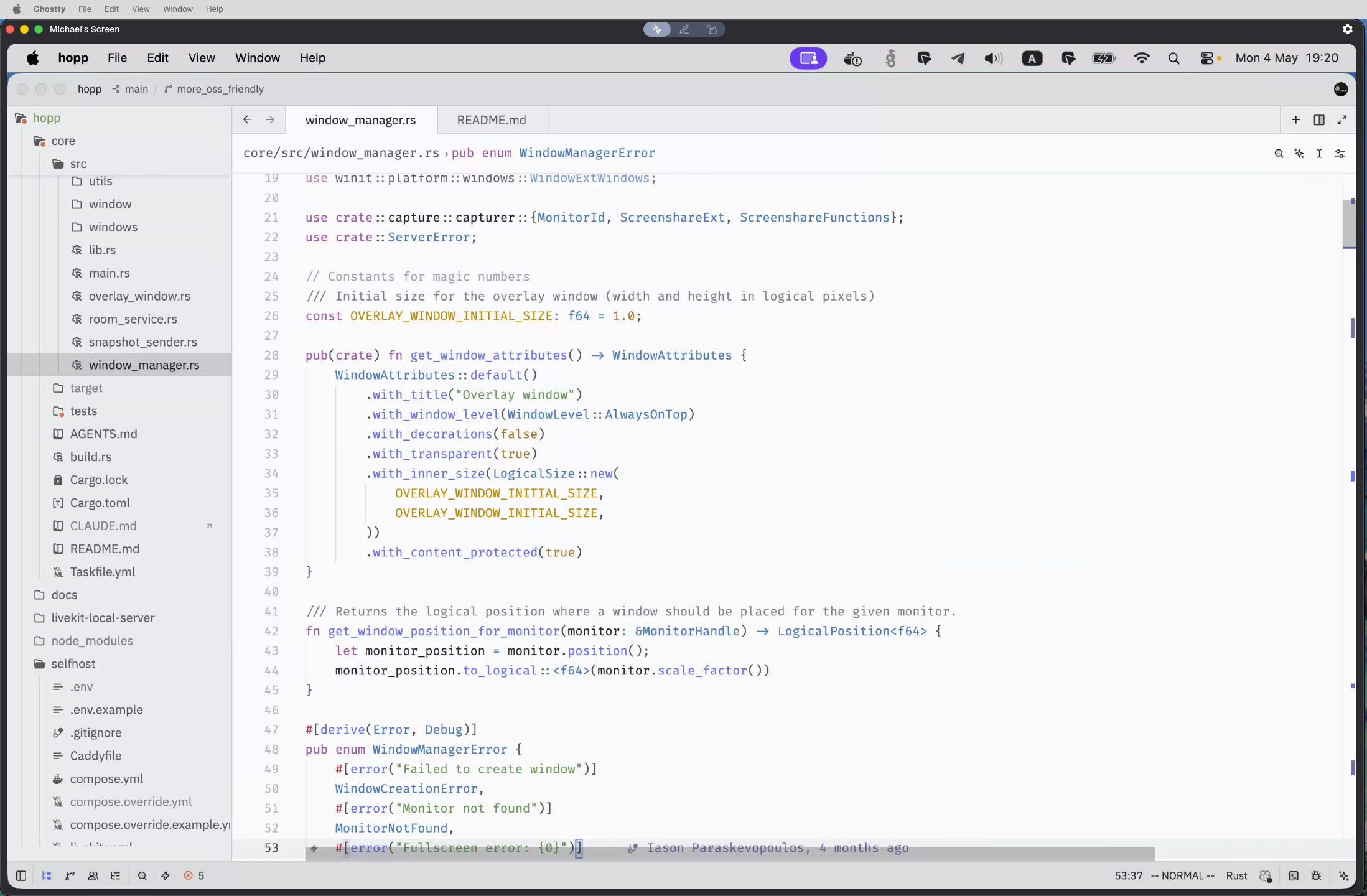
Hopp is an open source pair programming app and screen sharing tool built for developers. Whether you're looking for a Tuple alternative for remote pair programming, a self-hosted solution for your team, or an open source Pop / Drovio / Coscreen alternative — Hopp delivers sub-100ms latency with native desktop performance. Built on Tauri and Rust, with WebRTC infrastructure powered by LiveKit.
Try Hopp
- Download the desktop app — macOS (stable) or Windows (alpha)
- Pick your backend:
- Click your teammate and start pairing — no link sharing, no setup
Why Hopp
- ⚡ Latency-tuned WebRTC — We optimised WebRTC for the best screen sharing experience
- 👥 Mob programming up to 10 — join a room and start pairing instantly
- 🔗 One-click pairing — no more sharing links over chat
- 🖥️ Native desktop — Tauri + Rust, low CPU overhead
- 🪟 Open source + self-hostable — full source, run it on your own infra
Self-host
git clone https://github.com/gethopp/hopp.git
cd hopp/selfhost
cp .env.example .env   # edit DOMAIN + secrets
docker compose up -d   # for localhost see full guide in selfhost/README.md
Includes Postgres, Redis, LiveKit, and Caddy auto-TLS. Full guide: docs.gethopp.app/open-source/self-hosting.
Paid Cloud supports development
Hopp is independent and funded by Cloud subscribers. The managed plan at gethopp.app gives you Hopp without the ops, and every subscription pays for further development of the OSS app you're reading about.
Supported Platforms
macOS (stable) · Windows (alpha) · Linux (planned)
Roadmap
Repo map
Built on Tauri (Rust) + React/TS desktop, Go backend, LiveKit WebRTC.
📚 Documentation
🌐 Community & Support
⭐ Star us if you'd like Hopp to keep growing!
Licensed under LICENSE.md.