
HeyForm is a free, open source frameworks & platforms project written in TypeScript and released under AGPL-3.0. It has 8,977 GitHub stars, 708 forks and 10 open issues, and was last pushed 9 days ago. On this registry it ranks #14 of 28 tracked projects in Frameworks & Platforms, and is listed as an open source replacement for 1 paid product, with 5 head-to-head comparisons available. It gained 7 stars over the last 6 tracked days.

What is HeyForm?

What it is

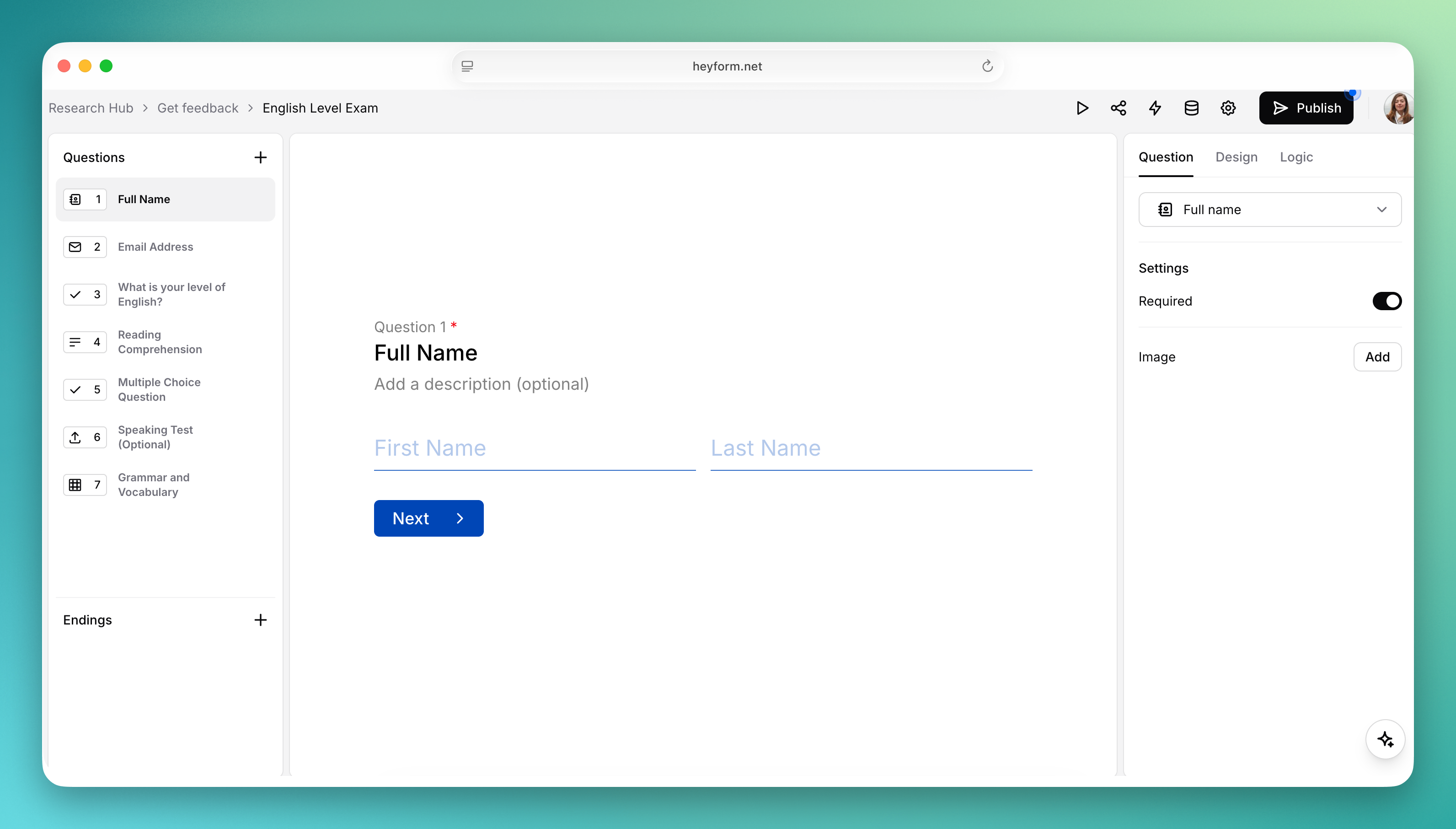
HeyForm is an open-source form builder written in TypeScript and released under the GNU Affero General Public License v3.0. It lives in the JavaScript and TypeScript ecosystem, and its repository is organised as a monorepo of packages: a Node server, a React webapp, a form renderer, an embeddable JavaScript library, and shared utilities and type definitions used by both the server and the webapp. The project describes itself as an open-source form builder built for small business success, and it is positioned as an open alternative to Typeform.

The concrete problem it solves is the cost and lock-in that come with hosted conversational form products. HeyForm lets anyone build conversational forms, surveys, quizzes, and polls without depending on a proprietary service, and it covers the full lifecycle of a form: authoring the questions, rendering and embedding it, collecting submissions, and analysing the results. Because the source is available and self-hostable, the organisation that runs it keeps control of the form data and the deployment rather than renting that capability from a vendor.

Key capabilities

  • Versatile input types, ranging from basic text, email, and phone number fields to picture choices, date pickers, and file uploads.
  • Conditional logic and URL redirections, so a form can adapt its flow dynamically based on previous answers.
  • Integrations through webhooks, analytics, marketing platforms, and tools such as Zapier and Make.com.
  • Visual themes with customizable fonts, colors, and backgrounds, plus advanced theming that includes custom CSS.
  • Analytics covering drop-off rates and completion rates for each form.
  • Data export of form results to CSV for further analysis or for loading into other systems.
  • An embeddable JavaScript library and a standalone form renderer package for integrating forms into other sites.

Who uses it and how

  • Small businesses that need surveys, quizzes, and polls to gather information or feedback from customers.
  • Teams that want conversational forms embedded into an existing website using the embed library rather than hosted on a third-party domain.
  • Organisations that must keep form submissions on their own infrastructure and therefore self-host the server and webapp.
  • Operators connecting a self-hosted identity provider such as Authelia, Authentik, or Keycloak through the generic OpenID Connect setup guide.
  • Developers running the project locally for development, following the local installation instructions in the documentation.

Getting started

The simplest route is the official hosted service at my.heyform.net, which the maintainers describe as providing reliability, automatic backups, security, and maintenance. Self-hosting is documented separately, with one-click deployment options and a self-hosting installation guide, and local development follows the local installation instructions.

When to use it — and when not to

HeyForm is the sensible choice when the goal is to replace a paid product such as Typeform while keeping the form data under your own control, and the hosted service exists for those who would rather not run anything themselves. A self-hoster takes on the operation of the Node server, the React webapp, and whatever database, storage, and mail infrastructure the deployment requires, along with upgrades and backups. The trade-off is that this operational burden is real, and the documentation, rather than the README, is where the deployment details live.

project readme (upstream, from github) — read inline


Open-source form builder, built for small business success

Website | Documentation | Blog
heyform

Features

HeyForm simplifies the creation of conversational forms, making it accessible for anyone to gather information or feedback through engaging surveys, quizzes, and polls. We are committed to enhancing HeyForm with regular updates, including bug fixes, new features, and performance improvements.

Build Forms with Ease

  • Versatile Inputs: From basic text, email, and phone number fields to advanced options like picture choices, date pickers, and file uploads, HeyForm supports a wide array of input types.
  • Smart Logic: Conditional logic and URL redirections for dynamic, adaptable forms.
  • Powerful Integrations: Connect with webhooks, analytics, marketing platforms, and tools like Zapier and Make.com.

Customize to Your Brand

  • Visual Themes: Tailor the look and feel of your forms to match your brand identity with customizable fonts, colors, backgrounds, and more.
  • Advanced Theming: Gain greater control with extensive customization options, including custom CSS for deeper personalization.

Analyze and Act on Data

  • Insightful Analytics: Gain insights with detailed analytics, including drop-off rates and completion rates.
  • Data Export: Easily export your form results to CSV for further analysis or integration into your systems.

Getting started with HeyForm

The simplest and most efficient way to dive into HeyForm is through our official hosted service. When you choose this cloud version, you're getting the advantage of high reliability, automatic backups, robust security, and hassle-free maintenance—all carefully managed by us, the passionate duo behind HeyForm.

Choosing our hosted version not only saves a significant amount of time and resources but also supports HeyForm's development and the open-source community. Get a great service while backing innovation. 💙

Structure

.
└── packages
    ├── answer-utils       (form submission utils for server and webapp)
    ├── embed              (form embed javascript library)
    ├── form-renderer      (form rendering library)
    ├── shared-types-enums (shared types/enums for server and webapp)
    ├── utils              (common utils for server and webapp)
    ├── server             (node server)
    └── webapp             (react webapp)

Self-hosting

Interested in self-hosting HeyForm on your server? Take a look at the self-hosting installation instructions.

To connect a self-hosted identity provider such as Authelia, Authentik, or Keycloak, see the generic OpenID Connect setup guide.

One Click Deployment

Deploy on Zeabur Deploy on Sealos Deploy to RepoCloud Deploy on Alibaba Cloud

Local development

Follow the local installation instructions to run the project locally.

How to Contribute

You are awesome, let's build great software together. Head over to the contribute docs to get started. 💪

Support & Community

You'll find a lot of resources to help you get started with HeyForm in the help center. However, if you can't find what you're looking for there, don't hesitate to reach out to us:

License

HeyForm is open-source under the GNU Affero General Public License v3.0 (AGPL-3.0), you will find more information about the license and how to comply with it here.

Frequently asked questions

Is HeyForm free to use?

HeyForm is open source under the AGPL-3.0 licence. There is no licence fee and no seat count — you can self-host it or, where the project offers one, pay a vendor for a managed version instead.

What does HeyForm do?

Create powerful forms with ease and flexibility

What is HeyForm written in?

HeyForm is primarily written in TypeScript. Its source is publicly available at https://github.com/heyform/heyform, and it has 8,977 GitHub stars.

What is a good open source alternative to Typeform?

HeyForm is one of the open source options listed as an alternative to Typeform. Compare licences, stars and activity side by side on the HeyForm profile.