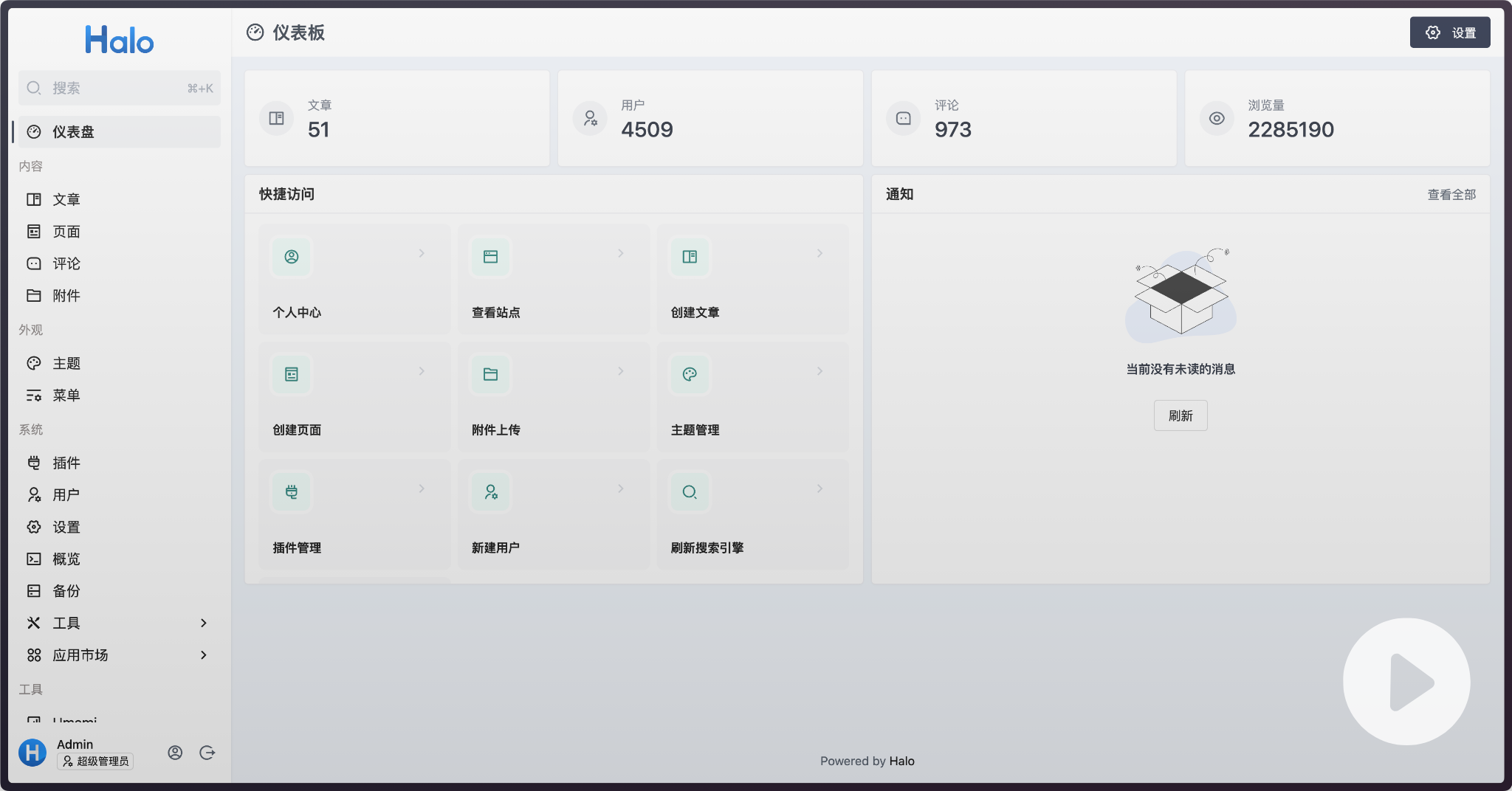
Halo is an open-source, Java-based website building tool licensed under GPL-3.0 that lets individuals and teams publish and run a blog, knowledge base, corporate website, or online store from infrastructure they control.
What it is
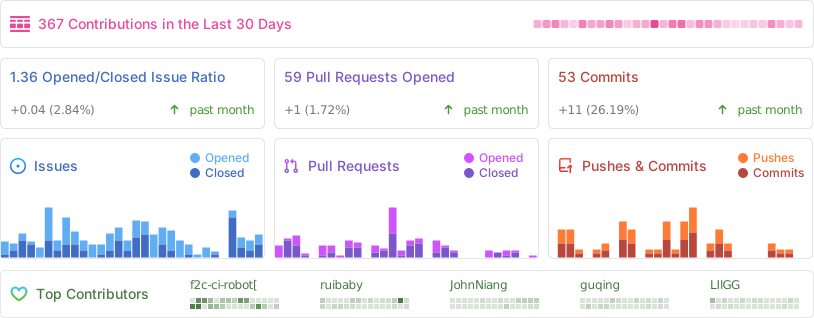
Halo is a content management and site-building system written in Java and distributed under the GPL-3.0 licence. Its GitHub repository sits at 39,761 stars and 10,330 forks, with 112 open issues, and the project receives commits as recently as 16 September 2026. The topic list places it squarely in the CMS and publishing space: blog, blog-engine, cms, content-management-system, halocms, and website-builder. The stated scope runs from a personal blog or knowledge base through to a corporate website and an online store, so a single installation is intended to cover several common site categories rather than one narrow use case.
The concrete problem it addresses is the cost and lock-in of hosted, paid site-building platforms. Halo's own version comparison draws that line explicitly: the community edition is open source and free under GPLv3 and includes more than 100 free themes and plugins, while the Professional and Mall editions sold separately add commercial features such as a mobile app, AI site building, phone-number login, a paid theme and plugin market, and a full online store with payment integration. For a developer, a technical enthusiast, or an open-source project that needs a portfolio, blog, or technical documentation site at zero licence cost, the community edition is the free, self-hostable route to the same category of site that the paid tiers sell.
Key capabilities
- Runs as a container from the image
halohub/halo:2.26, exposing port 8090 and persisting data in the volume ~/.halo2:/root/.halo2.
- Ships an application market for site themes and functional plugins, with over 100 free themes and plugins available to the community edition.
- Supports developers publishing and managing their own applications in the market, with an onboarding process documented for app creation.
- Covers multiple site archetypes from one install, matching its declared range from personal blog and knowledge base to corporate website and online store.
- Deploys on an open-source Linux server management panel, 1Panel, which handles reverse proxy, SSL certificates, upgrades, and backups.
- Paid editions extend the core with a mobile app for content management, AI site building, phone verification login, and fully private deployment.
- The Mall edition adds product management, order processing, and payment integration with WeChat Pay and Alipay for merchants in China.
- A demo environment is published with the backend username
demo and password P@ssw0rd123.. for evaluation.
Who uses it and how
- Individual developers and technical enthusiasts run the community edition as a zero-cost blog, portfolio, or technical documentation site.
- Open-source projects use it for project sites and docs, which is why a companion list,
halo-sigs/awesome-halo, collects community resources.
- Self-hosters install it on their own Linux servers, commonly through 1Panel for reverse proxy, SSL, upgrade, and backup handling.
- Operators who need data sovereignty pick the Professional edition's fully private deployment option instead of a hosted service.
- Merchants in China use the Mall edition to combine a brand website, a CMS, and an online store in one deployment, taking payments through WeChat Pay and Alipay.
Getting started
The quickest route is a Docker container: docker run -d --name halo -p 8090:8090 -v ~/.halo2:/root/.halo2 halohub/halo:2.26. The README presents that command as an evaluation setup only and recommends deploying through the 1Panel Linux server management panel, with further installation options in the documentation at docs.halo.run.
How it compares
The facts list no competing tools by name, so Halo stands alone in this registry rather than being contrasted against named alternatives. The only comparison the source material supports is internal: the community edition is free and GPLv3-licensed and can be self-hosted without payment, whereas the Professional and Mall editions are commercial products that add a mobile app, AI site building, phone login, a paid theme and plugin market, and online storefront functionality. Choosing between them comes down to licence, cost model, and whether a self-hosted free install already covers the required feature set.
When to use it — and when not to
A self-hoster takes on the operational work of running a Java application plus its database, file storage, and a reverse proxy with TLS certificates, unless a panel such as 1Panel absorbs part of that burden. Anyone who wants a fully managed service with no server to maintain, or who needs the mobile app, AI site building, phone login, or storefront features without paying, should not start with the community edition. The repository also shows 112 open issues, and the project's documentation, community channels, and paid-edition comparison pages are primarily Chinese-language, which is a real constraint for teams that need English-language support material.