
free-software subsonic server API implementation, supporting its many clients


features
- browsing by folder (keeping your full tree intact) see here
- browsing by tags (using taglib - supports mp3, opus, flac, ape, m4a, wav, etc.)
- on-the-fly audio transcoding and caching (requires ffmpeg) (thank you spijet)
- subsonic jukebox mode, for gapless server-side audio playback instead of streaming (thank you lxea)
- support for podcasts (thank you lxea)
- pretty fast scanning (with my library of ~50k tracks, initial scan takes about 10m, and about 6s after incrementally)
- multiple users, each with their own transcoding preferences, playlists, top tracks, top artists, etc.
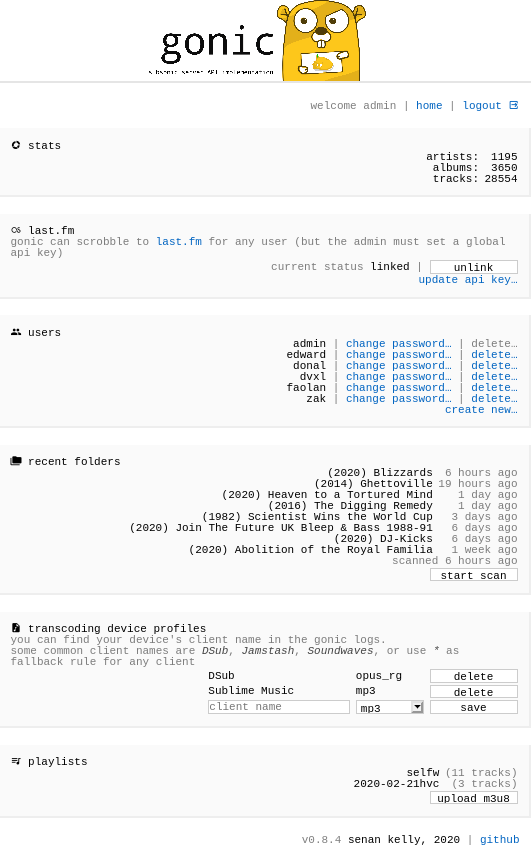
- last.fm scrobbling
- listenbrainz scrobbling (thank you spezifisch, lxea)
- artist similarities and biographies from the last.fm api
- support for multi valued tags like albumartists and genres (see more)
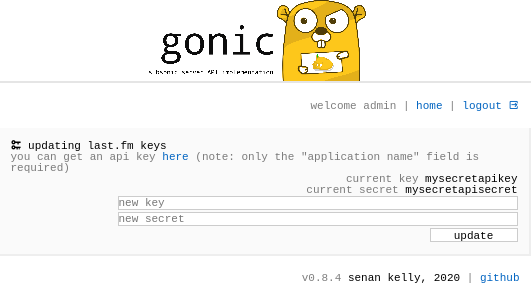
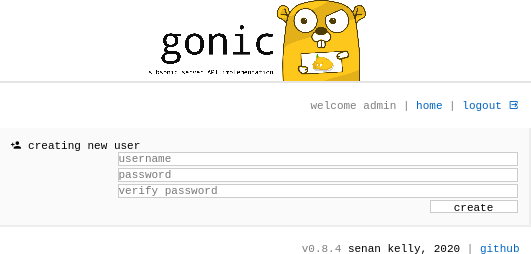
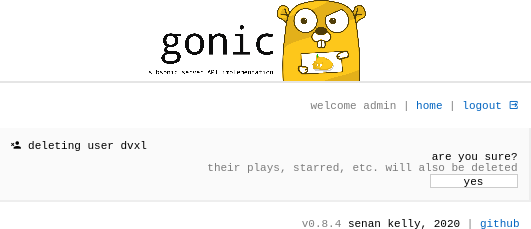
- a web interface for configuration (set up last.fm, manage users, start scans, etc.)
- support for the album-artist tag, to not clutter your artist list with compilation album appearances
- written in go, so lightweight and suitable for a raspberry pi, etc. (see ARM images below)
- newer salt and token auth
- tested on airsonic-refix, amperfy, symfonium, dsub, jamstash, music-assistant, subsonic.el, sublime music, soundwaves, stmp, termsonic, tempus, strawberry, and ultrasonic
installation
the default login is admin/admin.
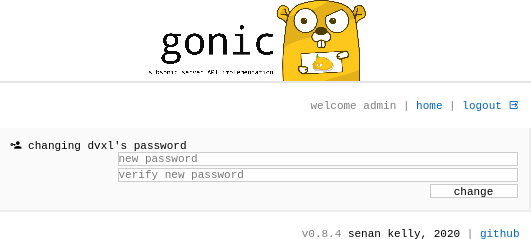
password can then be changed from the web interface
...from source
...with docker
...with systemd
...elsewhere

configuration options
| env var | command line arg | description |
|---|---|---|
GONIC_MUSIC_PATH |
-music-path |
path to your music collection (see also multi-folder support below) |
GONIC_PODCAST_PATH |
-podcast-path |
path to a podcasts directory |
GONIC_PLAYLISTS_PATH |
-playlists-path |
path to new or existing directory with m3u files for subsonic playlists. items in the directory should be in the format /.m3u. for example the admin user could have 1/my-playlist.m3u. gonic create and make changes to these playlists over the subsonic api. |
GONIC_CACHE_PATH |
-cache-path |
path to store audio transcodes, covers, etc |
GONIC_DB_PATH |
-db-path |
optional path to database file |
GONIC_HTTP_LOG |
-http-log |
optional http request logging, enabled by default |
GONIC_LISTEN_ADDR |
-listen-addr |
optional host and port to listen on (eg. 0.0.0.0:4747, 127.0.0.1:4747) (default 0.0.0.0:4747) |
GONIC_TLS_CERT |
-tls-cert |
optional path to a TLS cert (enables HTTPS listening) |
GONIC_TLS_KEY |
-tls-key |
optional path to a TLS key (enables HTTPS listening) |
GONIC_PROXY_PREFIX |
-proxy-prefix |
optional url path prefix to use if behind reverse proxy. eg /gonic (see example configs below) |
GONIC_SCAN_INTERVAL |
-scan-interval |
optional interval (in minutes) to check for new music (automatic scanning disabled if omitted) |
GONIC_SCAN_AT_START_ENABLED |
-scan-at-start-enabled |
optional whether to perform an initial scan at startup |
GONIC_SCAN_WATCHER_ENABLED |
-scan-watcher-enabled |
optional whether to watch file system for new music and rescan |
GONIC_SCAN_EMBEDDED_COVER_ENABLED |
-scan-embedded-cover-enabled |
optional whether to scan for embedded covers in audio files (default true) |
GONIC_JUKEBOX_ENABLED |
-jukebox-enabled |
optional whether the subsonic jukebox api should be enabled |
GONIC_JUKEBOX_MPV_EXTRA_ARGS |
-jukebox-mpv-extra-args |
optional extra command line arguments to pass to the jukebox mpv daemon |
GONIC_PODCAST_PURGE_AGE |
-podcast-purge-age |
optional age (in days) to purge podcast episodes if not accessed |
GONIC_EXCLUDE_PATTERN |
-exclude-pattern |
optional files matching this regex pattern will not be imported. eg @eaDir|[aA]rtwork|[cC]overs|[sS]cans|[sS]pectrals |
GONIC_MULTI_VALUE_GENRE |
-multi-value-genre |
optional setting for multi-valued genre tags when scanning (see more) |
GONIC_MULTI_VALUE_ARTIST |
-multi-value-artist |
optional setting for multi-valued artist tags when scanning (see more) |
GONIC_MULTI_VALUE_ALBUM_ARTIST |
-multi-value-album-artist |
optional setting for multi-valued album artist tags when scanning (see more) |
GONIC_MULTI_VALUE_ISRC |
-multi-value-isrc |
optional setting for multi-valued isrc tags when scanning (see more) |
GONIC_TRANSCODE_CACHE_SIZE |
-transcode-cache-size |
optional size of the transcode cache in MB (0 = no limit) |
GONIC_TRANSCODE_EJECT_INTERVAL |
-transcode-eject-interval |
optional interval (in minutes) to eject transcode cache (0 = never) |
GONIC_EXPVAR |
-expvar |
optional enable the /debug/vars endpoint (exposes useful debugging attributes as well as database stats) |
multi valued tags (v0.16+)
gonic can support potentially multi valued tags like genres, artists, and albumartists. in both cases gonic will individual entries in its database for each.
this means being able to click find album "X" under both "techno" and "house" for example. or finding the album "My Life in the Bush of Ghosts" under either "David Byrne" or "Brian Eno". it also means not cluttering up your artists list with "A & X", "A and Y", "A ft. Z", etc. you will only have A, X, Y, and Z.
the available modes are:
| value | desc |
|---|---|
multi |
gonic will explictly look for multi value fields in your audio metadata such as "genres" or "album_artists". software like musicbrainz picard, beets (v1.6.1+ / master), wrtag, or betanin can set set these |
delim |
gonic will look at your normal audio metadata fields like "genre" or "album_artist", but split them on a delimiter. for example you could set -multi-value-genre "delim ;" to split the single genre field on ";". note this mode is not recommended unless you use an uncommon delimiter such as ";" or "|". using a delimiter like "&" will likely lead to many false positives |
none (default) |
gonic will not attempt to do any multi value processing |
note: , is a special character in the environment variable parser. if you wish to use , for example for splitting genres, the , must be escaped with \. for example "delim \,".
screenshots
 |
 |
 |
 |
 |
multiple folders support (v0.15+)
gonic supports multiple music folders. this can be handy if you have your music separated by albums, compilations, singles. or maybe 70s, 80s, 90s. whatever.
on top of that - if you don't decide your folder names, or simply do not want the same name in your subsonic client,
gonic can parse aliases for the folder names with the optional ALIAS->PATH syntax
if you're running gonic with the command line, stack the -music-path arg
$ gonic -music-path "/path/to/albums" -music-path "/path/to/compilations" # without aliases
# or
$ gonic -music-path "my albums->/path/to/albums" -music-path "my compilations->/path/to/compilations" # with aliases
if you're running gonic with ENV_VARS, or docker, try separate with a comma
export GONIC_MUSIC_PATH="/path/to/albums,/path/to/compilations" # without aliases
# or
export GONIC_MUSIC_PATH="my albums->/path/to/albums,my compilations->/path/to/compilations" # with aliases
if you're running gonic with the config file, you can repeat the music-path option
# without aliases
music-path /path/to/albums
music-path /path/to/compilations

# or

# with aliases
music-path my albums->/path/to/albums
music-path my compilations->/path/to/compilations
after that, most subsonic clients should allow you to select which music folder to use. queries like show me "recently played compilations" or "recently added albums" are possible for example.
directory structure
when browsing by folder, any arbitrary and nested folder layout is supported, with the following caveats:
- files from the same album must all be in the same folder
- all files in a folder must be from the same album
please see here for more context
music
├── drum and bass
│   └── Photek
│       └── (1997) Modus Operandi
│           ├── 01.10 The Hidden Camera.flac
│           ├── 02.10 Smoke Rings.flac
│           ├── 03.10 Minotaur.flac
│           └── folder.jpg
└── experimental
    └── Alan Vega
        ├── (1980) Alan Vega
        │   ├── 01.08 Jukebox Babe.flac
        │   ├── 02.08 Fireball.flac
        │   ├── 03.08 Kung Foo Cowboy.flac
        │   └── folder.jpg
        └── (1990) Deuce Avenue
            ├── 01.13 Body Bop Jive.flac
            ├── 02.13 Sneaker Gun Fire.flac
            ├── 03.13 Jab Gee.flac
            └── folder.jpg