gitdiagram is a free, open source frameworks & platforms project written in TypeScript and released under MIT. It has 17,596 GitHub stars, 1,346 forks and 43 open issues, and was last pushed 23 hours ago. On this registry it ranks #27 of 84 tracked projects in Frameworks & Platforms, with 5 head-to-head comparisons available.

What is gitdiagram?

GitDiagram is an open-source, MIT-licensed TypeScript tool that turns any public or private GitHub repository into an interactive architecture diagram — and now into a one-minute narrated explainer video — for developers, reviewers and AI agents who need to understand a codebase quickly.

What it is

GitDiagram is a hosted web application and accompanying agent interface that reads a GitHub repository and produces an AI-generated architecture diagram with a streamed written explanation. It lives in the GitHub developer-tooling ecosystem and is built in TypeScript on Next.js, emitting Mermaid as its diagram format and exposing itself to AI clients through a remote Model Context Protocol server. Its most distinctive entry point is a URL substitution: replacing hub with diagram in any GitHub repository URL opens the diagram for that repository, so no account or installation stands between a repository and its visualisation.

The concrete problem it solves is the manual pass through a repository's directory tree that precedes almost every onboarding, review or refactor. Instead of opening files one by one to reconstruct how the parts fit together, a user sees an architecture diagram, reads a streamed explanation, and clicks any component to jump straight to its linked file or directory. For private work, a GitHub token entered through "Private Repos" in the header extends the same treatment to non-public repositories, and agents can consume the same output as Markdown or over MCP rather than rendering it visually.

Key capabilities

  • Generates an interactive architecture diagram with a streamed explanation, where every component links to its file or directory in the repository.
  • Produces narrated explainer videos of roughly a minute: add /video to any diagram URL, such as gitdiagram.com/owner/repo/video, and download an MP4 in landscape or vertical 9:16 with captions burned in.
  • Exports diagrams as PNG, or copies the underlying Mermaid source for use elsewhere.
  • Serves a Markdown version of any diagram at gitdiagram.com/owner/repo.md for agents and text-based pipelines.
  • Runs as a remote MCP server at https://gitdiagram.com/mcp, requiring no key or sign-in, through which agents can read a public repository's architecture explanation, components, connections and Mermaid source, search stored diagrams, and fetch explainer videos.
  • Installs into agent clients through documented commands, including the Claude Code plugin (claude plugin install gitdiagram@gitdiagram), claude mcp add --transport http gitdiagram https://gitdiagram.com/mcp, codex mcp add gitdiagram --url https://gitdiagram.com/mcp, the Gemini CLI extension, and copilot mcp add --transport http gitdiagram https://gitdiagram.com/mcp.
  • Supports private repositories with a GitHub token, and accepts any GitHub repository URL through the hub-to-diagram substitution.

Who uses it and how

  • Developers joining an unfamiliar codebase use the hosted site at gitdiagram.com, or the URL substitution, to get an orientation before reading source files.
  • Reviewers and architects use the diagram-plus-explanation output and the PNG and Mermaid exports to share a codebase's structure in documentation or discussion.
  • Agent-driven workflows consume the service programmatically: Claude Code through the plugin or MCP server, Cursor, VS Code and VS Code Insiders, Codex, Gemini CLI, GitHub Copilot CLI, and other remote-MCP clients such as ChatGPT, Windsurf, Zed, LM Studio and Goose, asking questions like "how is fastapi/fastapi structured?".
  • Teams working on non-public code use the private-repository path with their own GitHub token rather than publishing the repository.
  • Anyone can watch explainer videos that already exist in the gallery at gitdiagram.com/videos; creating new videos is in early access.

Getting started

The simplest route is the hosted service: open gitdiagram.com, or replace hub with diagram in any GitHub repository URL. Running GitDiagram locally requires Bun along with Cloudflare R2, Upstash Redis and an OpenAI credential, as listed in the README's local setup section.

How it compares

No comparable or competing product is named in the facts provided, so GitDiagram stands alone in this registry rather than being positioned against an alternative. The one adjacent thing it names is Mermaid, which functions as its export and interchange format rather than as a rival tool.

When to use it — and when not to

Self-hosting is not a lightweight affair: the README's local run requires Bun plus Cloudflare R2 for storage, Upstash Redis and an OpenAI credential, so a team must already operate those external services or be willing to adopt them. Anyone who cannot send repository contents to a hosted service, or to an external model provider in a local deployment, should not pick it, because both the diagrams and the explanations are generated rather than derived locally. The remaining caveats are in the README itself: video creation is in early access, private-repository support depends on a user-supplied GitHub token, and the local setup instructions as published trail off mid-list at the OpenAI credential.

project readme (upstream, from github) — read inline

GitDiagram

Visualize any codebase: turn any public or private GitHub repository into an interactive architecture diagram, or watch it explained in a one-minute narrated video. AI agents can use it too, through the MCP server or the Markdown version of any diagram (gitdiagram.com/owner/repo.md).

Try GitDiagram → · Or replace hub with diagram in any GitHub repository URL.
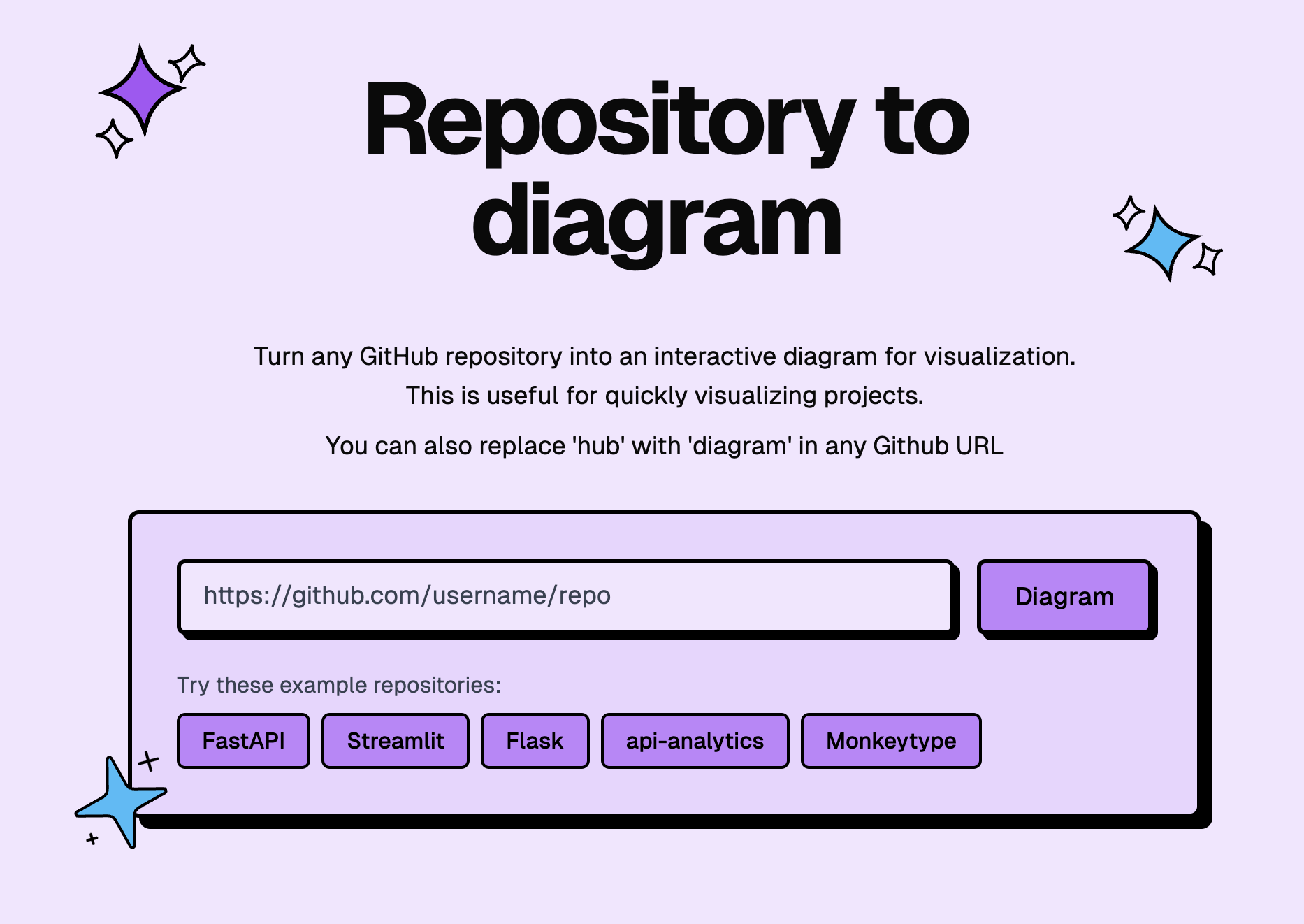
GitDiagram front page

License Ko-fi

   Sponsored

SMS, WhatsApp, and RCS through one API. Try Sent →

New: explainer videos

GitDiagram can now turn a repository into a narrated video of about a minute. The video starts with what the project is for and what people do with it, then shows briefly how its main parts fit together and one decision under the hood.
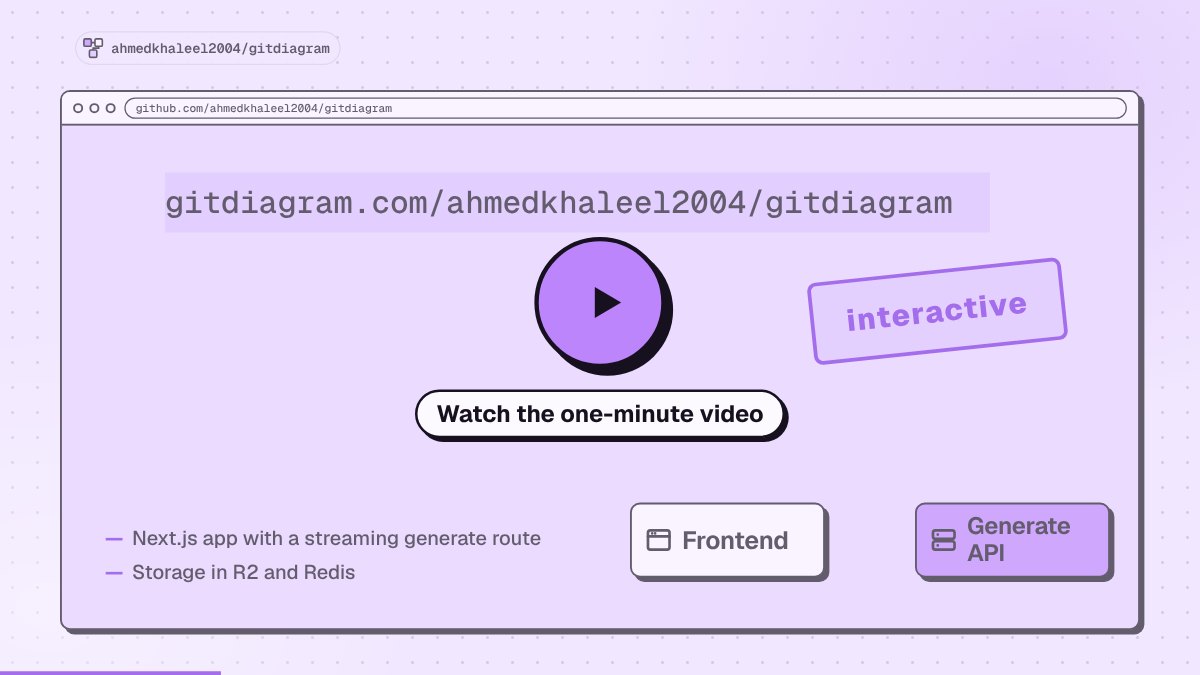
Watch GitDiagram explain itself in a minute

  • Watch the gallery → or add /video to any diagram URL, such as gitdiagram.com/owner/repo/video.
  • Download an MP4 in landscape or vertical (9:16), with captions burned in.
  • Making new videos is in early access. Anyone can watch videos that already exist.

Features

  • Watch a repository explained in a narrated video, or press Video on any diagram page.
  • Explore the architecture with an AI-generated diagram and streamed explanation.
  • Jump to the code by clicking any component's linked file or directory.
  • Use private repositories with a GitHub token via Private Repos in the header.
  • Export diagrams as PNG or copy the Mermaid source.

Use GitDiagram from AI agents

GitDiagram is a remote MCP server at https://gitdiagram.com/mcp (no key or sign-in). Agents can read a public repository's architecture explanation, components, connections and Mermaid source, search the stored diagrams, and get explainer videos.


Add to Claude Install in Cursor Install in VS Code Install in VS Code Insiders

# Claude Code: the plugin adds the MCP server and a /gitdiagram skill
claude plugin marketplace add ahmedkhaleel2004/gitdiagram
claude plugin install gitdiagram@gitdiagram
# ...or just the MCP server
claude mcp add --transport http gitdiagram https://gitdiagram.com/mcp

# Codex
codex mcp add gitdiagram --url https://gitdiagram.com/mcp

# Gemini CLI
gemini extensions install https://github.com/ahmedkhaleel2004/gitdiagram

# GitHub Copilot CLI
copilot mcp add --transport http gitdiagram https://gitdiagram.com/mcp

In other clients (ChatGPT, Windsurf, Zed, LM Studio, Goose and more), add a remote MCP server with the URL https://gitdiagram.com/mcp. Then ask something like "how is fastapi/fastapi structured?".

Run locally

Requires Bun, Cloudflare R2, Upstash Redis, and an OpenAI or OpenRouter API key. See the setup guide for prerequisites and configuration.

git clone https://github.com/ahmedkhaleel2004/gitdiagram.git
cd gitdiagram
bun install
cp .env.example .env

Fill in .env using the configuration guide, then start the app:

bun run dev

Open localhost:3000.

Explainer videos are off by default. To turn them on, set VIDEO_EXPLAINER_ENABLED=1, NEXT_PUBLIC_VIDEO_EXPLAINER=1, ANTHROPIC_API_KEY, OPENAI_API_KEY and OPENROUTER_API_KEY (for the voice) in .env. See .env.example for the other video settings.

Development

Built with Next.js, React, TypeScript, Tailwind CSS, and Mermaid. Videos use Claude or GPT for the script and scenes and OpenRouter (Gemini 3.8 Flash TTS) for the voice. Deployed on Vercel.

Contributions are welcome. Open an issue or pull request with a focused description and verification notes.

Inspired by Romain Courtois's Gitingest.

Frequently asked questions

Is gitdiagram free to use?

gitdiagram is open source under the MIT licence. There is no licence fee and no seat count — you can self-host it or, where the project offers one, pay a vendor for a managed version instead.

What does gitdiagram do?

Visualize any GitHub codebase: free interactive architecture diagrams and one-minute explainer videos. Replace 'hub' with 'diagram' in any GitHub URL.

What is gitdiagram written in?

gitdiagram is primarily written in TypeScript. Its source is publicly available at https://github.com/ahmedkhaleel2004/gitdiagram, and it has 17,596 GitHub stars.

