What it is
Ghosten Player is a Flutter-based video player for Android phone, pad, and TV, with Windows and macOS support in development. It is a Dart app under AGPL-3.0 in the Android media and streaming ecosystem. The project gathers video resources into a local private media library instead of requiring a hosted backend.
It solves fragmented access to personal video content. Media may sit on local files, WebDAV, Aliyun Drive, Quark, Emby, or Jellyfin. The app connects to those sources, scrapes metadata from themoviedb and NFO files, and plays the result through a touch and remote-friendly interface. It also covers IPTV, file management, subtitles, and DLNA casting.
Key capabilities
- Scrapes media information from themoviedb and NFO files, building a browsable library from connected sources.
- Connects to Aliyun Drive, Quark, WebDAV, local files, Emby, and Jellyfin, so one client can view several storage or media-server types.
- Supports IPTV playback with line switching, automatic grouping, and program schedule EPG.
- Handles embedded subtitles and external xml, vtt, ass, and srt files, with custom subtitle style settings.
- Provides gestures, double tap controls, volume and brightness adjustment, picture scaling, drag seeking, long press speed change, skip intro and outro, speed playback, and video track selection.
- Supports download and play while downloading, multi-thread network acceleration, quality switching for Aliyun Drive, multi-account login, and file management.
Who uses it and how
- Android TV users install the TV package and use the app as a living-room media center for local files, WebDAV, network disks, Emby, Jellyfin, and IPTV.
- Phone and pad users use it as a portable player with touch gestures, subtitle controls, speed playback, and DLNA casting.
- Aliyun Drive and Quark users browse files, switch quality, log in with multiple accounts, and play content without moving files to local storage.
- Emby, Jellyfin, and WebDAV users connect the app as a client to self-hosted or storage-backed media libraries.
Getting started
Install from GitHub Releases by selecting the APK for the device architecture, with Android 6 or above required. Since v1.6.0, mobile and TV packages are separate. A demo site is available for preview only.
When to use it — and when not to
Use Ghosten Player when the goal is a lightweight, local-first Android or Android TV client for mixed media sources, IPTV, and metadata scraping without a required backend service. Do not choose it if a complete desktop experience is needed today, because Windows and macOS support is in development. A self-hoster must still operate or subscribe to the underlying storage or media services, because network disks are provided by their vendors and Emby, Jellyfin, WebDAV, and IPTV sources are external inputs.
project readme (upstream, from github) — read inline





中文 | English
Ghosten Player 是一款同时适配 📱Android Phone 和 📺Android TV 的视频播放器(未来将支持 Windows 和 macOS)。整合影视资源,自动刮削媒体信息,支持IPTV播放,优雅打造私人影视库。 界面简洁,功能丰富,开箱即用。
如果项目对您有帮助,就请给颗🌟Star吧。
项目处于用爱发电阶段,请考虑赞助支持项目持续维护。您的支持是我维护的最大动力(′・ω・`)
Features
- 自动刮削媒体信息
- 客户端
- Android Phone 和 Android Pad
- Android TV
- Windows (开发中)
- Macos (开发中)
- 网盘支持
- IPTV
- 播放器
- 手势操作(双击播放/暂停/快进/快退,音量/亮度调节,画面缩放,拖动快进,长按倍速等)
- 跳过片头/片尾
- 播放内嵌字幕和外置字幕^2
- 倍速播放
- 视频轨道选择
- DLNA投屏
- 自定义字幕样式
- UI
- 中英双语
- 浅色和深色模式
- 支持手机端辅助TV端输入
- 自定义界面大小
- TV端自定义按键
- 其他
- 纯本地运行,无需后端服务支持 ^1
- 软件体积小 (≈ 15 MB)
- 外接USB设备读取
安装
Releases 根据设备的架构自行选择安装包,安装包选择见下表
自v1.6.0版本后,移动端和TV端分开打包,且不能混用
版本适配
Android 6+
Demo
https://ghosteneditor.github.io/Ghosten-Player
Demo仅作展示用,部分功能受Web限制,并非完整版。Demo可能更新不及时,详情以 Releases
最新版为准
注: 请使用桌面端的Chrome或Edge浏览器查看demo,移动端可能存在兼容问题
TV 截图


Android Phone 截图


其他说明
使用说明和常见问题解决方案详见 Wiki
,如果遇到Bug或者有应用优化建议,欢迎提 Issue,我会在第一时间回复😊
Wiki目录
Roadmap
按照以下顺序进行开发
赞助
如果觉得此项目有用,可以考虑赞助我喝杯 奶茶 咖啡 ☕
赞赏列表

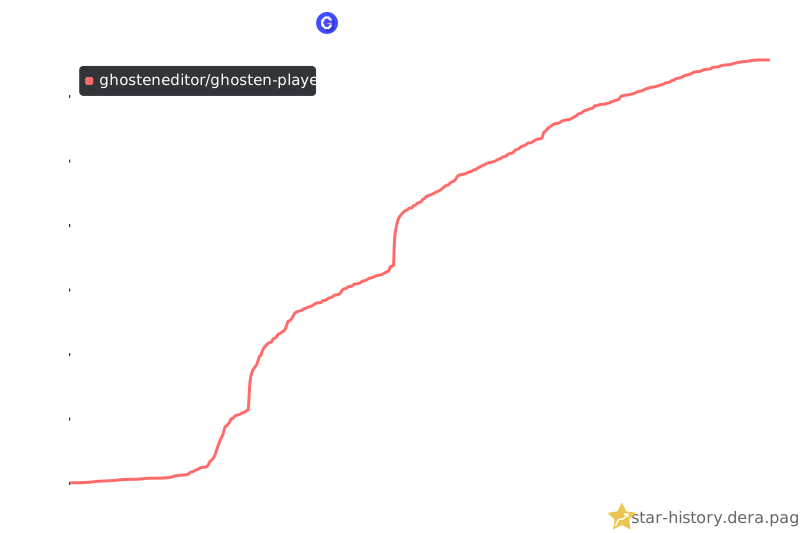
Star History
声明
本项目仅作为个人学习使用
本项目不提供任何的内容资源,若出现任何内容侵权行为皆与本项目开发人员无关
在使用本程序之前,你应了解并承担相应的风险,包括但不限于账号被ban,下载限速等,与本程序无关