Flow Browser is a free, GPL-3.0-licensed desktop web browser built on Electron and Chromium, written in TypeScript, that runs Chrome extensions from the Chrome Web Store and is aimed at people who want a minimal, privacy-focused alternative to mainstream browsers.
What it is
Flow Browser is a modern, tabbed web browser that combines the Chromium engine with a clean, minimal interface. The source lives at MultiboxLabs/flow-browser and is distributed under the GNU General Public License v3.0, with the project homepage at flow-browser.com. Much of the shell is based on electron-browser-shell by Sam Maddock, extended with additional features, and the interface design takes inspiration from Arc Browser and Zen Browser. The stated goal is a lightweight, feature-rich browser that is a versatile alternative to mainstream browsers, and it sits in the Electron and Chromium desktop ecosystem rather than in the browser-engine space.
The concrete problem it solves is organization on the desktop. Mainstream browsers give little separation between contexts such as work and personal browsing, and they let tab sprawl grow unchecked. Flow Browser addresses this with Profiles, which keep separate settings and extension sets, and Spaces, which group tabs into distinct areas. A sidebar provides quick access to bookmarks, history and settings, tabs persist between restarts, and tabs can be put to sleep to save resources. A native adblocker blocks ads and trackers, and Widevine support allows DRM-protected content to play. In short, it replaces a mainstream Chromium browser for users who want Chrome Web Store extension compatibility without giving up organizational controls.
Key capabilities
- Profiles keep multiple configurations, each with its own settings and extensions.
- Spaces organize tabs into separate areas, and tabs persist between restarts.
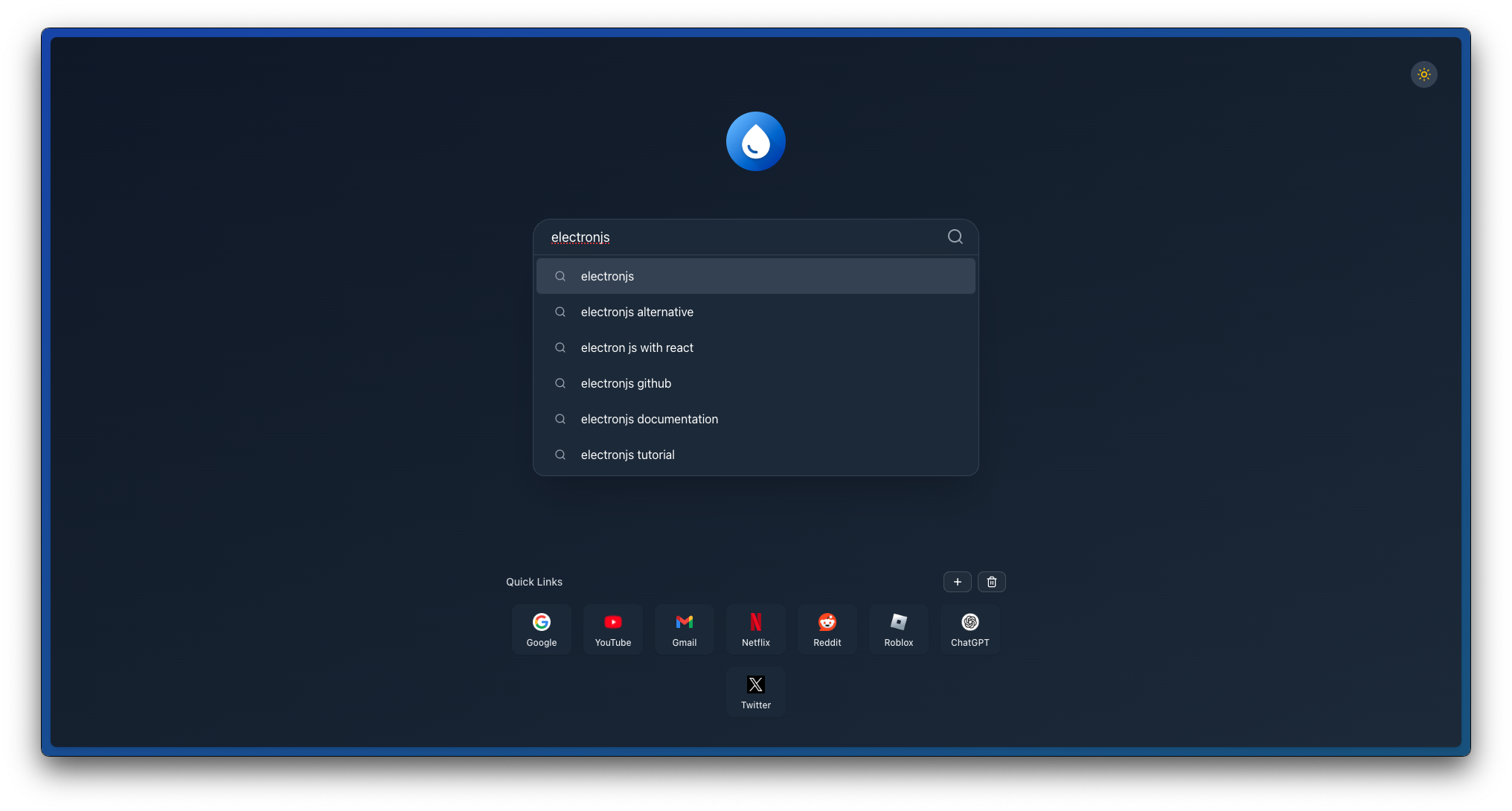
- Command Palette searches the web or opens a new tab, bookmark, or history entry.
- Chrome extensions install from the Chrome Web Store.
- Native adblocker blocks ads and trackers, and sleep tabs reduce resource use.
- Sidebar provides quick access to bookmarks, history and settings.
- Offline games are available at the internal
flow://games page.
- Security behavior asks before opening external applications, and Widevine handles DRM content.
Who uses it and how
- Individual desktop users who separate work and personal browsing through Profiles and Spaces.
- Chrome Web Store extension users who need extension compatibility in a Chromium-based browser.
- Builders and contributors, since the topic list carries contributions-welcome and help-wanted, with guidance in CONTRIBUTING.md.
- Developers working in the project's stack of Bun, Vite, React, Electron and TypeScript, with documentation surfaced through DeepWiki and pull requests reviewed by CodeRabbit.
- Users streaming DRM-protected media, which the Widevine support covers.
Getting started
Download the file for the target platform from GitHub Releases at github.com/MultiboxLabs/flow-browser/releases. The project homepage is flow-browser.com.
How it compares
The facts name no paid products that this project replaces, so no licence, hosting or pricing contrast is possible. Among similar tools, Flow Browser builds on electron-browser-shell and takes design inspiration from Arc Browser and Zen Browser, positioning itself as a GPL-3.0, Chromium- and Electron-based option with Chrome extension support rather than a proprietary or non-Chromium alternative.
When to use it — and when not to
Pick it for tab organization, profiles and extension compatibility in a browser that is free and openly licensed. Wait if the workflow depends on features still listed as upcoming, because Downloads and Favourites are not shipped yet, and Reorder Tabs, Topbar, Pinned Tabs, Custom Search Engines and Preview Tabs are also only planned. The repository carries 59 open issues, so treat it as an actively evolving project and verify it against daily-driver needs before committing.
project readme (upstream, from github) — read inline
Flow Browser
A modern, tabbed web browser with Chrome extension support—built on Electron.




Overview
Flow Browser is a lightweight, feature-rich web browser that combines the power of Chromium with a clean, modern interface. Built on Electron, it offers full support for Chrome extensions, making it a versatile alternative to mainstream browsers.
Install
Choose the file you need and download from GitHub Releases.
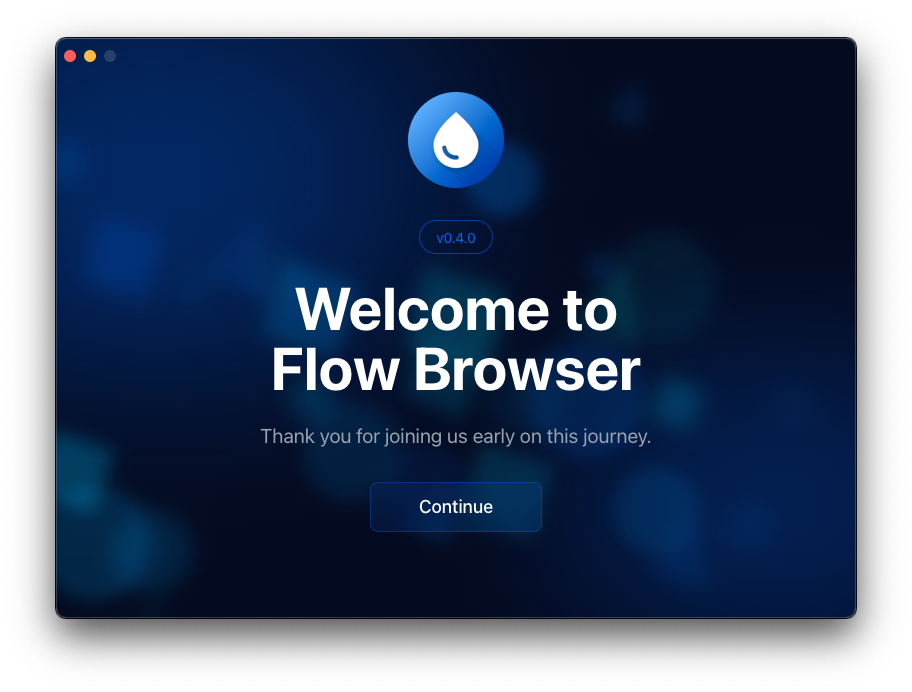
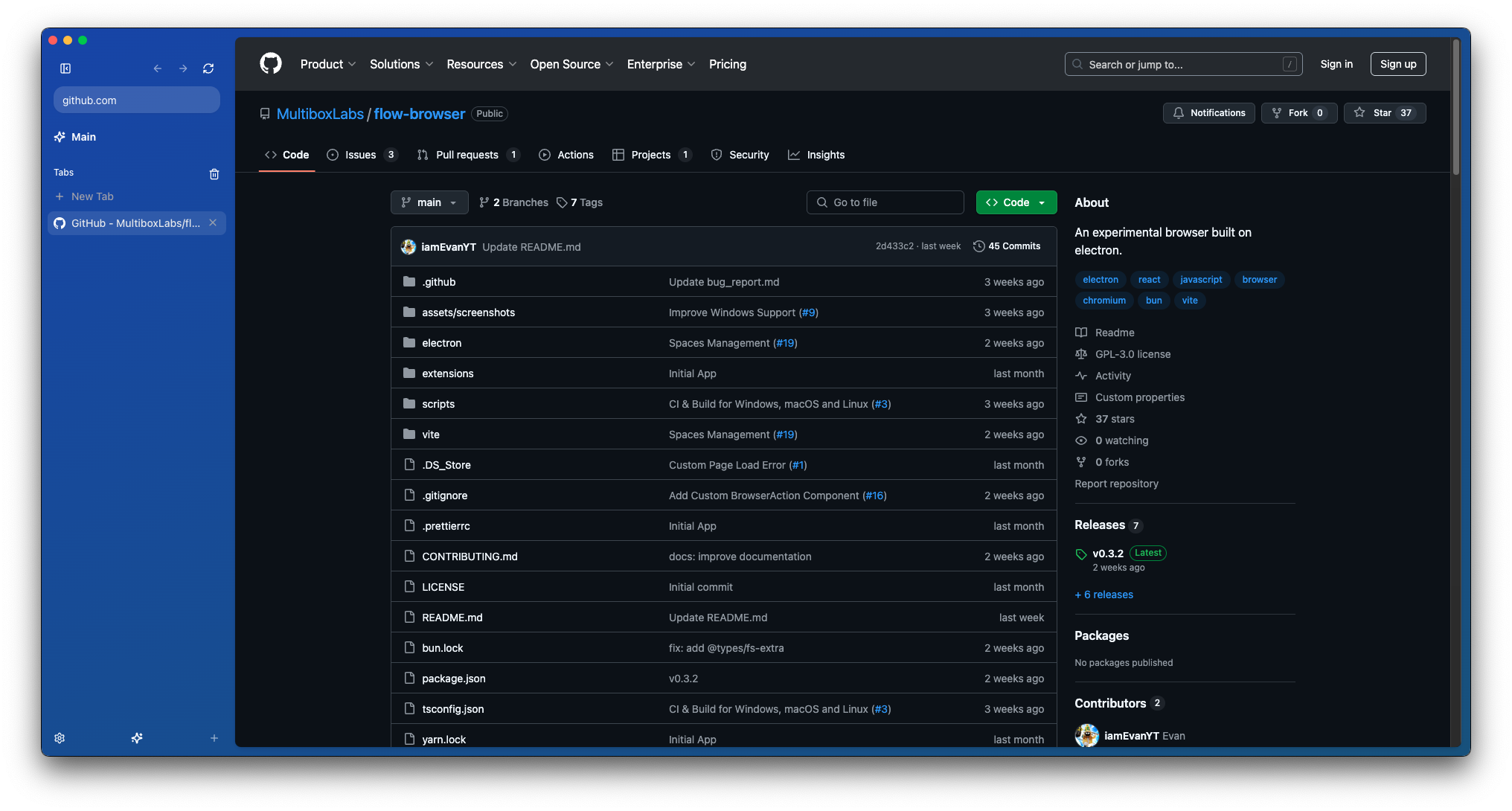
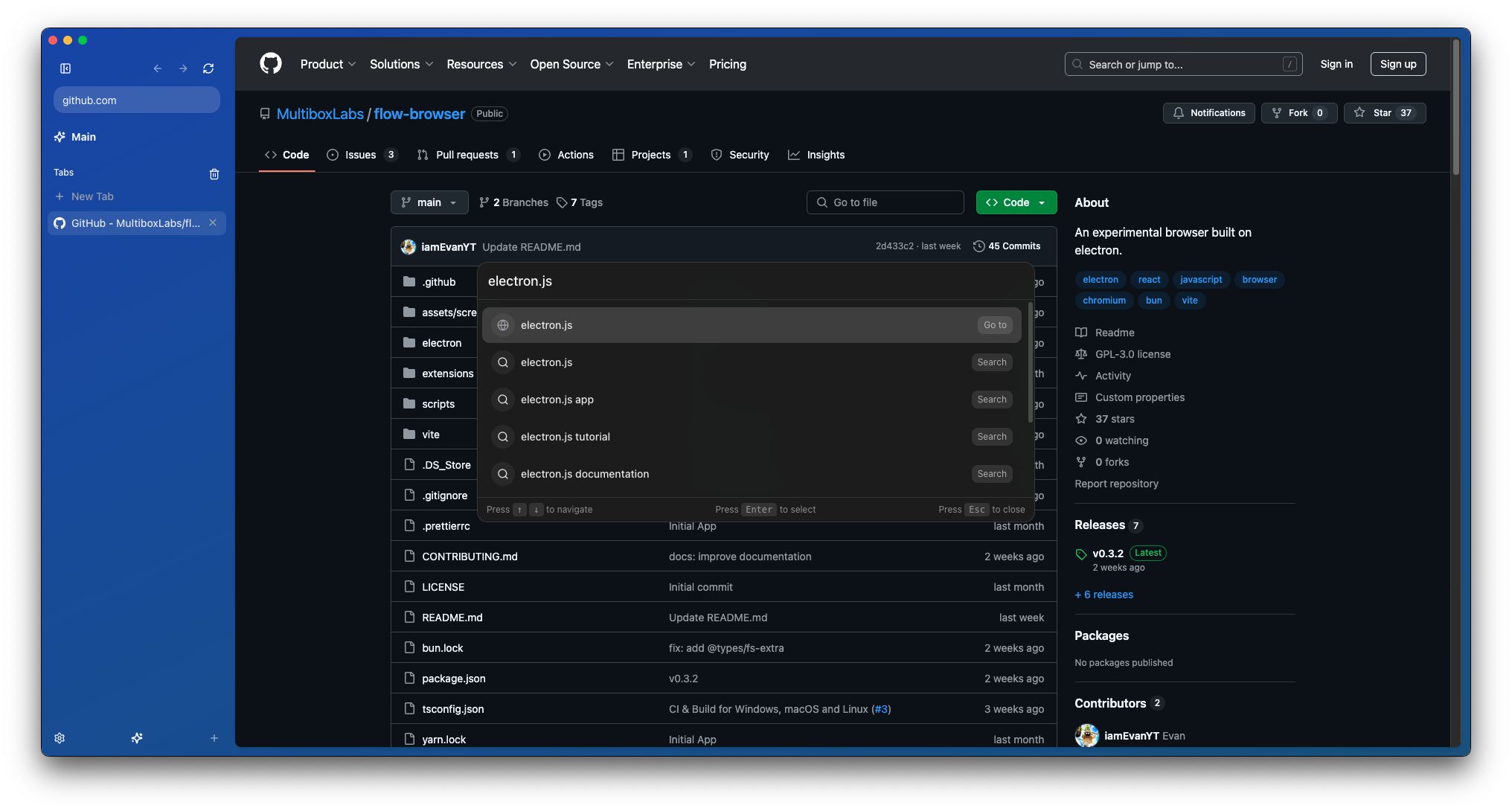
Screenshots
Features
- Profiles: Multiple profiles support, allowing you to use different settings and extensions for each profile.
- Spaces: Multiple spaces support, allowing you to organize your tabs into different spaces.
- Sidebar: A sidebar that allows you to quickly access your bookmarks, history, and settings.
- Command Palette: A command palette that allows you to search the web or quickly open a new tab, bookmark, or history.
- Good Security: Asks before opening external applications.
- Simple Onboarding: A simple onboarding process that allows you to quickly get started.
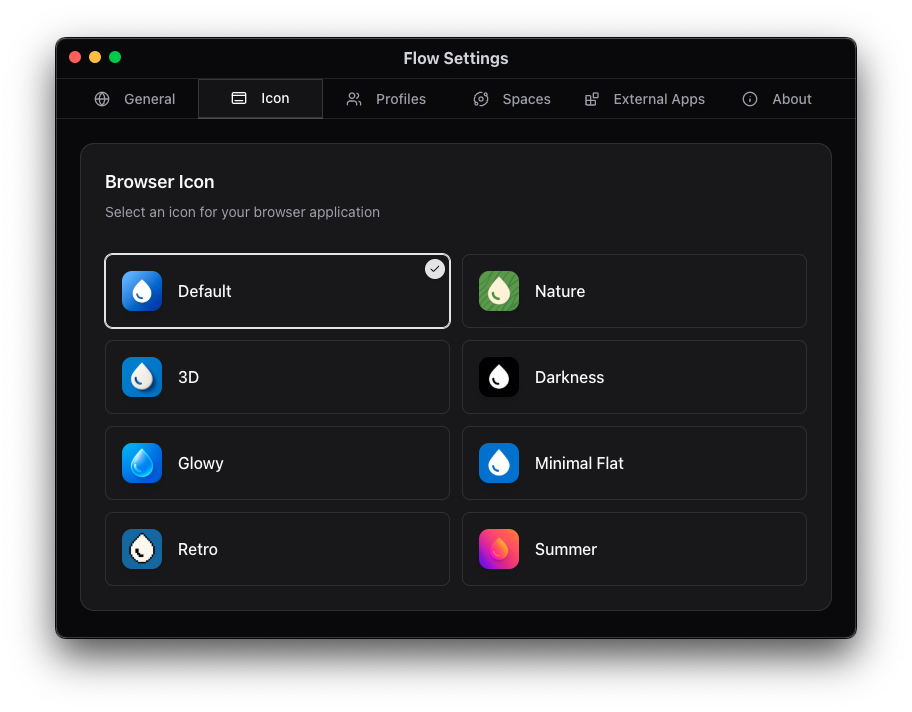
- Wide Customization: Custom icons, new page mode, and more.
- Offline Games: A collection of offline games to play when you have nothing to do. (flow://games)
- Extensions: Allow you to install chrome extensions from the Chrome Web Store.
- Persist Tabs: Allow you to persist tabs between restarts.
- Native Adblocker: A native adblocker that blocks ads and trackers.
- Sleep Tabs: Allow you to put tabs to sleep to save resources.
- Widevine Support: Allow you to watch DRM protected content.
Upcoming Features
- Reorder Tabs: Allow you to reorder tabs.
- Topbar: Allow you to customise between a topbar or sidebar.
- Downloads: Allow you to download files from the web.
- Favourites: Allow you to add websites to your favourites.
- Pinned Tabs: Allow you to pin tabs in spaces.
- Custom Search Engines: Allow you to add custom search engines.
- Preview Tabs: Allow you to preview tabs before switching to them.
Feedback / Feature Requests / Bugs
https://flowbrowser.userjot.com/
Contributing
See CONTRIBUTING.md for more information.
License
This project is licensed under the GNU General Public License v3.0 (GPL-3.0) - see the LICENSE file for details.
Acknowledgements
Some parts of Flow Browser are based on electron-browser-shell by Sam Maddock, with enhancements and modifications.
Design inspired by Arc Browser and Zen Browser, which has a minimalistic design that is clean and simple.
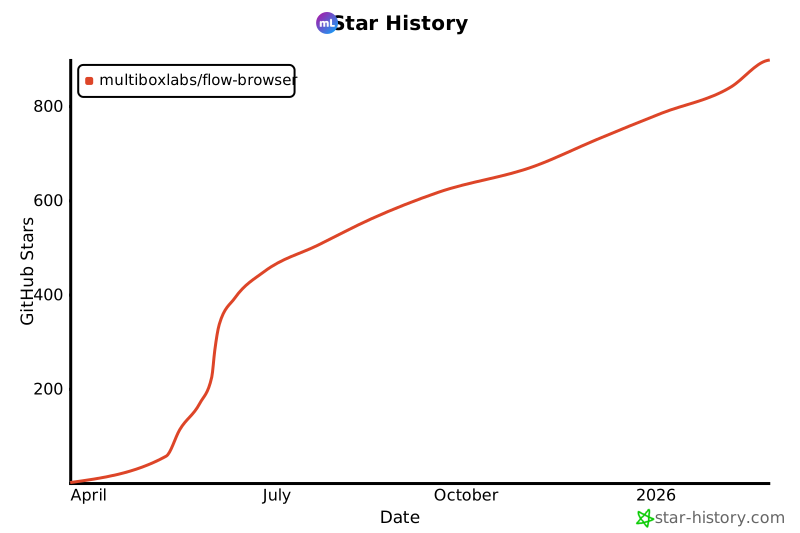
Star History